
Knight-Mage Battles Stone Golem
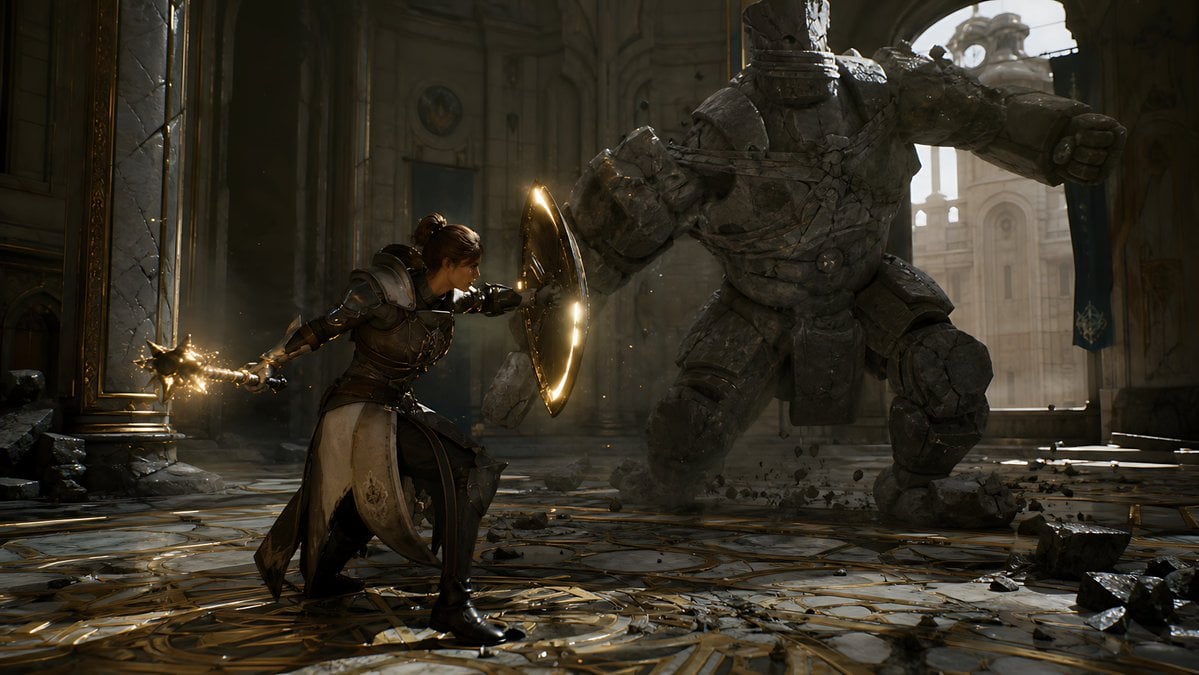
A cinematic fantasy battle scene for generating epic game-style artwork of an armored heroine fighting a giant stone golem in a ruined cathedral.
- Prompt included
- Model and format preset
- Premium template
The prompt behind this image
Copy the exact prompt behind Knight-Mage Battles Stone Golem, or open it in the studio and make it yours.
Create a cinematic dark fantasy action scene in a ruined cathedral hall: a {argument name="hero type" default="female armored knight-mage"} crouches in a defensive lunge on the left foreground, wearing ornate dark steel and leather plate armor with a long cream-and-black tabard, one arm extended behind her gripping a spiked mace or morning star crackling with golden magic sparks, the other arm braced forward behind a round glowing shield rimmed with warm light. Opposite her in the right midground is a massive {argument name="enemy type" default="headless stone golem"}, built from cracked gray masonry plates and bound with broken chains, charging with one huge fist raised and rubble falling from its body. Set the battle inside a grand, damaged palace-cathedral interior with towering arches, carved stone columns, tall broken windows, gold-trimmed marble floor in circular geometric patterns, scattered chunks of stone, dust, and debris. Use dramatic backlighting from a bright arched window behind the golem, warm golden magical highlights on the shield and weapon, deep shadows, volumetric dust beams, realistic textures, high-detail armor and stone, dynamic low-angle wide composition, shallow cinematic depth, epic game-cinematic realism, 16:9 widescreen, no text, no UI.
How to use Knight-Mage Battles Stone Golem in 3 steps
- 1Upload ImagePNG, JPG or paste
Add your photo
Upload the photo the template builds on. The prompt, model and format are already set.
- 2…a portrait of your subject in softgolden-hour light, 85mm…
Personalize
Edit the subject and creative details for your destination.
- 3Generate
Generate
Press Generate — your image is created in PicX Studio, so you can compare it with the original and refine one variable at a time.
More like this
Templates with the same subject, style or setup. Open one to see its prompt.
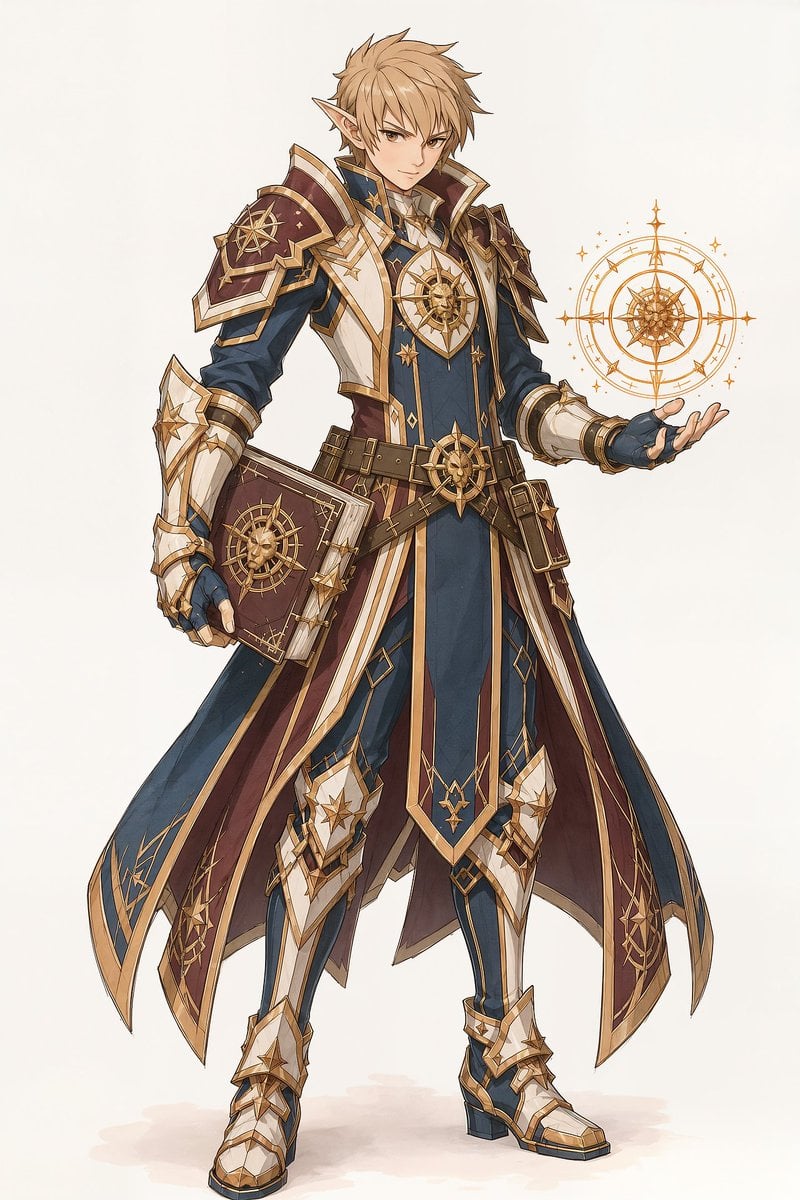
Elf Mage-Knight Character Design

Minimalist Skincare Product Water Stone Still

Botanical Skincare Minimal Product Advertising
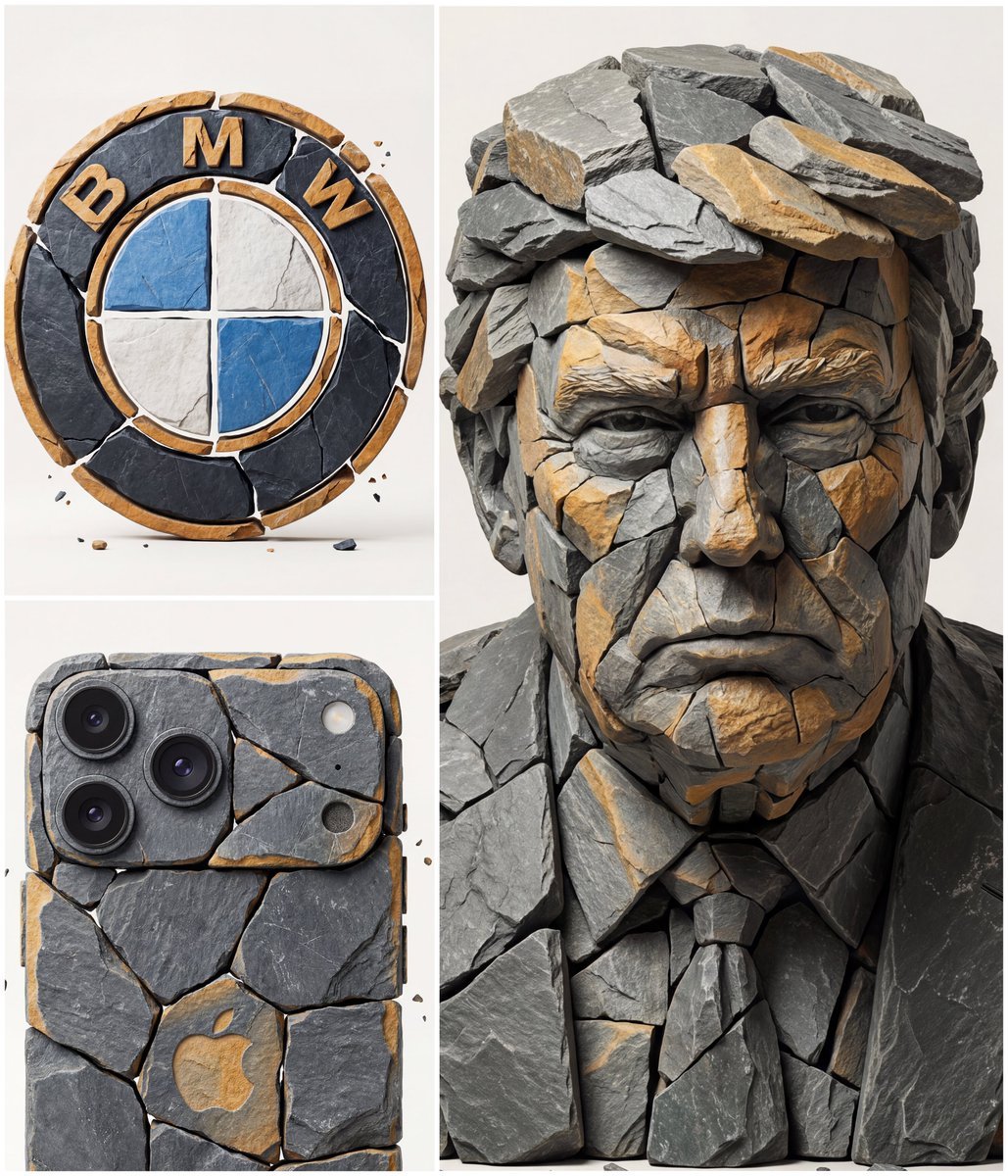
Image to Fragmented Stone Sculpture Style Transfer
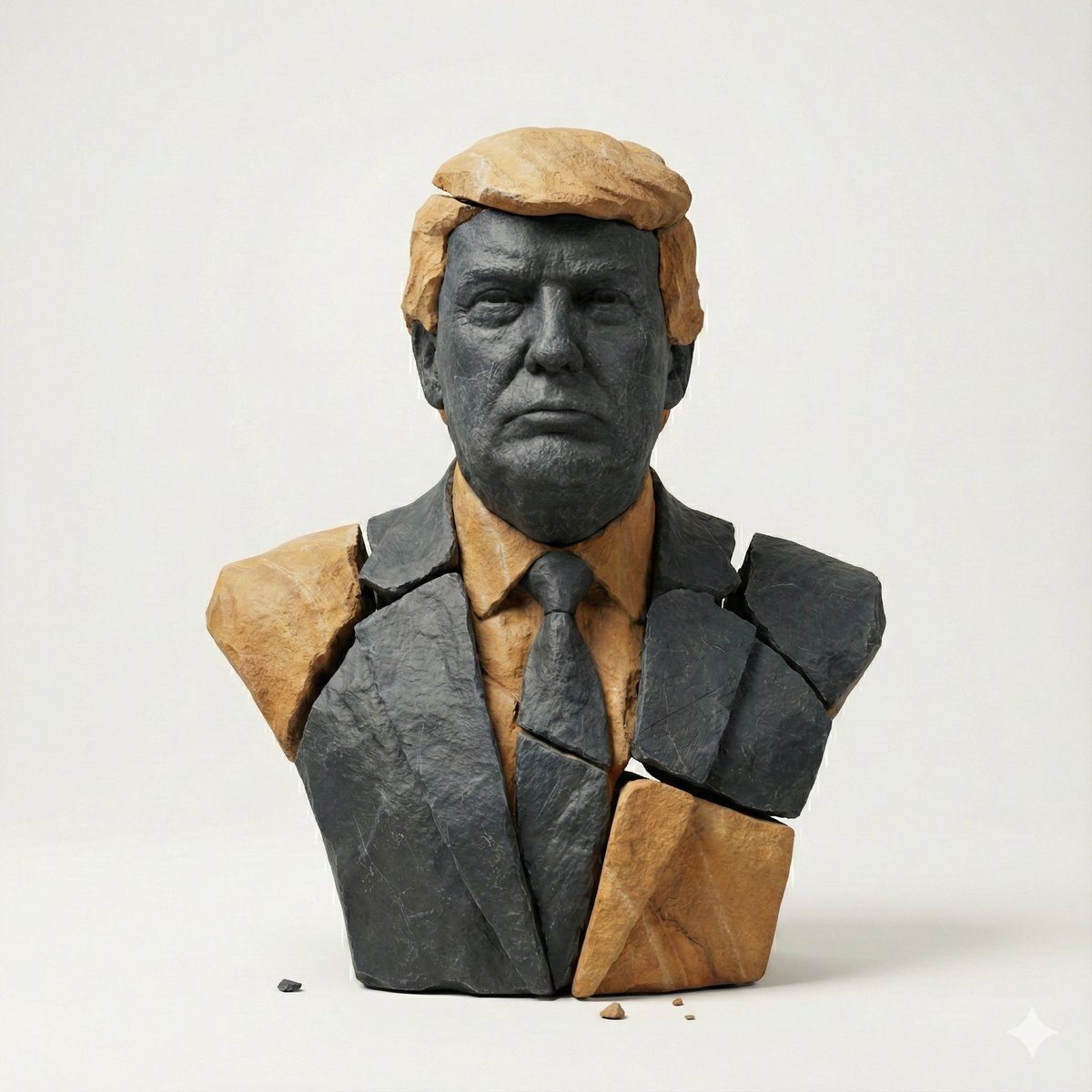
Image-to-Image Style Transfer: Fragmented Stone Sculpture
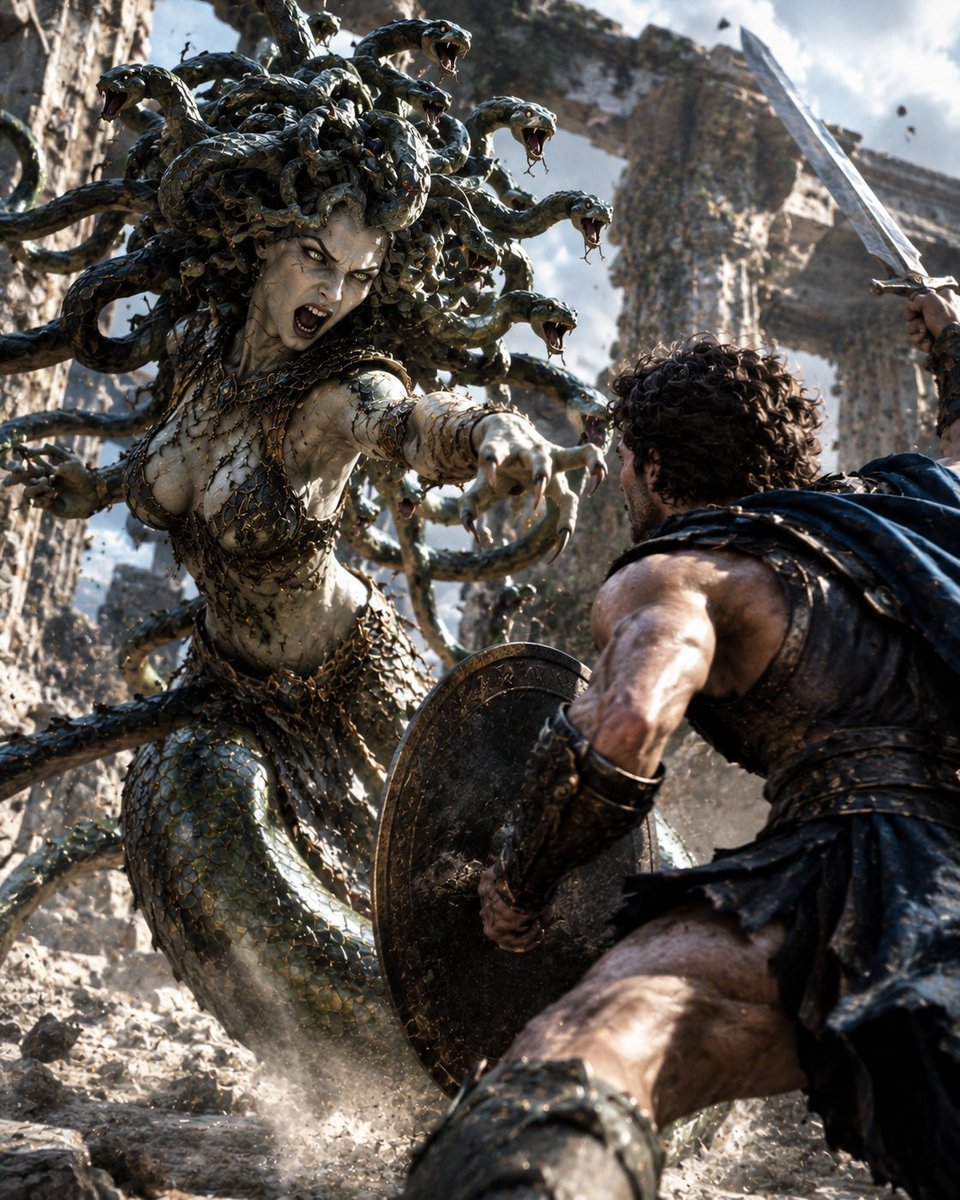
Medusa Battles Perseus
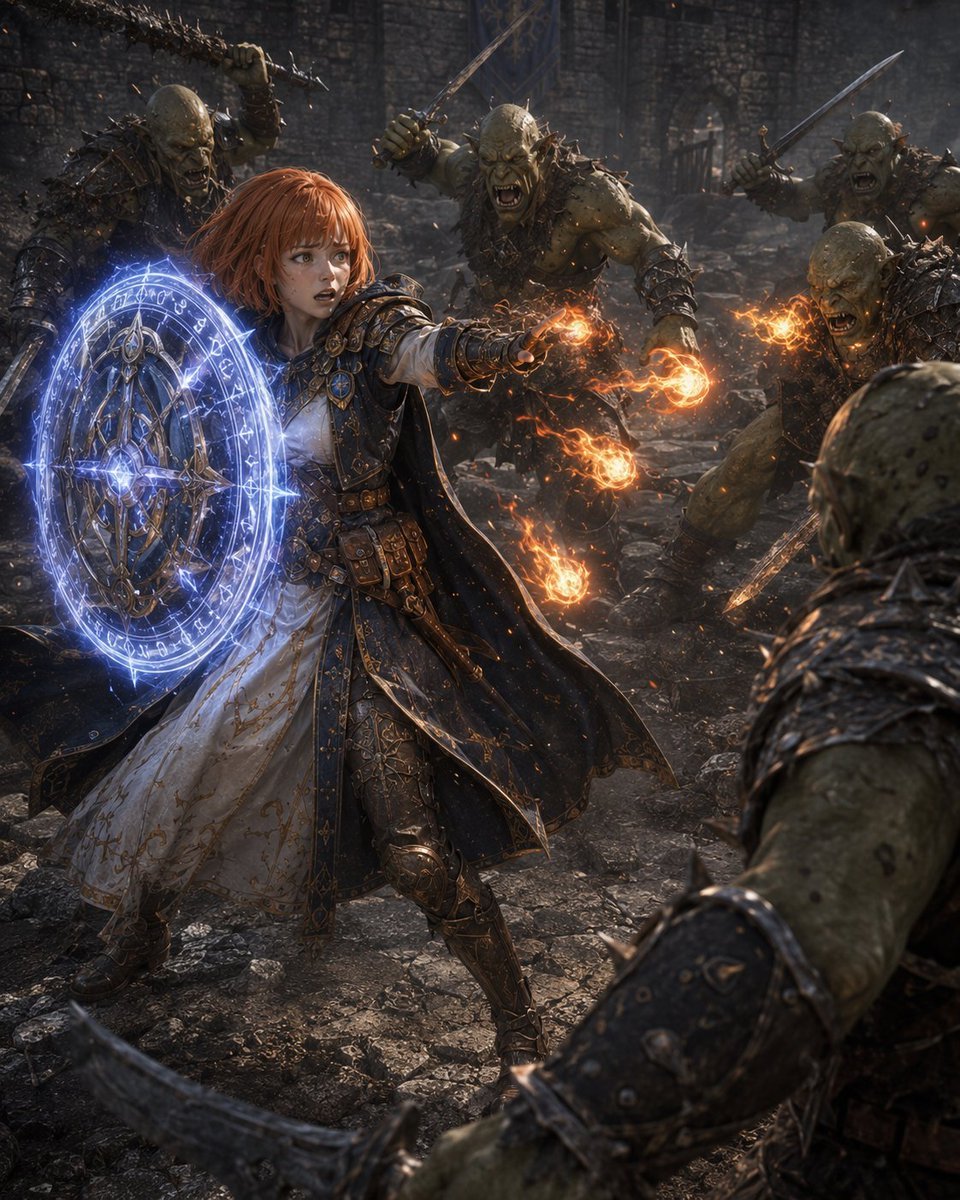
Former Tank Mage Adventurer
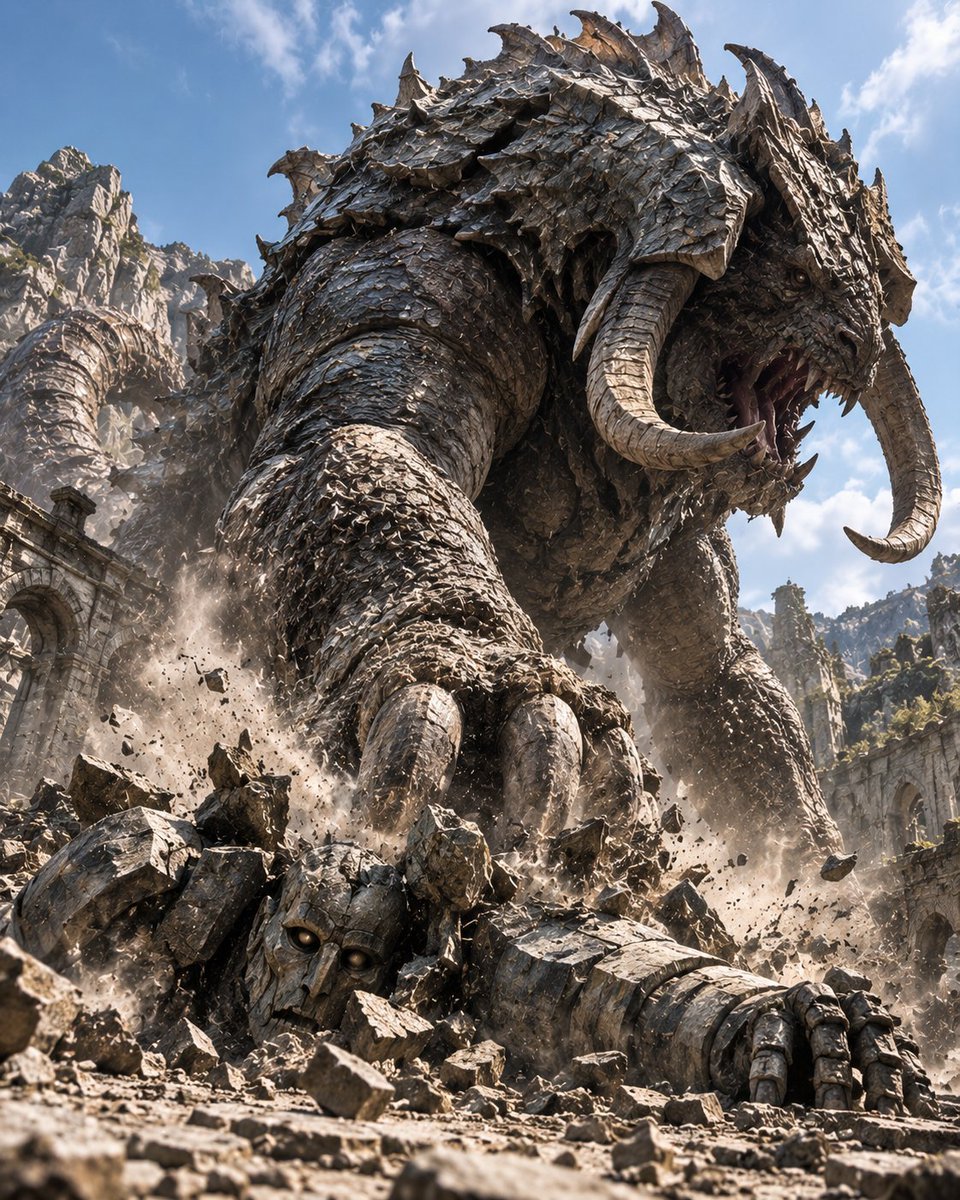
Behemoth Crushing Golem
Chibi Pixel Art Fantasy Mage

Resort Fashion Stone Steps Portrait
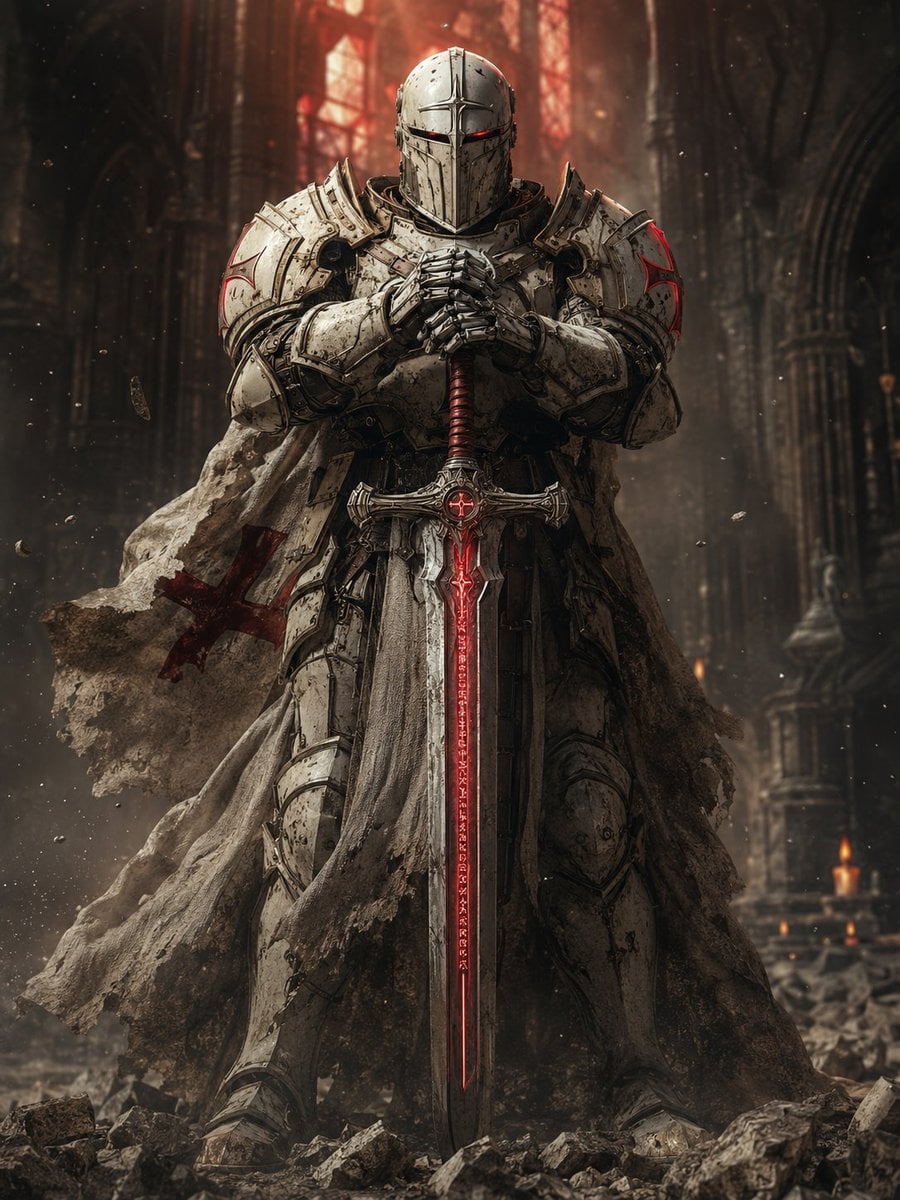
Sci-Fi Knight of the Order
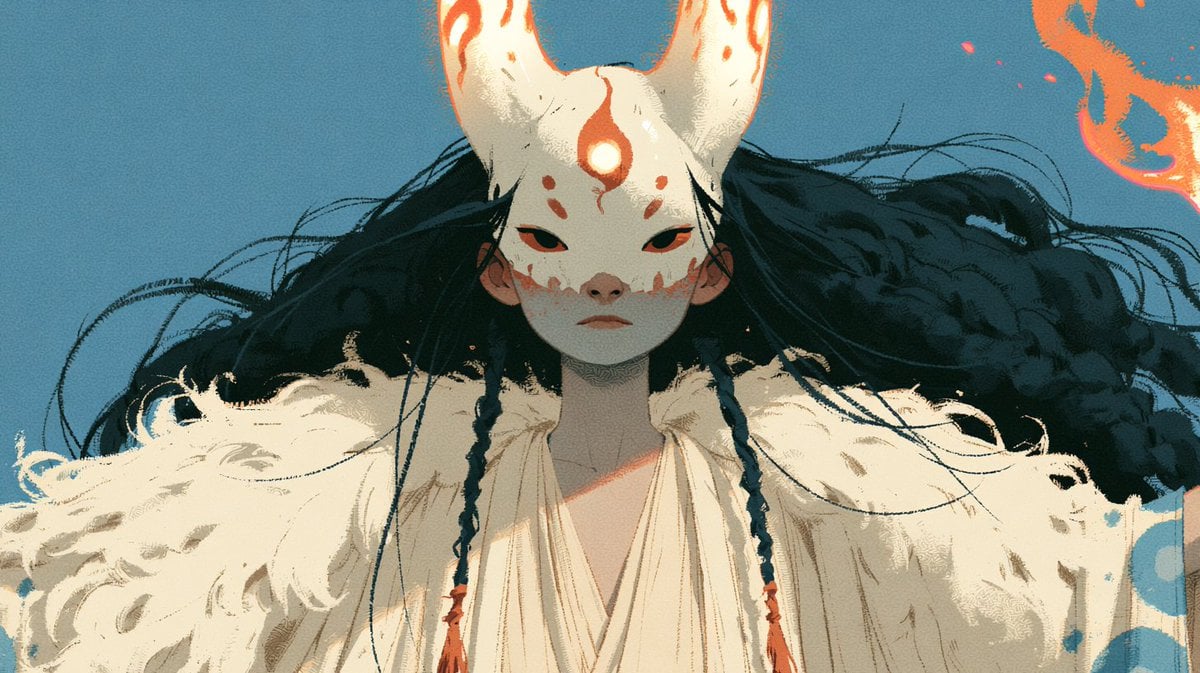
Neon Fox Mask Mage Portrait
Make it yours
Knight-Mage Battles Stone Golem works as-is. These are the safest ways to change it without losing the look.
Change one field
Copy a single group, rewrite it, and generate again so you can see what that field is doing.
Keep the frame, change the subject
Hold the composition and light of Knight-Mage Battles Stone Golem, then swap wardrobe, props or the person for a new take.
| If the result… | Why | Fix |
|---|---|---|
| The result drifts from the preview | Too many fields changed at once. | Reuse Knight-Mage Battles Stone Golem as-is first, then change one group — subject, light, or setting. |
| The model over-stylizes the scene | The prose prompt leaves finish and camera underspecified. | Add one camera or lighting sentence and stay on GPT Image 2. |
More GPT Image 2 templates
Other prompts made for GPT Image 2.

Six VTuber Japanese Logo Sheet

Realistic Portrait of Woman and Deer

The Vista Modular Condo Poster

AI Model Routing Comparison Infographic

2.5D Anime Art Board

Isometric Productivity Desk Scene

New York Double Exposure Poster

Four-Panel AI Landscape Comparison

Japanese Tatami Lifestyle Magazine Cover

NESCAFÉ Coffee Map Poster
More image prompts
Fresh picks from across the catalog.
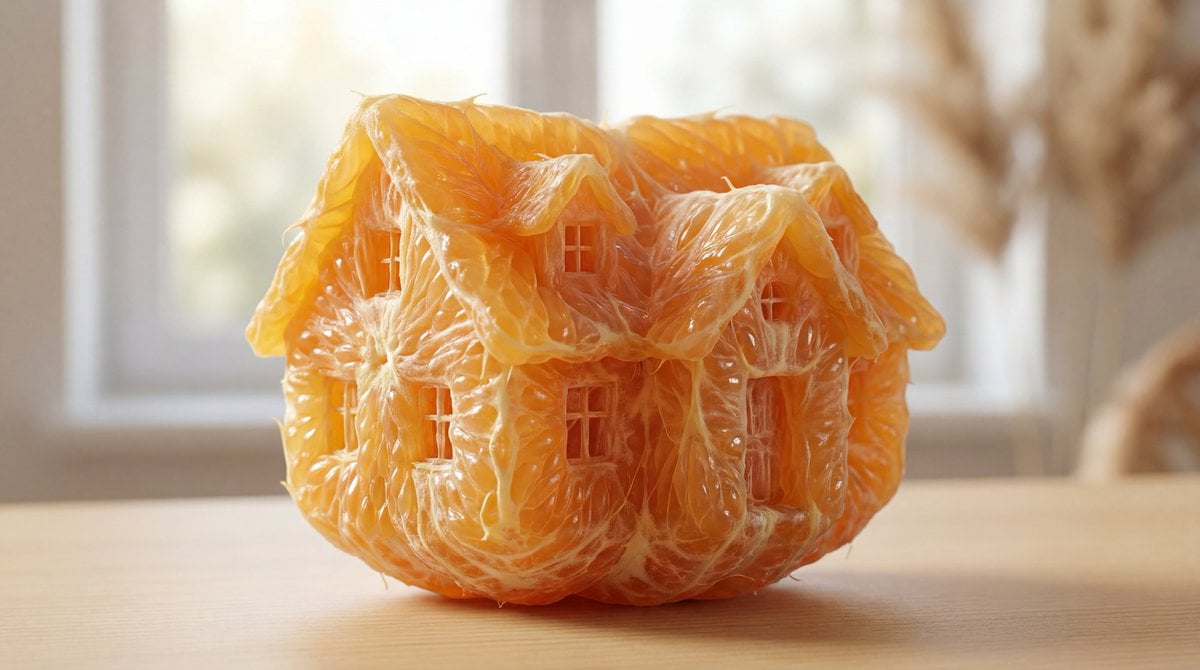
Orange Pulp Sculpture Prompt

Cinematic Sport Logo Render in Midjourne
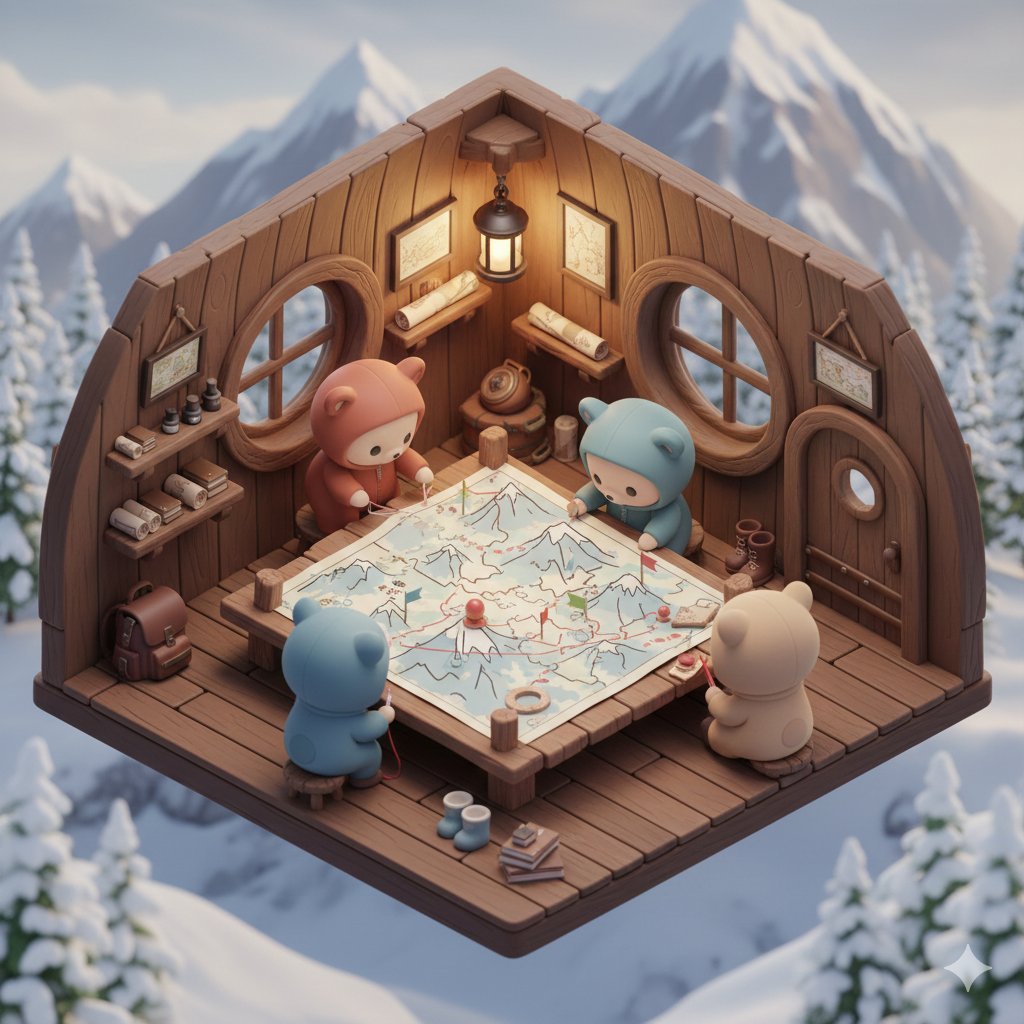
Isometric Kawaii Baby Bears Scene Prompt
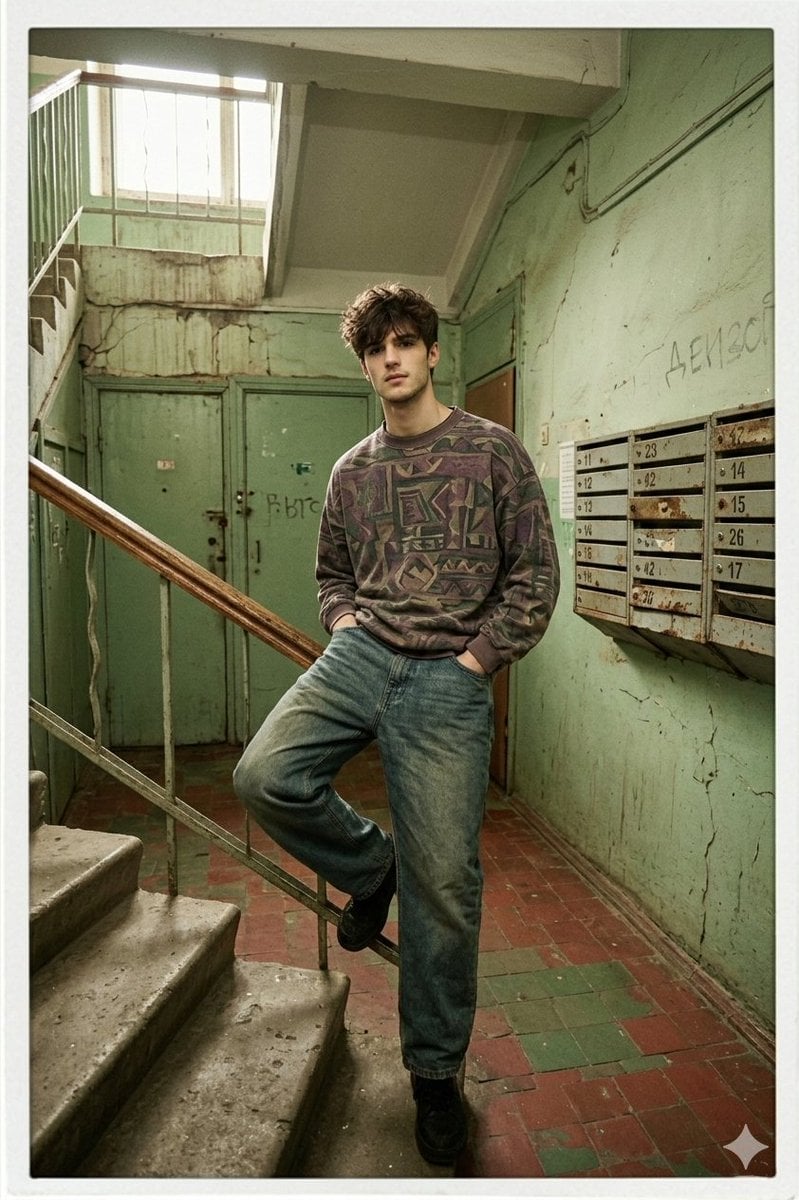
90s Inspired Male Model in Russian Apartment Entrance

Cinematic Pilates Scene in Central Park
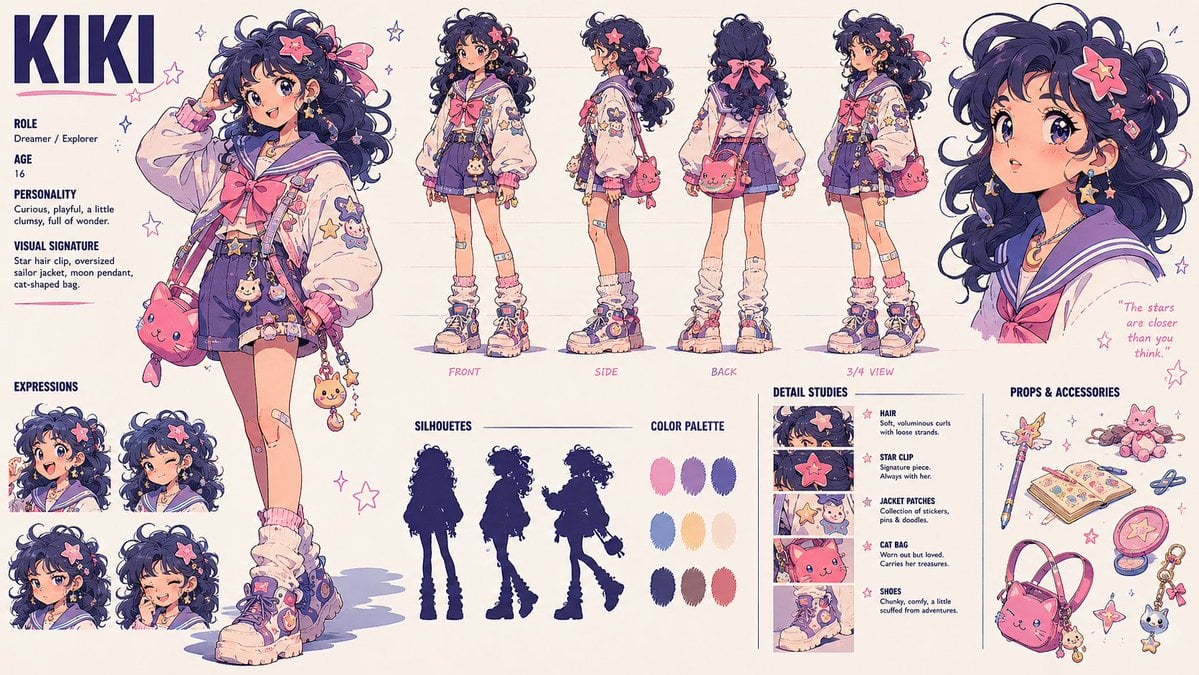
Kiki Anime Character Sheet

ChatGPT Joke Prescription Set
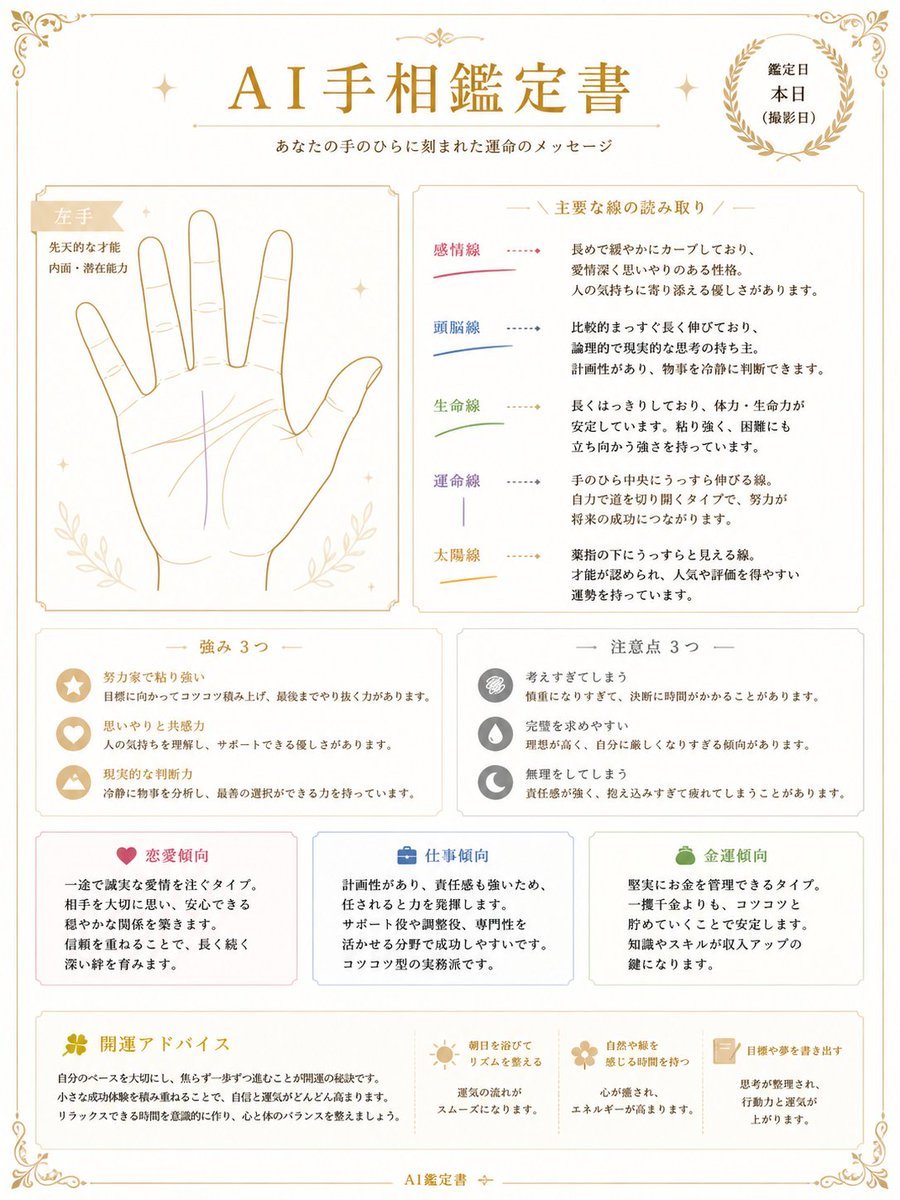
Japanese AI Palm Reading Certificate

Ultra Realistic Cinematic Urban Portrait

Four Types of CTO Infographic
Browse template categories
Knight-Mage Battles Stone Golem questions
How do I use the Knight-Mage Battles Stone Golem template?
Add your photo if the template asks for one, edit the prompt if you like — the template's model and format are already selected — and press Generate. Your version opens in PicX Studio.
Can I customize the Knight-Mage Battles Stone Golem template?
Yes. You can change the subject, setting, lighting, mood, format, and available model controls before creating your image.
Is the Knight-Mage Battles Stone Golem template free?
Opening and editing this template is free. Generating uses credits, shown on the Generate button when you are signed in.
Which AI model should I use?
Start with GPT Image 2, which is the model associated with this template. You can compare another compatible model for a different finish.
Looking for something else? Browse all templates.

Your photo, any look
Thousands of ready templates for every top image and video model, from one credit balance.