
Chibi Pixel Art Fantasy Mage
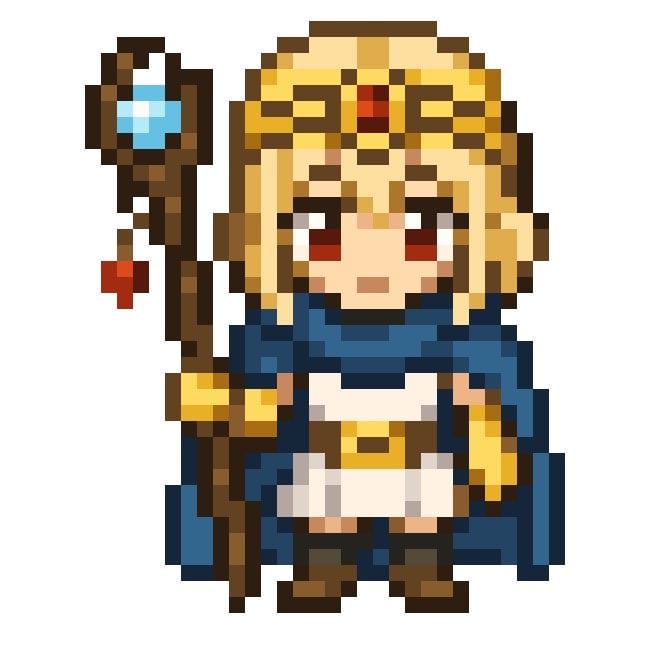
A prompt for generating a cute front-facing 16-bit chibi fantasy mage character sprite with staff, ornate headpiece, and customizable colors.
- Prompt included
- Model and format preset
- Free template
The prompt behind this image
Copy the exact prompt behind Chibi Pixel Art Fantasy Mage, or open it in the studio and make it yours.
Create a centered chibi fantasy character in crisp 16-bit pixel art on a plain white background. The subject is a cute small mage/priestess named {argument name="character name" default="Astra"}, shown full body, facing forward, with a neutral slightly serious expression, large dark red eyes, pale skin, and short blond hair with straight side locks. She wears an ornate golden headpiece resembling goggles or a circlet across the forehead, with a small red jewel centered above the brow, plus dark ear-covering side pieces. Her outfit consists of exactly 6 main visible clothing/accessory pieces: a dark blue scarf/capelet wrapping around the neck and flowing to the right, a white tunic dress, a gold waist belt with a small rectangular buckle, dark brown gloves or arm guards with gold cuffs, dark boots, and a deep blue cloak or backpack-like mantle behind her sides. In her left hand she holds one tall wooden staff positioned vertically along the left side of the image; the staff has a crooked dark-brown shaft, a round top frame holding a bright cyan crystal, and exactly one small red hanging charm dangling from a short cord below the crystal. Use chunky square pixels, limited color palette, visible black/dark-brown outlines, simple cel shading, no anti-aliasing, no gradients beyond pixel clusters, no text, no watermark, and keep the character occupying most of a square canvas. Customize the hair as {argument name="hair color" default="golden blond"}, the eye color as {argument name="eye color" default="dark red"}, the scarf color as {argument name="scarf color" default="deep navy blue"}, and the staff crystal color as {argument name="crystal color" default="bright cyan"}.
How to use Chibi Pixel Art Fantasy Mage in 3 steps
- 1Upload ImagePNG, JPG or paste
Add your photo
Upload the photo the template builds on. The prompt, model and format are already set.
- 2…a portrait of your subject in softgolden-hour light, 85mm…
Personalize
Edit the subject and creative details for your destination.
- 3Generate
Generate
Press Generate — your image is created in PicX Studio, so you can compare it with the original and refine one variable at a time.
More like this
Templates with the same subject, style or setup. Open one to see its prompt.
Image to 16-Bit Retro Pixel Art Transformation
Fantasy Mage Storyboard Grid

Cute Layered Paper Cut Chibi Girl

Pixel Limited Finale Fireworks

Pixel Limited Garden Maze

Pixel Limited Rooftop Concert

Pixel Limited Bicycle Coast

Pixel Limited Castle Gate

Pixel Limited Kitchen Chaos

Pixel Limited Carnival Ride

Pixel Limited Rainy Bus Stop

Pixel Limited Space Dock
Make it yours
Chibi Pixel Art Fantasy Mage works as-is. These are the safest ways to change it without losing the look.
Change one field
Copy a single group, rewrite it, and generate again so you can see what that field is doing.
Keep the frame, change the subject
Hold the composition and light of Chibi Pixel Art Fantasy Mage, then swap wardrobe, props or the person for a new take.
| If the result… | Why | Fix |
|---|---|---|
| The result drifts from the preview | Too many fields changed at once. | Reuse Chibi Pixel Art Fantasy Mage as-is first, then change one group — subject, light, or setting. |
| The model over-stylizes the scene | The prose prompt leaves finish and camera underspecified. | Add one camera or lighting sentence and stay on GPT Image 2. |
More GPT Image 2 templates
Other prompts made for GPT Image 2.

Six VTuber Japanese Logo Sheet

Realistic Portrait of Woman and Deer

The Vista Modular Condo Poster

AI Model Routing Comparison Infographic

2.5D Anime Art Board

Isometric Productivity Desk Scene

New York Double Exposure Poster

Four-Panel AI Landscape Comparison

Japanese Tatami Lifestyle Magazine Cover

NESCAFÉ Coffee Map Poster
More image prompts
Fresh picks from across the catalog.
Chibi Avatar Scrapbook Photo
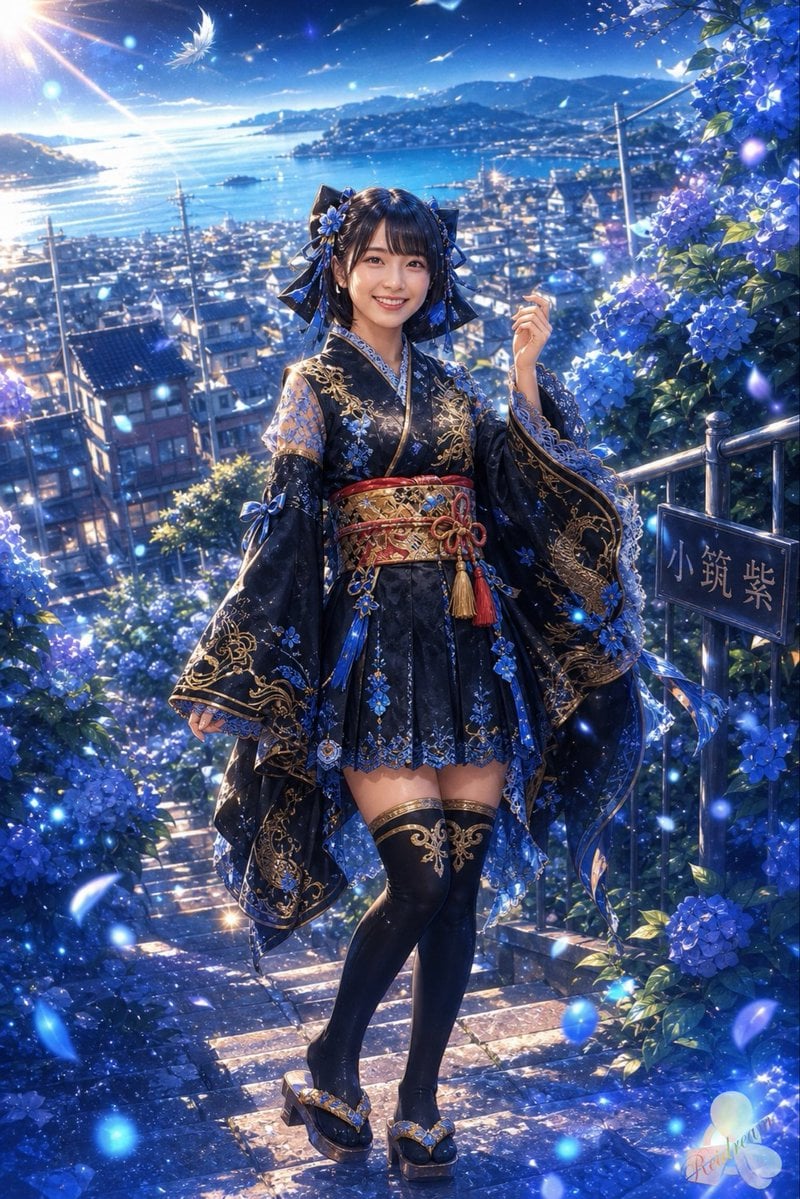
Blue Hydrangea Kimono Fantasy
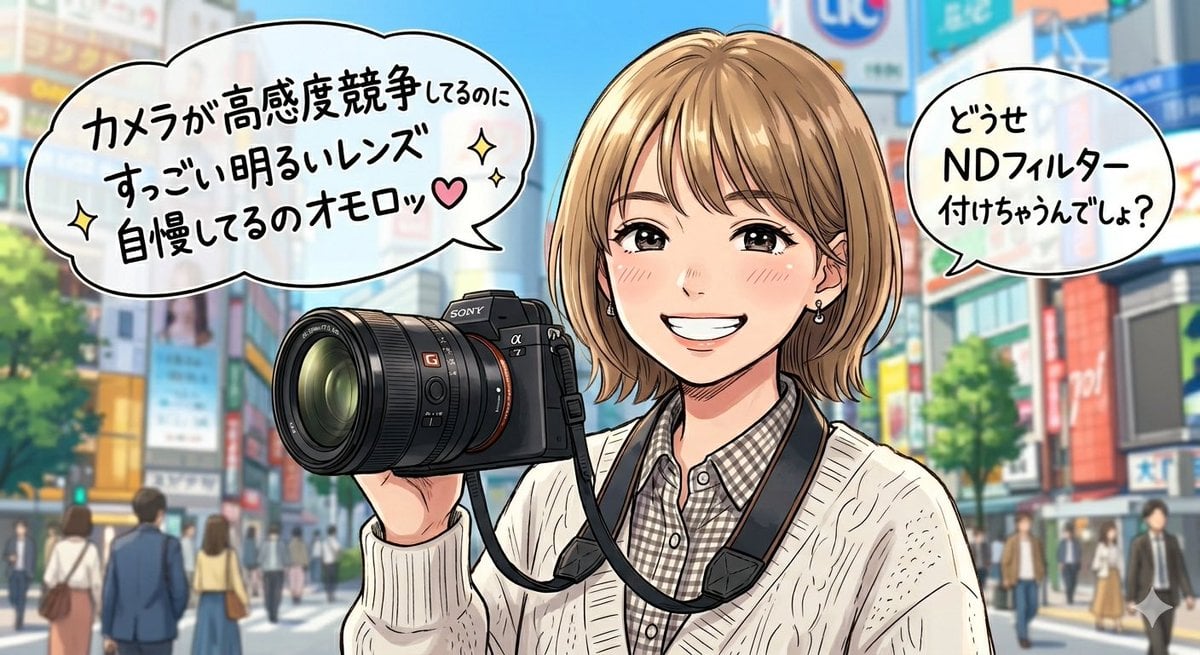
Sarcastic Anime Camera Girl
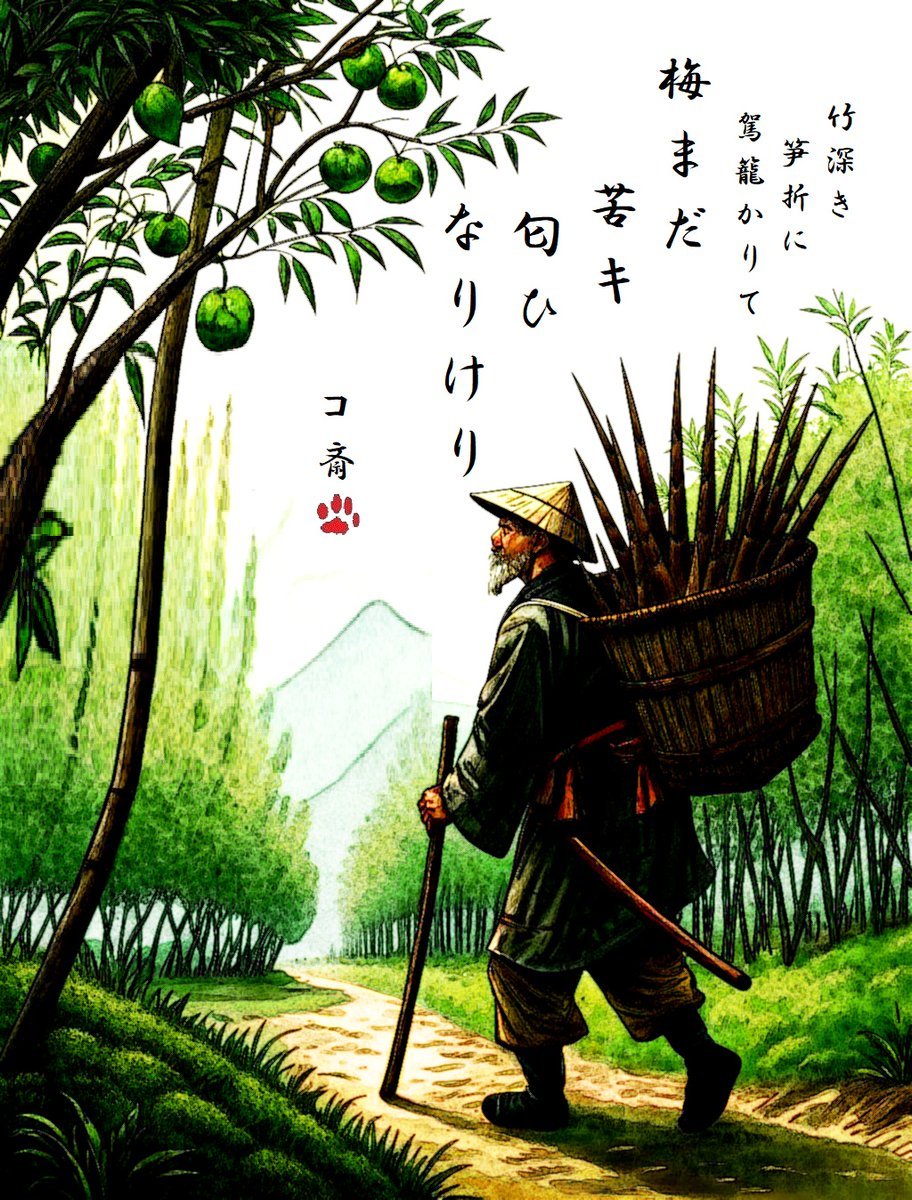
AI Haiga (Haiku Painting) Generation
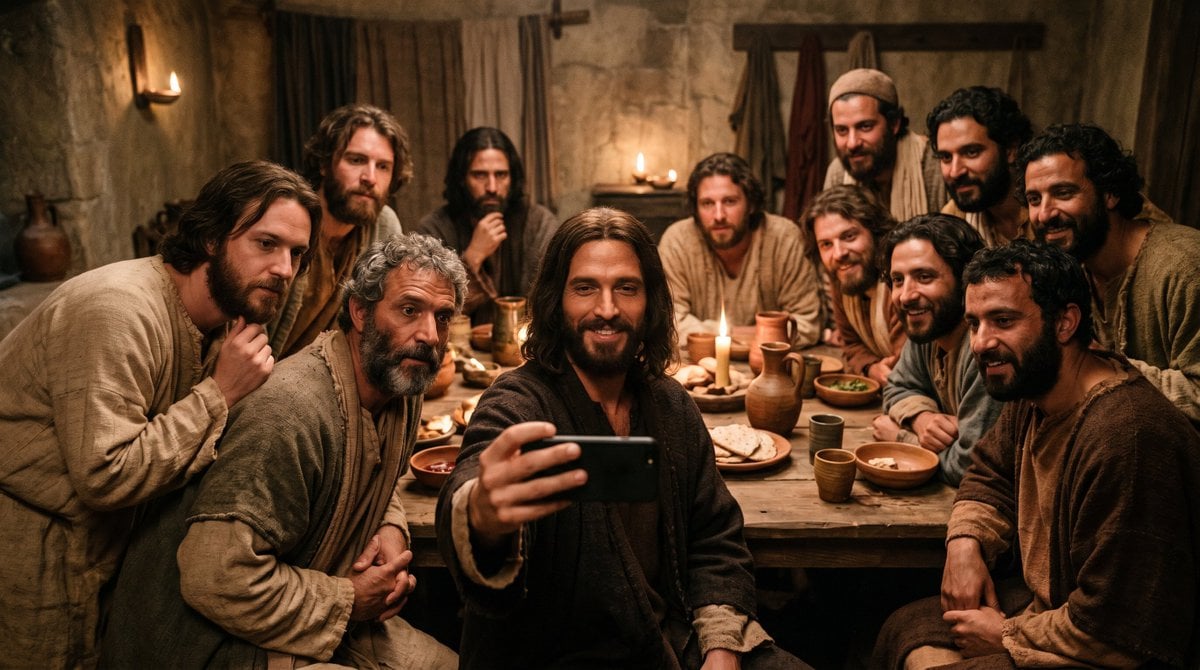
Last Supper Selfie Scene
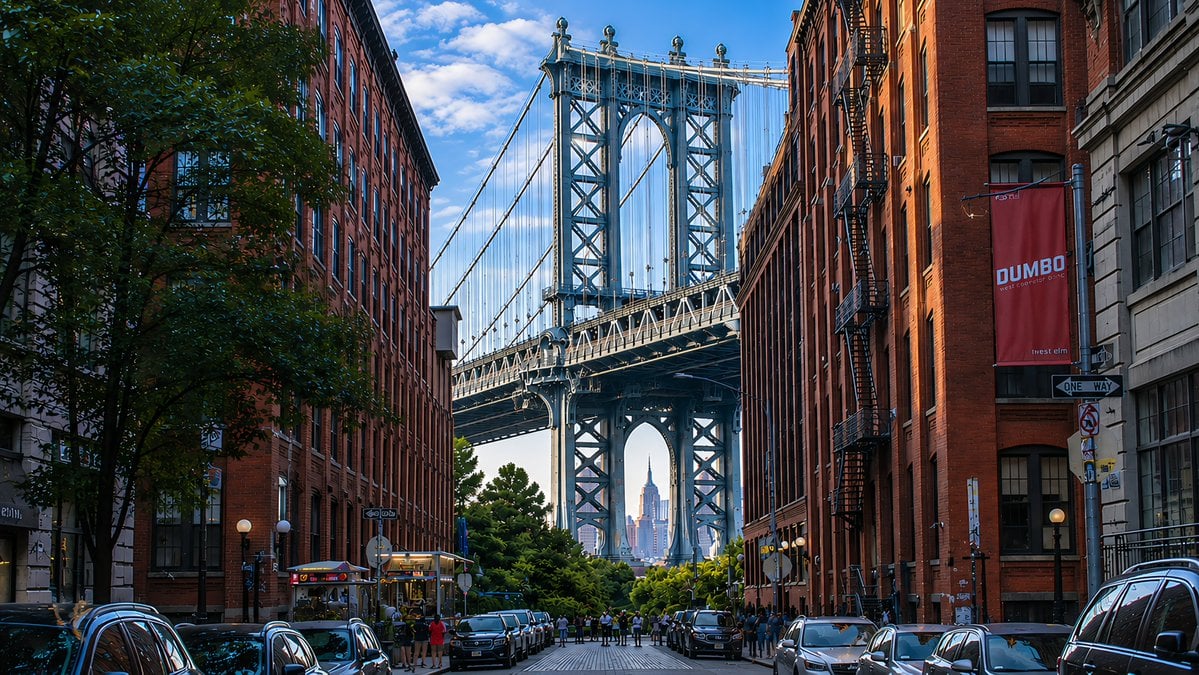
DUMBO Bridge Desktop Wallpaper
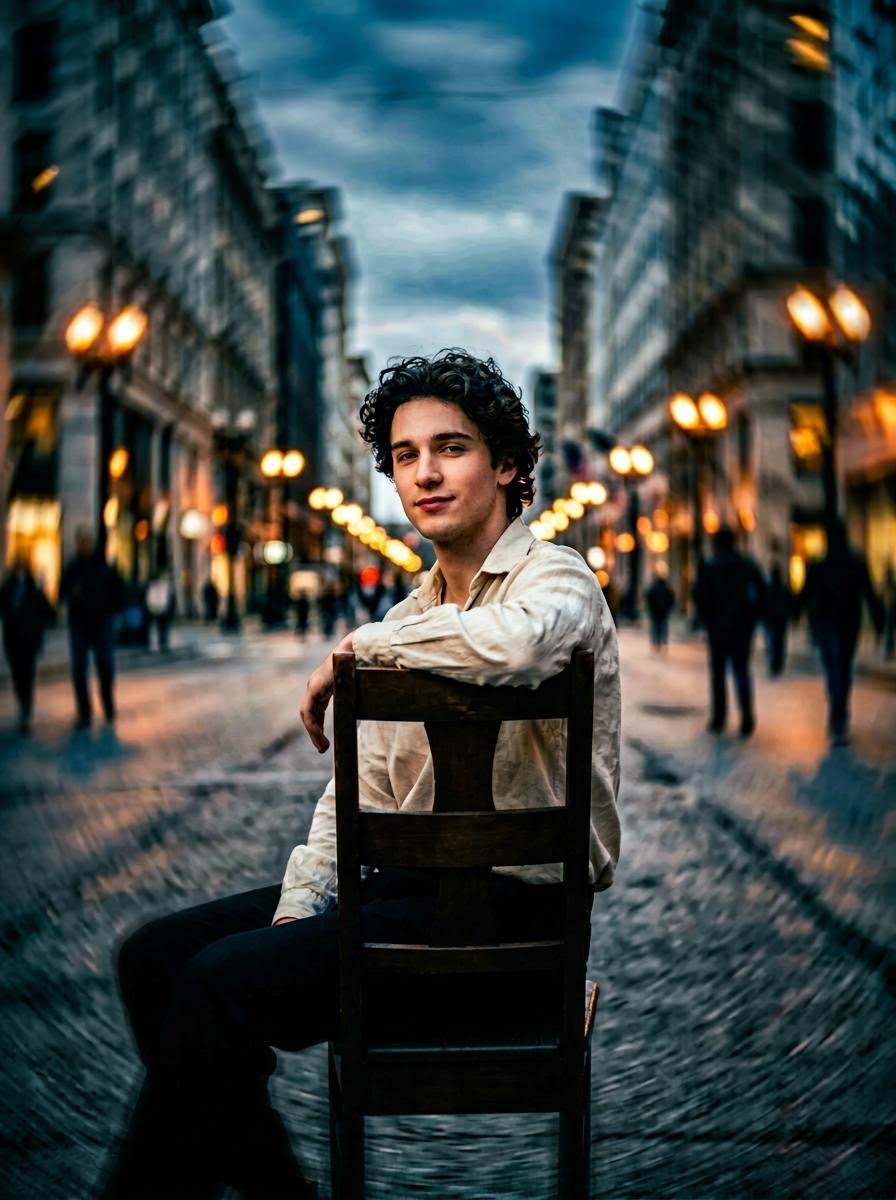
Hollywood-Style Cinematic Photo with Time Distortion
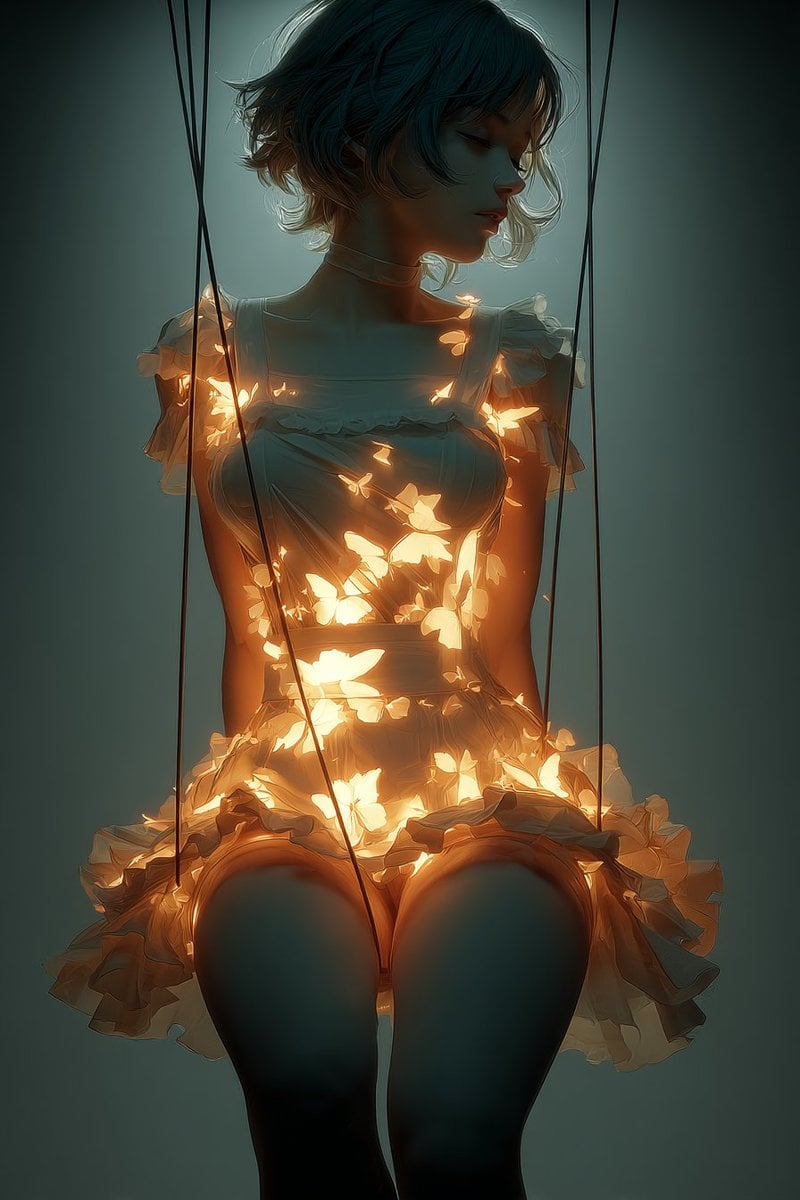
Glowing Butterfly Marionette Girl
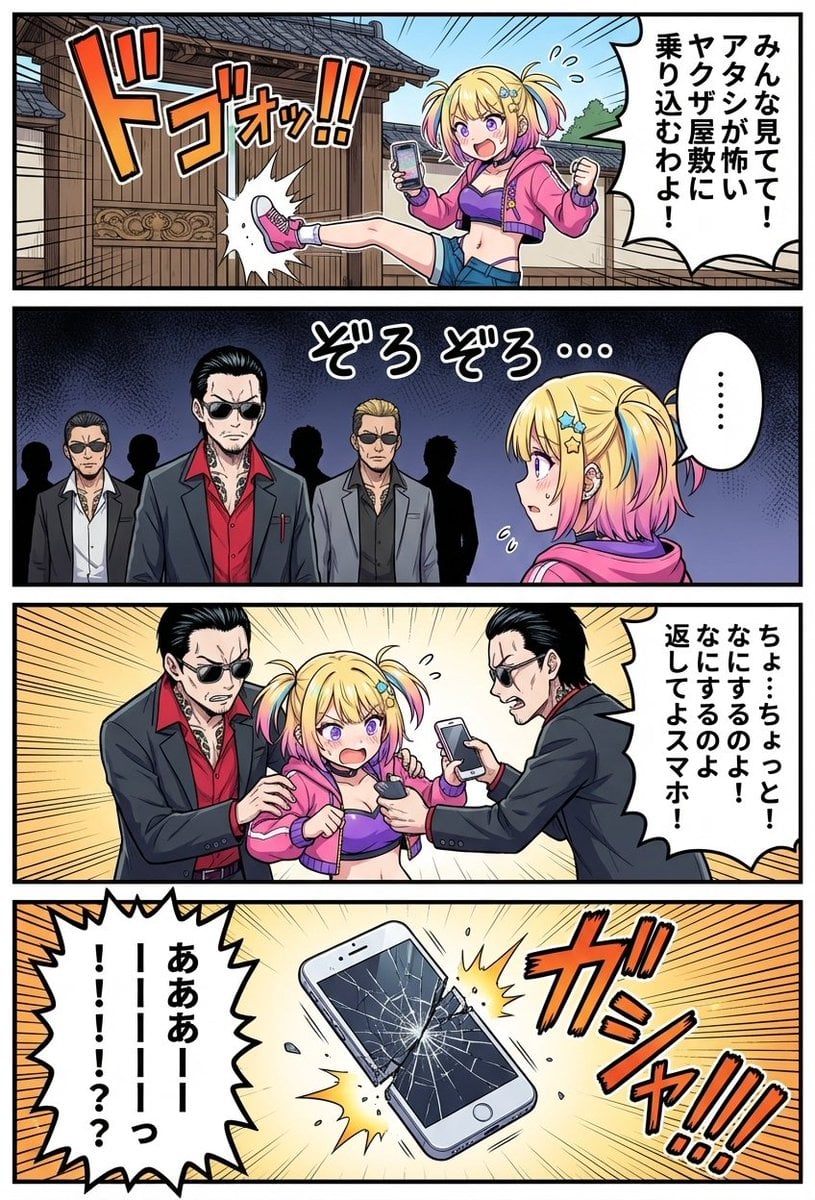
4‑panel manga of a girl streaming from a yakuza mansion

Gym Besties Mirror Selfie
Browse template categories
Chibi Pixel Art Fantasy Mage questions
How do I use the Chibi Pixel Art Fantasy Mage template?
Add your photo if the template asks for one, edit the prompt if you like — the template's model and format are already selected — and press Generate. Your version opens in PicX Studio.
Can I customize the Chibi Pixel Art Fantasy Mage template?
Yes. You can change the subject, setting, lighting, mood, format, and available model controls before creating your image.
Is the Chibi Pixel Art Fantasy Mage template free?
Opening and editing this template is free. Generating uses credits, shown on the Generate button when you are signed in.
Which AI model should I use?
Start with GPT Image 2, which is the model associated with this template. You can compare another compatible model for a different finish.
Looking for something else? Browse all templates.

Your photo, any look
Thousands of ready templates for every top image and video model, from one credit balance.