
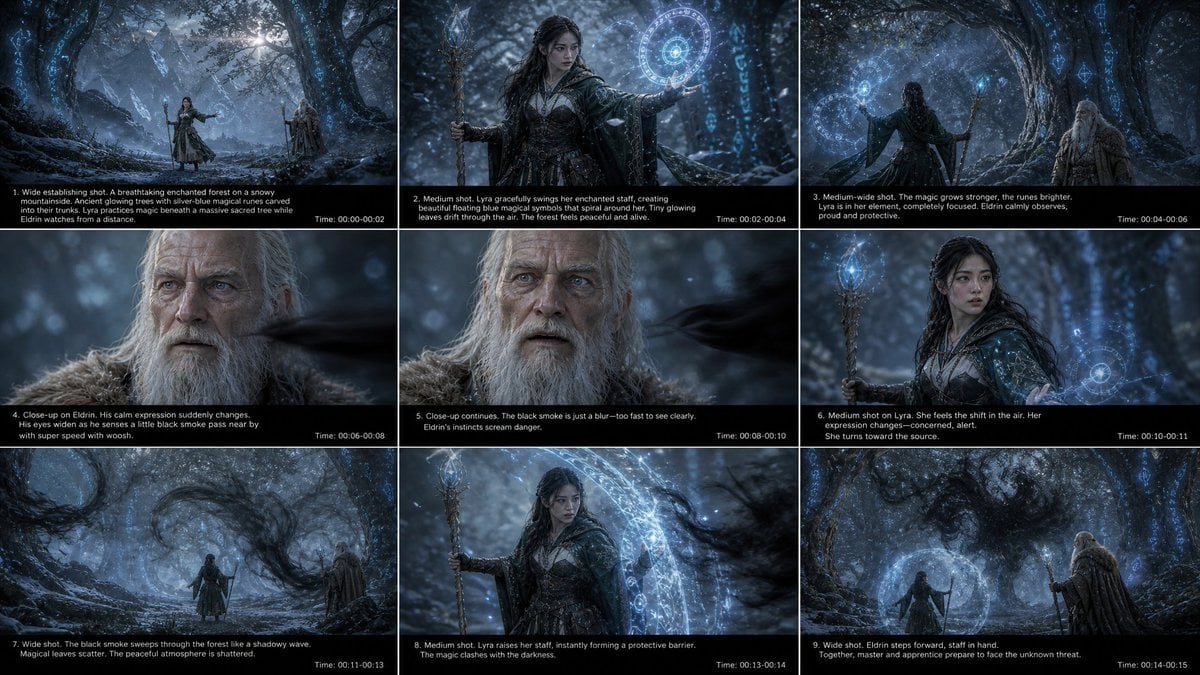
Fantasy Mage Storyboard Grid
Generates a 9-panel cinematic fantasy storyboard sheet for planning a short magical forest video sequence.
- Prompt included
- Model and format preset
- Premium template
The prompt behind this image
Copy the exact prompt behind Fantasy Mage Storyboard Grid, or open it in the studio and make it yours.
Goal: Create a cinematic fantasy storyboard contact sheet for a short video sequence titled around {argument name="scene concept" default="an apprentice mage and an elder wizard confronting a shadow force in an enchanted winter forest"}. Canvas: Widescreen 16:9 image formatted as a 3 x 3 storyboard grid, exactly 9 panels separated by thin white borders. Each panel has a cinematic frame on top and a black caption strip along the bottom with small white production text. Overall palette is cold blue, silver, charcoal, and black, with glowing cyan magic. Visual style: Dark high-fantasy film stills, photoreal cinematic lighting, misty snowy forest, ancient twisted trees with faint blue runes carved into bark, distant jagged mountains, drifting snow, shallow depth of field in close-ups, volumetric moonlight, dramatic atmosphere, no cartoon styling. The magic appears as luminous circular sigils, floating runes, blue particles, and transparent protective barriers. Main characters: A young female apprentice mage named {argument name="apprentice name" default="Lyra"}, with long dark hair, pale skin, determined expression, wearing layered dark leather-and-cloth robes with a hooded cloak and holding a carved wooden staff topped with a glowing blue crystal. An elderly wizard named {argument name="elder name" default="Eldrin"}, with long white hair, full white beard, weathered face, blue-gray eyes, wearing heavy brown-gray fur and travel robes, holding a walking staff. The threat is {argument name="shadow threat" default="black smoke"}, moving like a fast dark blur or wave among the trees. Layout and exact panel content: Use exactly 9 numbered storyboard panels. 1. Wide establishing shot: a breathtaking enchanted forest on a snowy mountainside. Ancient glowing trees with silver-blue magical runes curve into their trunks. Lyra practices magic beneath a massive sacred tree while Eldrin watches from a distance. Caption text: "1. Wide establishing shot. A breathtaking enchanted forest on a snowy mountainside. Ancient glowing trees with silver-blue magical runes carved into their trunks. Lyra practices magic beneath a massive sacred tree while Eldrin watches from a distance." Time label at lower right: "Time: 00:00-00:02". 2. Medium shot: Lyra gracefully swings her enchanted staff, creating a beautiful floating blue magical symbol that spirals around her. Tiny glowing leaves drift through the air. The forest feels peaceful and alive. Caption text: "2. Medium shot. Lyra gracefully swings her enchanted staff, creating a beautiful floating blue magical symbols that spiral around her. Tiny glowing leaves drift through the air. The forest feels peaceful and alive." Time label: "Time: 00:02-00:04". 3. Medium-wide shot from behind Lyra: the magic grows stronger, the runes brighten, Lyra is in her element, completely focused. Eldrin calmly observes, proud and protective. Caption text: "3. Medium-wide shot. The magic grows stronger, the runes brighter. Lyra is in her element, completely focused. Eldrin calmly observes, proud and protective." Time label: "Time: 00:04-00:06". 4. Close-up on Eldrin: his calm expression suddenly changes. His eyes widen as he senses a little black smoke pass nearby with super speed and a whoosh. Caption text: "4. Close-up on Eldrin. His calm expression suddenly changes. His eyes widen as he senses a little black smoke pass near by with super speed with woosh." Time label: "Time: 00:06-00:08". 5. Close-up continues on Eldrin: black smoke is just a blur, too fast to see clearly. Eldrin's instincts scream danger. Caption text: "5. Close-up continues. The black smoke is just a blur—too fast to see clearly. Eldrin’s instincts scream danger." Time label: "Time: 00:08-00:10". 6. Medium shot on Lyra: she feels the shift in the air. Her expression changes from focused to concerned and alert. She turns toward the source. Caption text: "6. Medium shot on Lyra. She feels the shift in the air. Her expression changes—concerned, alert. She turns toward the source." Time label: "Time: 00:10-00:11". 7. Wide shot: black smoke sweeps through the forest like a shadowy wave. Magical leaves scatter. The peaceful atmosphere is shattered. Caption text: "7. Wide shot. The black smoke sweeps through the forest like a shadowy wave. Magical leaves scatter. The peaceful atmosphere is shattered." Time label: "Time: 00:11-00:13". 8. Medium shot: Lyra raises her staff, instantly forming a protective barrier. The magic clashes with the darkness. Show a bright circular blue shield in front of her and dark smoke striking it. Caption text: "8. Medium shot. Lyra raises her staff, instantly forming a protective barrier. The magic clashes with the darkness." Time label: "Time: 00:13-00:14". 9. Wide shot: Eldrin steps forward, staff in hand. Together, master and apprentice prepare to face the unknown threat. Lyra stands inside or behind a glowing blue protective dome while Eldrin stands to the side in the snowy rune-lit forest. Caption text: "9. Wide shot. Eldrin steps forward, staff in hand. Together, master and apprentice prepare to face the unknown threat." Time label: "Time: 00:14-00:15". Text and typography: Small clean sans-serif white text on black caption bars, with the panel number and shot description aligned lower left, and the timecode aligned lower right. Keep text legible but compact, as in a production storyboard sheet. Constraints: Exactly 9 panels in a 3-by-3 grid, exactly 2 main characters, exactly 1 shadow-smoke threat, consistent character designs across panels, no extra panels, no logos, no watermark, no modern objects.
How to use Fantasy Mage Storyboard Grid in 3 steps
- 1Upload ImagePNG, JPG or paste
Add your photo
Upload the photo the template builds on. The prompt, model and format are already set.
- 2…a portrait of your subject in softgolden-hour light, 85mm…
Personalize
Edit the subject and creative details for your destination.
- 3Generate
Generate
Press Generate — your image is created in PicX Studio, so you can compare it with the original and refine one variable at a time.
More like this
Templates with the same subject, style or setup. Open one to see its prompt.

Headphones Lifestyle Nine Panel Grid
Chibi Pixel Art Fantasy Mage

A 3x3 grid storyboard contact sheet comprised of nine candid, cinematic

Fantasy Model Comparison Grid

Dark Fantasy Sorceress Storyboard
Ingrid Ice Storage Café Fantasy Scene

Korean Luxury Fashion Editorial 2x2 Grid Series

Minimalist Fashion Editorial Split Layout

Ultra-Realistic Vogue-Style Editorial Fashion Grid

Anime Fantasy Celestial Movie Poster
Anime Fantasy Celestial Movie Poster

Minecraft Fantasy Kingdom Voxel Landscape
Make it yours
Fantasy Mage Storyboard Grid works as-is. These are the safest ways to change it without losing the look.
Change one field
Copy a single group, rewrite it, and generate again so you can see what that field is doing.
Keep the frame, change the subject
Hold the composition and light of Fantasy Mage Storyboard Grid, then swap wardrobe, props or the person for a new take.
| If the result… | Why | Fix |
|---|---|---|
| The result drifts from the preview | Too many fields changed at once. | Reuse Fantasy Mage Storyboard Grid as-is first, then change one group — subject, light, or setting. |
| The model over-stylizes the scene | The prose prompt leaves finish and camera underspecified. | Add one camera or lighting sentence and stay on GPT Image 2. |
More GPT Image 2 templates
Other prompts made for GPT Image 2.

Six VTuber Japanese Logo Sheet

Realistic Portrait of Woman and Deer

The Vista Modular Condo Poster

AI Model Routing Comparison Infographic

2.5D Anime Art Board

Isometric Productivity Desk Scene

New York Double Exposure Poster

Four-Panel AI Landscape Comparison

Japanese Tatami Lifestyle Magazine Cover

NESCAFÉ Coffee Map Poster
More image prompts
Fresh picks from across the catalog.
Gemini Nano Banana 2
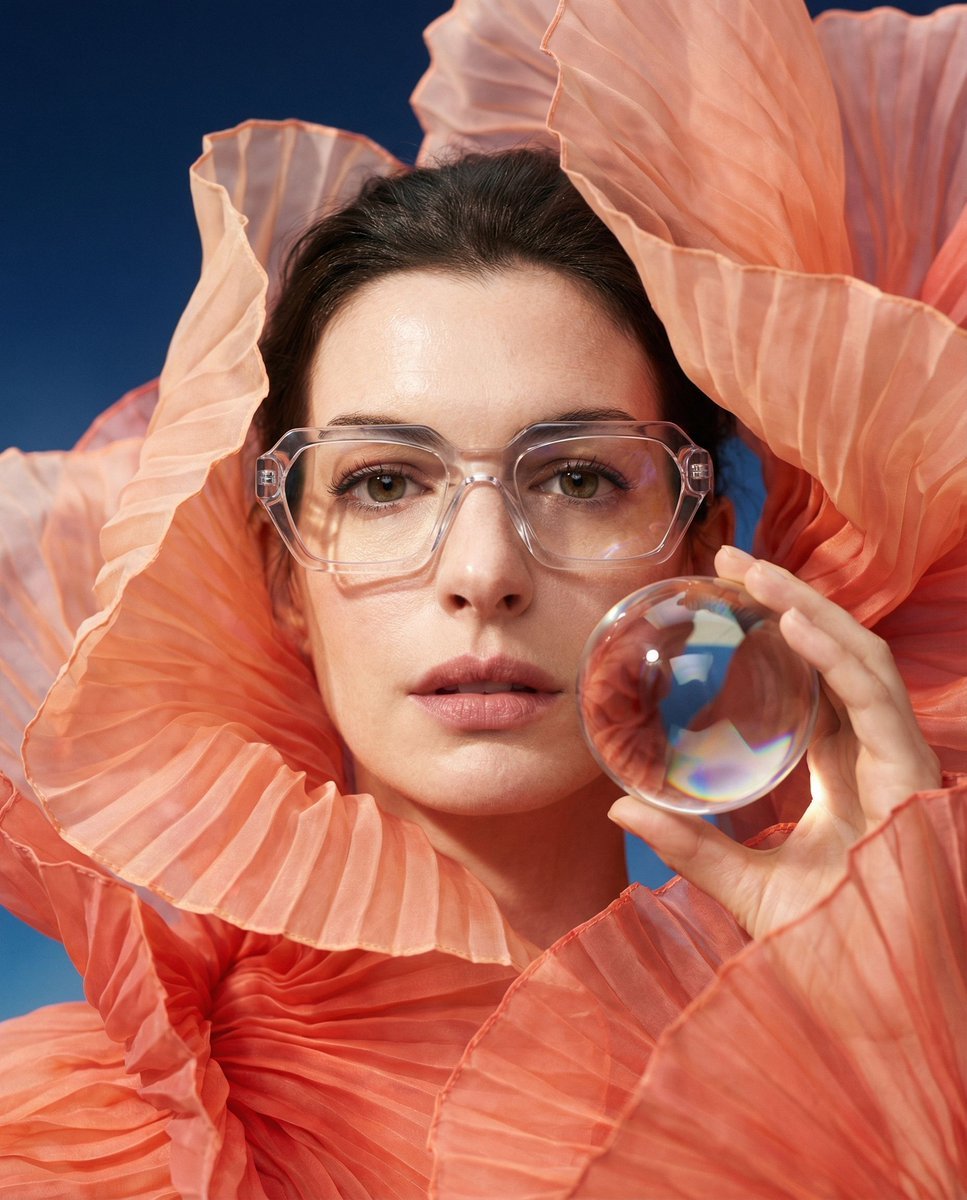
Anne Hathaway Ethereal Altitude Portrait
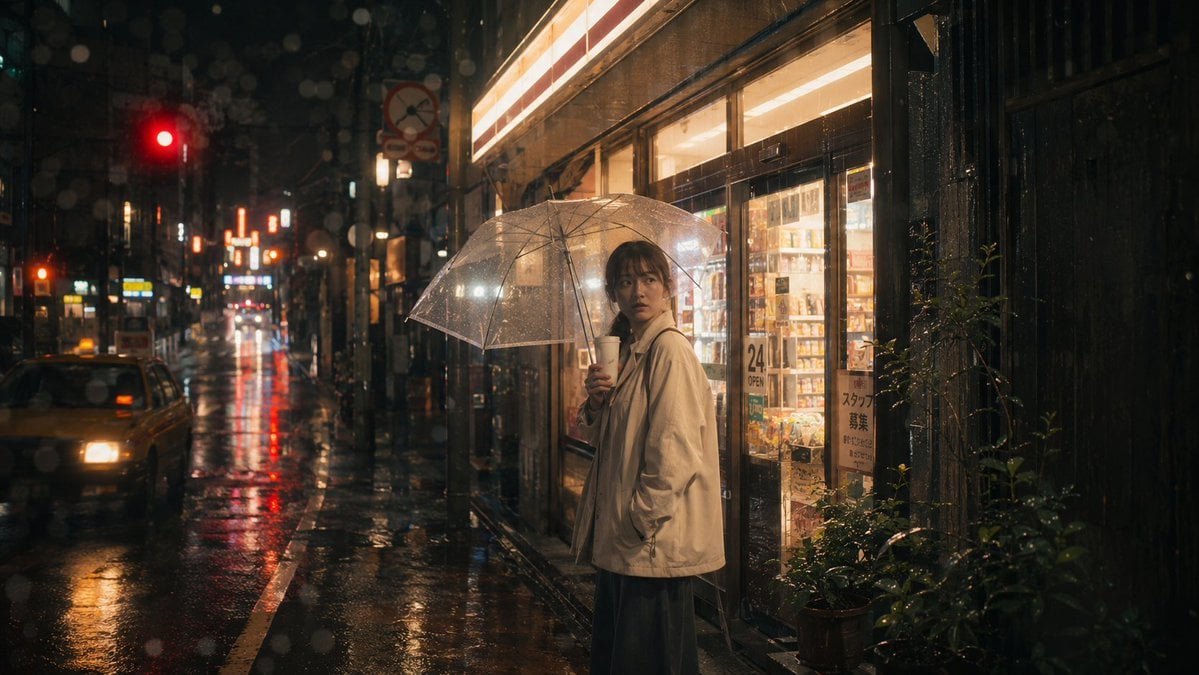
Rainy Tokyo Convenience Store Scene
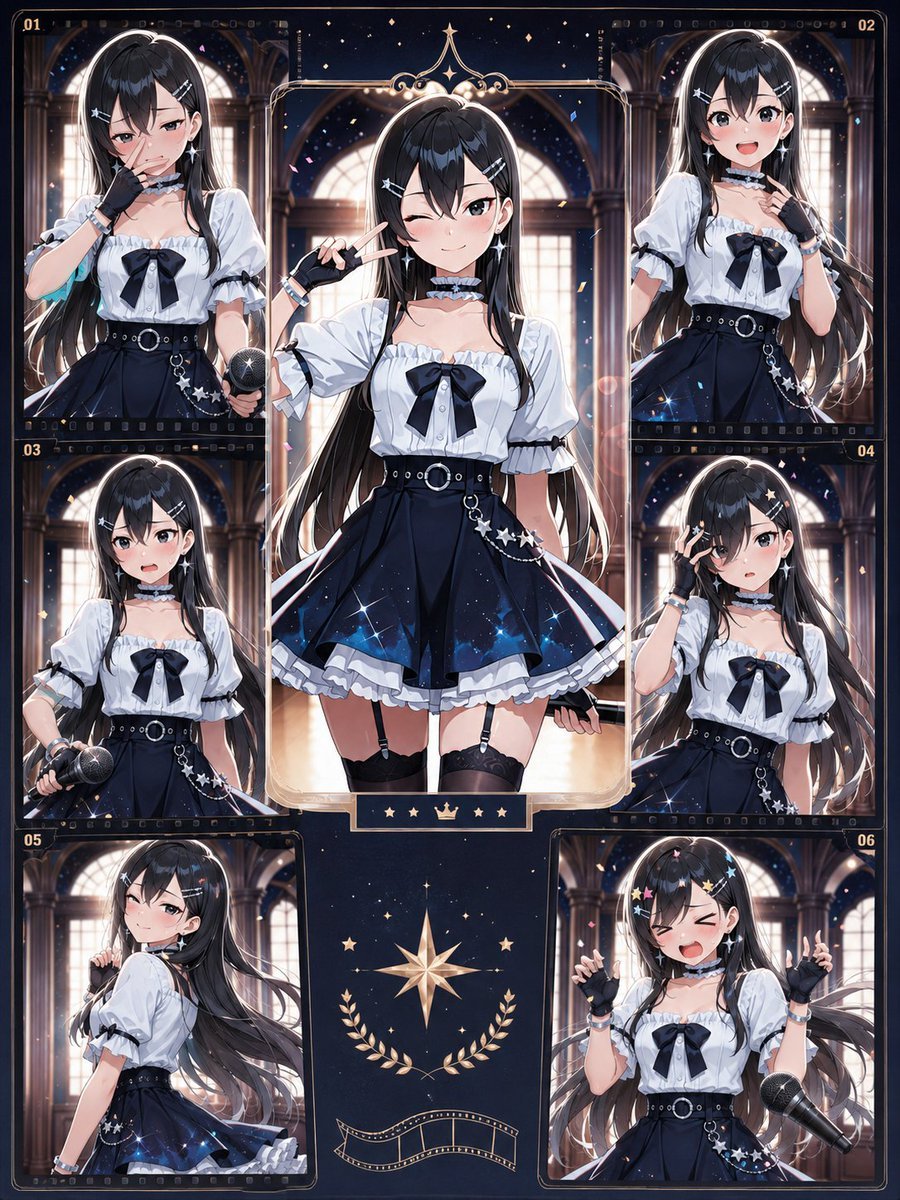
Celestial Idol Character Poster
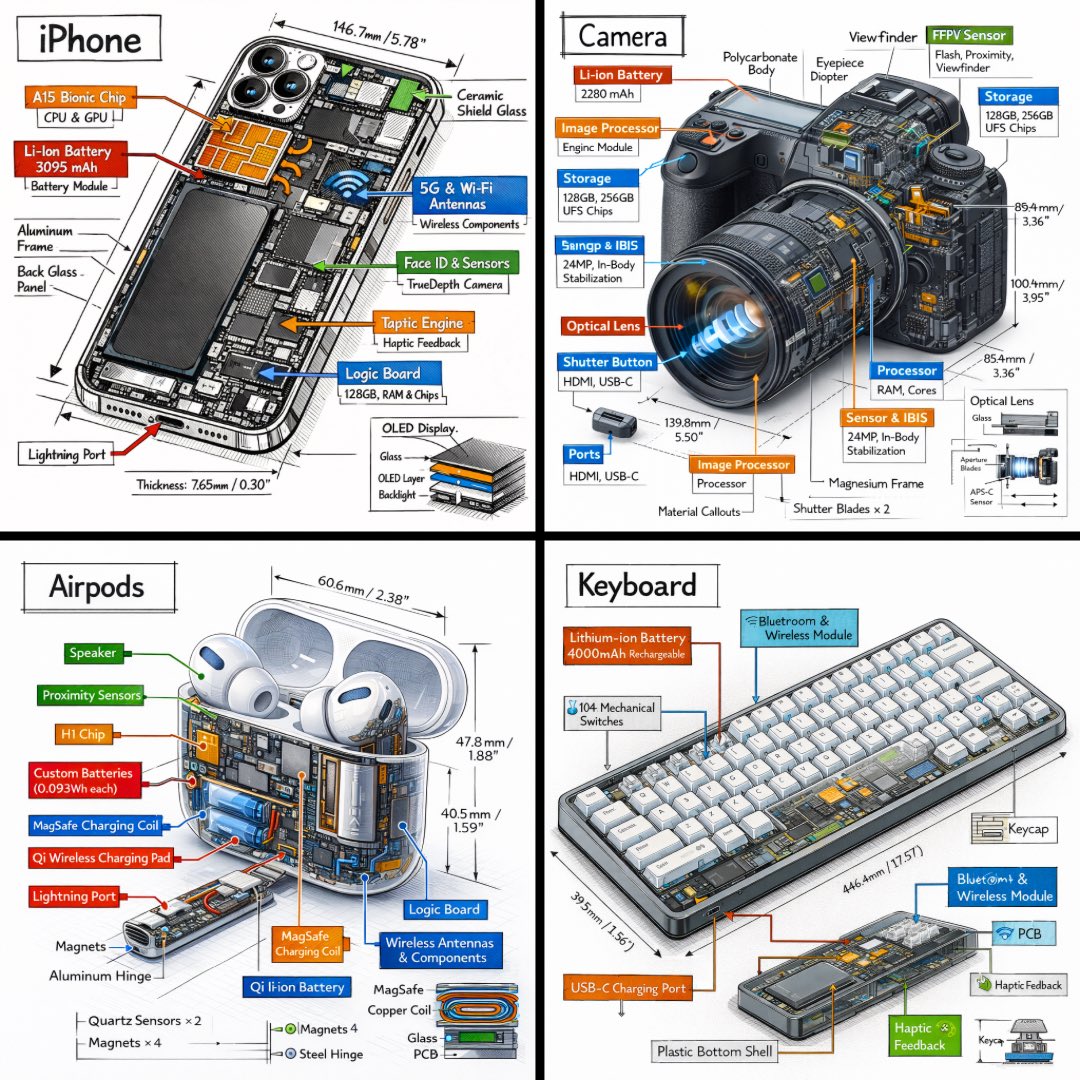
Technical Isometric Teardown Infographic
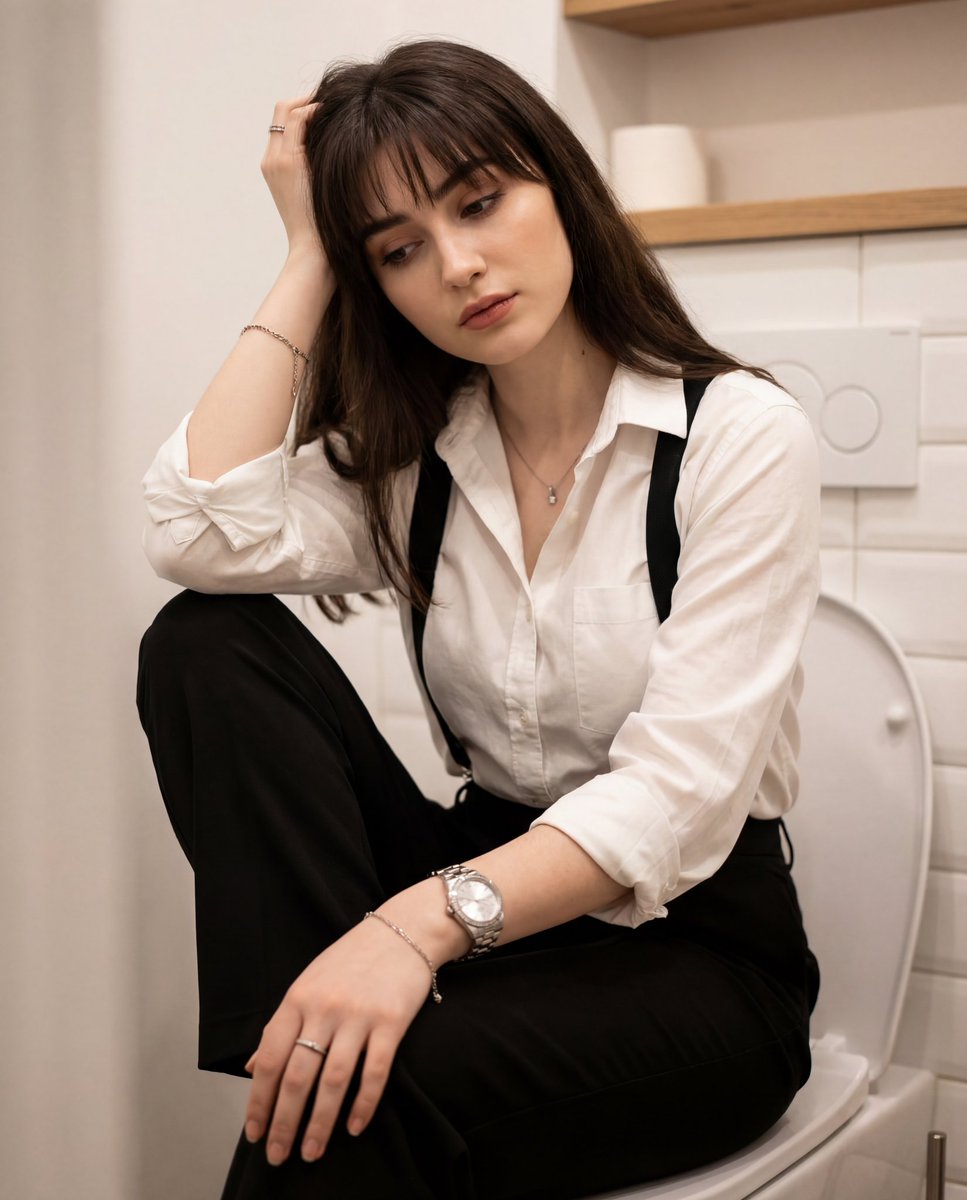
Introspective Portrait in a Bathroom with Identity Lock
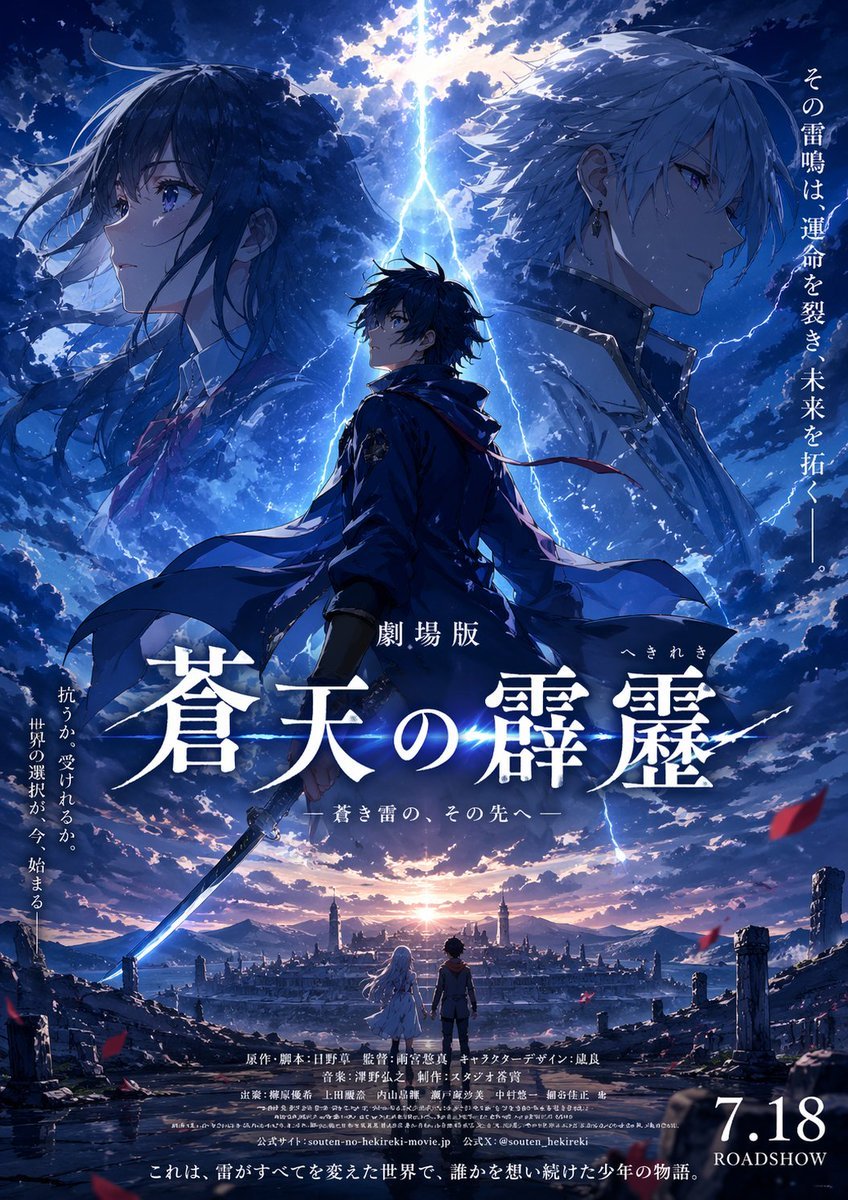
Fictional Anime Movie Poster
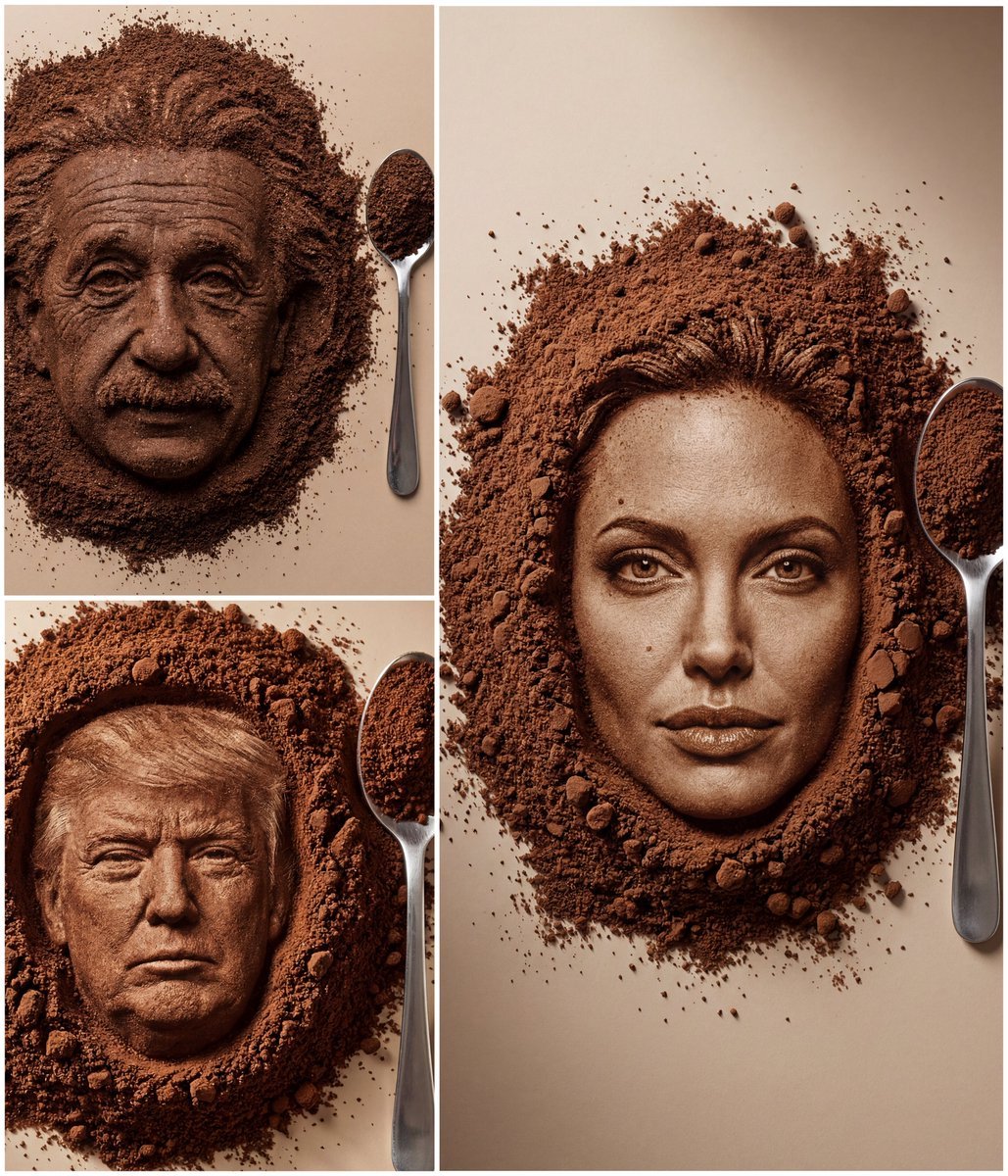
Hyper-Realistic Coffee Powder Face Impression
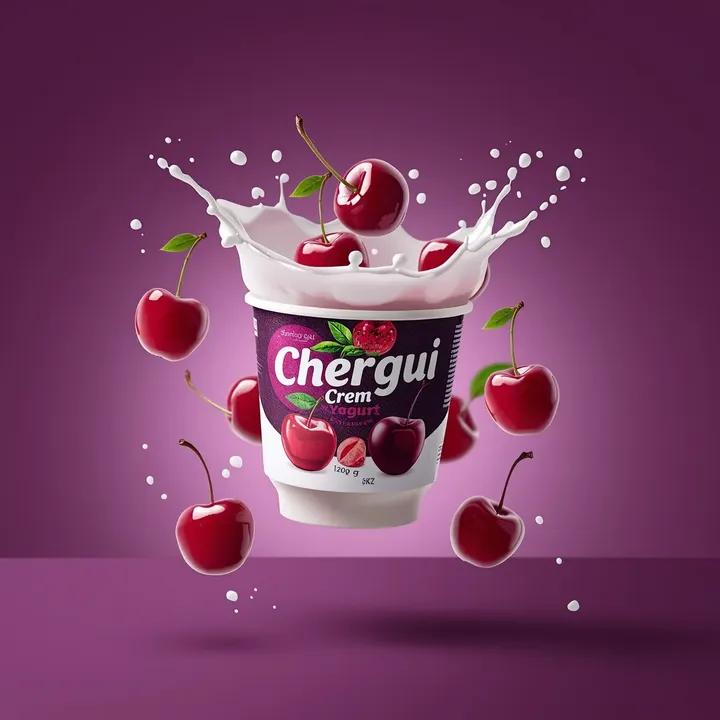
High-End Commercial Yogurt Product Photography
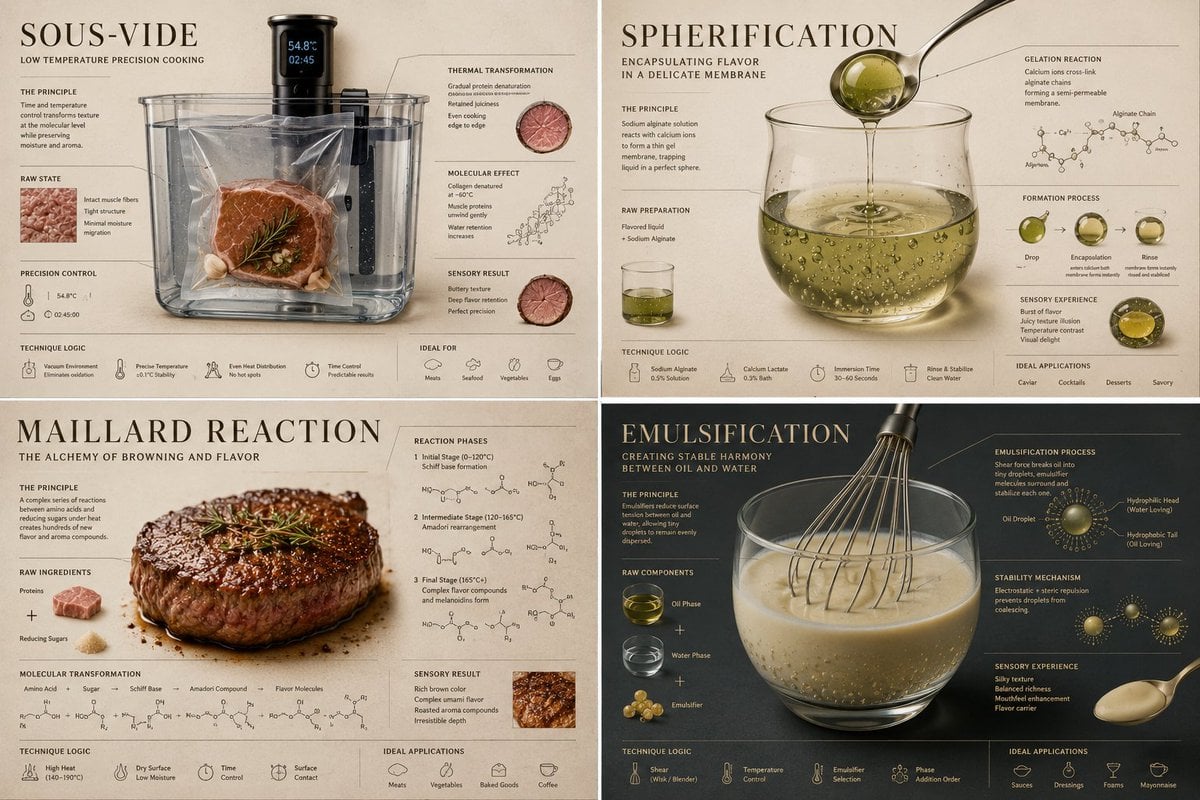
Luxury Culinary Chemistry Poster
Browse template categories
Fantasy Mage Storyboard Grid questions
How do I use the Fantasy Mage Storyboard Grid template?
Add your photo if the template asks for one, edit the prompt if you like — the template's model and format are already selected — and press Generate. Your version opens in PicX Studio.
Can I customize the Fantasy Mage Storyboard Grid template?
Yes. You can change the subject, setting, lighting, mood, format, and available model controls before creating your image.
Is the Fantasy Mage Storyboard Grid template free?
Opening and editing this template is free. Generating uses credits, shown on the Generate button when you are signed in.
Which AI model should I use?
Start with GPT Image 2, which is the model associated with this template. You can compare another compatible model for a different finish.
Looking for something else? Browse all templates.

Your photo, any look
Thousands of ready templates for every top image and video model, from one credit balance.