
Fantasy Model Comparison Grid
Creates a four-panel cinematic comparison collage of a medieval commander in stormy mountains with model-style labels.
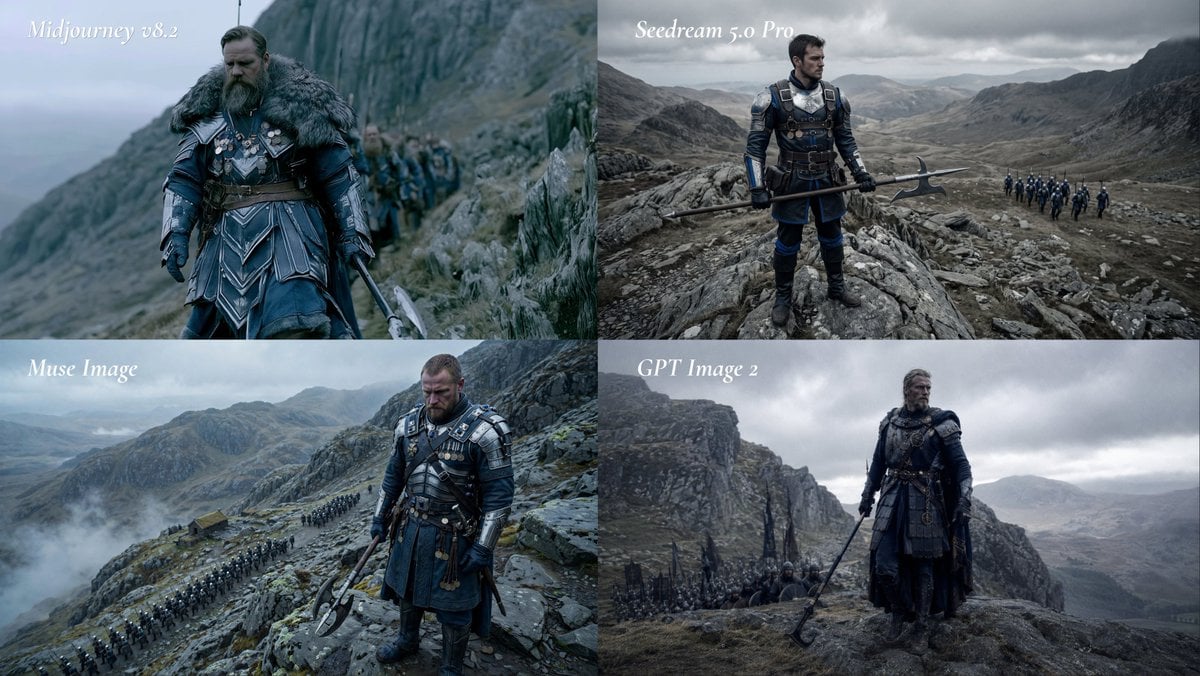
- Prompt included
- Model and format preset
- Premium template
The prompt behind this image
Copy the exact prompt behind Fantasy Model Comparison Grid, or open it in the studio and make it yours.
Goal: Create a cinematic 2x2 comparison grid showing the same dark medieval-fantasy scene rendered as if by four different image models, with a white italic label in the upper-left of each panel. Canvas: Wide 16:9 collage, four equal rectangular panels arranged in a 2 by 2 grid, no borders or gutters, each panel cropped like a film still. Cold desaturated blue-gray color grading, overcast sky, misty highland mountains, rocky cliffs, wet grass, distant valleys, dramatic natural light. Layout: Exactly 4 panels. Top-left label: “Midjourney v8.2”. Top-right label: “Seedream 5.0 Pro”. Bottom-left label: “Muse Image”. Bottom-right label: “GPT Image 2”. Use elegant white italic serif text, small-to-medium size, placed near the top-left corner of each panel with slight softness, no text boxes. Subject: Each panel depicts the same core scene: a rugged middle-aged male commander, {argument name="character type" default="a bearded medieval warlord"}, standing on a rocky mountain path with soldiers following behind him. He wears dark navy and black armor with steel plates, leather belts, medals, layered tunic or skirt armor, gloves, boots, and heavy weathered fantasy-war costume details. He carries {argument name="weapon" default="a long halberd or poleaxe"}. His expression is stern and battle-worn, with windblown hair and a serious posture. Panel details: Top-left panel should feel like the most polished cinematic fantasy still: close three-quarter view of the commander walking along a cliffside path, thick fur mantle around his shoulders, blue armor, sword or pole weapon partly visible, a column of soldiers blurred behind him, steep cliff rising to the right and foggy sea or valley to the left. Top-right panel should show a wider heroic full-body view: the commander stands on jagged rocks holding the halberd horizontally, distant troop formation marching on a mountain road at the right, vast gray valley and storm clouds behind him. Bottom-left panel should be a high-angle mountain pass scene: commander in the foreground looking downward, armored and holding a double-headed poleaxe, long visible line of troops snaking across the rocky landscape below, low clouds and mist over the mountains. Bottom-right panel should be moody and spacious: commander in dark armor standing on a rocky ledge with poleaxe angled downward, smaller soldiers behind him, towering cliff wall on the left, bleak valley on the right, heavy storm clouds. Visual style: Ultra-cinematic live-action fantasy realism, epic historical drama atmosphere, high detail armor and fabric textures, subdued contrast, shallow depth of field in some panels, realistic mist, no bright colors. The overall prompt theme is {argument name="scene theme" default="a grim medieval commander leading an army through a stormy mountain pass"}. Constraints: Keep exactly 4 labeled panels and exactly the four visible labels listed above. Avoid logos, watermarks, extra captions, modern objects, sci-fi elements, cartoon styling, or additional panels.
How to use Fantasy Model Comparison Grid in 3 steps
- 1Upload ImagePNG, JPG or paste
Add your photo
Upload the photo the template builds on. The prompt, model and format are already set.
- 2…a portrait of your subject in softgolden-hour light, 85mm…
Personalize
Edit the subject and creative details for your destination.
- 3Generate
Generate
Press Generate — your image is created in PicX Studio, so you can compare it with the original and refine one variable at a time.
More like this
Templates with the same subject, style or setup. Open one to see its prompt.

AI Model Routing Comparison Infographic
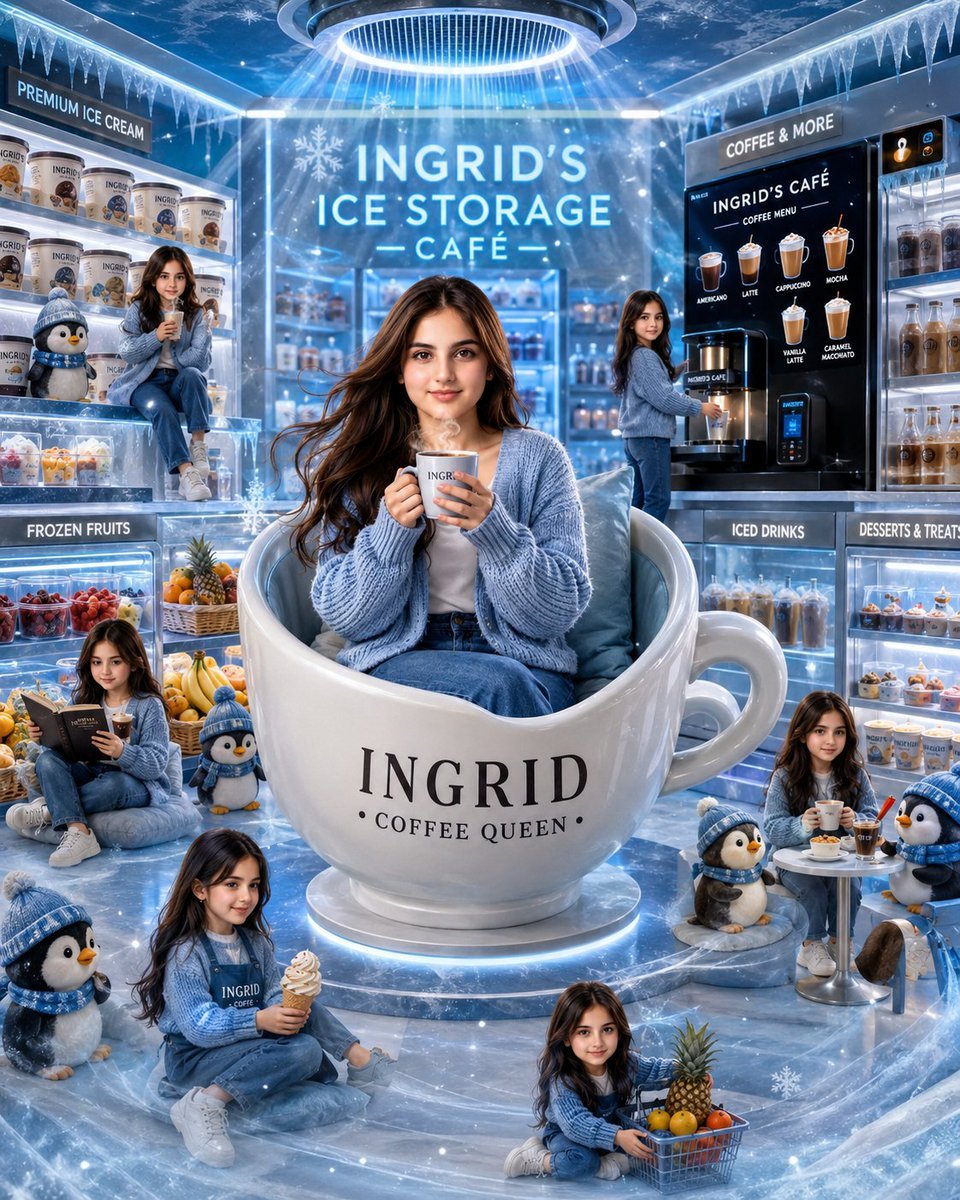
Ingrid Ice Storage Café Fantasy Scene
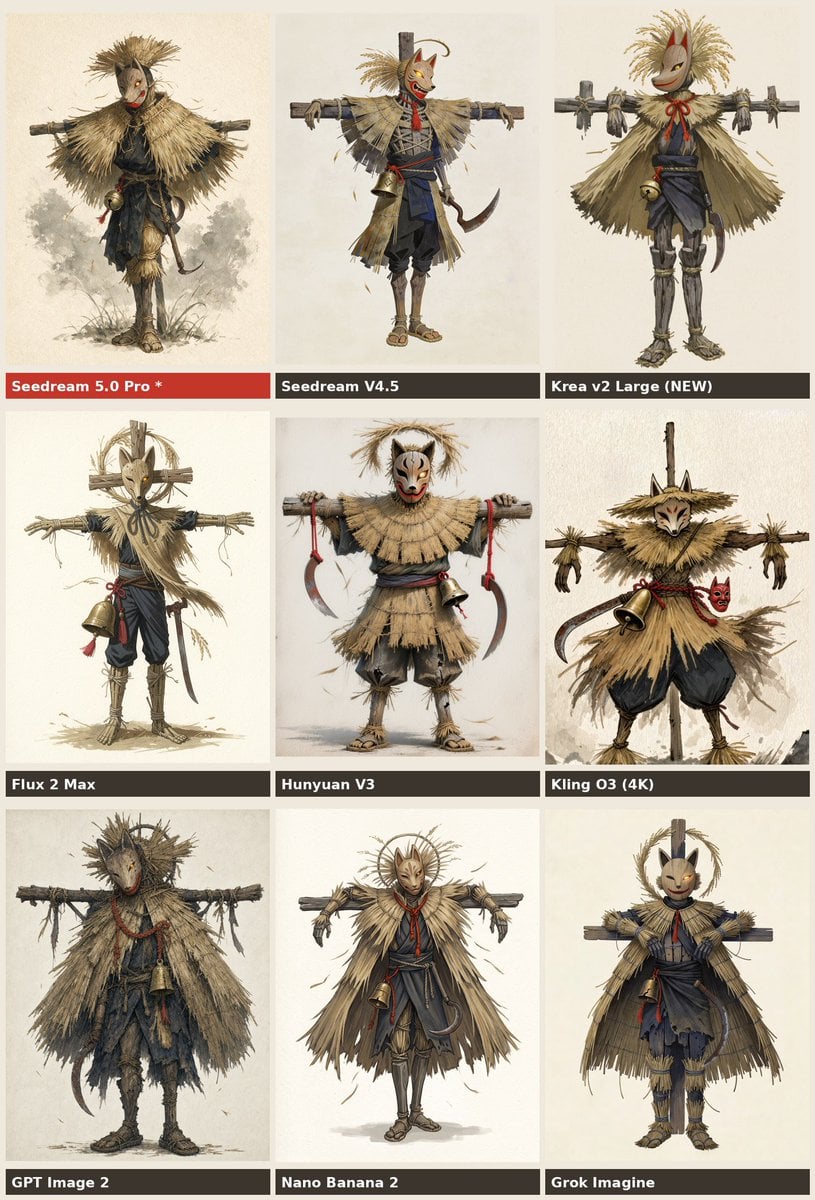
Nine-Model Scarecrow Yokai Comparison
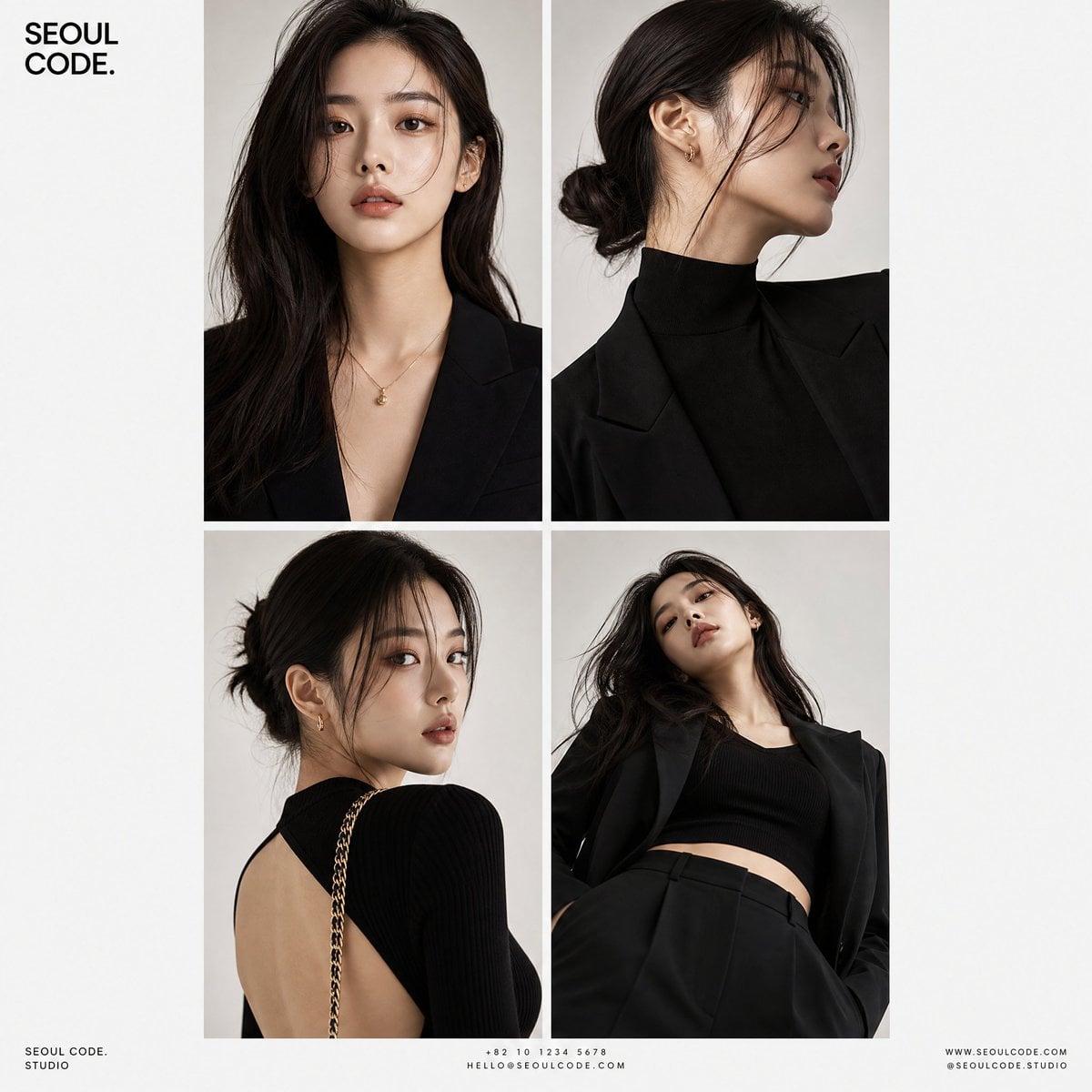
Korean Luxury Fashion Editorial 2x2 Grid Series
Minimalist Fashion Editorial Split Layout
Ultra-Realistic Vogue-Style Editorial Fashion Grid

Anime Fantasy Celestial Movie Poster
Premium Vertical Product Campaign Poster
Anime Fantasy Celestial Movie Poster
Minecraft Fantasy Kingdom Voxel Landscape
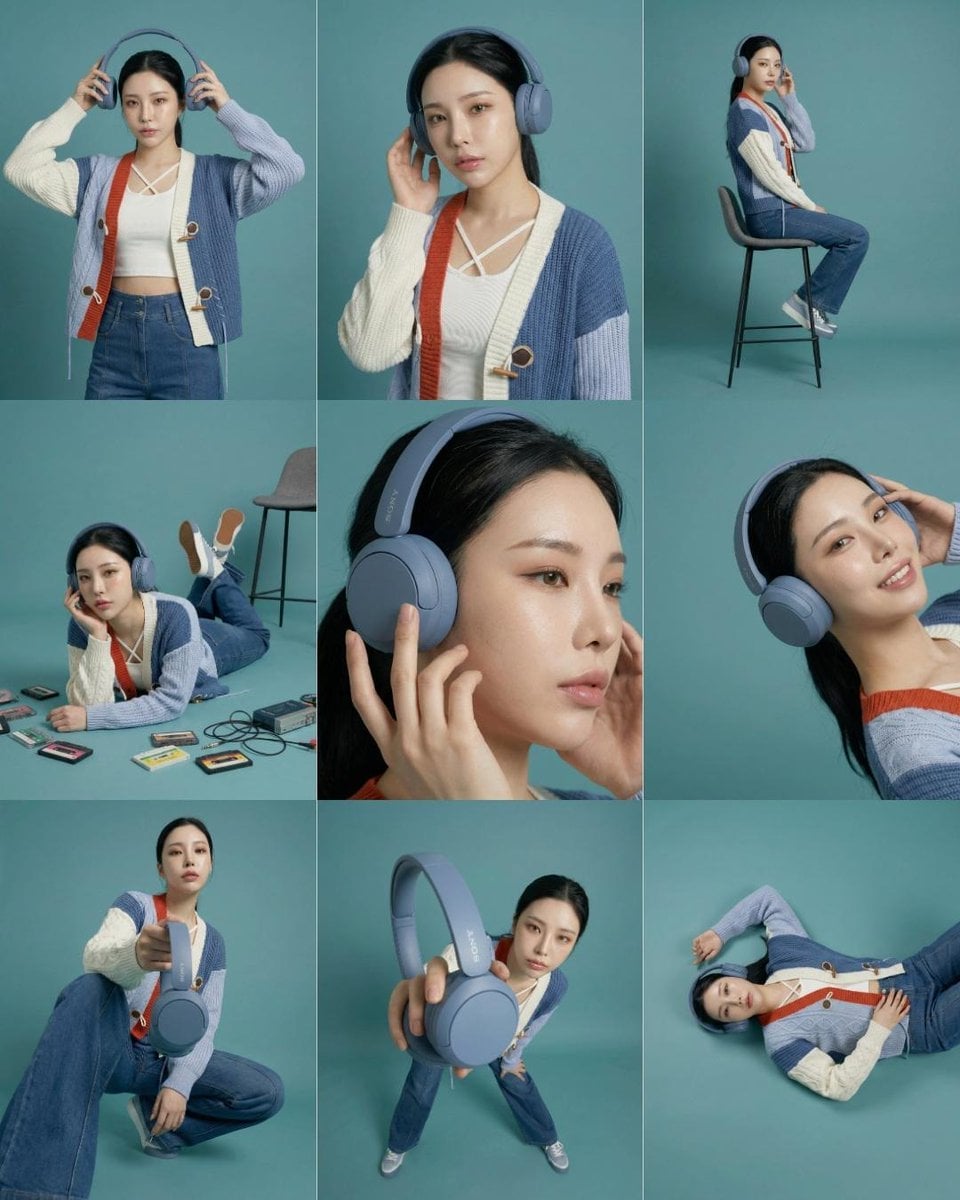
Headphones Lifestyle Nine Panel Grid
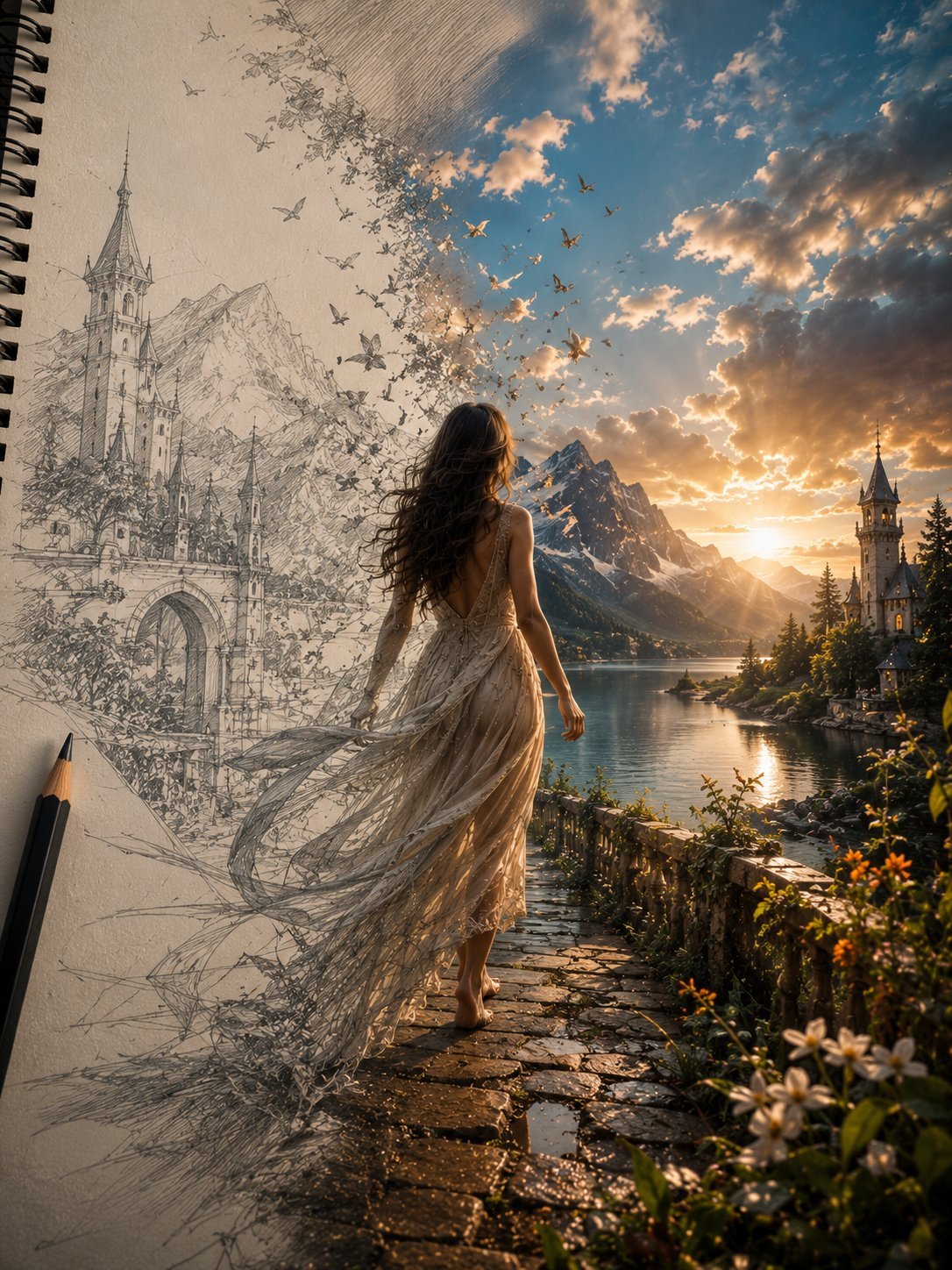
Unfinished Sketch Comes Alive Portrait
Make it yours
Fantasy Model Comparison Grid works as-is. These are the safest ways to change it without losing the look.
Change one field
Copy a single group, rewrite it, and generate again so you can see what that field is doing.
Keep the frame, change the subject
Hold the composition and light of Fantasy Model Comparison Grid, then swap wardrobe, props or the person for a new take.
| If the result… | Why | Fix |
|---|---|---|
| The result drifts from the preview | Too many fields changed at once. | Reuse Fantasy Model Comparison Grid as-is first, then change one group — subject, light, or setting. |
| The model over-stylizes the scene | The prose prompt leaves finish and camera underspecified. | Add one camera or lighting sentence and stay on GPT Image 2. |
More GPT Image 2 templates
Other prompts made for GPT Image 2.

Six VTuber Japanese Logo Sheet

Realistic Portrait of Woman and Deer

The Vista Modular Condo Poster

2.5D Anime Art Board

Isometric Productivity Desk Scene

New York Double Exposure Poster

Four-Panel AI Landscape Comparison

Japanese Tatami Lifestyle Magazine Cover

NESCAFÉ Coffee Map Poster

Brutalist Cogito Chinese Typography Poster
More image prompts
Fresh picks from across the catalog.

SSR Savanna Creature Card
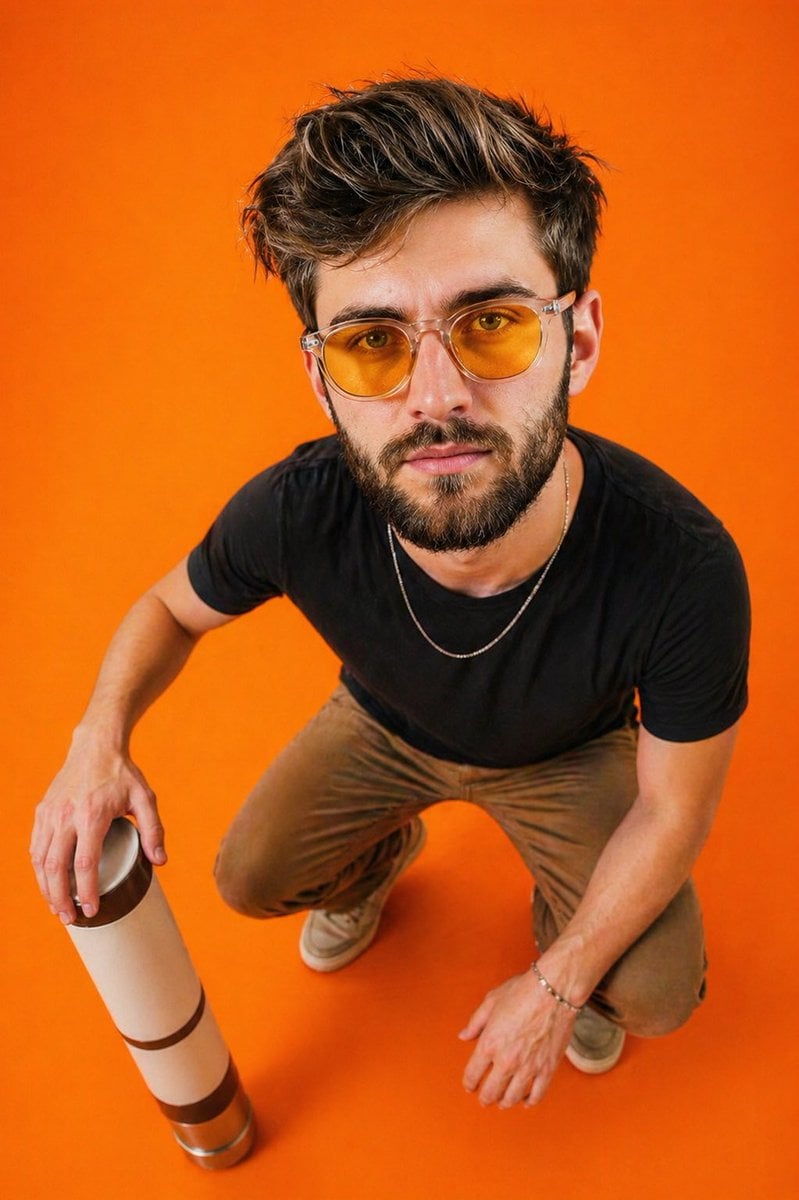
Editorial Top-Down Fisheye Portrait

Energetic Food Advertisement
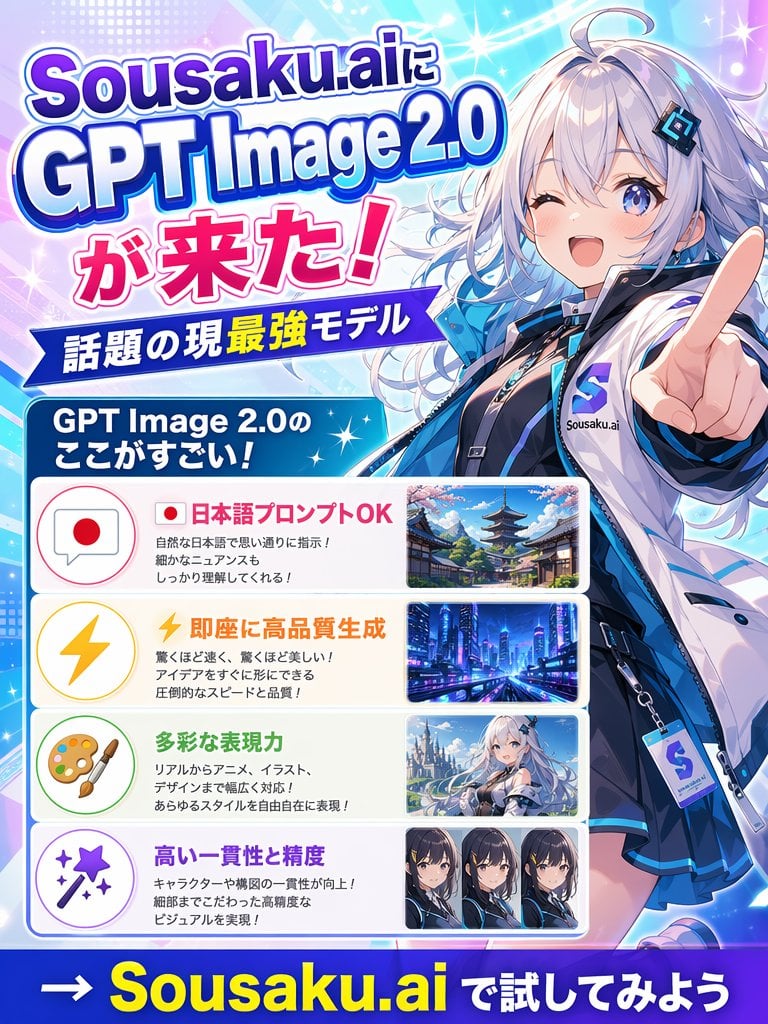
Japanese Anime AI Launch Poster
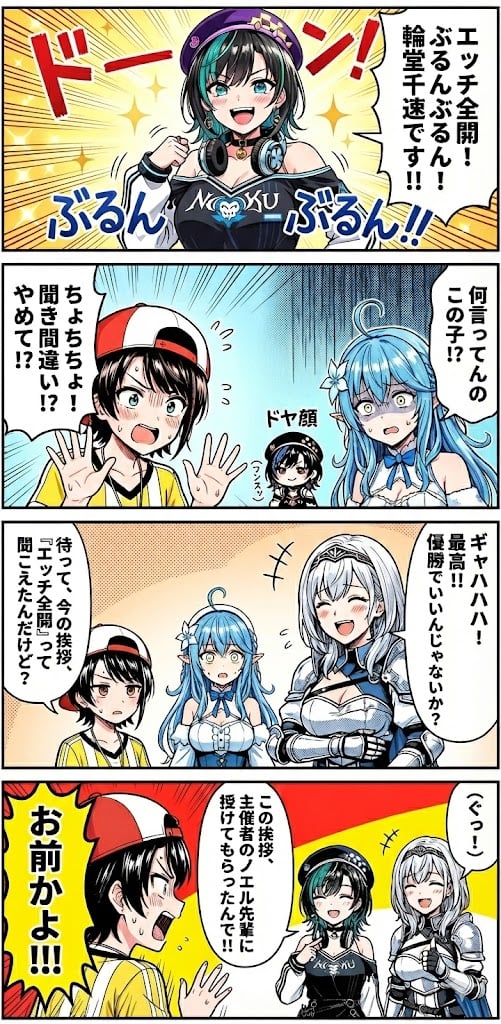
Hololive Character Generation
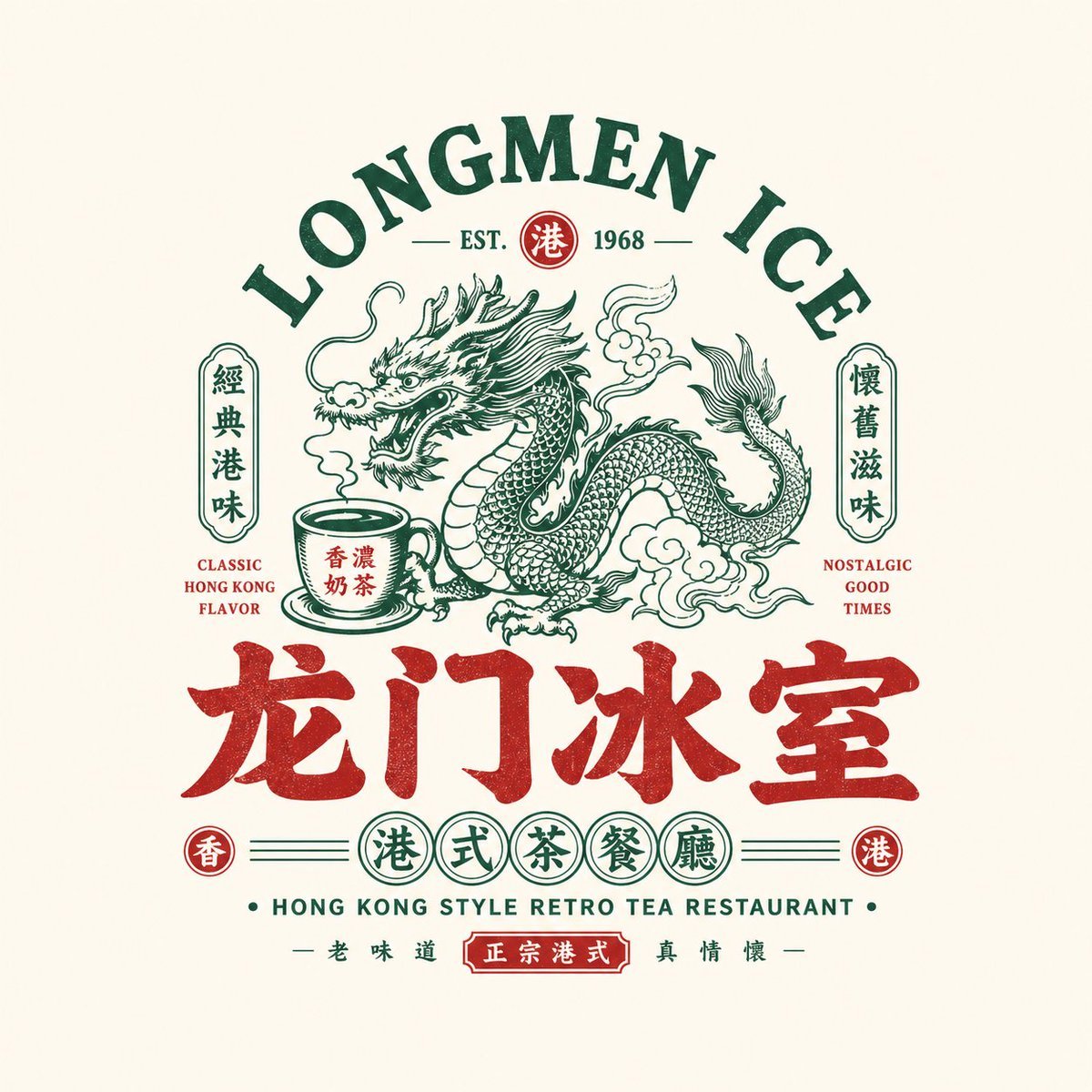
Retro Chinese Catering Badge Logo
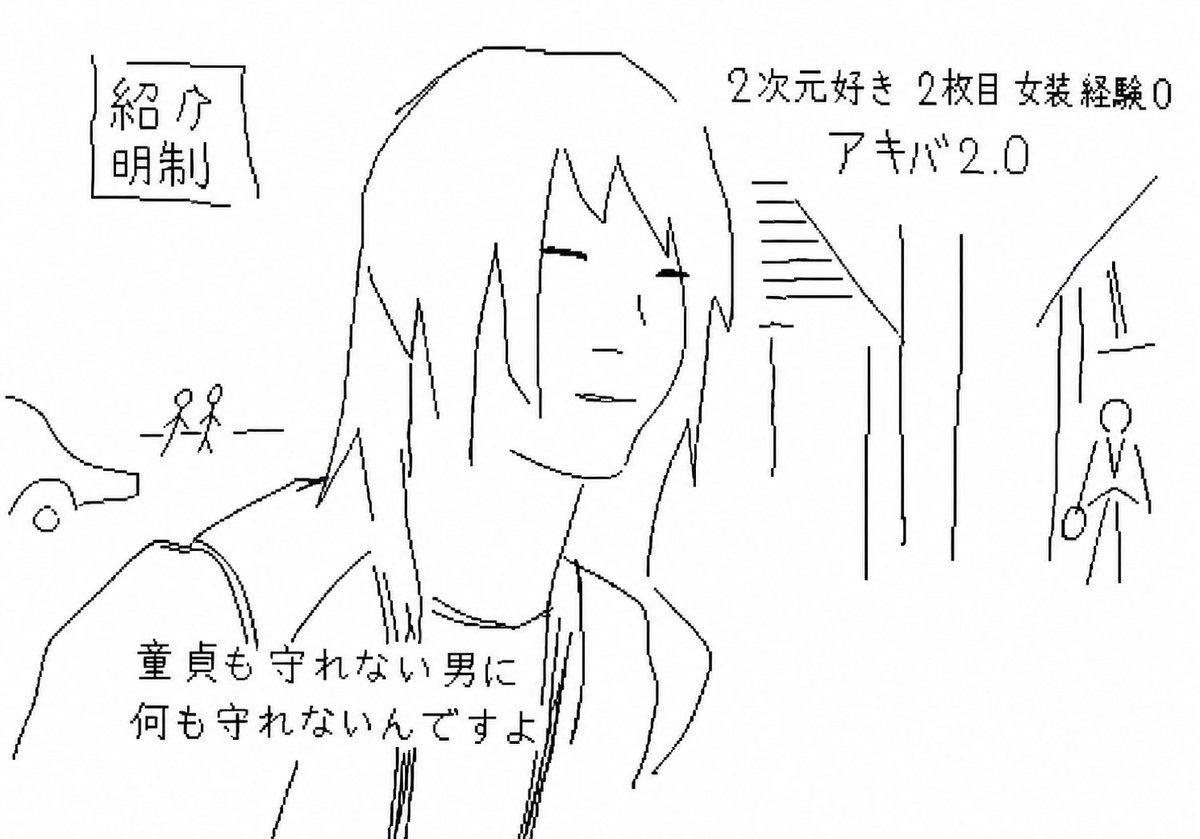
Purposefully Bad MS Paint Redraw
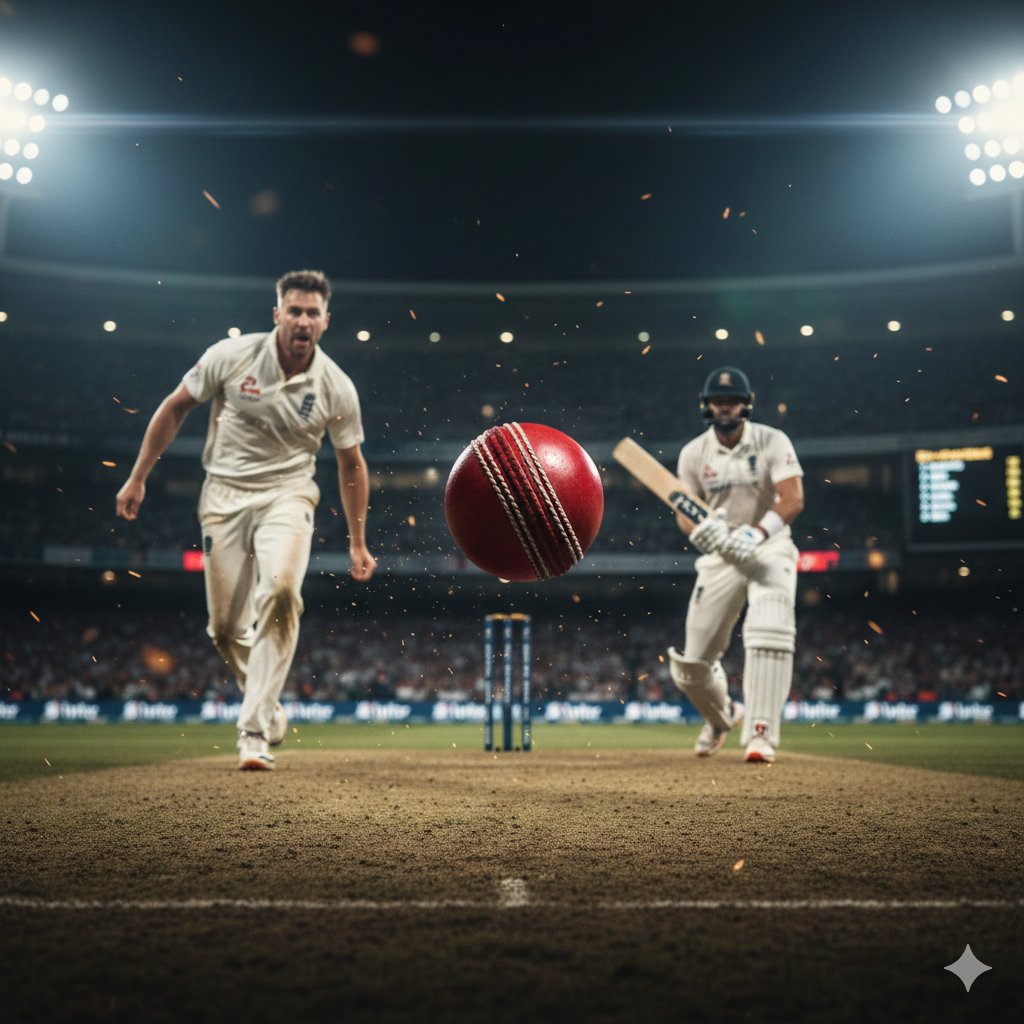
Hyper-realistic cinematic cricket scene prompt for Gemini App
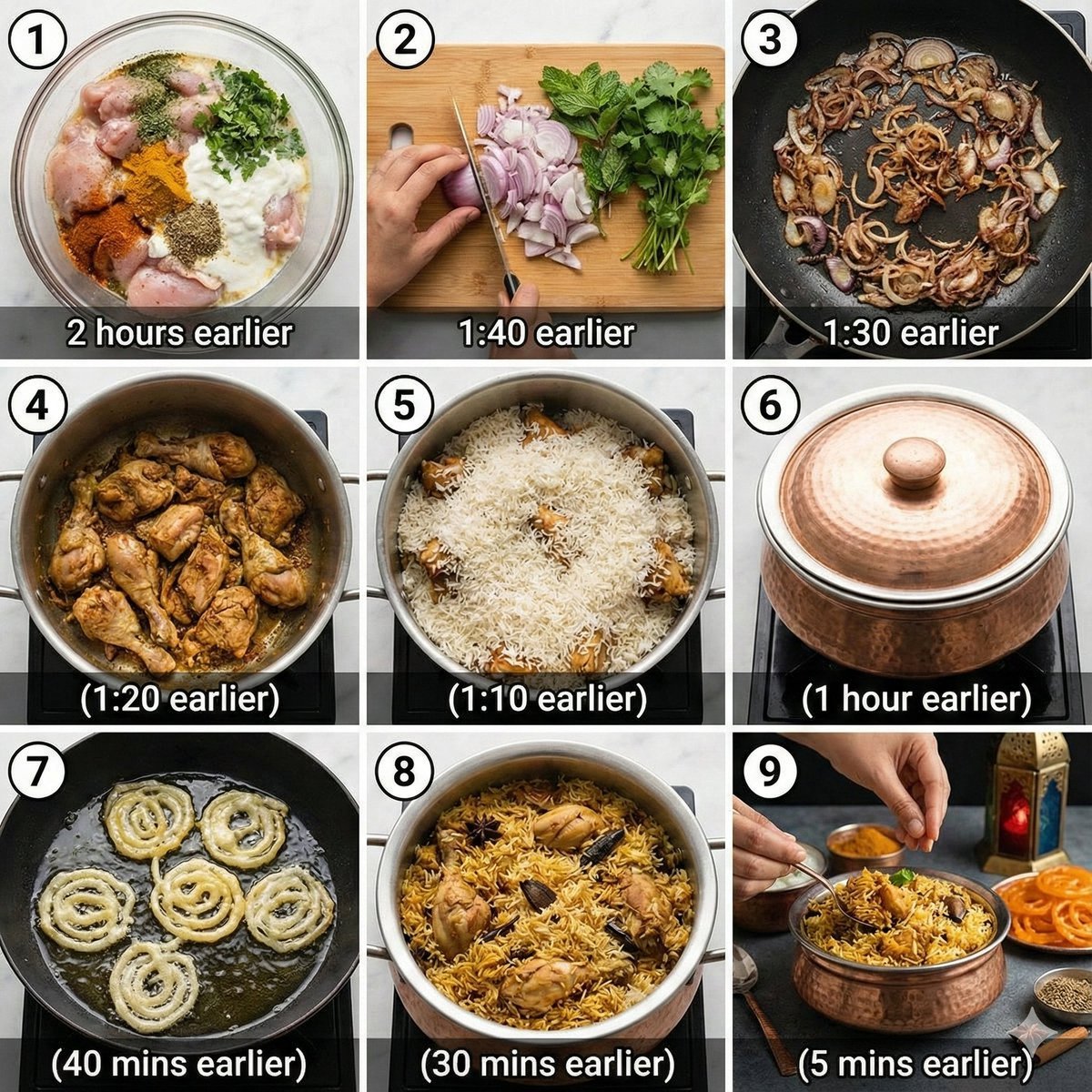
Chicken Biryani Prompt

Orange Tracksuit Studio Poster
Browse template categories
Fantasy Model Comparison Grid questions
How do I use the Fantasy Model Comparison Grid template?
Add your photo if the template asks for one, edit the prompt if you like — the template's model and format are already selected — and press Generate. Your version opens in PicX Studio.
Can I customize the Fantasy Model Comparison Grid template?
Yes. You can change the subject, setting, lighting, mood, format, and available model controls before creating your image.
Is the Fantasy Model Comparison Grid template free?
Opening and editing this template is free. Generating uses credits, shown on the Generate button when you are signed in.
Which AI model should I use?
Start with GPT Image 2, which is the model associated with this template. You can compare another compatible model for a different finish.
Looking for something else? Browse all templates.

Your photo, any look
Thousands of ready templates for every top image and video model, from one credit balance.