
Image-to-Image Style Transfer: Fragmented Stone Sculpture
A complex, structured prompt for an image-to-image style transfer task, instructing the AI to recreate the main subject of an input image as a hyper-real 3D fragmented stone assemblage (slate and sandstone shards)…
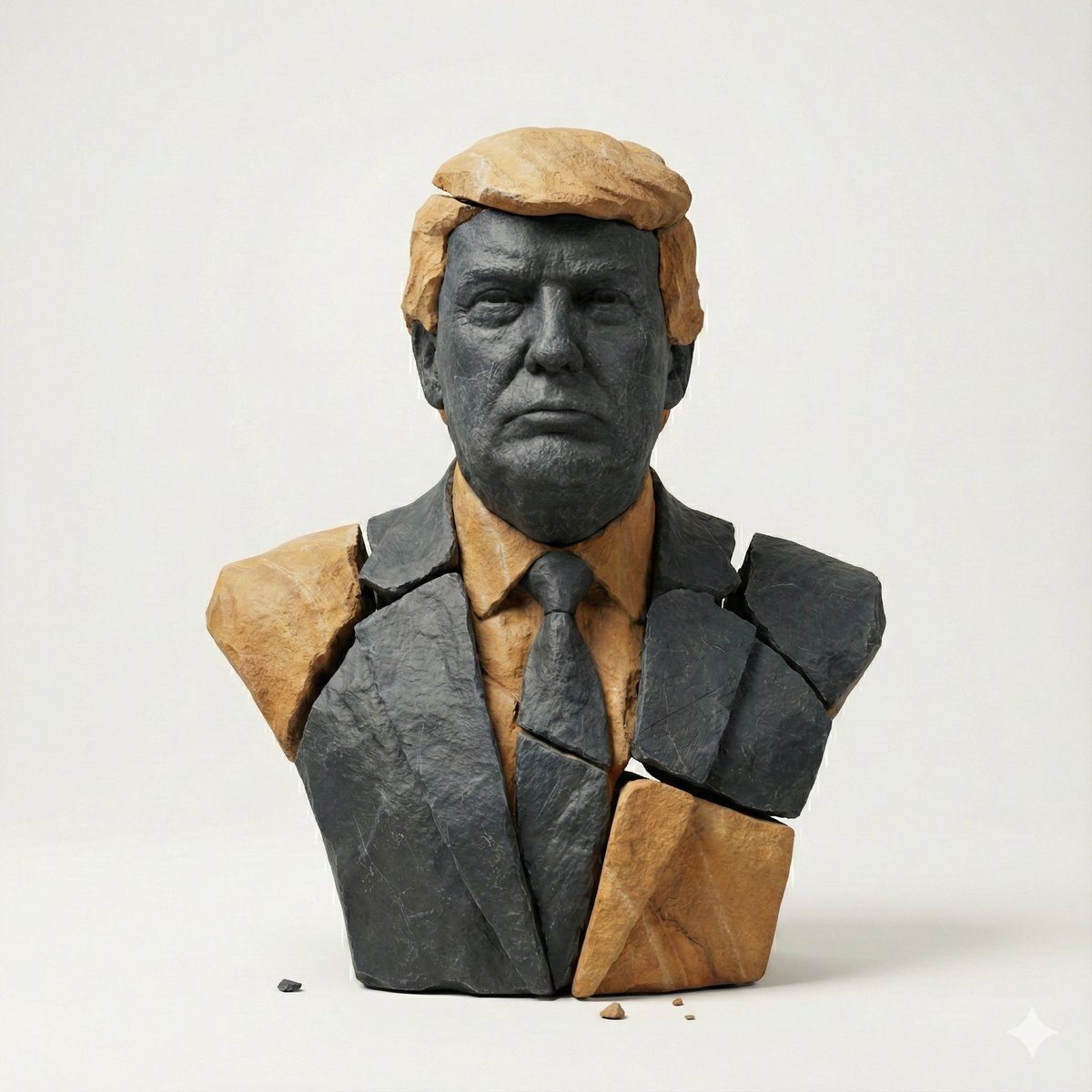
- Prompt included
- Model and format preset
- Premium template
The prompt behind this image
Copy the exact prompt behind Image-to-Image Style Transfer: Fragmented Stone Sculpture, or open it in the studio and make it yours.
task": "image_to_image_style_transfer", "input_image": "{{USER_IMAGE}}", "prompt": "Create a hyper-real 3D studio composition that recreates the main subject from the provided image as a fragmented stone assemblage. The subject must be built from separate, clearly detached rock pieces with small visible gaps between shards (no pieces merging). Material look: fragmented {argument name="stone type" default="slate + sandstone"} shards with chiseled edges, crisp fractures, visible stone grain, micro-scratches, and realistic roughness. Color palette: predominantly dark slate with subtle warm-ochre sandstone accents. Lighting: soft studio key light from top-left, gentle fill, subtle contact shadows under each shard, realistic ambient occlusion in crevices, clean reflections kept minimal. Background: minimal off-white seamless backdrop, no texture. Framing: centered, clean, straight-on, subject fully readable. Add a few tiny debris chips floating or resting near the base for depth. Preserve the subject’s identity, proportions, and recognizable silhouette from the input image while transforming all surfaces into stone fragments. Hyper-real, high detail, sharp focus, 8k render quality.", "negative_prompt": "text, typography, logo, watermark, signature, extra props, busy background, fog, heavy bloom, cartoon, illustration, lowpoly, plastic, metal, glossy paint, melted shapes, merged fragments, unreadable subject, blur, noise, low resolution, oversharpening halos, distorted face/body, extra limbs, deformed geometry", "output": { "aspect_ratio": "use_input_aspect_ratio", "background": "off_white", "camera": { "angle": "straight_on", "framing": "centered", "distance": "medium" } }, "params": { "style_strength": 0.75, "identity_preservation": 0.9, "detail_level": "very_high", "lighting_preset": "soft_studio_top_left", "shadow_intensity": "subtle", "gap_visibility": "clear", "debris_chips": "few_tiny", "no_text": true } }
How to use Image-to-Image Style Transfer: Fragmented Stone Sculpture in 3 steps
- 1Upload ImagePNG, JPG or paste
Add your photo
Upload the photo the template builds on. The prompt, model and format are already set.
- 2…a portrait of your subject in softgolden-hour light, 85mm…
Personalize
Edit the subject and creative details for your destination.
- 3Generate
Generate
Press Generate — your image is created in PicX Studio, so you can compare it with the original and refine one variable at a time.
More like this
Templates with the same subject, style or setup. Open one to see its prompt.
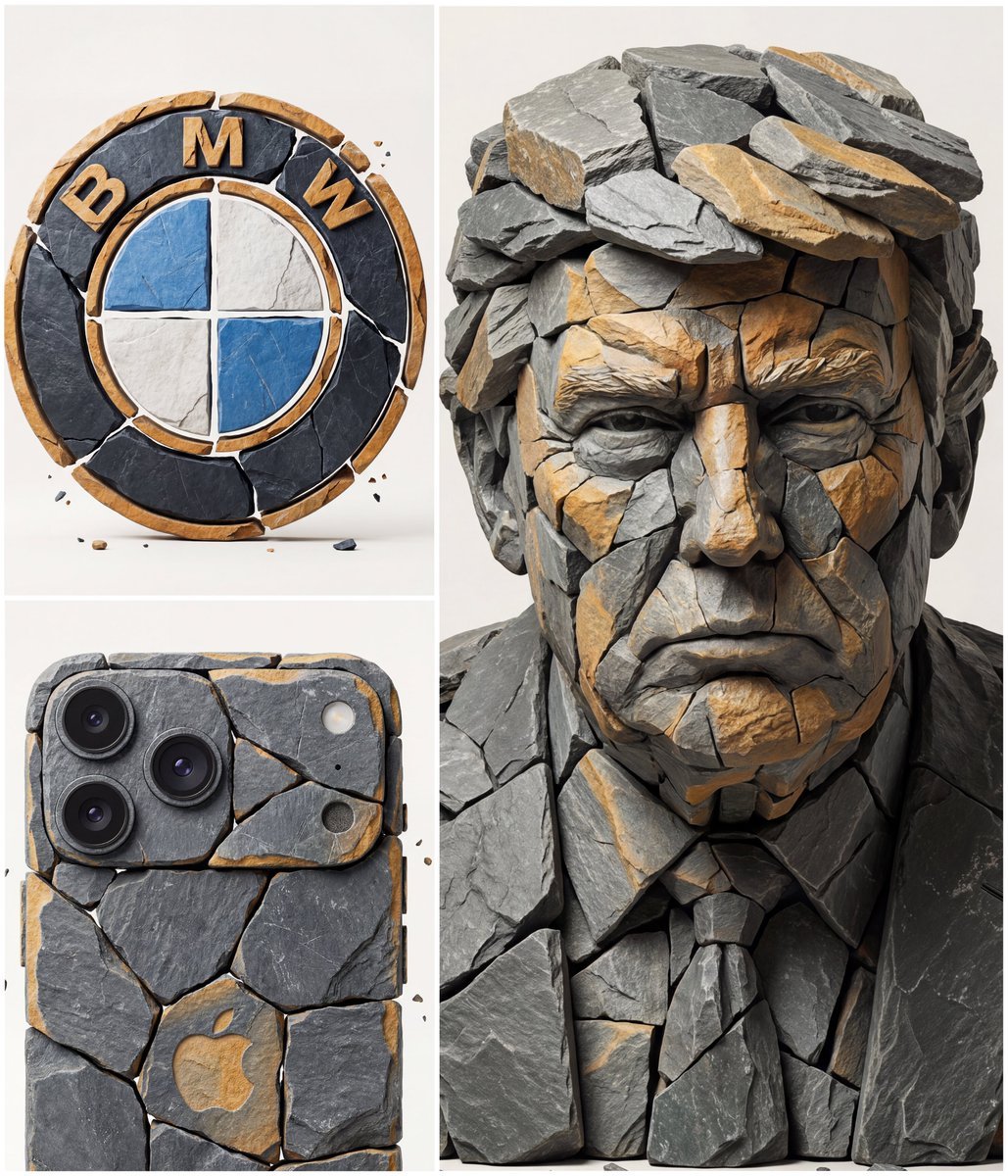
Image to Fragmented Stone Sculpture Style Transfer
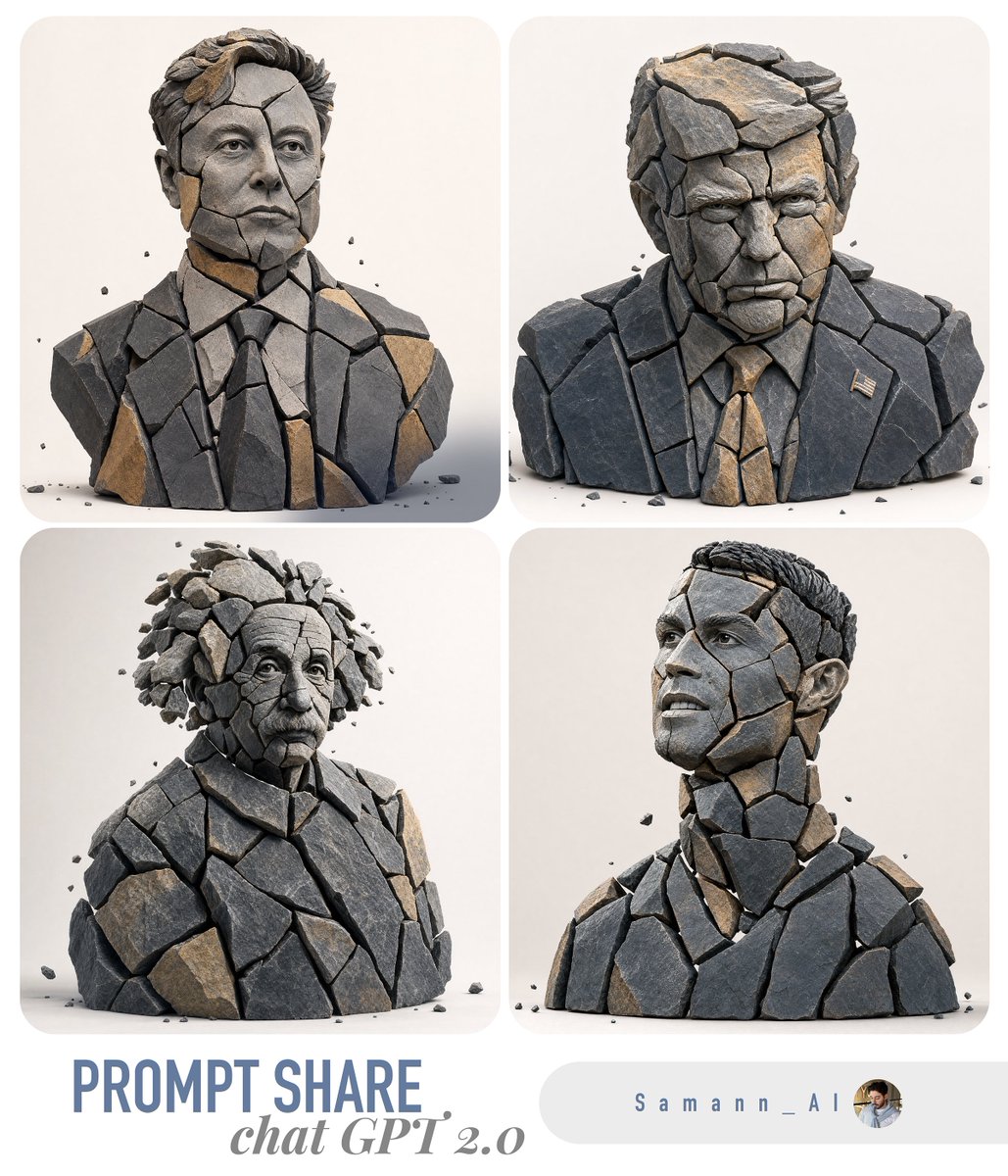
Fragmented Stone 3D Style Transfer

Minimalist Skincare Product Water Stone Still

Botanical Skincare Minimal Product Advertising
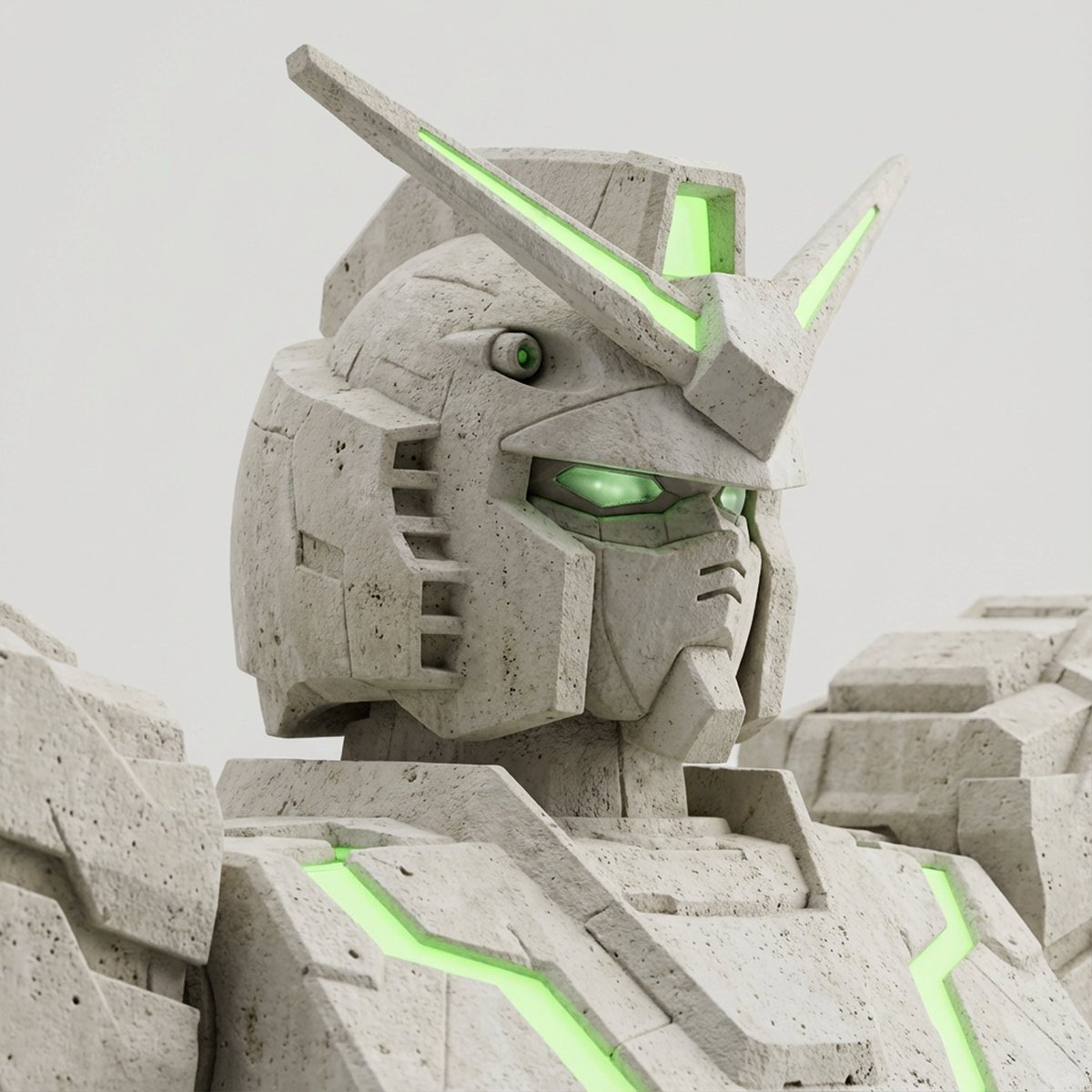
Limestone Sculpture with Neon Glow Prompt

Gpt2 Avant Garde Tennis Fashion
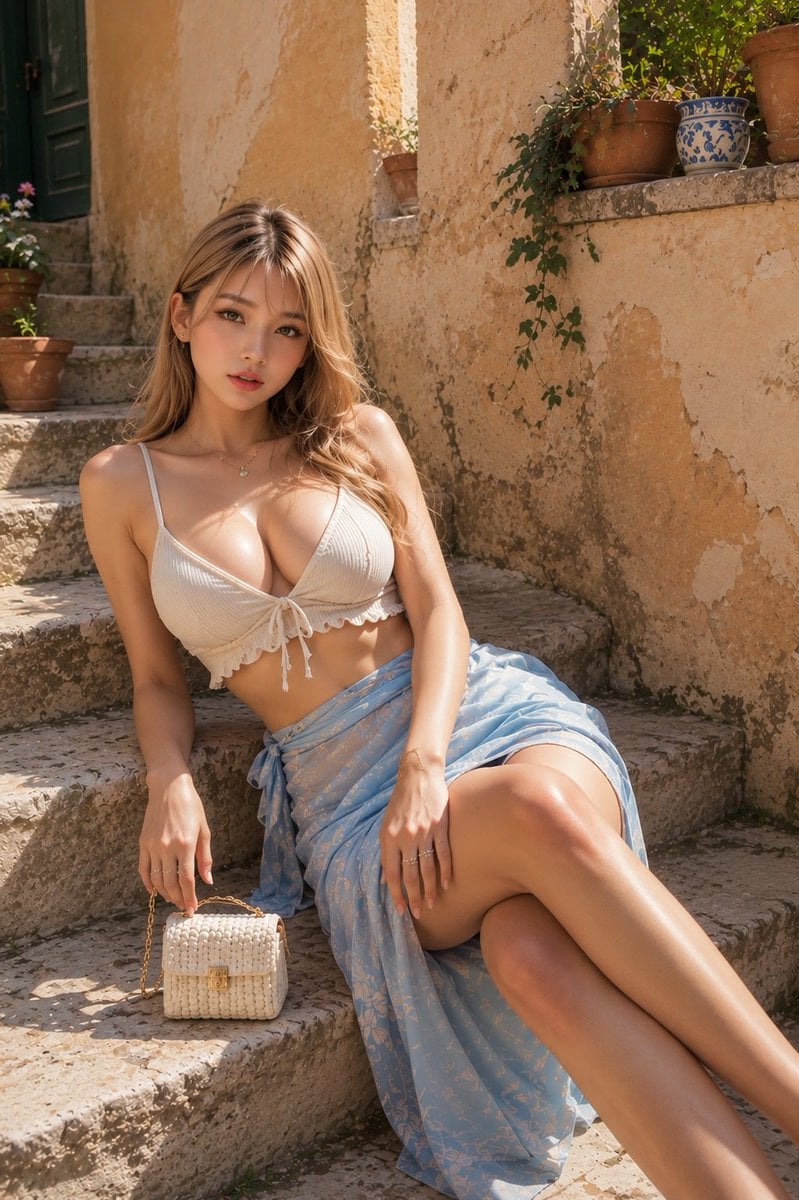
Resort Fashion Stone Steps Portrait
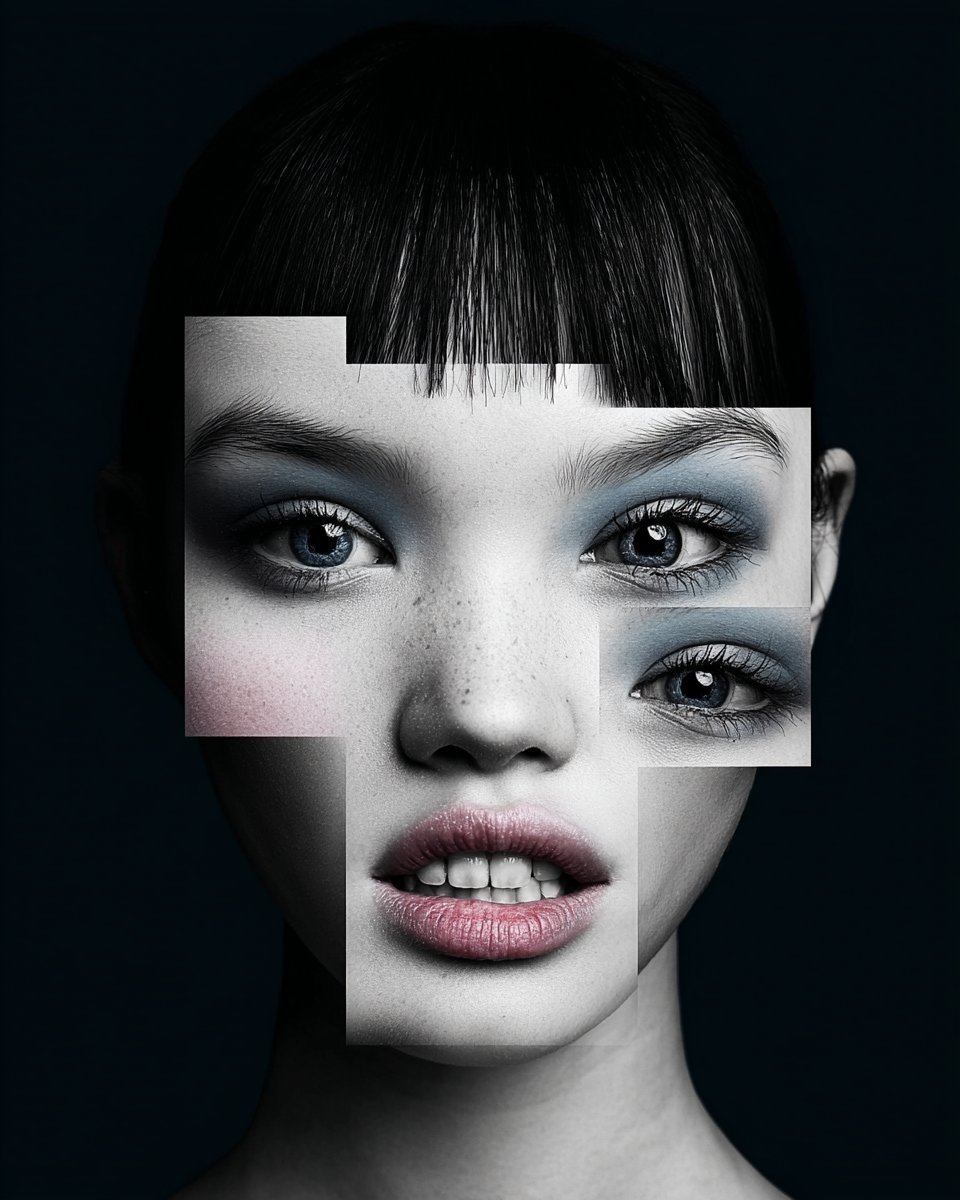
Black and White Fragmented Photo Collage
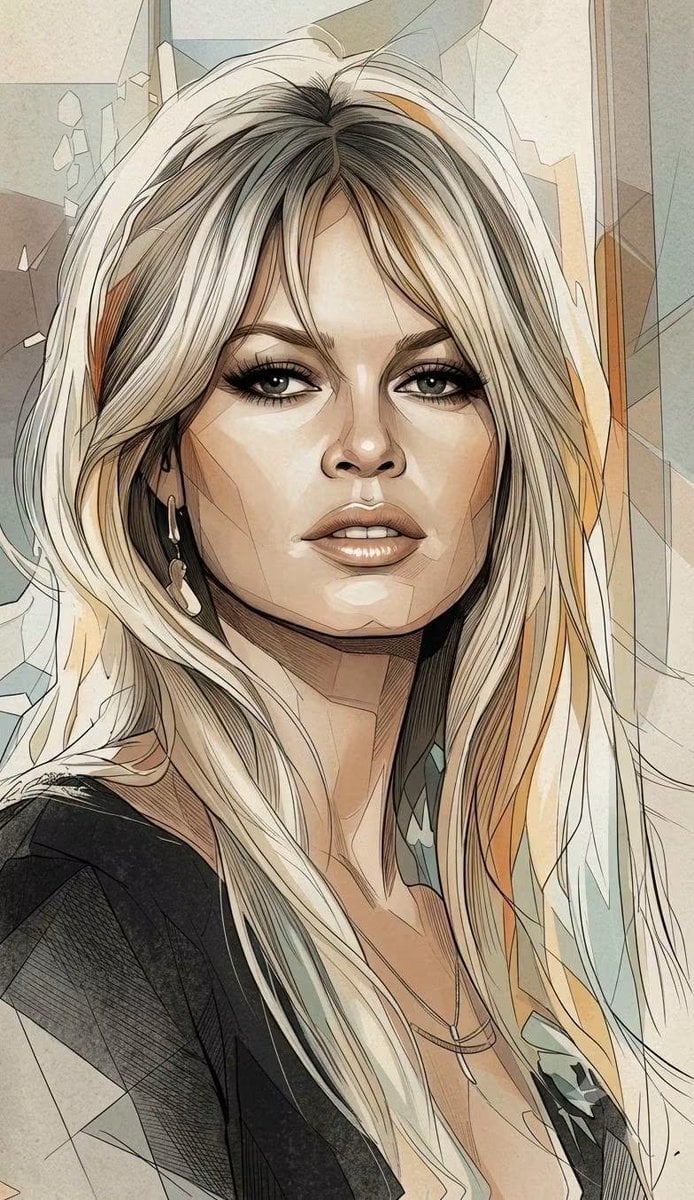
Fragmented Geometric Figurative Illustration
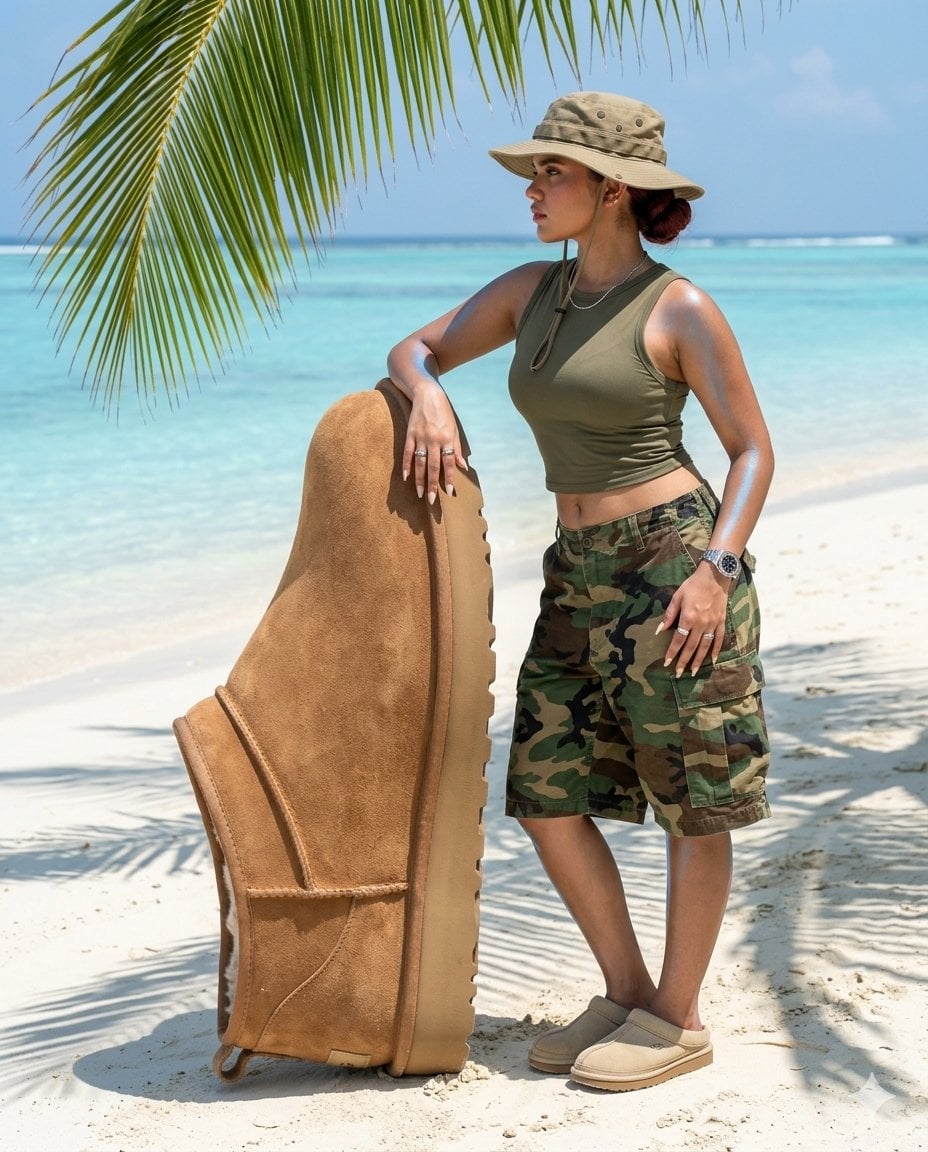
Surreal beach giant boot sculpture
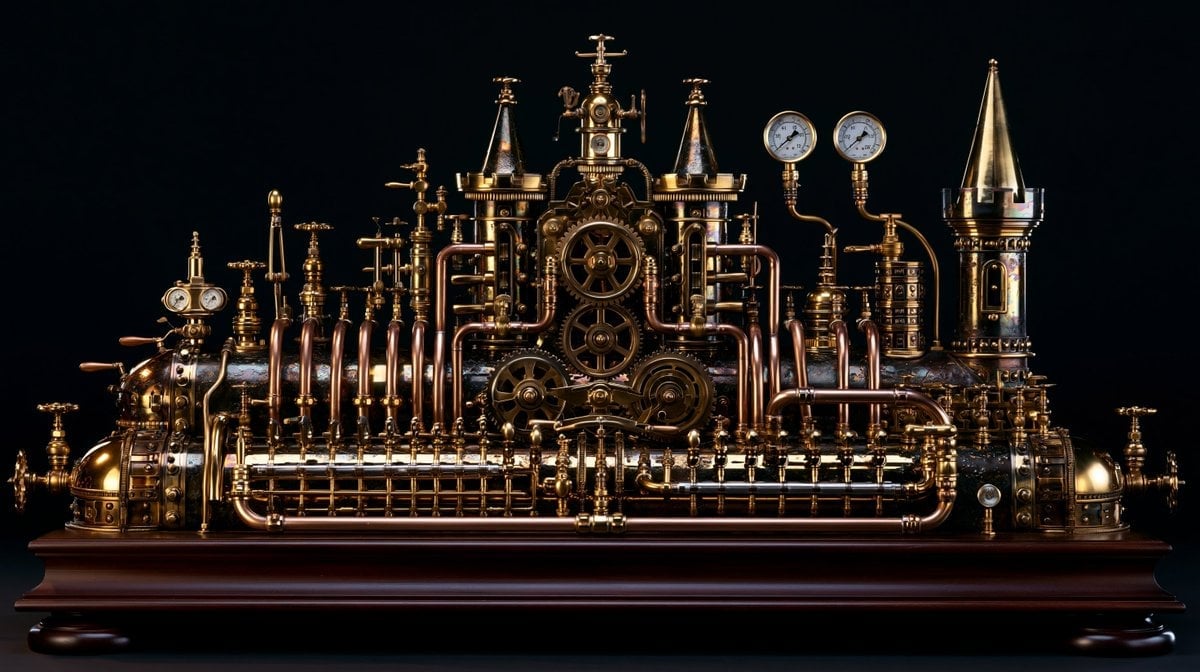
Intricate Steampunk Mechanical Sculpture
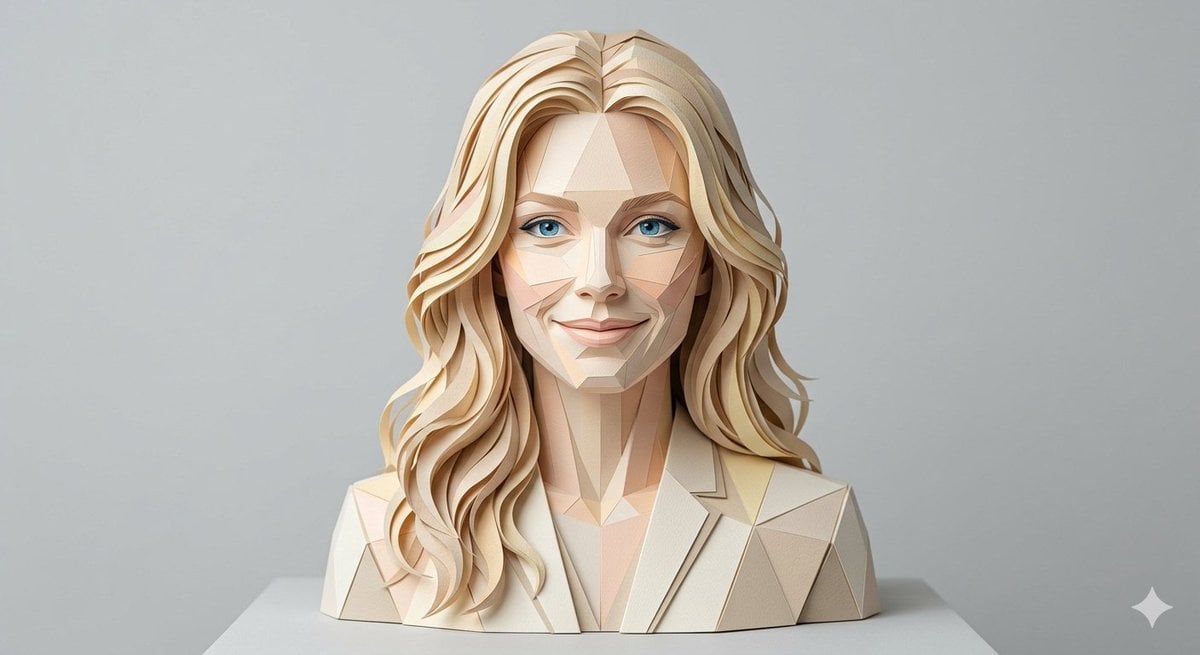
Realistic Paper Sculpture Portrait
Make it yours
Image-to-Image Style Transfer: Fragmented Stone Sculpture works as-is. These are the safest ways to change it without losing the look.
Change one field
Copy a single group, rewrite it, and generate again so you can see what that field is doing.
Keep the frame, change the subject
Hold the composition and light of Image-to-Image Style Transfer: Fragmented Stone Sculpture, then swap wardrobe, props or the person for a new take.
| If the result… | Why | Fix |
|---|---|---|
| The result drifts from the preview | Too many fields changed at once. | Reuse Image-to-Image Style Transfer: Fragmented Stone Sculpture as-is first, then change one group — subject, light, or setting. |
| The model over-stylizes the scene | The prose prompt leaves finish and camera underspecified. | Add one camera or lighting sentence and stay on Nano Banana 2. |
More Nano Banana 2 templates
Other prompts made for Nano Banana 2.

Photorealistic Leaf Shaped Like a Dragon

K-Pop Idol Portrait Grid for Rapid Selection

Poetic Rain Forest Portrait During Golden Hour

Urban Street Portrait with Cartoon Inner Self Duo

Candid Nighttime Photo with Cat Prompt

High-Concept 3D Diorama Generation Prompt

Cinematic Futuristic Studio Portrait Template

Skincare Editorial Photography Collage Prompt

Hyper-Realistic Commercial Product Photography (Splash Effect)

Hyper-Realistic Nightclub Portrait Prompt
More image prompts
Fresh picks from across the catalog.
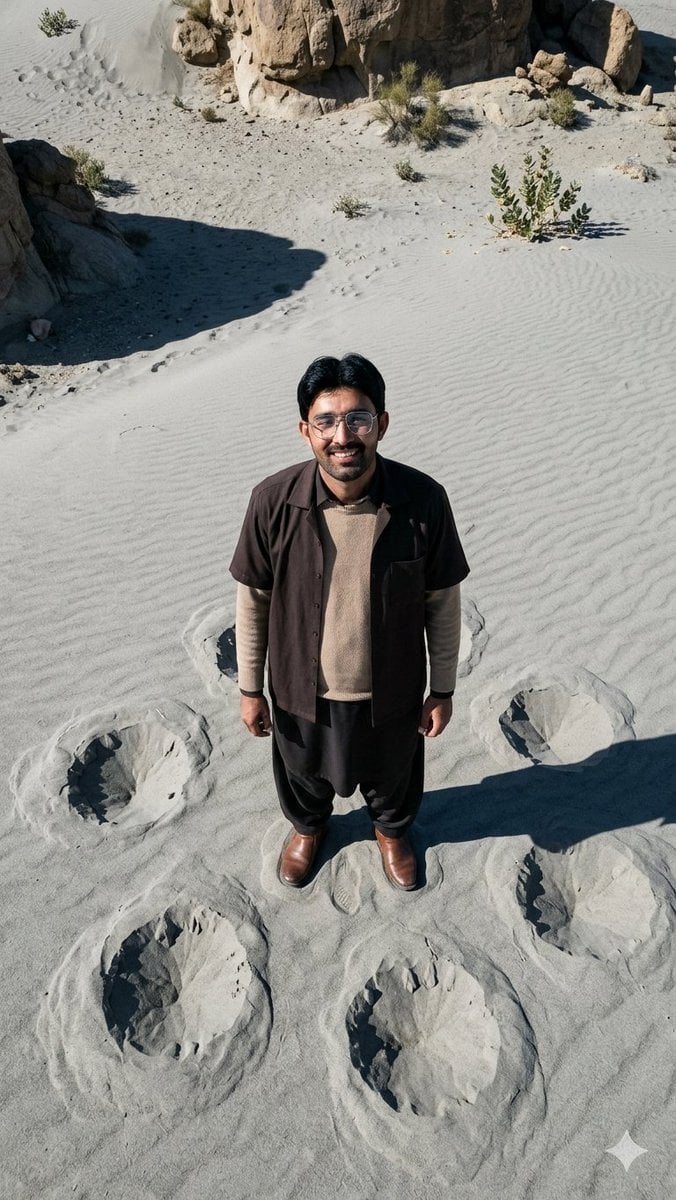
Top-Down Desert Footprint Portrait
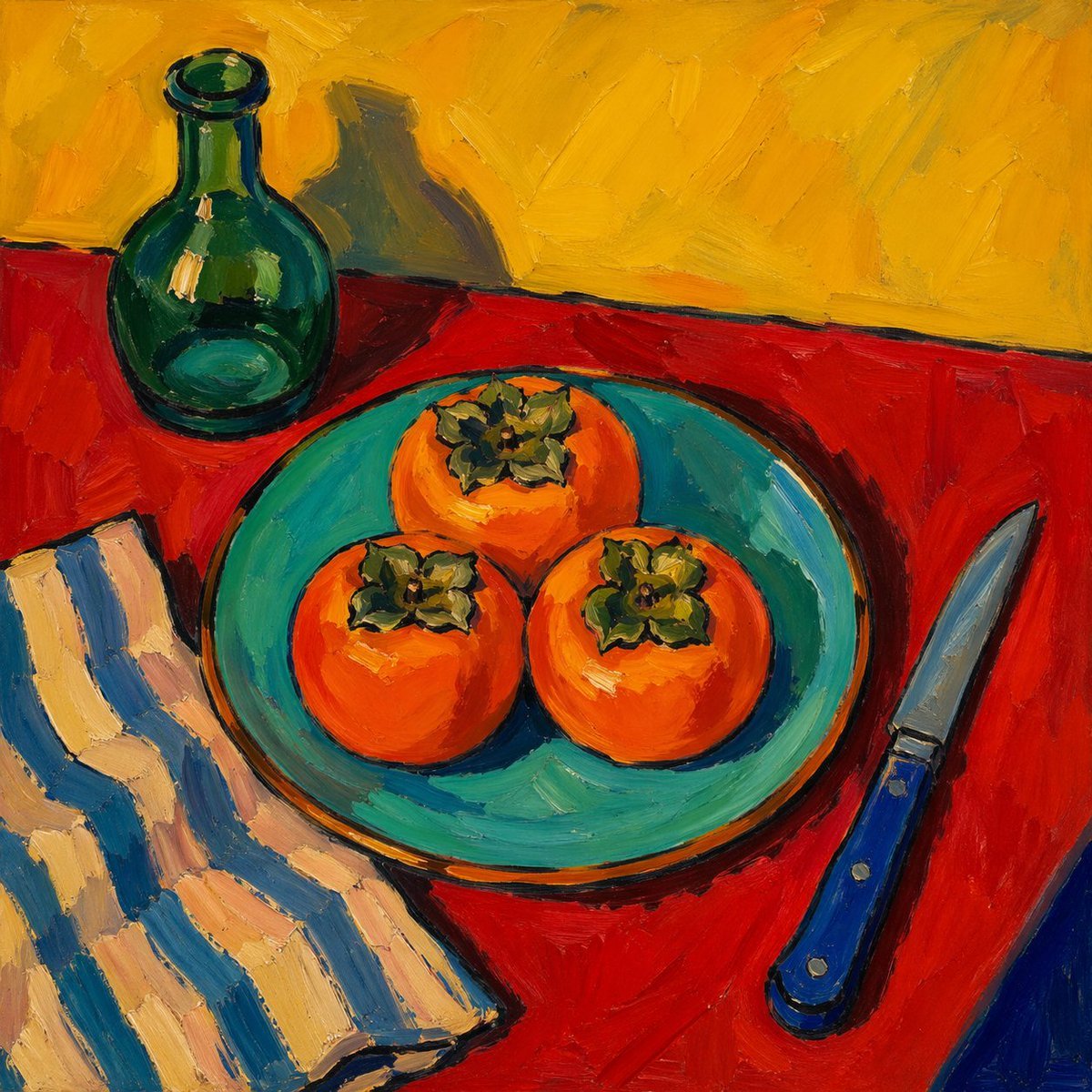
Fauvist Persimmon Still Life
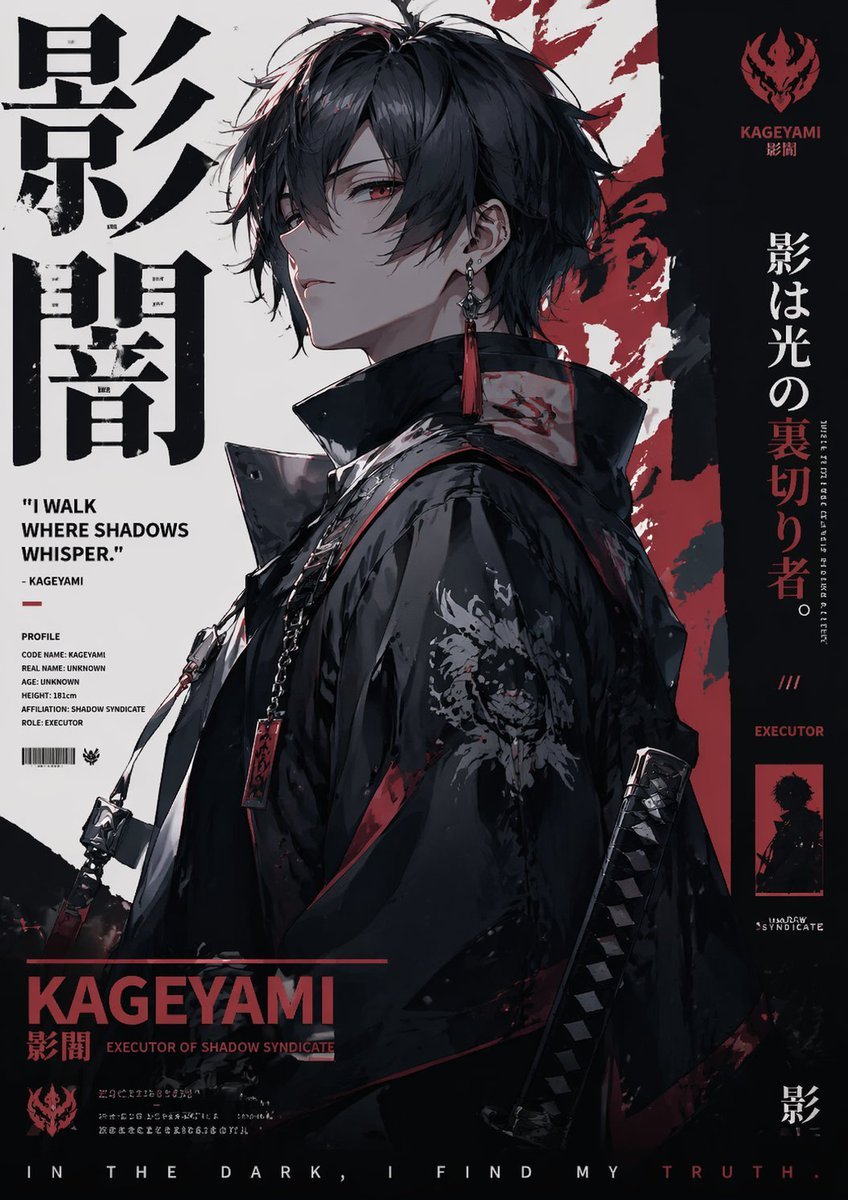
Poster Style Anime Character
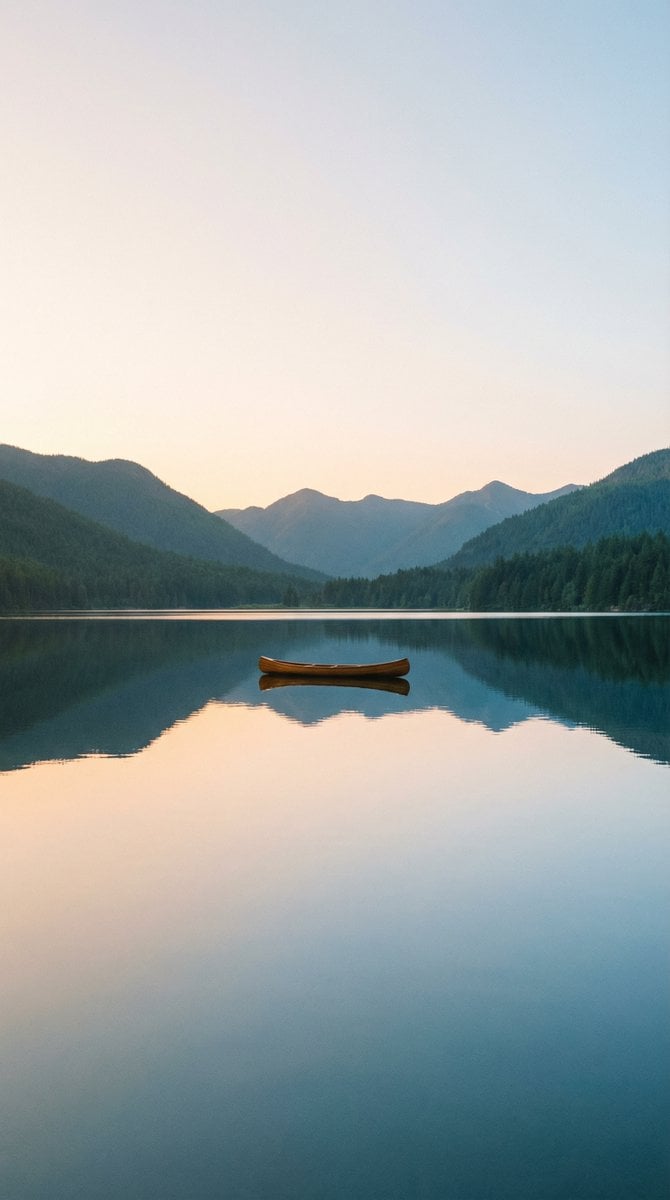
Minimalist Gradient Phone Wallpaper
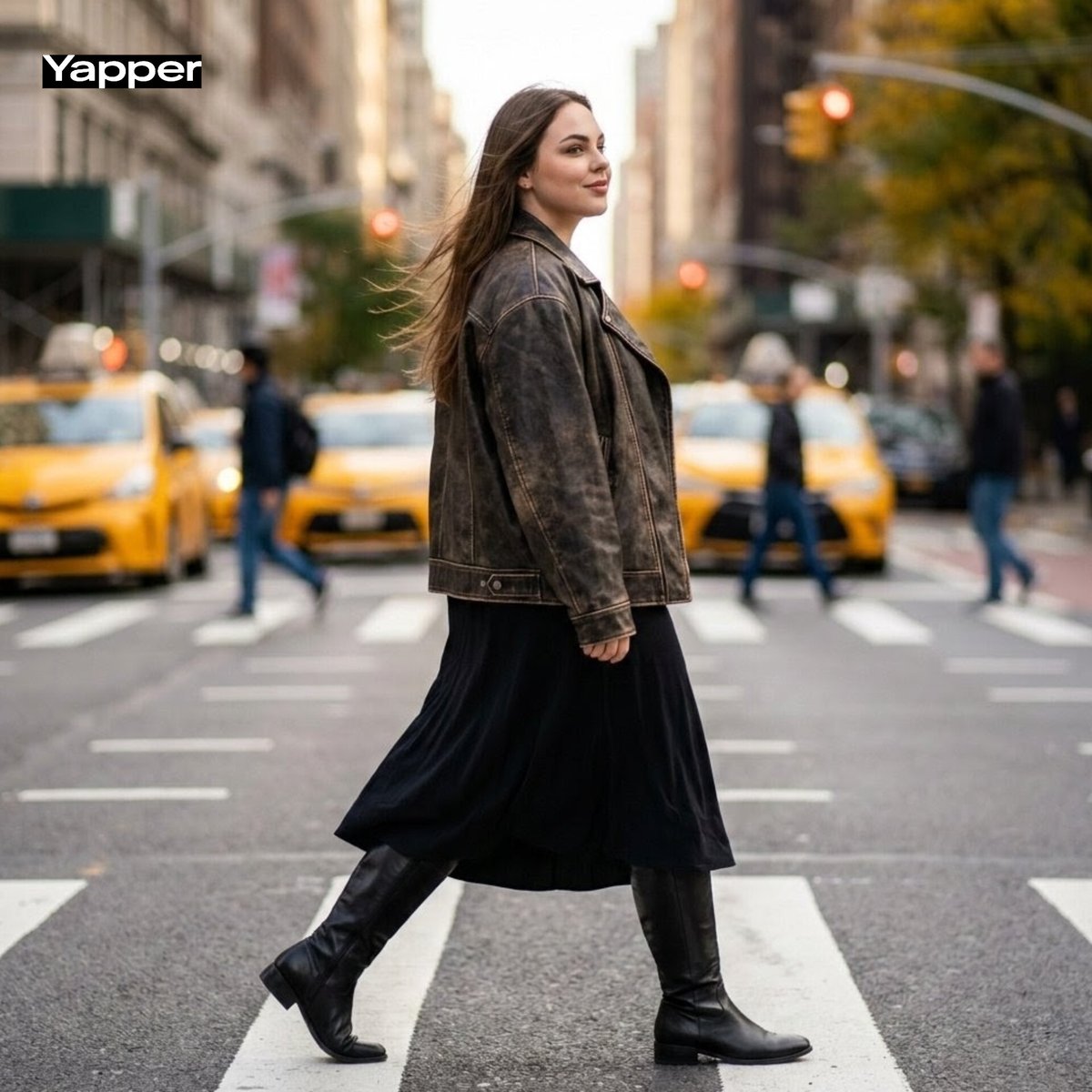
Cinematic Street Fashion Photography Prompt
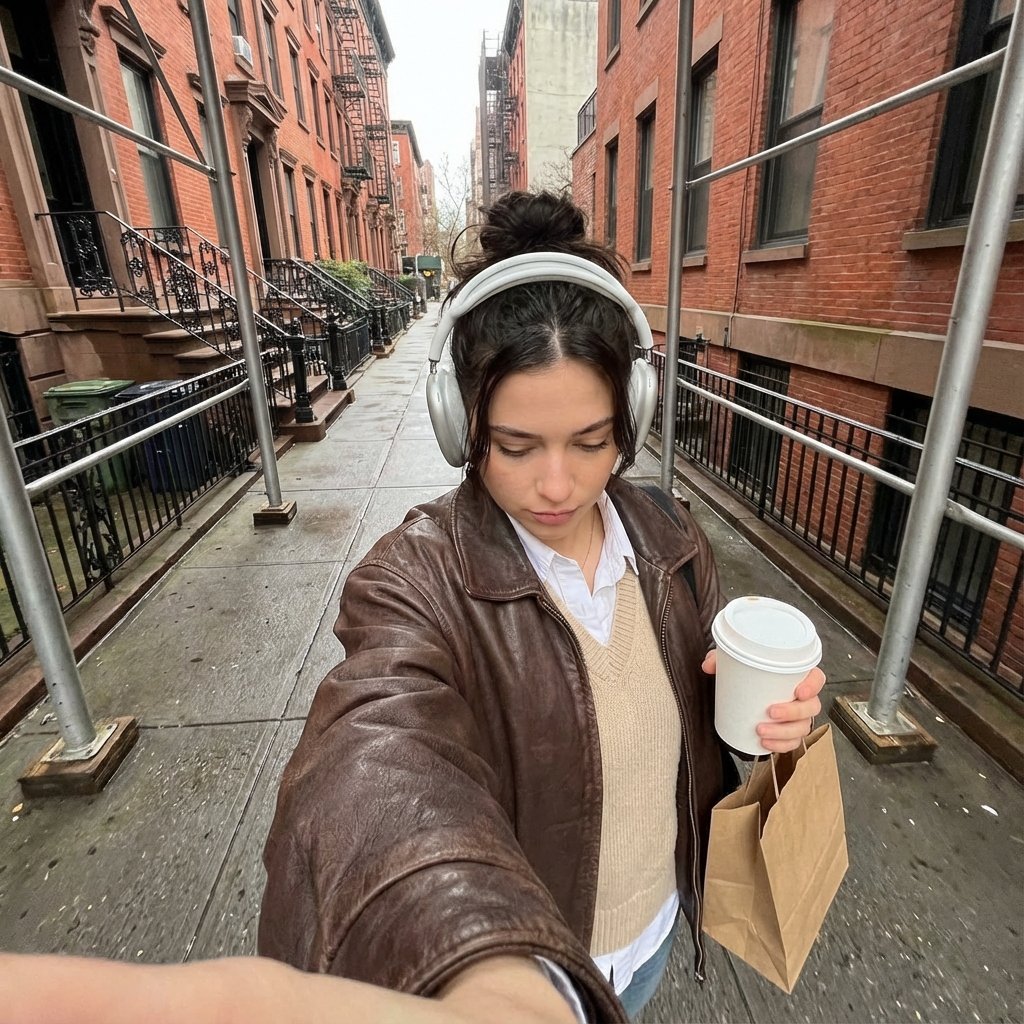
Candid Urban Street Photography Prompt (JSON Structure)
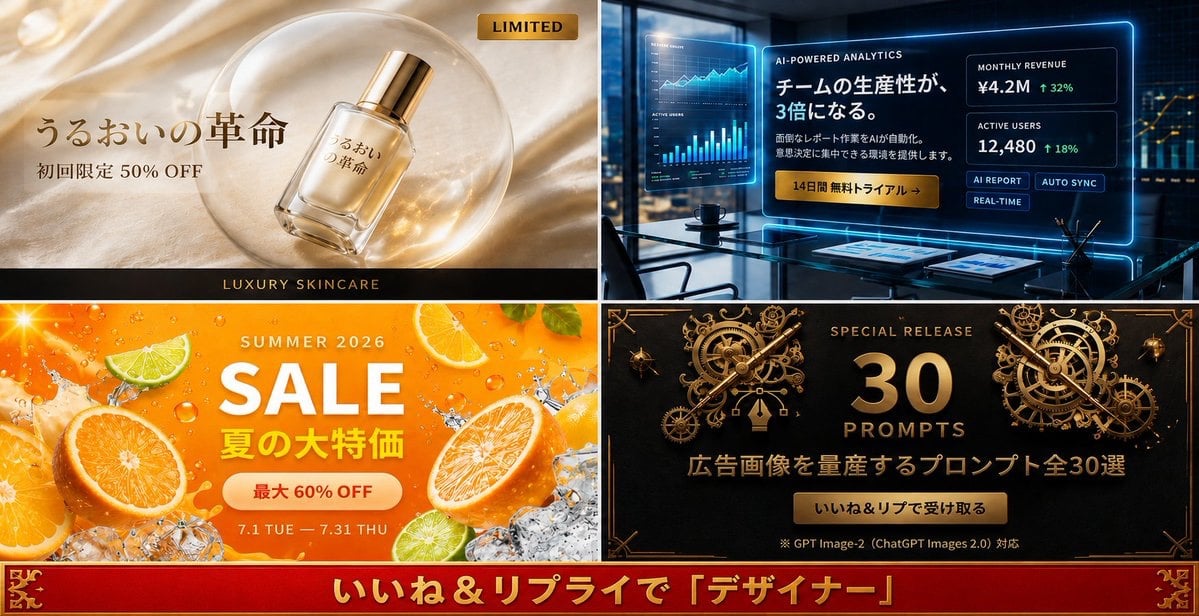
Four-Panel Japanese Ad Prompt Giveaway
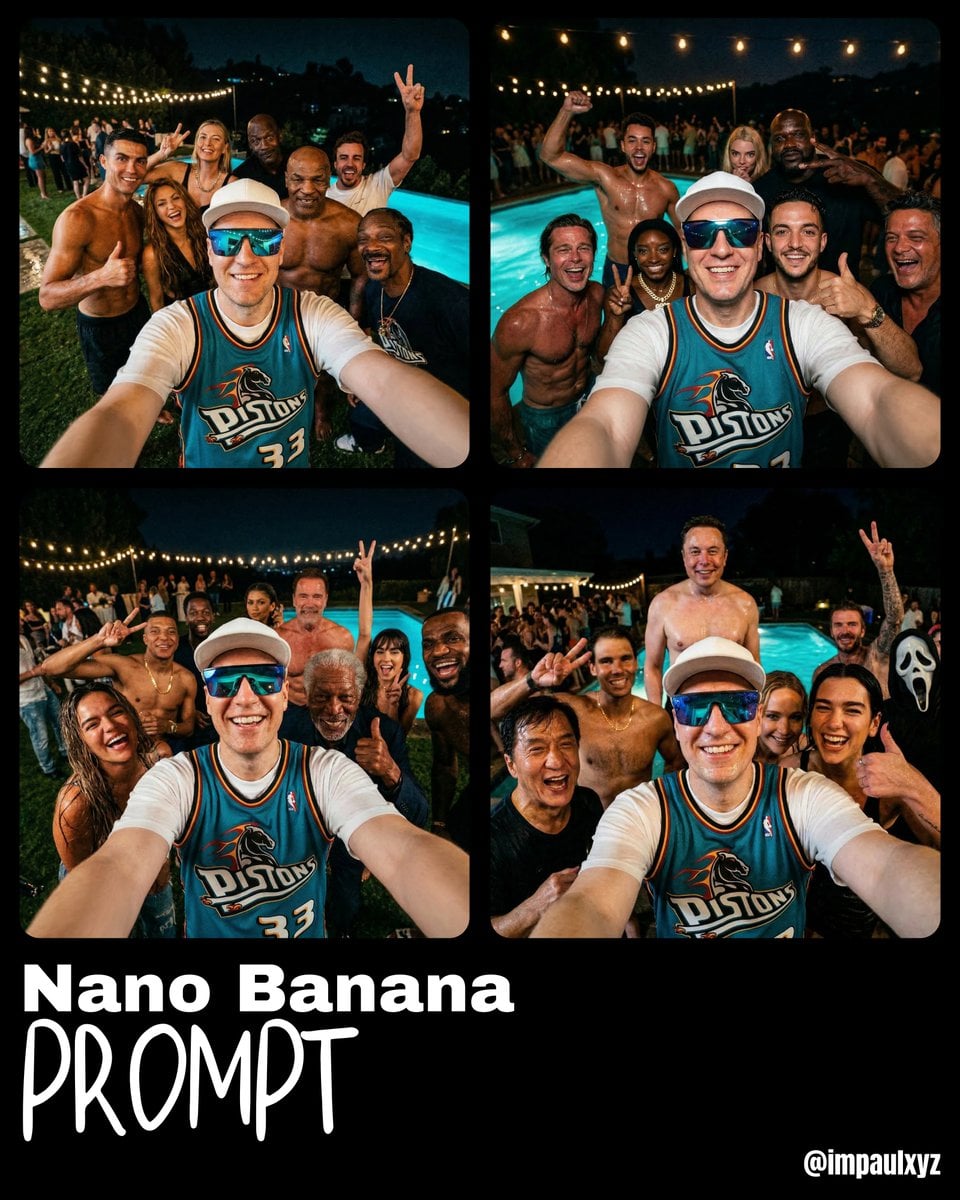
Monday Morning Photo Discovery Prompt
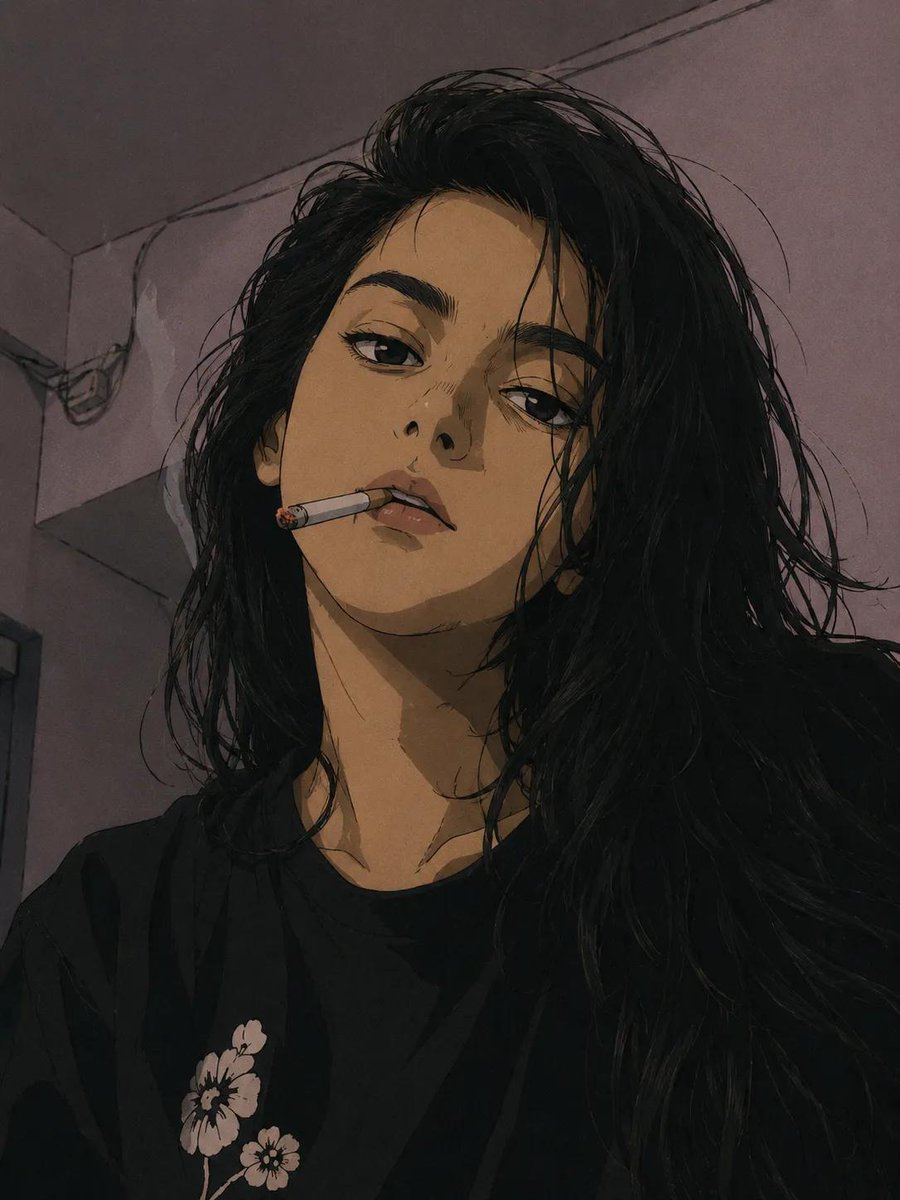
90s Anime Style Portrait Transformation
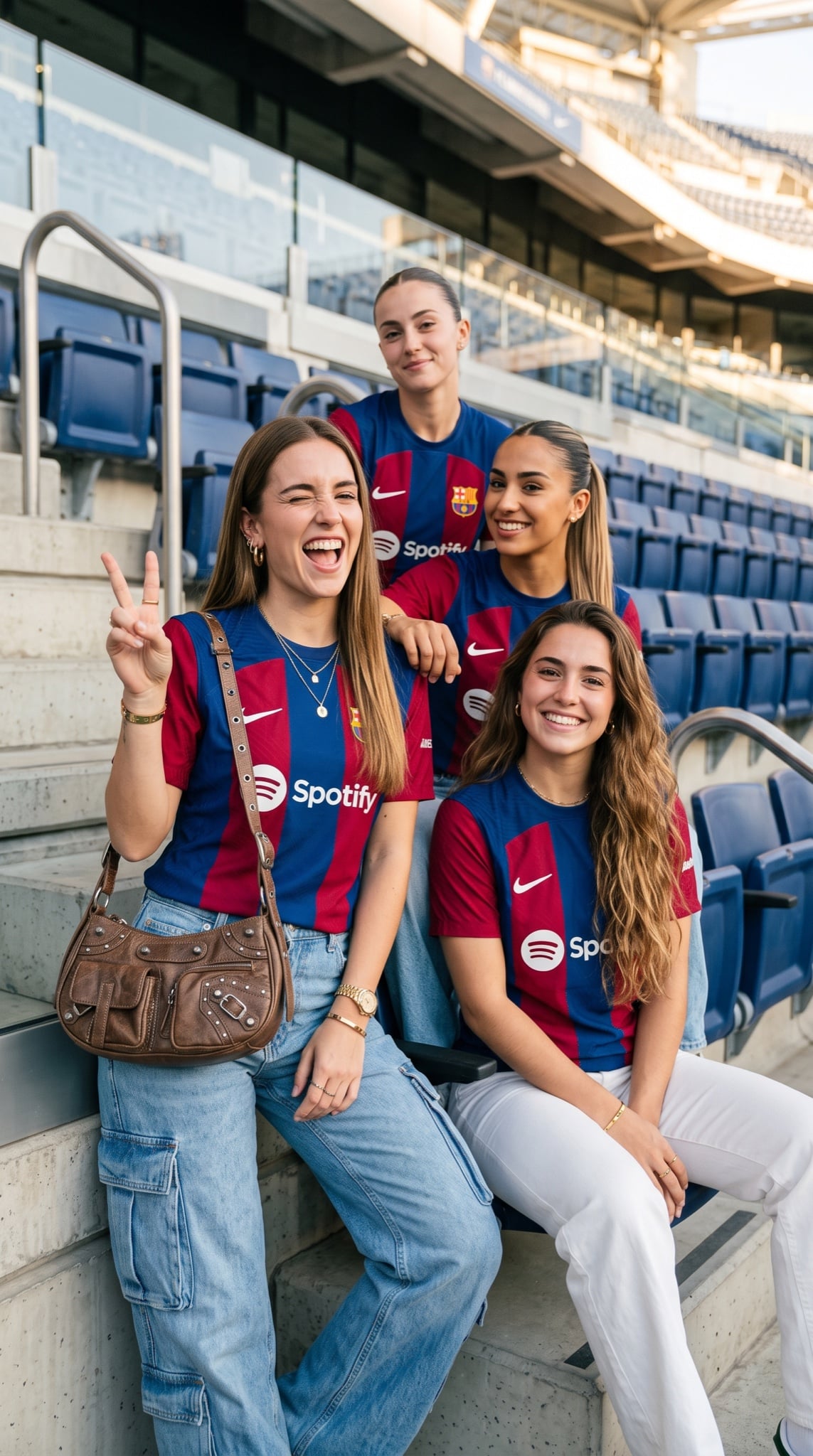
Barcelona Fan Girls Group Portrait
Browse template categories
Image-to-Image Style Transfer: Fragmented Stone Sculpture questions
How do I use the Image-to-Image Style Transfer: Fragmented Stone Sculpture template?
Add your photo if the template asks for one, edit the prompt if you like — the template's model and format are already selected — and press Generate. Your version opens in PicX Studio.
Can I customize the Image-to-Image Style Transfer: Fragmented Stone Sculpture template?
Yes. You can change the subject, setting, lighting, mood, format, and available model controls before creating your image.
Is the Image-to-Image Style Transfer: Fragmented Stone Sculpture template free?
Opening and editing this template is free. Generating uses credits, shown on the Generate button when you are signed in.
Which AI model should I use?
Start with Nano Banana 2, which is the model associated with this template. You can compare another compatible model for a different finish.
Looking for something else? Browse all templates.

Your photo, any look
Thousands of ready templates for every top image and video model, from one credit balance.