
Fragmented Stone 3D Style Transfer
A sophisticated style transfer prompt that transforms any subject from a reference image into a fragmented stone assemblage with realistic textures.
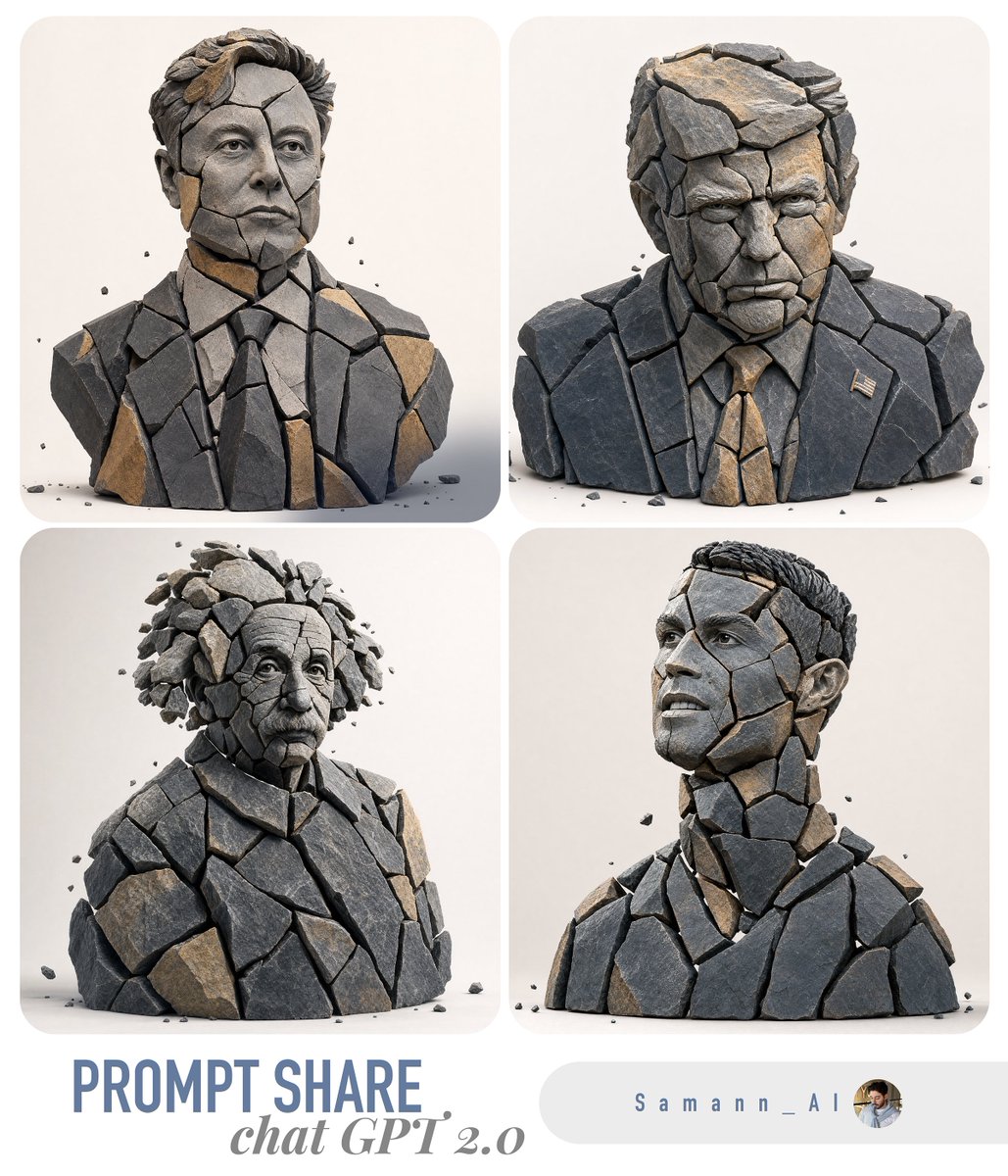
- Prompt included
- Model and format preset
- Free template
The prompt behind this image
Copy the exact prompt behind Fragmented Stone 3D Style Transfer, or open it in the studio and make it yours.
- Task
- image_to_image_style_transfer
- Input Image
- {{USER_IMAGE}}
- Prompt
- Create a hyper-real 3D studio composition that recreates the main subject from the provided image as a fragmented stone assemblage. The subject must be built from separate, clearly detached rock pieces with small visible gaps between shards (no pieces merging). Material look: fragmented slate + sandstone shards with chiseled edges, crisp fractures, visible stone grain, micro-scratches, and realistic roughness. Color palette: predominantly dark slate with subtle warm-ochre sandstone accents. Lighting: soft studio key light from top-left, gentle fill, subtle contact shadows under each shard, realistic ambient occlusion in crevices, clean reflections kept minimal. Background: minimal off-white seamless backdrop, no texture. Framing: centered, clean, straight-on, subject fully readable. Add a few tiny debris chips floating or resting near the base for depth. Preserve the subject’s identity, proportions, and recognizable silhouette from the input image while transforming all surfaces into stone fragments. Hyper-real, high detail, sharp focus, 8k render quality.
- Negative Prompt
- text, typography, logo, watermark, signature, extra props, busy background, fog, heavy bloom, cartoon, illustration, lowpoly, plastic, metal, glossy paint, melted shapes, merged fragments, unreadable subject, blur, noise, low resolution, oversharpening halos, distorted face/body, extra limbs, deformed geometry
- Output › Aspect Ratio
- use_input_aspect_ratio
- Output › Background
- off_white
- Output › Camera › Angle
- straight_on
- Output › Camera › Framing
- centered
- Output › Camera › Distance
- medium
- Params › Style Strength
- 0.75
- Params › Identity Preservation
- 0.9
- Params › Detail Level
- very_high
- Params › Lighting Preset
- soft_studio_top_left
- Params › Shadow Intensity
- subtle
- Params › Gap Visibility
- clear
- Params › Debris Chips
- few_tiny
- Params › No Text
- true
Raw JSON
{
  "task": "image_to_image_style_transfer",
  "input_image": "{{USER_IMAGE}}",
  "prompt": "Create a hyper-real 3D studio composition that recreates the main subject from the provided image as a fragmented stone assemblage. The subject must be built from separate, clearly detached rock pieces with small visible gaps between shards (no pieces merging). Material look: fragmented slate + sandstone shards with chiseled edges, crisp fractures, visible stone grain, micro-scratches, and realistic roughness. Color palette: predominantly dark slate with subtle warm-ochre sandstone accents. Lighting: soft studio key light from top-left, gentle fill, subtle contact shadows under each shard, realistic ambient occlusion in crevices, clean reflections kept minimal. Background: minimal off-white seamless backdrop, no texture. Framing: centered, clean, straight-on, subject fully readable. Add a few tiny debris chips floating or resting near the base for depth. Preserve the subject’s identity, proportions, and recognizable silhouette from the input image while transforming all surfaces into stone fragments. Hyper-real, high detail, sharp focus, 8k render quality.",
  "negative_prompt": "text, typography, logo, watermark, signature, extra props, busy background, fog, heavy bloom, cartoon, illustration, lowpoly, plastic, metal, glossy paint, melted shapes, merged fragments, unreadable subject, blur, noise, low resolution, oversharpening halos, distorted face/body, extra limbs, deformed geometry",
  "output": {
    "aspect_ratio": "use_input_aspect_ratio",
    "background": "off_white",
    "camera": {
      "angle": "straight_on",
      "framing": "centered",
      "distance": "medium"
    }
  },
  "params": {
    "style_strength": 0.75,
    "identity_preservation": 0.9,
    "detail_level": "very_high",
    "lighting_preset": "soft_studio_top_left",
    "shadow_intensity": "subtle",
    "gap_visibility": "clear",
    "debris_chips": "few_tiny",
    "no_text": true
  }
}How to use Fragmented Stone 3D Style Transfer in 3 steps
- 1Upload ImagePNG, JPG or paste
Add your photo
Upload the photo the template builds on. The prompt, model and format are already set.
- 2…a portrait of your subject in softgolden-hour light, 85mm…
Personalize
Edit the subject and creative details for your destination.
- 3Generate
Generate
Press Generate — your image is created in PicX Studio, so you can compare it with the original and refine one variable at a time.
More like this
Templates with the same subject, style or setup. Open one to see its prompt.
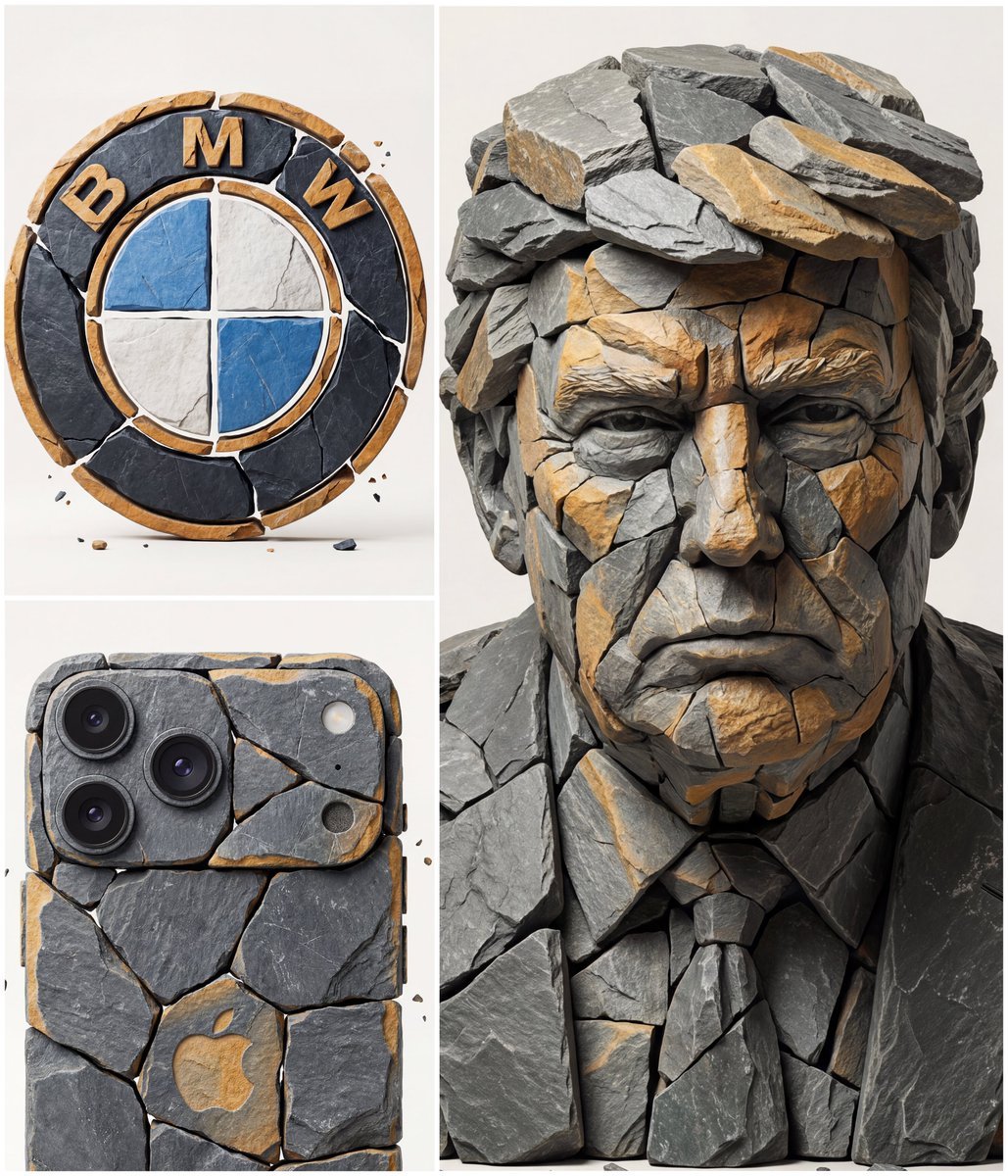
Image to Fragmented Stone Sculpture Style Transfer
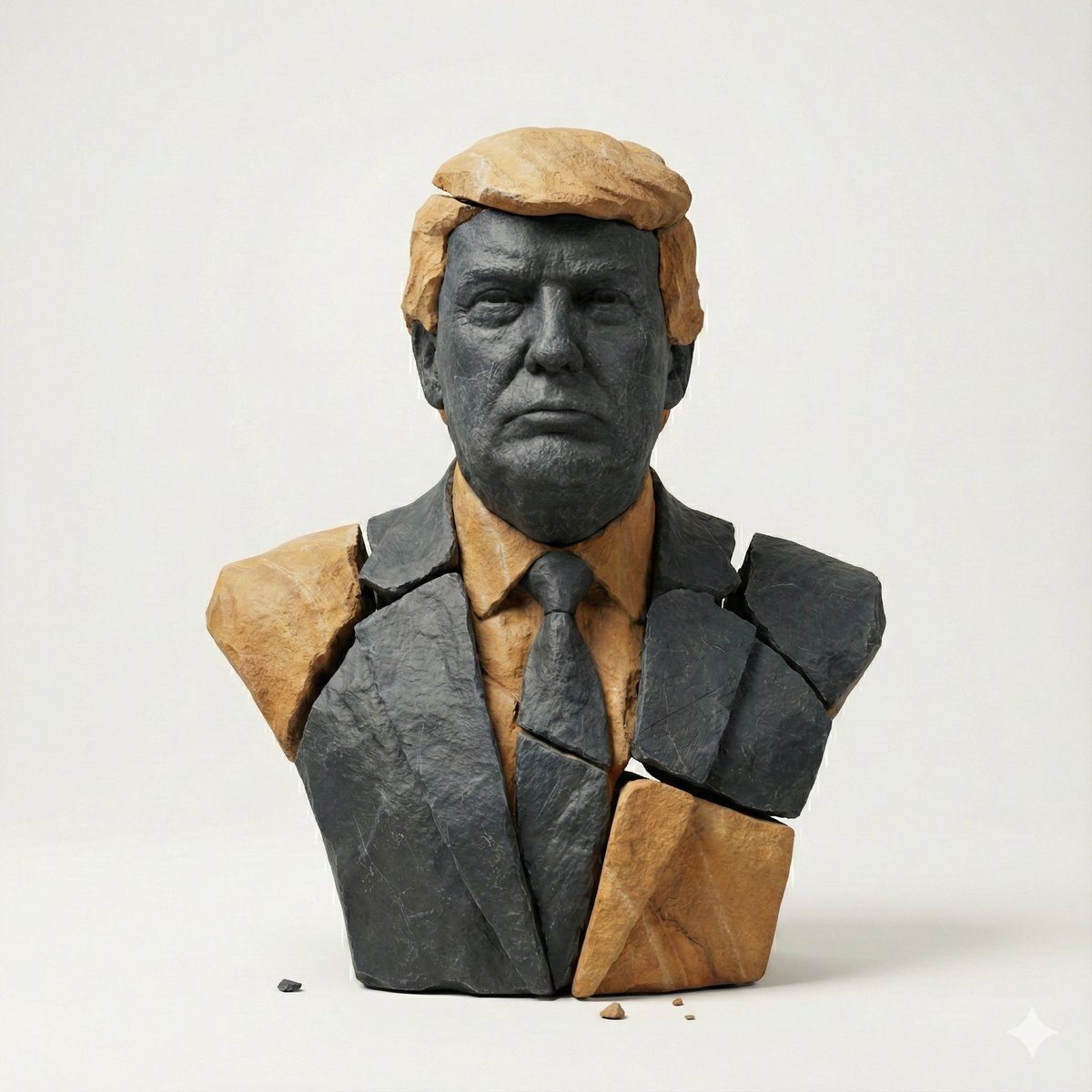
Image-to-Image Style Transfer: Fragmented Stone Sculpture

Minimalist Skincare Product Water Stone Still

Botanical Skincare Minimal Product Advertising
Resort Fashion Stone Steps Portrait
Black and White Fragmented Photo Collage
Fragmented Geometric Figurative Illustration
Japanese Inspired Identity Transfer

Stone Bridge Ivy River
Minimalist Skincare Product Water Stone Still

Legendary Player Fragmented Editorial Poster

Office Transfer Announcement Poster
Make it yours
Fragmented Stone 3D Style Transfer works as-is. These are the safest ways to change it without losing the look.
Swap the setting
Keep the rest of the prompt and replace the location block. The current setting is “off_white”.
Swap the light
One lighting change is enough to compare takes. Current light: “soft_studio_top_left”.
Change one field
Copy a single group, rewrite it, and generate again so you can see what that field is doing.
| If the result… | Why | Fix |
|---|---|---|
| The result drifts from the preview | Too many fields changed at once. | Reuse Fragmented Stone 3D Style Transfer as-is first, then change one group — subject, light, or setting. |
| GPT Image 2 ignores part of the JSON | Some models flatten or skip nested keys. | Keep the same values and paste them as a short paragraph instead. |
More GPT Image 2 templates
Other prompts made for GPT Image 2.

Six VTuber Japanese Logo Sheet

Realistic Portrait of Woman and Deer

The Vista Modular Condo Poster

AI Model Routing Comparison Infographic

2.5D Anime Art Board

Isometric Productivity Desk Scene

New York Double Exposure Poster

Four-Panel AI Landscape Comparison

Japanese Tatami Lifestyle Magazine Cover

NESCAFÉ Coffee Map Poster
More image prompts
Fresh picks from across the catalog.

Chibi Mini-Me Scrapbook Portrait

Elegant SIGHT Beauty Magazine Cover

Anonymized Schoolgirl by Classroom Window
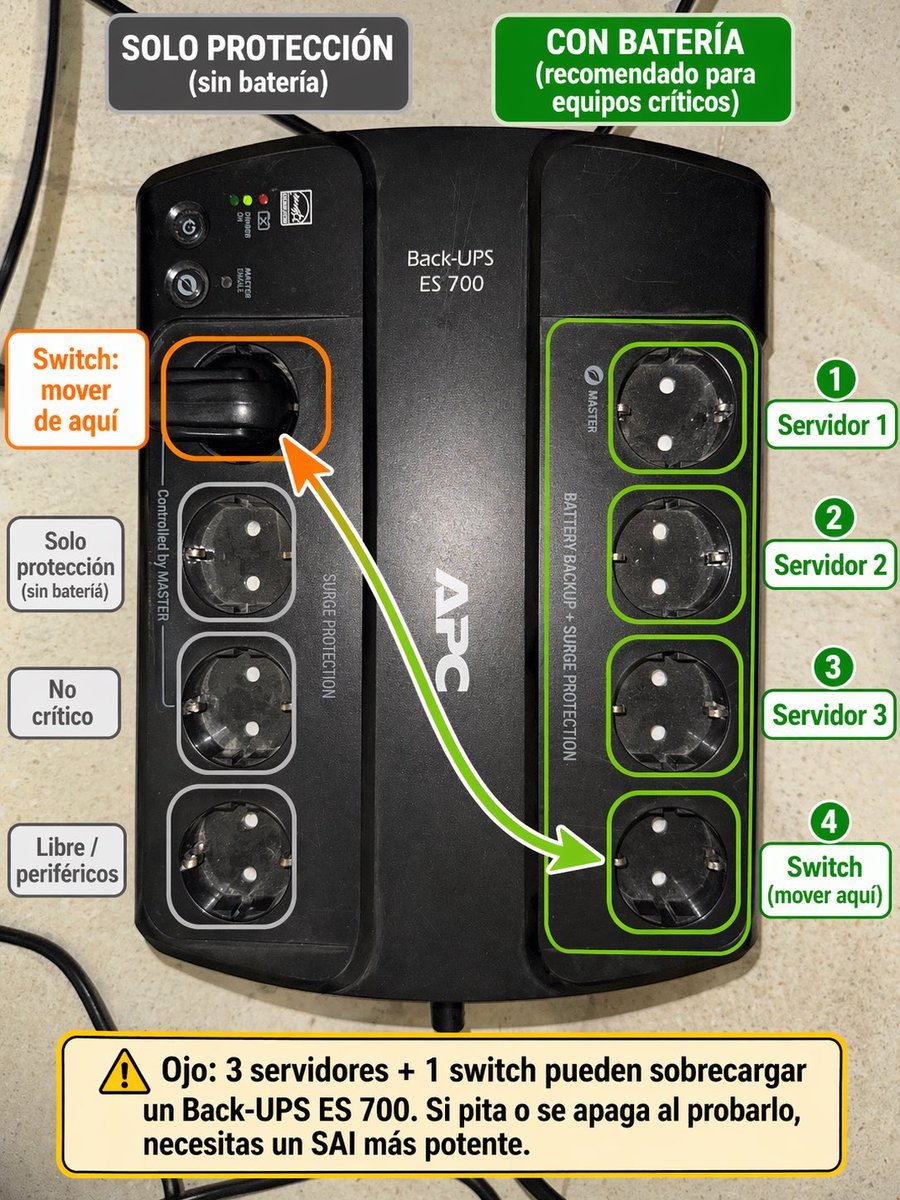
Spanish UPS outlet wiring infographic
Guangzhou City Promotional Poster
Demon Slayer Anime Character Portrait
Spicy Snack Bag Product Ad

Stylized Grid of Whimsical Cat Faces
Commercial Product Photography (CGI Advertising Composite)
Photoreal Tropical Waterfall Embrace
Browse template categories
Fragmented Stone 3D Style Transfer questions
How do I use the Fragmented Stone 3D Style Transfer template?
Add your photo if the template asks for one, edit the prompt if you like — the template's model and format are already selected — and press Generate. Your version opens in PicX Studio.
Can I customize the Fragmented Stone 3D Style Transfer template?
Yes. You can change the subject, setting, lighting, mood, format, and available model controls before creating your image.
Is the Fragmented Stone 3D Style Transfer template free?
Opening and editing this template is free. Generating uses credits, shown on the Generate button when you are signed in.
Which AI model should I use?
Start with GPT Image 2, which is the model associated with this template. You can compare another compatible model for a different finish.
Looking for something else? Browse all templates.

Your photo, any look
Thousands of ready templates for every top image and video model, from one credit balance.