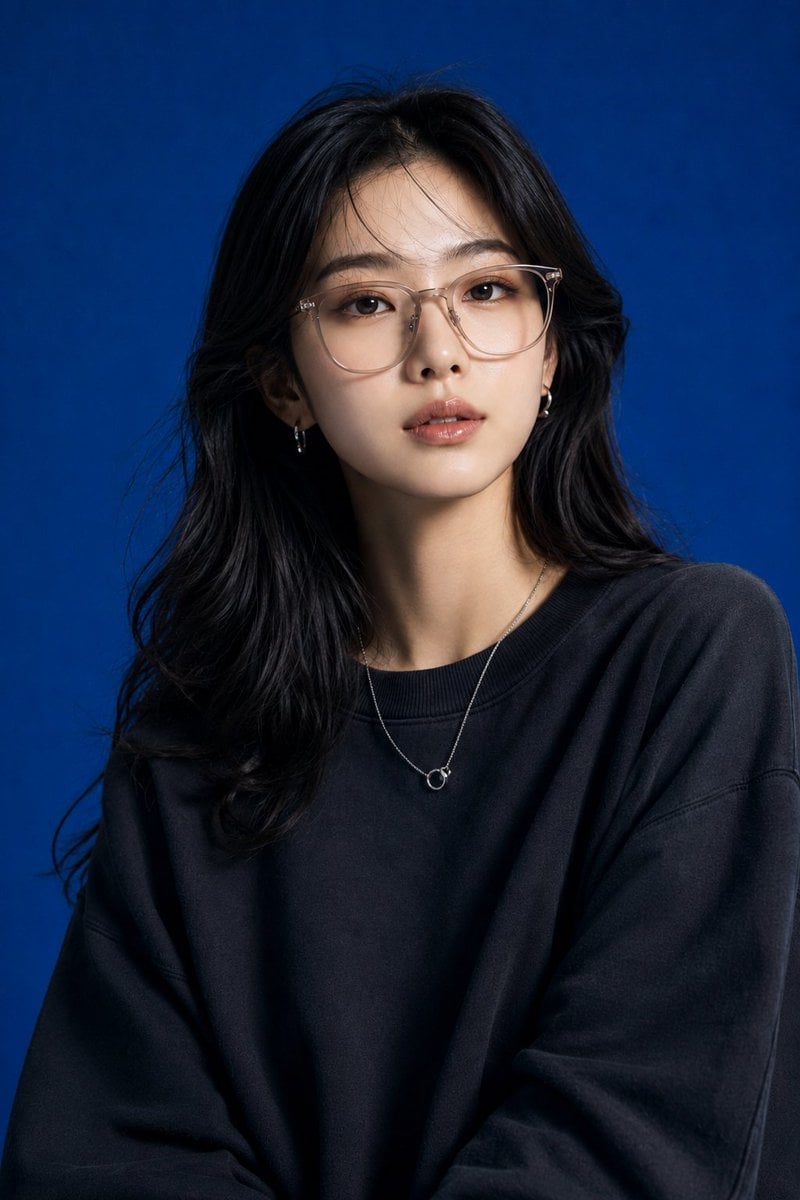
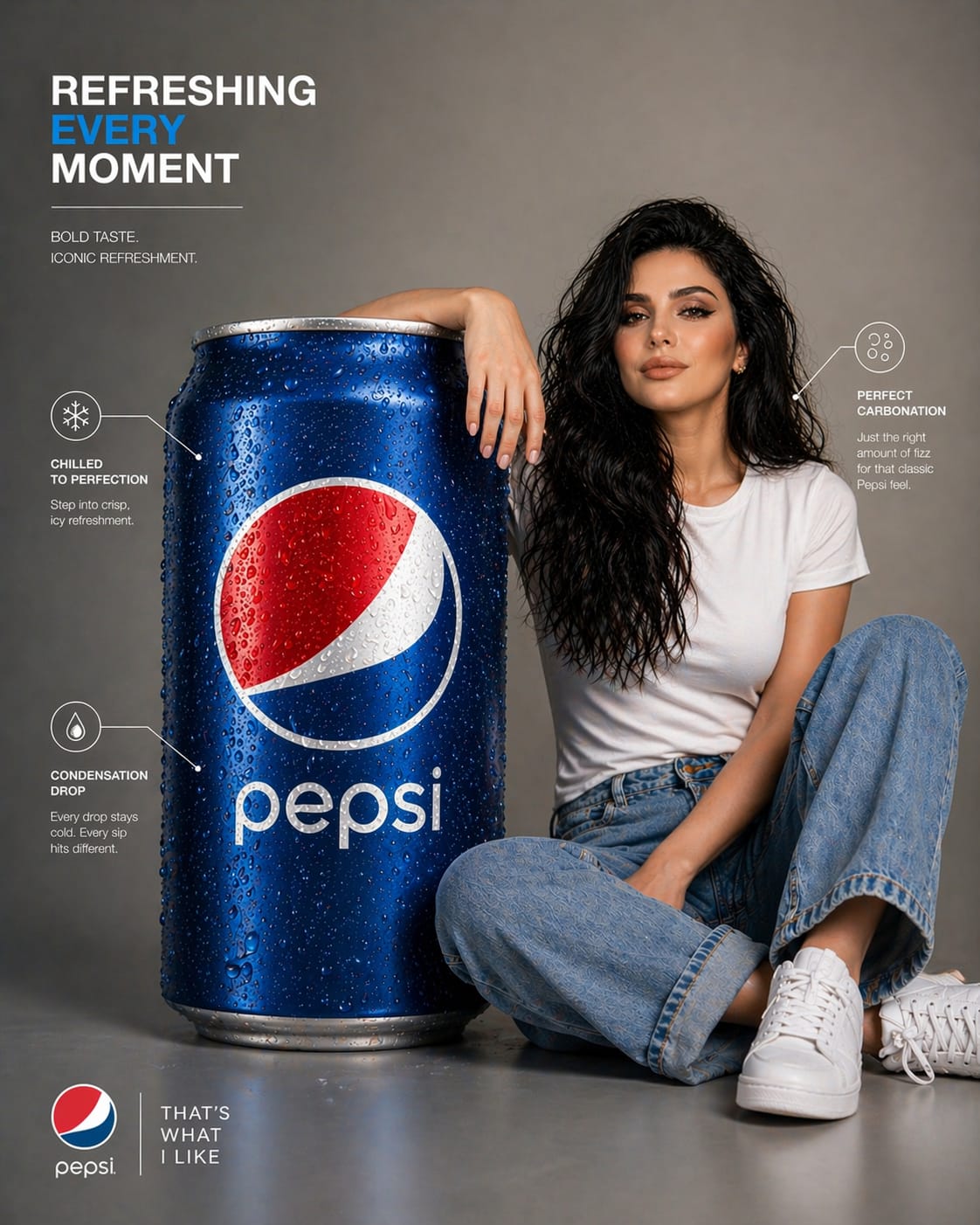
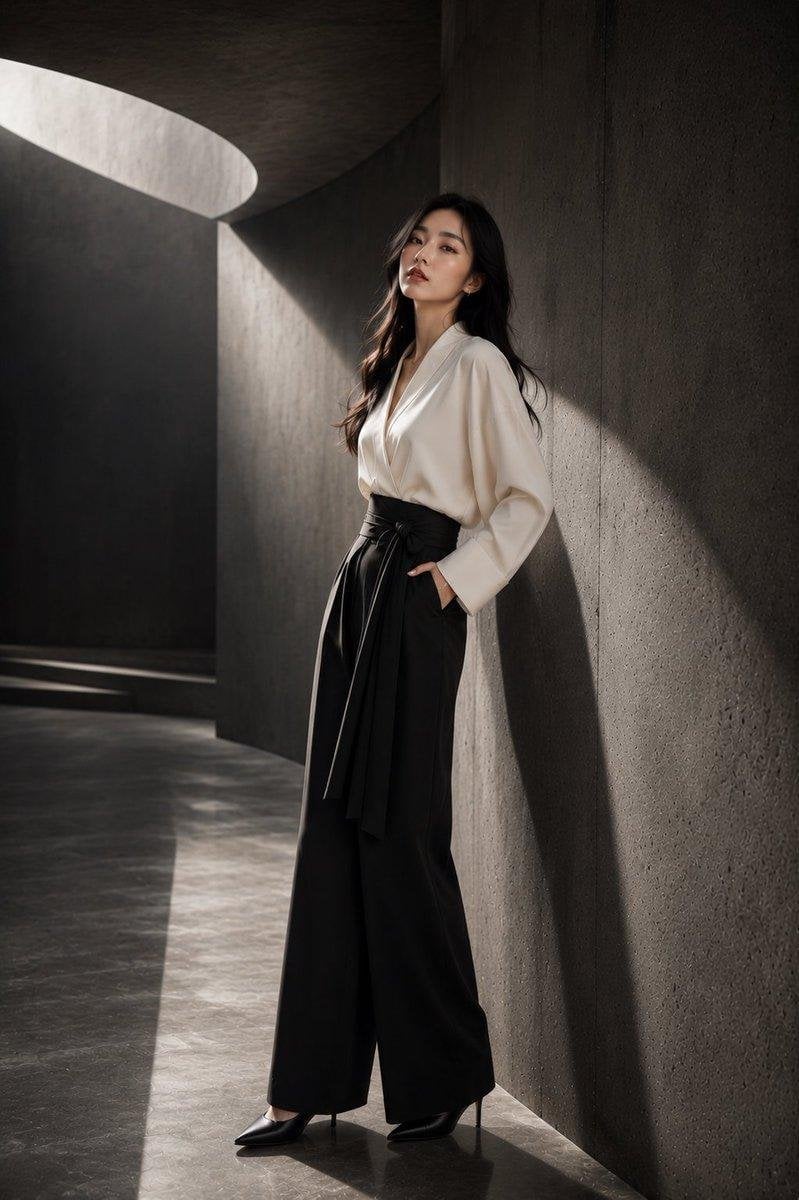
How do I use the Japanese Inspired Identity Transfer template?
Edit the prompt in the box under the preview — the template's model and format are already selected — and press Generate. Your version appears right on this page.
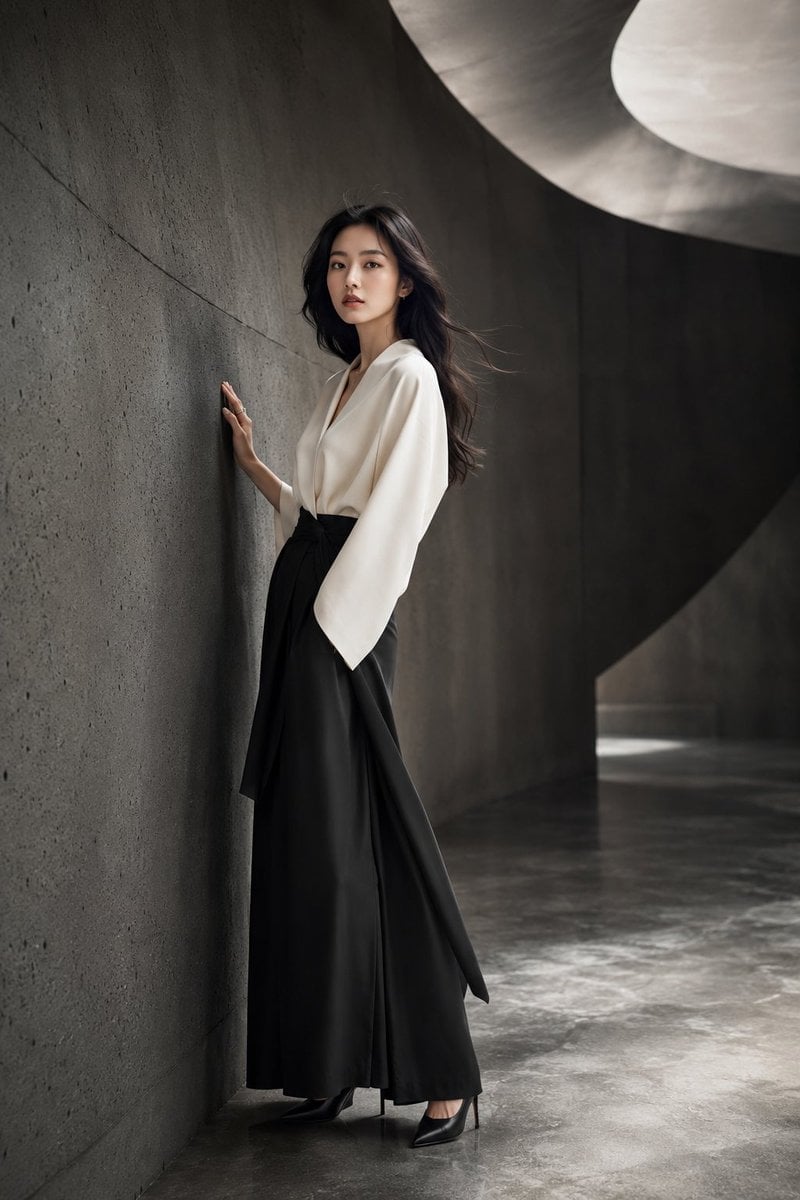
A complex image-to-image prompt designed to transfer a specific facial identity into an ornate Japanese portrait while preserving artistic details.

@img1 use @img1 as the main base image for style, lighting, color palette, pose, framing and overall mood. Keep the exact ornate Japanese-inspired portrait: woman turned three-quarters away from the viewer, black hair styled in a high bun with hairpins, intricate dragon tattoo covering her back and shoulders, black kimono with silver patterns and wide obi bow, katana handle visible at the bottom edge, softly lit against a textured floral wall, warm cinematic contrast and rich shadows. Replace ONLY the woman’s face with the face from – the final result must show the SAME facial identity as with perfectly matching facial proportions, anatomy and features, seamlessly integrated into @img1 . Preserve @img1 hairstyle structure and accessories, tattoo design, kimono details, pose, background texture, golden-green color grading, light direction, shadows and mysterious, powerful atmosphere. High-end cinematic character portrait, detailed costume and tattoo art. Negative Prompt: different face, wrong person, generic face, altered facial proportions, incorrect anatomy, distorted features, mismatched lighting, visible seams, double face, morphing, low resolution, artifacts, changed hairstyle or hairpins, altered tattoo, simplified kimono, flat lighting, altered background or pose background texture, golden-green color grading, light direction, shadows and mysterious, powerful atmosphere. High-end cinematic character portrait, detailed costume and tattoo art. @img1 use @img1 as the main base image for style, lighting, color palette, pose, framing and overall mood. Keep the exact ornate Japanese-inspired portrait: woman turned three-quarters away from the viewer, black hair styled in a high bun with hairpins, intricate dragon tattoo covering her back and shoulders, black kimono with silver patterns and wide obi bow, katana handle visible at the bottom edge, softly lit against a textured floral wall, warm cinematic contrast and rich shadows. Replace ONLY the woman’s face with the face from – the final result must show the SAME facial identity as with perfectly matching facial proportions, anatomy and features, seamlessly integrated into @img1 . Preserve @img1 hairstyle structure and accessories, tattoo design, kimono details, pose, background texture, golden-green color grading, light direction, shadows and mysterious, powerful atmosphere. High-end cinematic character portrait, detailed costume and tattoo art. Negative Prompt: different face, wrong person, generic face, altered facial proportions, incorrect anatomy, distorted features, mismatched lighting, visible seams, double face, morphing, low resolution, artifacts, changed hairstyle or hairpins, altered tattoo, simplified kimono, flat lighting, altered background or pose
@img1 use @img1 as the main base image for style, lighting, color palette, pose, framing and overall mood. Keep the exact ornate Japanese-inspired portrait: woman turned three-quarters away from the viewer, black hair styled in a high bun with hairpins, intricate dragon tattoo covering her back and shoulders, black kimono with silver patterns and wide obi bow, katana handle visible at the bottom edge, softly lit against a textured floral wall, warm cinematic contrast and rich shadows. Replace ONLY the woman’s face with the face from – the final result must show the SAME facial identity as with perfectly matching facial proportions, anatomy and features, seamlessly integrated into @img1 . Preserve @img1 hairstyle structure and accessories, tattoo design, kimono details, pose, background texture, golden-green color grading, light direction, shadows and mysterious, powerful atmosphere. High-end cinematic character portrait, detailed costume and tattoo art. Negative Prompt: different face, wrong person, generic face, altered facial proportions, incorrect anatomy, distorted features, mismatched lighting, visible seams, double face, morphing, low resolution, artifacts, changed hairstyle or hairpins, altered tattoo, simplified kimono, flat lighting, altered background or pose background texture, golden-green color grading, light direction, shadows and mysterious, powerful atmosphere. High-end cinematic character portrait, detailed costume and tattoo art. @img1 use @img1 as the main base image for style, lighting, color palette, pose, framing and overall mood. Keep the exact ornate Japanese-inspired portrait: woman turned three-quarters away from the viewer, black hair styled in a high bun with hairpins, intricate dragon tattoo covering her back and shoulders, black kimono with silver patterns and wide obi bow, katana handle visible at the bottom edge, softly lit against a textured floral wall, warm cinematic contrast and rich shadows. Replace ONLY the woman’s face with the face from – the final result must show the SAME facial identity as with perfectly matching facial proportions, anatomy and features, seamlessly integrated into @img1 . Preserve @img1 hairstyle structure and accessories, tattoo design, kimono details, pose, background texture, golden-green color grading, light direction, shadows and mysterious, powerful atmosphere. High-end cinematic character portrait, detailed costume and tattoo art. Negative Prompt: different face, wrong person, generic face, altered facial proportions, incorrect anatomy, distorted features, mismatched lighting, visible seams, double face, morphing, low resolution, artifacts, changed hairstyle or hairpins, altered tattoo, simplified kimono, flat lighting, altered background or pose
Edit the prompt in the box under the preview — the template's model and format are already selected — and press Generate. Your version appears right on this page.
Yes. You can change the subject, setting, lighting, mood, format, and available model controls before creating your image.
Opening and editing this template is free. Generating uses credits, shown on the Generate button when you are signed in.
Start with Nano Banana 2, which is the model associated with this template. You can compare another compatible model for a different finish.
Follow a topic to a crawlable collection of related PicX Studio templates.