
Japanese Personality Settings UI
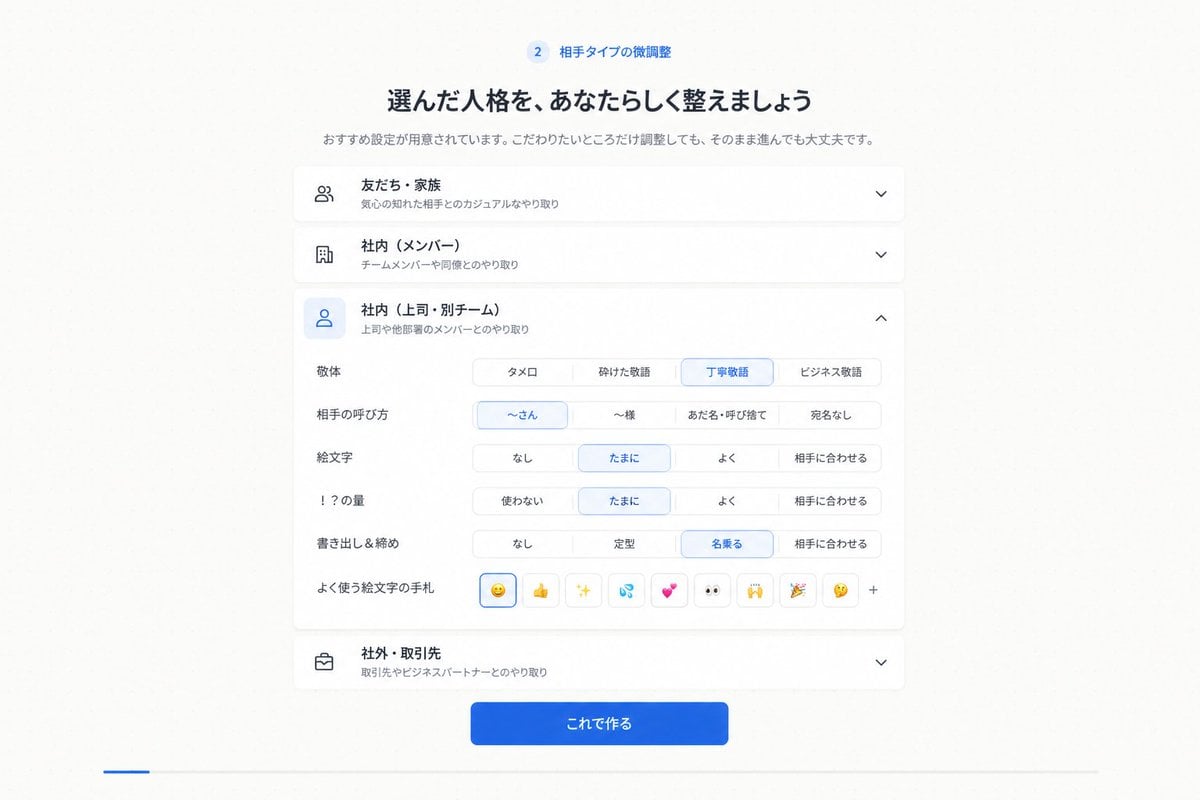
Generates a clean Japanese SaaS onboarding screen for customizing communication tone and relationship settings.
- Prompt included
- Model and format preset
- Premium template
The prompt behind this image
Copy the exact prompt behind Japanese Personality Settings UI, or open it in the studio and make it yours.
Goal: Create a clean Japanese web app onboarding/settings screen for step 2, showing fine-tuning of a selected communication personality or relationship type. Canvas: 16:9 desktop screenshot, white to very pale gray background, centered content column about 720 px wide with generous margins, soft shadows, rounded cards, minimal SaaS UI style. Header: At the top center, show a small blue circular badge with “2” followed by the label 「相手タイプの微調整」. Under it place a bold Japanese headline: 「選んだ人格を、あなたらしく整えましょう」. Under the headline add a smaller gray subtitle: 「おすすめ設定が用意されています。こだわりたいところだけ調整しても、そのまま進んでも大丈夫です。」 Main layout: Stack exactly 4 accordion cards vertically. Each card has a left line icon, a bold Japanese title, a smaller gray description, and a chevron on the right. The 4 cards are: 1) closed card with people icon, title 「友だち・家族」, description 「気心の知れた相手とのカジュアルなやり取り」, downward chevron; 2) closed card with building icon, title 「社内(メンバー)」, description 「チームメンバーや同僚とのやり取り」, downward chevron; 3) expanded selected card with blue-highlighted user icon, title 「社内(上司・別チーム)」, description 「上司や他部署のメンバーとのやり取り」, upward chevron; 4) closed card with briefcase icon, title 「社外・取引先」, description 「取引先やビジネスパートナーとのやり取り」, downward chevron. Expanded card details: Inside the third card, create exactly 6 setting rows with Japanese labels on the left and segmented pill controls on the right. Row 1 label 「敬体」 has 4 options: 「タメ口」, 「砕けた敬語」, selected 「丁寧敬語」, 「ビジネス敬語」. Row 2 label 「相手の呼び方」 has 4 options: selected 「〜さん」, 「〜様」, 「あだ名・呼び捨て」, 「宛名なし」. Row 3 label 「絵文字」 has 4 options: 「なし」, selected 「たまに」, 「よく」, 「相手に合わせる」. Row 4 label 「!?の量」 has 4 options: 「使わない」, selected 「たまに」, 「よく」, 「相手に合わせる」. Row 5 label 「書き出し&締め」 has 4 options: 「なし」, 「定型」, selected 「名乗る」, 「相手に合わせる」. Row 6 label 「よく使う絵文字の手札」 shows exactly 9 small square emoji buttons followed by a plus sign: selected smiling face emoji, thumbs up, sparkles, sweat droplets, two hearts, eyes, raised hands, party popper, thinking face, then “+”. Footer: Beneath the accordion stack, center a prominent rounded blue gradient primary button with white text 「これで作る」. Visual style: Crisp modern Japanese product UI, thin light gray borders, subtle card shadows, blue accent color for selected controls and active icon backgrounds, black/dark navy headings, gray secondary text. Keep the composition symmetrical and spacious. No browser chrome, no watermark, no extra text. Use {argument name="accent color" default="bright blue"} as the active selection color and keep all visible UI text in Japanese.
How to use Japanese Personality Settings UI in 3 steps
- 1Upload ImagePNG, JPG or paste
Add your photo
Upload the photo the template builds on. The prompt, model and format are already set.
- 2…a portrait of your subject in softgolden-hour light, 85mm…
Personalize
Edit the subject and creative details for your destination.
- 3Generate
Generate
Press Generate — your image is created in PicX Studio, so you can compare it with the original and refine one variable at a time.
More like this
Templates with the same subject, style or setup. Open one to see its prompt.

Minecraft Japanese Research Lab Exploration

Japanese Architectural Concrete Studio Fashion Campaign

Japanese Minimalist Concrete Studio Fashion Editorial

Blue Backdrop Luxury Fashion Portrait Campaign

Japanese Film Reflection Idol
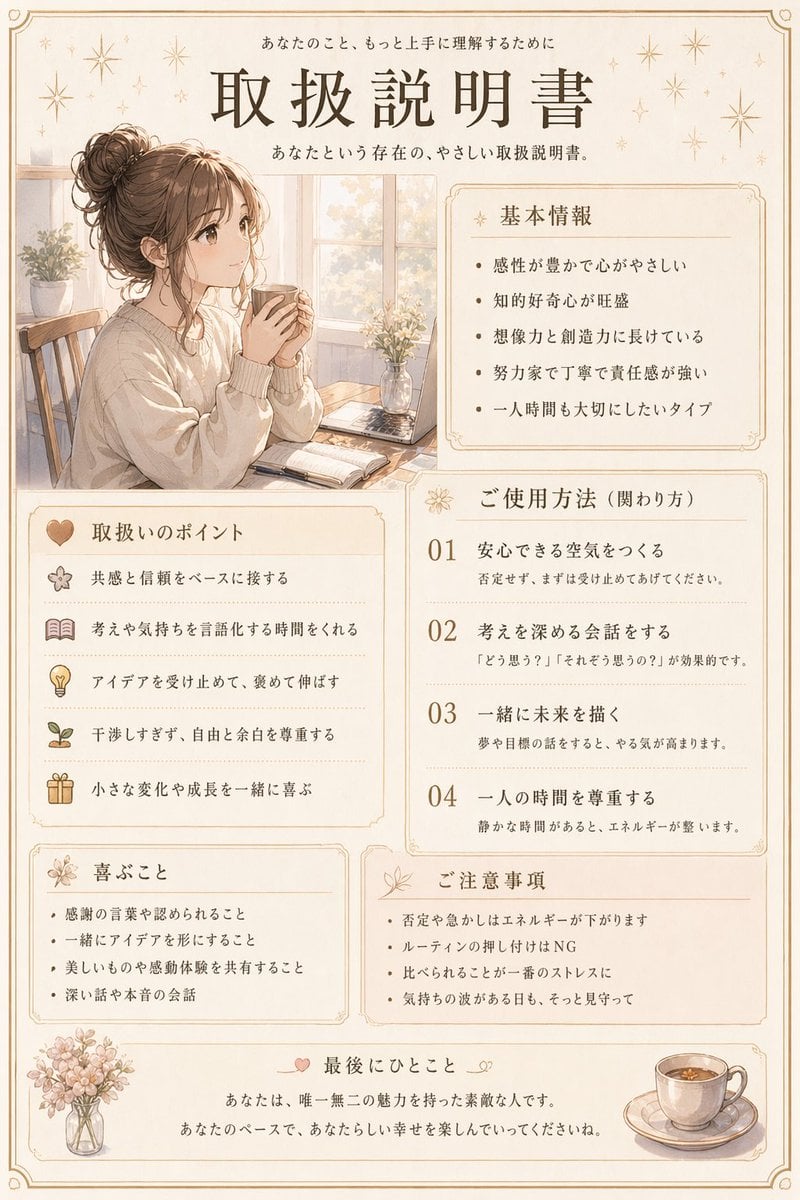
Japanese Personality Manual Poster
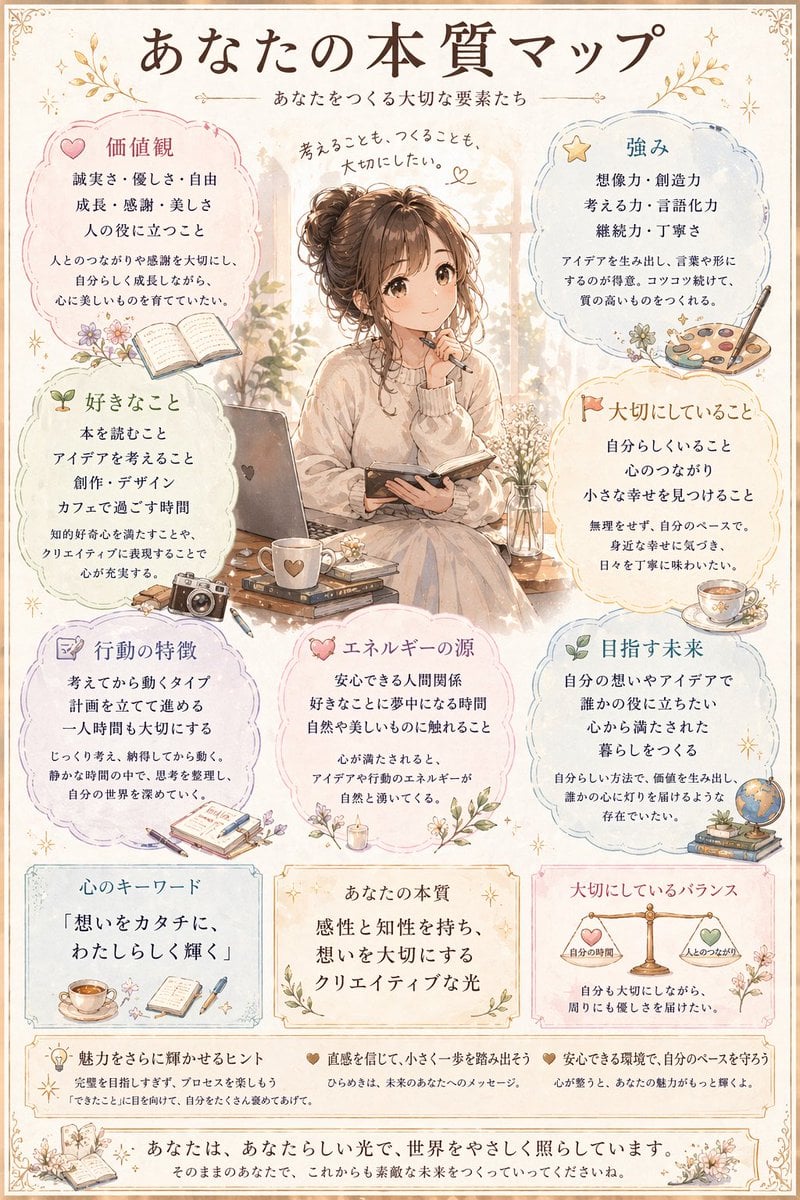
Japanese Personality Map Poster
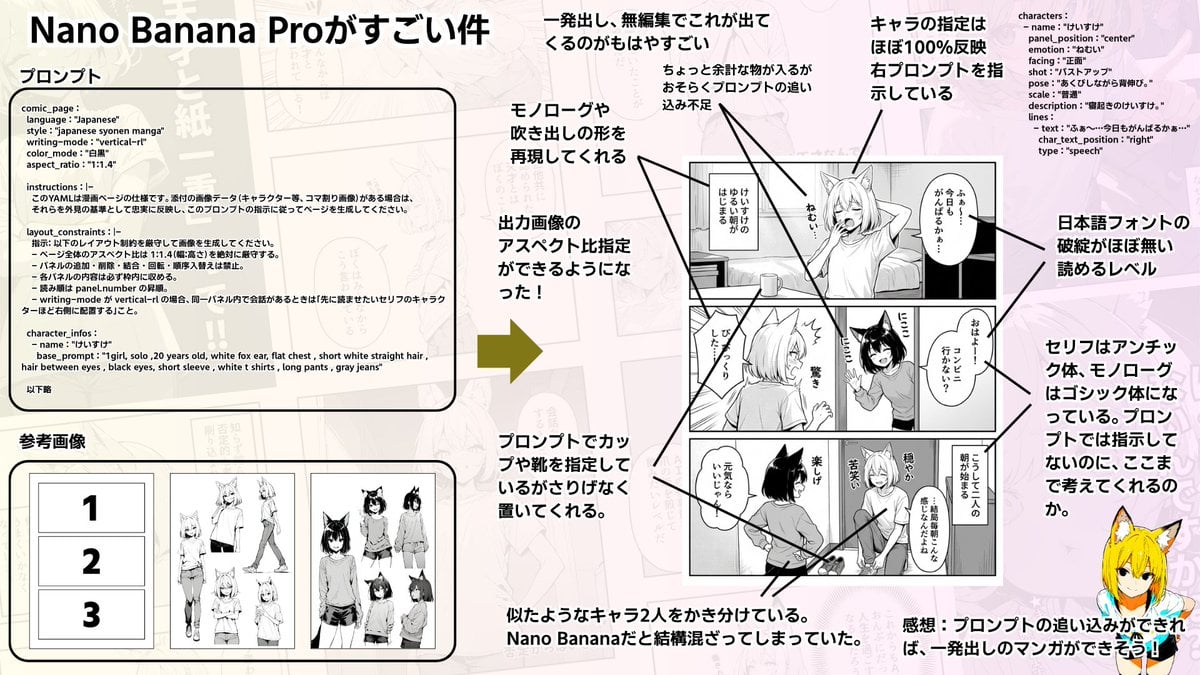
Config-style Japanese shonen manga page settings
Character Personality Senryu Generation
Mythical Beast Character Personality Prompt

MBTI Personality Character Card Poster
Anime Floral Personality Poster
Make it yours
Japanese Personality Settings UI works as-is. These are the safest ways to change it without losing the look.
Change one field
Copy a single group, rewrite it, and generate again so you can see what that field is doing.
Keep the frame, change the subject
Hold the composition and light of Japanese Personality Settings UI, then swap wardrobe, props or the person for a new take.
| If the result… | Why | Fix |
|---|---|---|
| The result drifts from the preview | Too many fields changed at once. | Reuse Japanese Personality Settings UI as-is first, then change one group — subject, light, or setting. |
| The model over-stylizes the scene | The prose prompt leaves finish and camera underspecified. | Add one camera or lighting sentence and stay on GPT Image 2. |
More GPT Image 2 templates
Other prompts made for GPT Image 2.

Realistic Portrait of Woman and Deer

The Vista Modular Condo Poster

AI Model Routing Comparison Infographic

2.5D Anime Art Board

Isometric Productivity Desk Scene

New York Double Exposure Poster

Four-Panel AI Landscape Comparison

NESCAFÉ Coffee Map Poster

Brutalist Cogito Chinese Typography Poster

Cinematic Luxury Terrace Portrait
More image prompts
Fresh picks from across the catalog.
Japanese Drama Movie Poster Layout
Anime Martial Arts Battle Illustration

Cinematic Smoking Portrait With Censored Face

LMGT3-Class Car Inspired Sea Iguana
Cinematic Black and White Piano Scene

Athletic Mirror Selfie with Defined Physique

Gemini Nano Banana 2

3D Diorama of Ahmedabad Landmark
Image Style Transfer Prompt: Viking to Dragon Quest X 'Chamber of Vows'
Nano Banana Pro Prompt Sharing
Browse template categories
Japanese Personality Settings UI questions
How do I use the Japanese Personality Settings UI template?
Add your photo if the template asks for one, edit the prompt if you like — the template's model and format are already selected — and press Generate. Your version opens in PicX Studio.
Can I customize the Japanese Personality Settings UI template?
Yes. You can change the subject, setting, lighting, mood, format, and available model controls before creating your image.
Is the Japanese Personality Settings UI template free?
Opening and editing this template is free. Generating uses credits, shown on the Generate button when you are signed in.
Which AI model should I use?
Start with GPT Image 2, which is the model associated with this template. You can compare another compatible model for a different finish.
Looking for something else? Browse all templates.

Your photo, any look
Thousands of ready templates for every top image and video model, from one credit balance.