How do I use the Elegant SIGHT Beauty Magazine Cover template?
Edit the prompt in the box under the preview — the template's model and format are already selected — and press Generate. Your version appears right on this page.
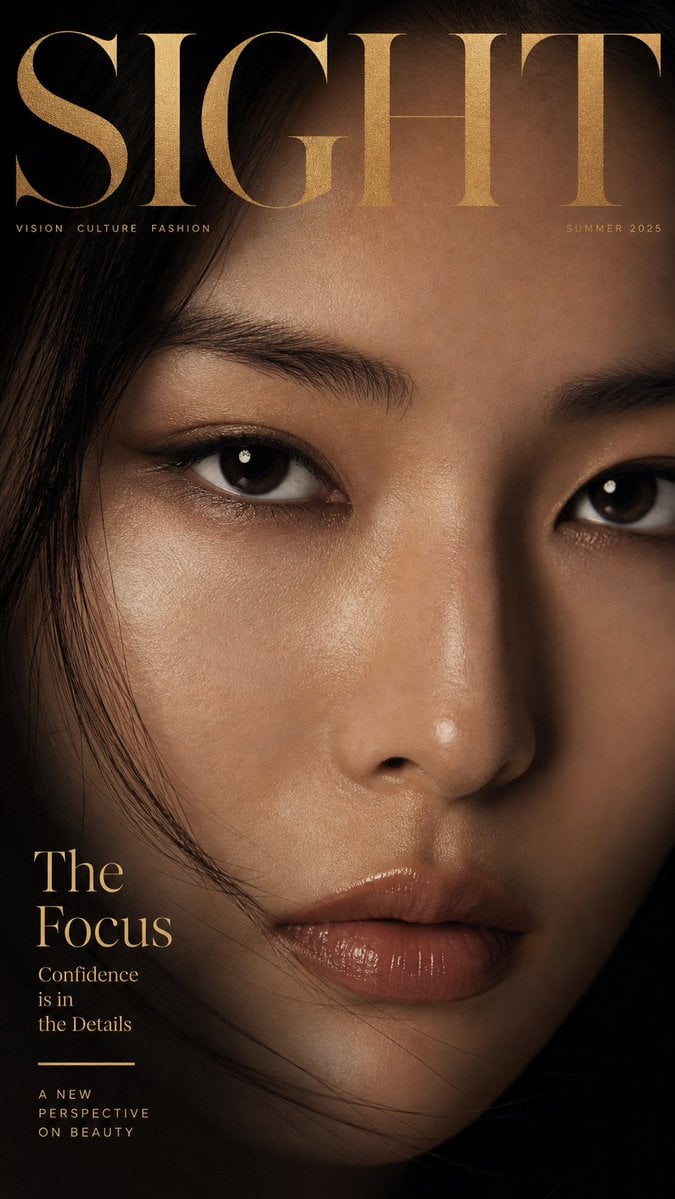
Creates a realistic luxury beauty magazine cover with an extreme close-up portrait, refined serif typography, and warm cinematic editorial styling.

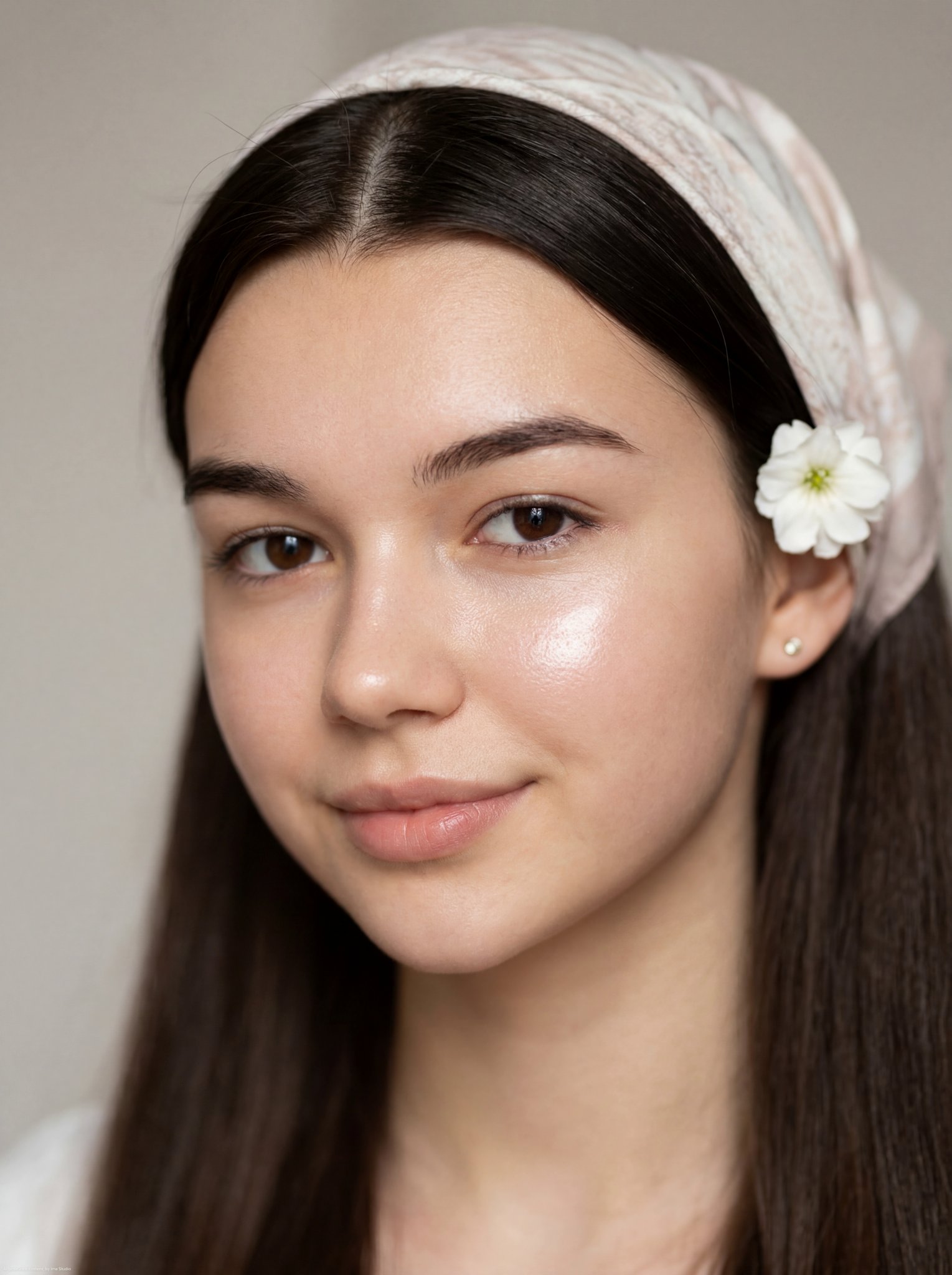
This template uses your photo — add one with the + button.
{"type":"high-fashion beauty magazine cover","format":"vertical portrait cover, 2:3 aspect ratio","subject":{"identity":"{argument name=\"subject description\" default=\"elegant young Asian woman\"}","framing":"extreme close-up beauty portrait with the eyes, nose, lips, and one cheek filling the frame","expression":"calm, intimate, powerful gaze directly toward the viewer","features":"large glossy dark brown eyes, softly groomed brows, dewy real skin texture, natural peach-brown lips, subtle warm eye makeup","hair":"dark black hair with loose wispy strands crossing the forehead and face","pose":"face slightly tilted, cheek resting against a soft cream knitted sleeve or sweater cuff at the lower left"},"style":{"photography":"ultra-realistic editorial fashion photography, luxury magazine cover aesthetic","lighting":"soft cinematic diffused light with warm highlights and gentle shadows","color palette":"{argument name=\"color palette\" default=\"warm beige, cream, black, soft gold, and ivory\"}","mood":"quiet elegance, refined beauty, intimate sophistication","texture":"visible pores, realistic skin sheen, glossy lips, fine hair strands, fuzzy knit fabric texture","depth of field":"shallow depth of field, crisp eyes and lips, softly blurred edges"},"layout":{"composition":"face fills nearly the entire cover; large masthead overlays the forehead and hair; editorial text placed around the face without blocking the eyes","text elements count":5,"text elements":[{"text":"{argument name=\"magazine title\" default=\"SIGHT\"}","position":"very top spanning full width","style":"huge elegant high-contrast serif capitals, off-white, partially cropped by the page edges"},{"text":"{argument name=\"issue date\" default=\"JANUARY 2024\"}","position":"upper right under the masthead","style":"small uppercase serif, off-white"},{"text":"BEAUTY\nIN\nFOCUS.","position":"upper left beside the eyebrow area","style":"small stacked uppercase serif, off-white"},{"text":"{argument name=\"cover story title\" default=\"The Art of Elegance\"}","position":"lower right over the dark hair and cheek area","style":"large refined serif title case, off-white"},{"text":"COVER STORY\nby SIGHT MAGAZINE","position":"bottom right below the cover story title","style":"small uppercase and title-case serif, off-white"}]},"camera":{"lens":"macro portrait lens, close focus","angle":"straight-on intimate crop","quality":"high-resolution commercial beauty retouching while preserving natural skin detail"},"negative_prompt":"no cartoon style, no illustration, no plastic skin, no harsh flash, no distorted face, no extra eyes, no garbled typography, no cluttered background"}
Edit the prompt in the box under the preview — the template's model and format are already selected — and press Generate. Your version appears right on this page.
Yes. You can change the subject, setting, lighting, mood, format, and available model controls before creating your image.
Opening and editing this template is free. Generating uses credits, shown on the Generate button when you are signed in.
Start with GPT Image 2, which is the model associated with this template. You can compare another compatible model for a different finish.
Follow a topic to a crawlable collection of related PicX Studio templates.