
Japanese Beauty Magazine Cover
Generates a realistic Japanese beauty and skincare magazine cover featuring a cover model and multiple text headlines.

- Prompt included
- Model and format preset
- Free template
The prompt behind this image
Copy the exact prompt behind Japanese Beauty Magazine Cover, or open it in the studio and make it yours.
- Type
- beauty magazine cover
- Color Palette
- {argument name="color palette" default="soft pink, white, and muted rose"}
- Subject › Description
- {argument name="model appearance" default="young Japanese woman with glowing clear skin and soft natural makeup"}
- Subject › Hair
- dark brown, tied back with loose face-framing strands
- Subject › Clothing
- sheer light pink off-the-shoulder tulle top
- Subject › Pose
- looking directly at camera, gentle smile, head slightly tilted
- Layout › Masthead › Main Title
- {argument name="magazine title" default="BEAUTE"}
- Layout › Masthead › Subtitle
- TOKYO
- Layout › Masthead › Issue Info
- {argument name="issue season" default="2026 SPRING / SUMMER"}
- Layout › Main Headline › Text
- {argument name="main headline" default="Translucent, luminous skin starts with skincare."}
- Layout › Main Headline › Position
- bottom center
- Layout › Sections › 0 › Position
- left column
- Layout › Sections › 0 › Count
- 3
- Layout › Sections › 0 › Labels
- 2026春夏 新作スキンケア速報, ツヤ肌ベースメイク 完全BOOK, 毛穴・くすみ・乾燥に、本気回答
- Layout › Sections › 1 › Position
- right column
- Layout › Sections › 1 › Count
- 2
- Layout › Sections › 1 › Labels
- 大人のための旬メイク、正解だけ, 美容賢者が選ぶ、本当に使える逸品
- Layout › Sections › 2 › Position
- circular badges
- Layout › Sections › 2 › Count
- 2
- Layout › Sections › 2 › Labels
- 肌も心も、新しい季節へ, 今月の表紙メイク徹底解説
Raw JSON
{
  "type": "beauty magazine cover",
  "color_palette": "{argument name=\"color palette\" default=\"soft pink, white, and muted rose\"}",
  "subject": {
    "description": "{argument name=\"model appearance\" default=\"young Japanese woman with glowing clear skin and soft natural makeup\"}",
    "hair": "dark brown, tied back with loose face-framing strands",
    "clothing": "sheer light pink off-the-shoulder tulle top",
    "pose": "looking directly at camera, gentle smile, head slightly tilted"
  },
  "layout": {
    "masthead": {
      "main_title": "{argument name=\"magazine title\" default=\"BEAUTE\"}",
      "subtitle": "TOKYO",
      "issue_info": "{argument name=\"issue season\" default=\"2026 SPRING / SUMMER\"}"
    },
    "main_headline": {
      "text": "{argument name=\"main headline\" default=\"Translucent, luminous skin starts with skincare.\"}",
      "position": "bottom center"
    },
    "sections": [
      {
        "position": "left column",
        "count": 3,
        "labels": [
          "2026春夏 新作スキンケア速報",
          "ツヤ肌ベースメイク 完全BOOK",
          "毛穴・くすみ・乾燥に、本気回答"
        ]
      },
      {
        "position": "right column",
        "count": 2,
        "labels": [
          "大人のための旬メイク、正解だけ",
          "美容賢者が選ぶ、本当に使える逸品"
        ]
      },
      {
        "position": "circular badges",
        "count": 2,
        "labels": [
          "肌も心も、新しい季節へ",
          "今月の表紙メイク徹底解説"
        ]
      }
    ]
  }
}How to use Japanese Beauty Magazine Cover in 3 steps
- 1Upload ImagePNG, JPG or paste
Add your photo
Upload the photo the template builds on. The prompt, model and format are already set.
- 2…a portrait of your subject in softgolden-hour light, 85mm…
Personalize
Edit the subject and creative details for your destination.
- 3Generate
Generate
Press Generate — your image is created in PicX Studio, so you can compare it with the original and refine one variable at a time.
More like this
Templates with the same subject, style or setup. Open one to see its prompt.

High-Fashion Editorial Magazine Cover ICON

Japanese Tatami Lifestyle Magazine Cover
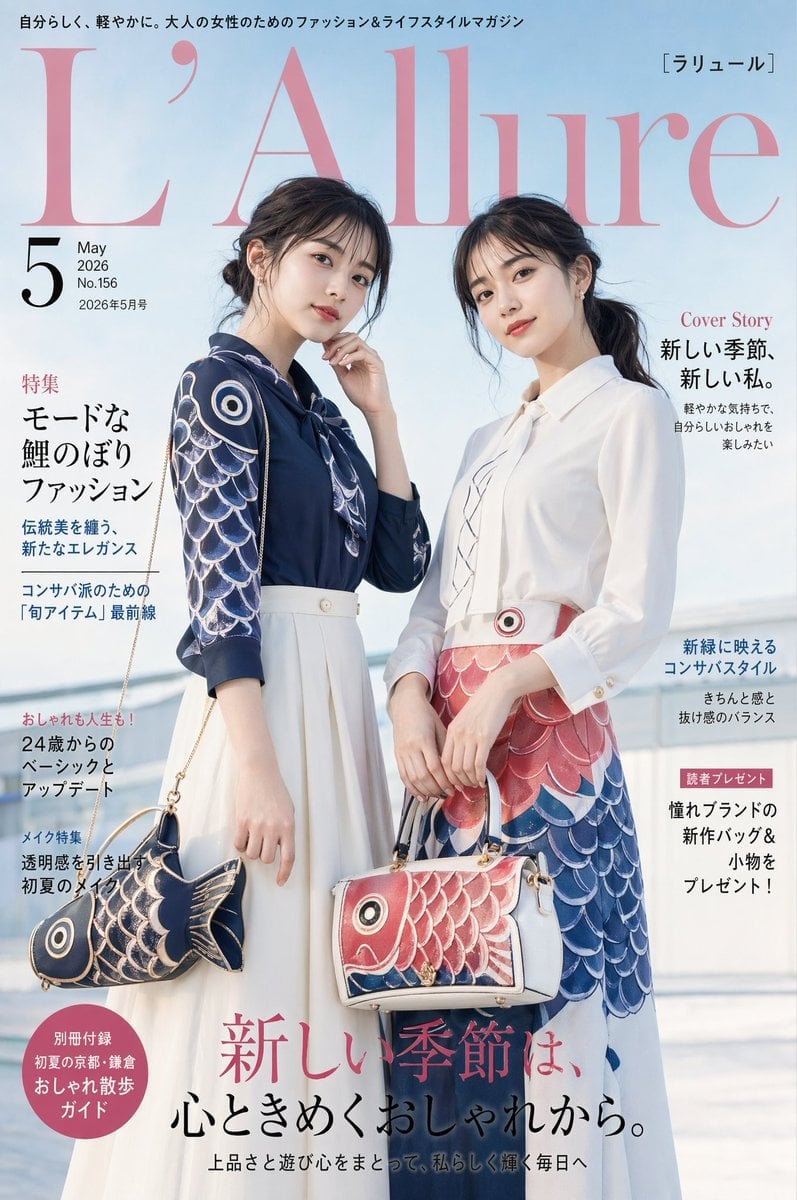
Japanese Koinobori Fashion Magazine Cover

Elegant SIGHT Beauty Magazine Cover
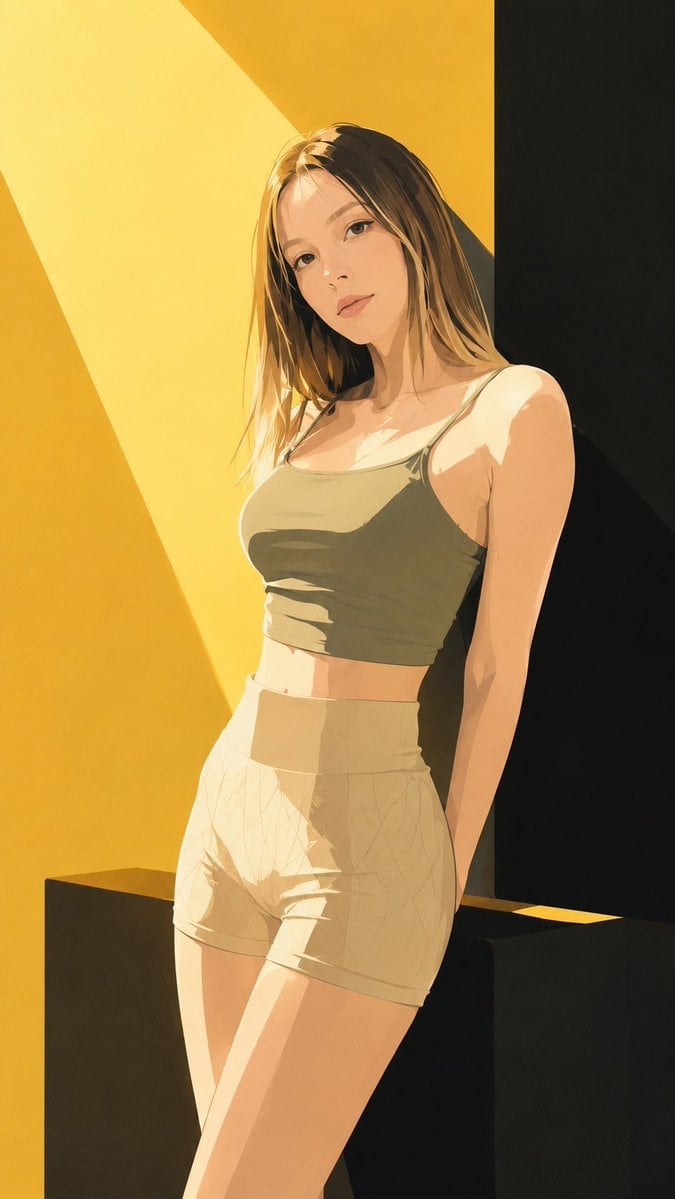
Japanese Fashion Magazine Anime Cover
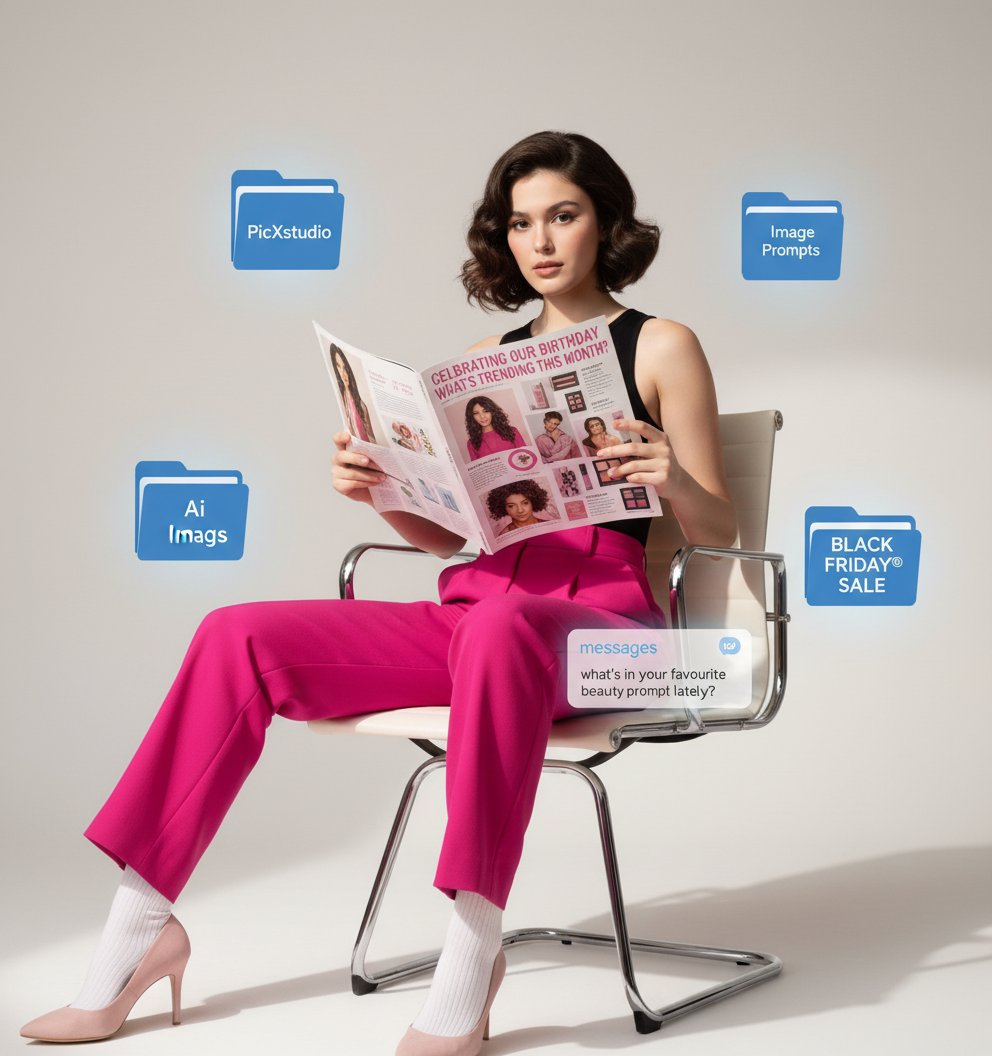
Beauty Magazine Cover

Minecraft Japanese Research Lab Exploration

Off Duty Fashion Magazine Cover

Ethereal Bloom Magazine Cover

Tropical Macaw Magazine Cover

Anime Mahjong Magazine Cover

Neon Anime Fireworks Magazine Cover
Make it yours
Japanese Beauty Magazine Cover works as-is. These are the safest ways to change it without losing the look.
Change one field
Copy a single group, rewrite it, and generate again so you can see what that field is doing.
Keep the frame, change the subject
Hold the composition and light of Japanese Beauty Magazine Cover, then swap wardrobe, props or the person for a new take.
| If the result… | Why | Fix |
|---|---|---|
| The result drifts from the preview | Too many fields changed at once. | Reuse Japanese Beauty Magazine Cover as-is first, then change one group — subject, light, or setting. |
| GPT Image 2 ignores part of the JSON | Some models flatten or skip nested keys. | Keep the same values and paste them as a short paragraph instead. |
More GPT Image 2 templates
Other prompts made for GPT Image 2.

Six VTuber Japanese Logo Sheet

Realistic Portrait of Woman and Deer

The Vista Modular Condo Poster

AI Model Routing Comparison Infographic

2.5D Anime Art Board

Isometric Productivity Desk Scene

New York Double Exposure Poster

Four-Panel AI Landscape Comparison

NESCAFÉ Coffee Map Poster

Brutalist Cogito Chinese Typography Poster
More image prompts
Fresh picks from across the catalog.
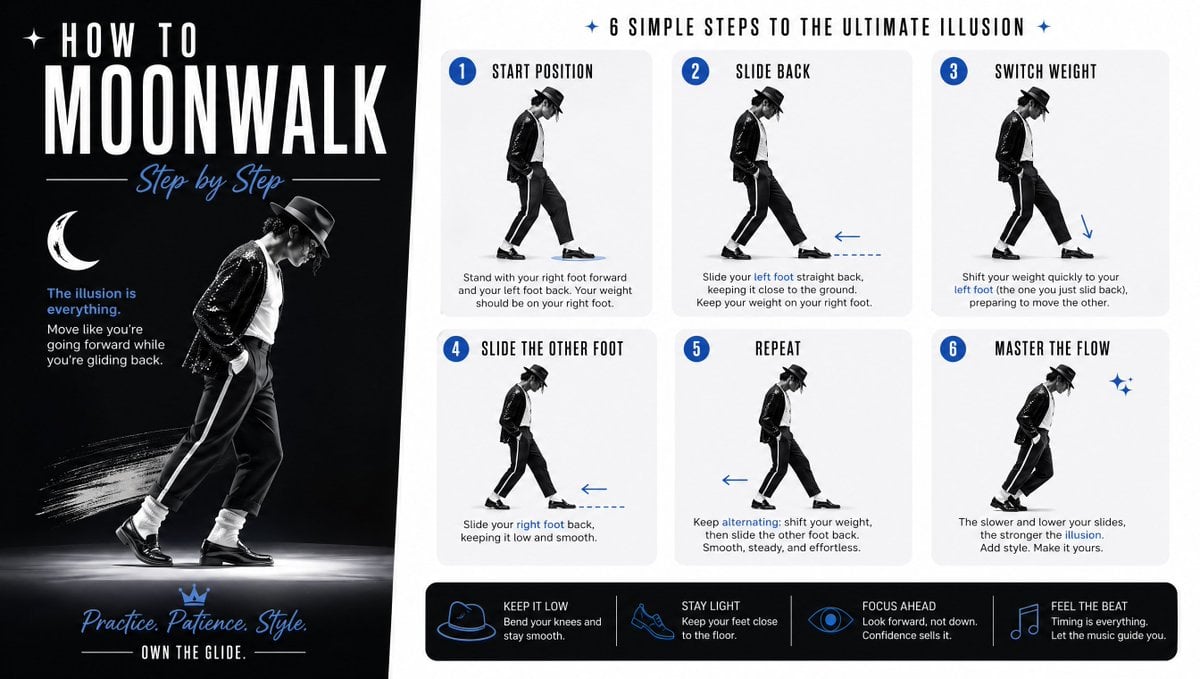
Moonwalk Step-by-Step Tutorial Poster

Hyper-Realistic Chiaroscuro Portrait

Vintage Scrapbook Aesthetic Collage
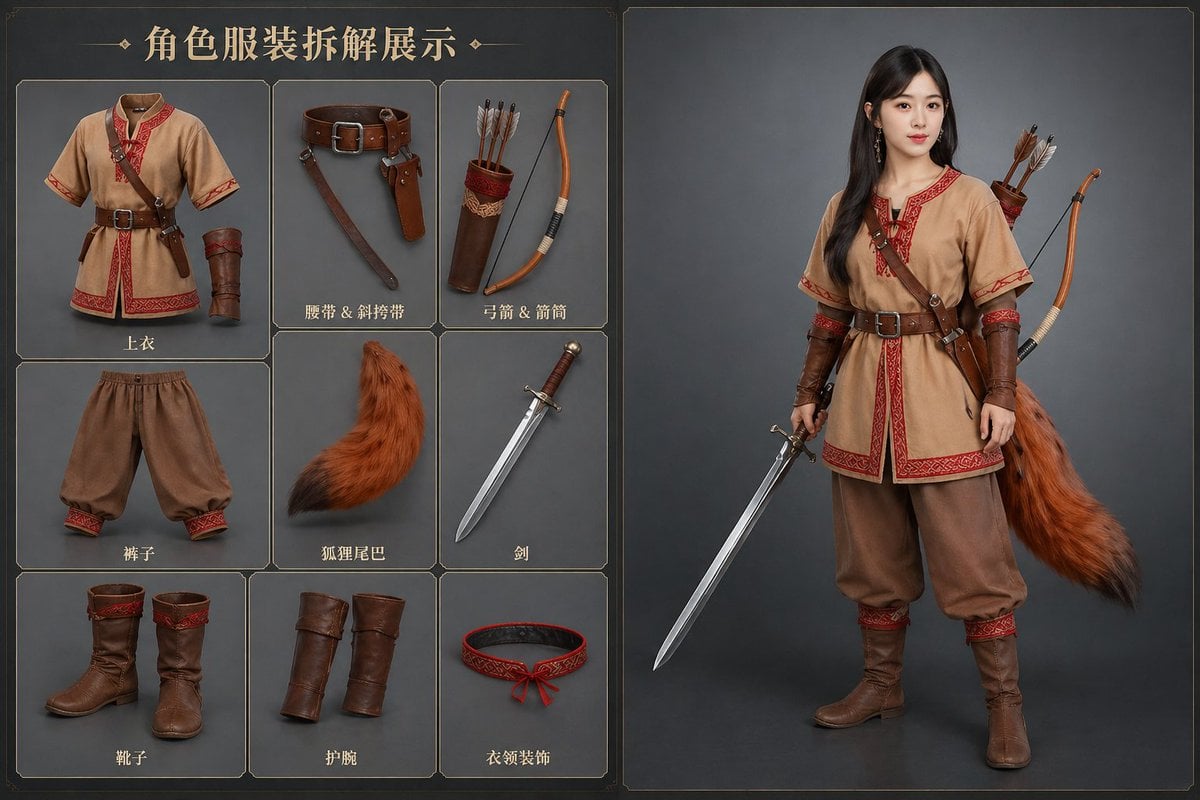
AI Clothing Swap Transformation

ZARA Fitting Room Mirror Selfie

Cinematic Dark Fantasy Portrait Prompt for Nano Banana 2
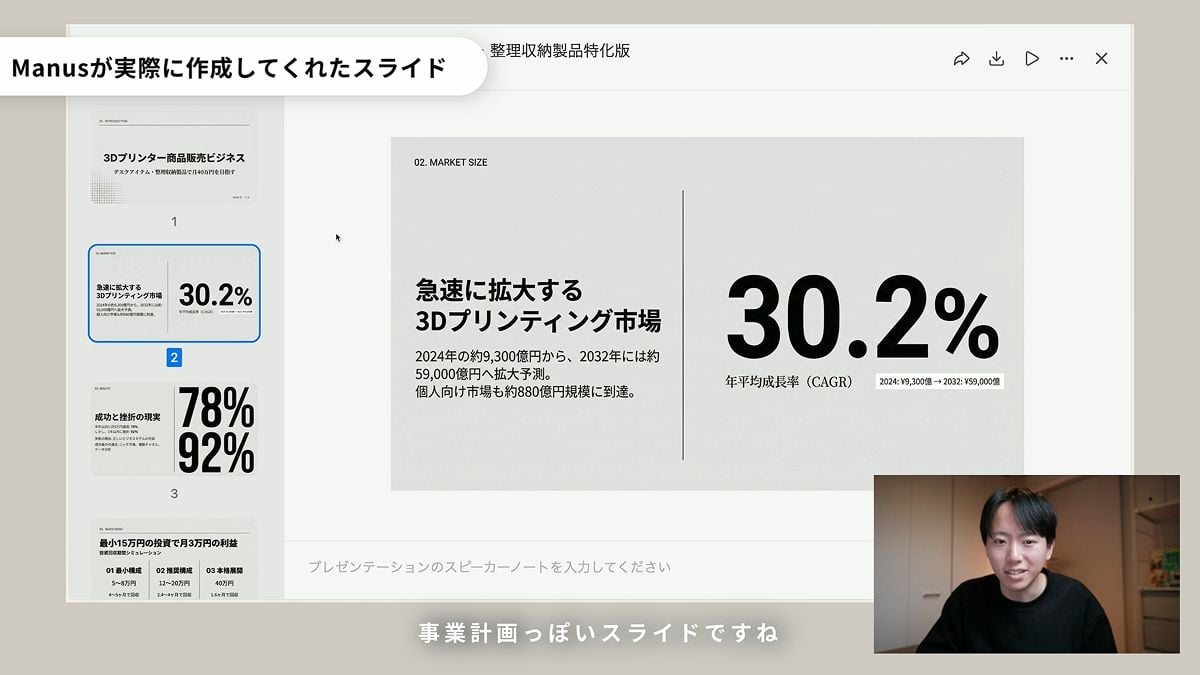
Nano Banana Slide Generation Discussion

X Ozayrr Irl Chatgpt Image 2 Vs Google

Cyberpunk Cinematic Close-up Portrait

Hand Drawn Doodle Calendar Illustration
Browse template categories
Japanese Beauty Magazine Cover questions
How do I use the Japanese Beauty Magazine Cover template?
Add your photo if the template asks for one, edit the prompt if you like — the template's model and format are already selected — and press Generate. Your version opens in PicX Studio.
Can I customize the Japanese Beauty Magazine Cover template?
Yes. You can change the subject, setting, lighting, mood, format, and available model controls before creating your image.
Is the Japanese Beauty Magazine Cover template free?
Opening and editing this template is free. Generating uses credits, shown on the Generate button when you are signed in.
Which AI model should I use?
Start with GPT Image 2, which is the model associated with this template. You can compare another compatible model for a different finish.
Looking for something else? Browse all templates.

Your photo, any look
Thousands of ready templates for every top image and video model, from one credit balance.