
Beauty Magazine Cover
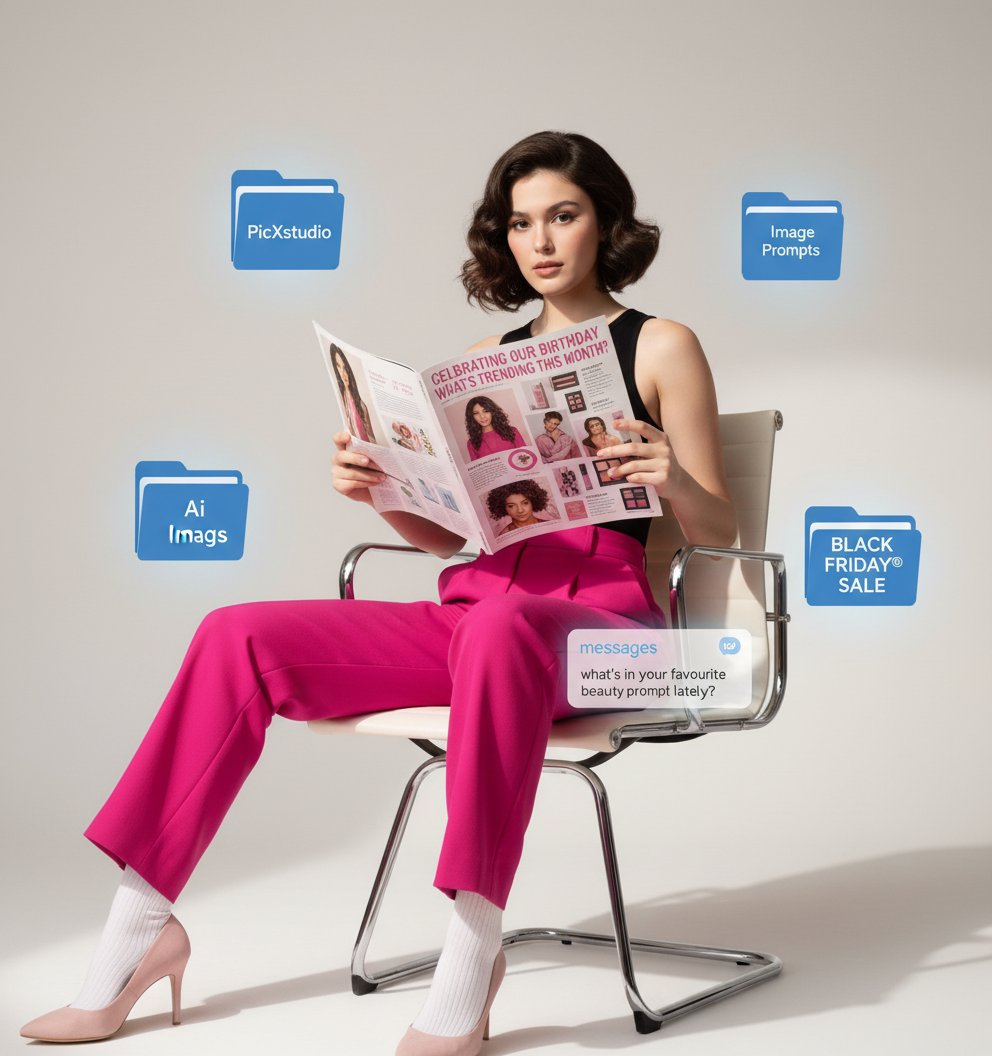
Beauty Magazine Cover is a ready photo look.
- Prompt included
- Model and format preset
- Free template
The prompt behind this image
Copy the exact prompt behind Beauty Magazine Cover, or open it in the studio and make it yours.
A stylized editorial composition featuring the uploaded image sitting on a modern chrome office chair with legs crossed, wearing bright fuchsia trousers and a sleeveless black top. The uploaded image is holding a large magazine open in front of their face, slight below so the face is clearly visible. The magazine layout is feminine and beauty-oriented, with pink headers such as “celebrating our birthday” and “what’s trending this month?” along with lifestyle photos of models and product highlights. Surrounding the uploaded image are floating digital UI-style blue folder icons labeled “PicXstudio,” “Ai Image Prompts,” and “BLACK FRIDAY® SALE,” giving the scene a tech-meets-beauty aesthetic. A translucent iMessage notification appears near the legs, reading: “messages – what’s in your favourite beauty prompt lately?” The background is minimal, bright, and clean, emphasizing the playful collage of digital elements and fashion editorial styling.
How to use Beauty Magazine Cover in 3 steps
- 1Upload ImagePNG, JPG or paste
Add your photo
Upload the photo the template builds on. The prompt, model and format are already set.
- 2…a portrait of your subject in softgolden-hour light, 85mm…
Personalize
Edit the subject and creative details for your destination.
- 3Generate
Generate
Press Generate — your image is created in PicX Studio, so you can compare it with the original and refine one variable at a time.
More like this
Templates with the same subject, style or setup. Open one to see its prompt.

High-Fashion Editorial Magazine Cover ICON

Elegant SIGHT Beauty Magazine Cover

Japanese Beauty Magazine Cover

Off Duty Fashion Magazine Cover

Japanese Tatami Lifestyle Magazine Cover

Ethereal Bloom Magazine Cover

Tropical Macaw Magazine Cover

Anime Mahjong Magazine Cover

Neon Anime Fireworks Magazine Cover

High-Fashion Magazine Cover Portrait
Editorial Magazine Cover Design

Open Magazine Luxury Fashion Editorial Layout
Make it yours
Beauty Magazine Cover works as-is. These are the safest ways to change it without losing the look.
Change one field
Copy a single group, rewrite it, and generate again so you can see what that field is doing.
Keep the frame, change the subject
Hold the composition and light of Beauty Magazine Cover, then swap wardrobe, props or the person for a new take.
| If the result… | Why | Fix |
|---|---|---|
| The result drifts from the preview | Too many fields changed at once. | Reuse Beauty Magazine Cover as-is first, then change one group — subject, light, or setting. |
| The model over-stylizes the scene | The prose prompt leaves finish and camera underspecified. | Add one camera or lighting sentence and stay on PicX Studio. |
More image prompts
Fresh picks from across the catalog.
AI Nike-chan Drawing Song Manga
Japanese Mermaid Swim Collage
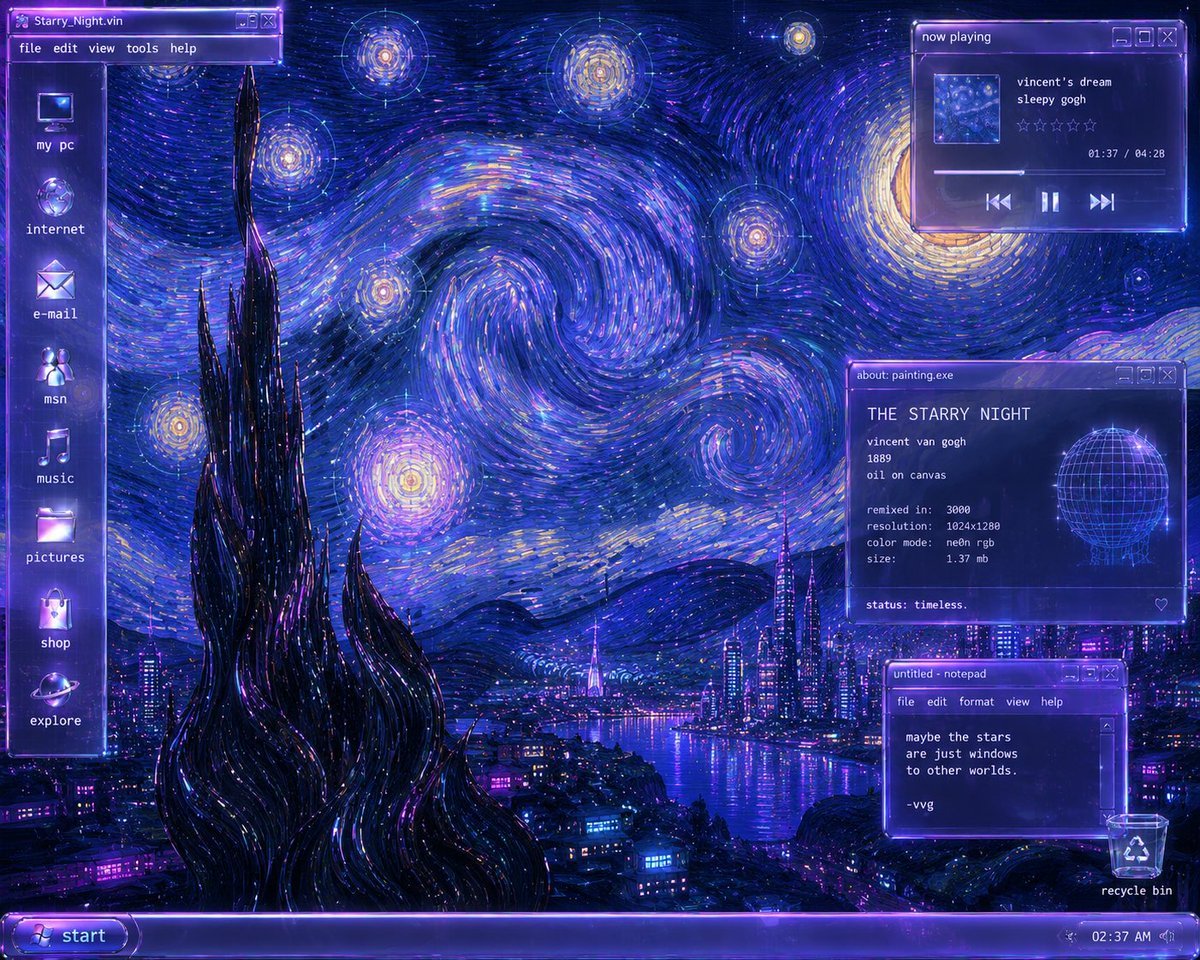
Y2K Starry Night Desktop
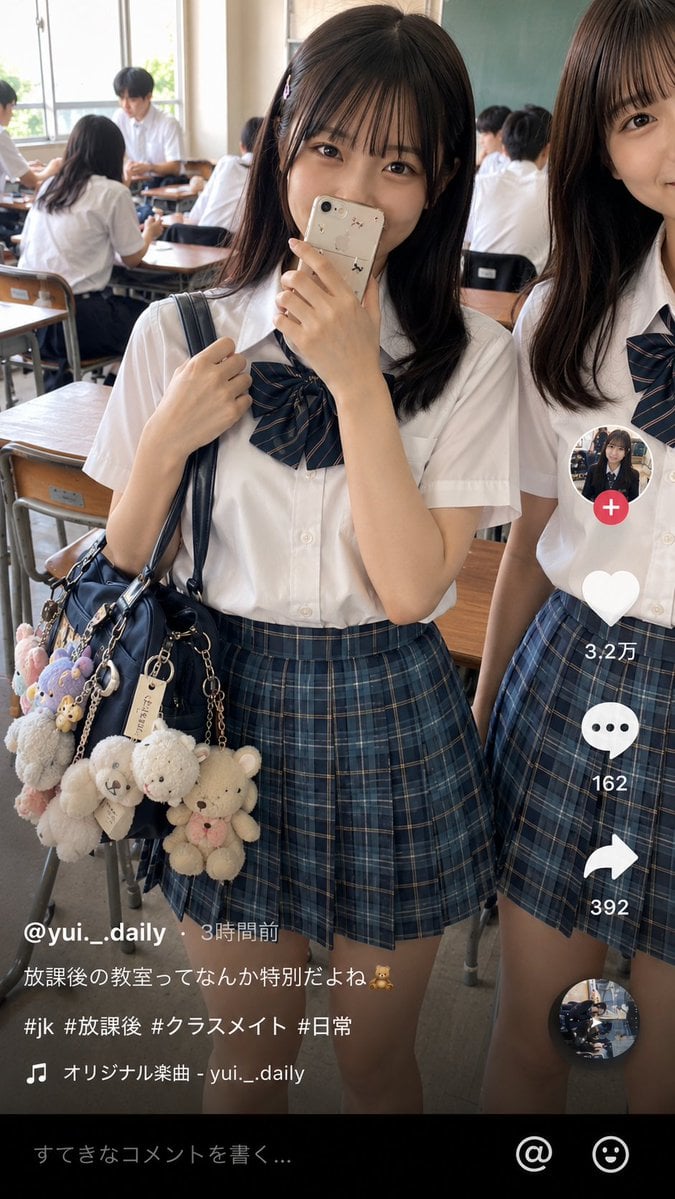
Japanese Classroom Short Video Screenshot
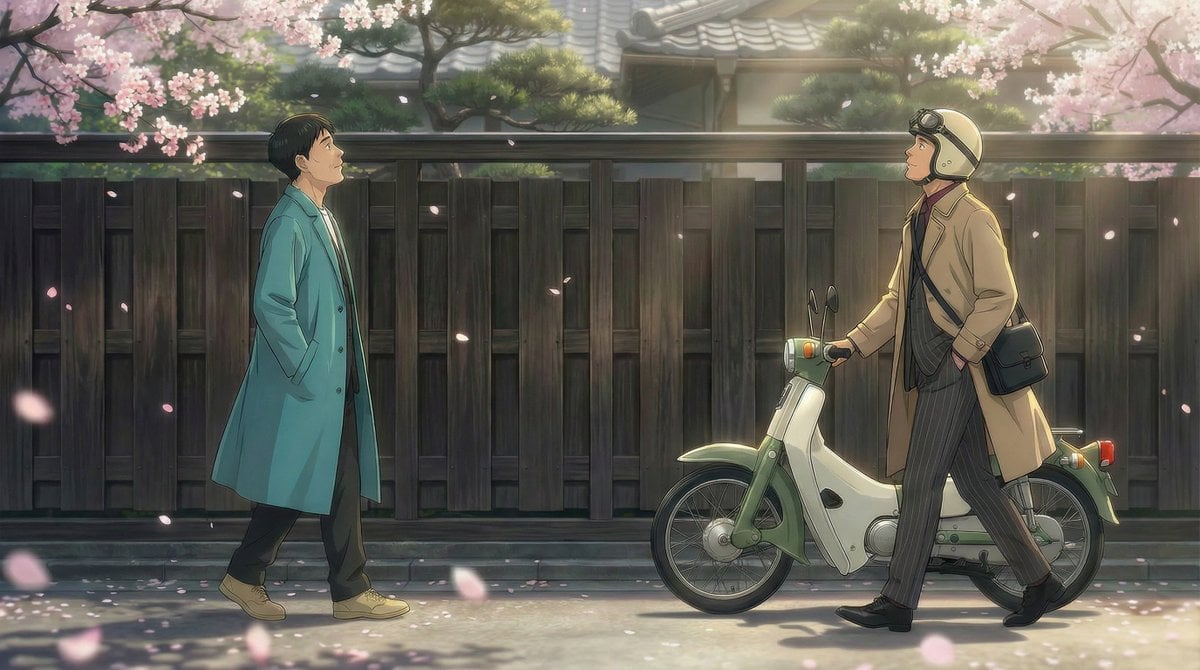
Nano Banana Pro Prompt for 'Scramble Spring' Fan Art
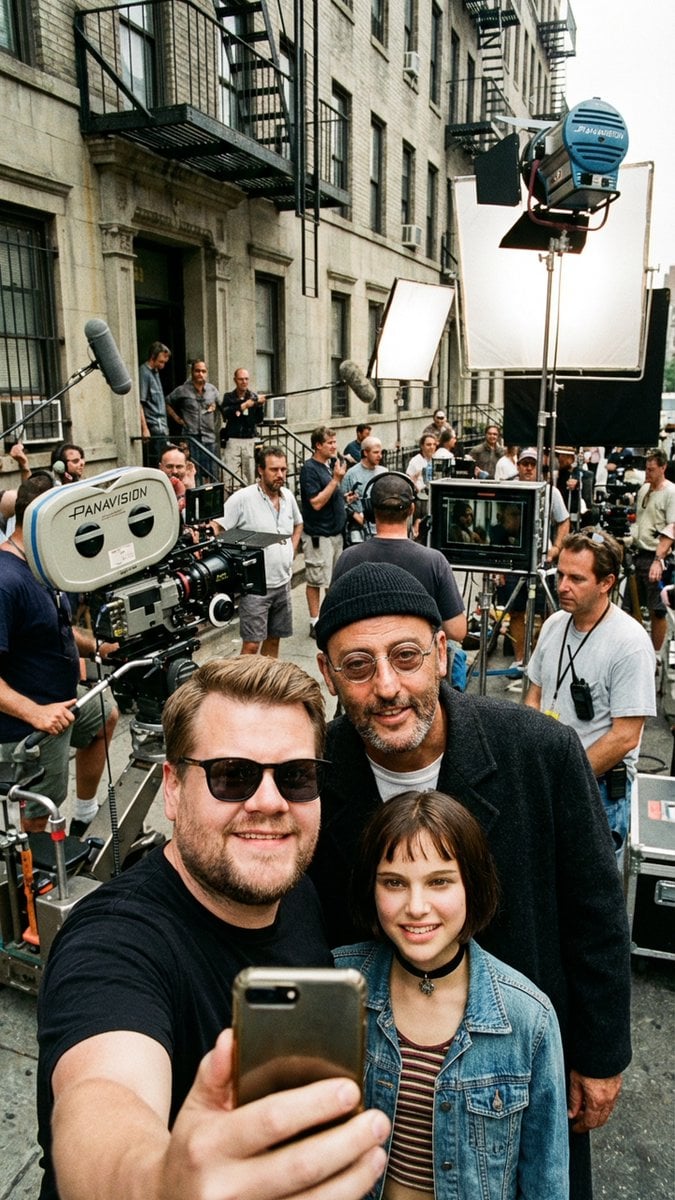
Behind-the-Scenes Selfie Identity Swap Prompt
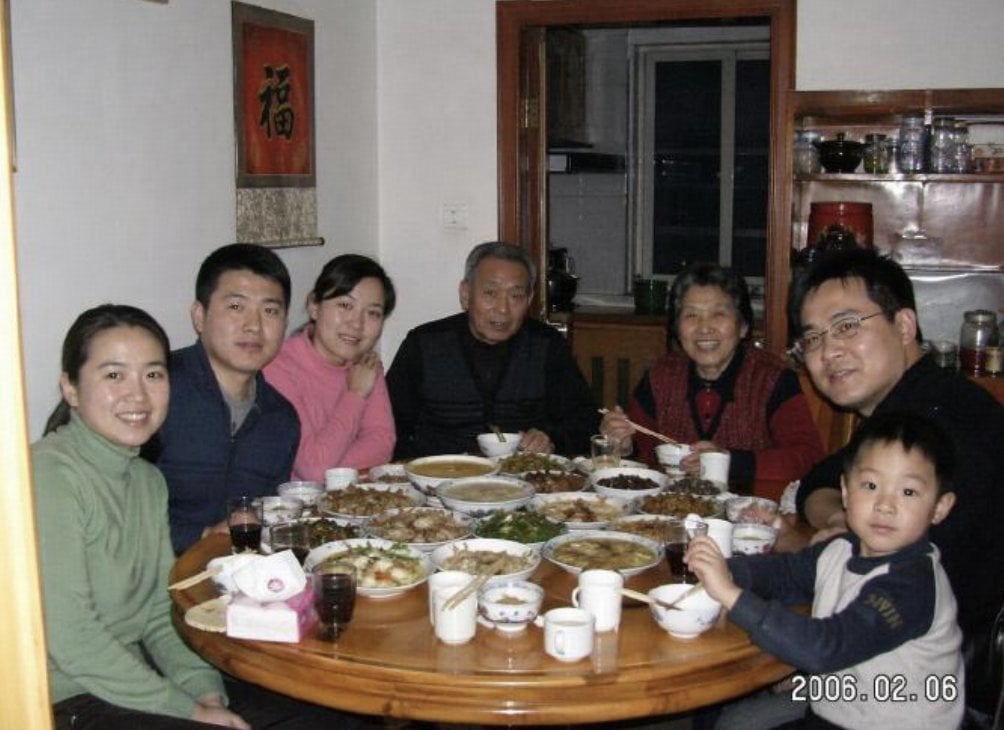
Anonymized 2000s Family Dinner Photo
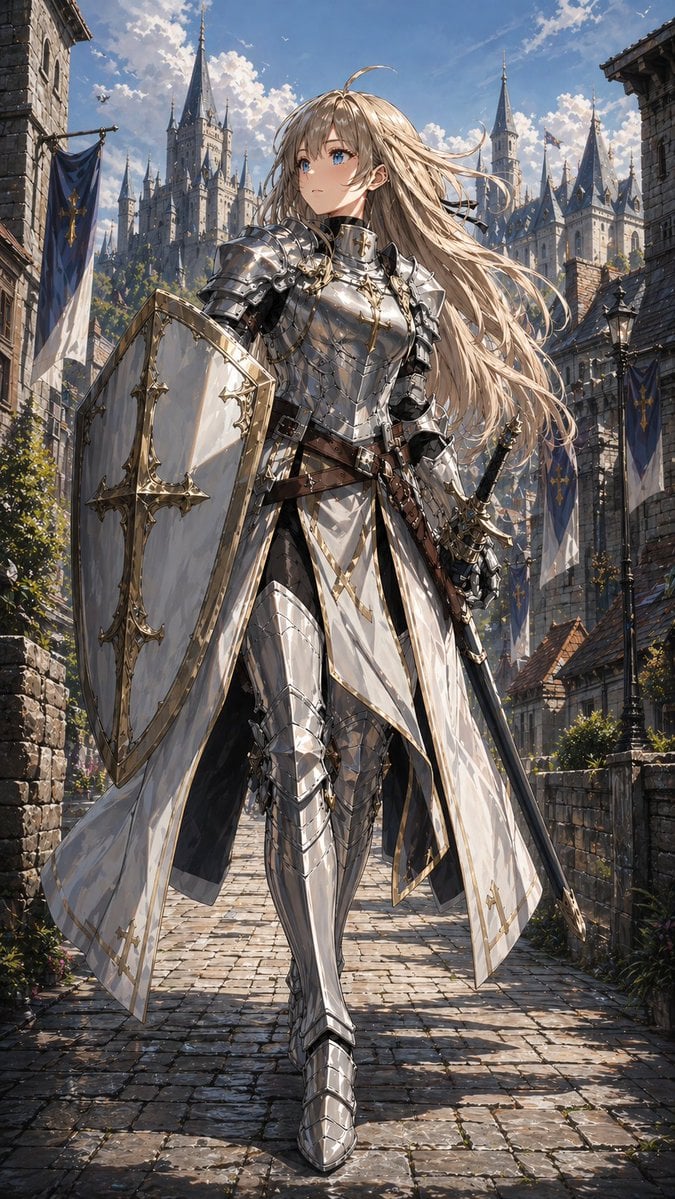
Holy Knight in a Castle City
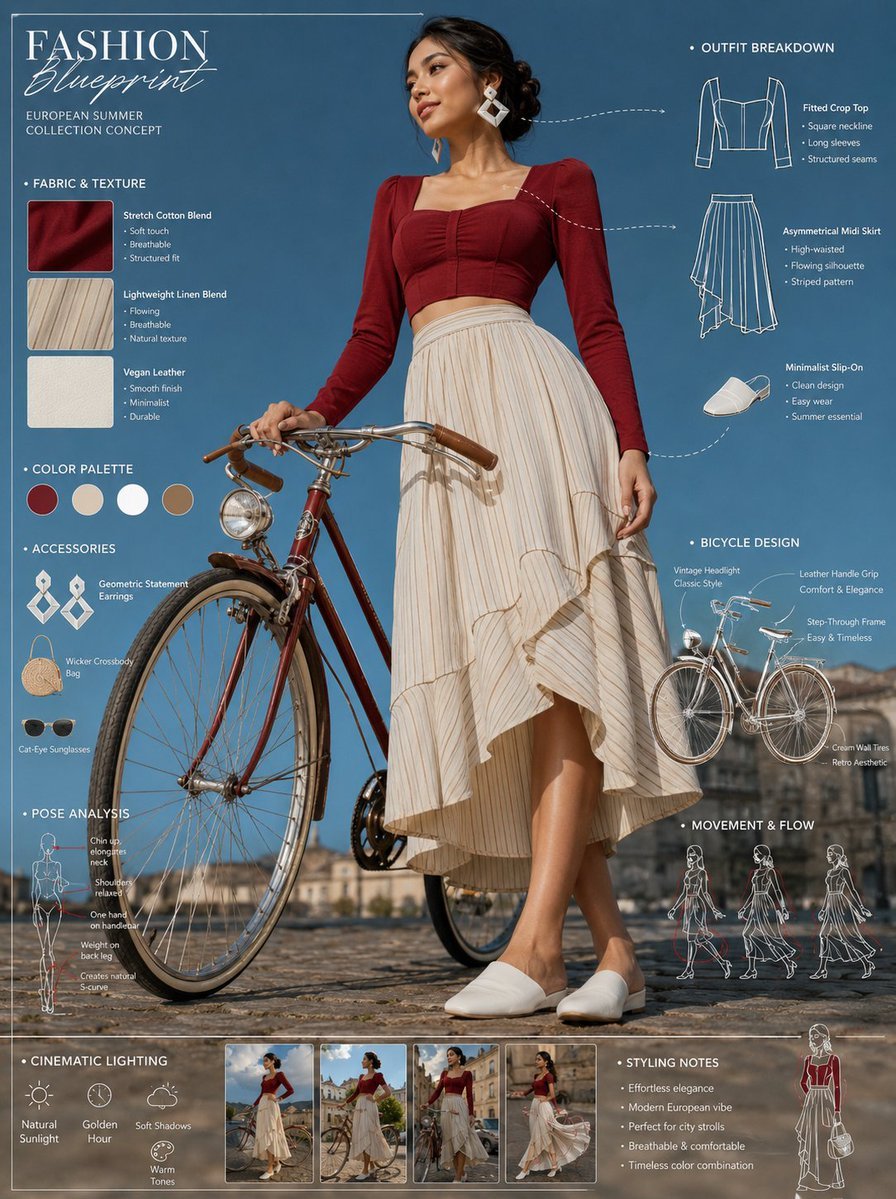
Vintage Bicycle Fashion Blueprint Sheet
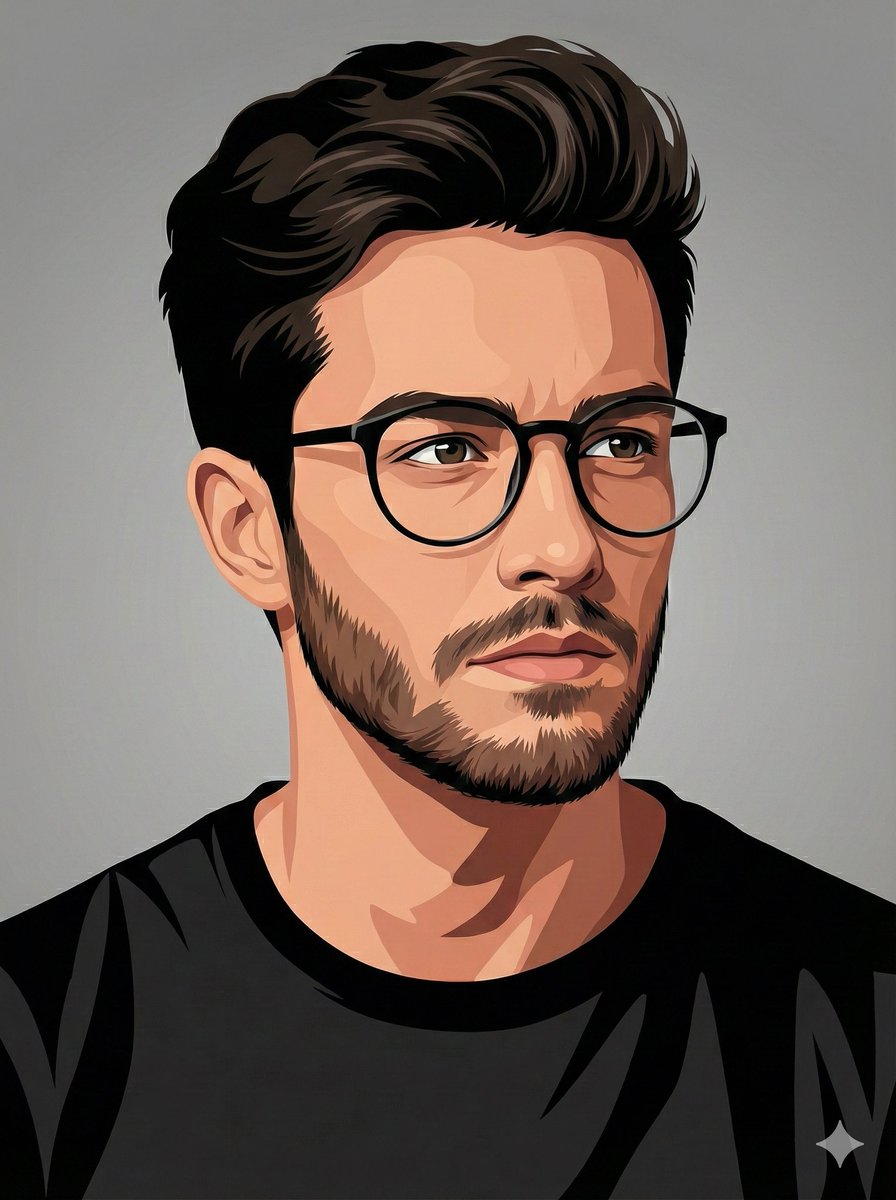
Vector-Style Character Illustration Portrait
Browse template categories
Beauty Magazine Cover questions
How do I use the Beauty Magazine Cover template?
Add your photo if the template asks for one, edit the prompt if you like — the template's model and format are already selected — and press Generate. Your version opens in PicX Studio.
Can I customize the Beauty Magazine Cover template?
Yes. You can change the subject, setting, lighting, mood, format, and available model controls before creating your image.
Is the Beauty Magazine Cover template free?
Opening and editing this template is free. Generating uses credits, shown on the Generate button when you are signed in.
Which AI model should I use?
Choose a compatible model in PicX Studio based on the style, speed, and output controls your project needs.
Looking for something else? Browse all templates.

Your photo, any look
Thousands of ready templates for every top image and video model, from one credit balance.