
Urban Street Fashion Portrait
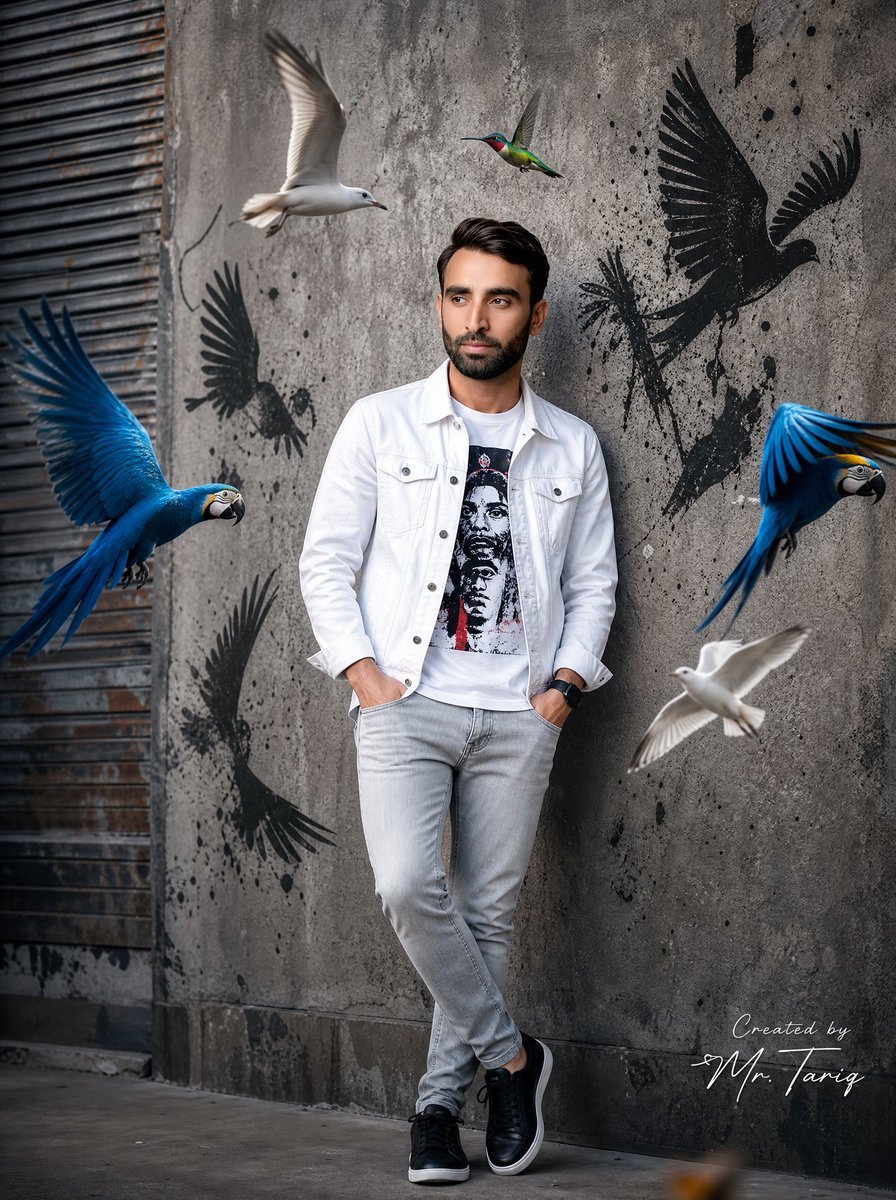
A street fashion portrait prompt that uses a face reference to place the subject in an urban environment surrounded by colorful birds.
- Prompt included
- Model and format preset
- Free template
The prompt behind this image
Copy the exact prompt behind Urban Street Fashion Portrait, or open it in the studio and make it yours.
Use uploaded image as exact face reference. STRICT FACE LOCK — preserve exact facial features, hairstyle, beard shape, skin tone, jawline, eyes, nose, and overall identity with zero modification. Create an ultra-realistic cinematic street fashion portrait of the same man standing confidently against a rough textured concrete wall in an urban environment. Outfit: {argument name="jacket style" default="white denim jacket"}, graphic printed t-shirt, slim light-grey jeans, black premium sneakers, black smartwatch. Pose: hands inside pockets, relaxed crossed-leg stance, looking sideways naturally with confident expression. Surround the subject with dynamic flying birds: - {argument name="birds" default="two vibrant blue macaws"} with fully spread wings - two realistic white seagulls flying near the subject - one colorful hummingbird hovering near upper center Add black graffiti bird silhouettes with paint splatter effects on the wall behind him to create a modern street-art atmosphere. Scene style: cinematic urban photography, hyper realistic, ultra detailed feathers, realistic shadows and reflections, soft daylight with studio contrast, shallow depth of field, DSLR photography look, fashion editorial aesthetic, highly detailed skin texture and beard, realistic motion blur on bird wings, balanced composition, premium Instagram influencer vibe, 8K ultra HD quality. Camera: full body shot, slightly low angle, 85mm lens, f/1.8 aperture, cinematic color grading. Add a professional luxury handwritten signature on one side corner: “Created by {argument name="signature name" default="Mr. Tariq"}” Signature should look elegant, minimal, professional, and naturally blended into the image like a real creator watermark.
How to use Urban Street Fashion Portrait in 3 steps
- 1Upload ImagePNG, JPG or paste
Add your photo
Upload the photo the template builds on. The prompt, model and format are already set.
- 2…a portrait of your subject in softgolden-hour light, 85mm…
Personalize
Edit the subject and creative details for your destination.
- 3Generate
Generate
Press Generate — your image is created in PicX Studio, so you can compare it with the original and refine one variable at a time.
More like this
Templates with the same subject, style or setup. Open one to see its prompt.

Nano Banana 2 High Fashion Sports Campai

Couture Fashion Editorial Woman and Drag

Ive Yujin Fashion Portrait in Blue

Nano Banana 2 Editorial Fashion Portrait

Caution Tape Fashion — Industrial Editorial

Nano Banana - Street Paris T-Shirt
Modern Urban Streetwear Portrait
Urban Fashion Symmetrical Portrait

Street-Art Inspired Urban Portrait
Cinematic Urban Street Portrait
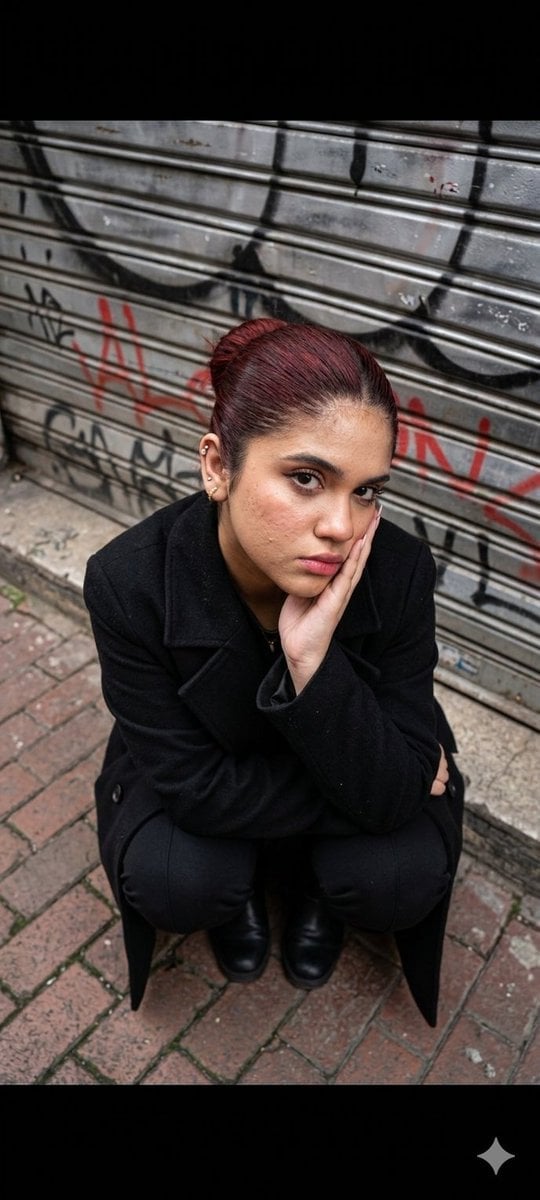
Urban Fashion Portrait
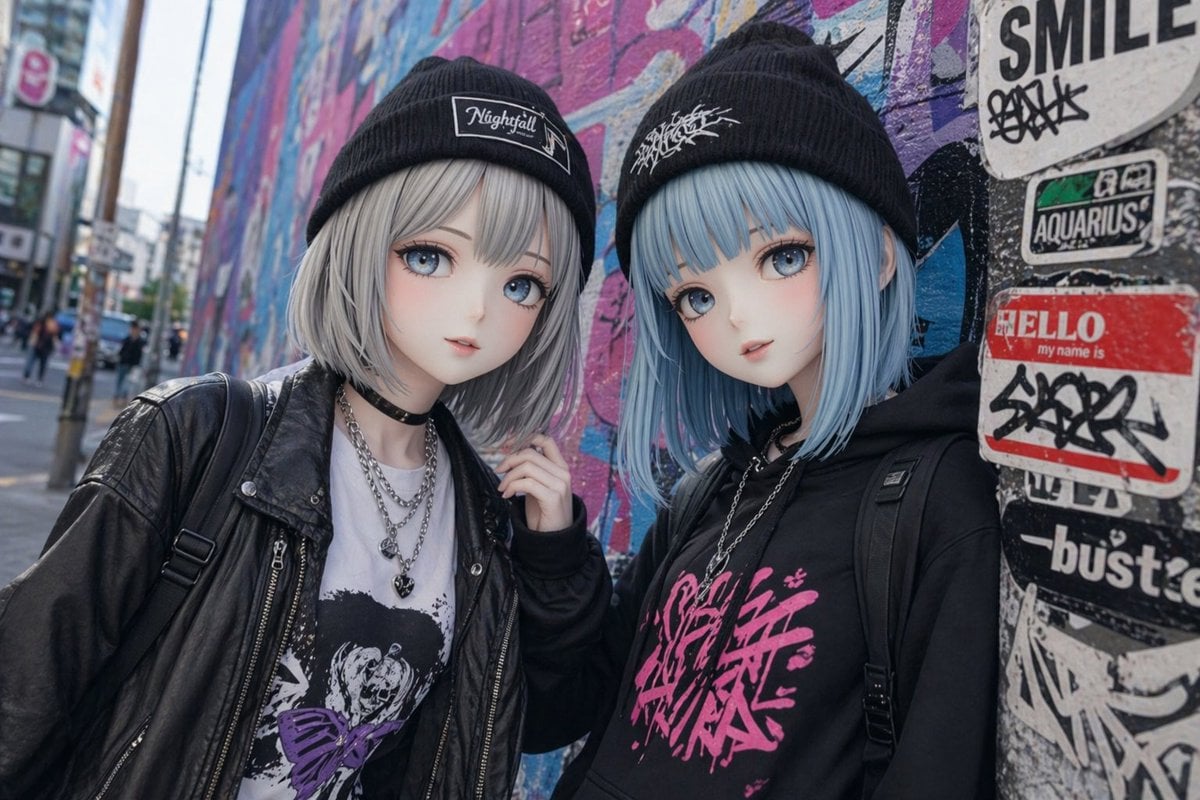
Kawaii Street Fashion Duo Portrait
Make it yours
Urban Street Fashion Portrait works as-is. These are the safest ways to change it without losing the look.
Change one field
Copy a single group, rewrite it, and generate again so you can see what that field is doing.
Keep the frame, change the subject
Hold the composition and light of Urban Street Fashion Portrait, then swap wardrobe, props or the person for a new take.
| If the result… | Why | Fix |
|---|---|---|
| The result drifts from the preview | Too many fields changed at once. | Reuse Urban Street Fashion Portrait as-is first, then change one group — subject, light, or setting. |
| The model over-stylizes the scene | The prose prompt leaves finish and camera underspecified. | Add one camera or lighting sentence and stay on GPT Image 2. |
More GPT Image 2 templates
Other prompts made for GPT Image 2.

Six VTuber Japanese Logo Sheet

Realistic Portrait of Woman and Deer

The Vista Modular Condo Poster

AI Model Routing Comparison Infographic

2.5D Anime Art Board

Isometric Productivity Desk Scene

New York Double Exposure Poster

Four-Panel AI Landscape Comparison

Japanese Tatami Lifestyle Magazine Cover

NESCAFÉ Coffee Map Poster
More image prompts
Fresh picks from across the catalog.
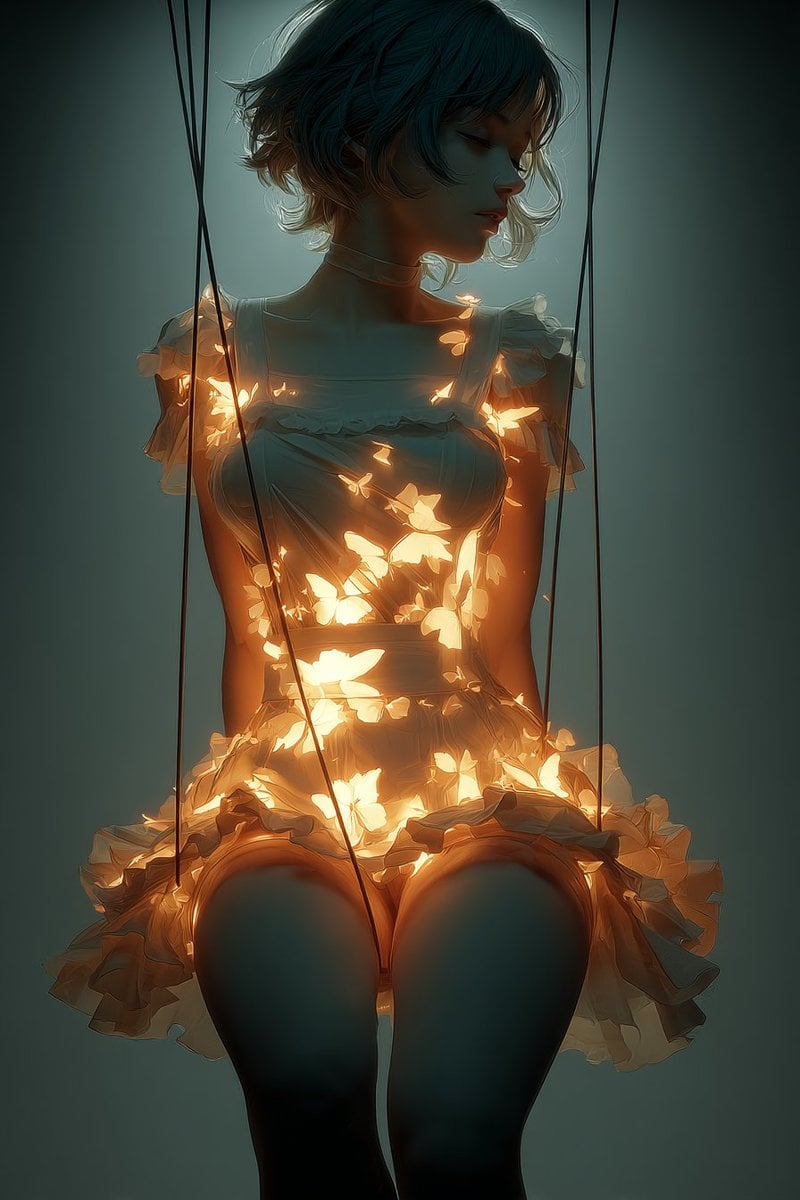
Glowing Butterfly Marionette Girl
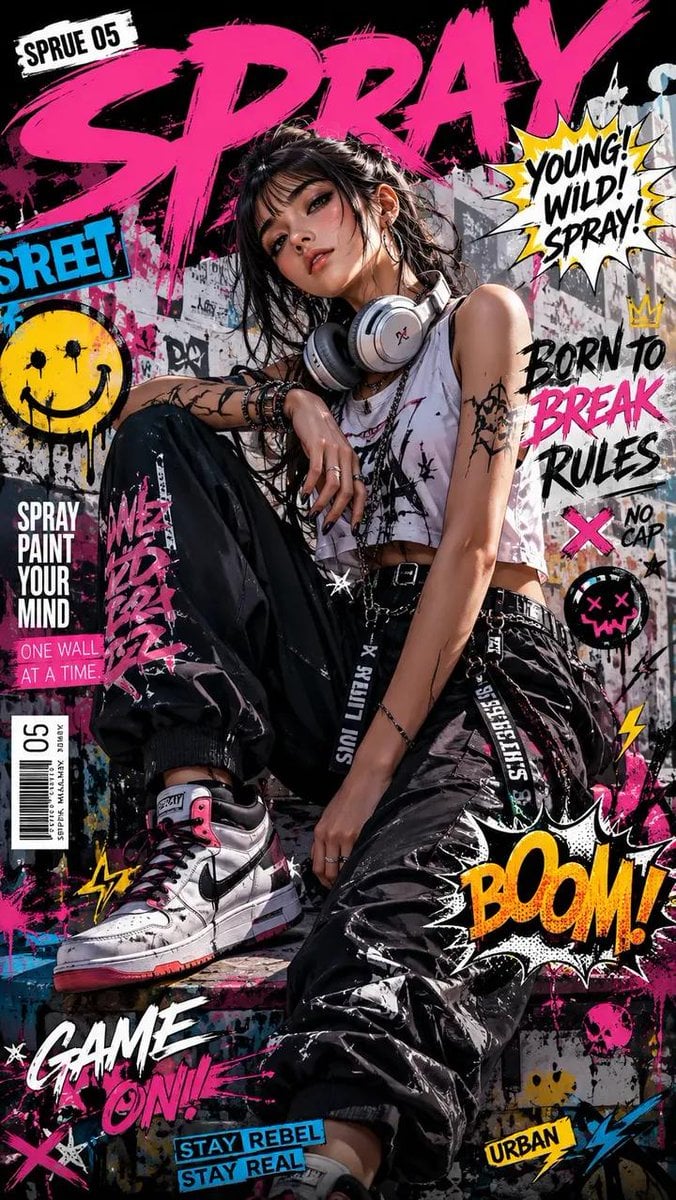
Street Art Rebel Magazine Cover
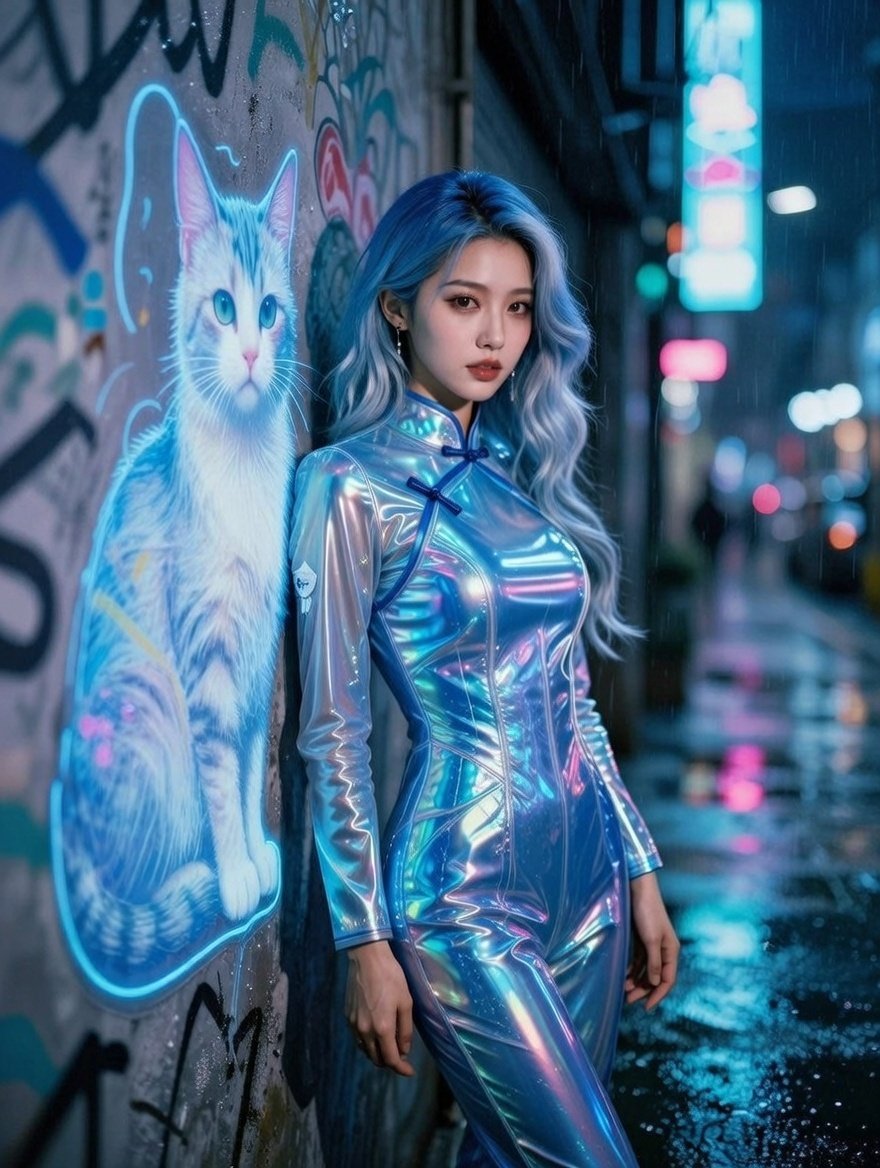
Cyberpunk Neon Alley Fashion Portrait Prompt
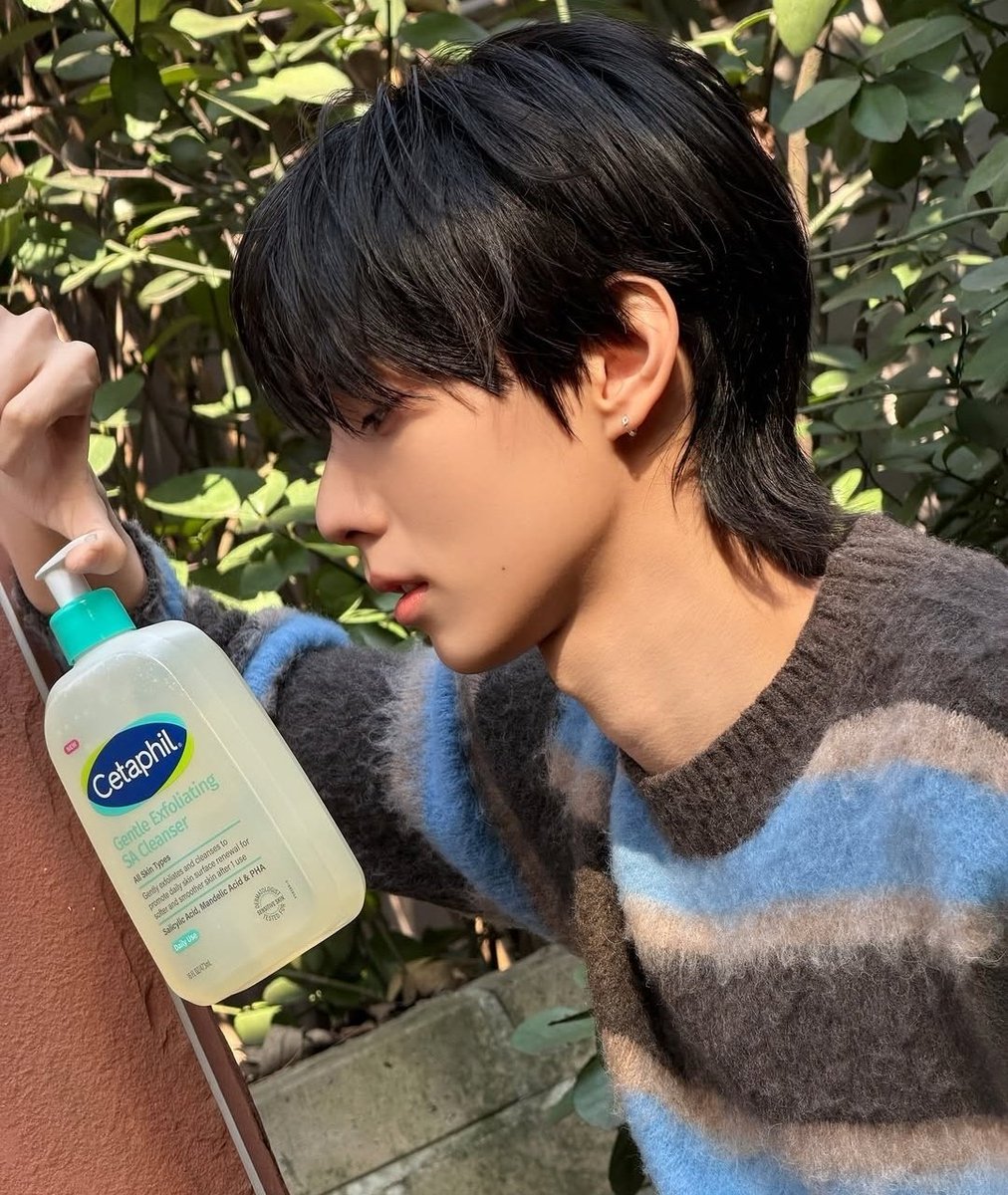
Korean ASCII Art and Affectionate Comment
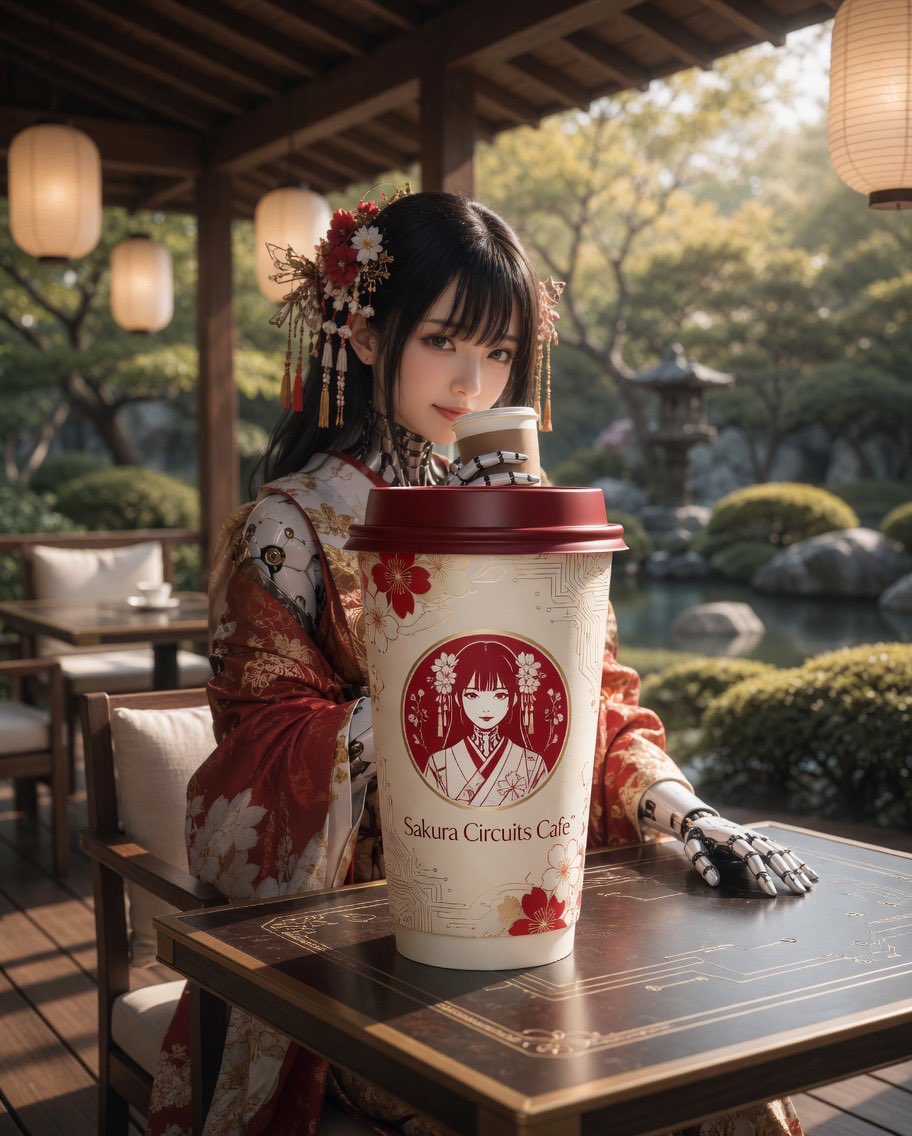
Cyber Kimono Café Portrait
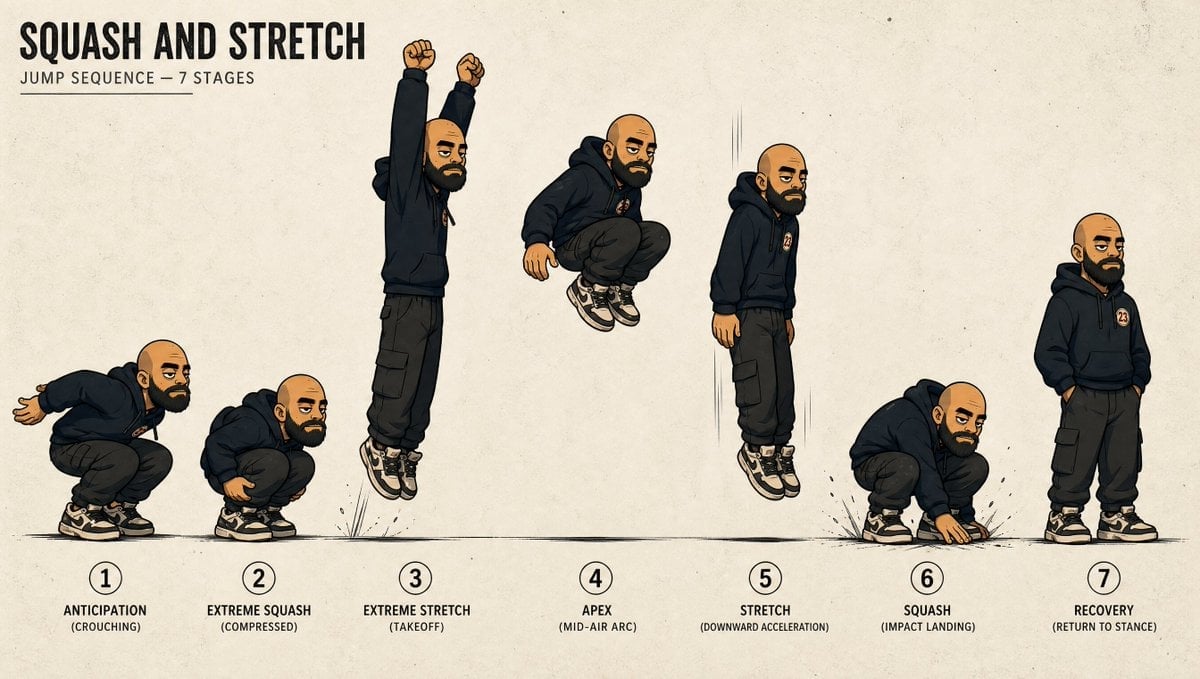
Squash and Stretch Jump Sheet
8K Cinematic Fantasy Portrait of Woman and Horse
Convention Cosplay Outfit Prompt
3D Puffy Resin Character Sticker Sheet
Japanese AI Creative Manifesto Poster
Browse template categories
Urban Street Fashion Portrait questions
How do I use the Urban Street Fashion Portrait template?
Add your photo if the template asks for one, edit the prompt if you like — the template's model and format are already selected — and press Generate. Your version opens in PicX Studio.
Can I customize the Urban Street Fashion Portrait template?
Yes. You can change the subject, setting, lighting, mood, format, and available model controls before creating your image.
Is the Urban Street Fashion Portrait template free?
Opening and editing this template is free. Generating uses credits, shown on the Generate button when you are signed in.
Which AI model should I use?
Start with GPT Image 2, which is the model associated with this template. You can compare another compatible model for a different finish.
Looking for something else? Browse all templates.

Your photo, any look
Thousands of ready templates for every top image and video model, from one credit balance.