
Street Art Rebel Magazine Cover
A gritty urban magazine cover featuring graffiti, street-art textures, and a defiant character, strictly preserving facial features from a reference photo.
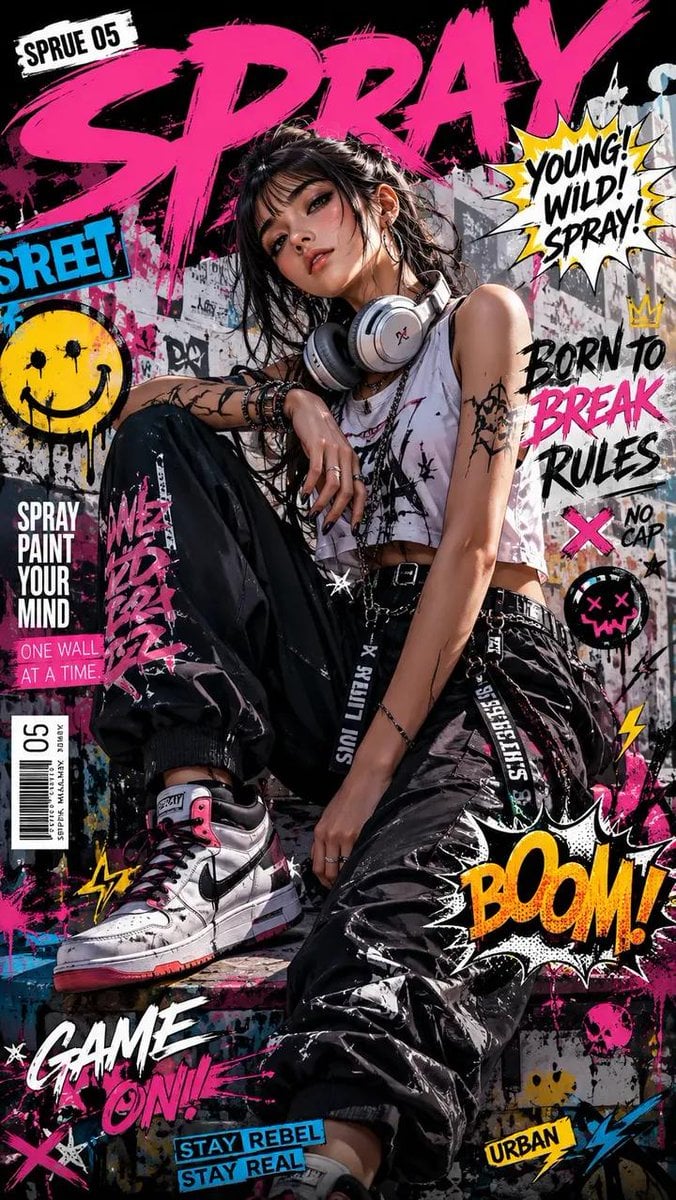
- Prompt included
- Model and format preset
- Premium template
The prompt behind this image
Copy the exact prompt behind Street Art Rebel Magazine Cover, or open it in the studio and make it yours.
Create a magazine cover for {argument name="magazine name" default=""COSTAKONAR""} magazine in a street art, fashion, and rebellious culture style. Use the attached photo as the man's face – strictly preserve all facial features: eyes, lips, hair color, ears, shape of the face. No changes, no hallucinations. The man is young, confident, with a defiant expression. He wears an {argument name="outfit" default="oversized hoodie, baggy cargo pants, high-top sneakers, and a backward baseball cap"}. His hands are in his pockets or making a rock gesture. Pose is relaxed but bold, positioned slightly off-center left. Background: a chaotic collage of graffiti, stencils, stickers, newspaper clippings, abstract paint splashes and drips. There is no skull. Instead, add life-affirming elements such as small urban flowers, flying birds, street signs, or colorful abstract shapes. Overlay the following {argument name="text overlay" default="Cyrillic text"} exactly: "УЛИЧНОЕ ИСКУССТВО ★ МОДА ★ КУЛЬТУРА", large grunge font "COSTAKONAR", "ВЫПУСК 26 МАЯ 2026", "РОЖДЁННЫЙ ВЫДЕЛЯТЬСЯ", "НАРУШАЙ ПРАВИЛА", "БУДУЩЕЕ ЗА НАМИ", "УЛИЧНЫЙ СТИЛЬ ЗАХВАТЫВАЕТ", "ГРАНИЦЫ", "+ ЭКСКЛЮЗИВНОЕ ИНТЕРВЬЮ АРТ × МОДА КРЕАТОРЫ НОВОГО ПОКОЛЕНИЯ", "ЗАЯВИ О СЕБЕ", and at the bottom "КРАСНОДАР". Colors: neon pink, vibrant orange, black, white. Distressed textures, paint drips, dynamic lighting, harsh shadows, gritty urban feel. Composition: text on top and right, man on left, "КРАСНОДАР" at bottom. Preserve the face from the uploaded image exactly – no alterations.
How to use Street Art Rebel Magazine Cover in 3 steps
- 1Upload ImagePNG, JPG or paste
Add your photo
Upload the photo the template builds on. The prompt, model and format are already set.
- 2…a portrait of your subject in softgolden-hour light, 85mm…
Personalize
Edit the subject and creative details for your destination.
- 3Generate
Generate
Press Generate — your image is created in PicX Studio, so you can compare it with the original and refine one variable at a time.
More like this
Templates with the same subject, style or setup. Open one to see its prompt.

Blue Hour Editorial Fashion Portrait
Tattooed Rebel Magazine Cover

Two Tickets, One Night

Meet Me When It Rains

Two Hearts. One Scooter.

1986 Street Couple

1985 Street Scene

Off Duty Fashion Magazine Cover

Japanese Tatami Lifestyle Magazine Cover

Ethereal Bloom Magazine Cover

Tropical Macaw Magazine Cover
Night Static Streetwear Cover
Make it yours
Street Art Rebel Magazine Cover works as-is. These are the safest ways to change it without losing the look.
Change one field
Copy a single group, rewrite it, and generate again so you can see what that field is doing.
Keep the frame, change the subject
Hold the composition and light of Street Art Rebel Magazine Cover, then swap wardrobe, props or the person for a new take.
| If the result… | Why | Fix |
|---|---|---|
| The result drifts from the preview | Too many fields changed at once. | Reuse Street Art Rebel Magazine Cover as-is first, then change one group — subject, light, or setting. |
| The model over-stylizes the scene | The prose prompt leaves finish and camera underspecified. | Add one camera or lighting sentence and stay on GPT Image 2. |
More GPT Image 2 templates
Other prompts made for GPT Image 2.

Six VTuber Japanese Logo Sheet

Realistic Portrait of Woman and Deer

The Vista Modular Condo Poster

AI Model Routing Comparison Infographic

2.5D Anime Art Board

Isometric Productivity Desk Scene

New York Double Exposure Poster

Four-Panel AI Landscape Comparison

NESCAFÉ Coffee Map Poster

Brutalist Cogito Chinese Typography Poster
More image prompts
Fresh picks from across the catalog.
Moonlit Watercolor Portrait with Identity Lock
Anime Horror Game Thumbnail Composite
AI Manga: Cat Doesn't Want to Sleep
Ultra-Realistic Glistening Athletic Portrait
90s-style film portrait from a reference photo
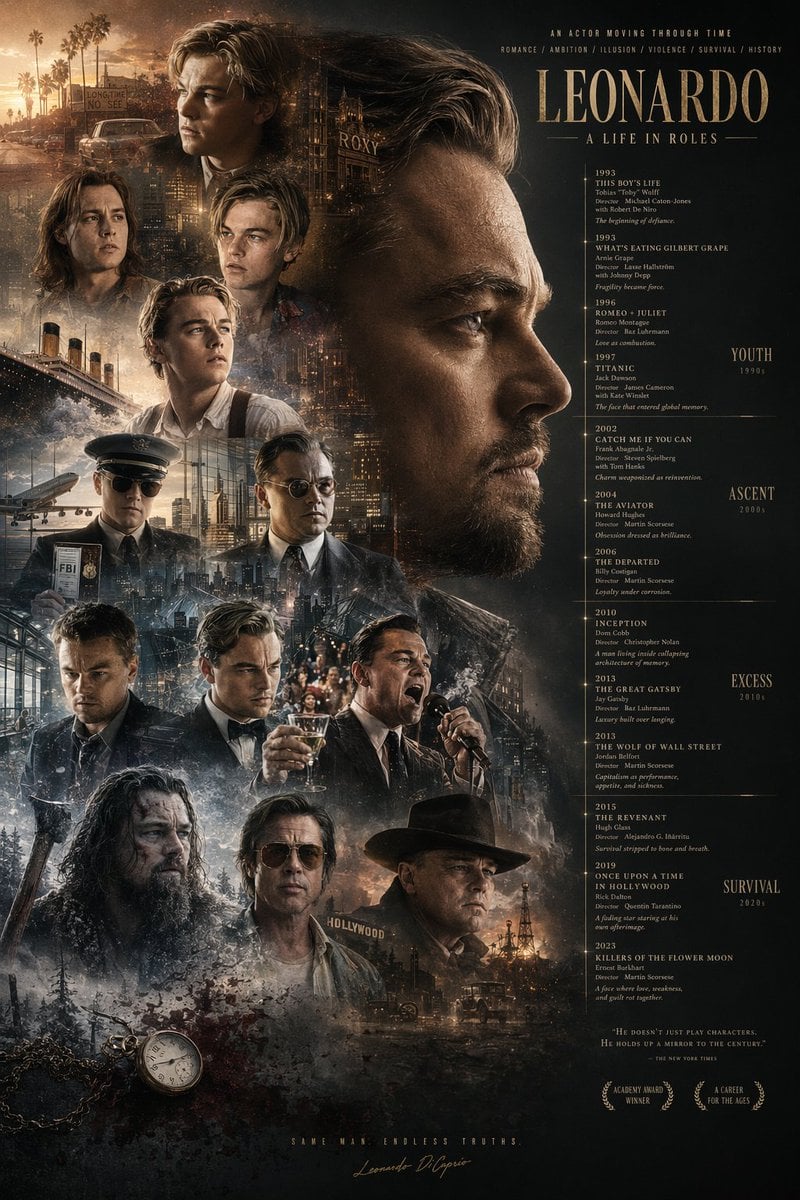
Mirrored Actor Retrospective Poster
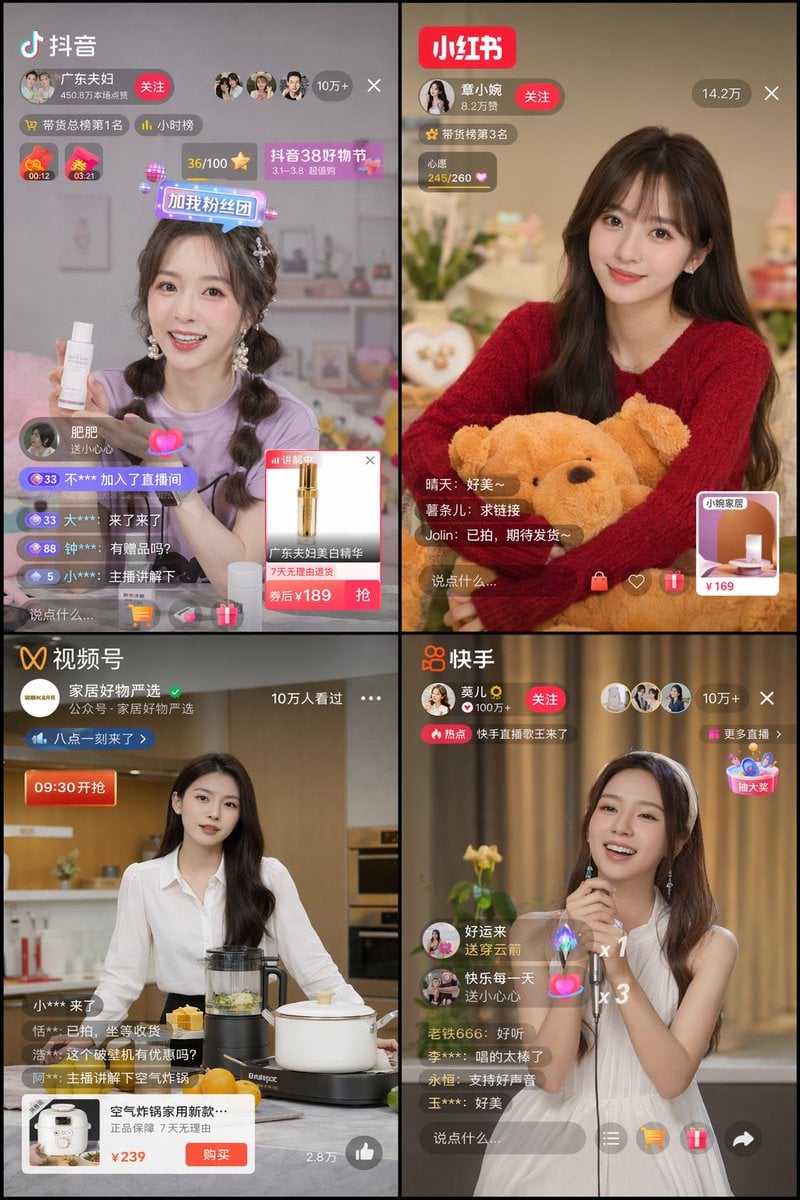
Chinese Livestreaming App UI Grid
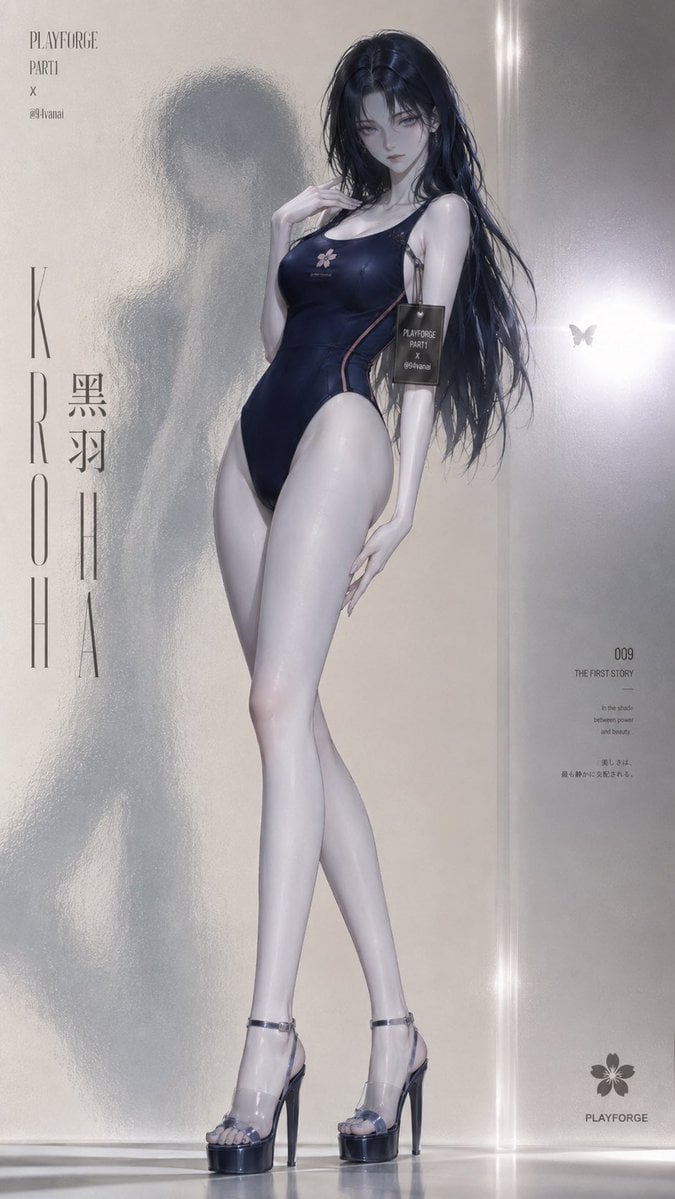
Frosted Glass Minimalist Texture
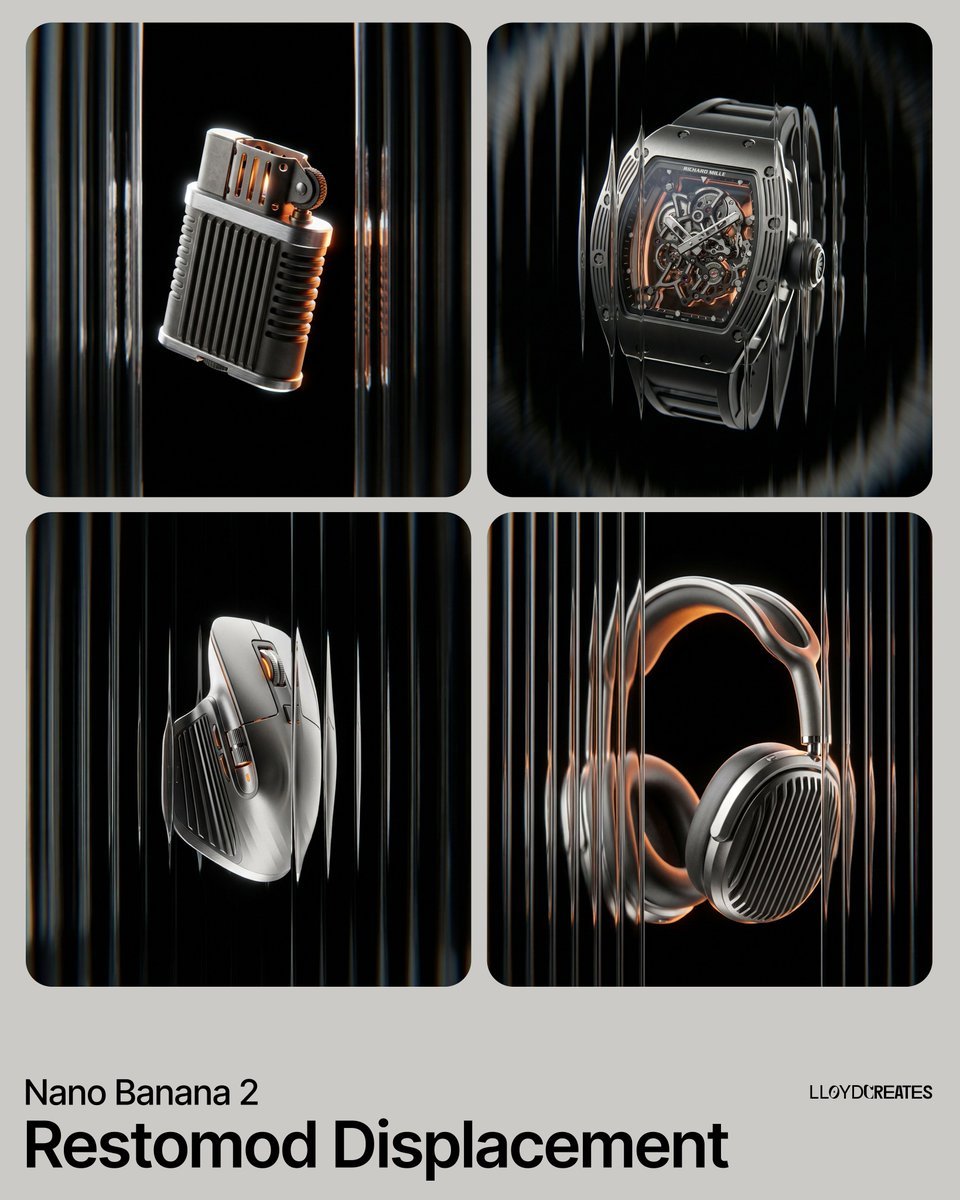
Restomod Product Shot with Chiaroscuro Lighting
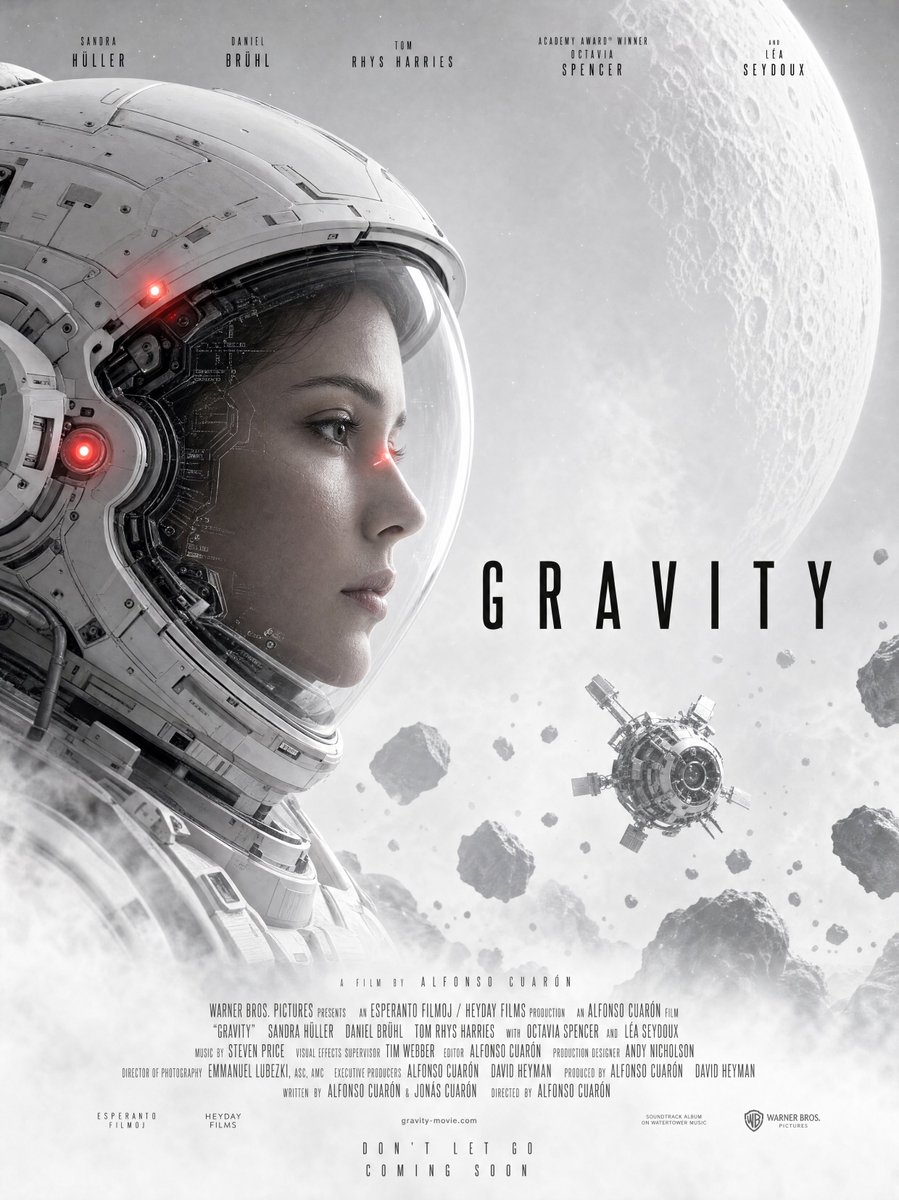
Gravity-Style Space Movie Poster
Browse template categories
Street Art Rebel Magazine Cover questions
How do I use the Street Art Rebel Magazine Cover template?
Add your photo if the template asks for one, edit the prompt if you like — the template's model and format are already selected — and press Generate. Your version opens in PicX Studio.
Can I customize the Street Art Rebel Magazine Cover template?
Yes. You can change the subject, setting, lighting, mood, format, and available model controls before creating your image.
Is the Street Art Rebel Magazine Cover template free?
Opening and editing this template is free. Generating uses credits, shown on the Generate button when you are signed in.
Which AI model should I use?
Start with GPT Image 2, which is the model associated with this template. You can compare another compatible model for a different finish.
Looking for something else? Browse all templates.

Your photo, any look
Thousands of ready templates for every top image and video model, from one credit balance.