
Night Static Streetwear Cover
Generates a gritty urban street style magazine cover with two characters, bold graffiti typography, and blue-orange sneaker fashion.
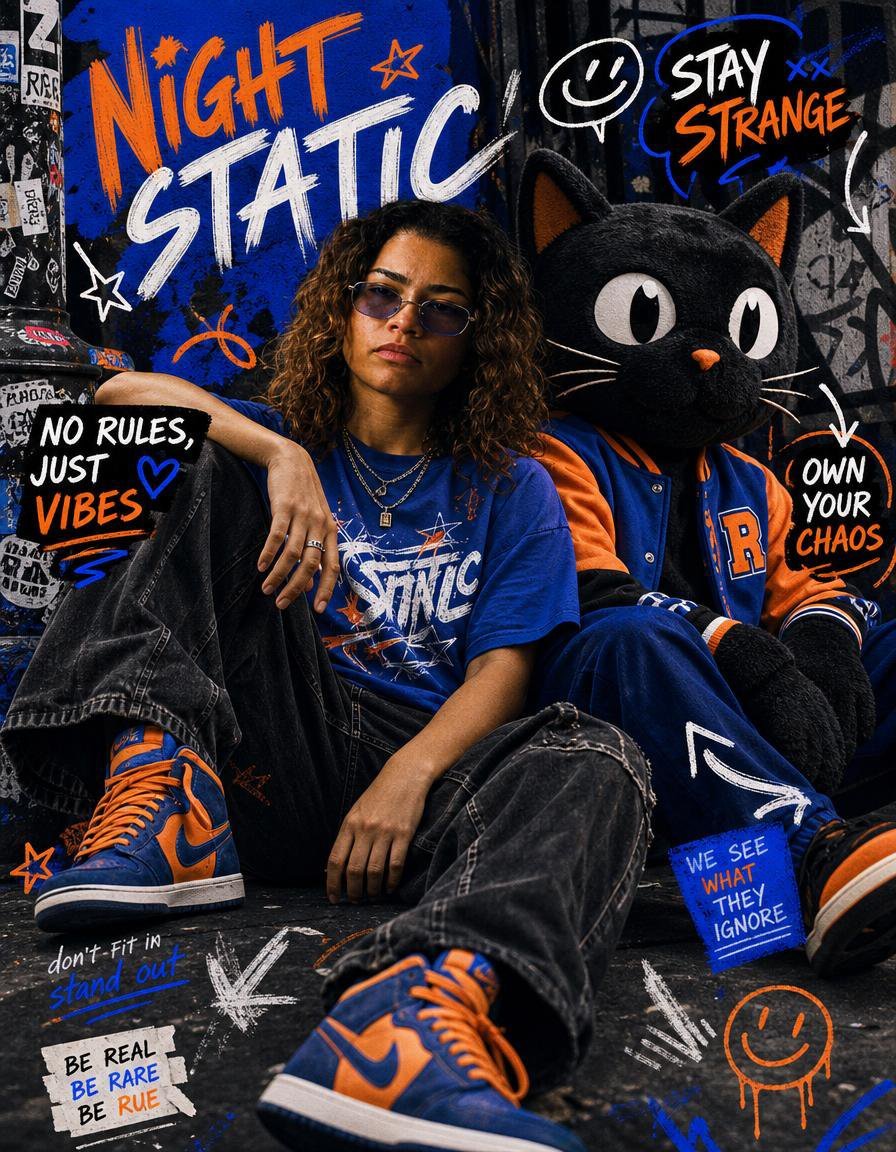
- Prompt included
- Model and format preset
- Premium template
The prompt behind this image
Copy the exact prompt behind Night Static Streetwear Cover, or open it in the studio and make it yours.
Goal: Create a bold street style magazine cover featuring {argument name="character names" default="Rue and Jules"} as edgy urban fashion icons sitting on a gritty alley floor, surrounded by graffiti, sticker textures, and hand-drawn editorial lettering. Canvas: Vertical 3:4 magazine-cover composition, close wide-angle fashion photography look, saturated cobalt blue, safety orange, black, white, and concrete gray palette. Use high contrast flash lighting, realistic fabric texture, grungy walls, worn pavement, taped posters, scratched paint, and layered street-art marks. Main subjects: Exactly 2 seated subjects centered in the frame. Subject 1 is a young streetwear model with {argument name="hair style" default="shoulder-length curly brown hair with lighter highlights"}, relaxed slouched pose, one knee raised, wearing a cobalt blue graphic T-shirt, loose faded black jeans, layered silver necklaces, rings, and blue-and-orange high-top sneakers. Subject 2 is an oversized plush black cat mascot companion with huge white oval eyes, orange nose, whiskers, pointed ears with orange inner ears, wearing a blue-and-orange varsity jacket with a large orange letter on the chest, navy pants, and matching orange-and-blue sneakers. The cat sits close beside the model like a best friend on a streetwear magazine cover. Layout and typography: Make the top-left headline huge and hand-painted: {argument name="main title" default="NIGHT STATIC"}, with “NIGHT” in orange brush lettering and “STATIC” in white slanted paint strokes. Add chaotic doodles around the subjects in white, orange, and electric blue, as if drawn over a finished editorial photo. Visible text elements: Include exactly 7 distinct text blocks: 1) top-left main title “NIGHT STATIC”; 2) upper-right speech bubble “STAY STRANGE”; 3) left black label “NO RULES JUST VIBES”; 4) right circular scribble “OWN YOUR CHAOS”; 5) blue taped note near lower right “WE SEE WHAT THEY IGNORE”; 6) lower-left handwritten note “don’t fit in stand out”; 7) lower-left torn tape label “BE REAL BE RARE BE RUE”. Doodles and graphic marks: Include exactly 10 prominent non-text doodle elements: 1) white star near the title, 2) small orange star near the title, 3) orange curved squiggle under the title, 4) white smiley speech bubble near the upper right, 5) blue X marks near “STAY STRANGE”, 6) thick white arrow pointing toward “OWN YOUR CHAOS”, 7) large white arrow on the cat’s pant leg, 8) white chalk arrows near the lower center, 9) orange smiley face at bottom right, 10) orange outlined star near the lower left shoe. Fashion details: Emphasize oversized denim, baggy silhouettes, sneaker-culture styling, layered chains, varsity jacket texture, scuffed soles, orange laces, and blue-orange color coordination between both characters. Constraints: Make it look like a real photographed editorial cover with illustrated graffiti overlays, not a clean vector poster. Keep the composition crowded but readable, with the subjects filling most of the frame and the typography integrated into the alley wall and floor.
How to use Night Static Streetwear Cover in 3 steps
- 1Upload ImagePNG, JPG or paste
Add your photo
Upload the photo the template builds on. The prompt, model and format are already set.
- 2…a portrait of your subject in softgolden-hour light, 85mm…
Personalize
Edit the subject and creative details for your destination.
- 3Generate
Generate
Press Generate — your image is created in PicX Studio, so you can compare it with the original and refine one variable at a time.
More like this
Templates with the same subject, style or setup. Open one to see its prompt.

1988 Mall Style
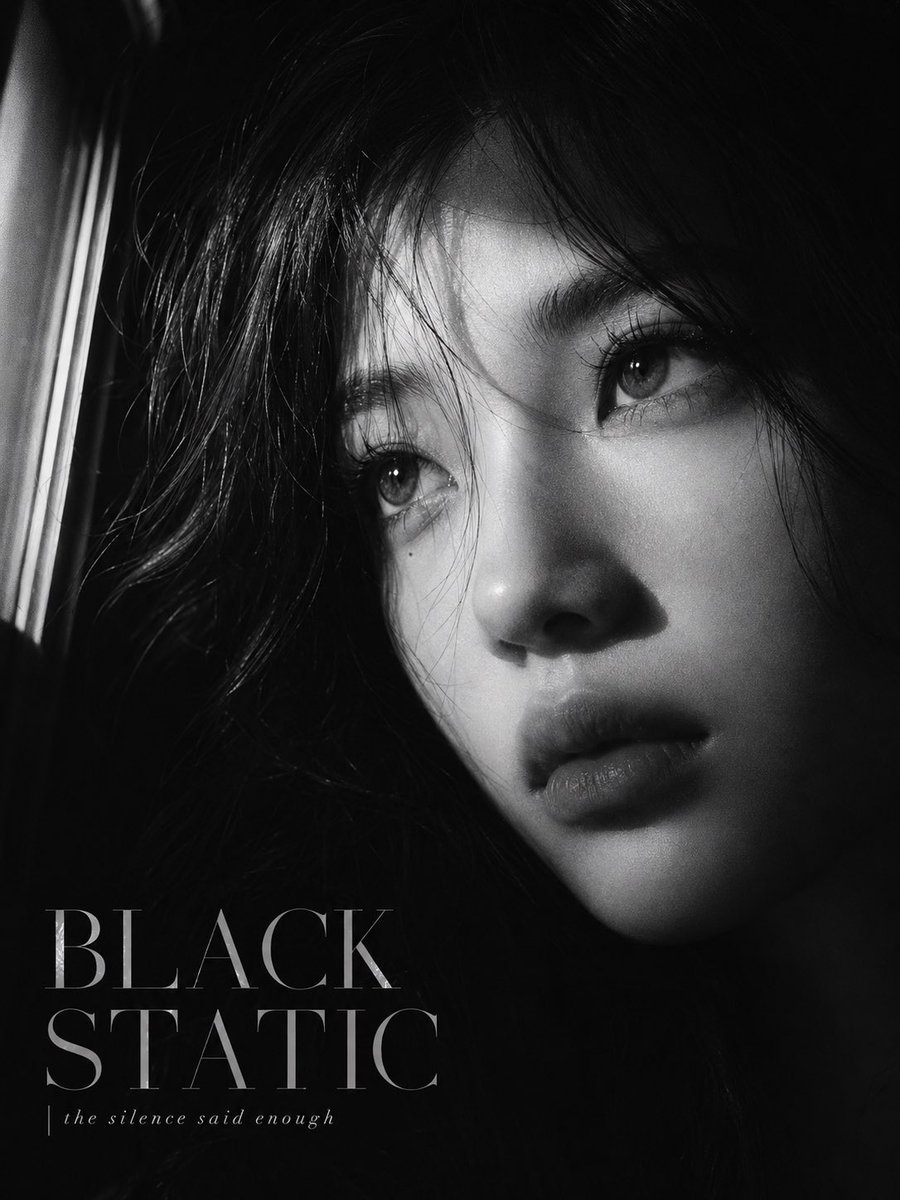
Black Static Noir Magazine Cover

Retro Pop-Art K-Fashion Ultraluxury Campaign Poster

Urban Fashion Editorial Collage Streetwear Poster

Monochrome Hypebeast Street Fashion Editorial Motion
Monochrome Hypebeast Street Fashion Editorial Motion

Korean Streetwear Minimalist Campaign Portrait

Cinematic Korean Streetwear Street Portrait

Frozen Street Luxe Graffiti Fashion Campaign

Ultra-Stylized High-Fashion Streetwear Poster

Urban Fashion Editorial Collage Poster

Korean Idol Partial Shadow Editorial Portrait
Make it yours
Night Static Streetwear Cover works as-is. These are the safest ways to change it without losing the look.
Change one field
Copy a single group, rewrite it, and generate again so you can see what that field is doing.
Keep the frame, change the subject
Hold the composition and light of Night Static Streetwear Cover, then swap wardrobe, props or the person for a new take.
| If the result… | Why | Fix |
|---|---|---|
| The result drifts from the preview | Too many fields changed at once. | Reuse Night Static Streetwear Cover as-is first, then change one group — subject, light, or setting. |
| The model over-stylizes the scene | The prose prompt leaves finish and camera underspecified. | Add one camera or lighting sentence and stay on GPT Image 2. |
More GPT Image 2 templates
Other prompts made for GPT Image 2.

Six VTuber Japanese Logo Sheet

Realistic Portrait of Woman and Deer

The Vista Modular Condo Poster

AI Model Routing Comparison Infographic

2.5D Anime Art Board

Isometric Productivity Desk Scene

New York Double Exposure Poster

Four-Panel AI Landscape Comparison

Japanese Tatami Lifestyle Magazine Cover

NESCAFÉ Coffee Map Poster
More image prompts
Fresh picks from across the catalog.
Old Photo Restoration and Upscaling
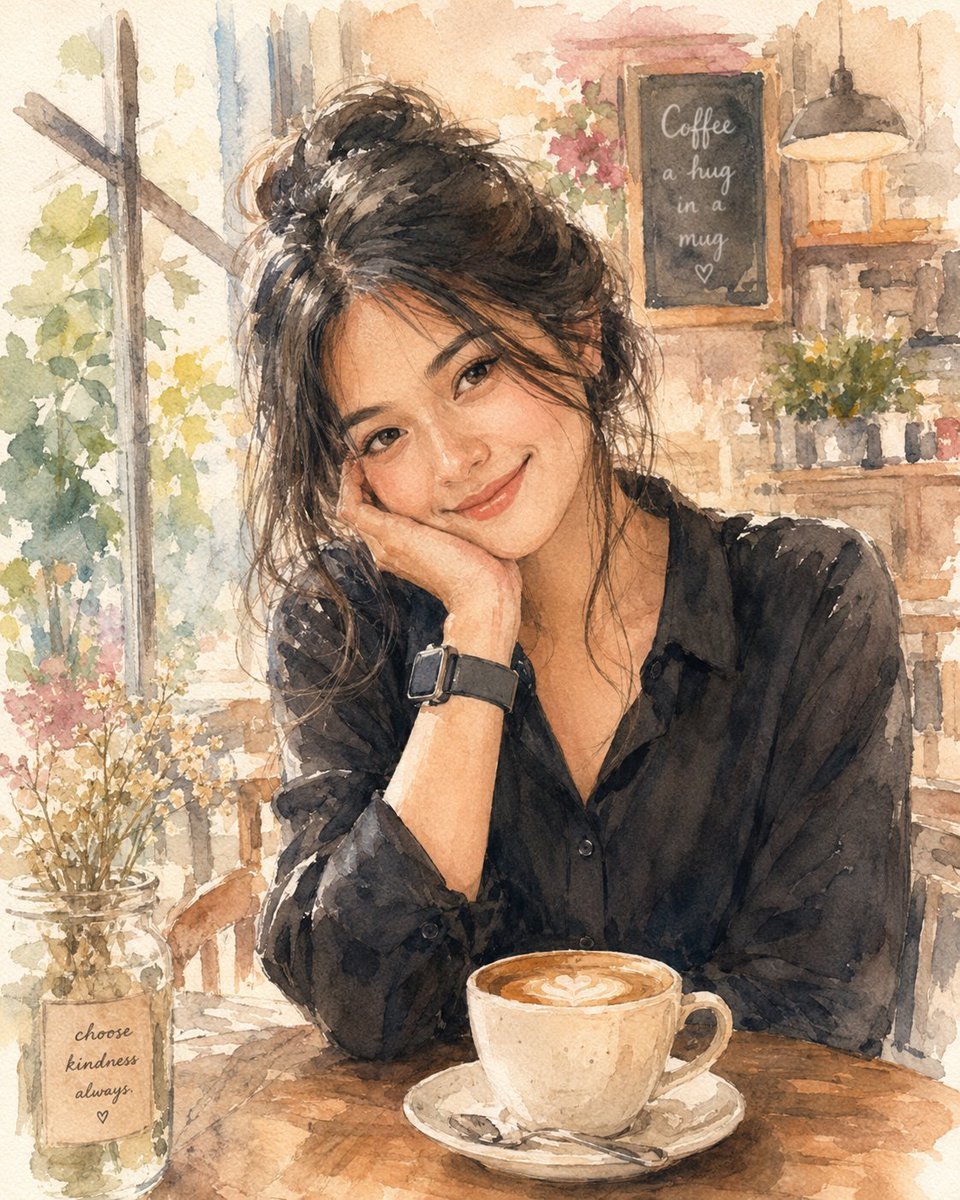
Soft Watercolor Café Illustration
East Asian Fashion Editorial
Cinematic Low-Key Indoor Portrait
High-Contrast Cinematic Portrait of a Stylish Man
Four-panel grid collage fashion photography prompt
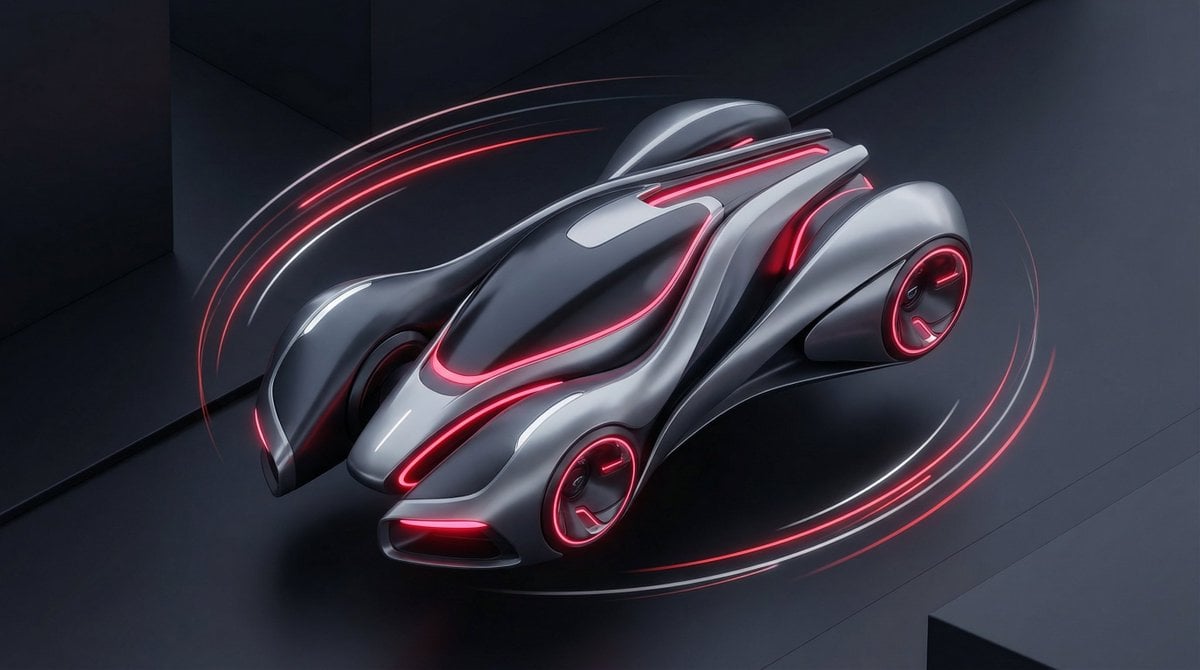
Stylized Tech Illustration Template
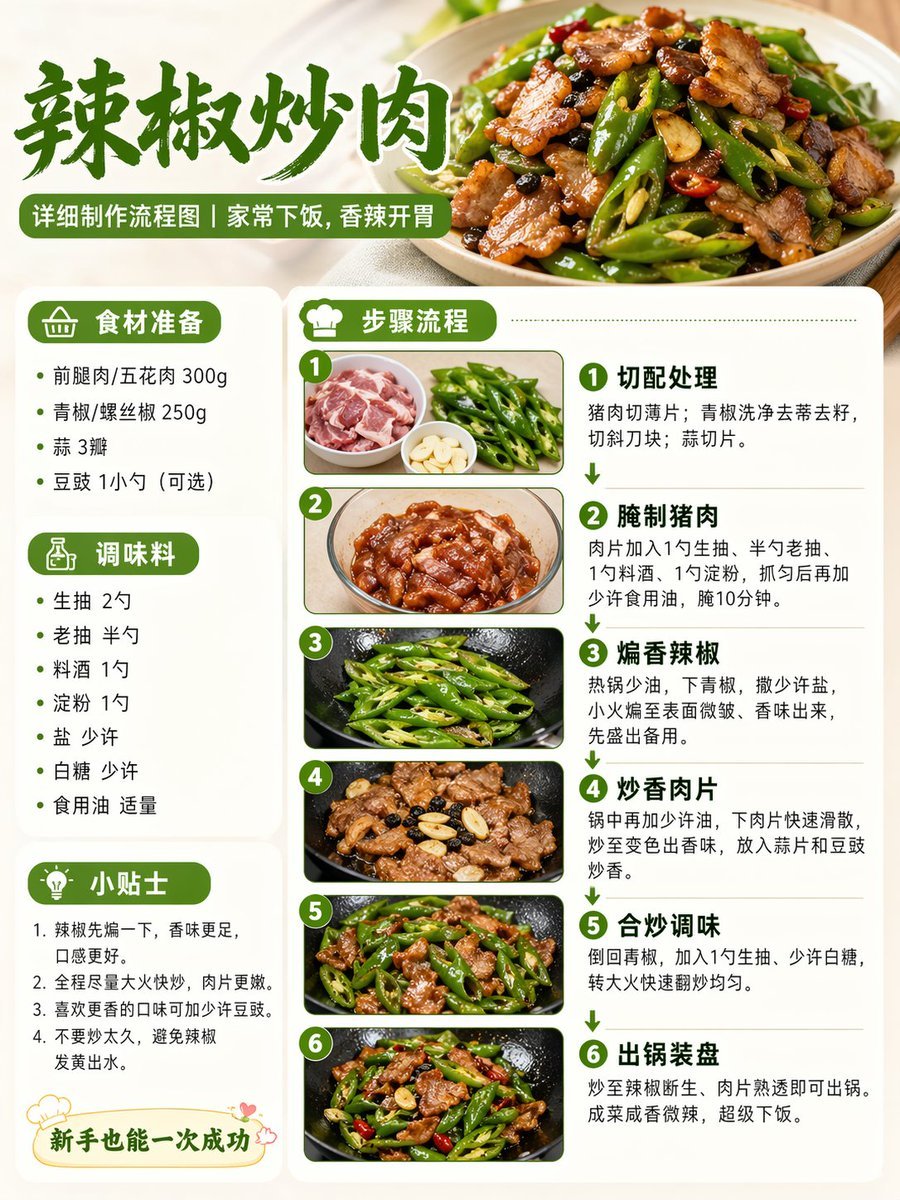
Food Recipe Flowchart Prompt
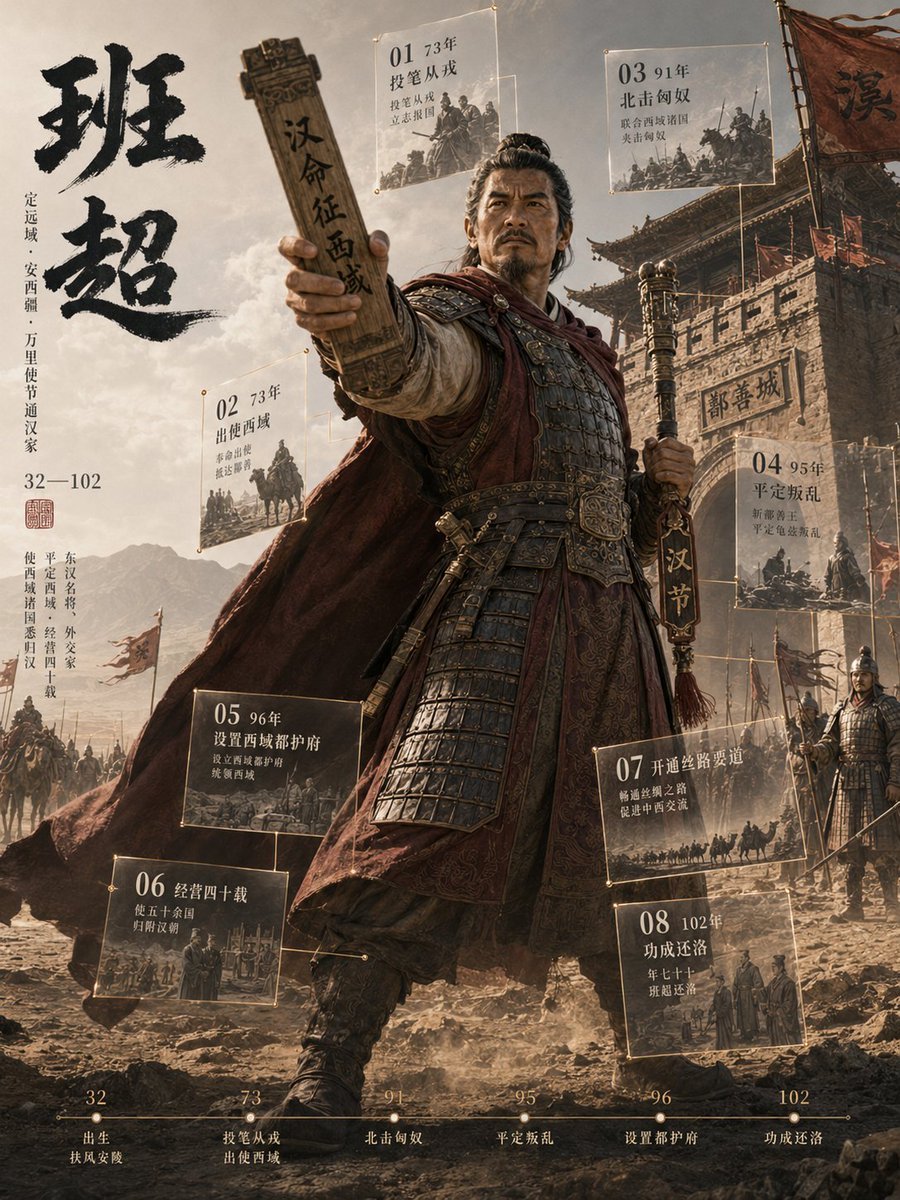
3D Chinese Historical Figure Archive Poster
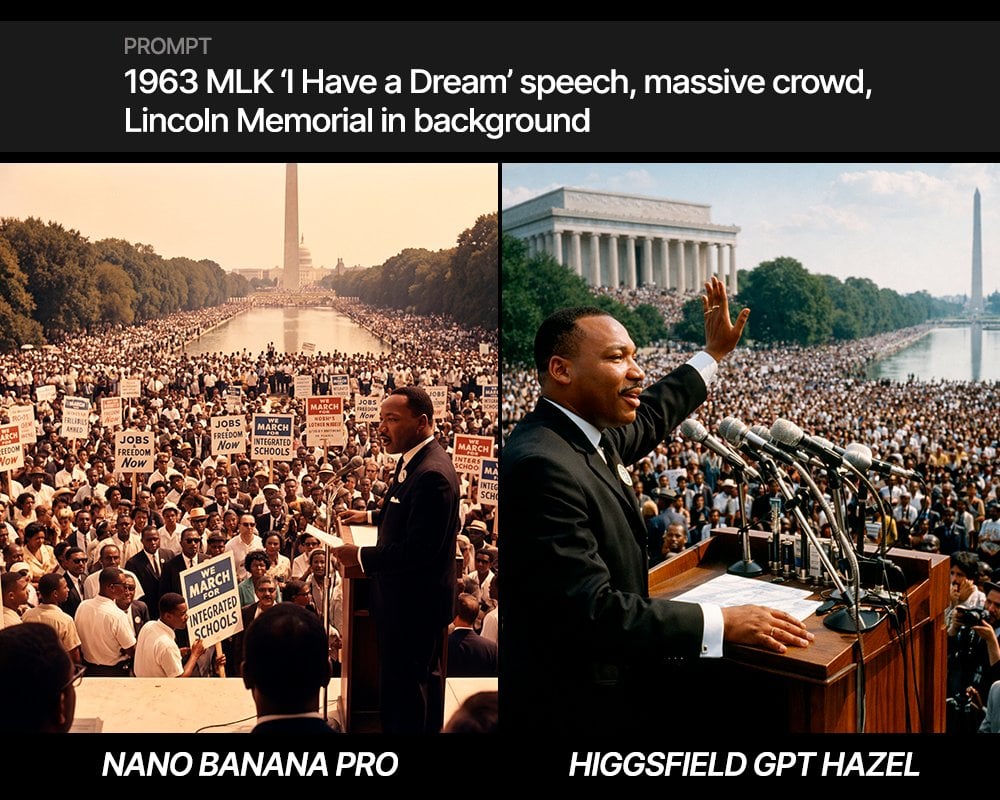
MLK 'I Have a Dream' Speech Scene Prompt
Browse template categories
Night Static Streetwear Cover questions
How do I use the Night Static Streetwear Cover template?
Add your photo if the template asks for one, edit the prompt if you like — the template's model and format are already selected — and press Generate. Your version opens in PicX Studio.
Can I customize the Night Static Streetwear Cover template?
Yes. You can change the subject, setting, lighting, mood, format, and available model controls before creating your image.
Is the Night Static Streetwear Cover template free?
Opening and editing this template is free. Generating uses credits, shown on the Generate button when you are signed in.
Which AI model should I use?
Start with GPT Image 2, which is the model associated with this template. You can compare another compatible model for a different finish.
Looking for something else? Browse all templates.

Your photo, any look
Thousands of ready templates for every top image and video model, from one credit balance.