
3D Chinese Historical Figure Archive Poster
Creates a cinematic 3D infographic poster of Ban Chao as an ancient Chinese frontier commander with event cards and a bottom timeline.
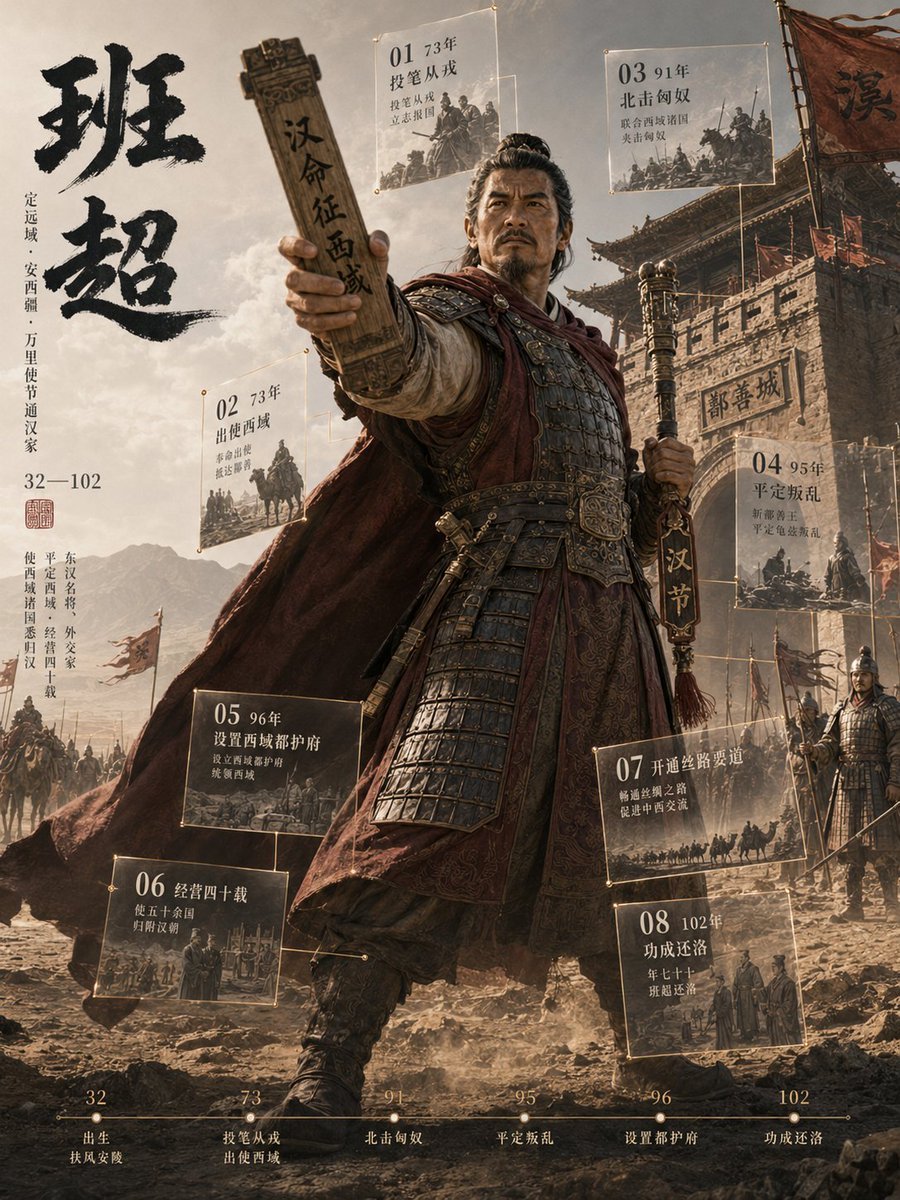
- Prompt included
- Model and format preset
- Free template
The prompt behind this image
Copy the exact prompt behind 3D Chinese Historical Figure Archive Poster, or open it in the studio and make it yours.
Goal: Create a cinematic vertical historical figure archive poster about {argument name="character name" default="班超"}, showing a heroic ancient Chinese frontier general breaking out of a documentary-style infographic layout. Canvas: Vertical 3:4 poster, 768 x 1024 feel, sepia-gold and smoky gray historical palette, dramatic backlight, dust, battlefield haze, high-detail 3D realism mixed with museum exhibition graphics. Main subject: One full-body ancient Chinese armored commander stands in the center foreground, low-angle heroic composition. He wears layered dark lamellar armor, engraved belt plates, leather boots, red-brown cloak blowing leftward, and a stern dignified expression. His left arm thrusts forward toward the viewer holding a tall wooden command tablet engraved with Chinese calligraphy; his right hand holds a vertical staff or ceremonial standard with a tassel and Chinese characters. Make the figure feel three-dimensional, as if stepping out of the flat poster frame. Background: Ancient Western Regions frontier setting with rocky desert ground, mountains in the distance, mounted soldiers and caravan silhouettes on the left, and a large fortified city gate on the right with banners, scaffolding, guards, and the gate plaque reading in Chinese. Add a large weathered war banner in the upper right. The atmosphere should suggest expedition, diplomacy, military command, and westward expansion. Left typography block: Place very large black brush-calligraphy title text {argument name="main title text" default="班超"} vertically on the upper left. Beneath it, add smaller vertical Chinese biographical text describing birthplace, role, and lifespan, including the years 32—102. Add a small red seal stamp below the biographical block. Floating archive cards: Add exactly 8 translucent glass-like historical event cards around the character, each with thin gold borders, tiny corner rivets, Chinese text, and monochrome documentary mini-illustrations. Count and place them as follows: 1) top center card, labeled 01 and 73, about joining the army after abandoning the brush; 2) left-middle card, labeled 02 and 73, about mission to the Western Regions; 3) top right card, labeled 03 and 91, about pacifying the northern Xiongnu; 4) right-middle card, labeled 04 and 95, about suppressing rebellion; 5) lower-left-middle card, labeled 05 and 96, about establishing the Protectorate of the Western Regions; 6) bottom-left card, labeled 06, about governing for forty years and uniting many states; 7) lower-right-middle card, labeled 07, about opening the Silk Road; 8) bottom-right card, labeled 08 and 102, about returning to Luoyang in old age. Each card should include a small faded illustration of cavalry, officials, soldiers, maps, or caravans. Bottom timeline: Add exactly 6 timeline milestones along the bottom edge with a thin gold horizontal line, small dots, and Chinese labels: 32 birth, 73 joining army and mission west, 91 northern Xiongnu, 95 suppressing rebellion, 96 setting up the Protectorate, 102 successful return to Luoyang. Keep the timeline legible but secondary. Visual style: Epic Chinese historical 3D poster, ultra-detailed armor textures, cinematic volumetric lighting, dust particles, depth of field, parchment-like overlays, museum archive infographic design, gold linework, realistic fabric motion, dramatic perspective. Constraints: Use exactly one central historical figure, exactly 8 floating event cards, and exactly 6 bottom timeline milestones. Keep all visible text in Chinese calligraphy or Chinese serif style, with no English labels in the poster. Avoid modern objects, neon colors, cartoons, watermarks, or extra characters dominating the central figure.
How to use 3D Chinese Historical Figure Archive Poster in 3 steps
- 1Upload ImagePNG, JPG or paste
Add your photo
Upload the photo the template builds on. The prompt, model and format are already set.
- 2…a portrait of your subject in softgolden-hour light, 85mm…
Personalize
Edit the subject and creative details for your destination.
- 3Generate
Generate
Press Generate — your image is created in PicX Studio, so you can compare it with the original and refine one variable at a time.
More like this
Templates with the same subject, style or setup. Open one to see its prompt.
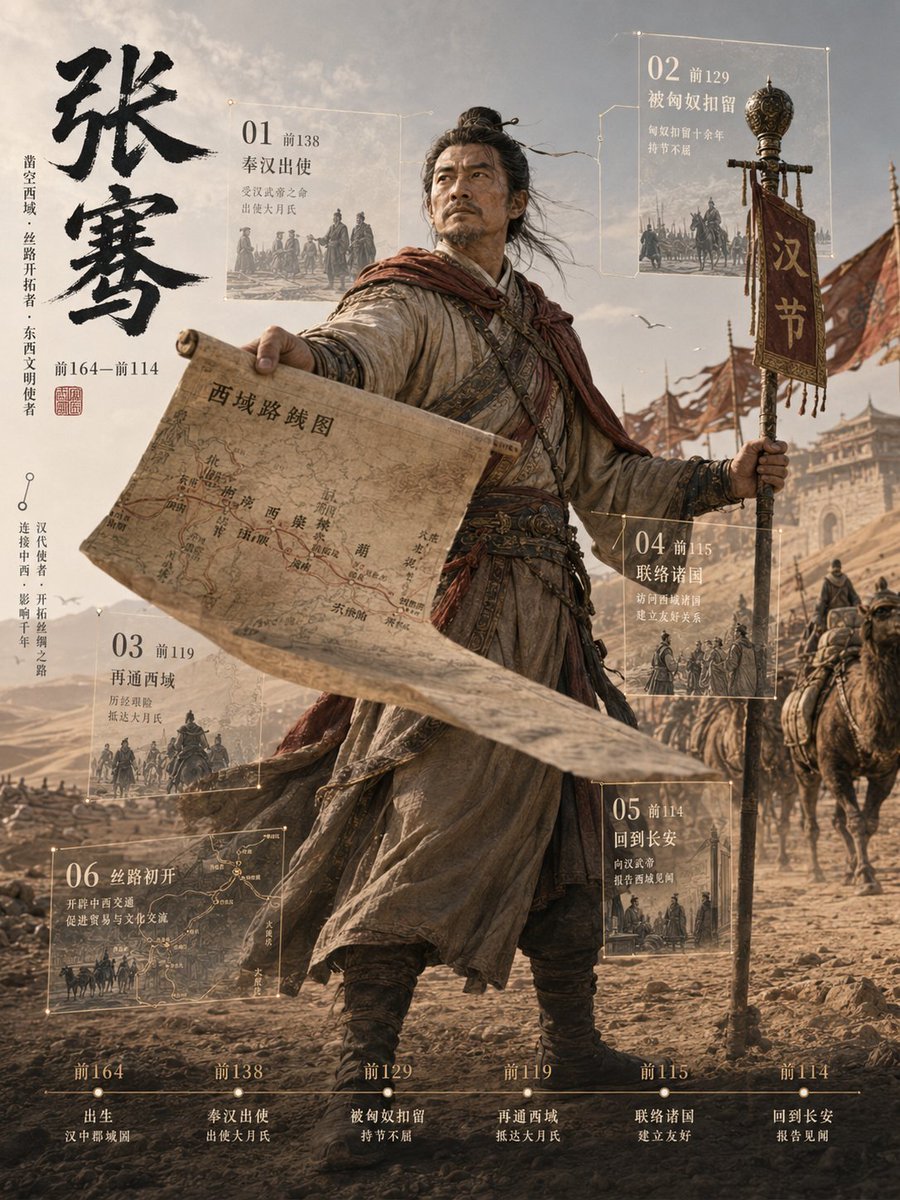
Zhang Qian 3D Historical Archive Poster
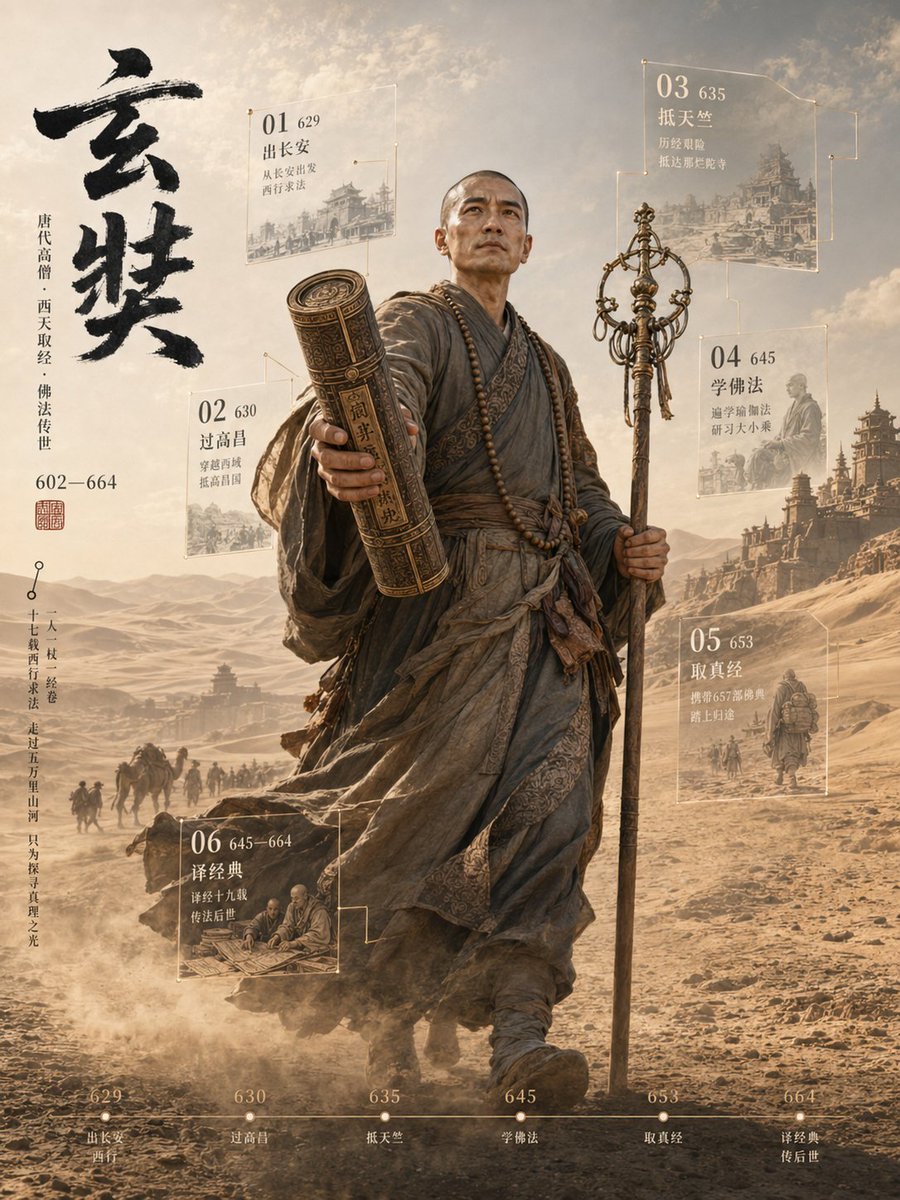
3D Xuanzang Historical Archive Poster

Japan Travel Brochure Poster

Cartoon TV Show Poster Pack

Trendy Cafe Drink Promo Poster

Urban Fashion Editorial Collage Streetwear Poster

Premium Fashion Editorial Cover Layout System

Polo Ralph Lauren Luxury American Heritage Fashion Campaign

Monochrome Halftone Editorial Fashion Poster

Retro Mirror Luxury Fashion Campaign Poster

Luxury Fashion Campaign Typography Poster System

Premium Fashion Editorial Campaign Poster System
Make it yours
3D Chinese Historical Figure Archive Poster works as-is. These are the safest ways to change it without losing the look.
Change one field
Copy a single group, rewrite it, and generate again so you can see what that field is doing.
Keep the frame, change the subject
Hold the composition and light of 3D Chinese Historical Figure Archive Poster, then swap wardrobe, props or the person for a new take.
| If the result… | Why | Fix |
|---|---|---|
| The result drifts from the preview | Too many fields changed at once. | Reuse 3D Chinese Historical Figure Archive Poster as-is first, then change one group — subject, light, or setting. |
| The model over-stylizes the scene | The prose prompt leaves finish and camera underspecified. | Add one camera or lighting sentence and stay on GPT Image 2. |
More GPT Image 2 templates
Other prompts made for GPT Image 2.

Six VTuber Japanese Logo Sheet

Realistic Portrait of Woman and Deer

The Vista Modular Condo Poster

AI Model Routing Comparison Infographic

2.5D Anime Art Board

Isometric Productivity Desk Scene

New York Double Exposure Poster

Four-Panel AI Landscape Comparison

Japanese Tatami Lifestyle Magazine Cover

NESCAFÉ Coffee Map Poster
More image prompts
Fresh picks from across the catalog.

Minimalist Hand-Drawn Ink Sketch
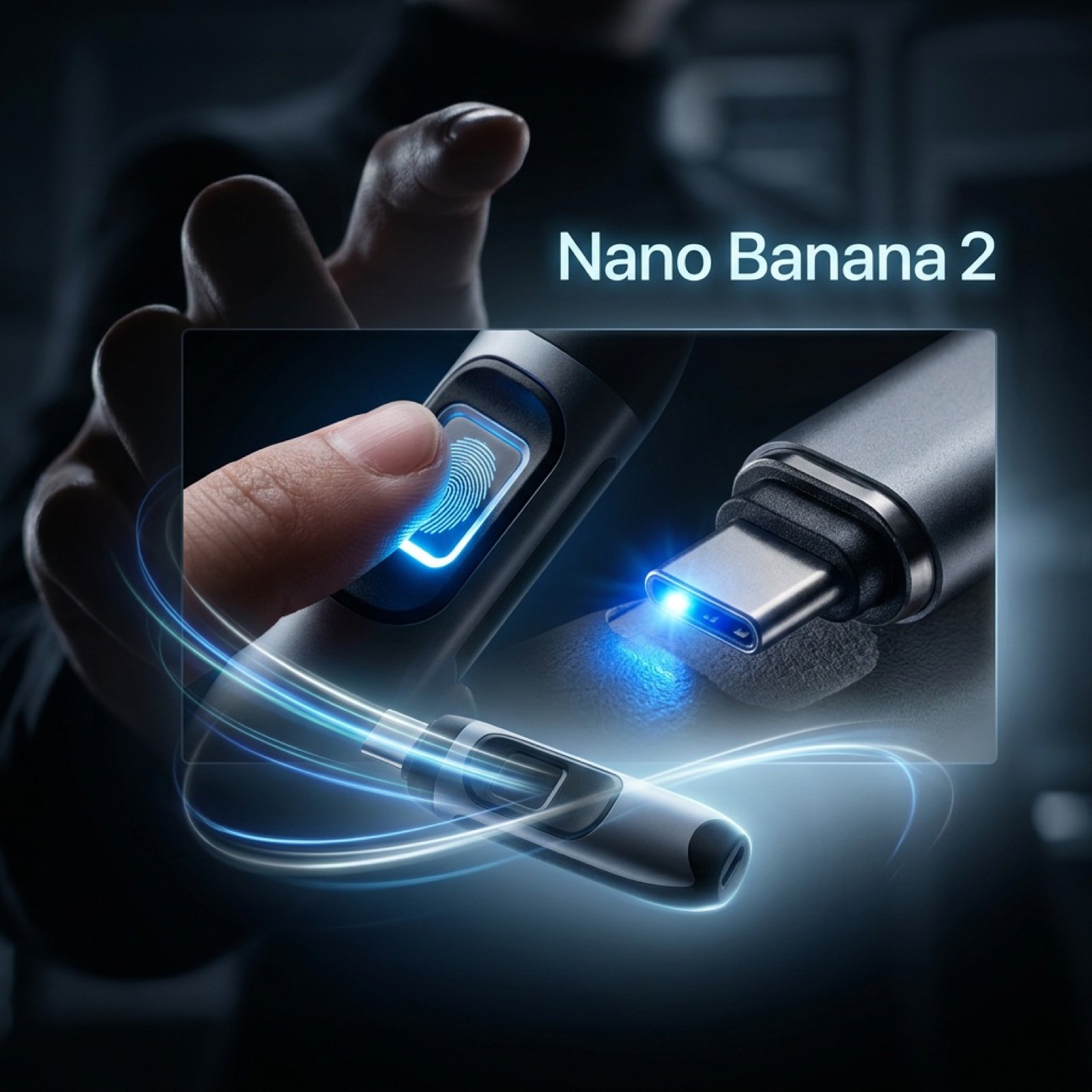
Cinematic Product Video Prompt for 'Nano Banana 2'
Fresh Summer Sky Portrait Poster
24 Cute Mascot LINE Stickers

Ultra-Photorealistic Mirror Selfie in a Cozy Bedroom

Outdoor Christmas Decoration from Input Image

Gpt2 Comic Storyboard Rpg Map to Anime Event Scene
DSLR Character Sheet for Profiles
Medieval Fantasy Sword in Apocalyptic Landscape

Expressive Woman Emoji Sticker Pack
Browse template categories
3D Chinese Historical Figure Archive Poster questions
How do I use the 3D Chinese Historical Figure Archive Poster template?
Add your photo if the template asks for one, edit the prompt if you like — the template's model and format are already selected — and press Generate. Your version opens in PicX Studio.
Can I customize the 3D Chinese Historical Figure Archive Poster template?
Yes. You can change the subject, setting, lighting, mood, format, and available model controls before creating your image.
Is the 3D Chinese Historical Figure Archive Poster template free?
Opening and editing this template is free. Generating uses credits, shown on the Generate button when you are signed in.
Which AI model should I use?
Start with GPT Image 2, which is the model associated with this template. You can compare another compatible model for a different finish.
Looking for something else? Browse all templates.

Your photo, any look
Thousands of ready templates for every top image and video model, from one credit balance.