
Outdoor Christmas Decoration from Input Image
A structured prompt for the Lovart model (using Nano Banana Pro) designed to transform an input image into a large-scale, illuminated outdoor Christmas decoration scene.
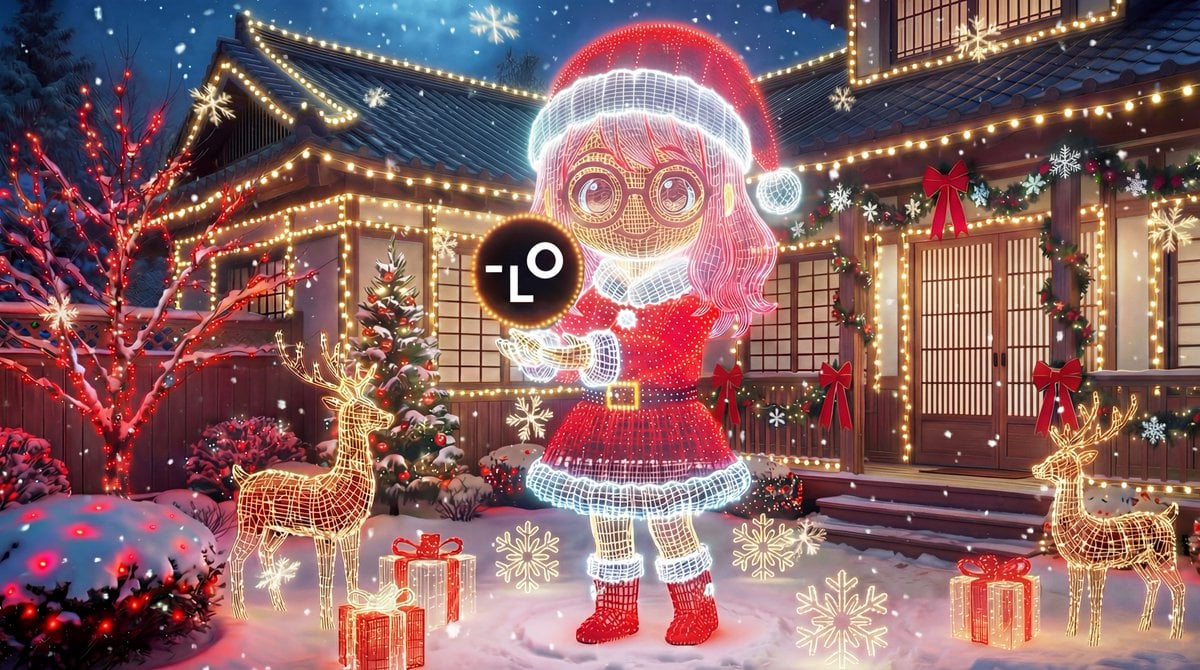
- Prompt included
- Model and format preset
- Premium template
The prompt behind this image
Copy the exact prompt behind Outdoor Christmas Decoration from Input Image, or open it in the studio and make it yours.
[AI instruction: Exterior theme expansion] Analyze the provided **[input image]**. Theme extraction: From the [input image], identify the main subject, color palette, and specific motifs (e.g., stars, candy canes, a particular character, an elegant gold style, a cute pop style, etc.). Scale-up: Expand these elements into large-scale outdoor Christmas decorations and lighting fixtures. [Scene and setting] A festive, mood-filled landscape photo, shot at night with a wide-angle lens, of a house's front yard lavishly decorated for Christmas. The ground and roof are covered in fresh snow. [Key features (based on the input image)] Large-scale installation: Convert the main subject of the [input image] into a large illuminated outdoor decoration placed in the center of the yard (e.g., a giant glowing wireframe object, an inflatable decoration, a large spotlit wooden cutout, etc.). [Supplementary decorations (matched to the input style)] Lighting: The color of the LED string lights covering the trees, shrubs, and the house's exterior walls is determined based on the dominant colors of the [input image]. Accents: The garland on the porch railing, the door wreath, and the pathway markers use motifs and colors extracted directly from the [input image] (e.g., if the input image has a red ribbon, a giant weatherproof red ribbon is used outdoors). [Mood] Magically radiant and striking. Because every element is based on the single style guide of the [input image], the entire scene has a sense of unity.
How to use Outdoor Christmas Decoration from Input Image in 3 steps
- 1Upload ImagePNG, JPG or paste
Add your photo
Upload the photo the template builds on. The prompt, model and format are already set.
- 2…a portrait of your subject in softgolden-hour light, 85mm…
Personalize
Edit the subject and creative details for your destination.
- 3Generate
Generate
Press Generate — your image is created in PicX Studio, so you can compare it with the original and refine one variable at a time.
More like this
Templates with the same subject, style or setup. Open one to see its prompt.

Korean Cafe Courtyard Gold Frame Mirror Selfie
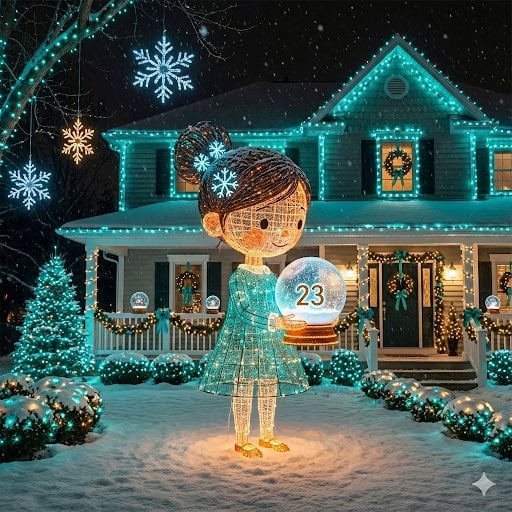
Image-to-Outdoor Christmas Decor Prompt

Christmas Ornament Portrait Glossy Glass Resin Finish with Hand Painted Details Holiday Lighting
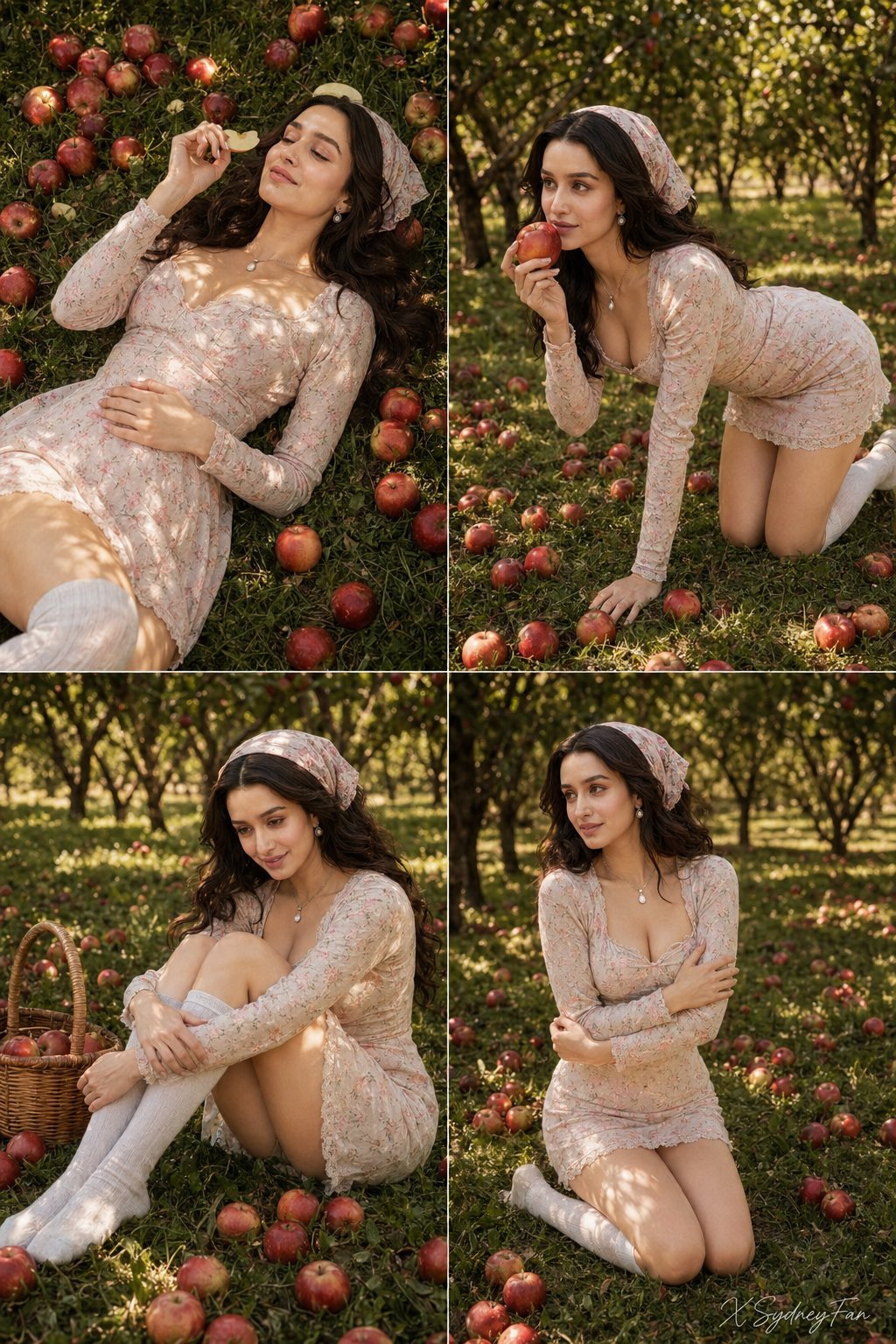
Nano Banana Apple Orchard Collage
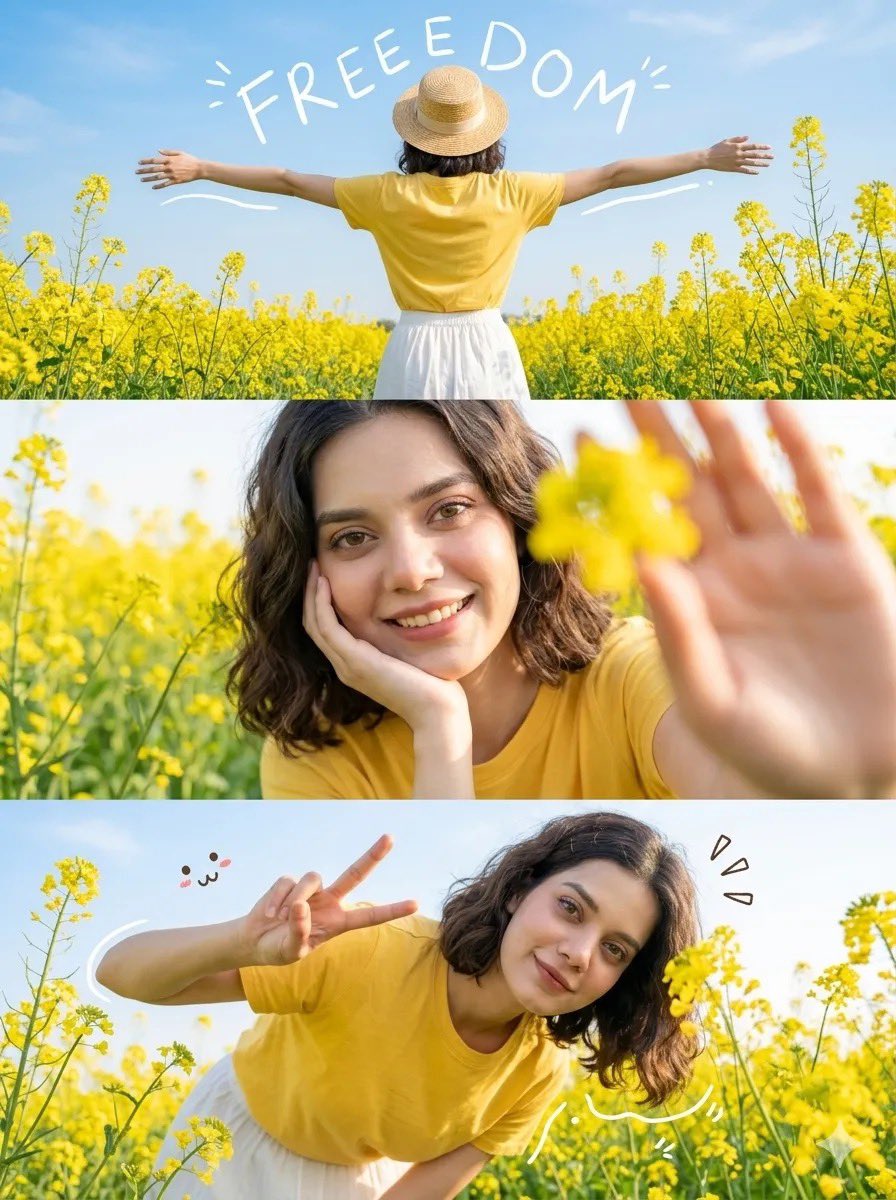
Mustard Flower Field Summer
Ultra Wide Low-Angle Portrait — Sairah (Nano Banana)

Outdoor Cafe Portrait — White Ruched Top Nano Banana

Tropical Hammock Latte — Nano Banana iPhone Style

Night Sports Car Portrait — Cinematic Moody

Ancient Temple Portrait — White Dress Nano Banana
Hyper-Realistic Outdoor Portrait — 35mm Natural Light
Awkward 90s Christmas Studio Portrait
Make it yours
Outdoor Christmas Decoration from Input Image works as-is. These are the safest ways to change it without losing the look.
Change one field
Copy a single group, rewrite it, and generate again so you can see what that field is doing.
Keep the frame, change the subject
Hold the composition and light of Outdoor Christmas Decoration from Input Image, then swap wardrobe, props or the person for a new take.
| If the result… | Why | Fix |
|---|---|---|
| The result drifts from the preview | Too many fields changed at once. | Reuse Outdoor Christmas Decoration from Input Image as-is first, then change one group — subject, light, or setting. |
| The model over-stylizes the scene | The prose prompt leaves finish and camera underspecified. | Add one camera or lighting sentence and stay on Nano Banana 2. |
More Nano Banana 2 templates
Other prompts made for Nano Banana 2.

Photorealistic Leaf Shaped Like a Dragon

K-Pop Idol Portrait Grid for Rapid Selection

Poetic Rain Forest Portrait During Golden Hour

Urban Street Portrait with Cartoon Inner Self Duo

Candid Nighttime Photo with Cat Prompt

High-Concept 3D Diorama Generation Prompt

Cinematic Futuristic Studio Portrait Template

Skincare Editorial Photography Collage Prompt

Hyper-Realistic Commercial Product Photography (Splash Effect)

Hyper-Realistic Nightclub Portrait Prompt
More image prompts
Fresh picks from across the catalog.
Panel Monochrome Fashion Grid
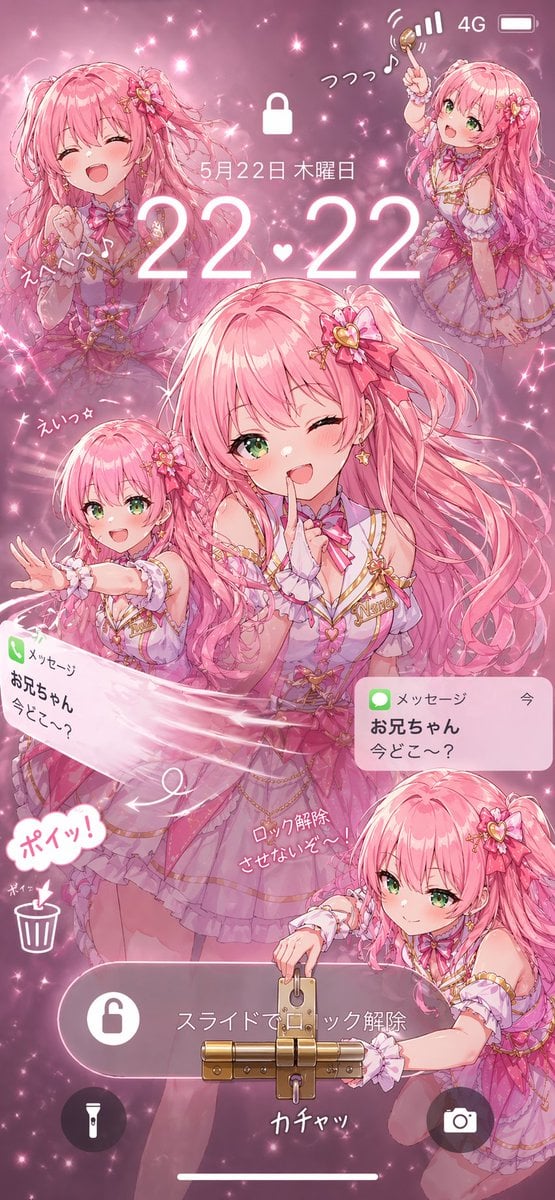
Pink Idol Anime Lock Screen
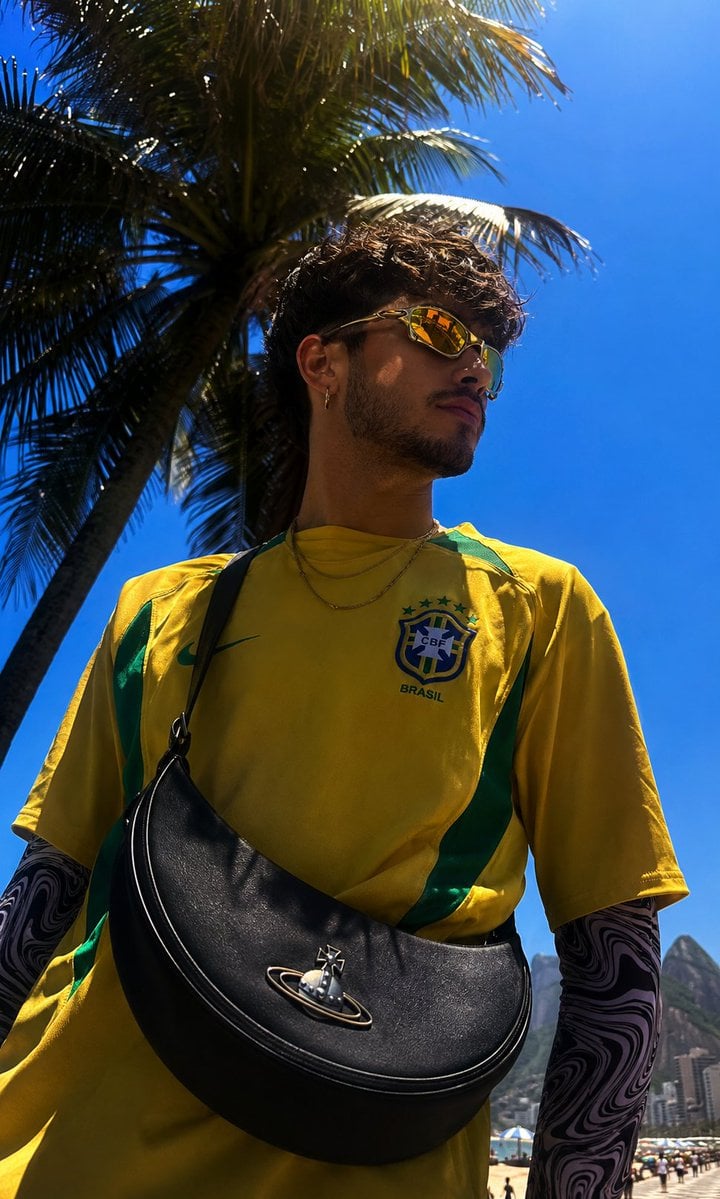
Copacabana Beach Fashion Photography
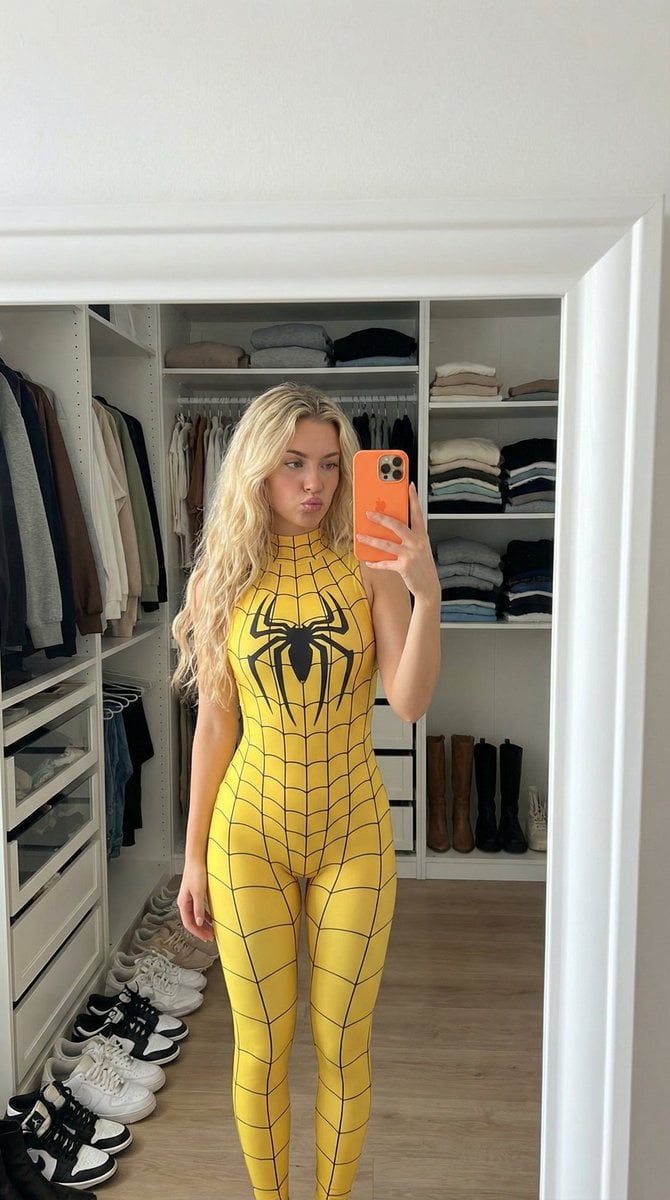
Spider-Girl Cosplay Selfie Prompt (Yellow)
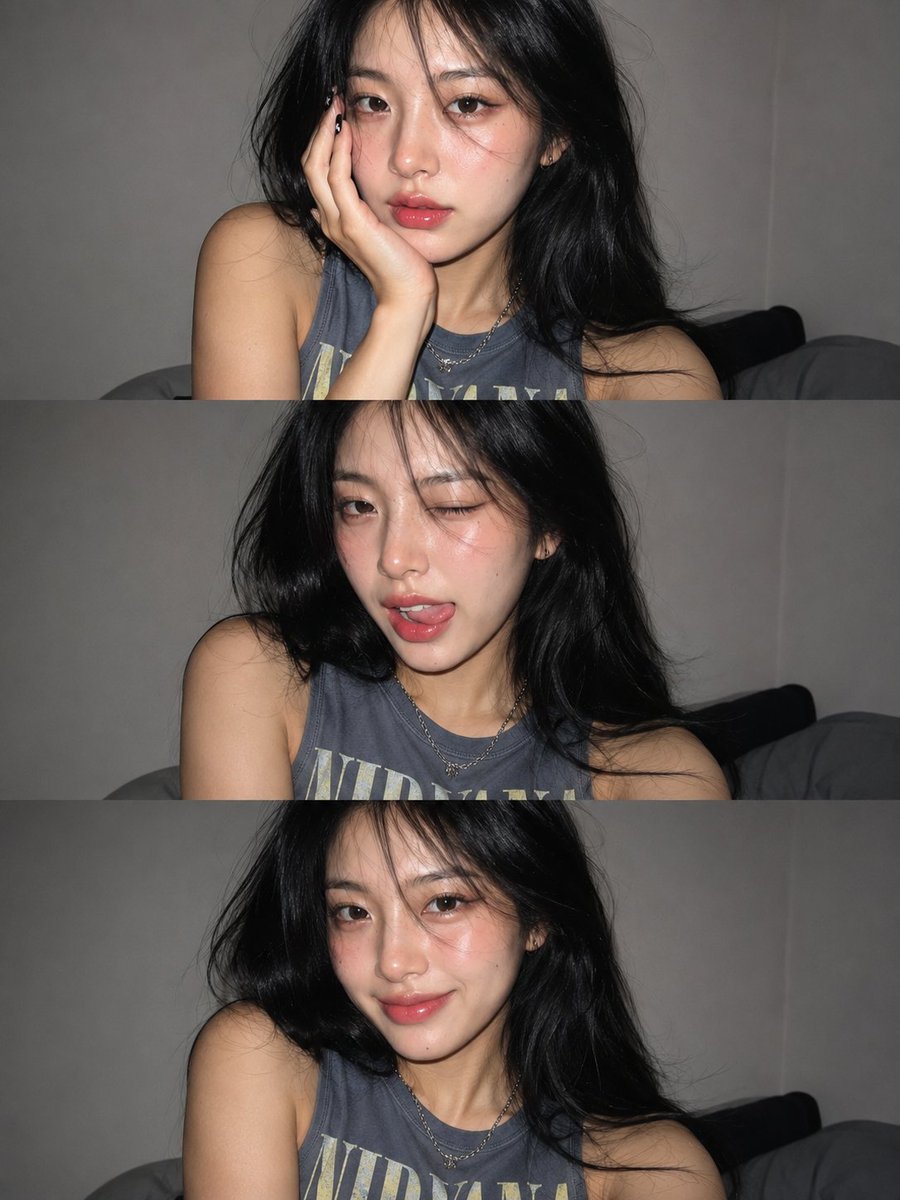
Gen Z Flash Selfie Collage
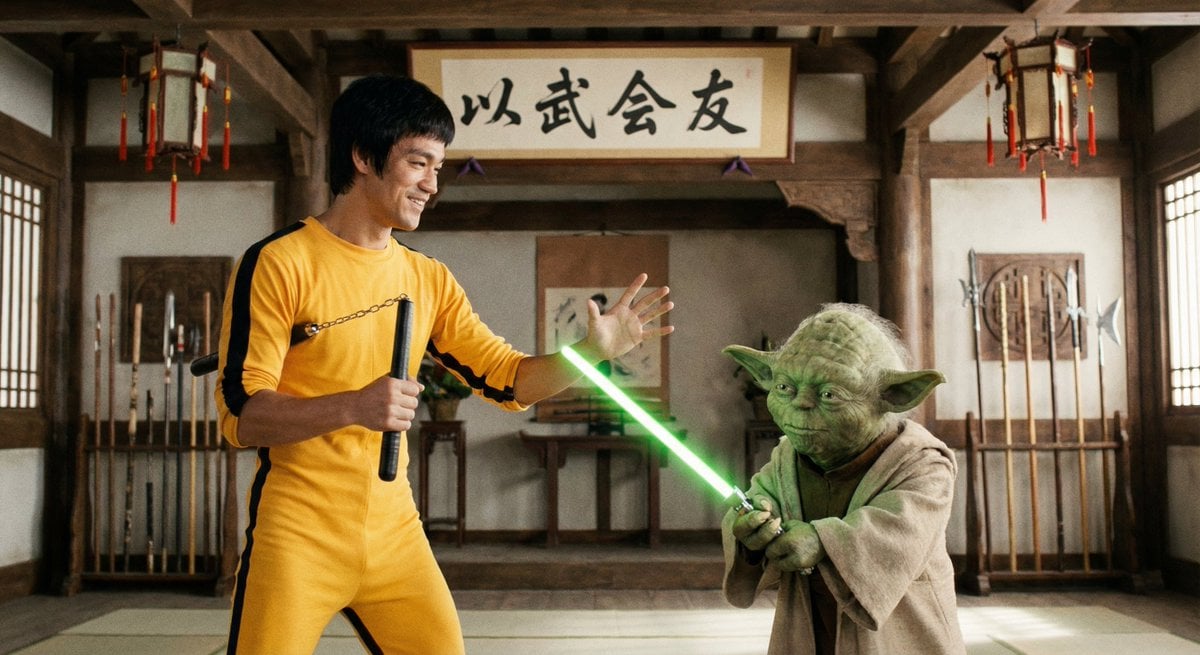
Bruce Lee sparring with Yoda in a dojo
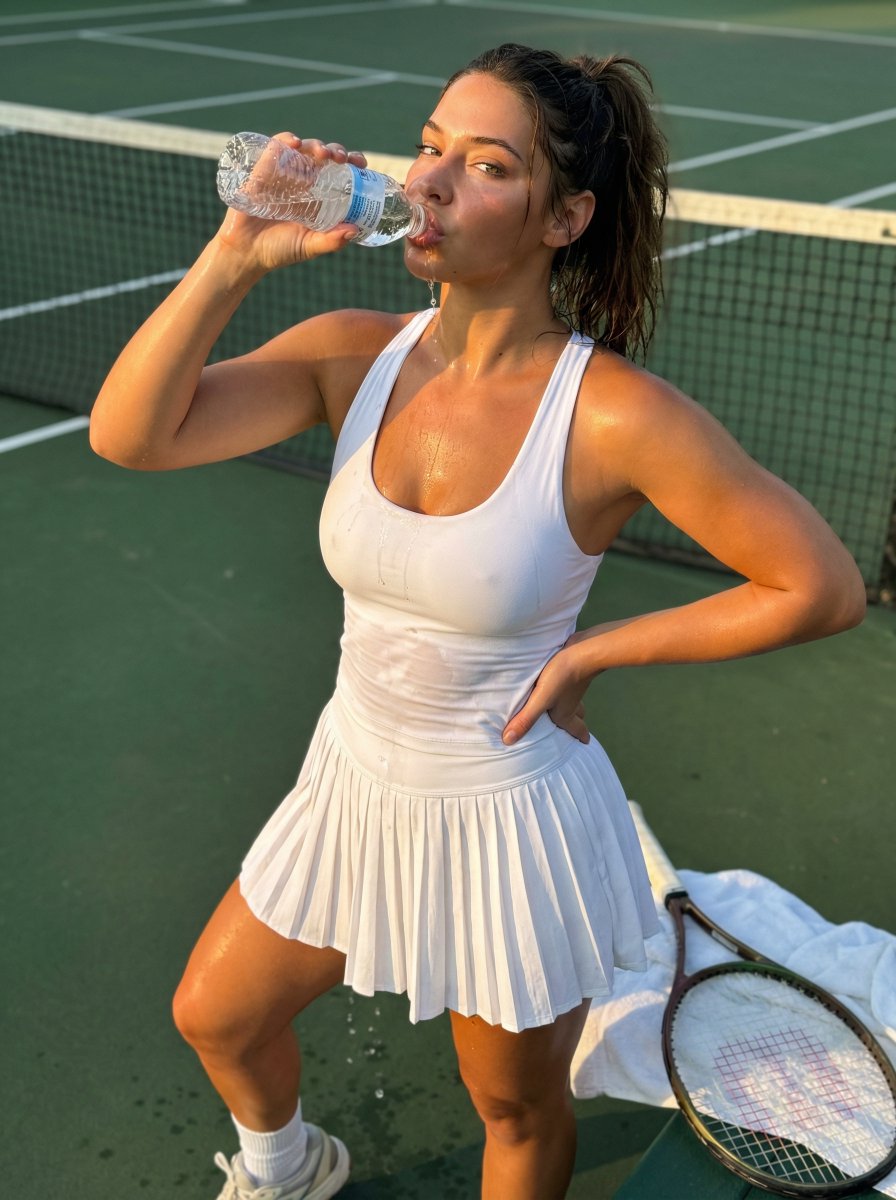
Madelyn Cline Tennis Court Hydration Portrait
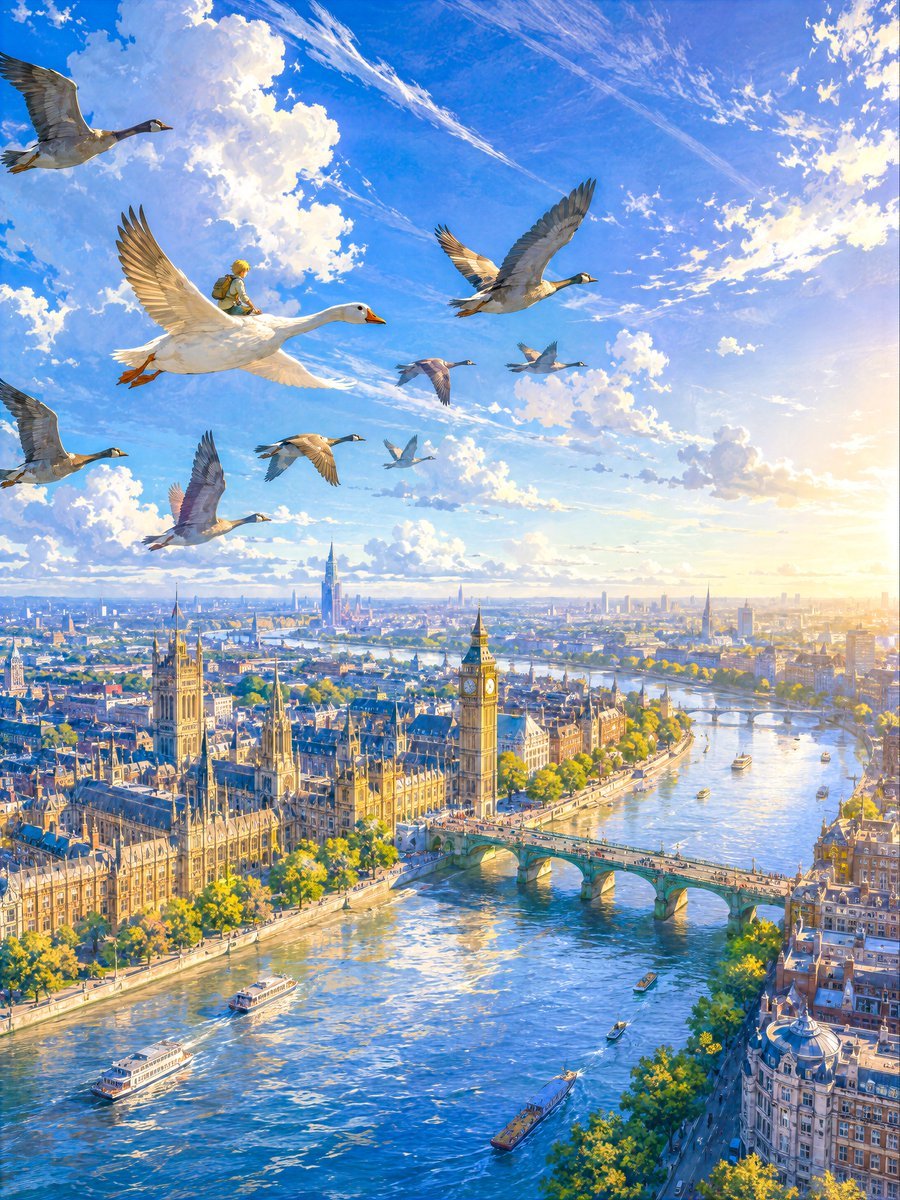
London Aerial Flight with Geese
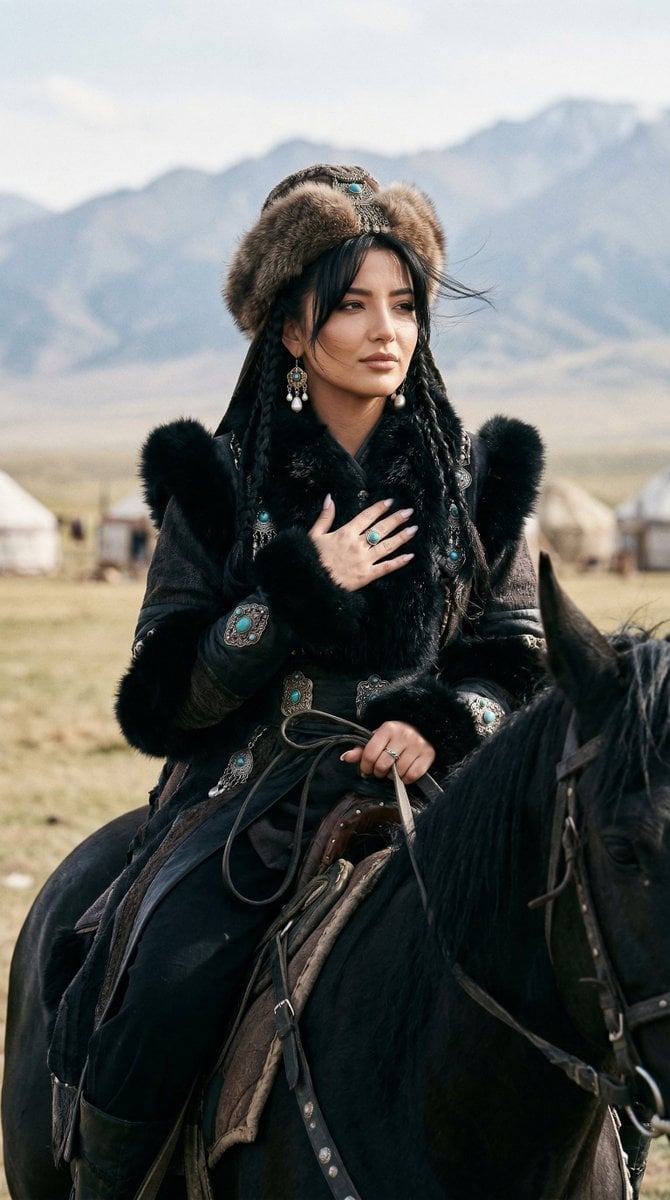
Cinematic Portrait of Old Turkic Noblewoman on Black Horse (Image-to-Image)
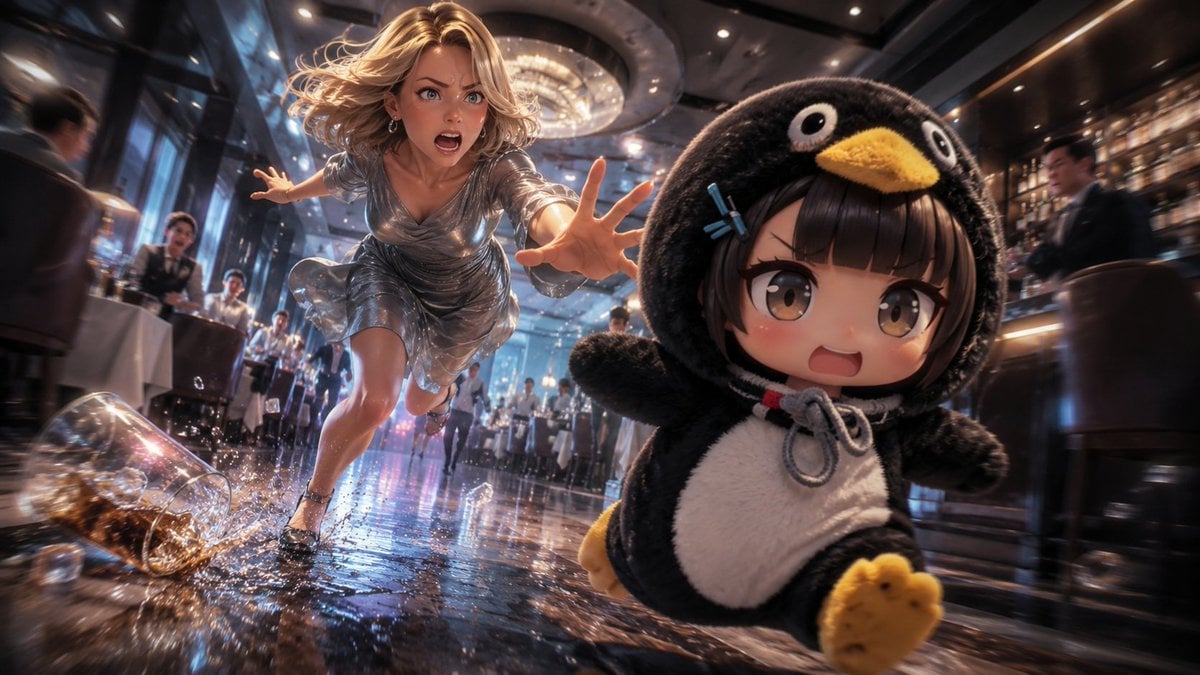
Anime Light Novel Restaurant Chase
Browse template categories
Outdoor Christmas Decoration from Input Image questions
How do I use the Outdoor Christmas Decoration from Input Image template?
Add your photo if the template asks for one, edit the prompt if you like — the template's model and format are already selected — and press Generate. Your version opens in PicX Studio.
Can I customize the Outdoor Christmas Decoration from Input Image template?
Yes. You can change the subject, setting, lighting, mood, format, and available model controls before creating your image.
Is the Outdoor Christmas Decoration from Input Image template free?
Opening and editing this template is free. Generating uses credits, shown on the Generate button when you are signed in.
Which AI model should I use?
Start with Nano Banana 2, which is the model associated with this template. You can compare another compatible model for a different finish.
Looking for something else? Browse all templates.

Your photo, any look
Thousands of ready templates for every top image and video model, from one credit balance.