
Awkward 90s Christmas Studio Portrait
Awkward 90s Christmas Studio Portrait is a ready photo look.
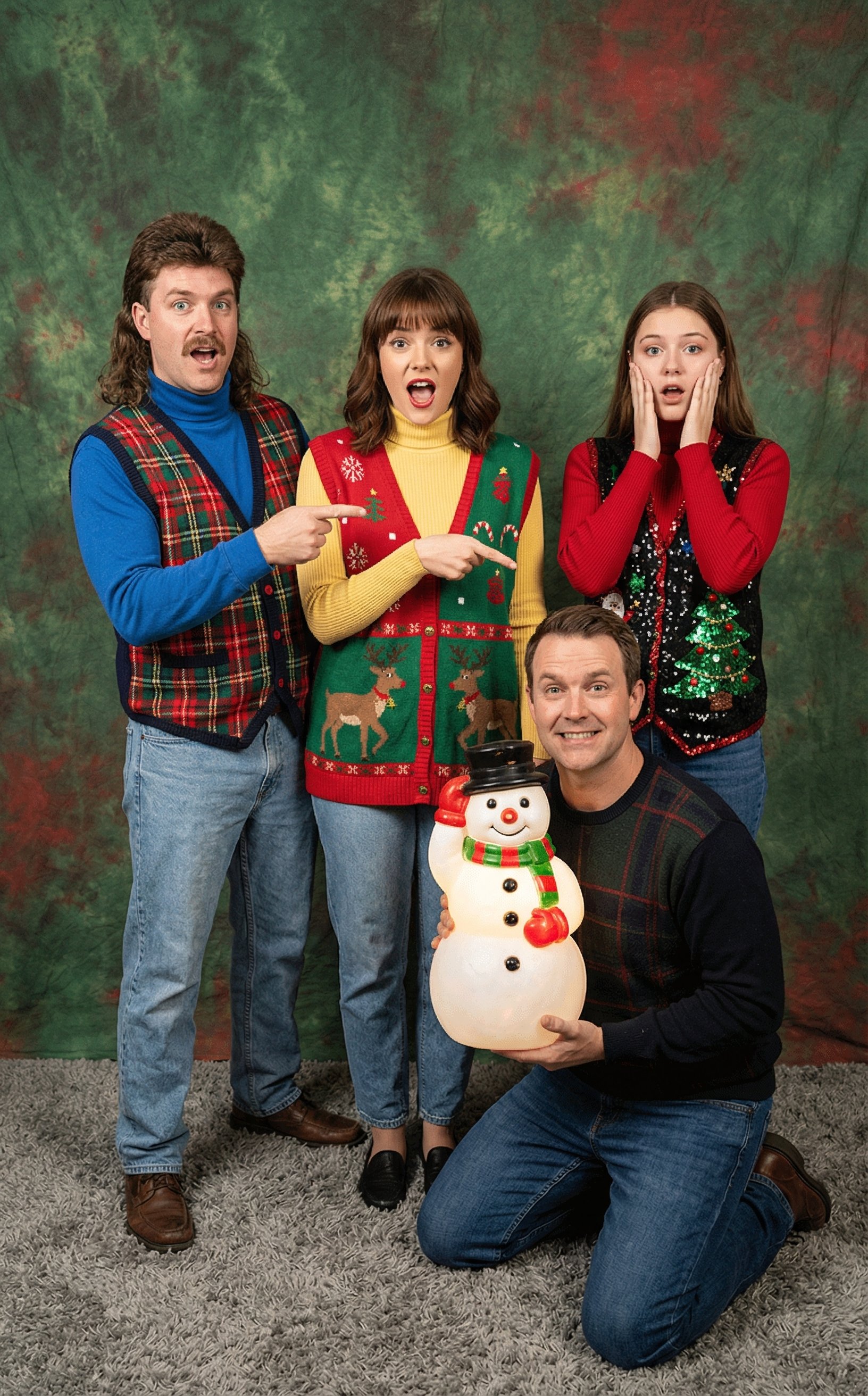
- Prompt included
- Model and format preset
- Free template
The prompt behind this image
Copy the exact prompt behind Awkward 90s Christmas Studio Portrait, or open it in the studio and make it yours.
"An awkward vintage 1990s studio photograph using the exact likenesses from the three reference photos.The composition features all but one of the people sitting stiffly on a stool in the foreground, wearing a bulky, knitted ugly Christmas sweater with a reindeer pattern and high-waisted light-wash jeans. They are smiling uncomfortably at the camera. Above them in the upper corner, there is a large, translucent "floating head" double-exposure portrait of the last reference photo person. The floating head is looking off into the distance pensively, wearing a red turtleneck, fading into a cloudy, dark grey studio backdrop." "An incredibly awkward 90s studio photograph using the likenesses of reference photos of the family. The family is posed dynamically against a mottled green and red muslin backdrop. They are all wearing oversized, clashy holiday vests over turtlenecks. One family member is kneeling on the grey carpet floor, holding up a cheap, plastic illuminated snowman lawn ornament as if it is a treasure. The other family members are crowded around behind them, pointing at the plastic snowman with overly exaggerated, fake expressions of surprise and delight (mouths open, pointing fingers stiff). One person has a mullet hairstyle." edit this image
How to use Awkward 90s Christmas Studio Portrait in 3 steps
- 1Upload ImagePNG, JPG or paste
Add your photo
Upload the photo the template builds on. The prompt, model and format are already set.
- 2…a portrait of your subject in softgolden-hour light, 85mm…
Personalize
Edit the subject and creative details for your destination.
- 3Generate
Generate
Press Generate — your image is created in PicX Studio, so you can compare it with the original and refine one variable at a time.
More like this
Templates with the same subject, style or setup. Open one to see its prompt.
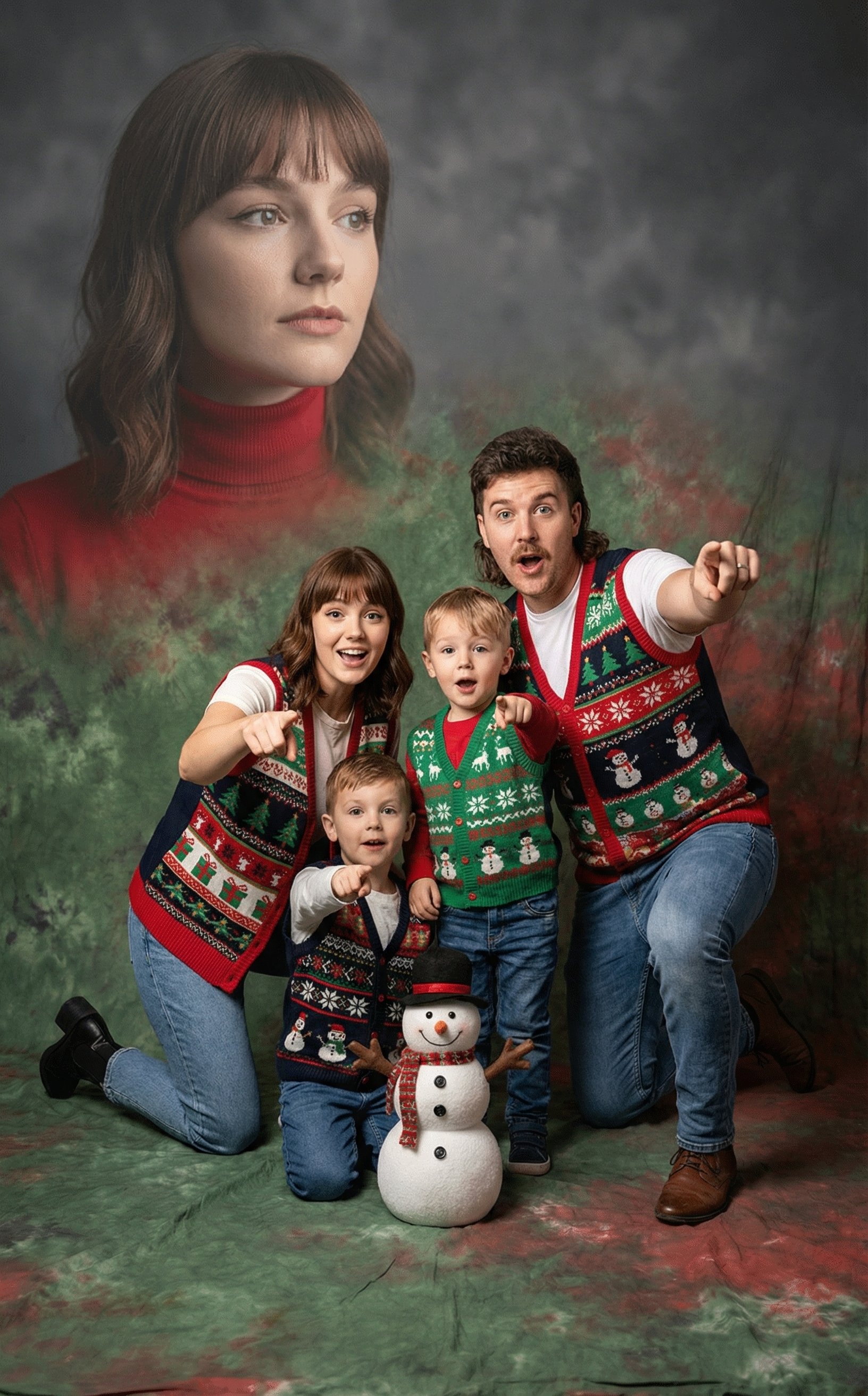
Awkward 90s Holiday Studio Portrait

80s Couple Studio Portrait

1985 Studio Portrait

Gpt Image 2 Fashion Portrait
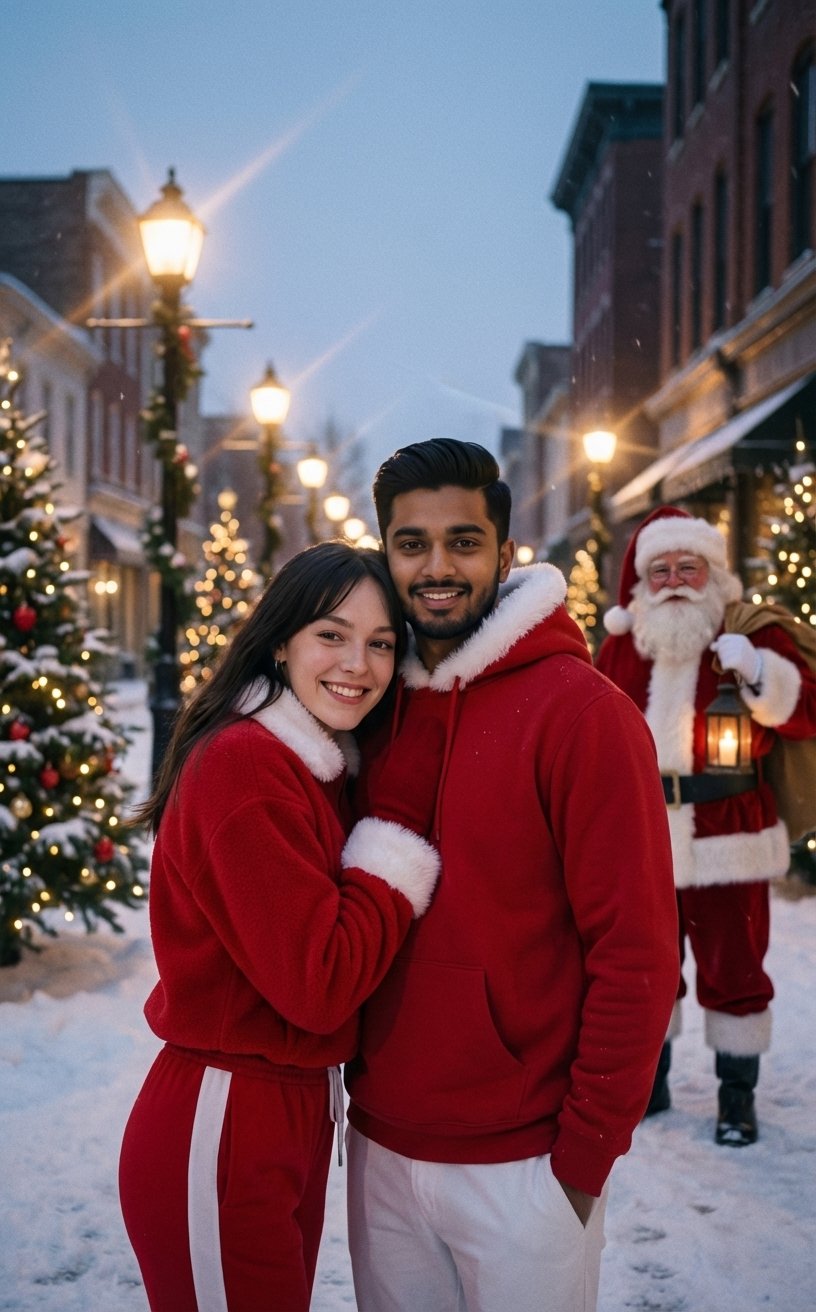
Festive Couple Holiday Magic Template

Studio Quality Portrait Generation Using
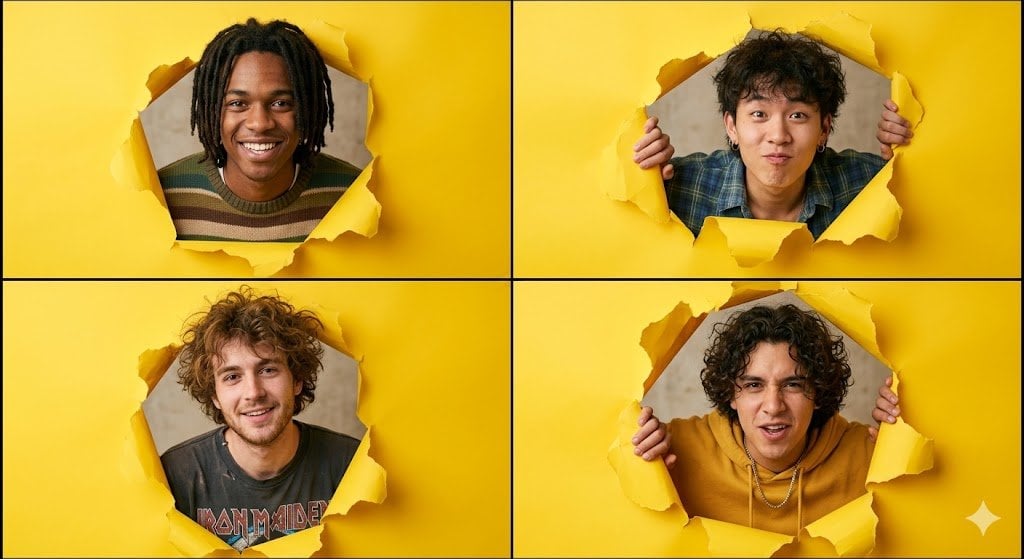
90s Indie Studio Portrait Grid

Found Photograph: Us, 1970

80s Bollywood Star

80s Golden Hour Cinema

Me in 1985

Hyper-Realistic Minecraft POV Portrait
Make it yours
Awkward 90s Christmas Studio Portrait works as-is. These are the safest ways to change it without losing the look.
Change one field
Copy a single group, rewrite it, and generate again so you can see what that field is doing.
Keep the frame, change the subject
Hold the composition and light of Awkward 90s Christmas Studio Portrait, then swap wardrobe, props or the person for a new take.
| If the result… | Why | Fix |
|---|---|---|
| The result drifts from the preview | Too many fields changed at once. | Reuse Awkward 90s Christmas Studio Portrait as-is first, then change one group — subject, light, or setting. |
| The model over-stylizes the scene | The prose prompt leaves finish and camera underspecified. | Add one camera or lighting sentence and stay on PicX Studio. |
More image prompts
Fresh picks from across the catalog.

Cute 3D App Mascot Icon Grid
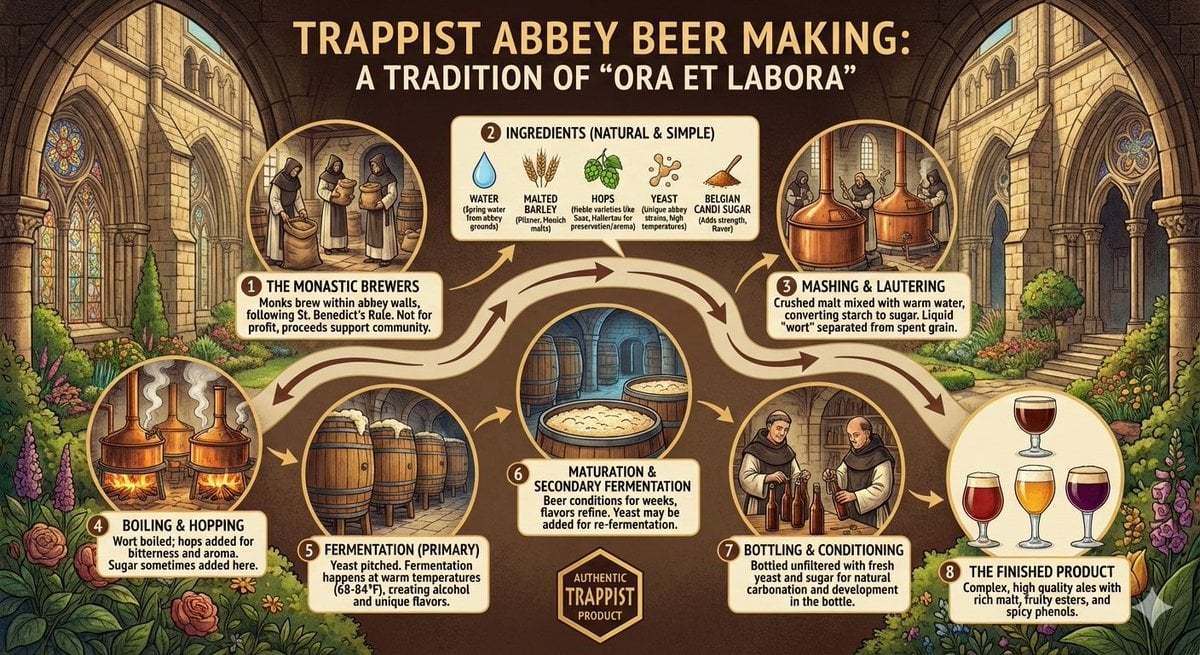
Infographic on Trappist Abbey Beer Making

Game Crossover Promotional Poster

Jirai-kei Girl with Claymore in Bamboo Forest
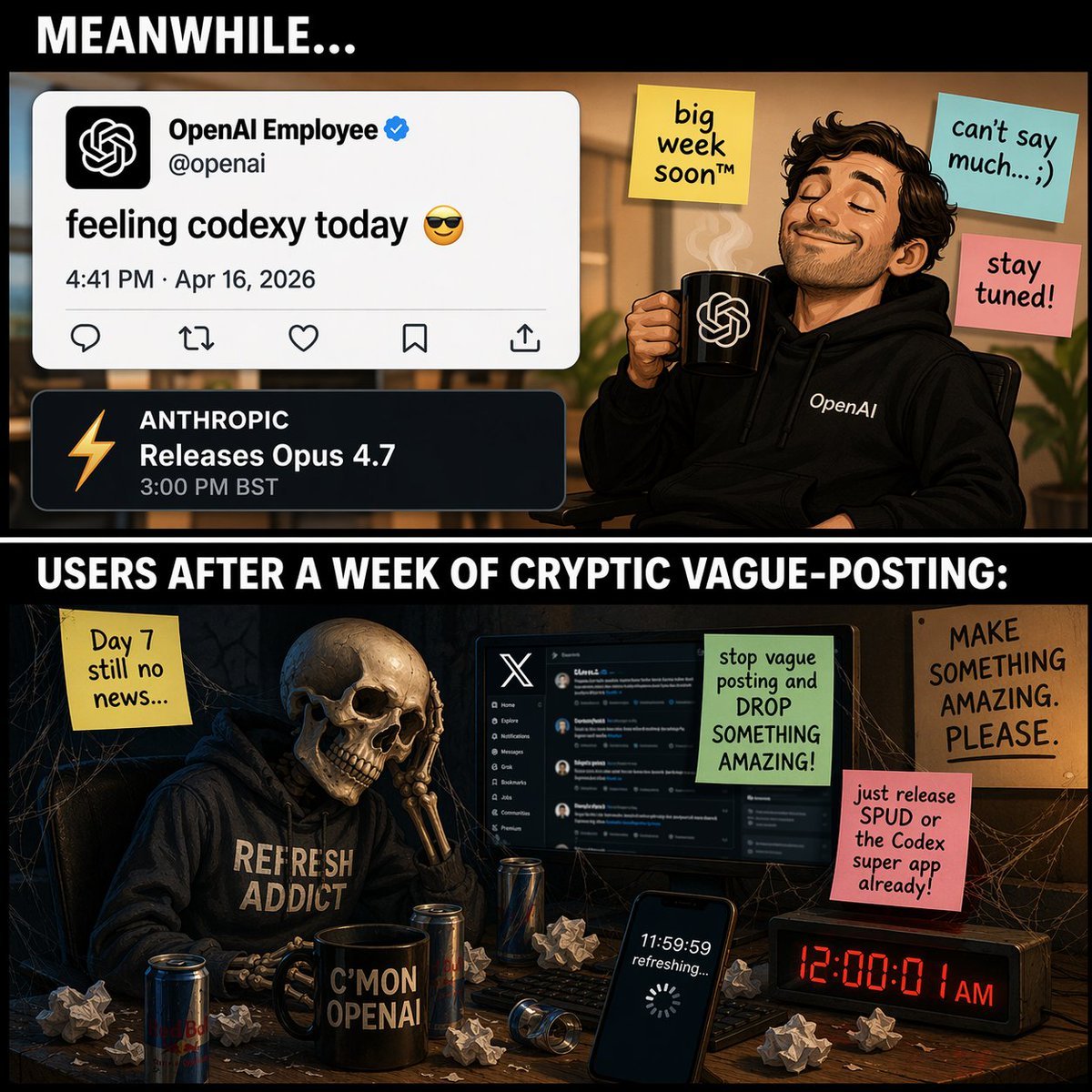
Two-Panel Tech Meme Comic
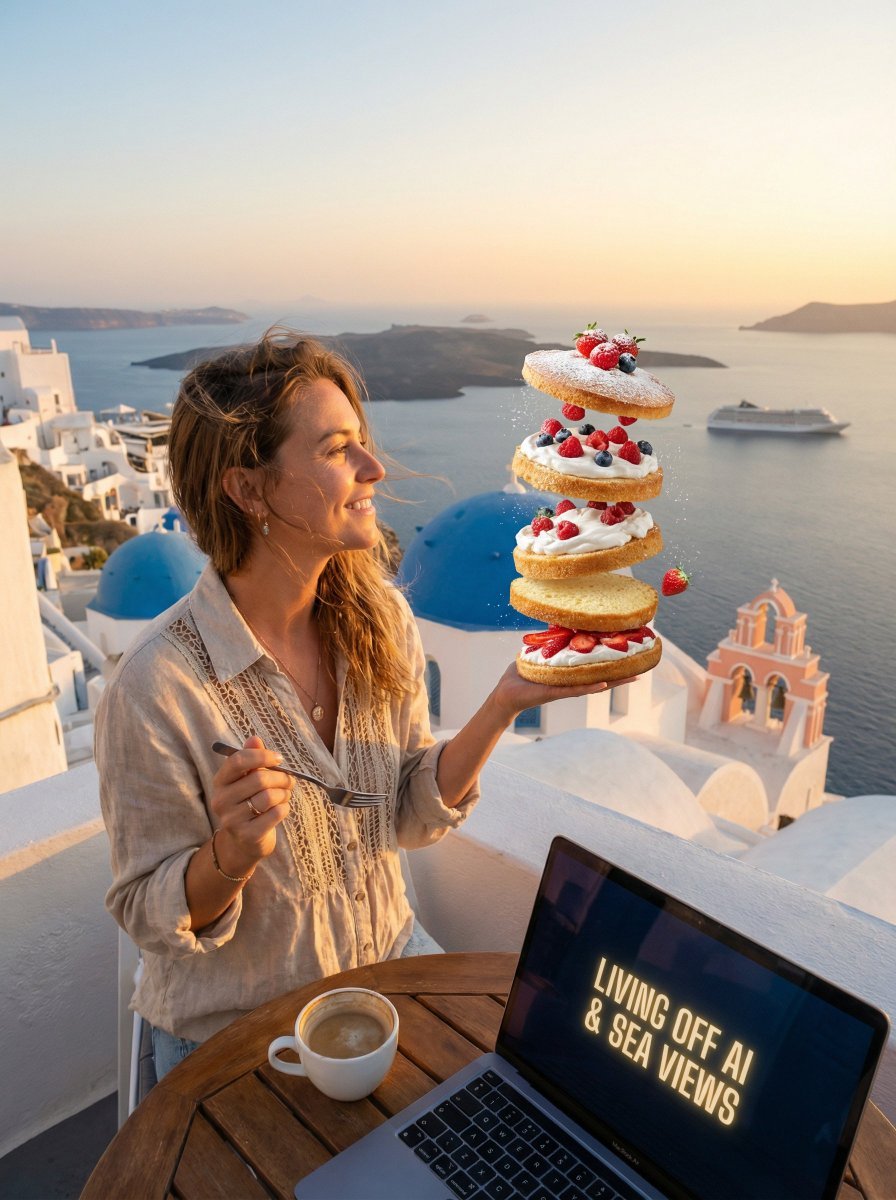
Dessert Nomad Dream: Cinematic Food and Travel Fusion
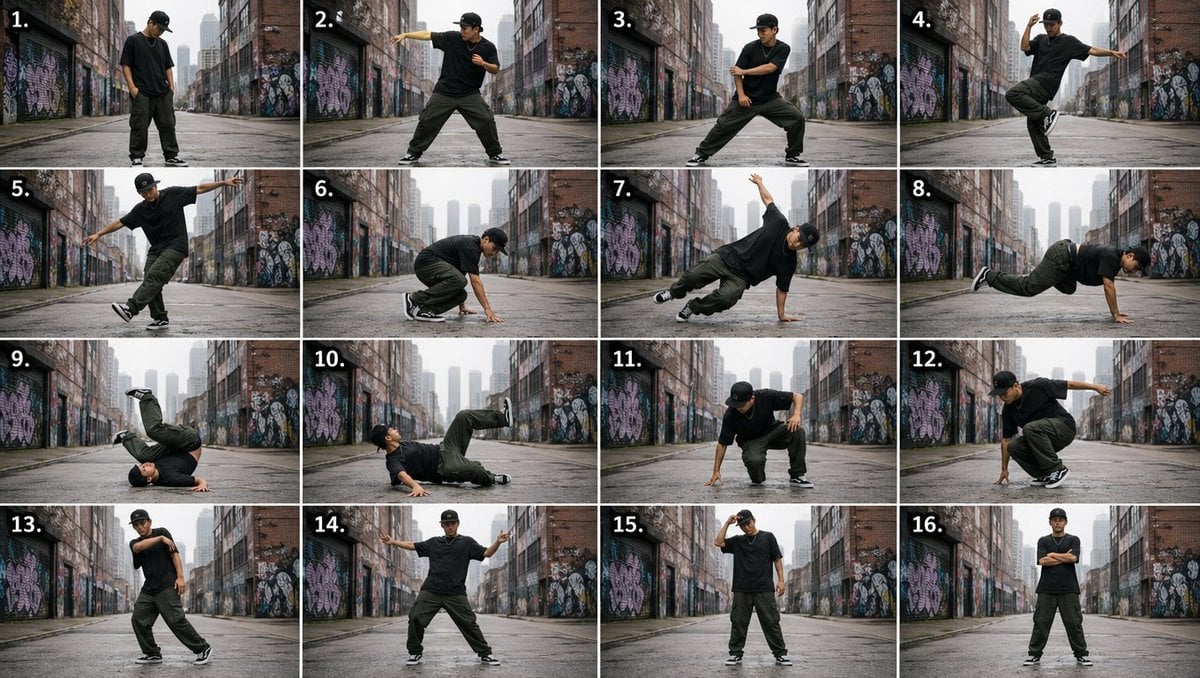
Urban Dancer Image Grid
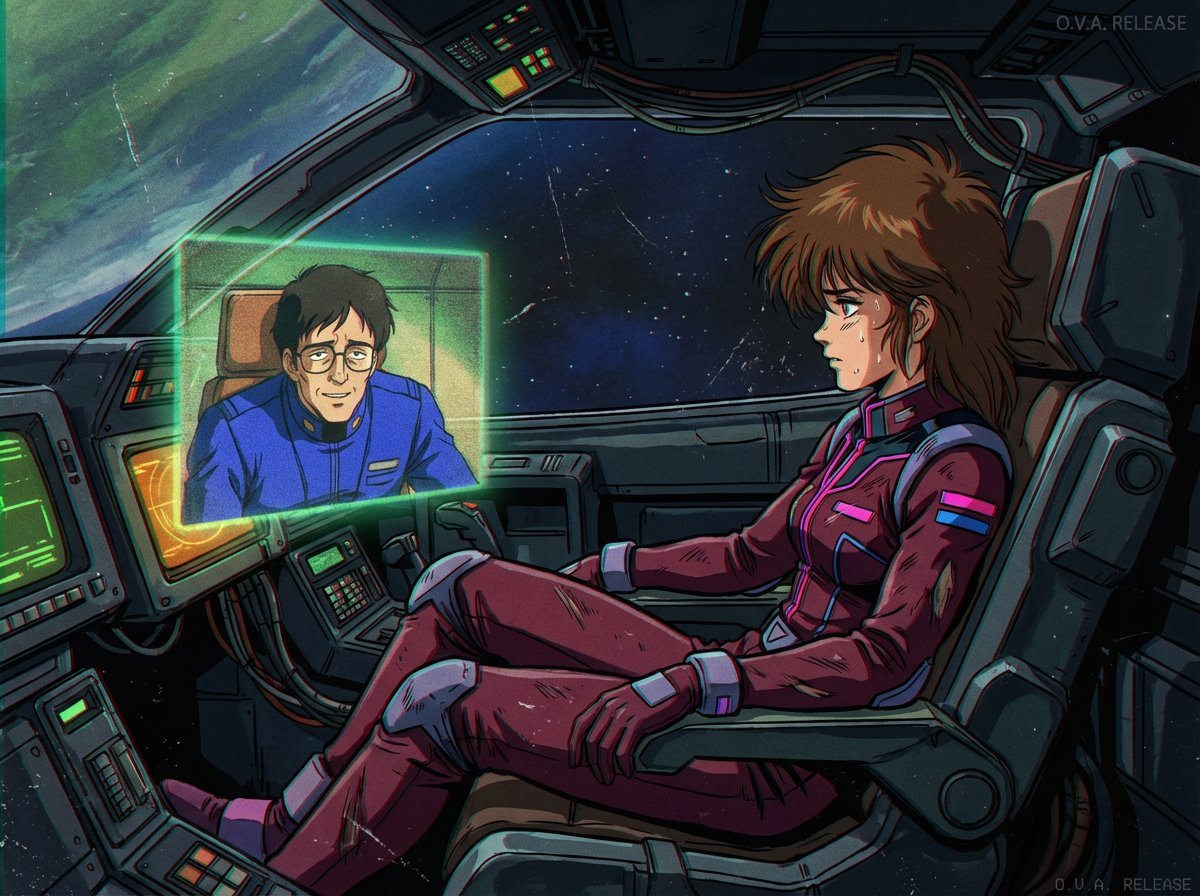
1980s US import anime (duplicate style)
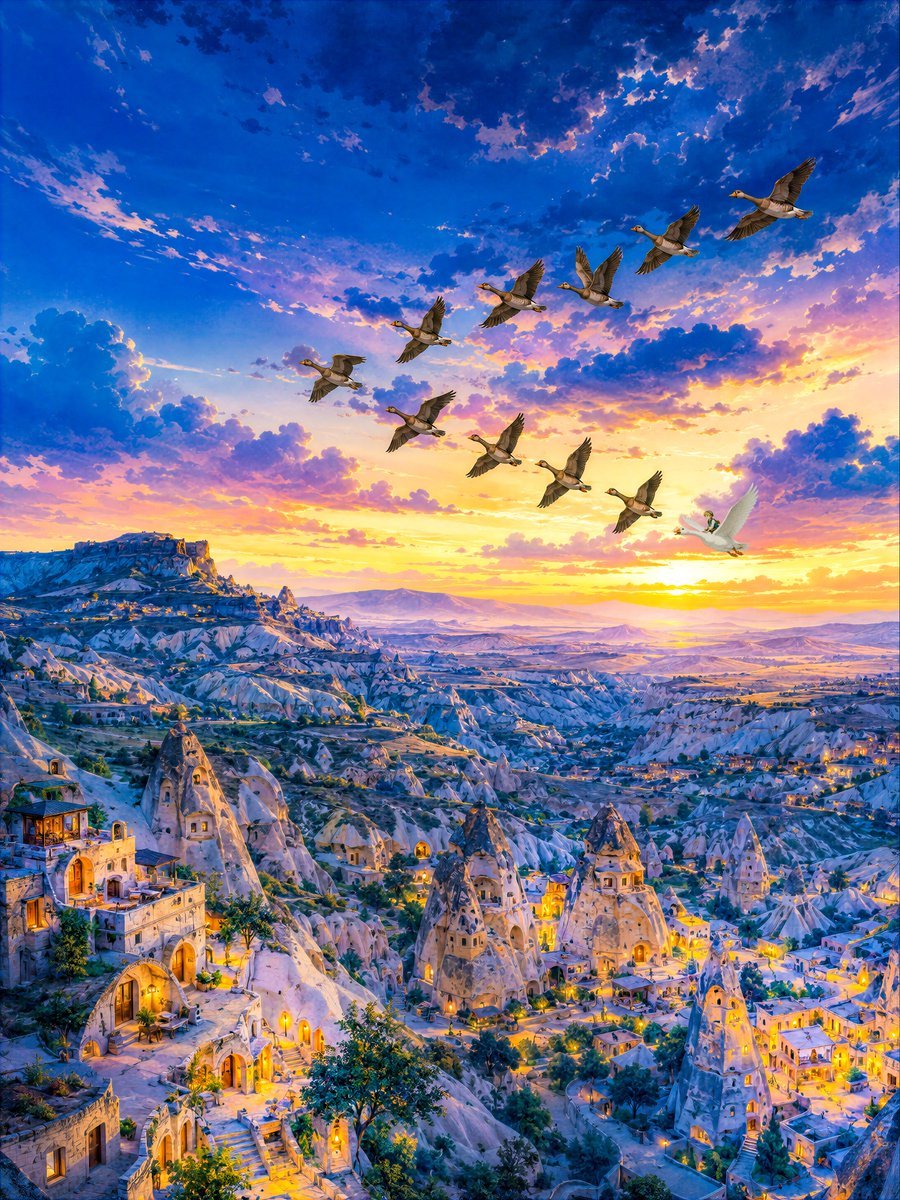
Twilight Geese Over Cappadocia
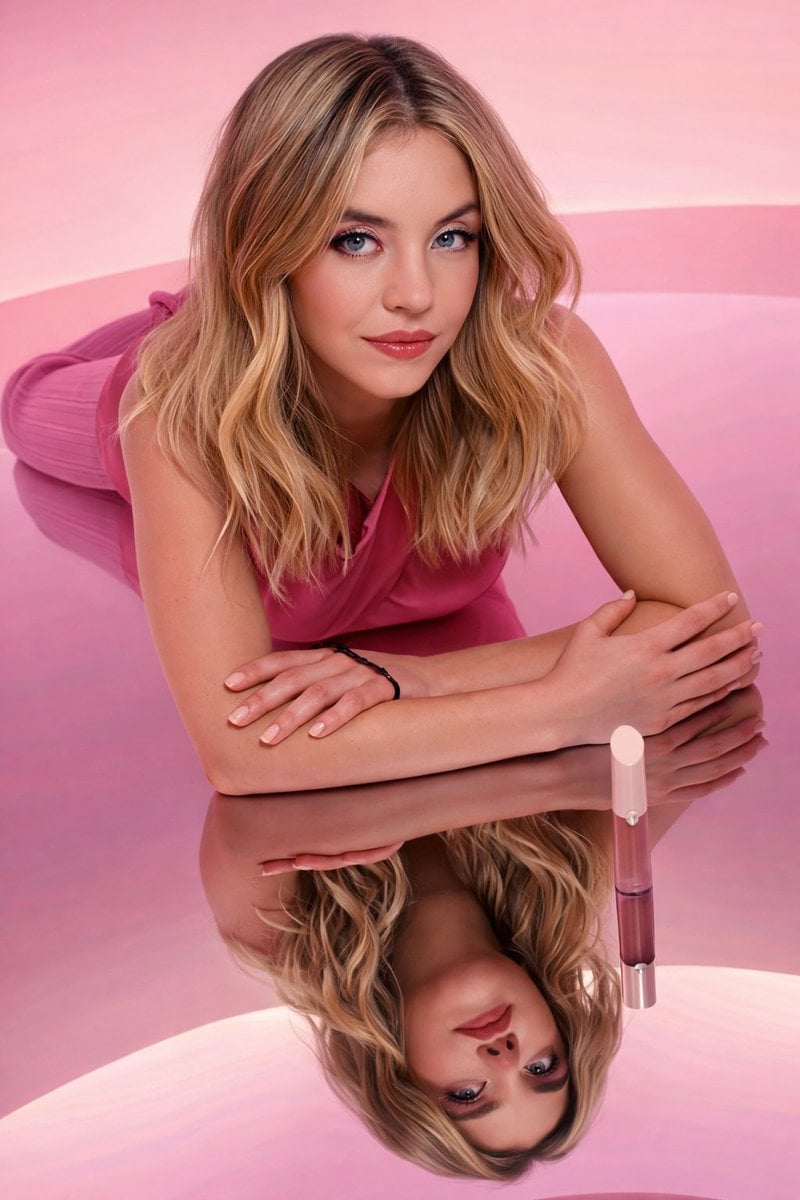
Monochromatic Pink Studio Fashion Portrait
Browse template categories
Awkward 90s Christmas Studio Portrait questions
How do I use the Awkward 90s Christmas Studio Portrait template?
Add your photo if the template asks for one, edit the prompt if you like — the template's model and format are already selected — and press Generate. Your version opens in PicX Studio.
Can I customize the Awkward 90s Christmas Studio Portrait template?
Yes. You can change the subject, setting, lighting, mood, format, and available model controls before creating your image.
Is the Awkward 90s Christmas Studio Portrait template free?
Opening and editing this template is free. Generating uses credits, shown on the Generate button when you are signed in.
Which AI model should I use?
Choose a compatible model in PicX Studio based on the style, speed, and output controls your project needs.
Looking for something else? Browse all templates.

Your photo, any look
Thousands of ready templates for every top image and video model, from one credit balance.