
Cute 3D App Mascot Icon Grid
A colorful 5-by-8 showcase of ASO-friendly kawaii 3D mascot app icons for mobile app branding inspiration.

- Prompt included
- Model and format preset
- Free template
The prompt behind this image
Copy the exact prompt behind Cute 3D App Mascot Icon Grid, or open it in the studio and make it yours.
Goal: Create a polished app-store mascot icon showcase featuring {argument name="icon count" default="40"} unique cute 3D mascot icons, designed as ASO-friendly mobile app icon concepts. Canvas: Horizontal 4:3 image on a pure black background, with a neat grid of rounded-square app icons. Use exactly 5 rows and 8 columns, evenly spaced with consistent margins. Each tile is a glossy rounded square with a soft gradient background, subtle inner glow, and soft drop shadow. No text, no labels, no watermark. Visual style: High-end 3D clay/toy mascot style, kawaii expressions, big friendly eyes, tiny smiles, smooth rounded shapes, vibrant saturated colors, app icon lighting, soft studio shadows, crisp edges, premium iOS icon aesthetic. Every icon should feel like a distinct standalone app mascot. Icon grid details: Include exactly 40 discrete icons, arranged left to right, top to bottom: 1. white robot head mascot on blue gradient 2. pink piggy bank with coin on green gradient 3. smiling yellow character wearing a sun visor on orange gradient 4. sleepy white cloud hugging itself on purple gradient 5. turquoise travel suitcase wearing sunglasses and a straw hat on teal gradient 6. cute sun partly behind a cloud with raindrops on blue gradient 7. black penguin or bird wearing green headphones with music notes on purple gradient 8. smiling bowl of noodles with chopsticks on red-orange gradient 9. happy corgi dog on green gradient 10. checklist clipboard with pencil on blue gradient 11. graduation cap over a document/card silhouette on purple-pink gradient 12. cute instant camera on pink-red gradient 13. red heart character running with headphones on orange-red gradient 14. green owl with chat bubble on teal gradient 15. red map pin mascot on map background on cyan gradient 16. purple shopping bag mascot on yellow gradient 17. blue shield mascot on deep blue gradient 18. purple notebook mascot with pen on violet gradient 19. purple game controller mascot on dark purple gradient 20. sleeping crescent moon with nightcap, stars, and dark night background 21. smiling potted plant in white pot on green gradient 22. white rocket launching on navy starry gradient 23. painter palette mascot with paintbrush on orange gradient 24. smiling Earth globe on blue gradient 25. vintage microphone mascot on teal gradient 26. chef mascot with white chef hat and spatula on red-orange gradient 27. smiling water droplet holding a glass of water on cyan gradient 28. fluffy llama or alpaca mascot on green gradient 29. glowing yellow lightbulb mascot on yellow-orange gradient 30. purple octopus or blob reading an orange book on violet gradient 31. green battery mascot with lightning symbol on green gradient 32. compass mascot on blue-orange gradient 33. blue whale mascot with water splash on cyan gradient 34. yellow bell mascot on orange gradient 35. smiling white document/page mascot on purple gradient 36. happy white cloud mascot on blue gradient 37. pink microphone mascot with sound waves on magenta gradient 38. penguin mascot wearing a yellow visor on orange gradient 39. treasure chest full of gold coins on purple gradient 40. smiling envelope mascot with wings on light blue gradient Constraints: Keep all icons consistent in size and visual quality; use charming rounded toy-like geometry; ensure each mascot has a simple cute face where appropriate; preserve the exact 5-by-8 layout and exactly 40 icons.
How to use Cute 3D App Mascot Icon Grid in 3 steps
- 1Upload ImagePNG, JPG or paste
Add your photo
Upload the photo the template builds on. The prompt, model and format are already set.
- 2…a portrait of your subject in softgolden-hour light, 85mm…
Personalize
Edit the subject and creative details for your destination.
- 3Generate
Generate
Press Generate — your image is created in PicX Studio, so you can compare it with the original and refine one variable at a time.
More like this
Templates with the same subject, style or setup. Open one to see its prompt.
Soft 3D App Feature Icon Grid
Foxy App Icon Exploration Board

Minecraft Homage Illustrious Style
Cute 3D render of a, matte surface, kneaded clay icon style, simple
A premium centered in the frame, iconic packaging partially unwrapped
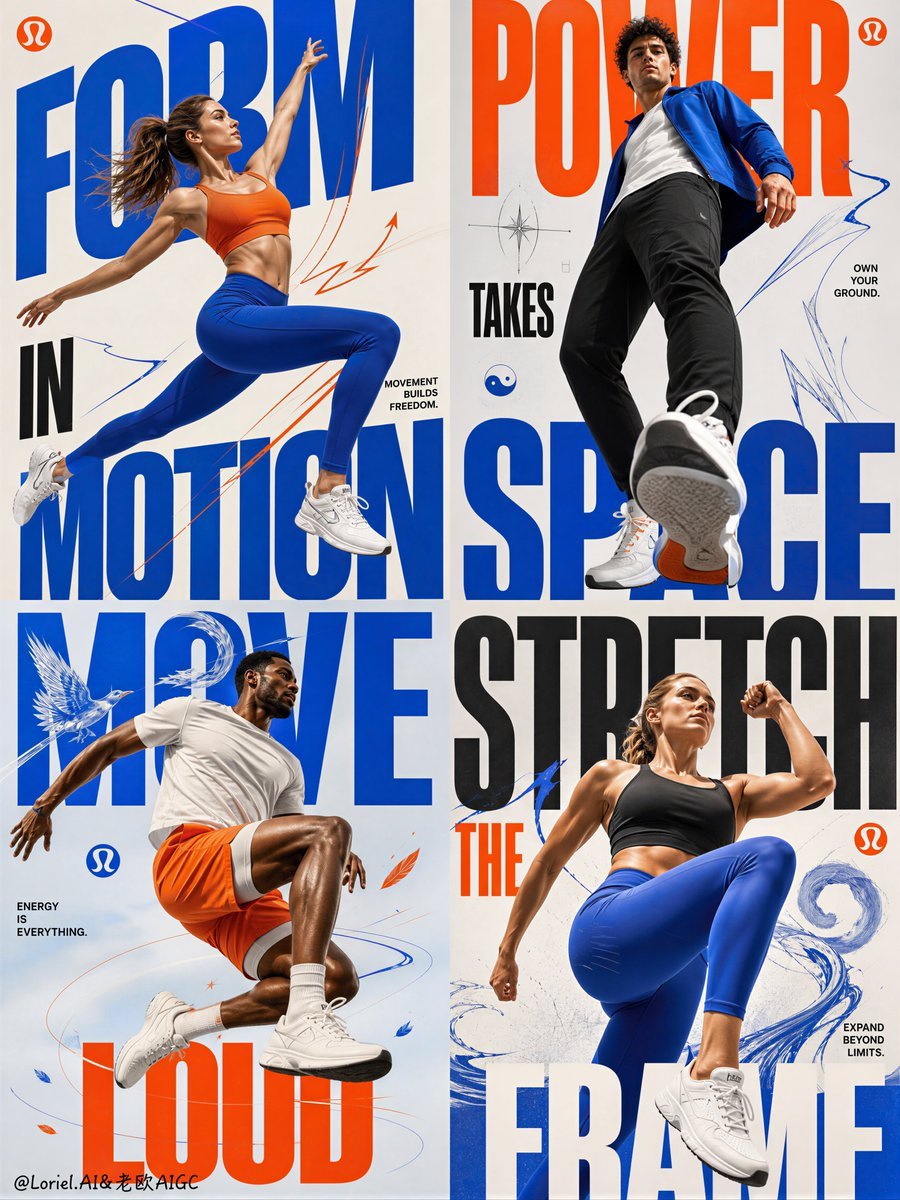
Fitness Apparel Grid Campaign Poster

Anime Rain Poncho Parade

Anime Street Performer Magic

Anime Ferry Boat Arrival

Anime Hidden Mickey Hunt

Anime Popcorn Cart Hero

Anime Nighttime Projection
Make it yours
Cute 3D App Mascot Icon Grid works as-is. These are the safest ways to change it without losing the look.
Change one field
Copy a single group, rewrite it, and generate again so you can see what that field is doing.
Keep the frame, change the subject
Hold the composition and light of Cute 3D App Mascot Icon Grid, then swap wardrobe, props or the person for a new take.
| If the result… | Why | Fix |
|---|---|---|
| The result drifts from the preview | Too many fields changed at once. | Reuse Cute 3D App Mascot Icon Grid as-is first, then change one group — subject, light, or setting. |
| The model over-stylizes the scene | The prose prompt leaves finish and camera underspecified. | Add one camera or lighting sentence and stay on GPT Image 2. |
More GPT Image 2 templates
Other prompts made for GPT Image 2.

Six VTuber Japanese Logo Sheet

Realistic Portrait of Woman and Deer

The Vista Modular Condo Poster

AI Model Routing Comparison Infographic

2.5D Anime Art Board

Isometric Productivity Desk Scene

New York Double Exposure Poster

Four-Panel AI Landscape Comparison

Japanese Tatami Lifestyle Magazine Cover

NESCAFÉ Coffee Map Poster
More image prompts
Fresh picks from across the catalog.
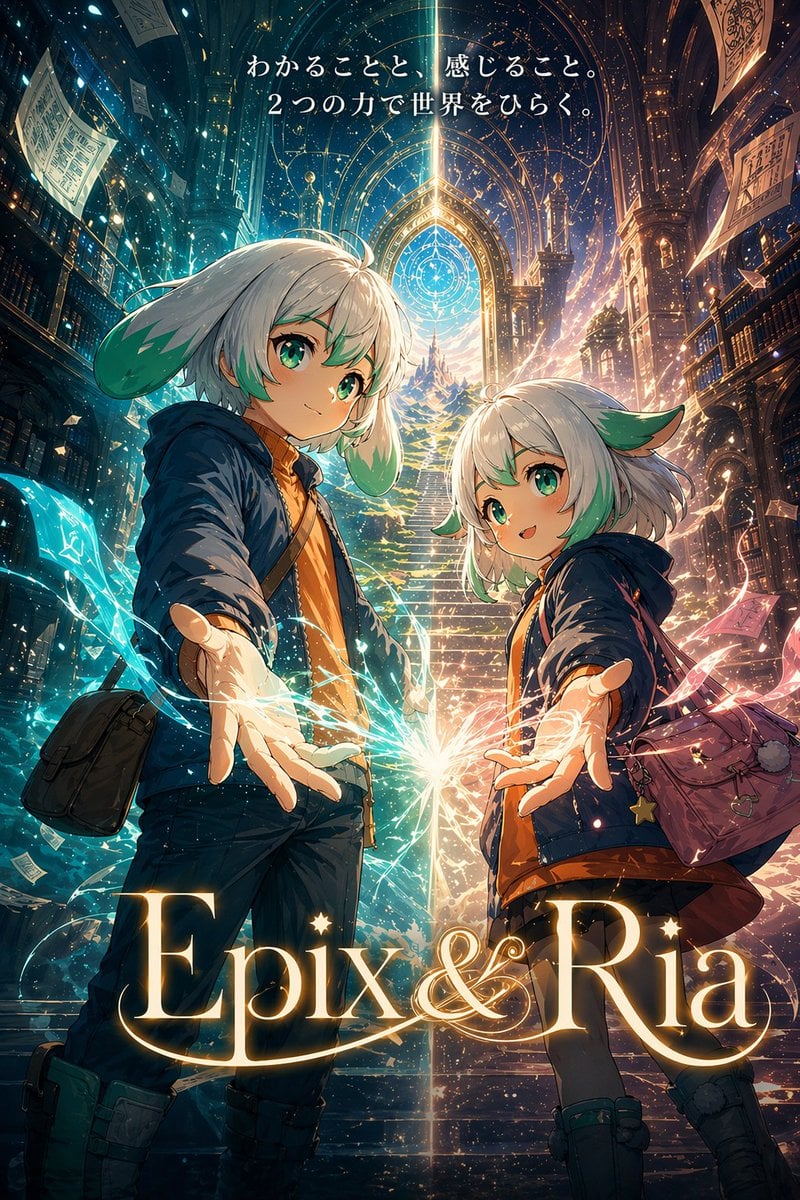
Fantasy Library Poster for Epix & Ria
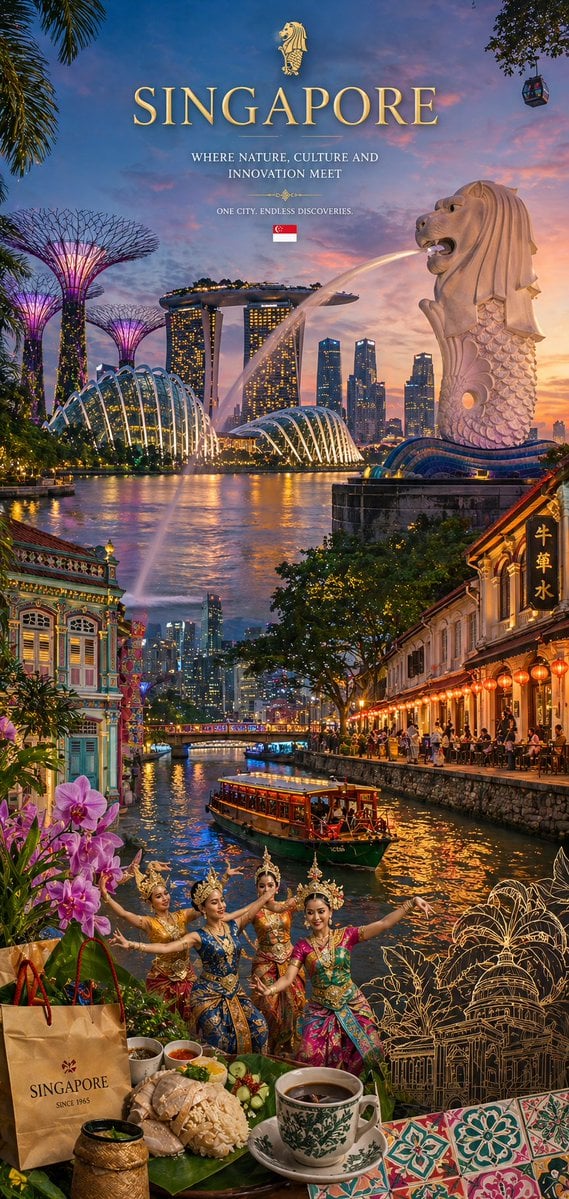
Country Heritage Wallpaper Prompt
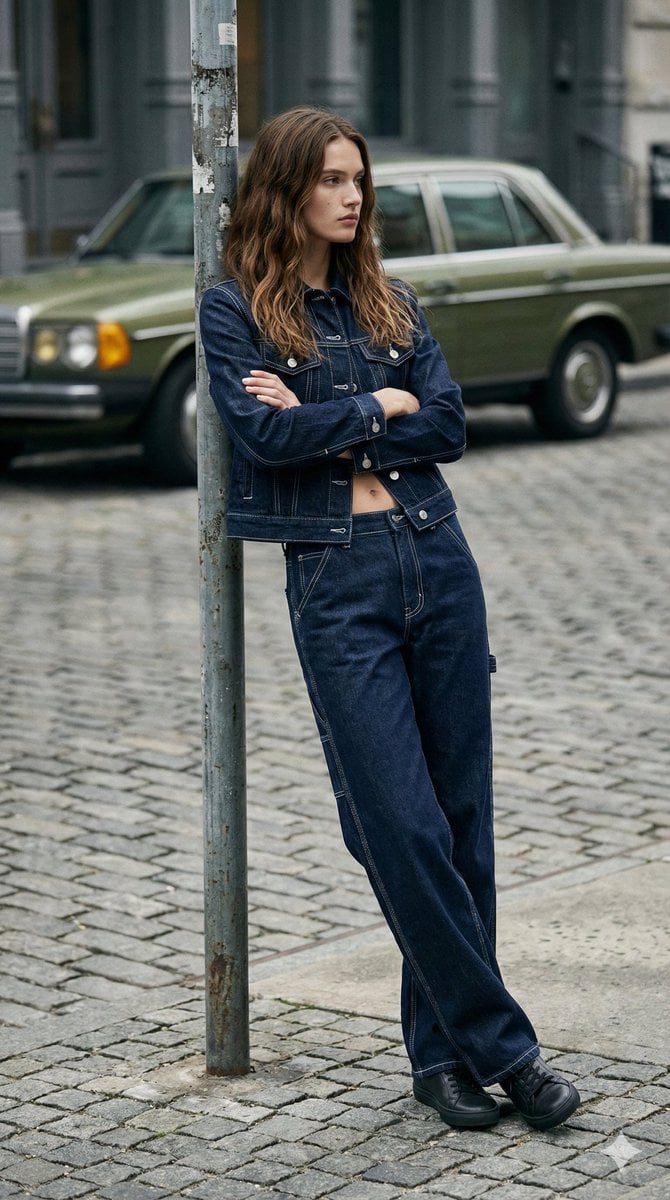
90s Americana Denim Fashion Editorial
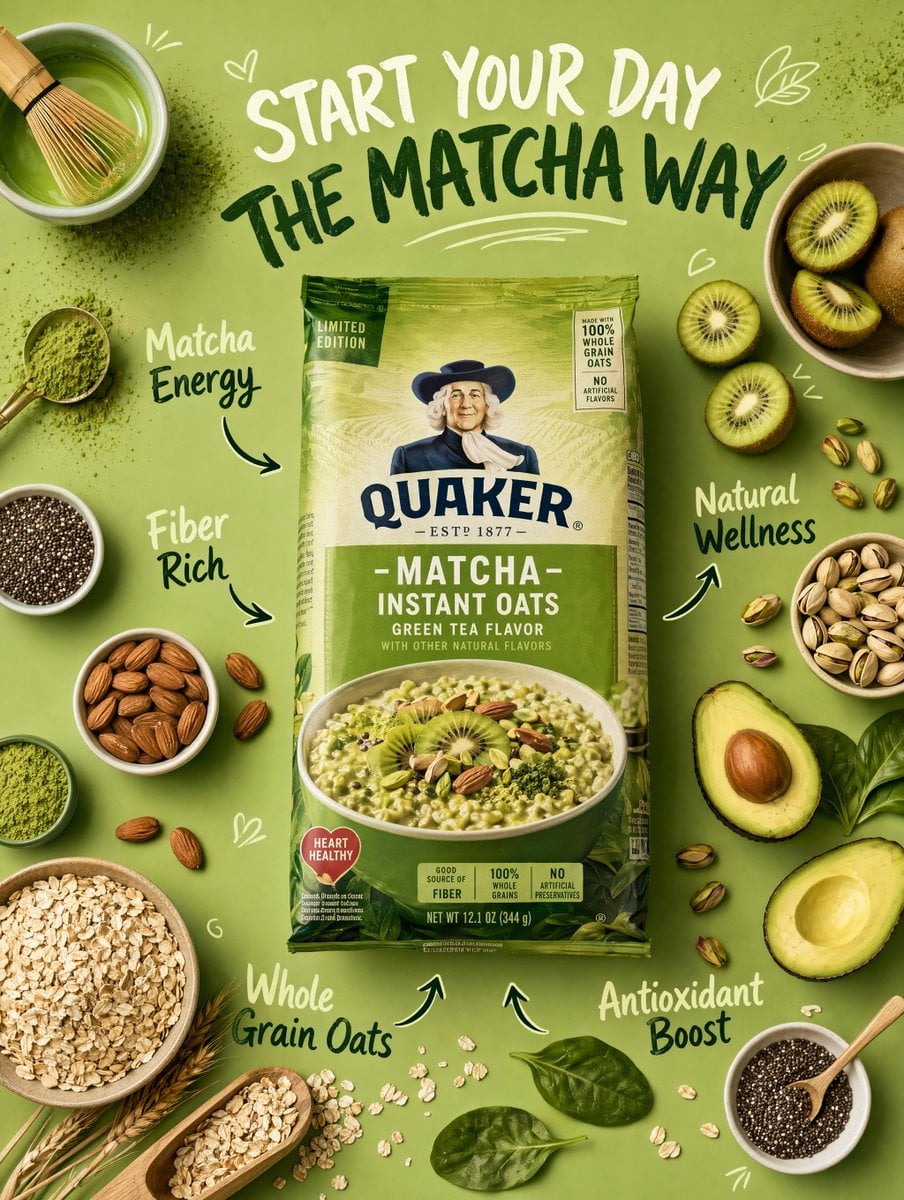
Healthy Breakfast Flat-Lay Ad Poster

Corporate Cash Private Jet Satire

Blue Pen Campaign Poster

Romantic Sunset Couple Portrait

Ultra-Realistic Cinematic Scene of Floating in Mid-Air

Transform Photo into Modern Anime Vector Illustration
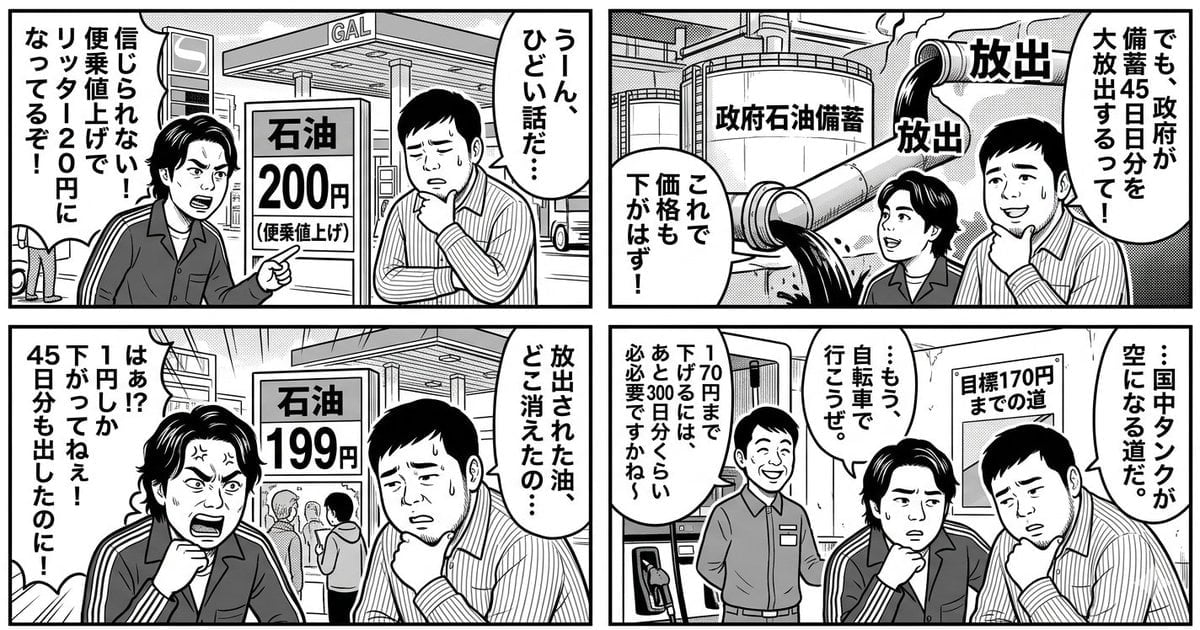
Panel Manga: The Long Road to 170 Yen Gasoline Price
Browse template categories
Cute 3D App Mascot Icon Grid questions
How do I use the Cute 3D App Mascot Icon Grid template?
Add your photo if the template asks for one, edit the prompt if you like — the template's model and format are already selected — and press Generate. Your version opens in PicX Studio.
Can I customize the Cute 3D App Mascot Icon Grid template?
Yes. You can change the subject, setting, lighting, mood, format, and available model controls before creating your image.
Is the Cute 3D App Mascot Icon Grid template free?
Opening and editing this template is free. Generating uses credits, shown on the Generate button when you are signed in.
Which AI model should I use?
Start with GPT Image 2, which is the model associated with this template. You can compare another compatible model for a different finish.
Looking for something else? Browse all templates.

Your photo, any look
Thousands of ready templates for every top image and video model, from one credit balance.