
Two-Panel Tech Meme Comic
Generates a two-panel meme contrasting a smug tech employee vague-posting with a skeleton user waiting endlessly for a release.
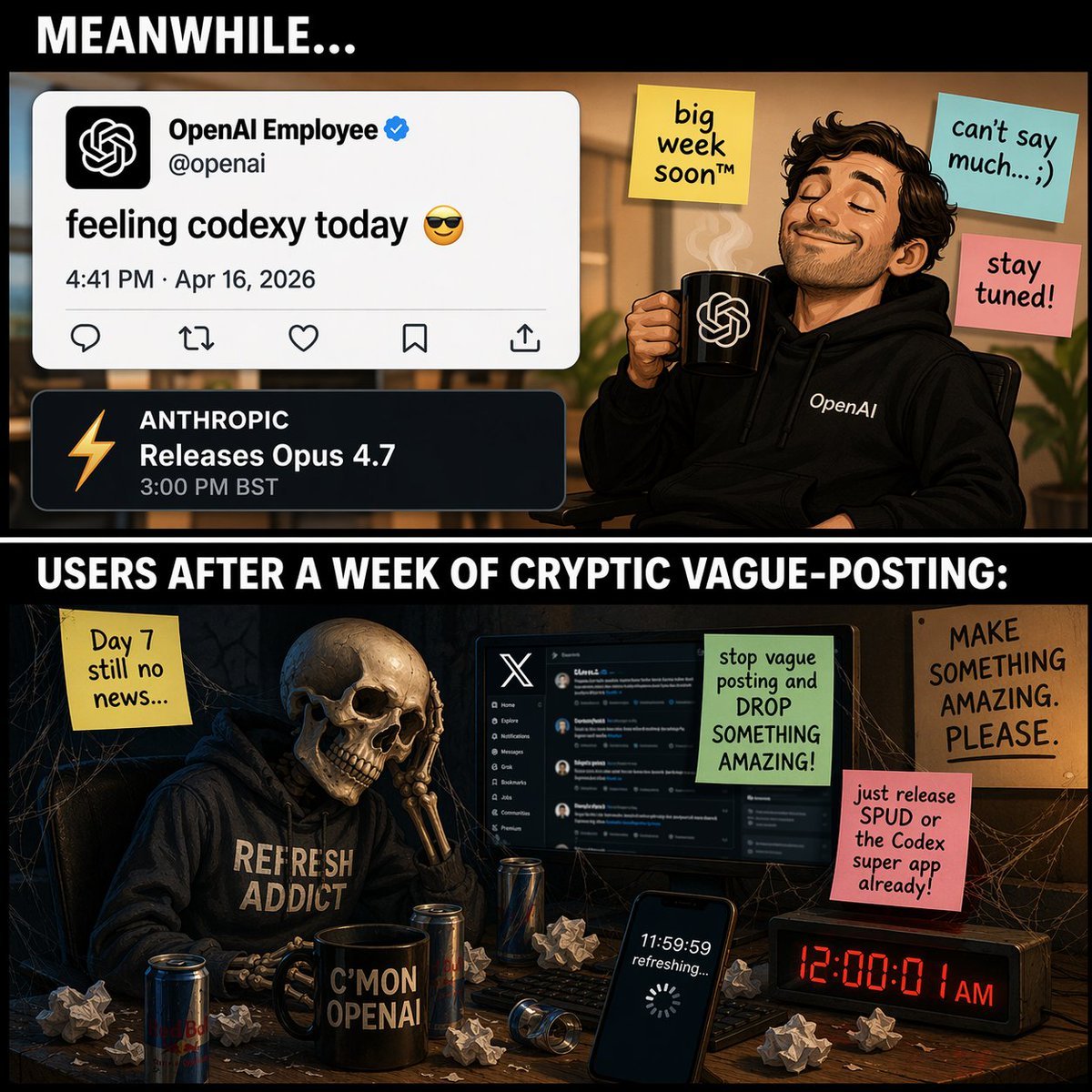
- Prompt included
- Model and format preset
- Free template
The prompt behind this image
Copy the exact prompt behind Two-Panel Tech Meme Comic, or open it in the studio and make it yours.
- Type
- two-panel meme comic
- Layout › Structure
- vertical split with black divider bars containing white text
- Layout › Top Header Text
- {argument name="top panel header" default="MEANWHILE..."}
- Layout › Middle Divider Text
- {argument name="bottom panel header" default="USERS AFTER A WEEK OF CRYPTIC VAGUE-POSTING:"}
- Panels › 0 › Position
- top
- Panels › 0 › Setting
- bright office environment
- Panels › 0 › Character
- smug man with a beard, wearing a black hoodie with 'OpenAI' text, eyes closed, smiling, holding a black mug with the OpenAI logo and rising steam
- Panels › 0 › Ui Elements › Count
- 2
- Panels › 0 › Ui Elements › Items
- Tweet mockup: Profile 'OpenAI Employee' with verified checkmark, handle '@openai', text '{argument name="tweet text" default="feeling codexy today 😎"}', date '4:41 PM · Apr 16, 2026', Notification mockup: Dark theme, orange lightning bolt icon, text 'ANTHROPIC Releases Opus 4.7 3:00 PM BST'
- Panels › 0 › Sticky Notes › Count
- 3
- Panels › 0 › Sticky Notes › Items
- Yellow note: 'big week soon™', Light blue note: 'can't say much... ;)', Pink note: 'stay tuned!'
- Panels › 1 › Position
- bottom
- Panels › 1 › Setting
- dark, cobweb-filled room at a messy desk
- Panels › 1 › Character
- skeleton wearing a dark hoodie with '{argument name="skeleton hoodie text" default="REFRESH ADDICT"}', resting its skull on its bony hand in despair
- Panels › 1 › Desk Objects › Count
- 6
- Panels › 1 › Desk Objects › Items
- Computer monitor displaying the X (Twitter) dark mode interface, Black mug with text 'C'MON OPENAI', Smartphone screen showing '11:59:59 refreshing...' with a loading spinner, Digital clock displaying red text '12:00:01 AM', 3 energy drink cans, Scattered crumpled paper balls
- Panels › 1 › Sticky Notes And Signs › Count
- 4
- Panels › 1 › Sticky Notes And Signs › Items
- Yellow note (left): 'Day 7 still no news...', Green note (on monitor): 'stop vague posting and DROP SOMETHING AMAZING!', Pink note (right): '{argument name="user complaint note" default="just release SPUD or the Codex super app already!"}', Cardboard sign (far right): 'MAKE SOMETHING AMAZING. PLEASE.'
Raw JSON
{
  "type": "two-panel meme comic",
  "layout": {
    "structure": "vertical split with black divider bars containing white text",
    "top_header_text": "{argument name=\"top panel header\" default=\"MEANWHILE...\"}",
    "middle_divider_text": "{argument name=\"bottom panel header\" default=\"USERS AFTER A WEEK OF CRYPTIC VAGUE-POSTING:\"}"
  },
  "panels": [
    {
      "position": "top",
      "setting": "bright office environment",
      "character": "smug man with a beard, wearing a black hoodie with 'OpenAI' text, eyes closed, smiling, holding a black mug with the OpenAI logo and rising steam",
      "ui_elements": {
        "count": 2,
        "items": [
          "Tweet mockup: Profile 'OpenAI Employee' with verified checkmark, handle '@openai', text '{argument name=\"tweet text\" default=\"feeling codexy today 😎\"}', date '4:41 PM · Apr 16, 2026'",
          "Notification mockup: Dark theme, orange lightning bolt icon, text 'ANTHROPIC Releases Opus 4.7 3:00 PM BST'"
        ]
      },
      "sticky_notes": {
        "count": 3,
        "items": [
          "Yellow note: 'big week soon™'",
          "Light blue note: 'can't say much... ;)'",
          "Pink note: 'stay tuned!'"
        ]
      }
    },
    {
      "position": "bottom",
      "setting": "dark, cobweb-filled room at a messy desk",
      "character": "skeleton wearing a dark hoodie with '{argument name=\"skeleton hoodie text\" default=\"REFRESH ADDICT\"}', resting its skull on its bony hand in despair",
      "desk_objects": {
        "count": 6,
        "items": [
          "Computer monitor displaying the X (Twitter) dark mode interface",
          "Black mug with text 'C'MON OPENAI'",
          "Smartphone screen showing '11:59:59 refreshing...' with a loading spinner",
          "Digital clock displaying red text '12:00:01 AM'",
          "3 energy drink cans",
          "Scattered crumpled paper balls"
        ]
      },
      "sticky_notes_and_signs": {
        "count": 4,
        "items": [
          "Yellow note (left): 'Day 7 still no news...'",
          "Green note (on monitor): 'stop vague posting and DROP SOMETHING AMAZING!'",
          "Pink note (right): '{argument name=\"user complaint note\" default=\"just release SPUD or the Codex super app already!\"}'",
          "Cardboard sign (far right): 'MAKE SOMETHING AMAZING. PLEASE.'"
        ]
      }
    }
  ]
}How to use Two-Panel Tech Meme Comic in 3 steps
- 1Upload ImagePNG, JPG or paste
Add your photo
Upload the photo the template builds on. The prompt, model and format are already set.
- 2…a portrait of your subject in softgolden-hour light, 85mm…
Personalize
Edit the subject and creative details for your destination.
- 3Generate
Generate
Press Generate — your image is created in PicX Studio, so you can compare it with the original and refine one variable at a time.
More like this
Templates with the same subject, style or setup. Open one to see its prompt.

Hero Portrait Comic Multi-Panel Poster

Gpt2 E Commerce Main Image 9 Panel Product Tvc Storyboard
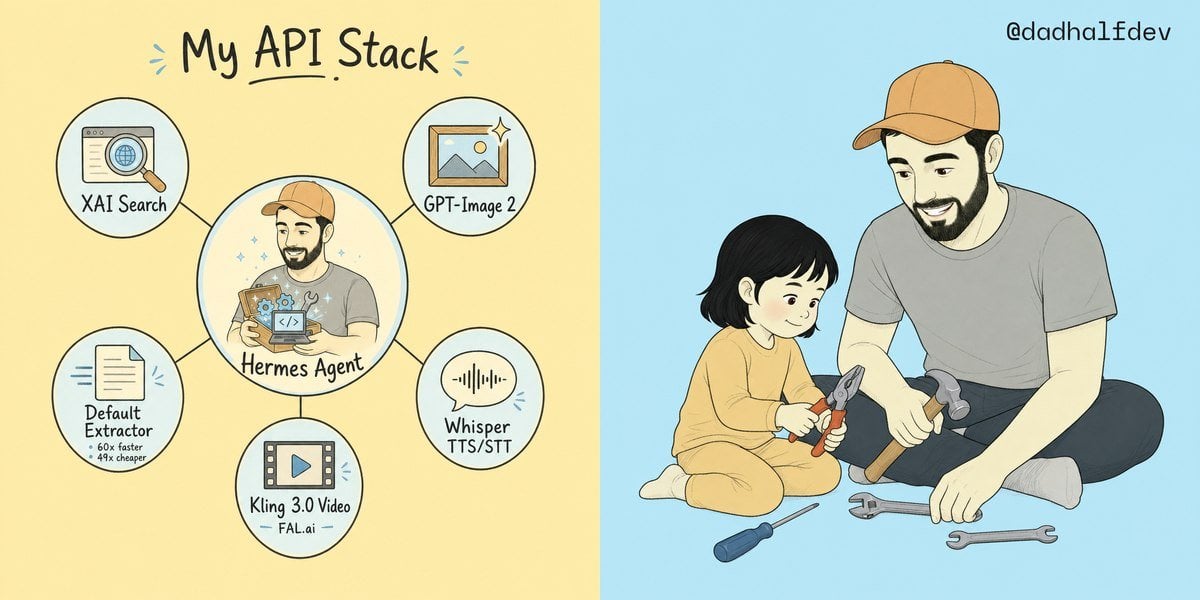
My API Stack Two-Panel Illustration
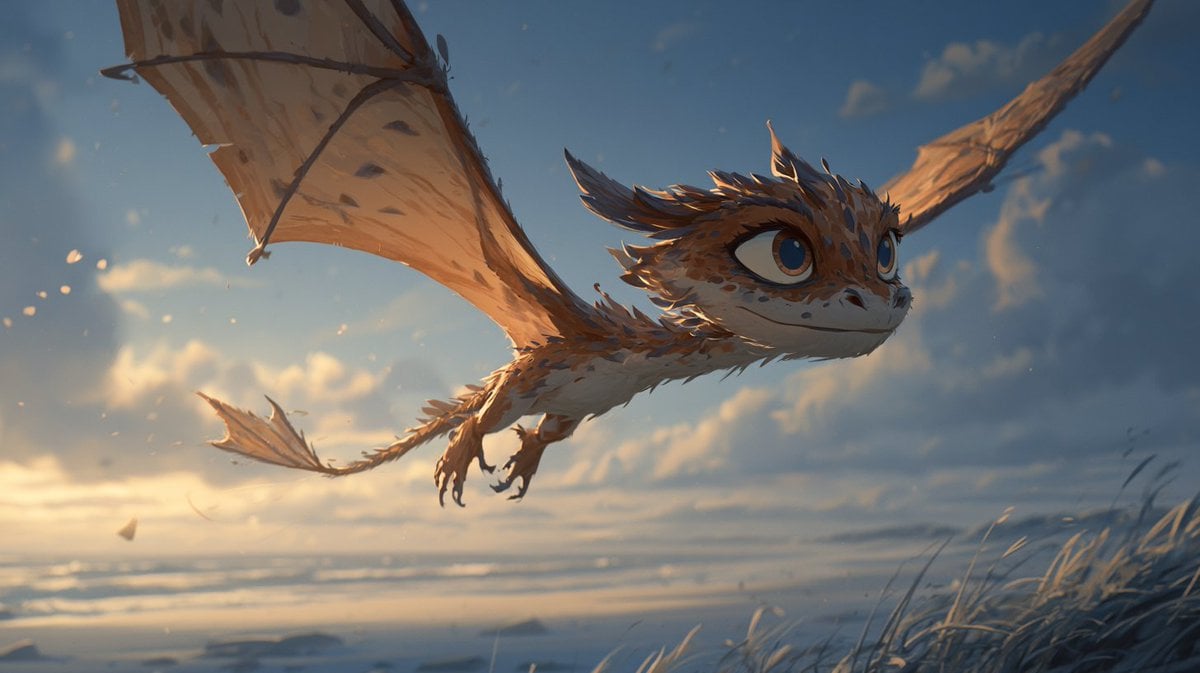
Multi-Panel Comic Illustration

Pixar 6-Panel Streethero Expression Grid

Pop Art Superhero Explosion Poster

Spider-Man Noir Detective Rain Alley

Minecraft You Died Winter Death Screen
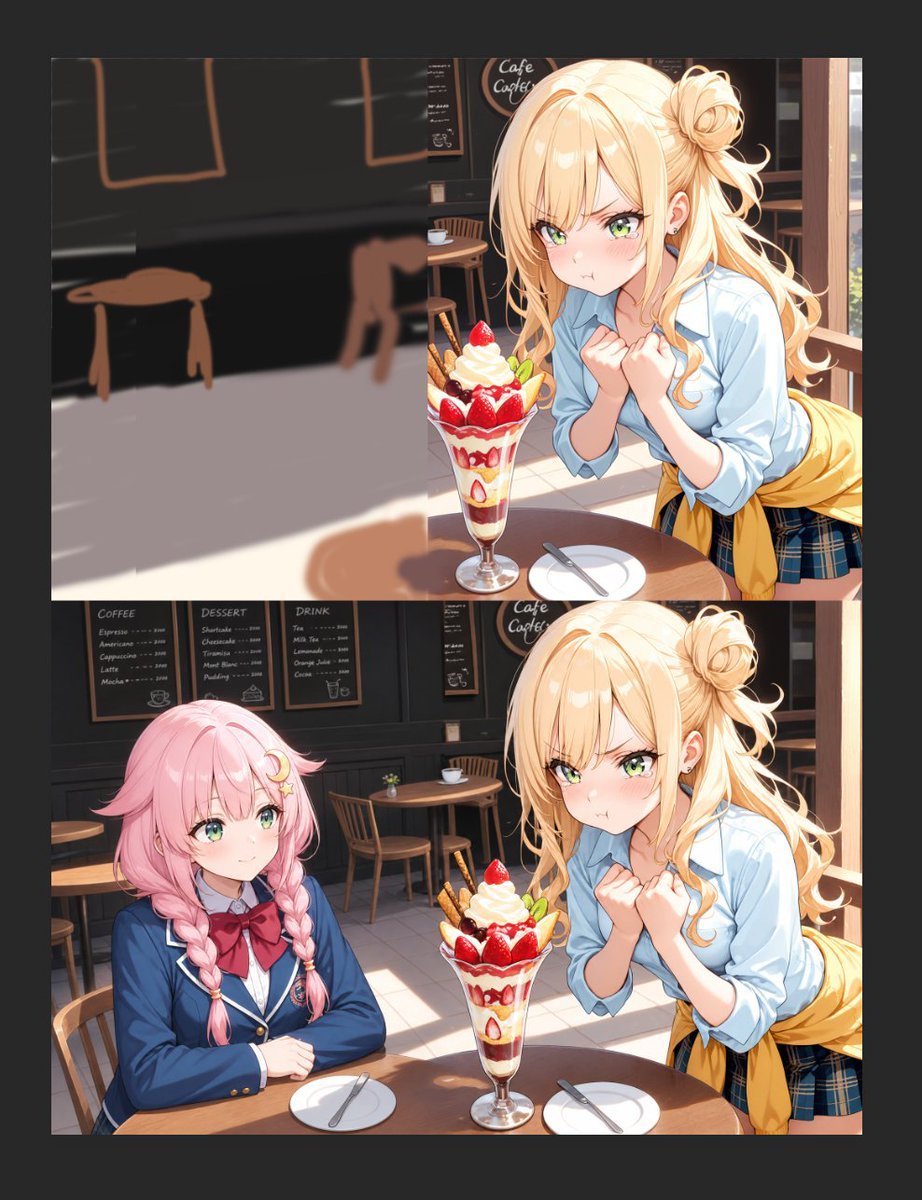
Anime Cafe Two-Panel Comparison

Two-Panel Snow Cabin Model Comparison
Six-Panel Golden Week Manga Comic
Six-Panel Fantasy Magic Comic Page
Make it yours
Two-Panel Tech Meme Comic works as-is. These are the safest ways to change it without losing the look.
Swap the setting
Keep the rest of the prompt and replace the location block. The current setting is “bright office environment”.
Change one field
Copy a single group, rewrite it, and generate again so you can see what that field is doing.
Keep the frame, change the subject
Hold the composition and light of Two-Panel Tech Meme Comic, then swap wardrobe, props or the person for a new take.
| If the result… | Why | Fix |
|---|---|---|
| The result drifts from the preview | Too many fields changed at once. | Reuse Two-Panel Tech Meme Comic as-is first, then change one group — subject, light, or setting. |
| GPT Image 2 ignores part of the JSON | Some models flatten or skip nested keys. | Keep the same values and paste them as a short paragraph instead. |
More GPT Image 2 templates
Other prompts made for GPT Image 2.

Six VTuber Japanese Logo Sheet

Realistic Portrait of Woman and Deer

The Vista Modular Condo Poster

AI Model Routing Comparison Infographic

2.5D Anime Art Board

Isometric Productivity Desk Scene

New York Double Exposure Poster

Four-Panel AI Landscape Comparison

Japanese Tatami Lifestyle Magazine Cover

NESCAFÉ Coffee Map Poster
More image prompts
Fresh picks from across the catalog.
Fashion Editorial Outfit Breakdown
Nostalgic Shaky Film Couple Selfies
3x2 Collage of Woman in Flowing Dresses
Cinematic Fire Portrait - Boy

Cinematic Portrait Prompt for Outdoor Expedition Vibe
Oil Painting Style Portrait Prompt with Reference
Corporate Office Trading Floor Selfie Prompt
Split-Screen Athleisure Ad
4K Anime Illustration of Girl in Rain
AI Clothing Swap Transformation
Browse template categories
Two-Panel Tech Meme Comic questions
How do I use the Two-Panel Tech Meme Comic template?
Add your photo if the template asks for one, edit the prompt if you like — the template's model and format are already selected — and press Generate. Your version opens in PicX Studio.
Can I customize the Two-Panel Tech Meme Comic template?
Yes. You can change the subject, setting, lighting, mood, format, and available model controls before creating your image.
Is the Two-Panel Tech Meme Comic template free?
Opening and editing this template is free. Generating uses credits, shown on the Generate button when you are signed in.
Which AI model should I use?
Start with GPT Image 2, which is the model associated with this template. You can compare another compatible model for a different finish.
Looking for something else? Browse all templates.

Your photo, any look
Thousands of ready templates for every top image and video model, from one credit balance.