How do I use the Urban Fashion Portrait template?
Choose the primary action to open PicX Studio with the available template settings. Review the model and format, personalize the creative direction, and generate when ready.
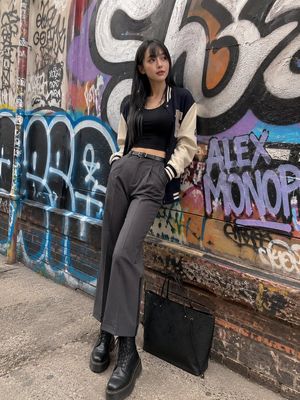
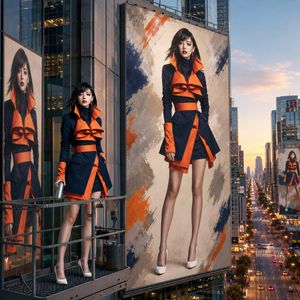
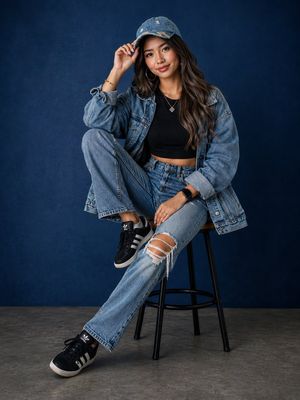
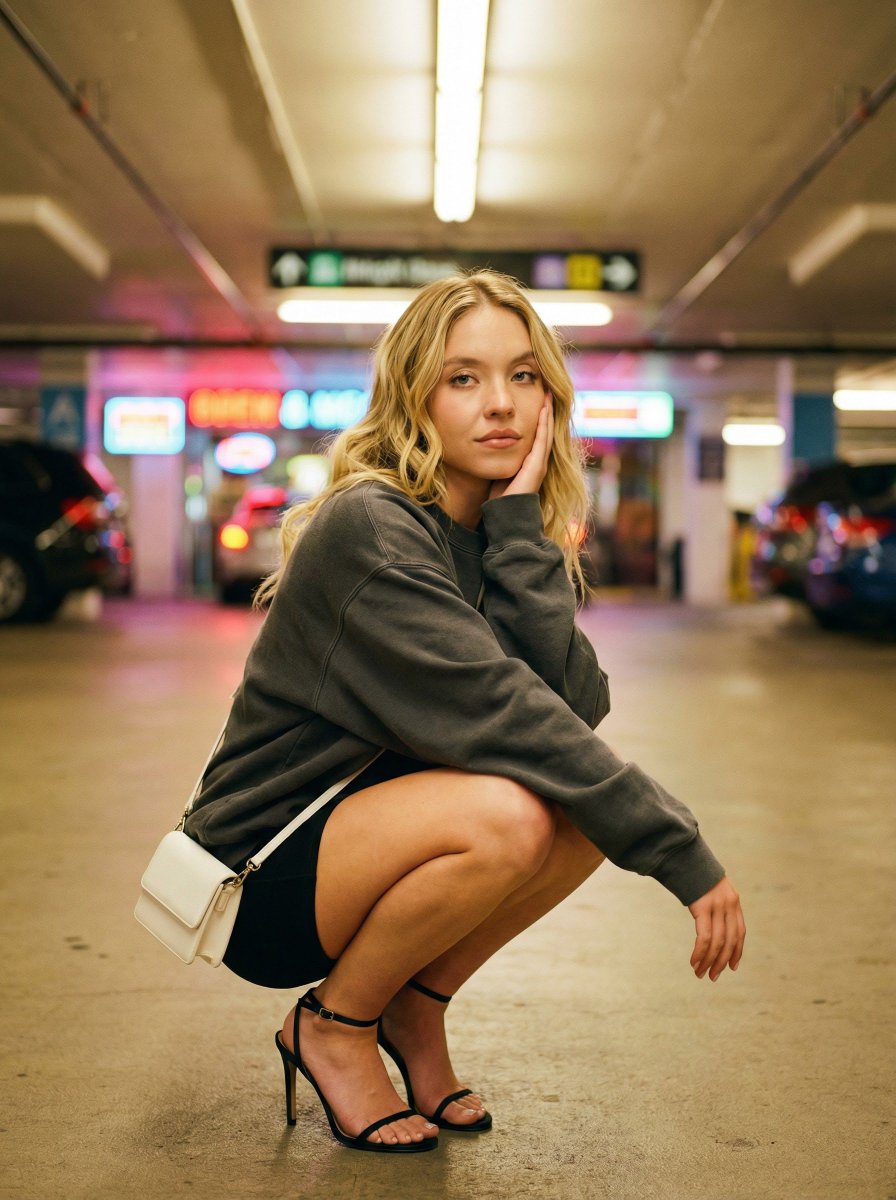
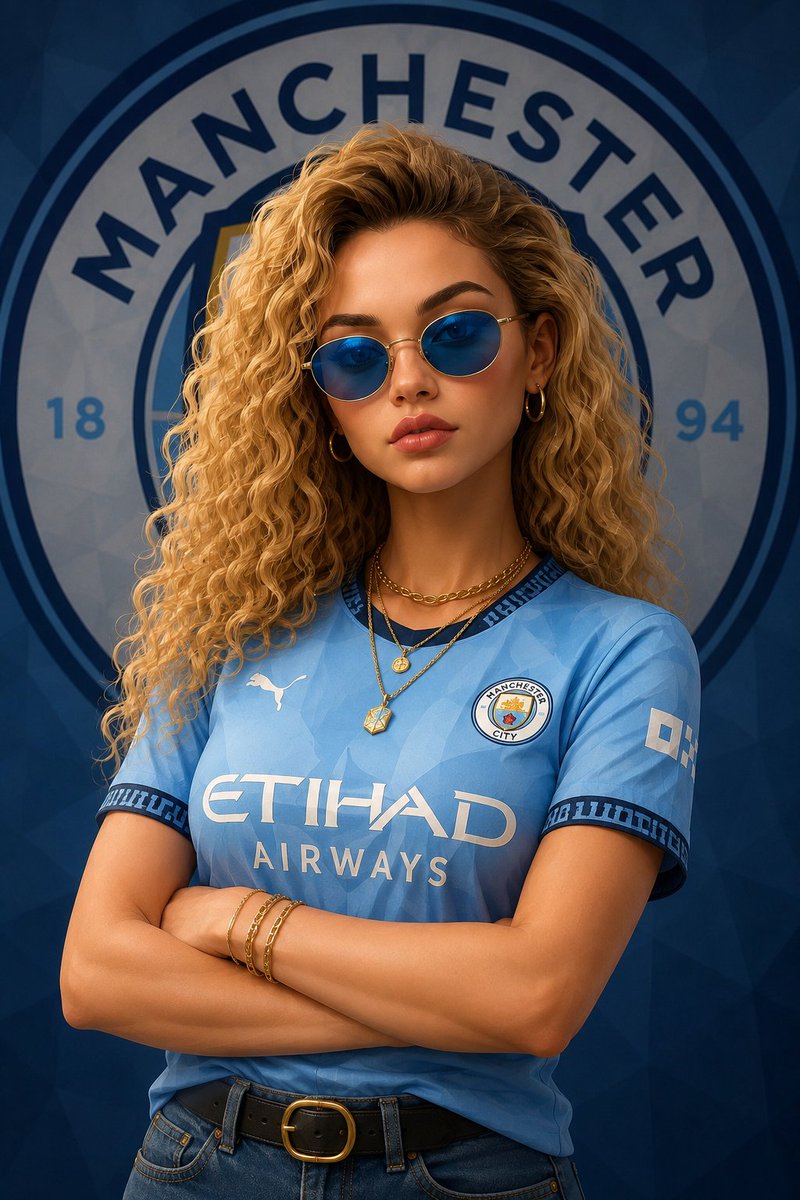
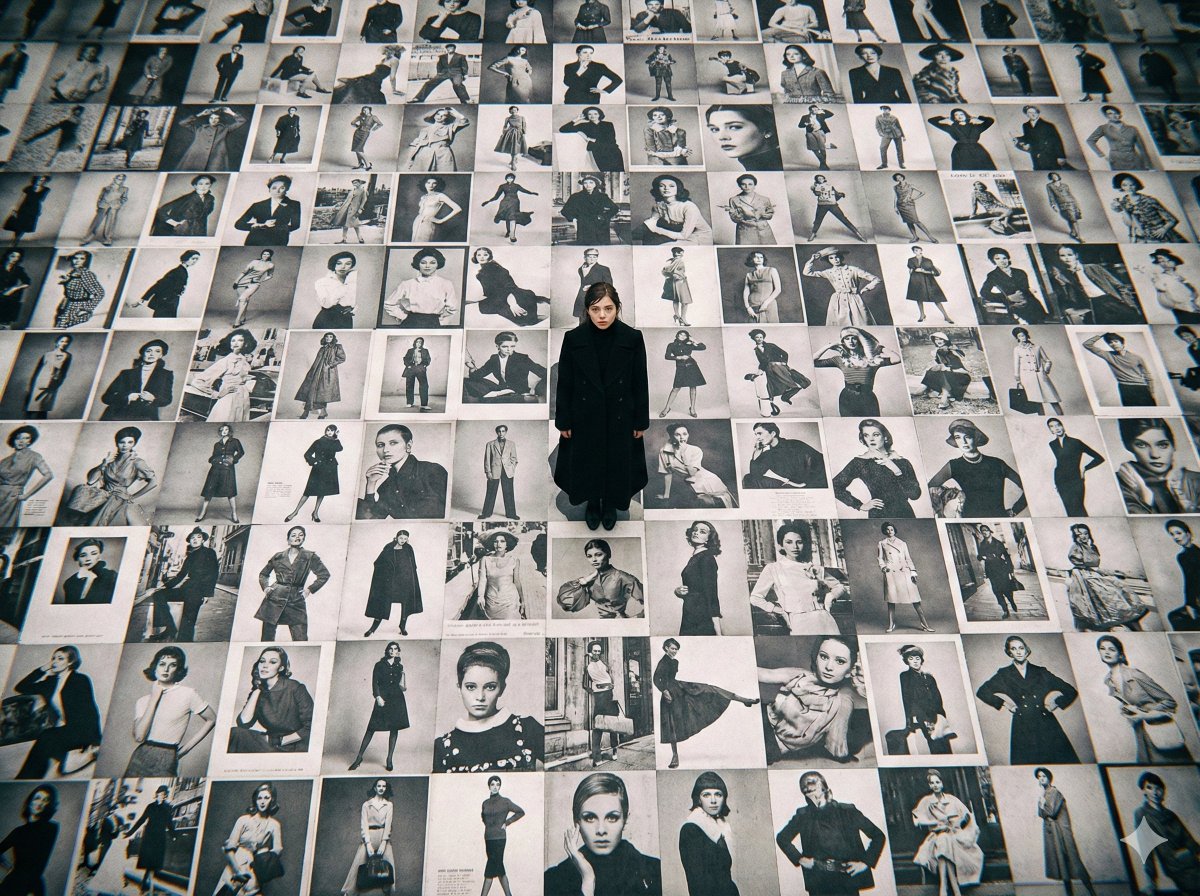
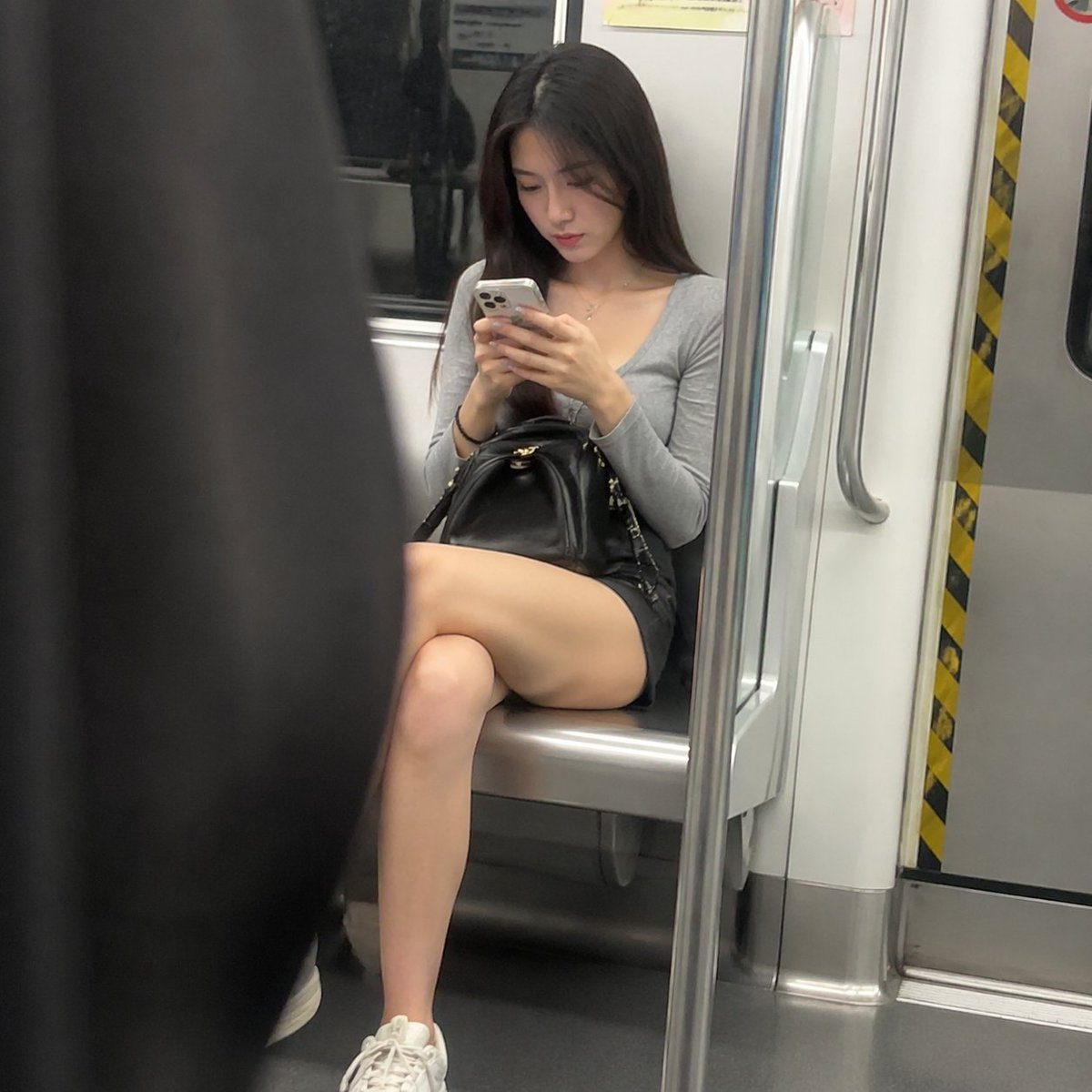
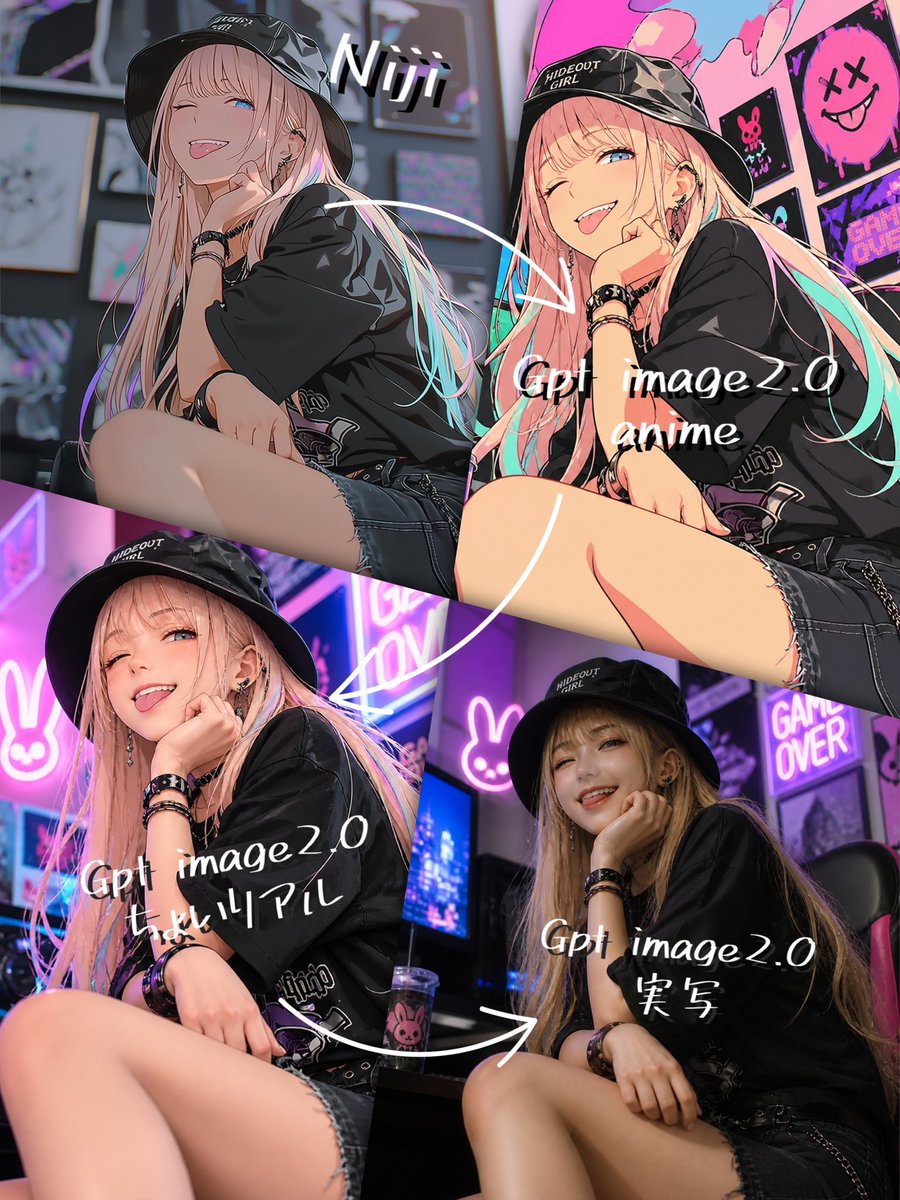
A prompt for an urban-style portrait featuring a woman against a gritty graffiti background with realistic skin textures.
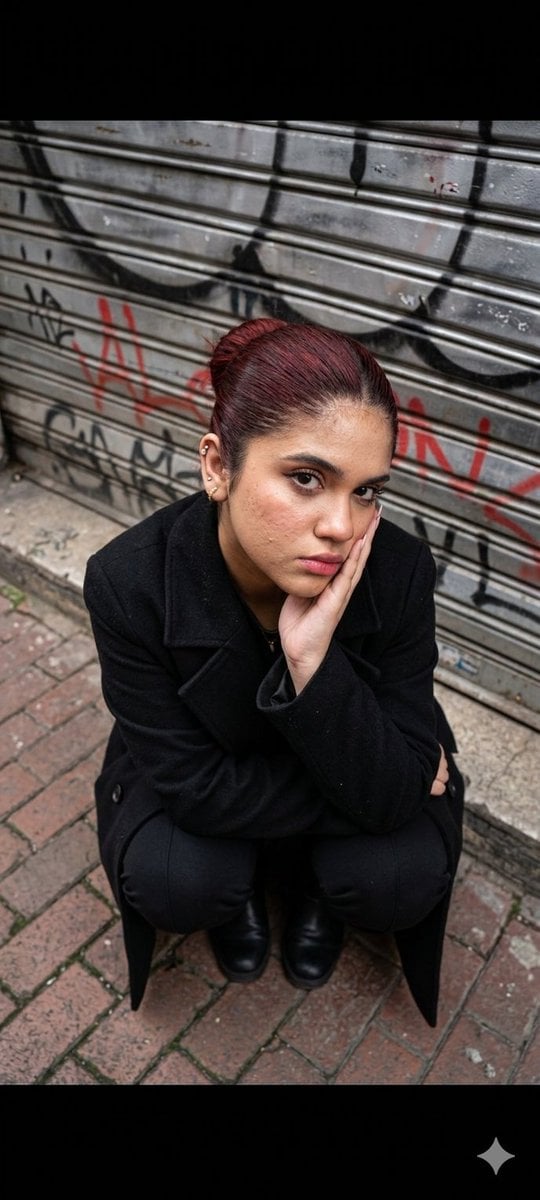
A high-angle shot depicts a young {argument name="ethnicity" default="[reference image ethnicity]"} woman with distinct model-like features based on the reference image, crouching on an urban sidewalk against a {argument name="background element" default="graffiti-covered metal shutter layered in gritty tones of gray, red, and black"}. Hyper-realistic human skin texture with visible natural pores, fine micro-details, subtle imperfections, and realistic tonal variation; soft cinematic lighting interacting naturally with skin surface; authentic subsurface scattering for lifelike depth.
Choose the primary action to open PicX Studio with the available template settings. Review the model and format, personalize the creative direction, and generate when ready.
Yes. You can change the subject, setting, lighting, mood, format, and available model controls before creating your image.
This template is free to open and customize. Generation usage is shown in PicX Studio before you create.
Start with Nano Banana 2, which is the model associated with this template. You can compare another compatible model for a different finish.
Follow a topic to a crawlable collection of related PicX Studio templates.