
Cyberpunk Future Ready Fashion Poster
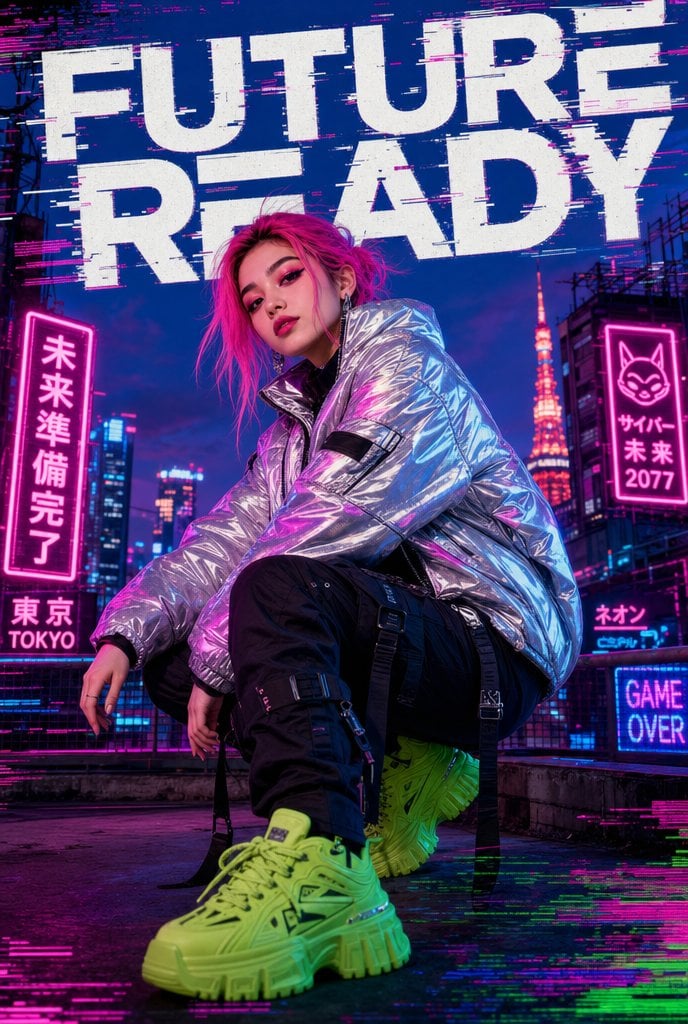
A vertical cyberpunk fashion poster featuring a crouching streetwear model on a neon Tokyo rooftop, ideal for editorial or music-promo visuals.
- Prompt included
- Model and format preset
- Free template
The prompt behind this image
Copy the exact prompt behind Cyberpunk Future Ready Fashion Poster, or open it in the studio and make it yours.
Create a vertical cyberpunk streetwear fashion poster of a young model crouching low on a Tokyo-inspired rooftop at twilight, shot from a dramatic low angle with the neon green chunky sneaker oversized in the foreground. The model has {argument name="hair color" default="neon pink"} messy shoulder-length hair and bold urban styling, with the face intentionally obscured by a soft rectangular blur. Outfit: a reflective metallic silver oversized puffer jacket with crinkled mirror texture catching magenta and cyan highlights, black cargo pants with buckles, straps, and hanging webbing, and {argument name="shoe color" default="neon lime green"} futuristic platform sneakers. Background: dense futuristic Tokyo skyline with dark blue-purple sky, glowing skyscrapers, rooftop railings, and Tokyo Tower illuminated in orange-red behind the model. Add strong glitch-art effects: horizontal magenta, cyan, green, and white scanline artifacts across the frame, especially around the headline and bottom edge. Place a huge distressed white all-caps headline at the top reading {argument name="headline text" default="FUTURE READY"}, split across two lines, with digital fragmentation and broken pixel edges. Include exactly 6 visible neon sign elements: 1 vertical hot-pink Japanese sign on the left reading 「未来準備完了」, 1 small lower-left sign reading 「東京」 with “TOKYO” beneath it, 1 vertical hot-pink sign on the right with a cat face icon plus Japanese text and “2077”, 1 small cyan-pink sign near the lower right reading “ネオン”, 1 blue sign at the bottom right reading “GAME OVER”, and 1 small glowing cyan city sign in the far background. Use high-contrast cinematic lighting, saturated magenta and electric blue reflections, glossy wet rooftop surface, gritty urban texture, sharp fashion-editorial detail, and a 2:3 poster composition with no border or watermark.
How to use Cyberpunk Future Ready Fashion Poster in 3 steps
- 1Upload ImagePNG, JPG or paste
Add your photo
Upload the photo the template builds on. The prompt, model and format are already set.
- 2…a portrait of your subject in softgolden-hour light, 85mm…
Personalize
Edit the subject and creative details for your destination.
- 3Generate
Generate
Press Generate — your image is created in PicX Studio, so you can compare it with the original and refine one variable at a time.
More like this
Templates with the same subject, style or setup. Open one to see its prompt.

Neon Night Crosswalk Candid Portrait
Neon Night Crosswalk Candid Portrait

Spider-Man 2099 Cyberpunk Neon Future City
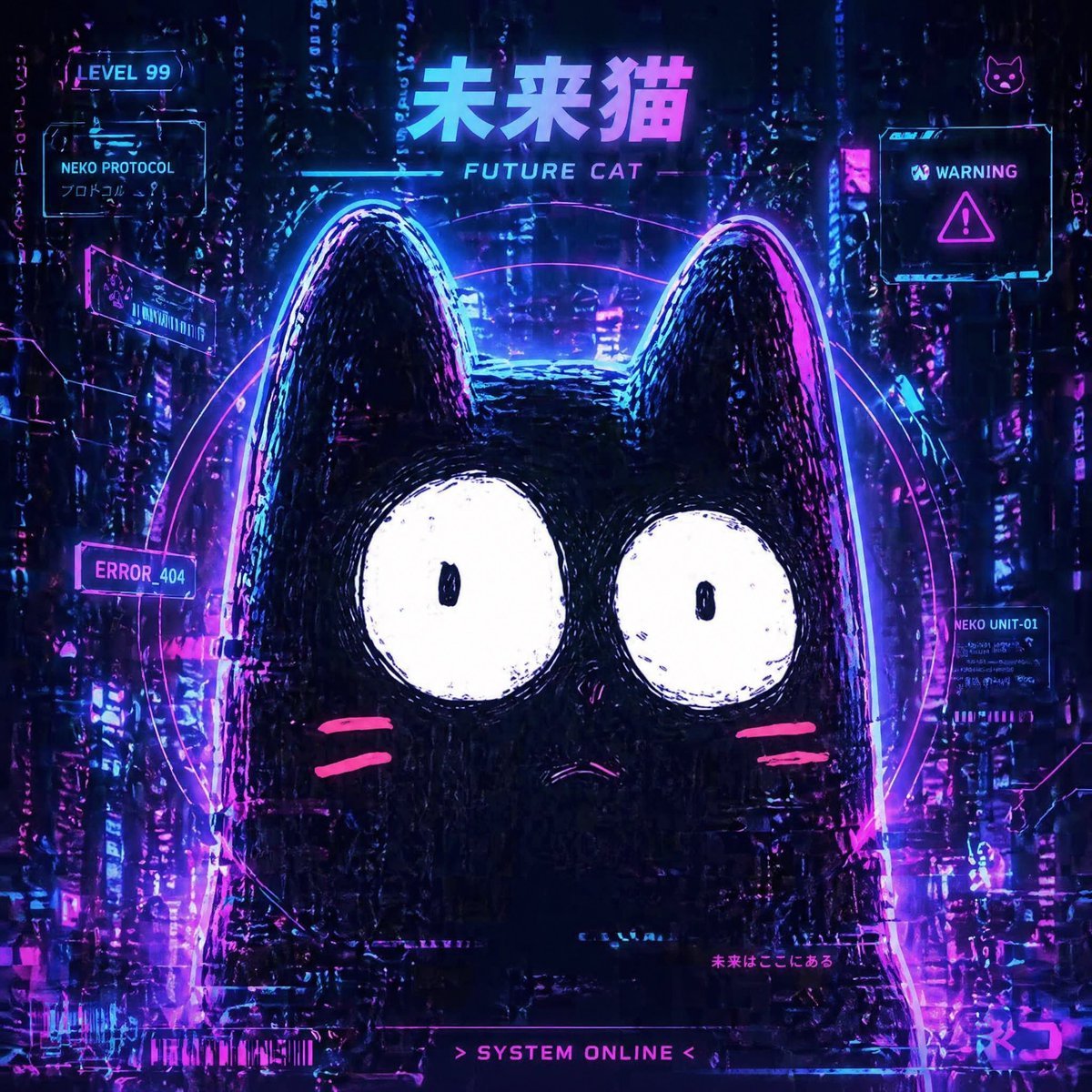
Cyberpunk Future Cat Neon Poster

80s College Gate

1988 Mall Style

80s Polka Dot Saree
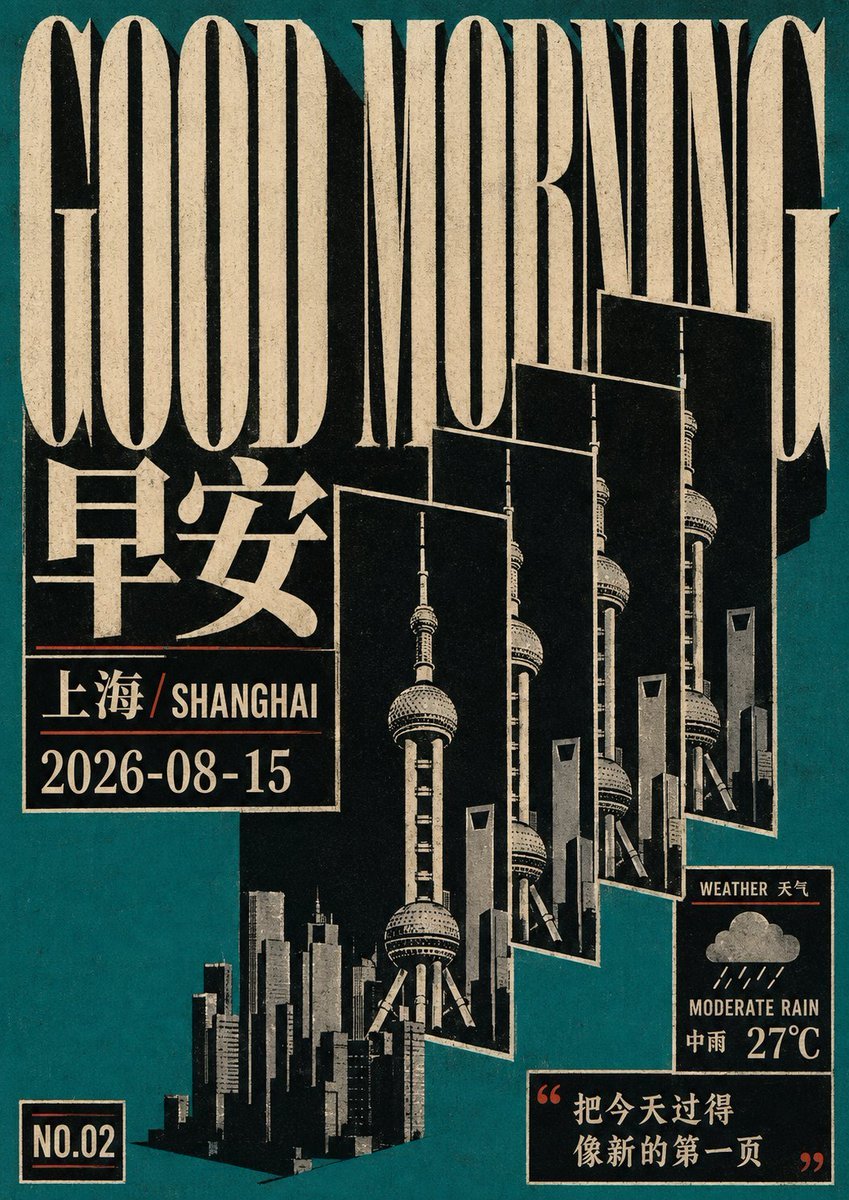
Retro Geometric Future Culture Poster

Japan Travel Brochure Poster

Obscured Cyberpunk Girl Poster

Cinematic Future Self Motivational Poster
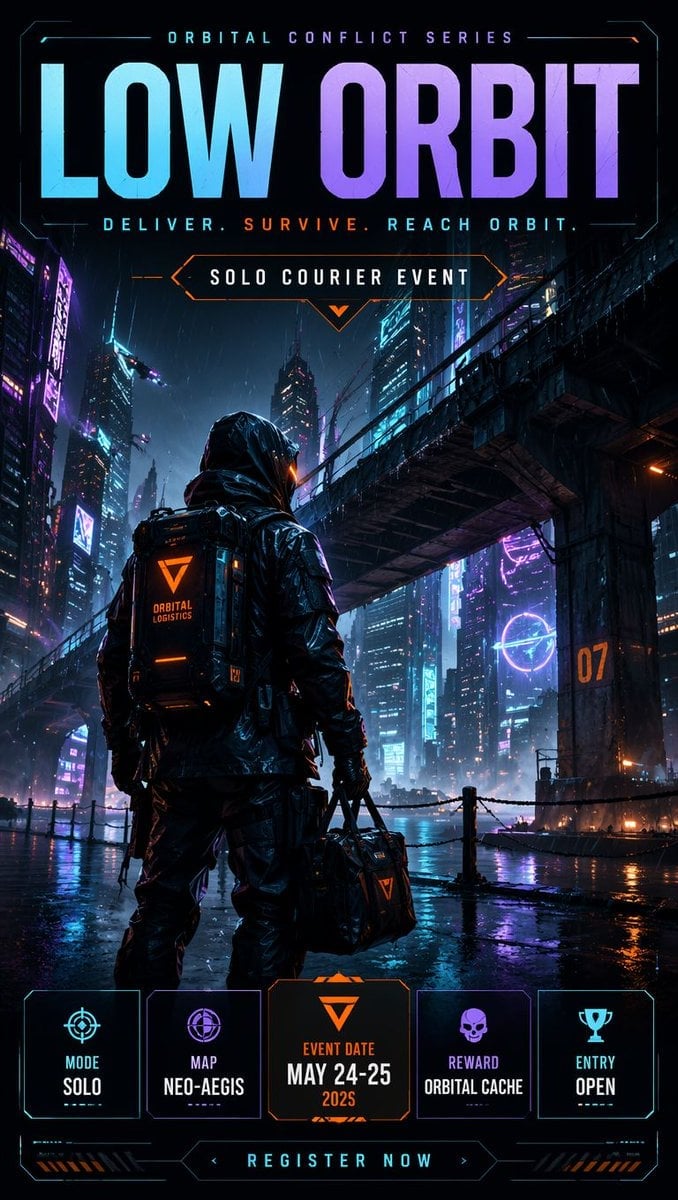
Cyberpunk Esports Courier Poster
Make it yours
Cyberpunk Future Ready Fashion Poster works as-is. These are the safest ways to change it without losing the look.
Change one field
Copy a single group, rewrite it, and generate again so you can see what that field is doing.
Keep the frame, change the subject
Hold the composition and light of Cyberpunk Future Ready Fashion Poster, then swap wardrobe, props or the person for a new take.
| If the result… | Why | Fix |
|---|---|---|
| The result drifts from the preview | Too many fields changed at once. | Reuse Cyberpunk Future Ready Fashion Poster as-is first, then change one group — subject, light, or setting. |
| The model over-stylizes the scene | The prose prompt leaves finish and camera underspecified. | Add one camera or lighting sentence and stay on GPT Image 2. |
More GPT Image 2 templates
Other prompts made for GPT Image 2.

Six VTuber Japanese Logo Sheet

Realistic Portrait of Woman and Deer

The Vista Modular Condo Poster

AI Model Routing Comparison Infographic

2.5D Anime Art Board

Isometric Productivity Desk Scene

New York Double Exposure Poster

Four-Panel AI Landscape Comparison

Japanese Tatami Lifestyle Magazine Cover

NESCAFÉ Coffee Map Poster
More image prompts
Fresh picks from across the catalog.

Kids Crayon Travel Journal Illustration
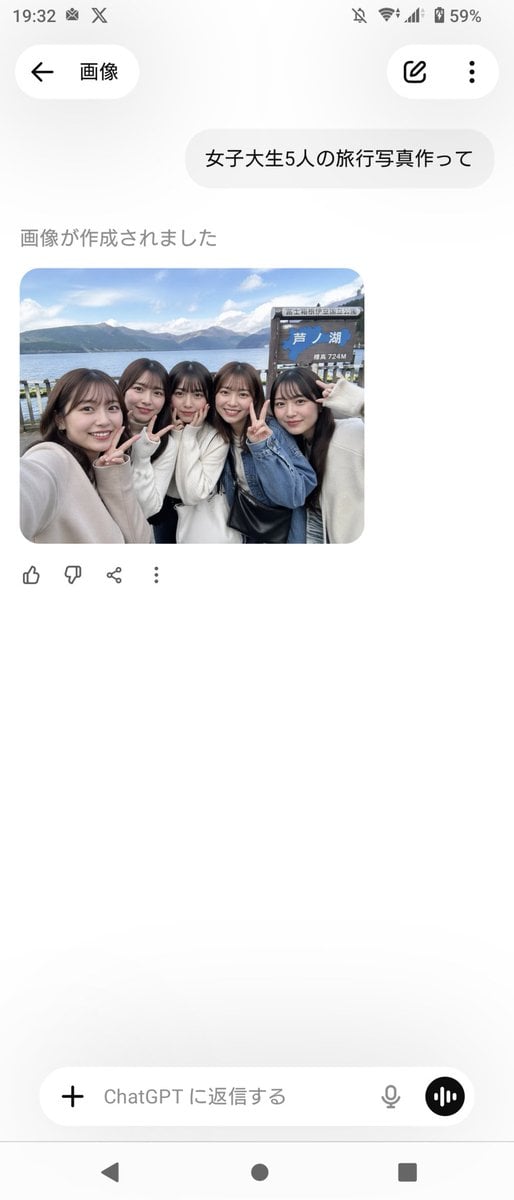
Realistic Friends Trip Selfie at Lake Ashi
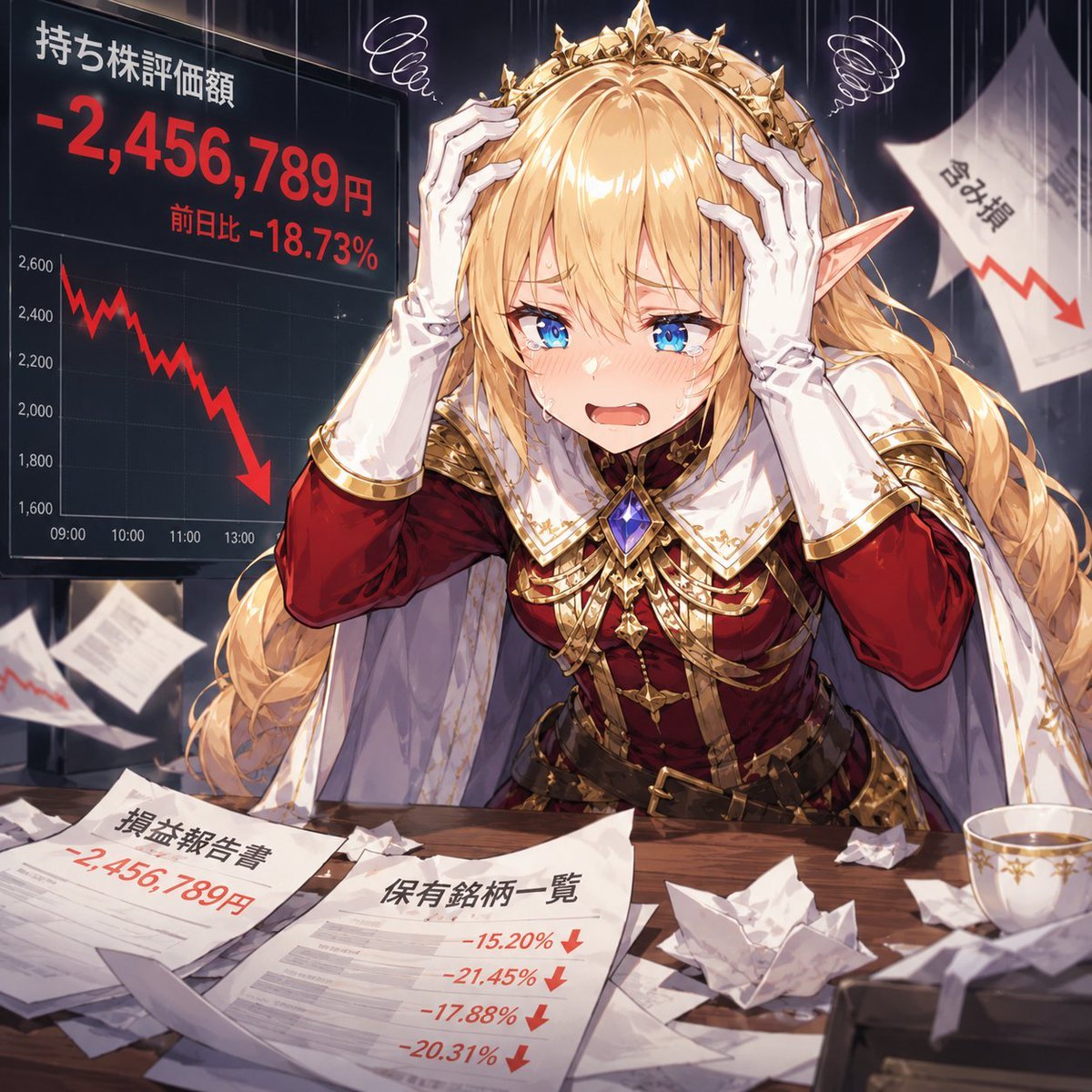
Elf Queen Stock Market Loss Panic
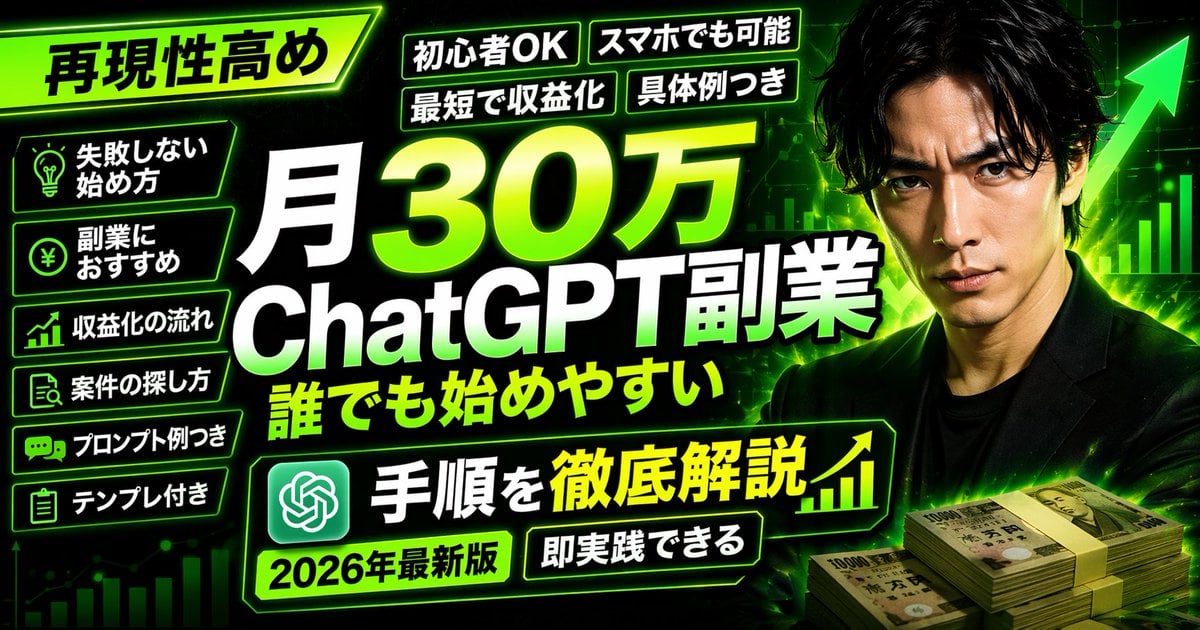
Neon Business Info-Product Thumbnail
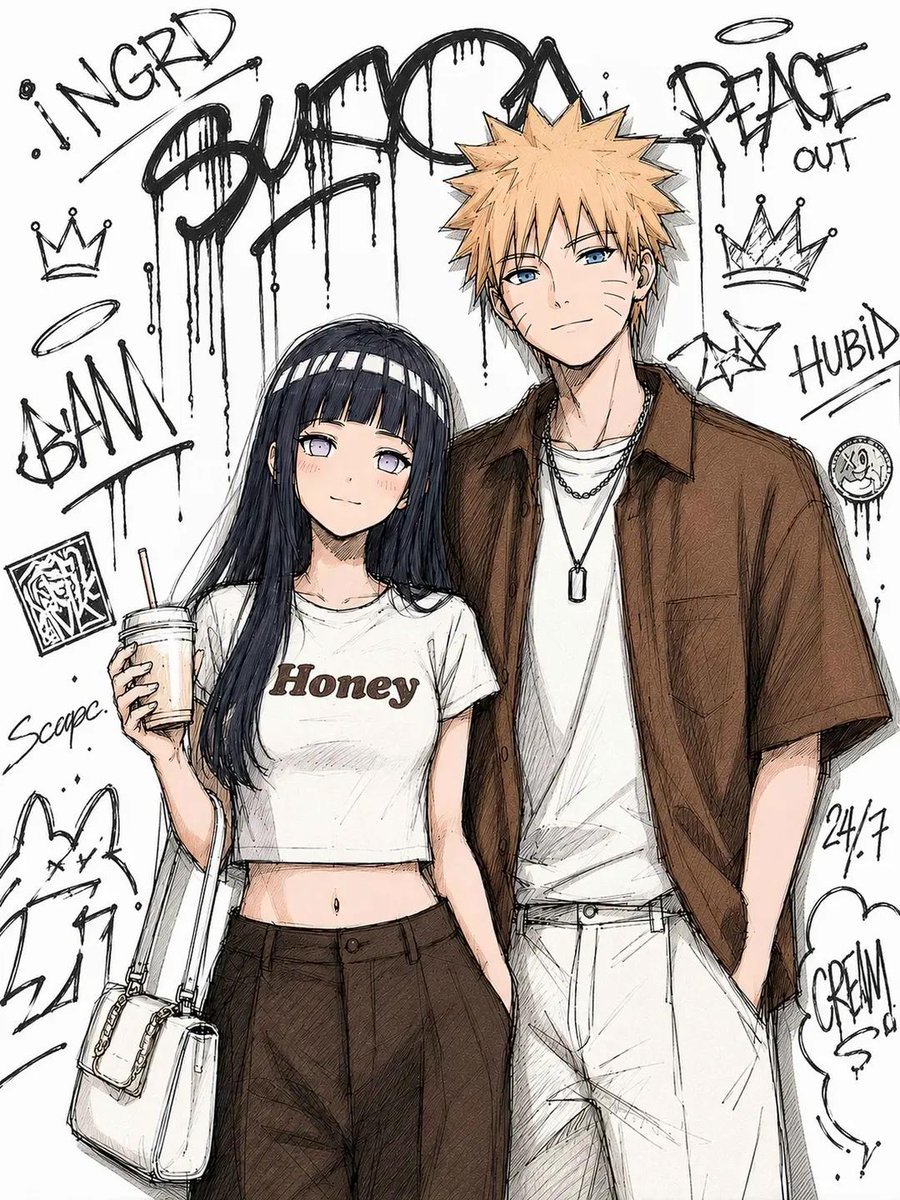
Tokyo Street Fashion Anime Art
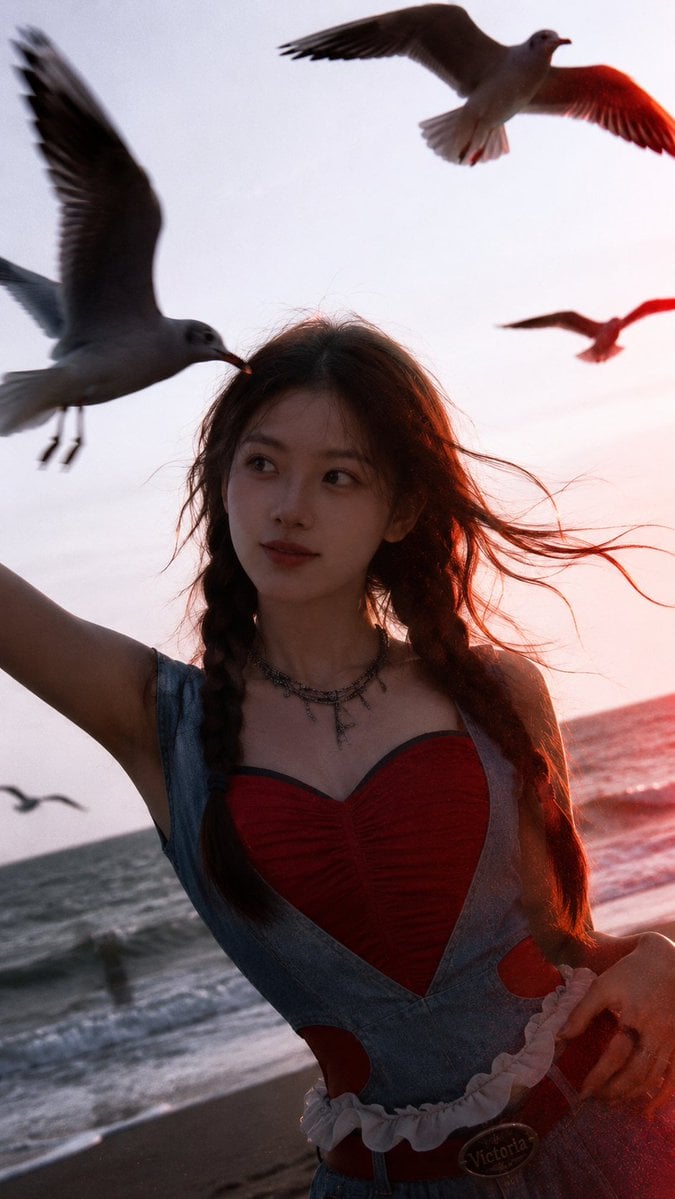
Cinematic Seaside Sunset Portrait
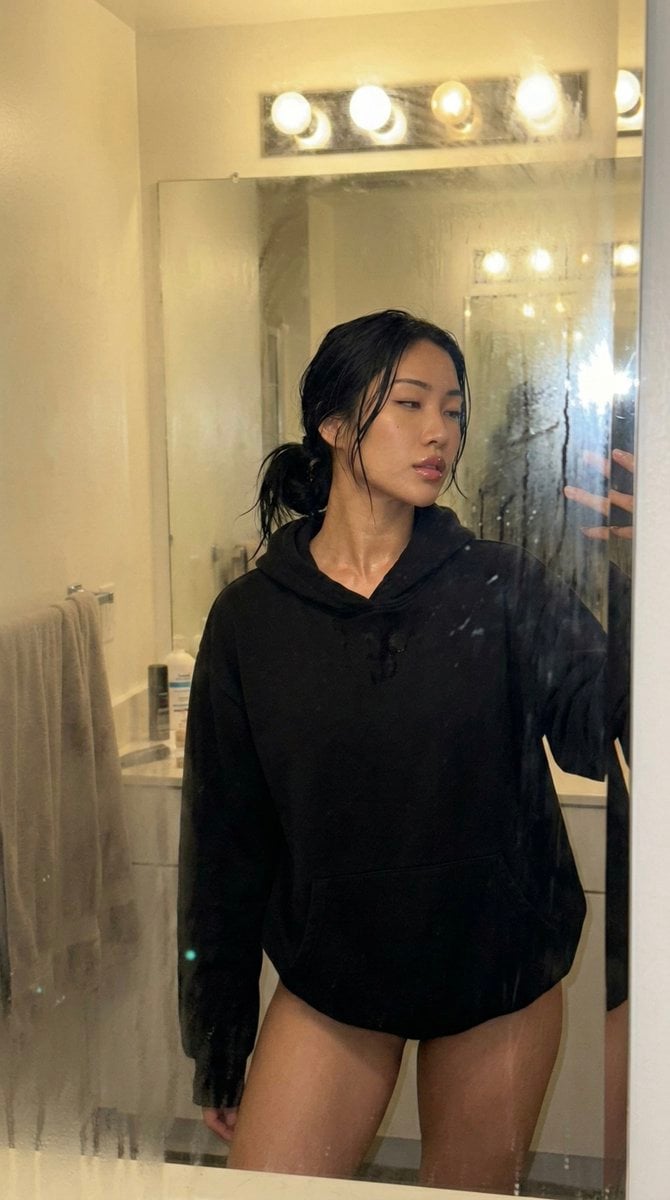
Steamy Mirror Selfie Prompt
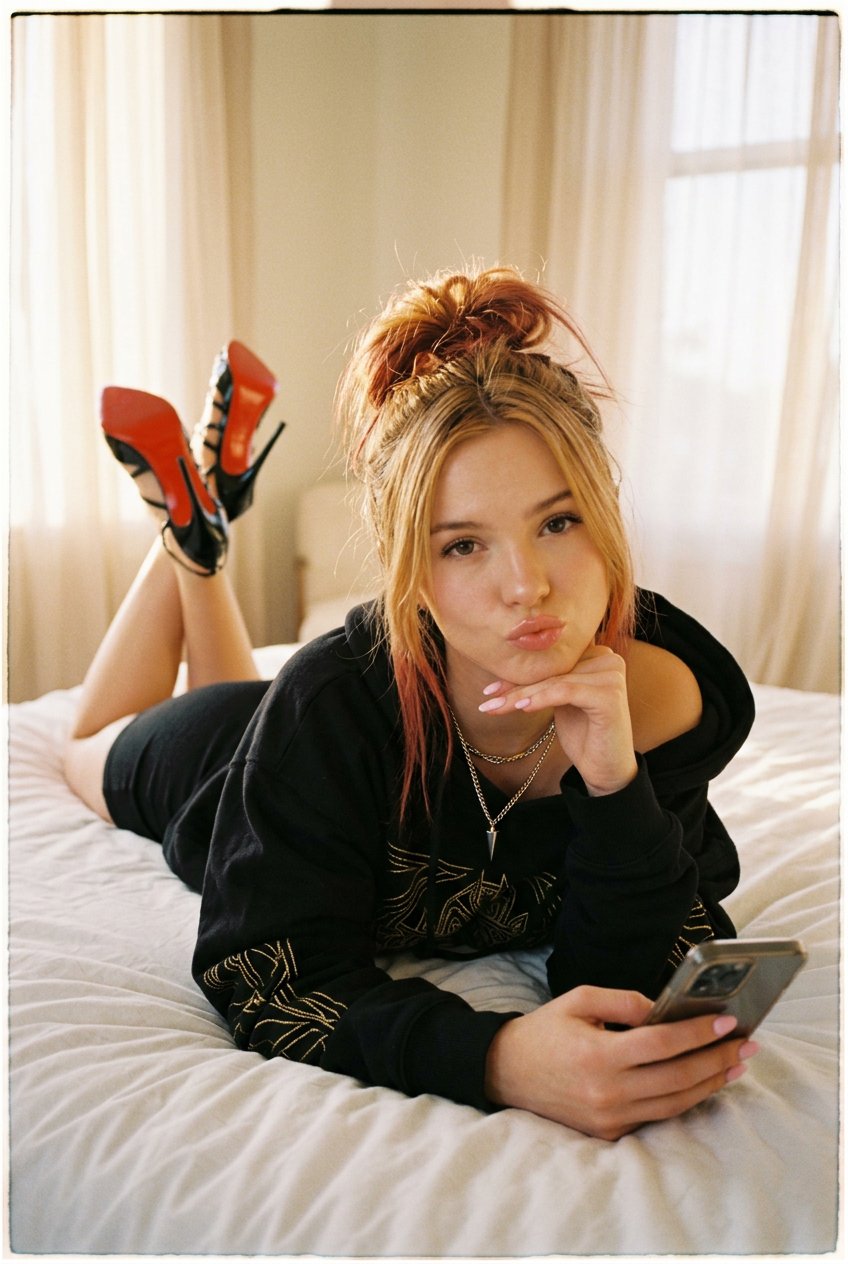
NanoBanana2
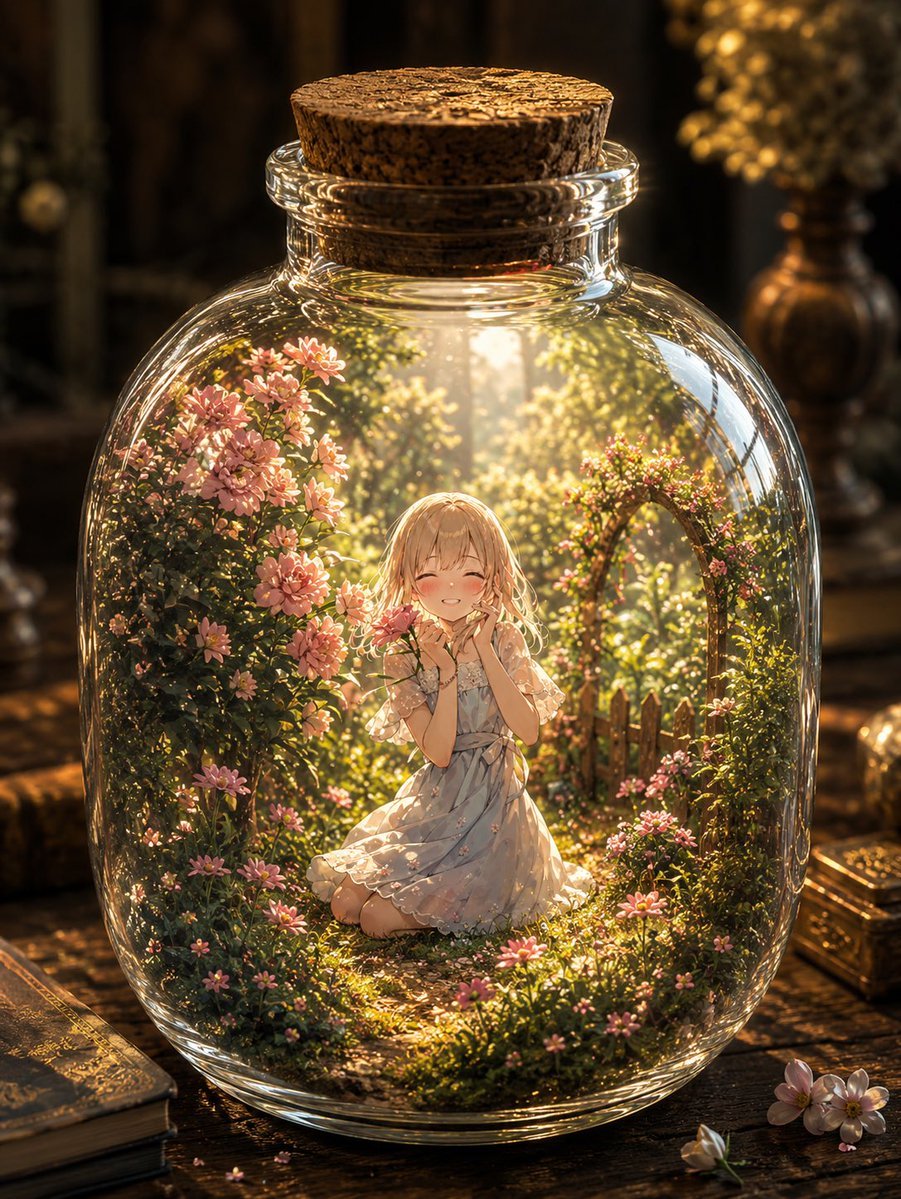
Fantasy Garden in a Glass Bottle
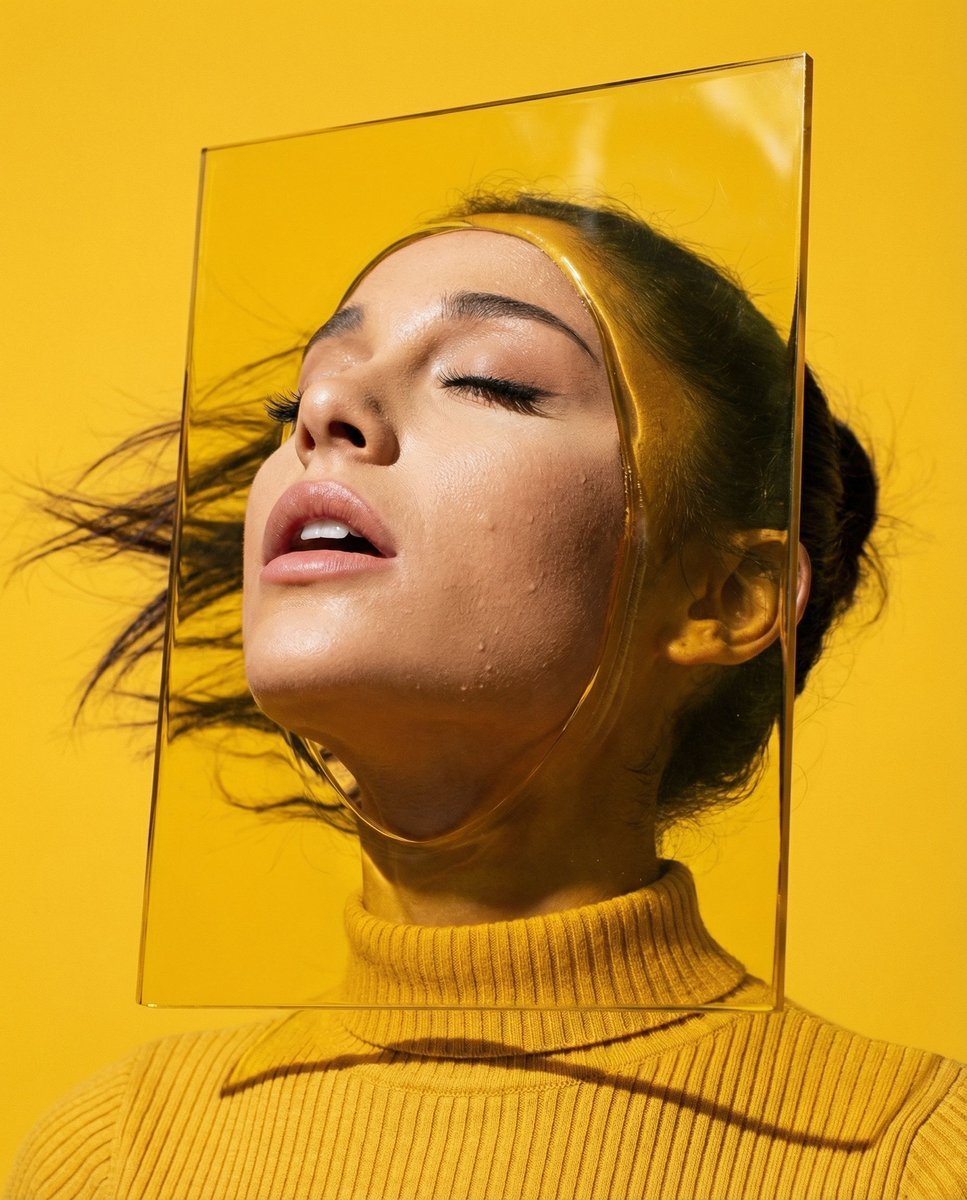
Editorial Surrealism Portrait (Amber Trance)
Browse template categories
Cyberpunk Future Ready Fashion Poster questions
How do I use the Cyberpunk Future Ready Fashion Poster template?
Add your photo if the template asks for one, edit the prompt if you like — the template's model and format are already selected — and press Generate. Your version opens in PicX Studio.
Can I customize the Cyberpunk Future Ready Fashion Poster template?
Yes. You can change the subject, setting, lighting, mood, format, and available model controls before creating your image.
Is the Cyberpunk Future Ready Fashion Poster template free?
Opening and editing this template is free. Generating uses credits, shown on the Generate button when you are signed in.
Which AI model should I use?
Start with GPT Image 2, which is the model associated with this template. You can compare another compatible model for a different finish.
Looking for something else? Browse all templates.

Your photo, any look
Thousands of ready templates for every top image and video model, from one credit balance.