
Fantasy Garden in a Glass Bottle
Generates a romantic anime terrarium scene with a miniature character and flower garden sealed inside a corked glass bottle.
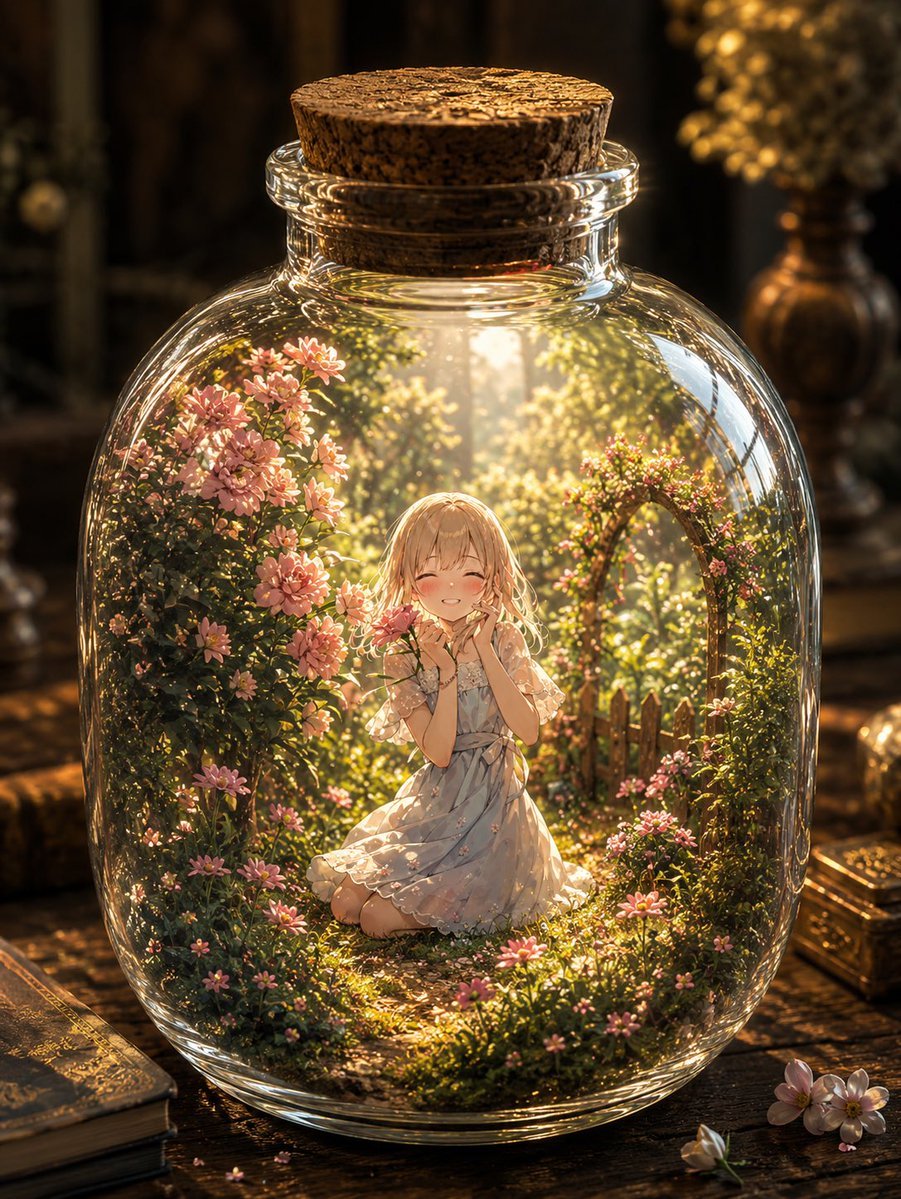
- Prompt included
- Model and format preset
- Free template
The prompt behind this image
Copy the exact prompt behind Fantasy Garden in a Glass Bottle, or open it in the studio and make it yours.
Create a highly detailed magical anime-style illustration of a miniature world sealed inside a round transparent glass bottle with a cork stopper. Inside the bottle, place {argument name="character" default="a kneeling blonde girl in a pale blue floral dress"} at the center of a tiny sunlit garden; her face is covered by a plain peach square placeholder, while her hands are held near her mouth in a shy, delicate pose. The bottle contains exactly 5 main interior elements: 1 central character, 1 dense pink flower bush on the left, 1 flowering arch on the right, 1 small wooden picket fence behind the character, and 1 mossy garden path covered with tiny blossoms. The exterior scene contains exactly 5 main objects: 1 large round glass bottle, 1 cork stopper, 2 stacked antique books on the lower left, 1 ornate golden box on the lower right, and 3 loose pale flowers on the tabletop in the foreground. Use {argument name="setting" default="an antique wooden desk in a dim vintage study"} with warm golden sunlight streaming through the bottle from behind, creating glowing rays, sparkling highlights, refracted glass edges, and soft bokeh in the background. The style should be {argument name="visual style" default="romantic fantasy anime, painterly, ultra-detailed, cinematic lighting"}, with lush greenery, pink daisies, delicate petals, rich amber shadows, reflective glass distortion, shallow depth of field, and a dreamy preserved-terrarium atmosphere. Use a vertical 3:4 composition, centered bottle, no text, no watermark, no extra characters.
How to use Fantasy Garden in a Glass Bottle in 3 steps
- 1Upload ImagePNG, JPG or paste
Add your photo
Upload the photo the template builds on. The prompt, model and format are already set.
- 2…a portrait of your subject in softgolden-hour light, 85mm…
Personalize
Edit the subject and creative details for your destination.
- 3Generate
Generate
Press Generate — your image is created in PicX Studio, so you can compare it with the original and refine one variable at a time.
More like this
Templates with the same subject, style or setup. Open one to see its prompt.
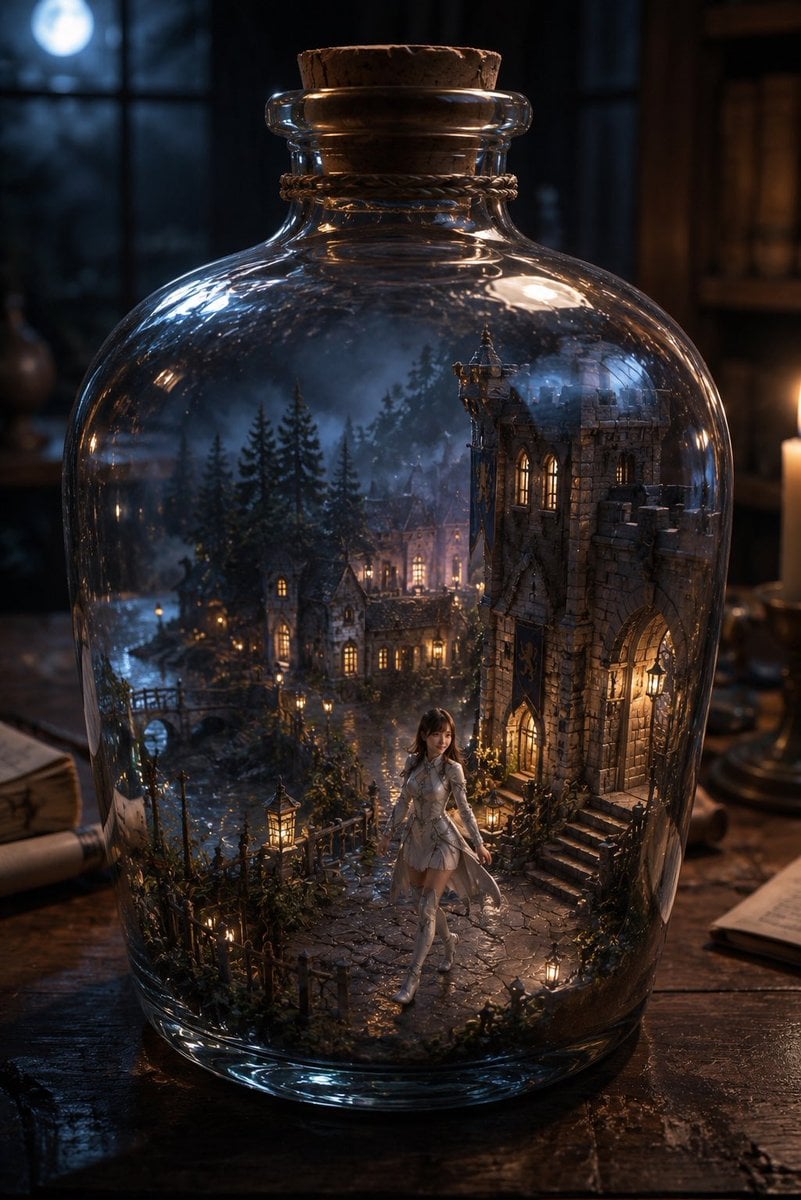
Miniature Fantasy Village in a Glass Bottle

Anime Fantasy Celestial Movie Poster

Artistic Arborpunk Garden Observatory Complex
Anime Fantasy Celestial Movie Poster

Cinematic Glass Brand Logo Volcanic Landscape

Minecraft Fantasy Kingdom Voxel Landscape

Unfinished Sketch Comes Alive Portrait

Open Travel Journal Overhead Still Life

Tiny Woman Miniature Fantasy Macro Scene
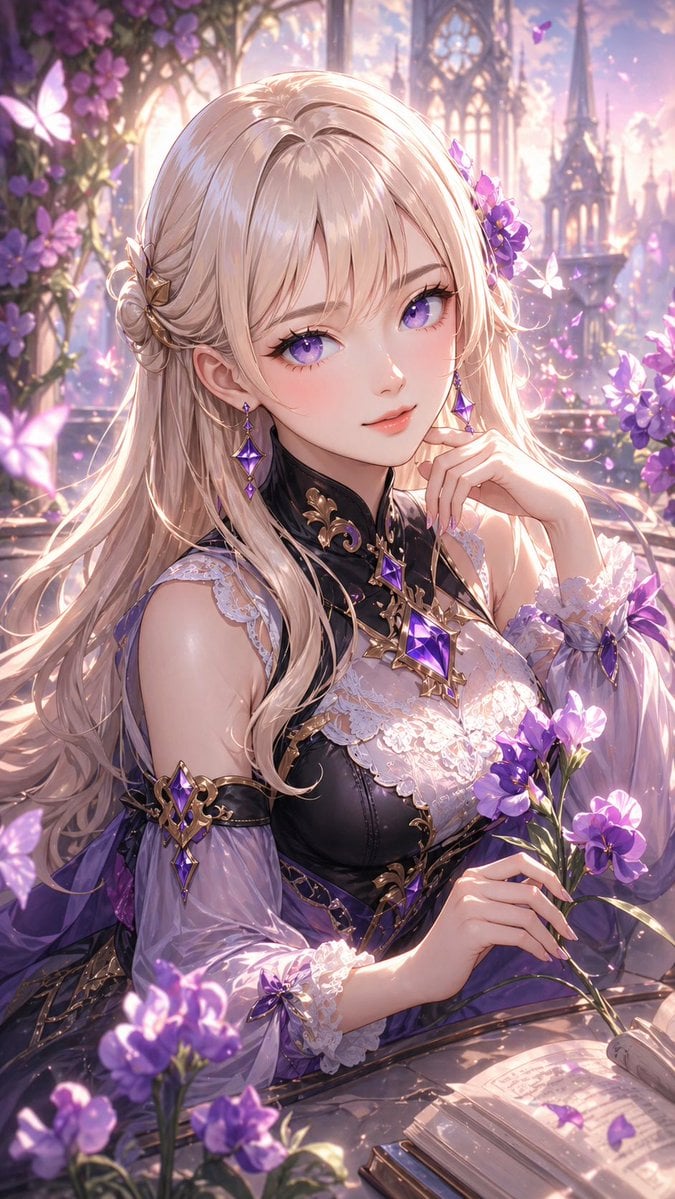
Elegant Fantasy Girl in Violet Garden
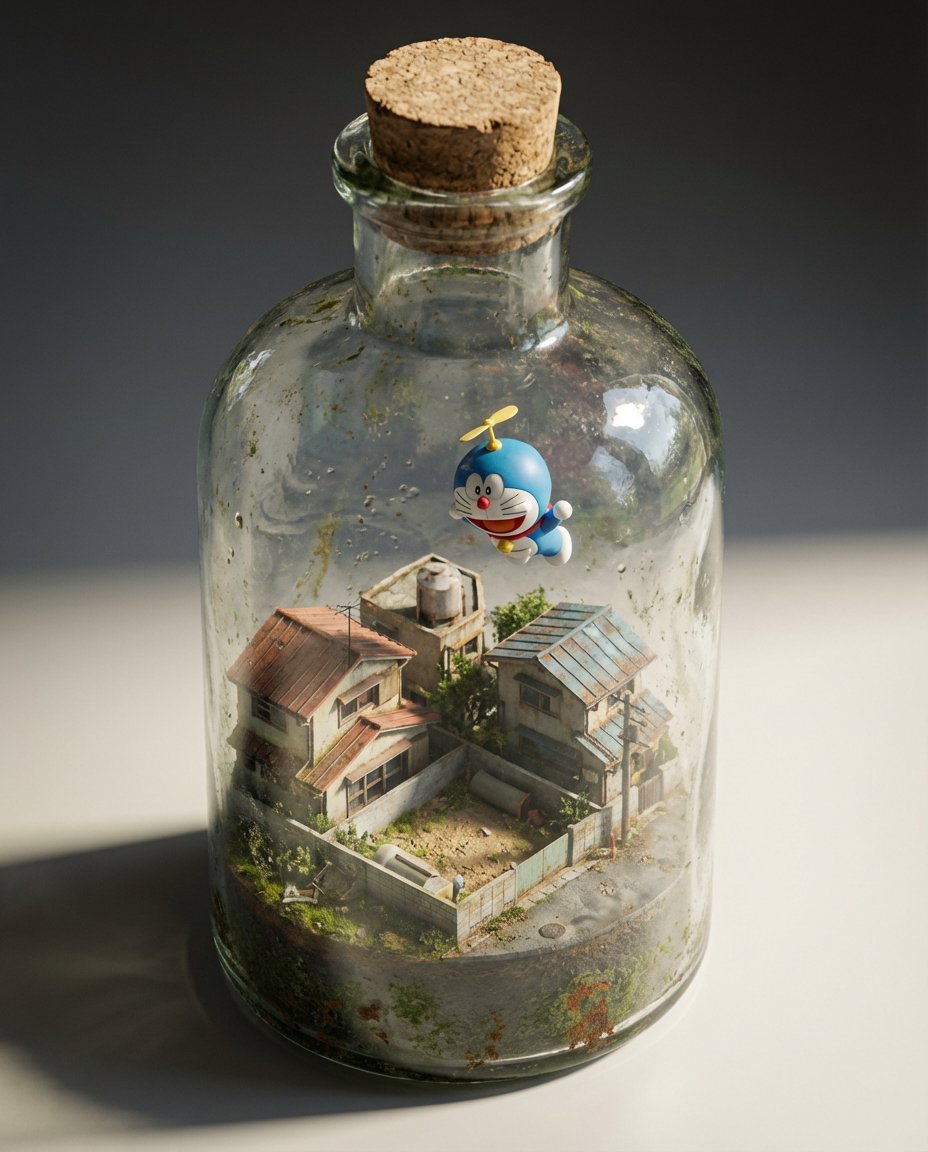
Miniature Diorama in a Glass Bottle

Christmas Ornament Portrait Glossy Glass Resin Finish with Hand Painted Details Holiday Lighting
Make it yours
Fantasy Garden in a Glass Bottle works as-is. These are the safest ways to change it without losing the look.
Change one field
Copy a single group, rewrite it, and generate again so you can see what that field is doing.
Keep the frame, change the subject
Hold the composition and light of Fantasy Garden in a Glass Bottle, then swap wardrobe, props or the person for a new take.
| If the result… | Why | Fix |
|---|---|---|
| The result drifts from the preview | Too many fields changed at once. | Reuse Fantasy Garden in a Glass Bottle as-is first, then change one group — subject, light, or setting. |
| The model over-stylizes the scene | The prose prompt leaves finish and camera underspecified. | Add one camera or lighting sentence and stay on GPT Image 2. |
More GPT Image 2 templates
Other prompts made for GPT Image 2.

Six VTuber Japanese Logo Sheet

Realistic Portrait of Woman and Deer

The Vista Modular Condo Poster

AI Model Routing Comparison Infographic

2.5D Anime Art Board

Isometric Productivity Desk Scene

New York Double Exposure Poster

Four-Panel AI Landscape Comparison

Japanese Tatami Lifestyle Magazine Cover

NESCAFÉ Coffee Map Poster
More image prompts
Fresh picks from across the catalog.
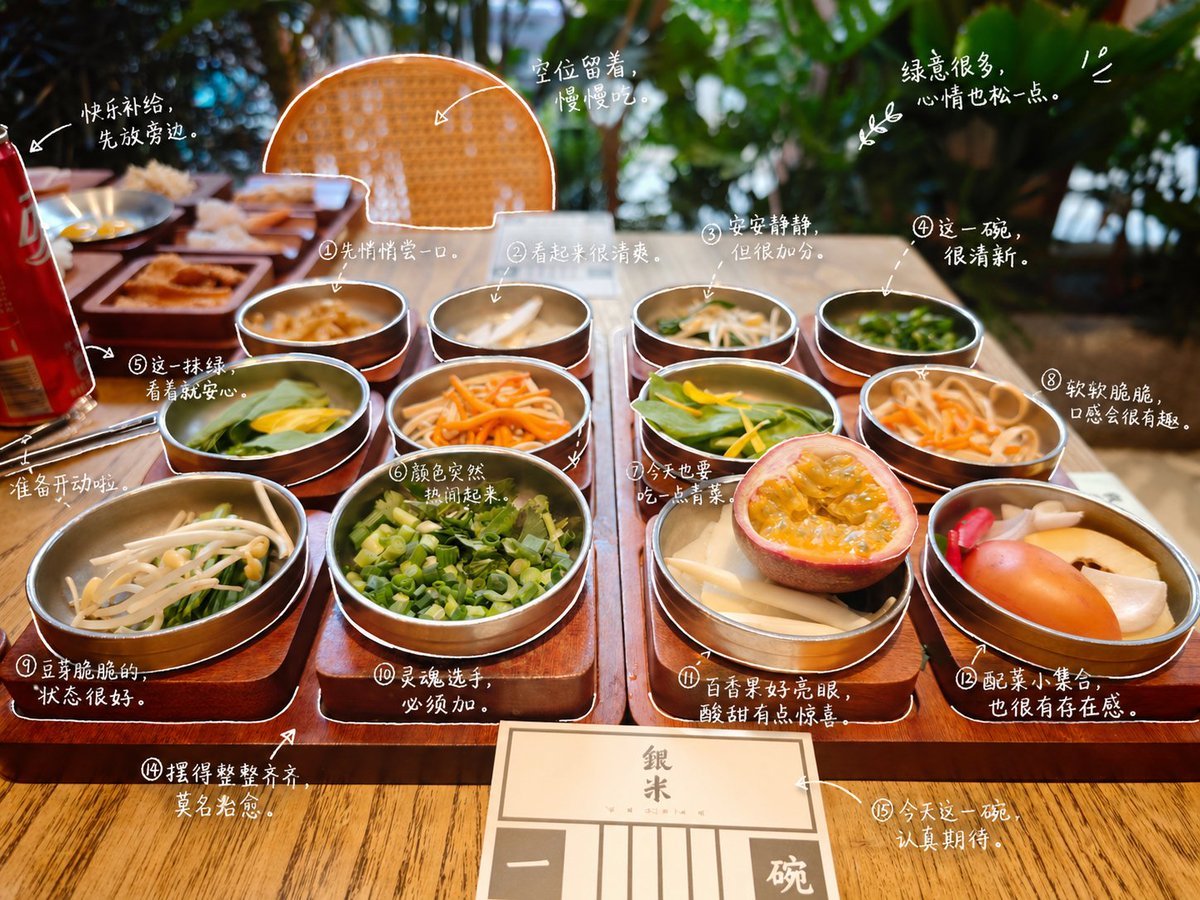
Hand-Drawn Style Photo Annotation
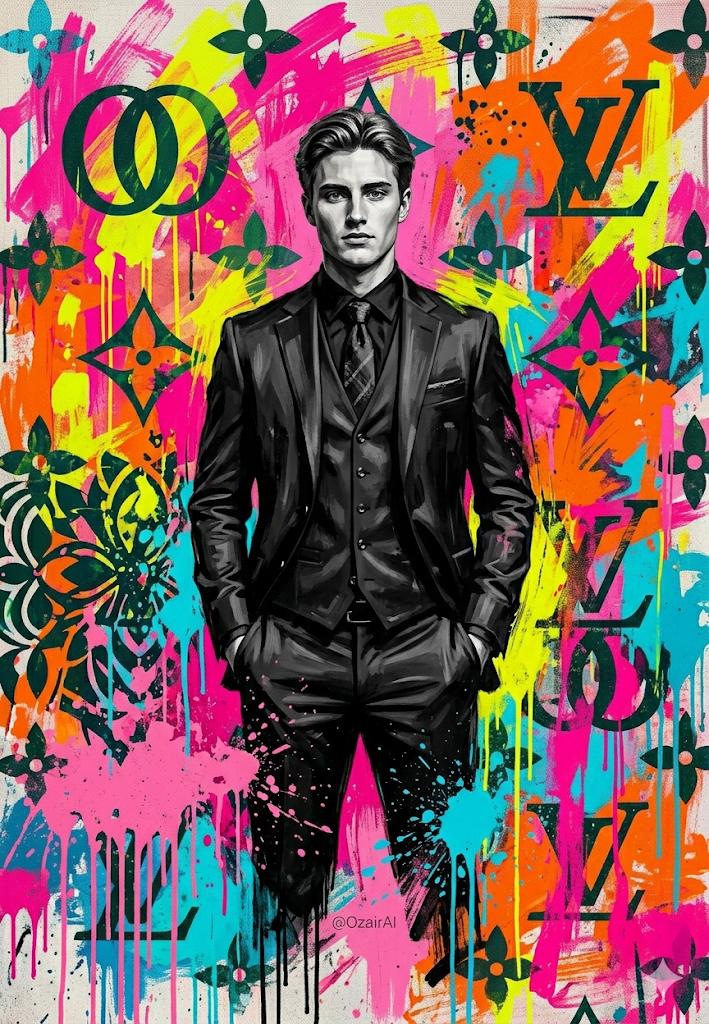
Pop-Art Graffiti Portrait
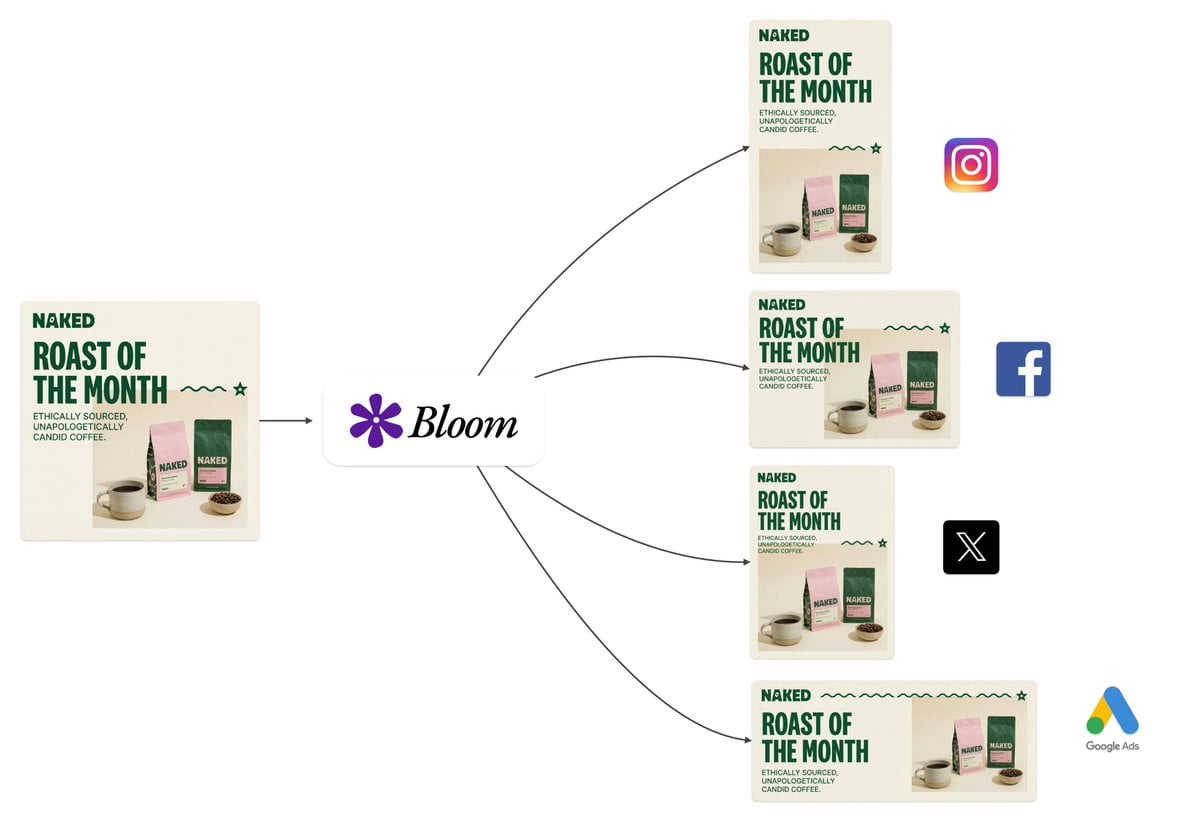
Intelligent Aspect Ratio Transformation and Compositional Awareness
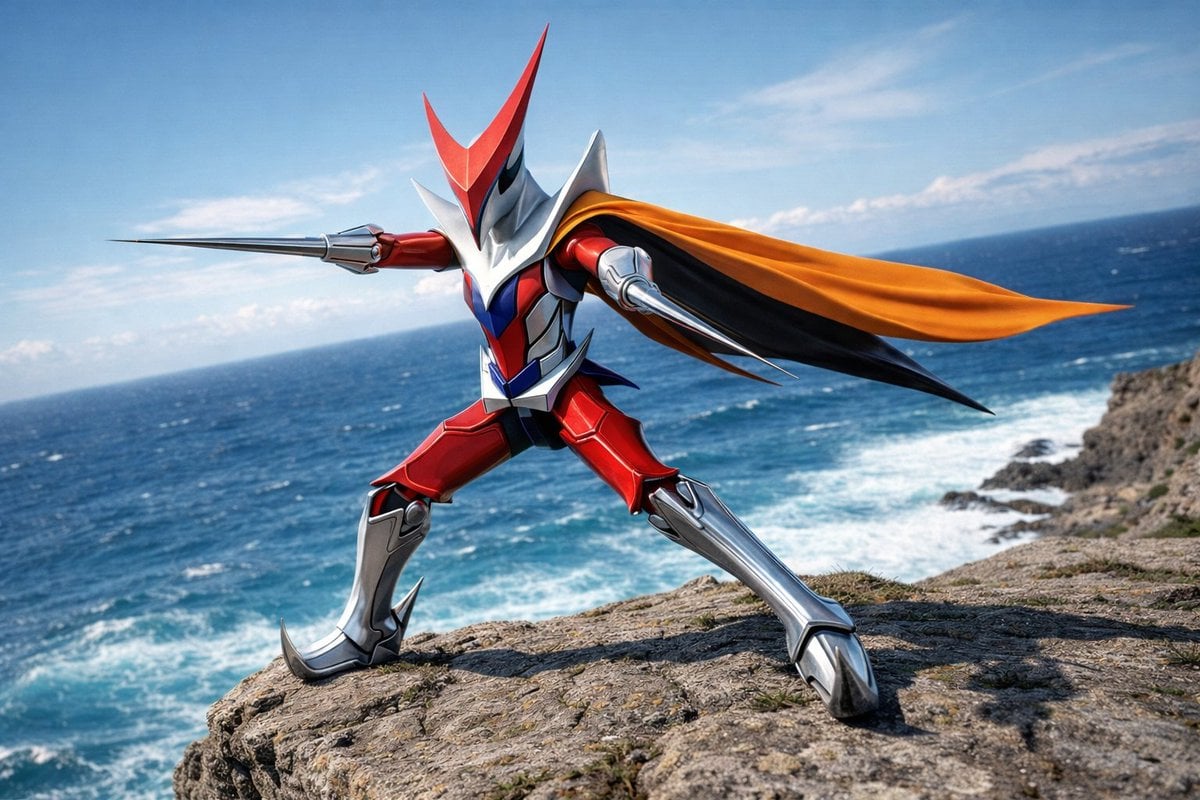
Wingman Character Fighting Pose Generation
Dreamy Surreal Pre-Wedding Dance under Aurora Borealis
Golden Hour Storybook Rendering Template
Medieval Market Girl Portrait
Gpt2 E Commerce Main Image Skincare Product Studio Shot
High-Fashion Monochrome Vector Illustration Prompt
Mirror Selfie with Pose and Depth Controls
Browse template categories
Fantasy Garden in a Glass Bottle questions
How do I use the Fantasy Garden in a Glass Bottle template?
Add your photo if the template asks for one, edit the prompt if you like — the template's model and format are already selected — and press Generate. Your version opens in PicX Studio.
Can I customize the Fantasy Garden in a Glass Bottle template?
Yes. You can change the subject, setting, lighting, mood, format, and available model controls before creating your image.
Is the Fantasy Garden in a Glass Bottle template free?
Opening and editing this template is free. Generating uses credits, shown on the Generate button when you are signed in.
Which AI model should I use?
Start with GPT Image 2, which is the model associated with this template. You can compare another compatible model for a different finish.
Looking for something else? Browse all templates.

Your photo, any look
Thousands of ready templates for every top image and video model, from one credit balance.