
Editorial Surrealism Portrait (Amber Trance)
A complex Nano Banana Pro prompt for generating a hyper-realistic, surreal beauty portrait of a subject in a euphoric trance, emerging through a floating pane of optical yellow glass, emphasizing high-voltage hard…
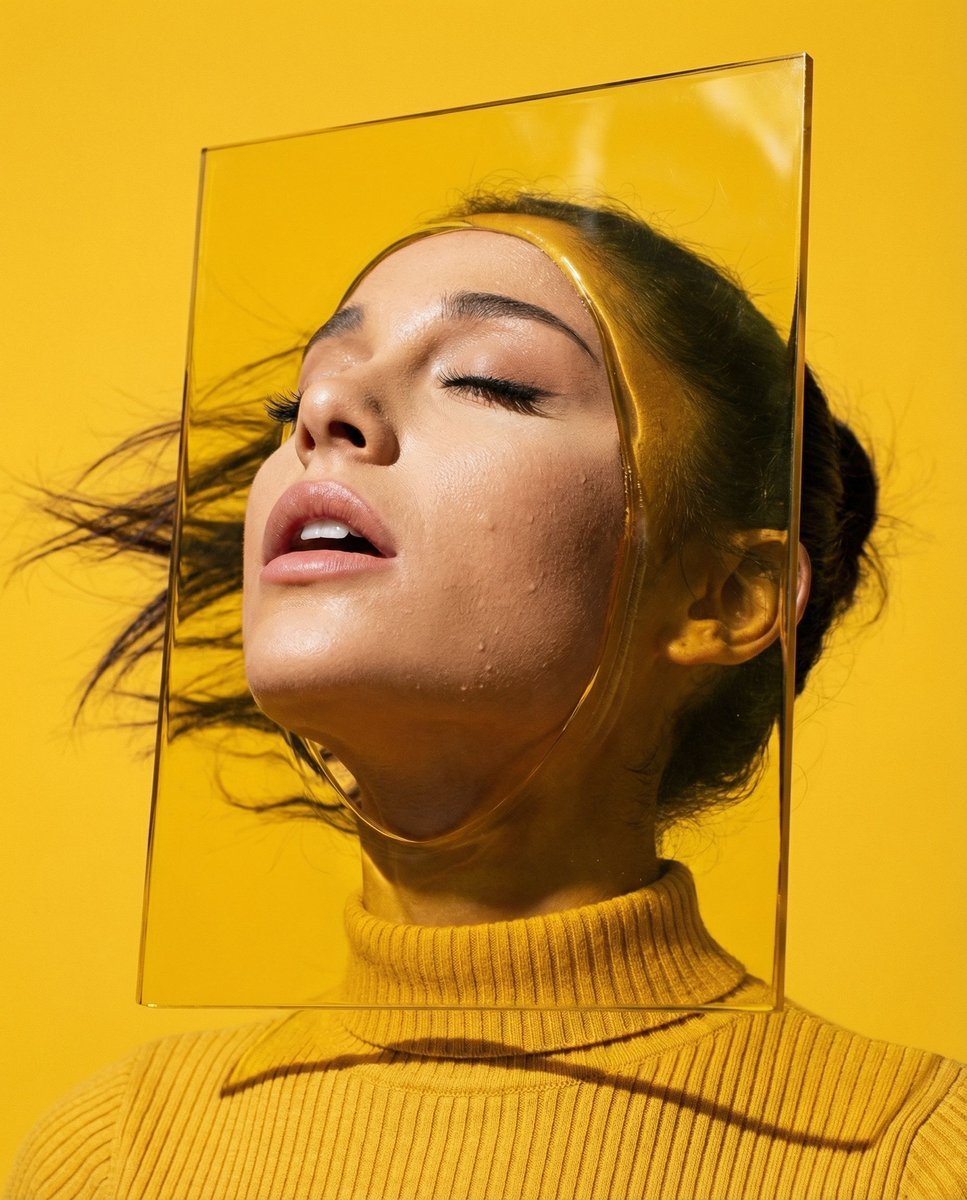
- Prompt included
- Model and format preset
- Free template
The prompt behind this image
Copy the exact prompt behind Editorial Surrealism Portrait (Amber Trance), or open it in the studio and make it yours.
- Vibe Title En
- The Amber Trance
- Master Prompt
- A hyper-realistic, tight head-and-shoulders beauty portrait of The Protagonist in a state of pure 'Ecstatic Dreamer' release. The subject's head is thrown back, neck exposed, eyes closed in a euphoric trance, with wind gently sweeping hair back. The surreal twist: The subject is emerging through a floating, rectangular pane of semi-liquid, optical yellow glass, creating subtle refractive distortions around the jawline and shoulders. The environment is a void of 'Signal Yellow' studio seamless paper. Lighting is high-voltage commercial hard light from a Fresnel source, casting razor-sharp shadows and highlighting individual skin pores and beads of sweat. Shot on a Hasselblad H6D-100c with a 100mm Macro lens at f/2.8. The texture is hyper-tactile, blending the smoothness of the surreal glass with the gritty realism of human skin. Film look: Kodak Ektar 100 simulation for punchy, saturated colors.
- Meta › Intent
- Editorial Surrealism
- Meta › Priorities
- Skin Texture, Color Saturation, Optical Distortion
- Meta › Device Profile
- High-End Medium Format Digital
- Frame › Aspect
- 4:5
- Frame › Composition
- Central symmetry, breaking the frame
- Frame › Layout
- Tight Portrait
- Frame › Camera Angle
- Eye level, slightly low angle to accentuate the backward tilt of the head
- Frame › Tilt Roll Degrees
- 0
- Subject › Gender
- Female
- Subject › Identity
- The Ecstatic Muse
- Subject › Demographics
- Adult, Universal Ethnicity
- Subject › Face
- Symmetrical features, natural skin texture with visible pores, no heavy makeup
- Subject › Hair
- Swept back by wind/movement, dynamic flow
- Subject › Body
- Neck and shoulders visible, tense muscles showing the passion of the pose
- Subject › Expression
- Head thrown back, mouth slightly open, eyes closed in pleasure/trance
- Subject › Pose
- Dynamic head tilt, breaking through a surreal plane
- Wardrobe Accessories › Garments › 0 › Item
- Turtleneck (Partial view)
- Wardrobe Accessories › Garments › 0 › Material
- Ribbed Knit
- Wardrobe Accessories › Garments › 0 › Color
- Vibrant Mustard Yellow
- Wardrobe Accessories › Garments › 0 › Fit
- Tight, form-fitting
- Wardrobe Accessories › Accessories › 0 › Item
- Surreal Visor (Optional)
- Wardrobe Accessories › Accessories › 0 › Color
- Translucent Amber
Raw JSON
{
  "vibe_title_en": "The Amber Trance",
  "master_prompt": "A hyper-realistic, tight head-and-shoulders beauty portrait of The Protagonist in a state of pure 'Ecstatic Dreamer' release. The subject's head is thrown back, neck exposed, eyes closed in a euphoric trance, with wind gently sweeping hair back. The surreal twist: The subject is emerging through a floating, rectangular pane of semi-liquid, optical yellow glass, creating subtle refractive distortions around the jawline and shoulders. The environment is a void of 'Signal Yellow' studio seamless paper. Lighting is high-voltage commercial hard light from a Fresnel source, casting razor-sharp shadows and highlighting individual skin pores and beads of sweat. Shot on a Hasselblad H6D-100c with a 100mm Macro lens at f/2.8. The texture is hyper-tactile, blending the smoothness of the surreal glass with the gritty realism of human skin. Film look: Kodak Ektar 100 simulation for punchy, saturated colors.",
  "meta": {
    "intent": "Editorial Surrealism",
    "priorities": "Skin Texture, Color Saturation, Optical Distortion",
    "device_profile": "High-End Medium Format Digital"
  },
  "frame": {
    "aspect": "4:5",
    "composition": "Central symmetry, breaking the frame",
    "layout": "Tight Portrait",
    "camera_angle": "Eye level, slightly low angle to accentuate the backward tilt of the head",
    "tilt_roll_degrees": "0"
  },
  "subject": {
    "gender": "Female",
    "identity": "The Ecstatic Muse",
    "demographics": "Adult, Universal Ethnicity",
    "face": "Symmetrical features, natural skin texture with visible pores, no heavy makeup",
    "hair": "Swept back by wind/movement, dynamic flow",
    "body": "Neck and shoulders visible, tense muscles showing the passion of the pose",
    "expression": "Head thrown back, mouth slightly open, eyes closed in pleasure/trance",
    "pose": "Dynamic head tilt, breaking through a surreal plane"
  },
  "wardrobe_accessories": {
    "garments": [
      {
        "item": "Turtleneck (Partial view)",
        "material": "Ribbed Knit",
        "color": "Vibrant Mustard Yellow",
        "fit": "Tight, form-fitting"
      }
    ],
    "accessories": [
      {
        "item": "Surreal Visor (Optional)",
        "color": "Translucent Amber",
        "material": "Acrylic/Glass",
        "brand_style": "Avant-Garde Constructivist"
      }
    ]
  },
  "environment": {
    "setting": "Infinite Yellow Studio Void",
    "surfaces": "Liquid Glass, Seamless Paper, High-Gloss Acrylic",
    "depth": "Shallow depth of field due to macro lens",
    "atmosphere": "Hot, bright, studio-controlled vacuum",
    "lens_interaction": "Refraction through the yellow glass element, slight chromatic aberration on edges"
  },
  "lighting": {
    "key": "Hard Fresnel Light (Top Right)",
    "fill": "Golden Reflector (Bottom Left)",
    "rim": "Sharp white rim light to separate hair from yellow background",
    "shadows": "Deep, "
  }
}How to use Editorial Surrealism Portrait (Amber Trance) in 3 steps
- 1
Open
The prompt is already in the box next to the preview, with the template's model and format selected.
- 2…a portrait of your subject in softgolden-hour light, 85mm…
Personalize
Edit the subject and creative details for your destination.
- 3Generate
Generate
Press Generate — your image is created in PicX Studio, so you can compare it with the original and refine one variable at a time.
More like this
Templates with the same subject, style or setup. Open one to see its prompt.

untitled

Gpt Image 2 Fashion Portrait

Caution Tape Fashion — Industrial Editorial

Couture Fashion Editorial Woman and Drag

Nano Banana 2 Editorial Fashion Portrait

Found Photograph: Us, 1970

80s Couple Studio Portrait

80s Bollywood Star

80s Golden Hour Cinema

Me in 1985

1985 Studio Portrait

Hyper-Realistic Minecraft POV Portrait
Make it yours
Editorial Surrealism Portrait (Amber Trance) works as-is. These are the safest ways to change it without losing the look.
Swap the setting
Keep the rest of the prompt and replace the location block. The current setting is “Infinite Yellow Studio Void”.
Swap the light
One lighting change is enough to compare takes. Current light: “Hard Fresnel Light (Top Right)”.
Change one field
Copy a single group, rewrite it, and generate again so you can see what that field is doing.
| If the result… | Why | Fix |
|---|---|---|
| The result drifts from the preview | Too many fields changed at once. | Reuse Editorial Surrealism Portrait (Amber Trance) as-is first, then change one group — subject, light, or setting. |
| Nano Banana 2 ignores part of the JSON | Some models flatten or skip nested keys. | Keep the same values and paste them as a short paragraph instead. |
More Nano Banana 2 templates
Other prompts made for Nano Banana 2.

Photorealistic Leaf Shaped Like a Dragon

K-Pop Idol Portrait Grid for Rapid Selection

Poetic Rain Forest Portrait During Golden Hour

Urban Street Portrait with Cartoon Inner Self Duo

Candid Nighttime Photo with Cat Prompt

High-Concept 3D Diorama Generation Prompt

Cinematic Futuristic Studio Portrait Template

Skincare Editorial Photography Collage Prompt

Hyper-Realistic Commercial Product Photography (Splash Effect)

Hyper-Realistic Nightclub Portrait Prompt
More image prompts
Fresh picks from across the catalog.
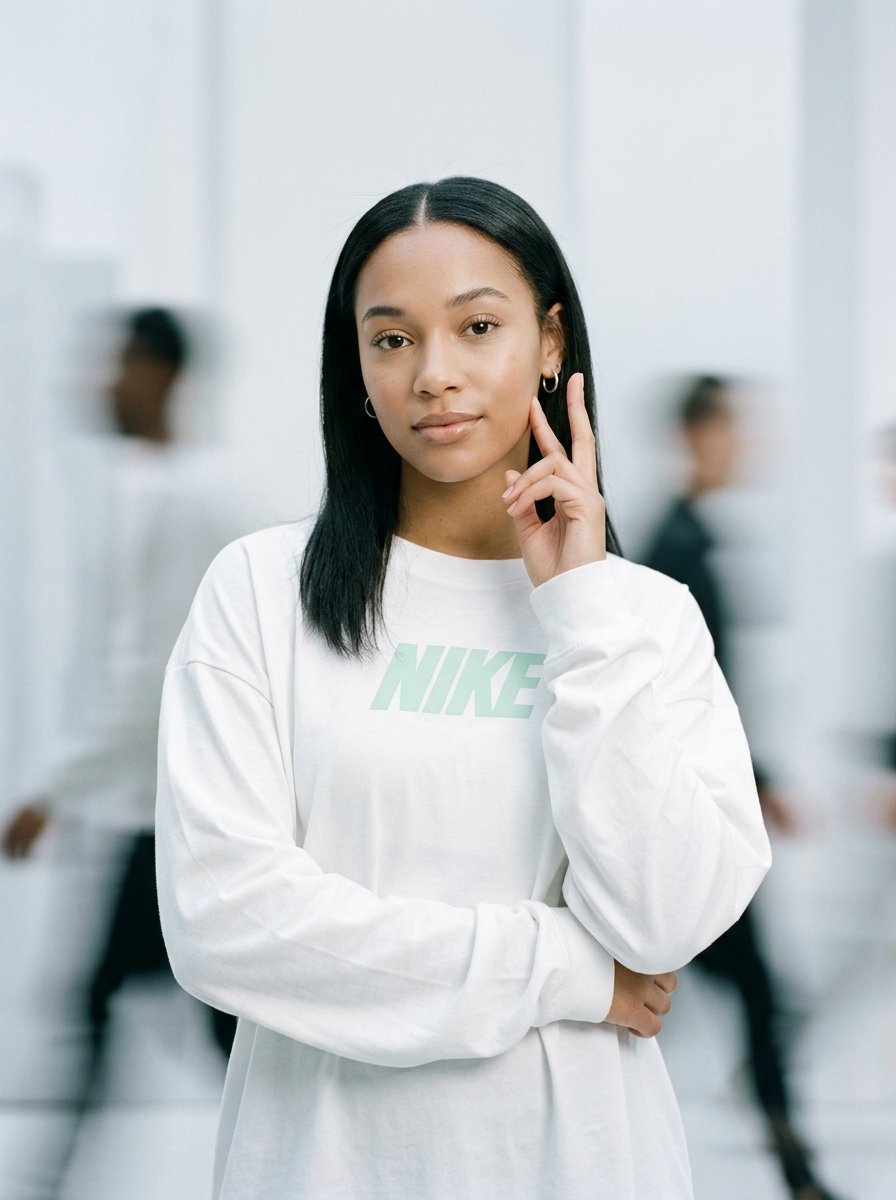
Static Motion Editorial
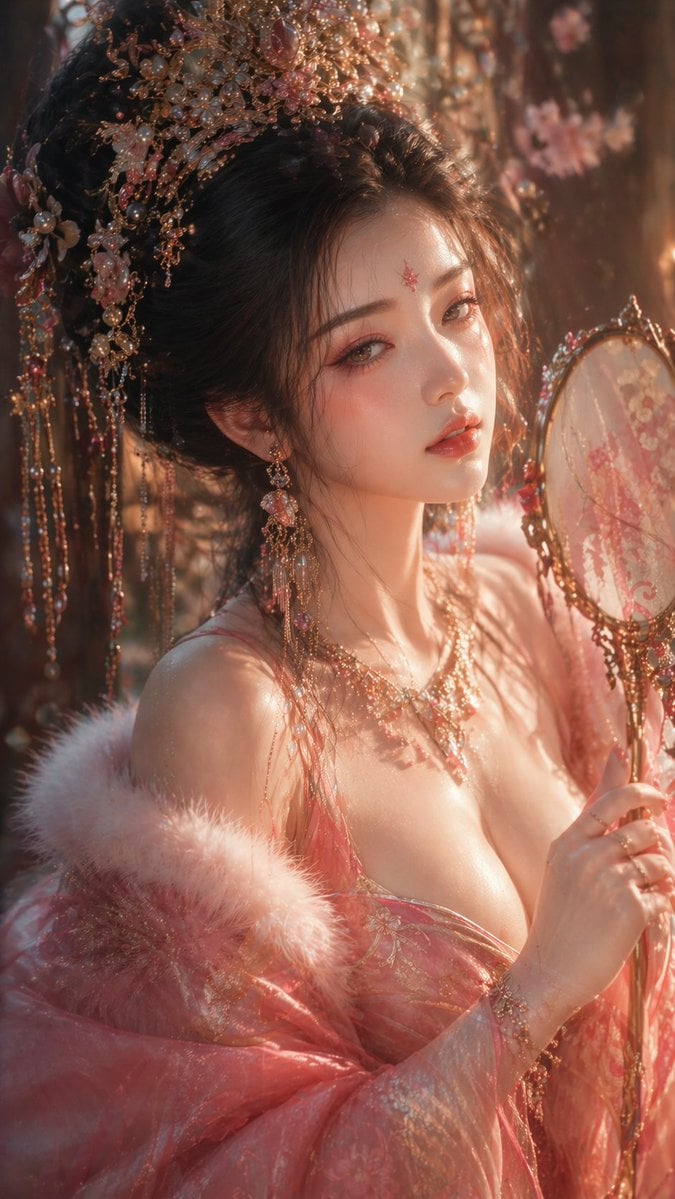
Tang Dynasty Aesthetic CG Illustration
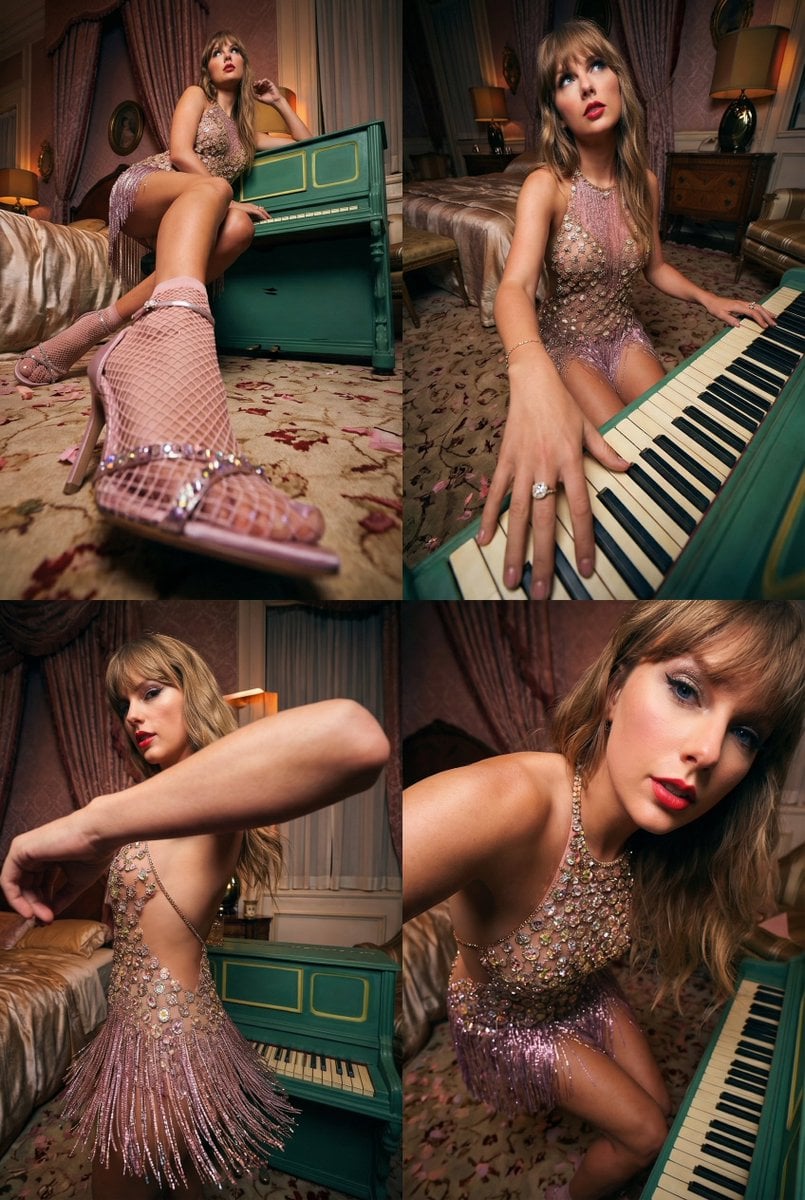
Transformative Photo Enhancement Prompt
Disposable Camera Aesthetic Portrait with Intimate Pose
Cinematic Last Supper Scene
Denim Couple Collage
Anime Dakimakura Preorder Poster
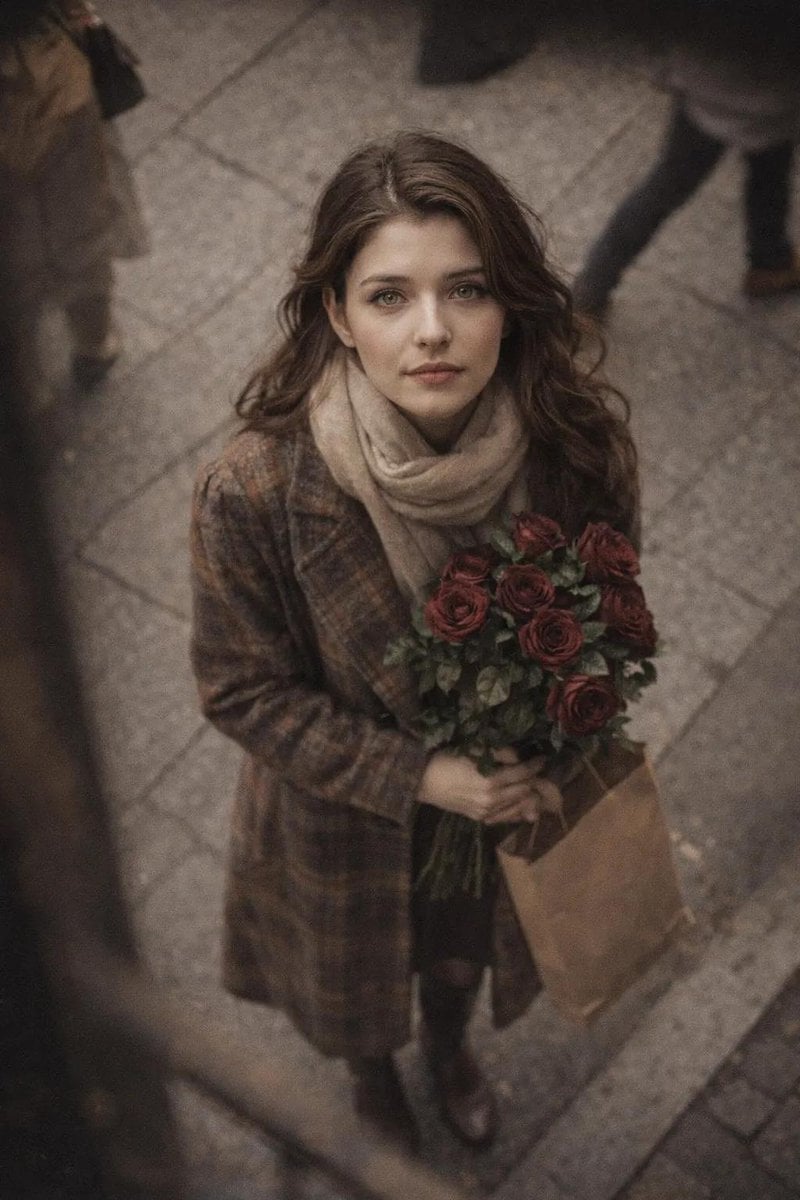
Cinematic Street Photography Portrait with Roses
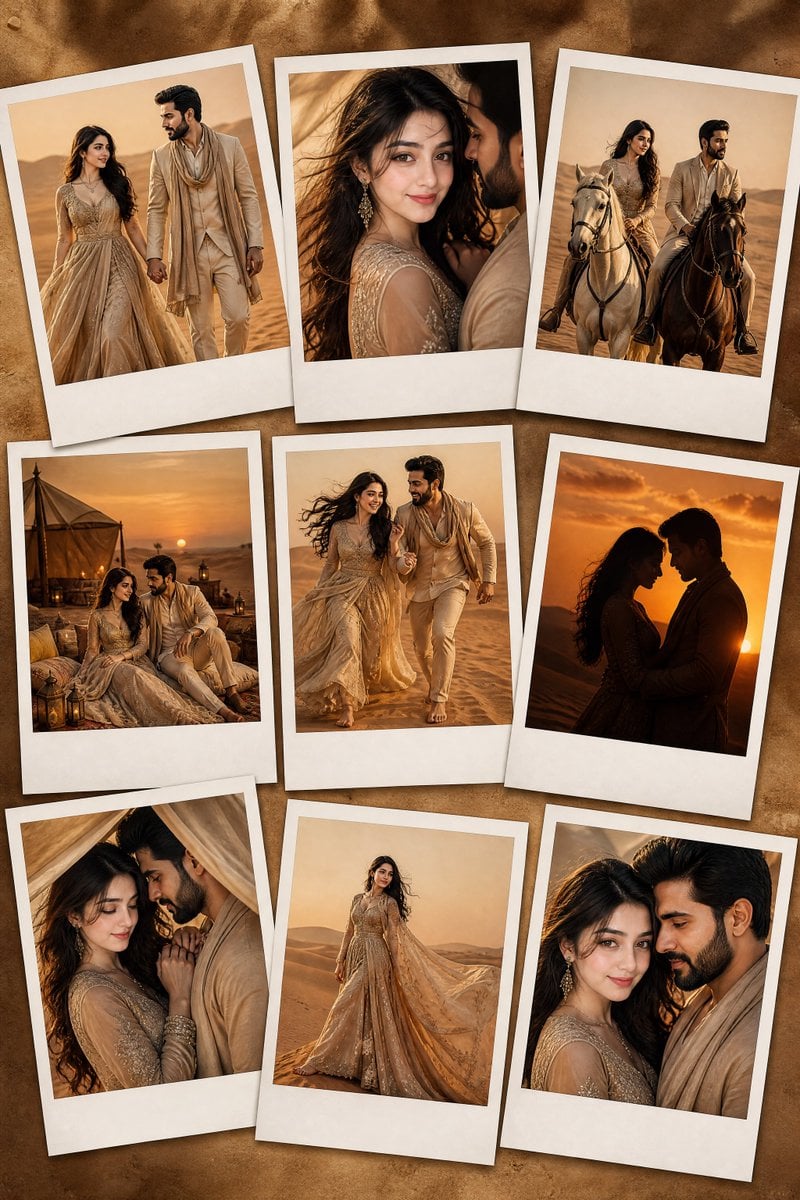
Desert Fashion Editorial Portrait
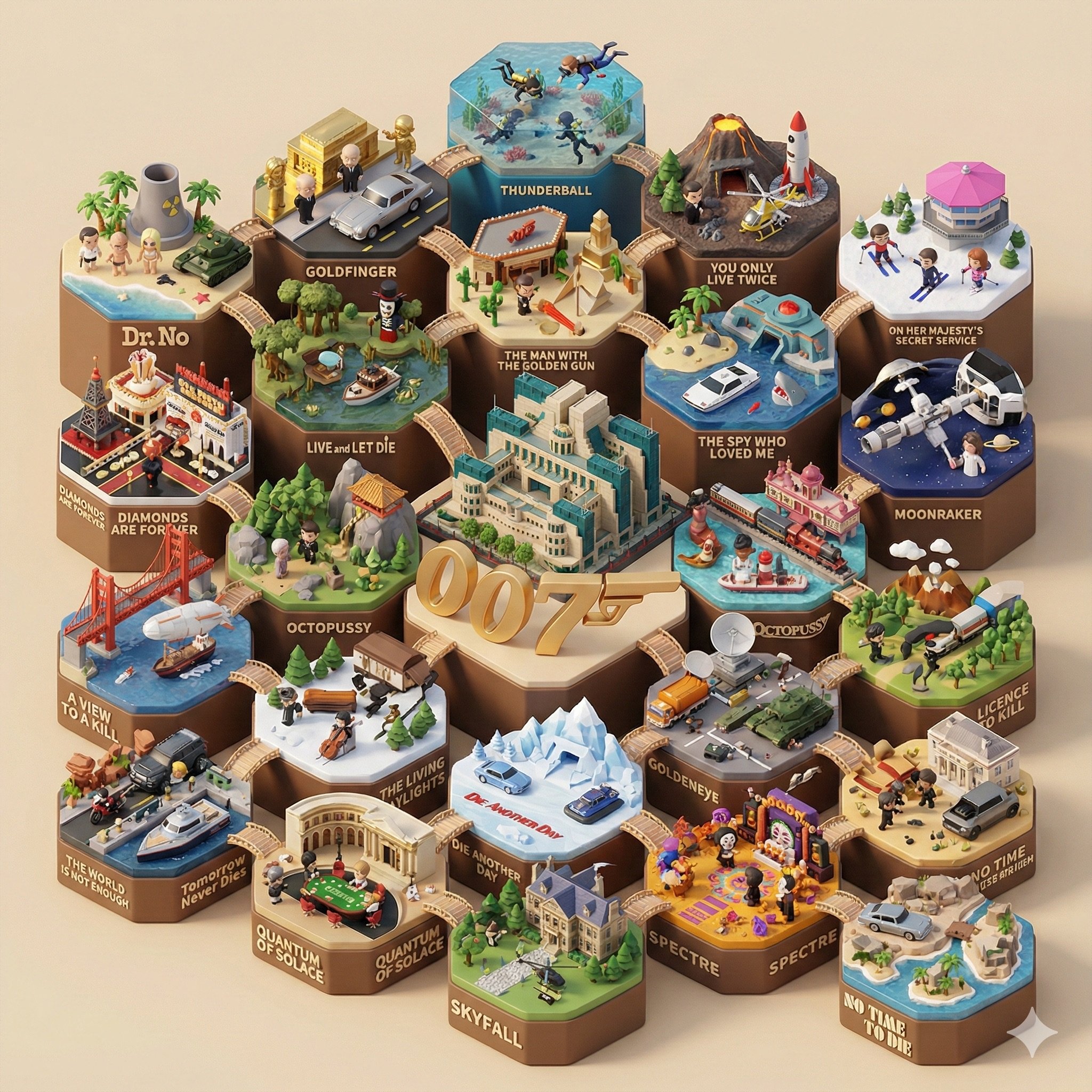
Create a 3D-styled cinematic scene
Browse template categories
Editorial Surrealism Portrait (Amber Trance) questions
How do I use the Editorial Surrealism Portrait (Amber Trance) template?
Add your photo if the template asks for one, edit the prompt if you like — the template's model and format are already selected — and press Generate. Your version opens in PicX Studio.
Can I customize the Editorial Surrealism Portrait (Amber Trance) template?
Yes. You can change the subject, setting, lighting, mood, format, and available model controls before creating your image.
Is the Editorial Surrealism Portrait (Amber Trance) template free?
Opening and editing this template is free. Generating uses credits, shown on the Generate button when you are signed in.
Which AI model should I use?
Start with Nano Banana 2, which is the model associated with this template. You can compare another compatible model for a different finish.
Looking for something else? Browse all templates.

Your photo, any look
Thousands of ready templates for every top image and video model, from one credit balance.