
Create a 3D-styled cinematic scene
Enter a film series name or an actor’s name to begin this process
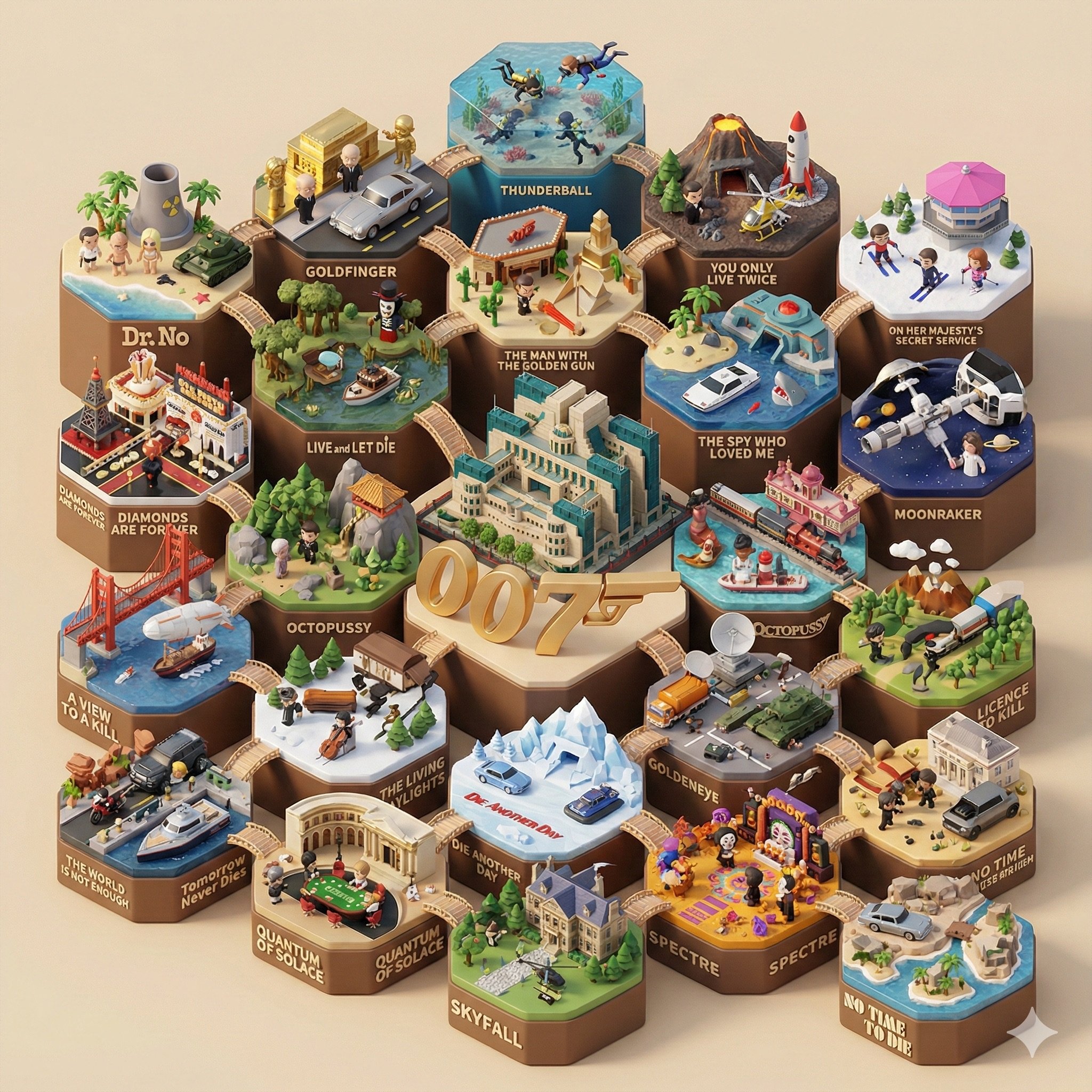
- Prompt included
- Model and format preset
- Free template
The prompt behind this image
Copy the exact prompt behind Create a 3D-styled cinematic scene, or open it in the studio and make it yours.
[电影系列名称]:{argument name="电影系列名称" default="007"} 一张细节丰富、45度等轴侧视角的3D Q版微缩景观模型图,生动呈现完整的 [电影系列名称] 系列,采用 C4D (Cinema 4D) 的独特的渲染风格。 整个场景构建为一组相互连接的六边形景观地台。六边形地台的总数量必须准确对应 [电影系列名称] 系列中主要电影(或剧集)的数量。 视觉中心 (Central Focus) 在模型的几何中心,放置该系列中最具标志性、最能代表整体的世界观地标或核心建筑(例如:哈利波特的霍格沃茨城堡、星球大战的死星、漫威的复仇者大厦)。围绕着这个中心建筑,悬浮着巨大的、风格化的 3D 英文总标题 "[电影系列名称]"。 独立地台 (动态内容) 围绕中心的每一个六边形地台分别代表该系列中的一部具体电影,必须包含以下要素: 经典名场面 (Famous Scenes): 每一个地台都要复刻该部电影中最具特色、一眼即识的经典“名场面”或核心场景布局。 关键人物 (Key Characters): 在地台上必须出现清晰可见的、最具代表性的主角和反派的Q版公仔形象,人物姿态生动,正在演绎剧情。 关键物品: 每一个地台都要复刻该部电影中最具特色、一眼即识的经典“名场面”或核心场景布局。 关键人物 (Key Characters): 在地台上必须出现清晰可见的、最具代表性的主角和反派的Q版公仔形象,人物姿态生动,正在演绎剧情。 散落在场景中的微小但可识别的神器、载具或生物,呼应电影情节。 环境氛围: 符合该部电影主题的独特地形、植被和天气效果。 独立标题: 在每个六边形底座的前端边缘,用风格化的3D字体展示该部电影的 具体英文片名 (例如 "Harry Potter and the Sorcerer's Stone")。 整体氛围: 所有元素通过可爱的桥梁、小径或主题过渡(如能量束、魔法轨迹)相互连接。模型采用丰富逼真的 PBR 材质(风格化的木材、石头、金属、布料),边缘处理圆润柔和。场景由温暖、柔和的自然光照亮,投射出柔和的阴影,在干净、统一的纯米色背景下,呈现出一种舒适、高级的盲盒玩具质感。 保证 图中所有出现的单词拼写正确 确保电影的系列名准确 确保演员的名字和电影确实有关联
How to use Create a 3D-styled cinematic scene in 3 steps
- 1
Open
The prompt is already in the box next to the preview, with the template's model and format selected.
- 2…a portrait of your subject in softgolden-hour light, 85mm…
Personalize
Edit the subject and creative details for your destination.
- 3Generate
Generate
Press Generate — your image is created in PicX Studio, so you can compare it with the original and refine one variable at a time.
More like this
Templates with the same subject, style or setup. Open one to see its prompt.
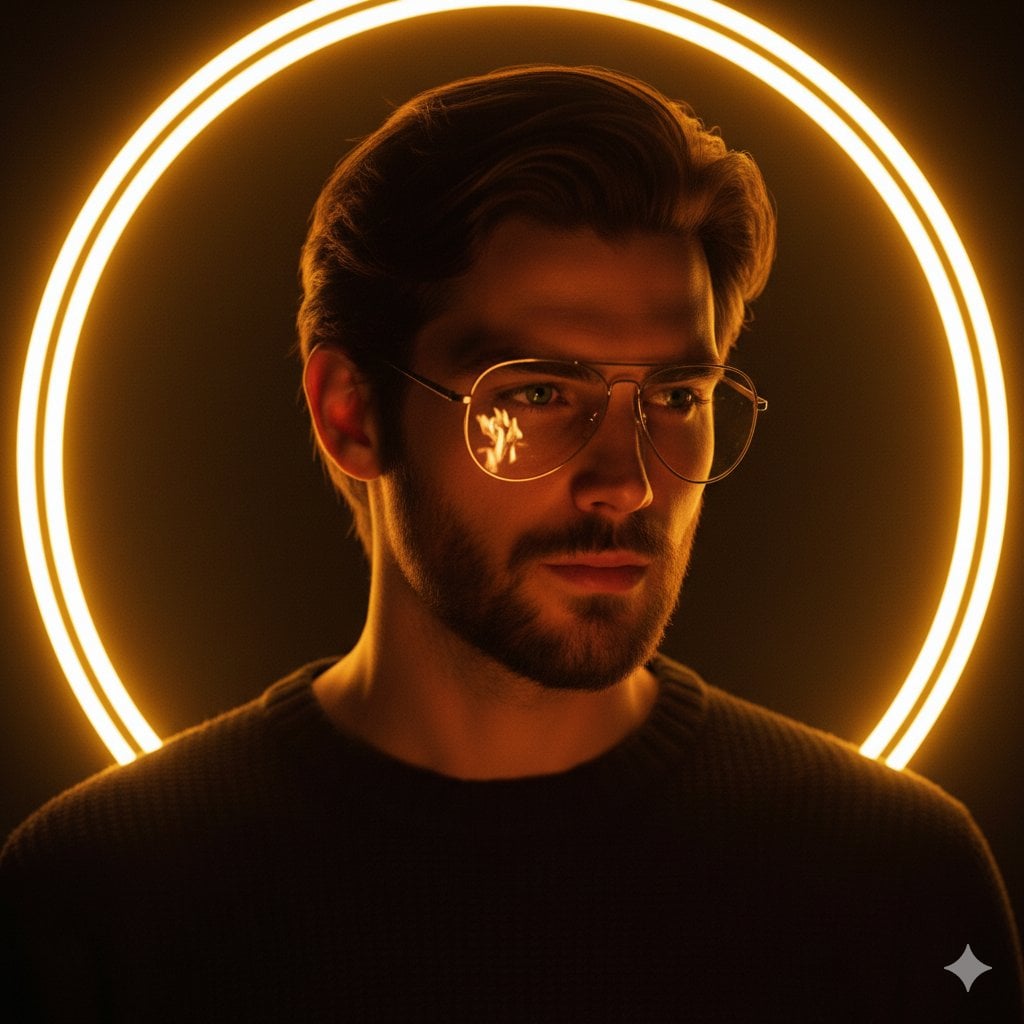
Cinematic portrait of a handsome young man with short styled hair
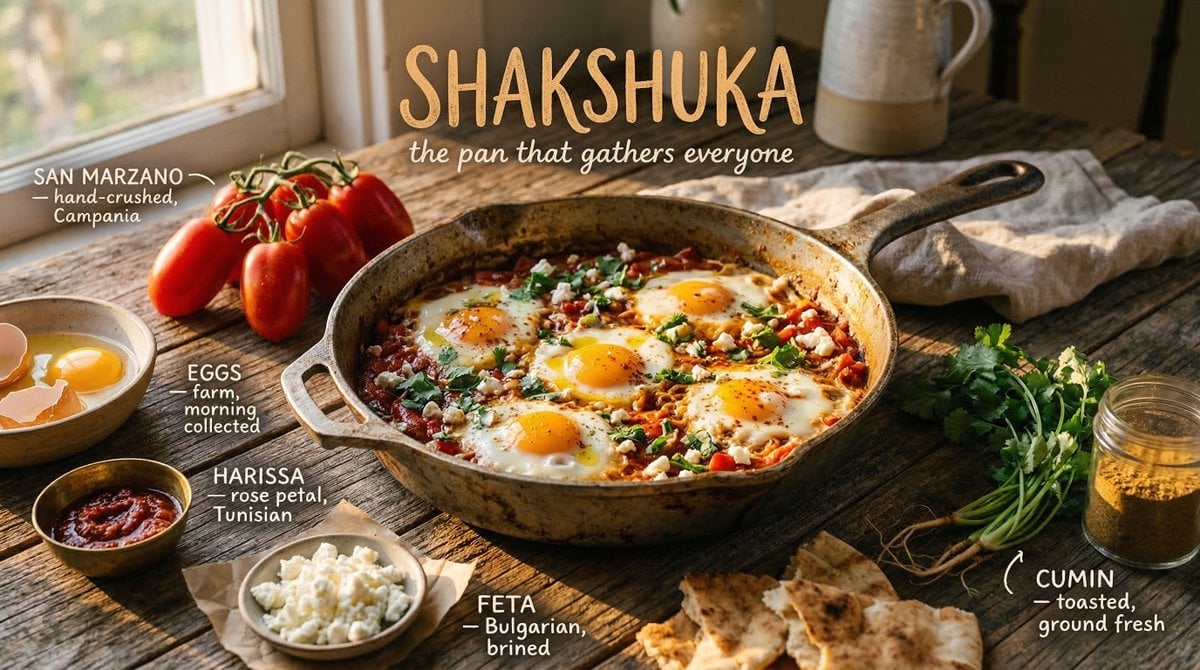
Styled on a weathered surface, shot in pure golden hour light streaming
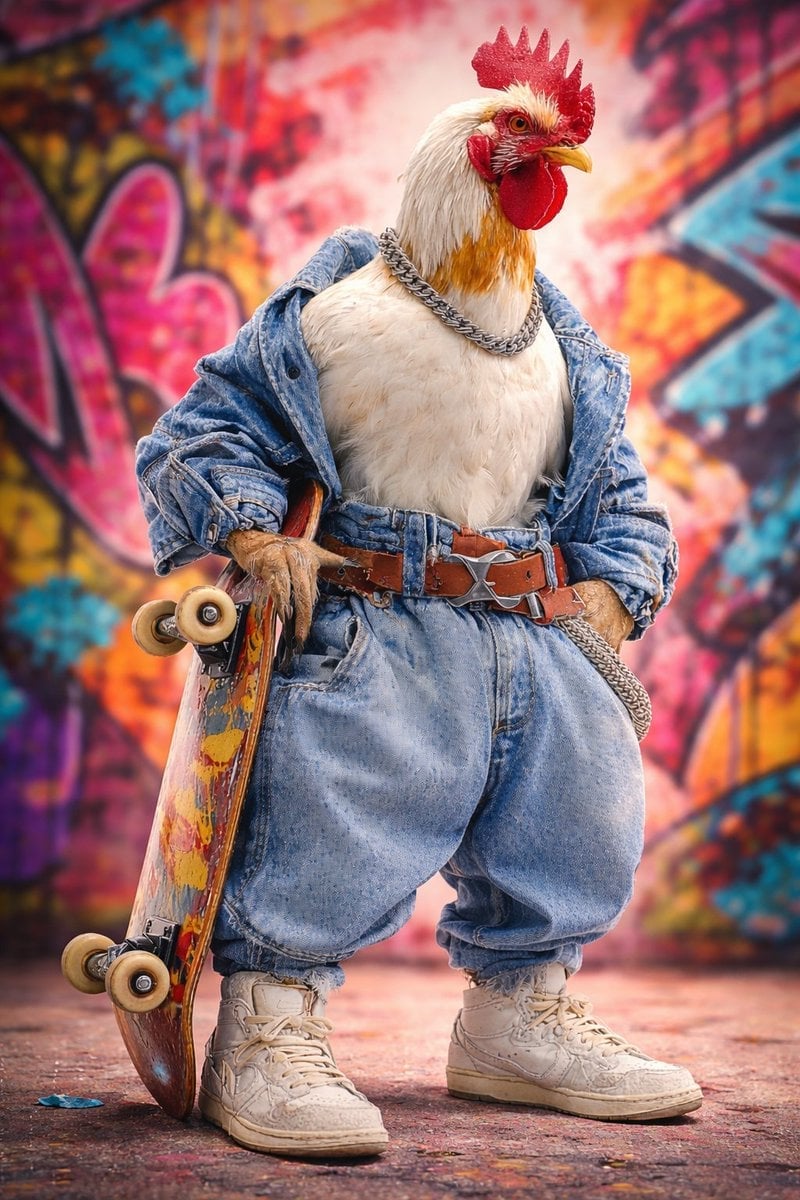
Ultra-realistic studio portrait of an anthropomorphic rooster styled
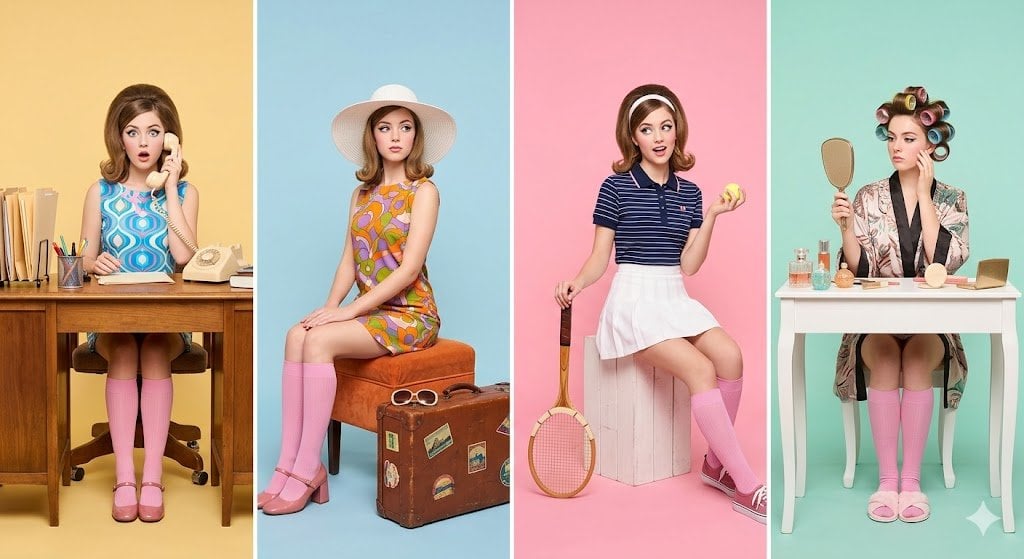
A retro-inspired studio photoshoot featuring a young woman styled
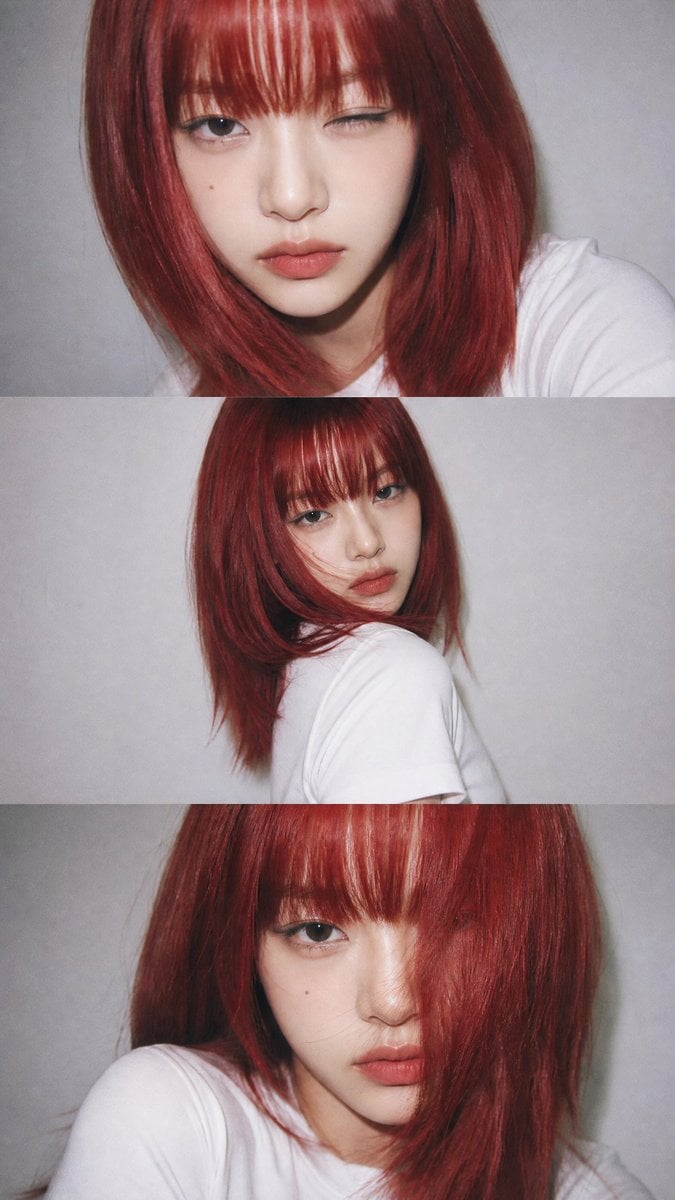
YZK Styled Portrait Collage
Create a 3D-styled cinematic scene
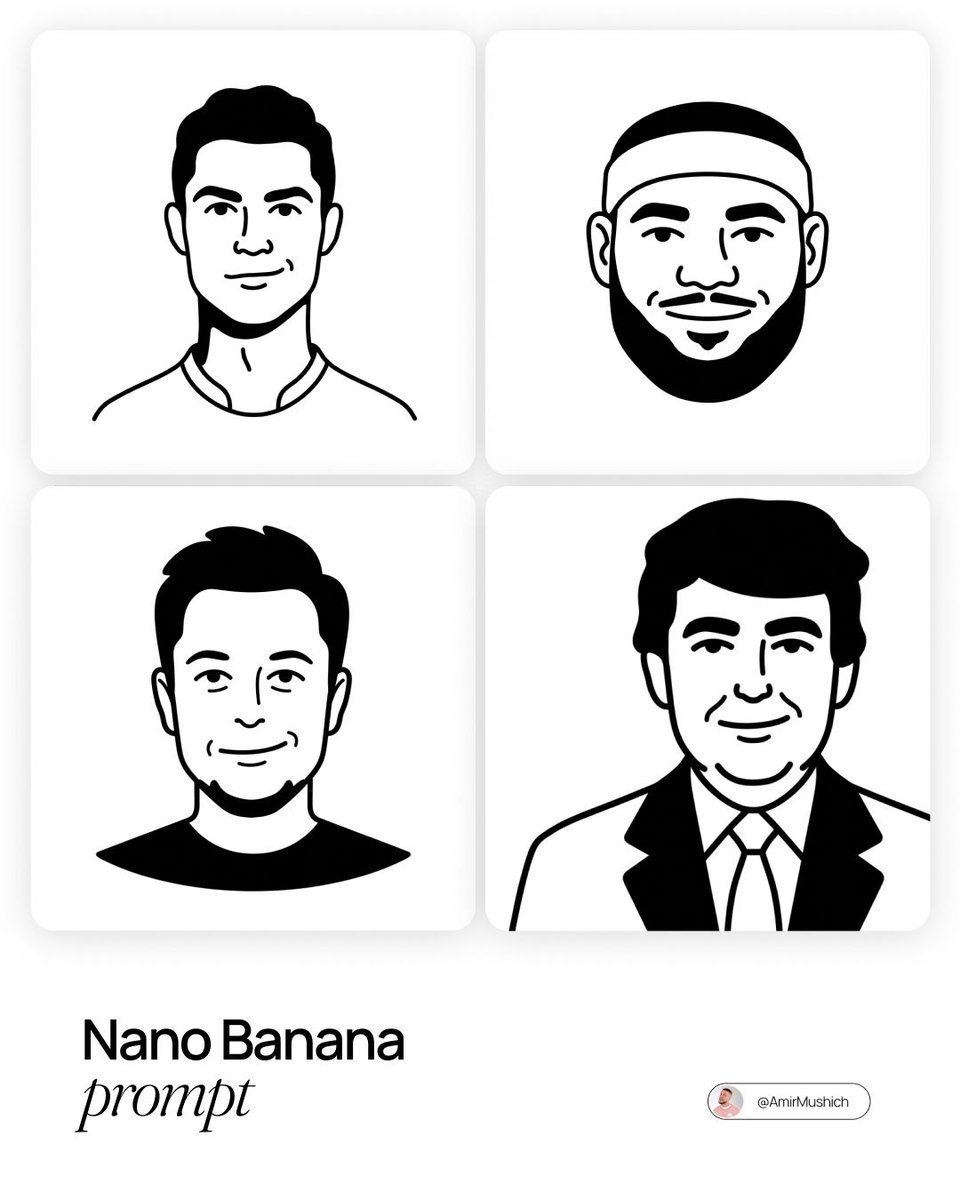
Notion-Styled Minimalist Illustrations Prompt
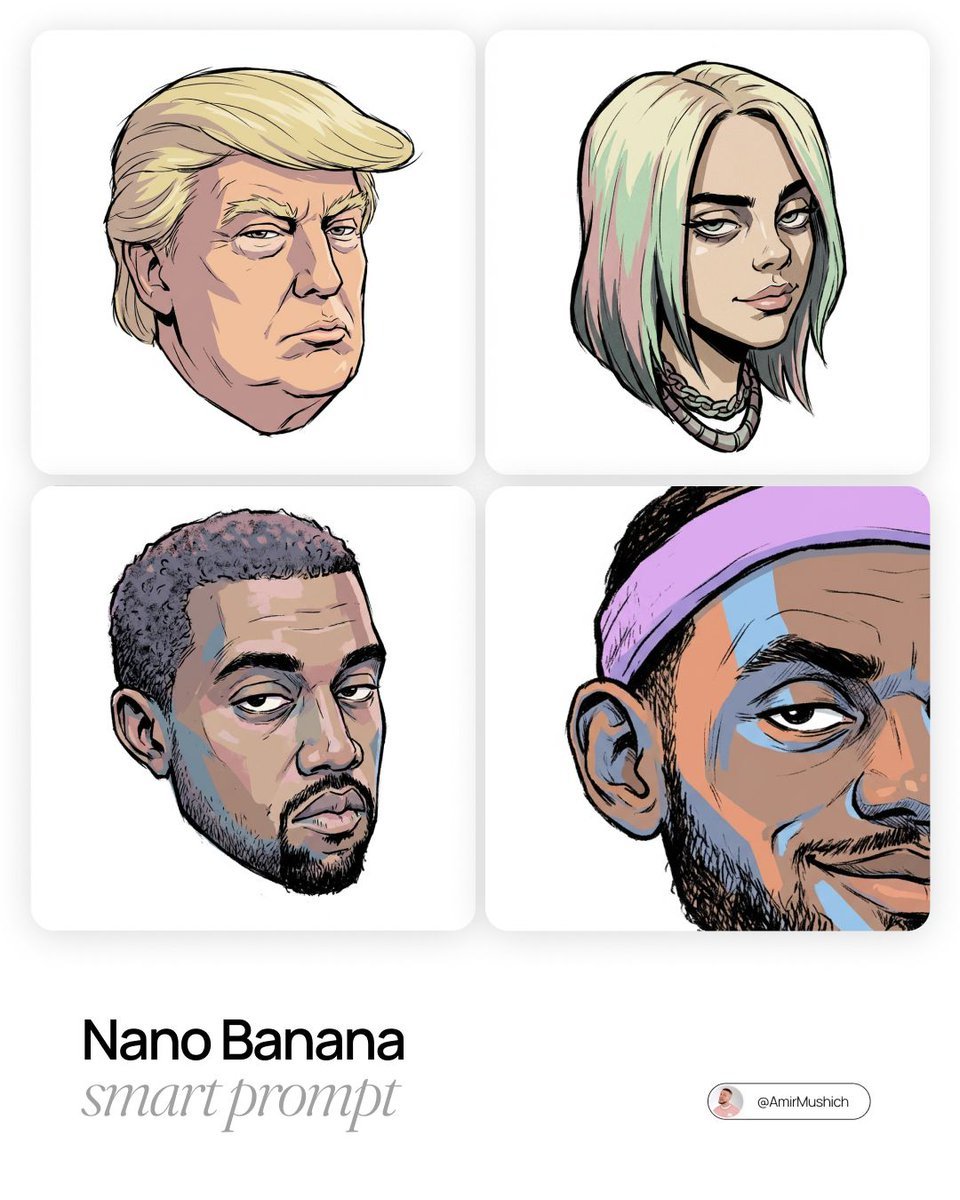
Gorillaz-Styled Illustration Prompt
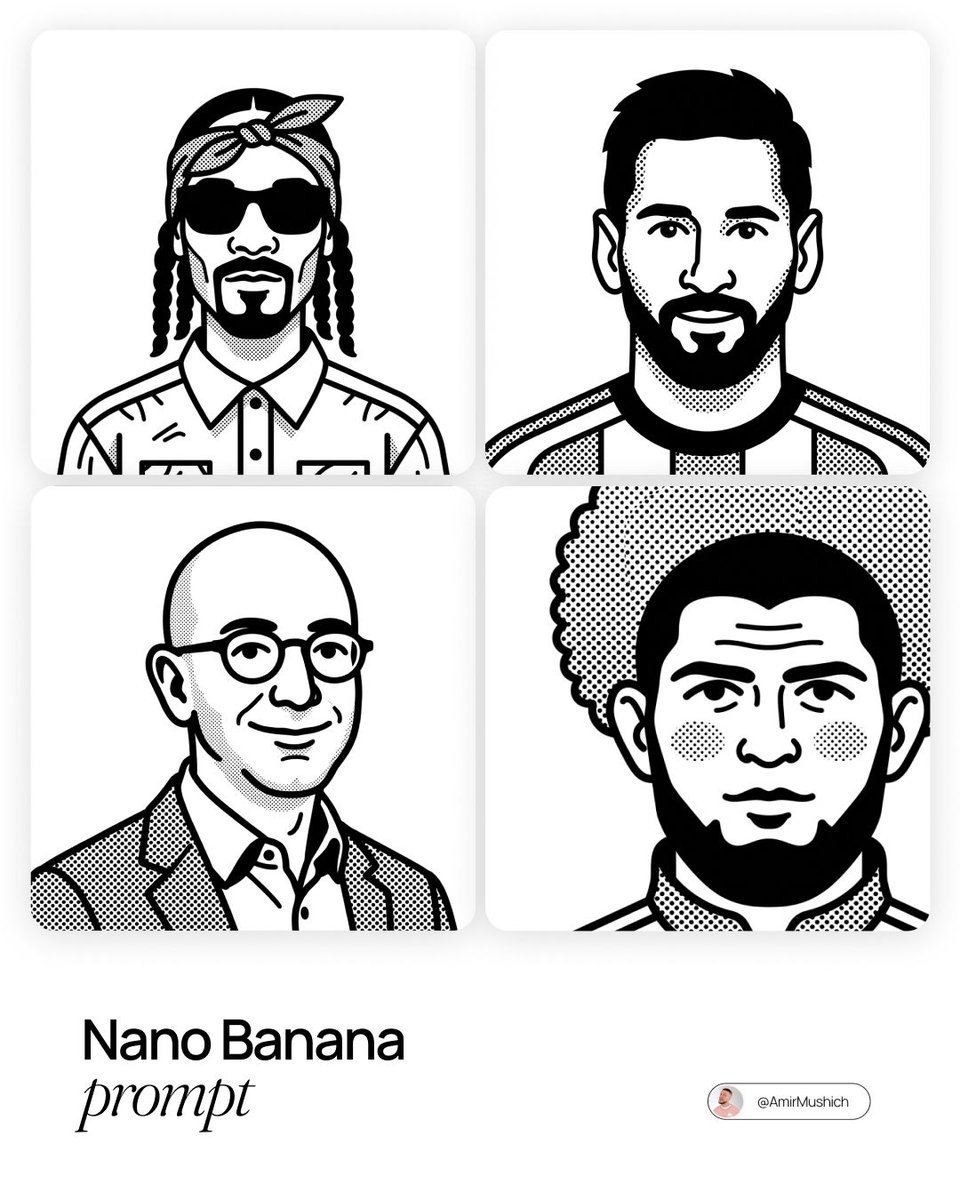
Notion-Styled Portrait Prompt
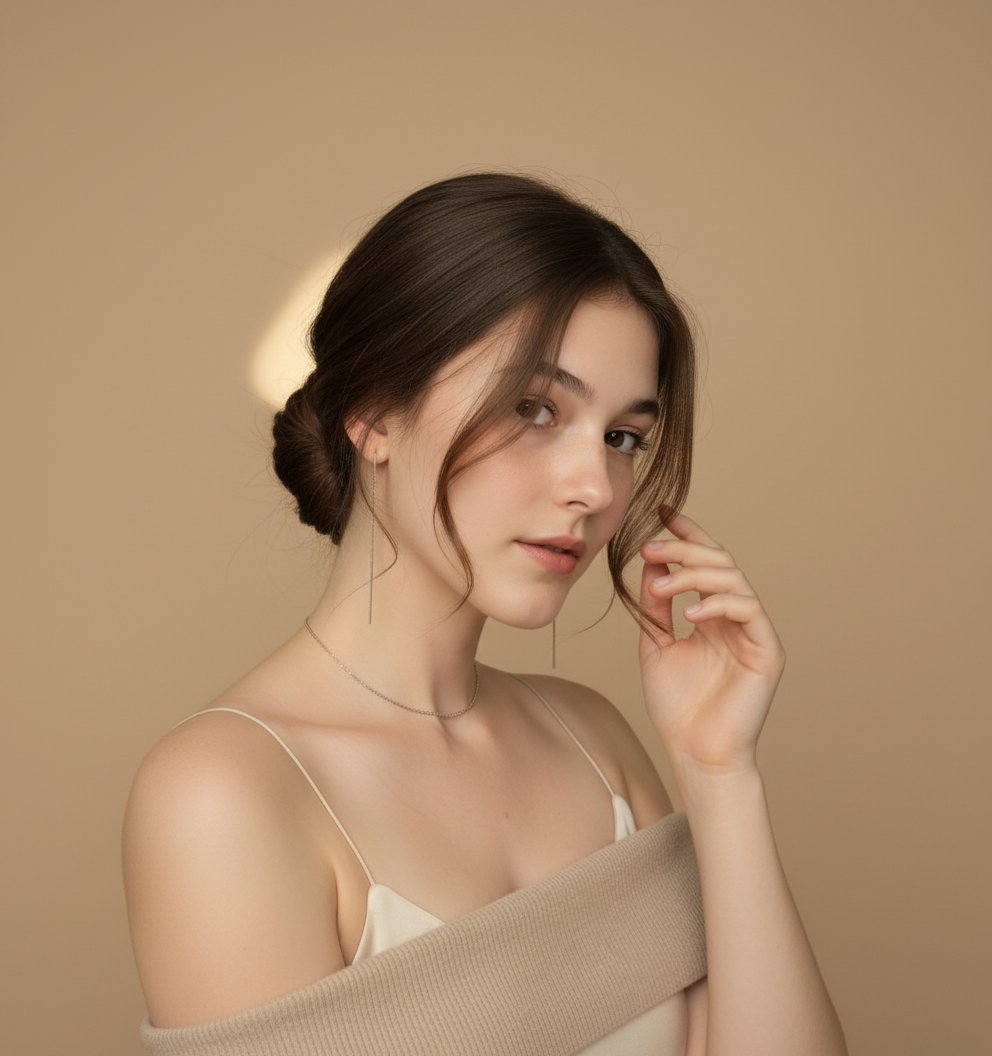
Styled Hair Portrait

Six VTuber Japanese Logo Sheet

AI Model Routing Comparison Infographic
Make it yours
Create a 3D-styled cinematic scene works as-is. These are the safest ways to change it without losing the look.
Change one field
Copy a single group, rewrite it, and generate again so you can see what that field is doing.
Keep the frame, change the subject
Hold the composition and light of Create a 3D-styled cinematic scene, then swap wardrobe, props or the person for a new take.
| If the result… | Why | Fix |
|---|---|---|
| The result drifts from the preview | Too many fields changed at once. | Reuse Create a 3D-styled cinematic scene as-is first, then change one group — subject, light, or setting. |
| The model over-stylizes the scene | The prose prompt leaves finish and camera underspecified. | Add one camera or lighting sentence and stay on Nano Banana 2. |
More Nano Banana 2 templates
Other prompts made for Nano Banana 2.

Photorealistic Leaf Shaped Like a Dragon

K-Pop Idol Portrait Grid for Rapid Selection

Poetic Rain Forest Portrait During Golden Hour

Urban Street Portrait with Cartoon Inner Self Duo

Candid Nighttime Photo with Cat Prompt

High-Concept 3D Diorama Generation Prompt

Cinematic Futuristic Studio Portrait Template

Skincare Editorial Photography Collage Prompt

Hyper-Realistic Commercial Product Photography (Splash Effect)

Hyper-Realistic Nightclub Portrait Prompt
More image prompts
Fresh picks from across the catalog.
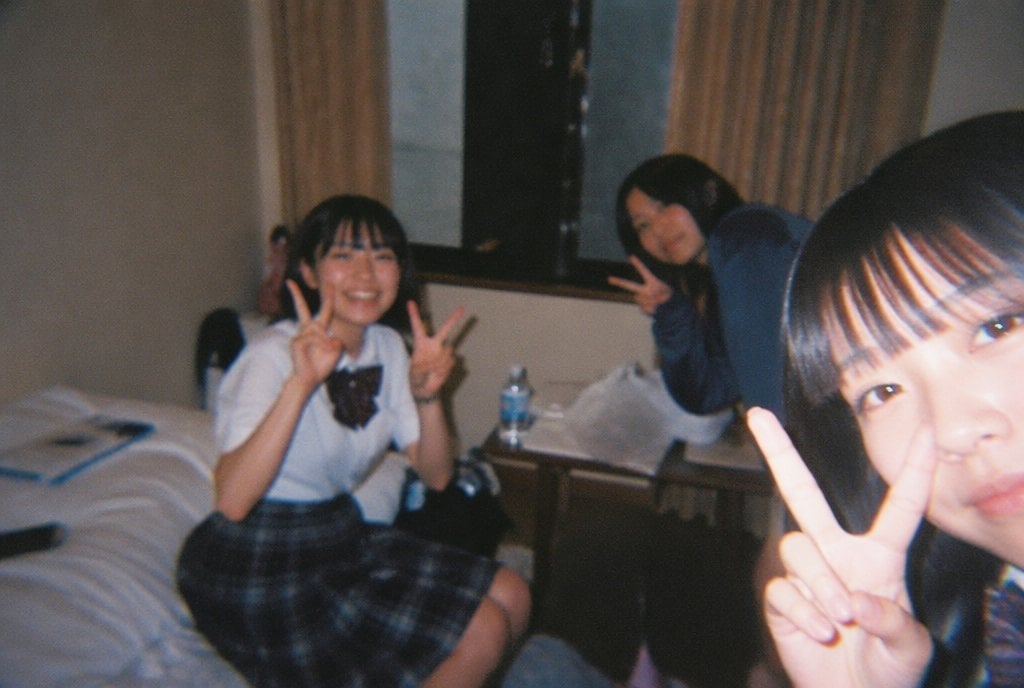
Nostalgic Disposable Camera Style
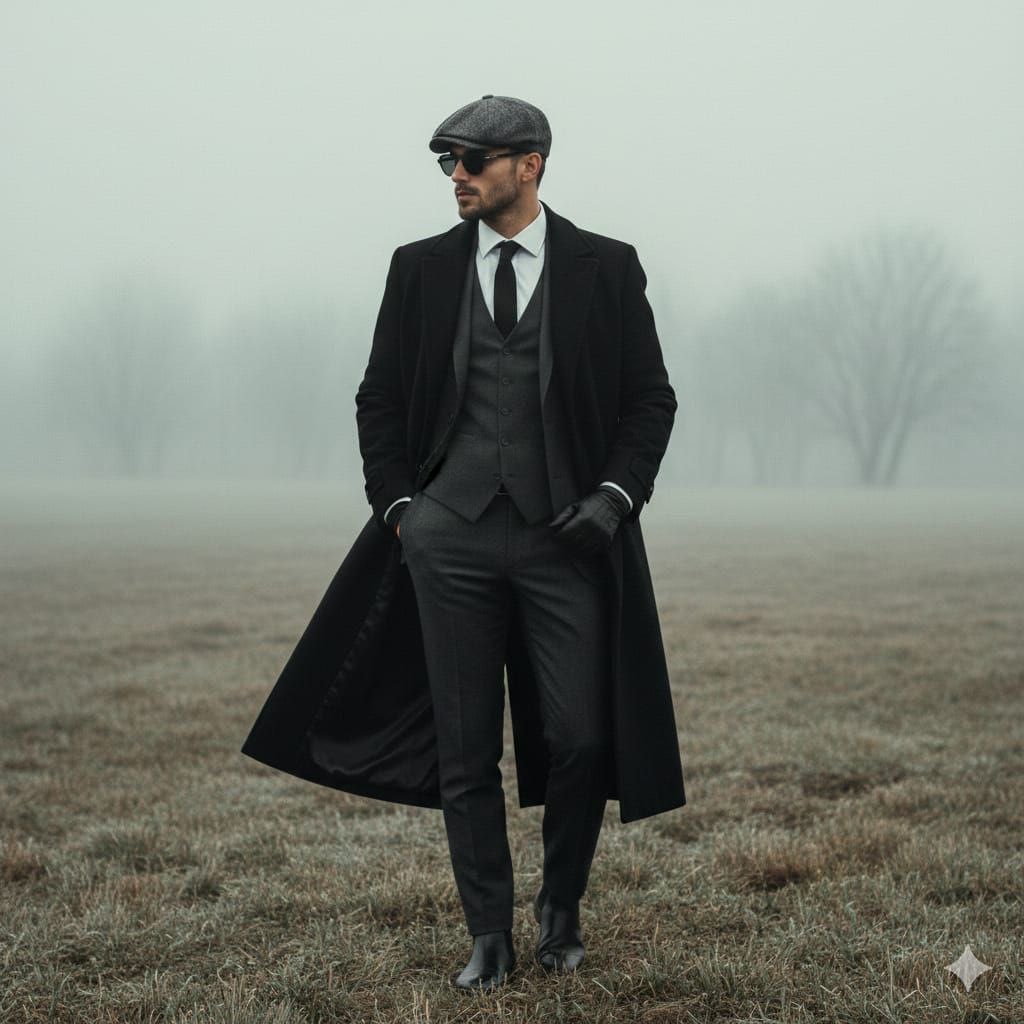
Cinematic Fashion Portrait in Fog Prompt
90s Anime Style Portrait Transformation
Macro Photography of Tiny Restoration Workers
Candid Outdoor Cafe Lifestyle Photo
Casual Bunny Influencer Selfie
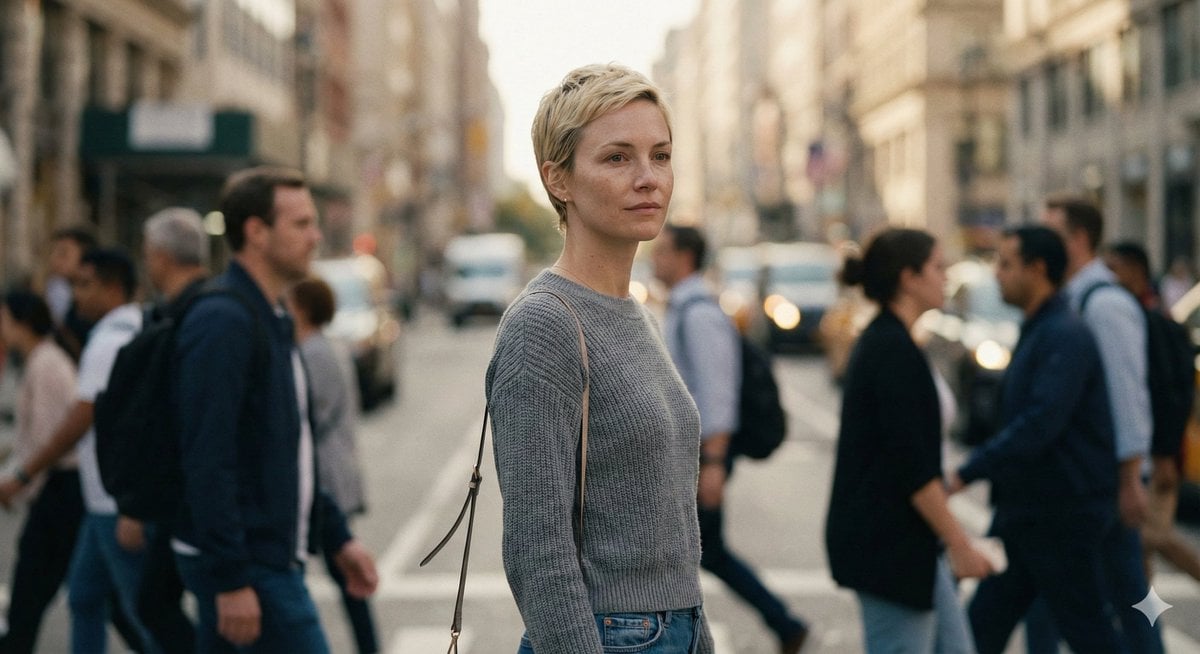
Ultra-Realistic 8K Candid Street Portrait Prompt
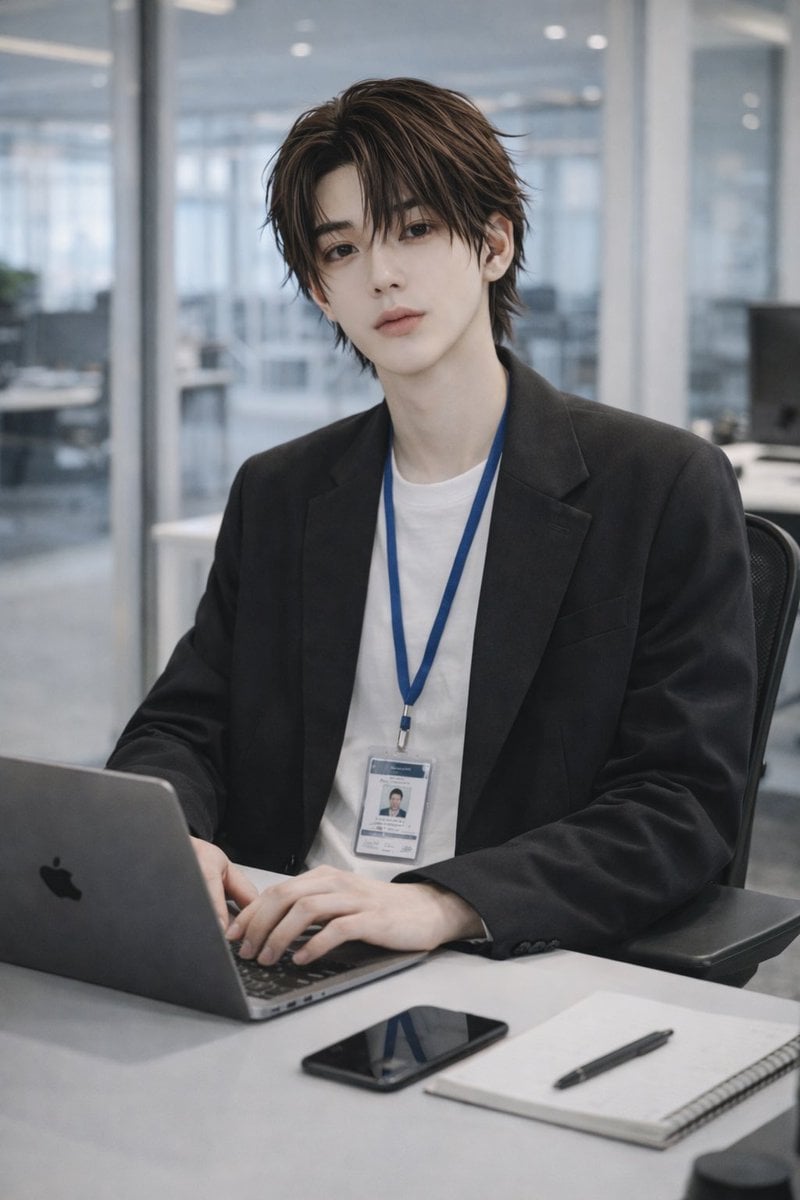
Stylish Office Worker Portrait
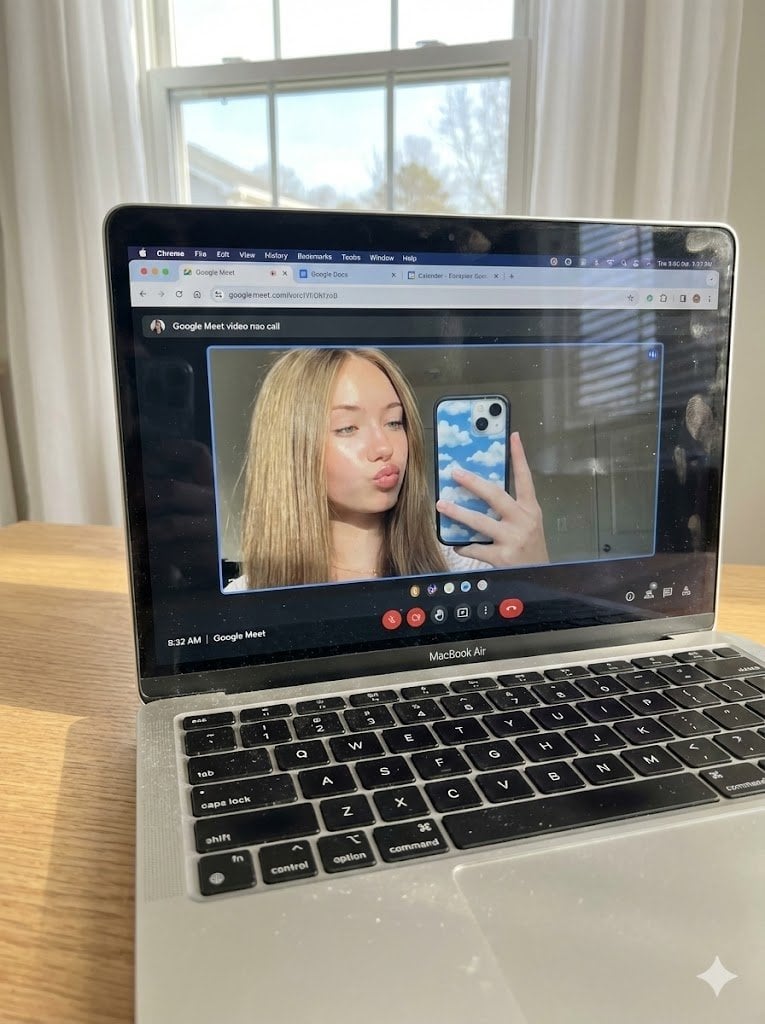
Raw Photo of MacBook Screen During Google Meet Selfie
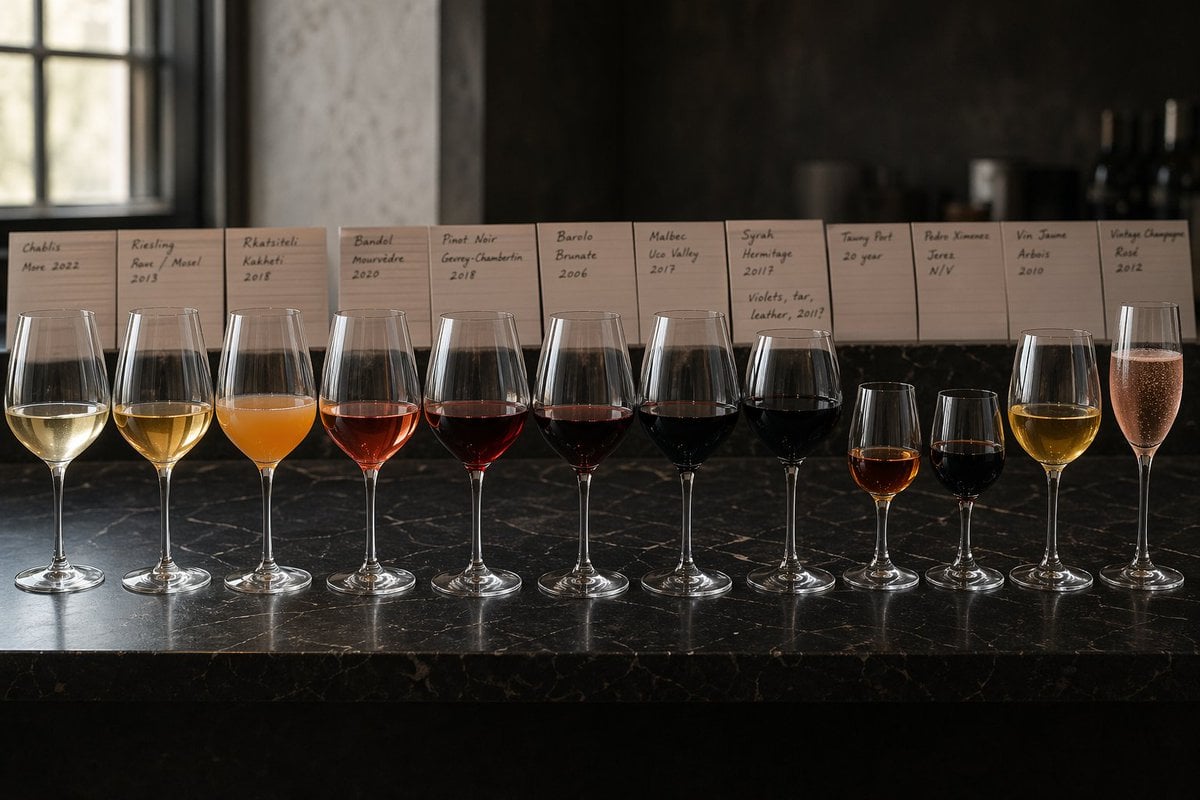
Twelve-Wine Sommelier Lineup
Browse template categories
Create a 3D-styled cinematic scene questions
How do I use the Create a 3D-styled cinematic scene template?
Add your photo if the template asks for one, edit the prompt if you like — the template's model and format are already selected — and press Generate. Your version opens in PicX Studio.
Can I customize the Create a 3D-styled cinematic scene template?
Yes. You can change the subject, setting, lighting, mood, format, and available model controls before creating your image.
Is the Create a 3D-styled cinematic scene template free?
Opening and editing this template is free. Generating uses credits, shown on the Generate button when you are signed in.
Which AI model should I use?
Start with Nano Banana 2, which is the model associated with this template. You can compare another compatible model for a different finish.
Looking for something else? Browse all templates.

Your photo, any look
Thousands of ready templates for every top image and video model, from one credit balance.