
Casual Bunny Influencer Selfie
Casual Bunny Influencer Selfie is a ready photo look.
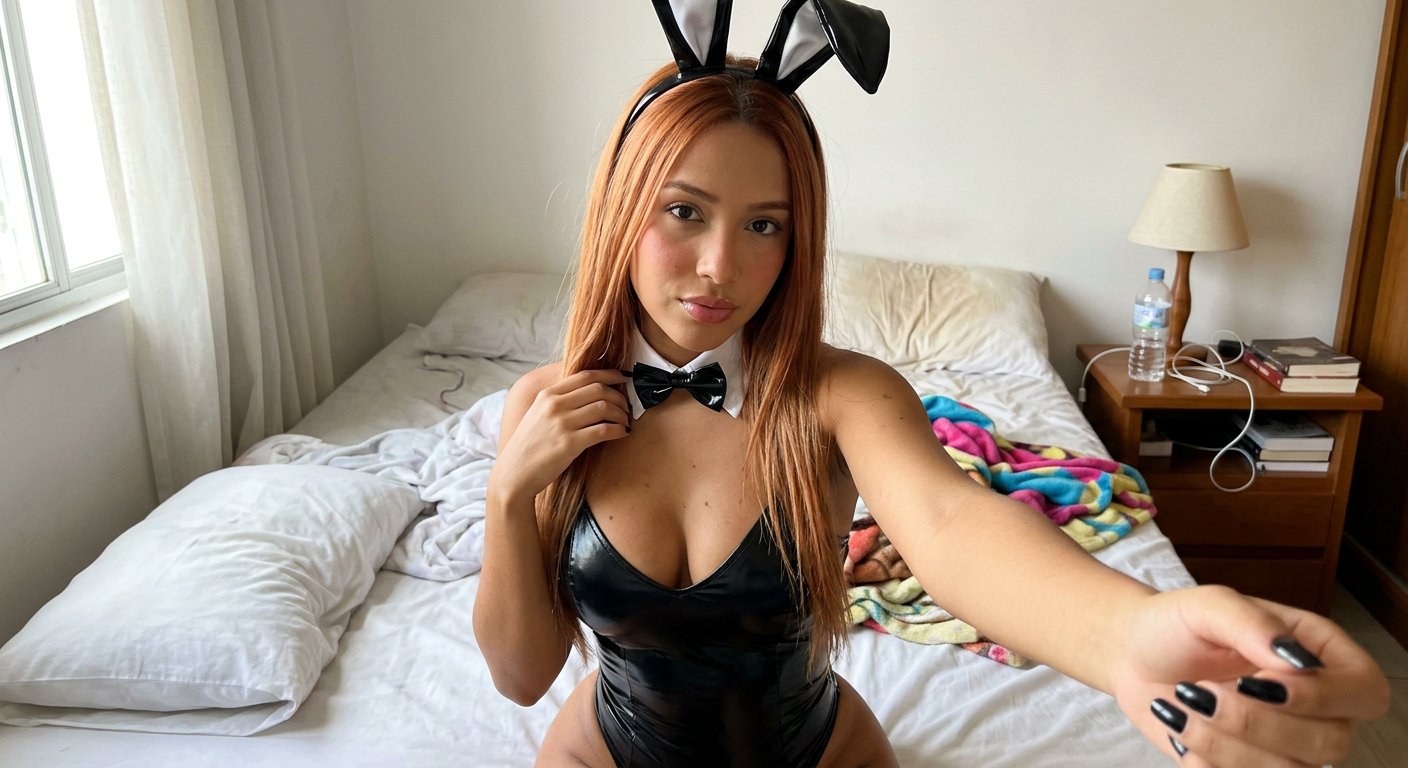
- Prompt included
- Model and format preset
- Free template
The prompt behind this image
Copy the exact prompt behind Casual Bunny Influencer Selfie, or open it in the studio and make it yours.
Low-quality amateur photo of a real female influencer - low-quality photo of a real TikTok influencer, apparently taken with an iPhone, she has a unique appearance, perfectly manicured black nails, natural realistic body proportions, low-quality photo without filters or editing, POV front camera selfie, one arm extending out of bottom frame towards the viewer to hold the unseen camera pointing towards herself, looking directly at the lens, depicting a slim 20s Brazilian woman, light red long straight hair, big breasts, big butt, wearing a black glossy bunny outfit with a white collar and bowtie, white wrist cuffs, bunny ear headband, a few stray hairs, shy expression, bright afternoon light coming from a window, subtle bokeh in a realistic bedroom.
How to use Casual Bunny Influencer Selfie in 3 steps
- 1
Open
The prompt is already in the box next to the preview, with the template's model and format selected.
- 2…a portrait of your subject in softgolden-hour light, 85mm…
Personalize
Edit the subject and creative details for your destination.
- 3Generate
Generate
Press Generate — your image is created in PicX Studio, so you can compare it with the original and refine one variable at a time.
More like this
Templates with the same subject, style or setup. Open one to see its prompt.

Mirror Selfie Chibi Characters Pixar Style
Influencer Mirror Selfie Prompt (Bunny Headband)

Minimalist Golden Hour Selfie
Neon Studio Fitness Influencer
Candid Morning Bedside Selfie
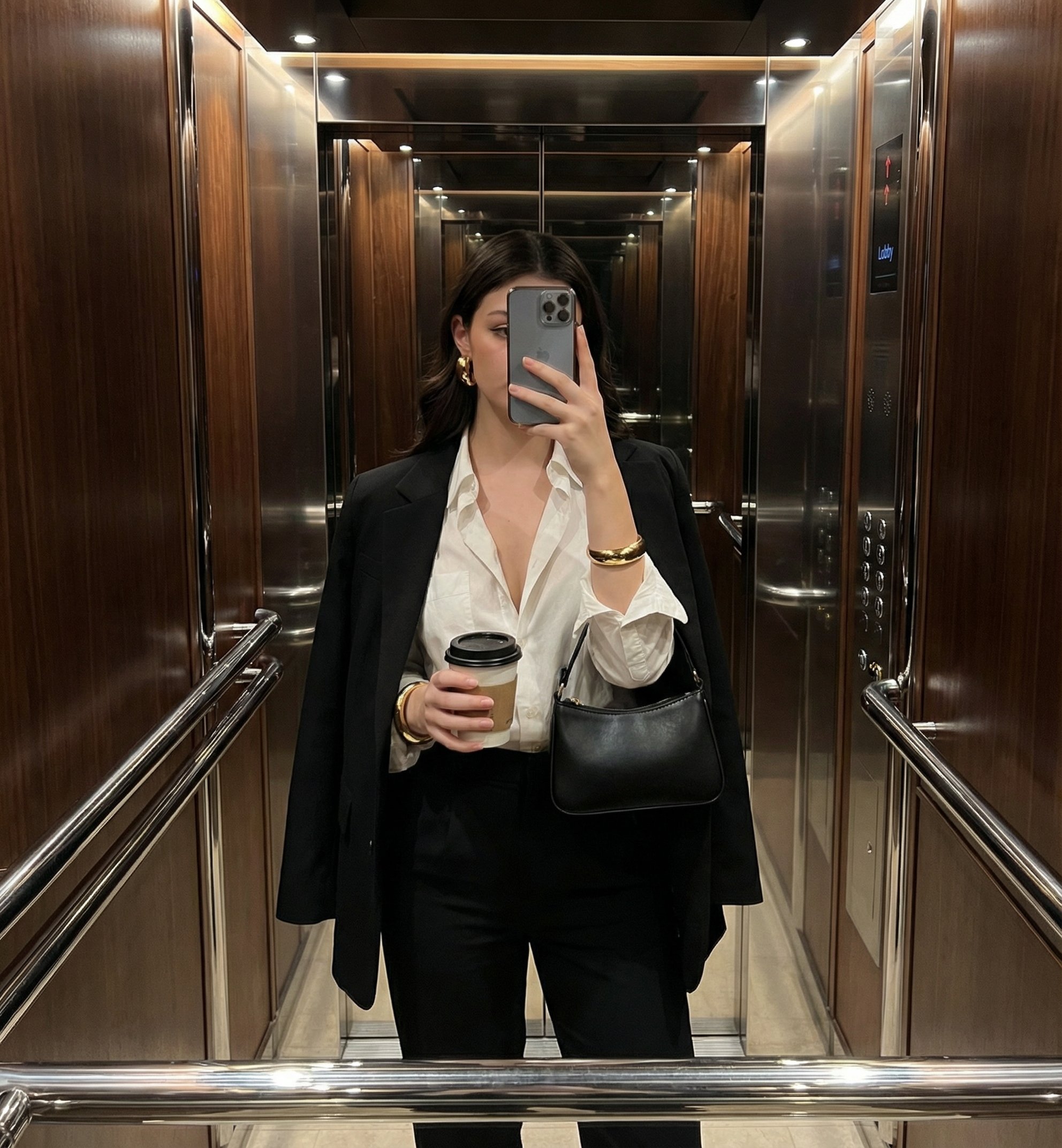
Mirror Selfie

Rooftop Fisheye — Cat-Ear Balaclava at Golden Hour

Felt & Knit 3D Character — Photo-Exact Face, Pixar-Quality Plush Figurine

Surreal Cat Astronaut — Humanoid Face Freefall

A k.pop idol on the stage with mic
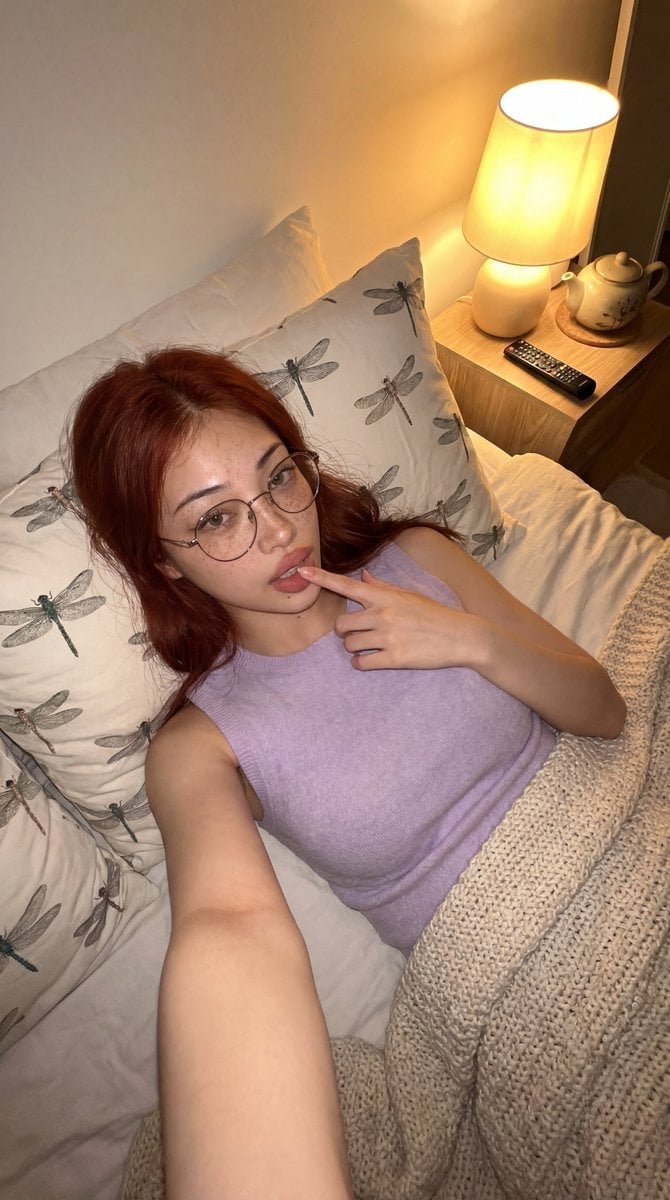
Cozy Bedroom Lifestyle Selfie
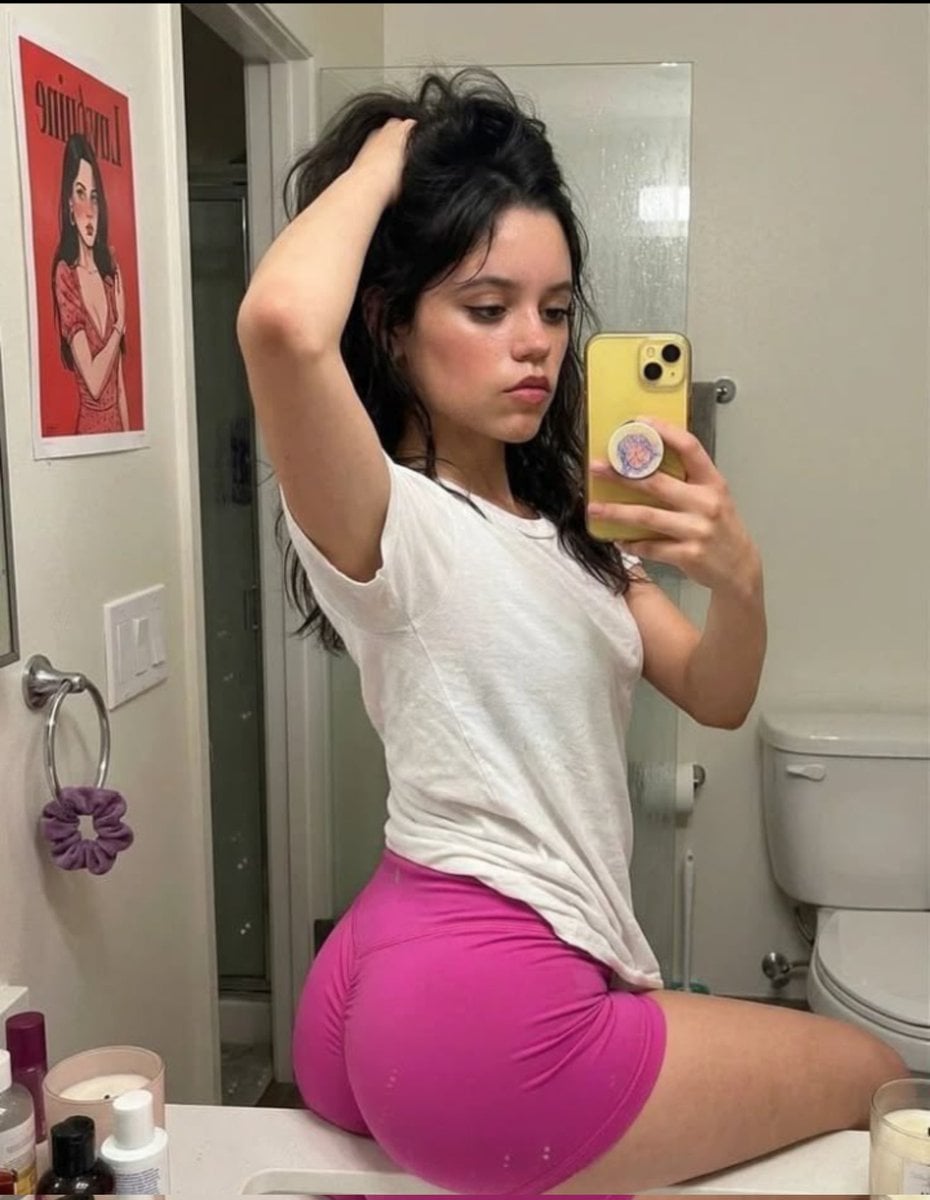
Casual Mirror Selfie Portrait
Make it yours
Casual Bunny Influencer Selfie works as-is. These are the safest ways to change it without losing the look.
Change one field
Copy a single group, rewrite it, and generate again so you can see what that field is doing.
Keep the frame, change the subject
Hold the composition and light of Casual Bunny Influencer Selfie, then swap wardrobe, props or the person for a new take.
| If the result… | Why | Fix |
|---|---|---|
| The result drifts from the preview | Too many fields changed at once. | Reuse Casual Bunny Influencer Selfie as-is first, then change one group — subject, light, or setting. |
| The model over-stylizes the scene | The prose prompt leaves finish and camera underspecified. | Add one camera or lighting sentence and stay on PicX Studio. |
More image prompts
Fresh picks from across the catalog.
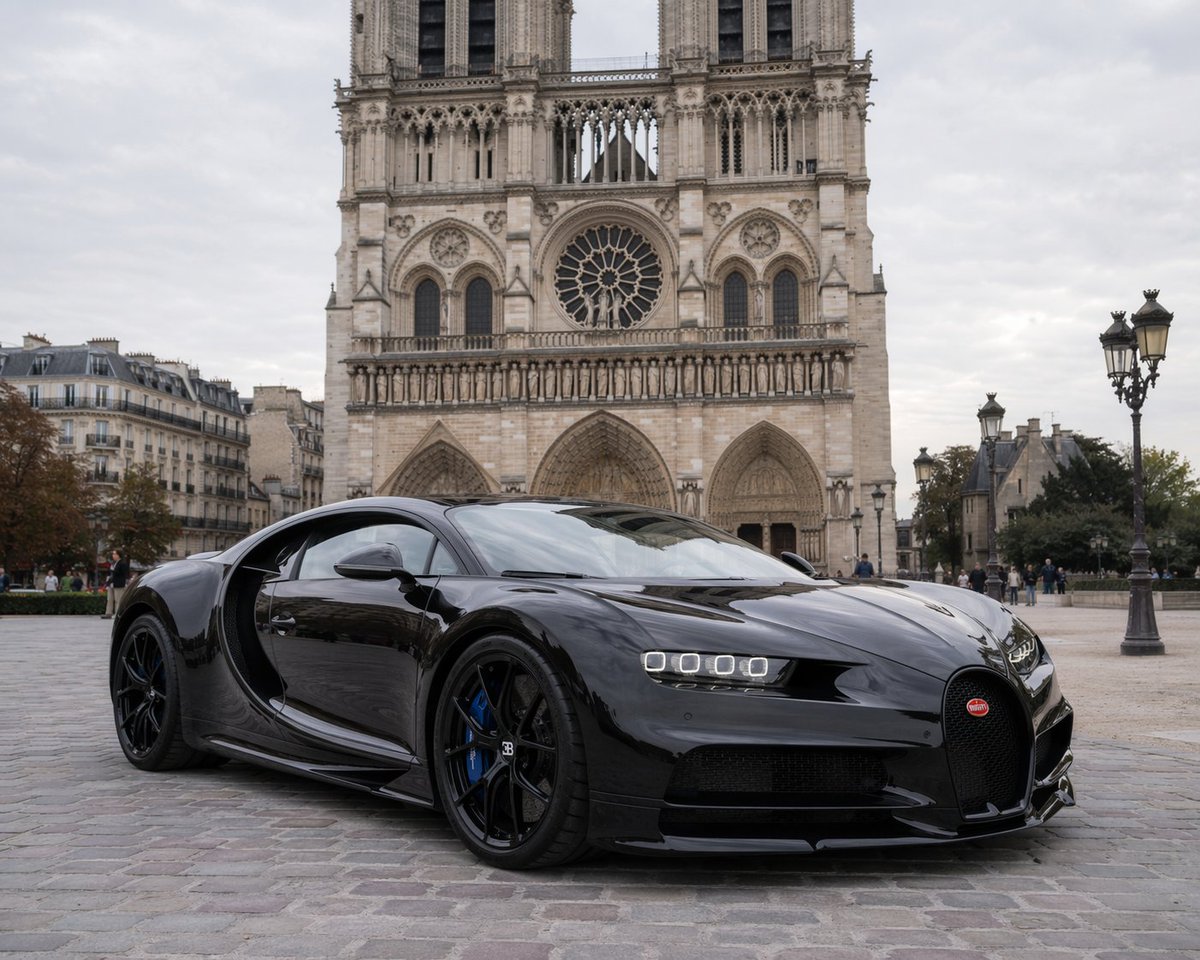
Hypercar Parked Before a Historic Landmark
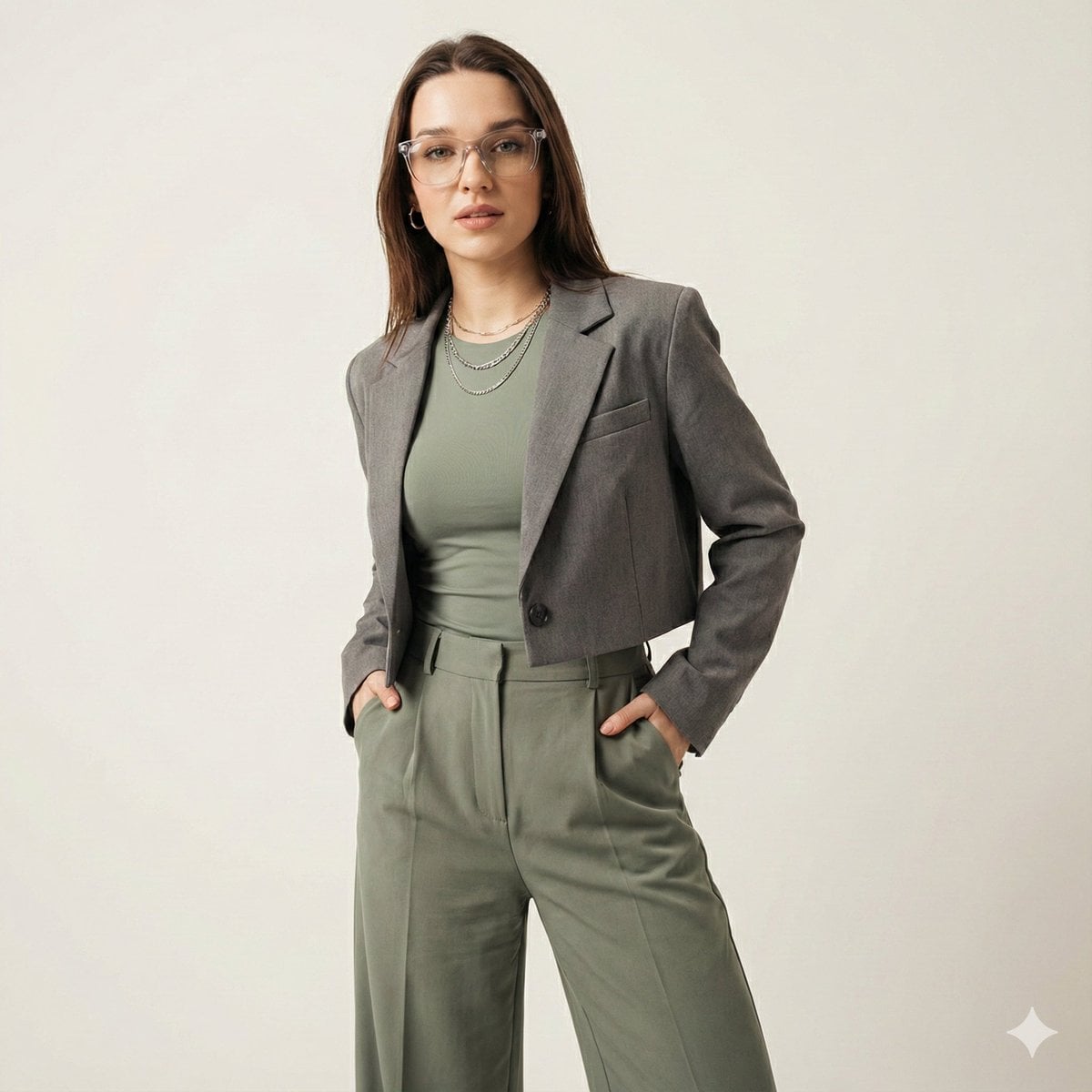
Gen-Z Fashion Editorial Studio Portrait
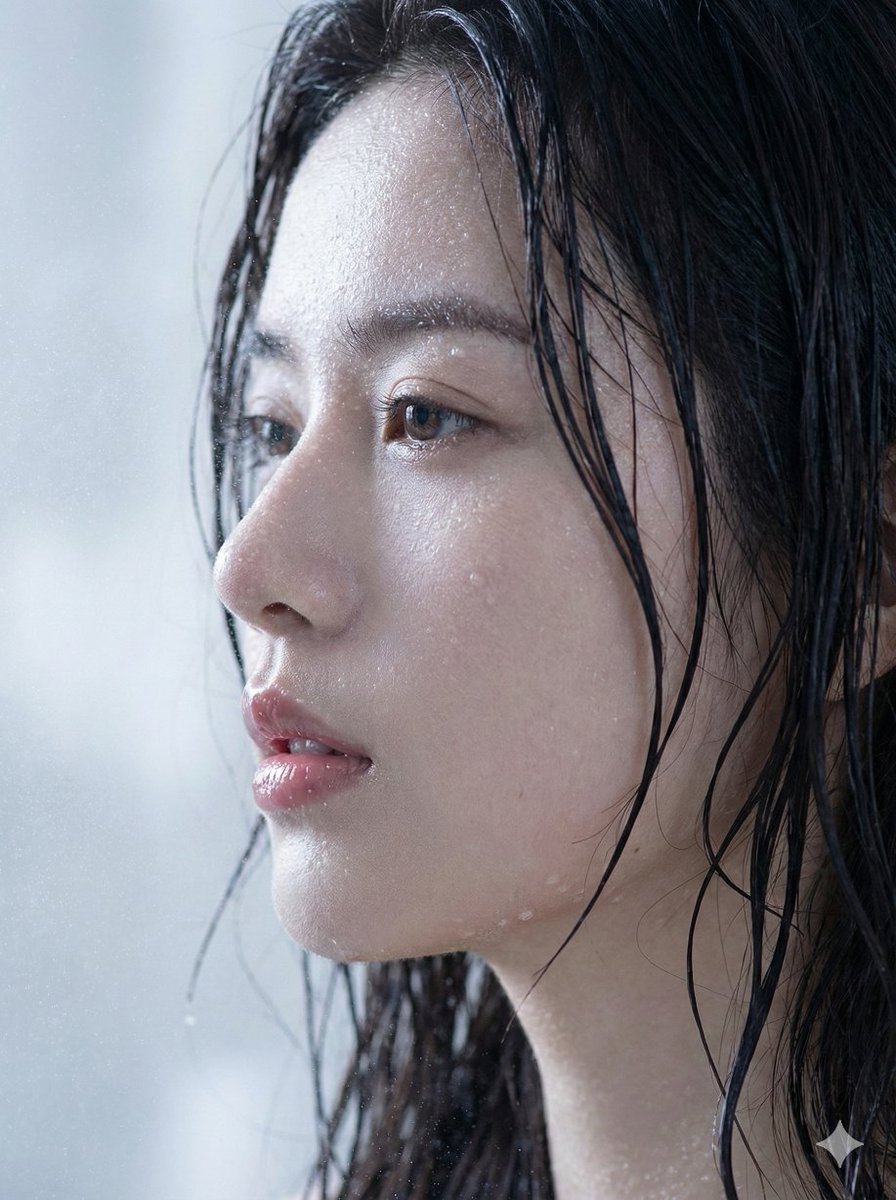
Hyper-Realistic Wet Skin Portrait (Macro Focus)
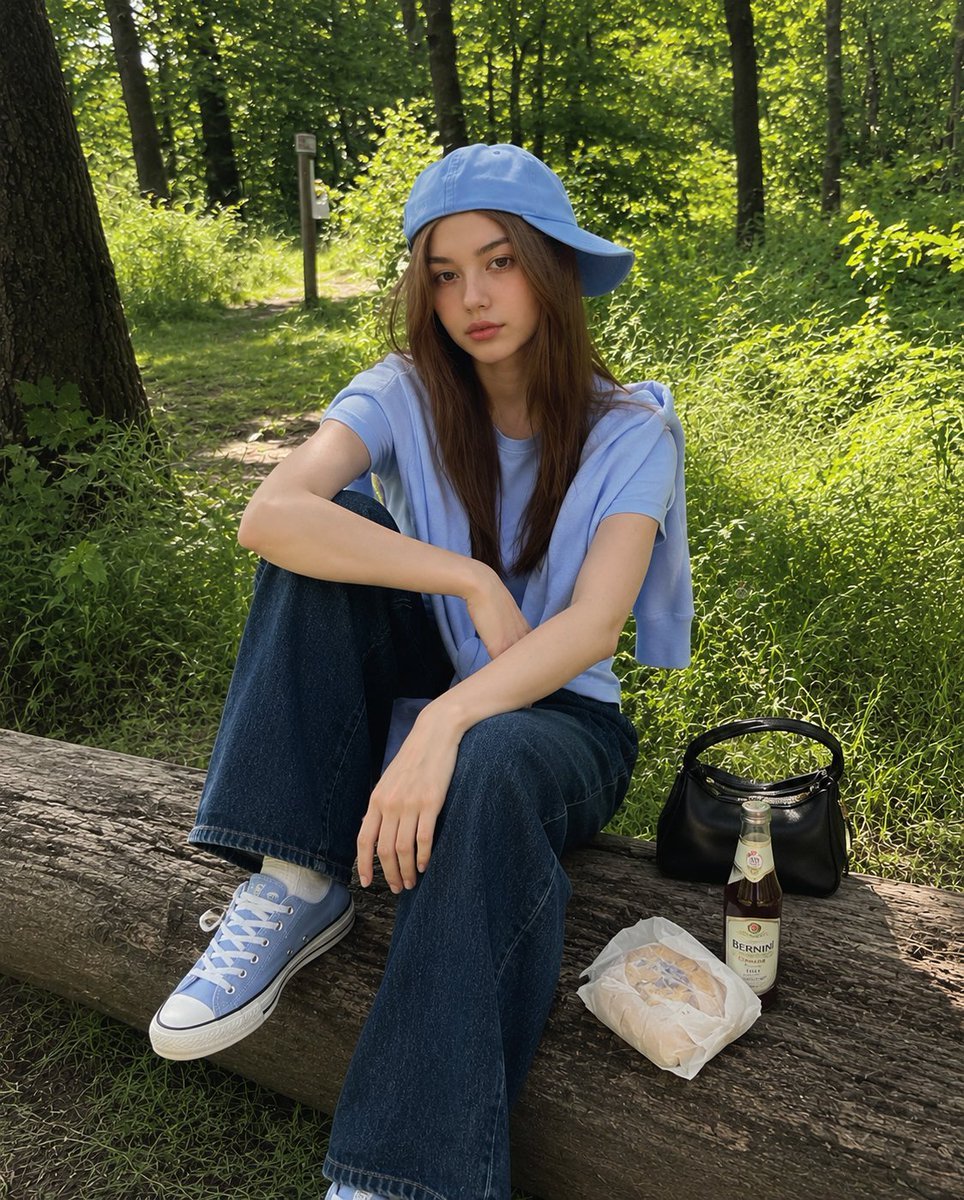
Korean Girl Forest Picnic Portrait
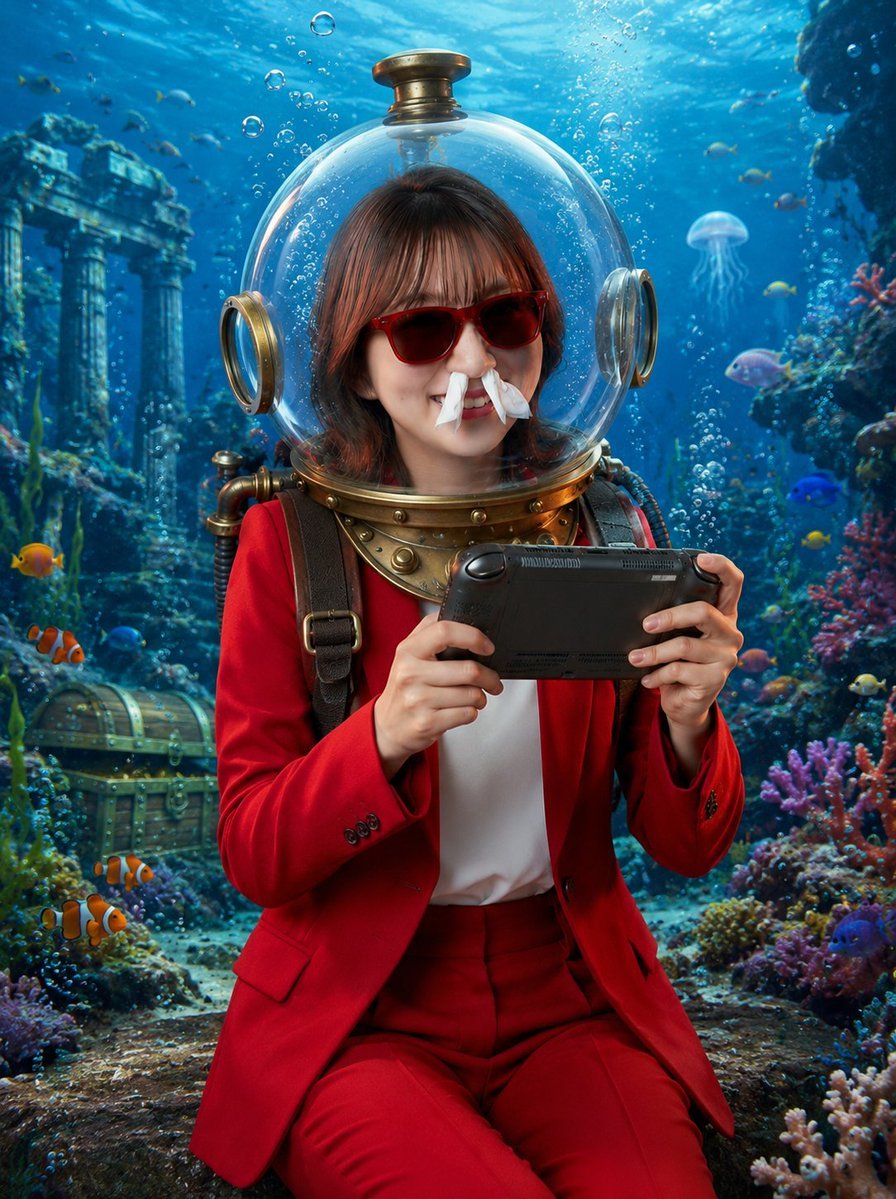
Underwater Gamer in Diving Helmet
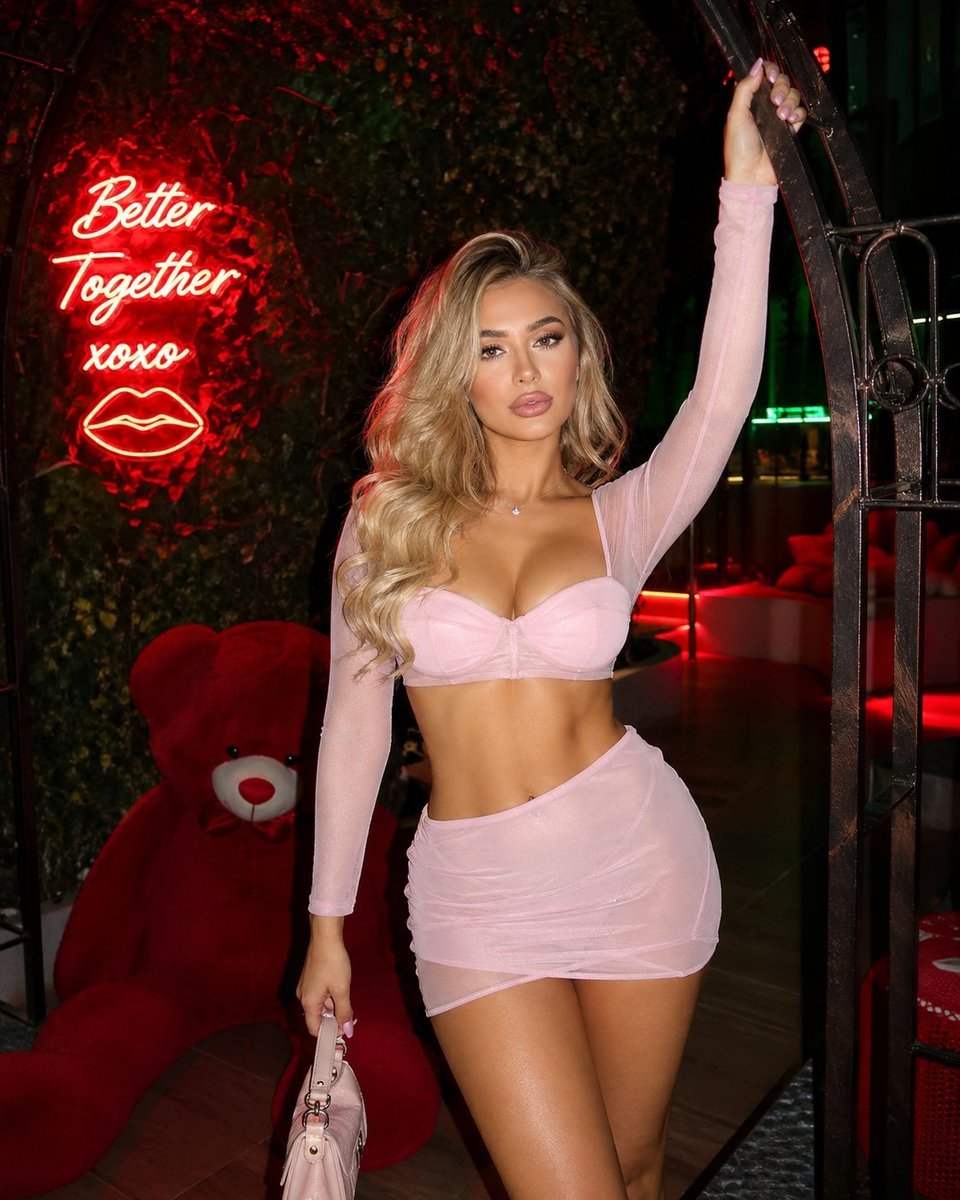
Structured nightlife fashion photography prompt
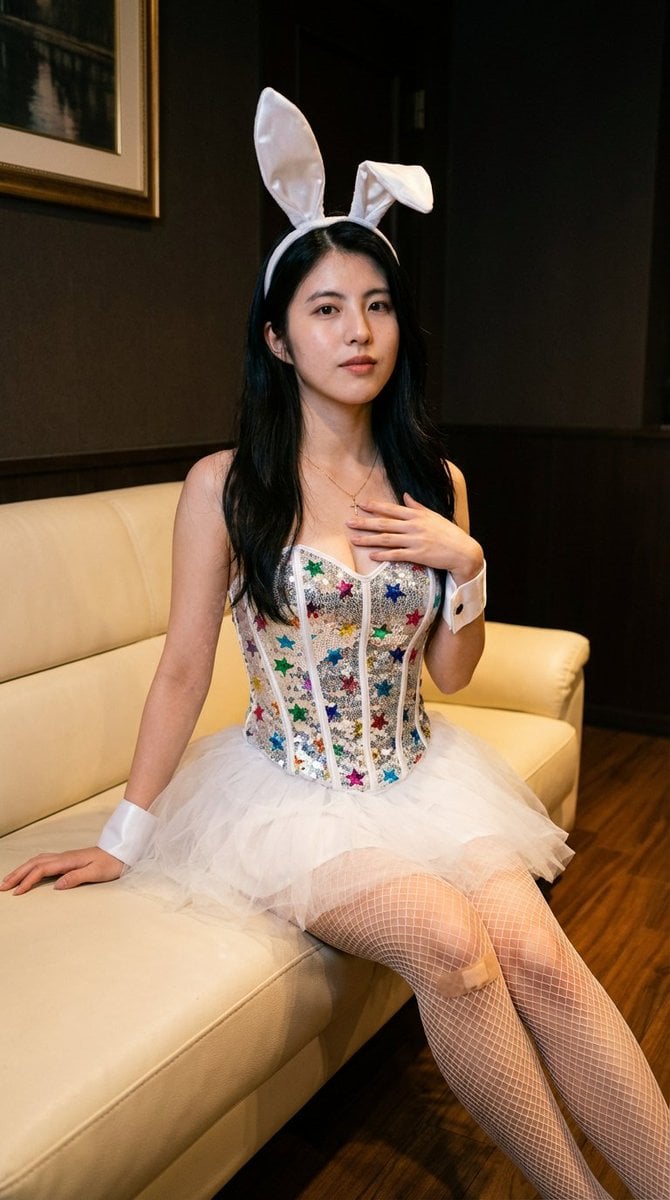
Simple image integration prompt
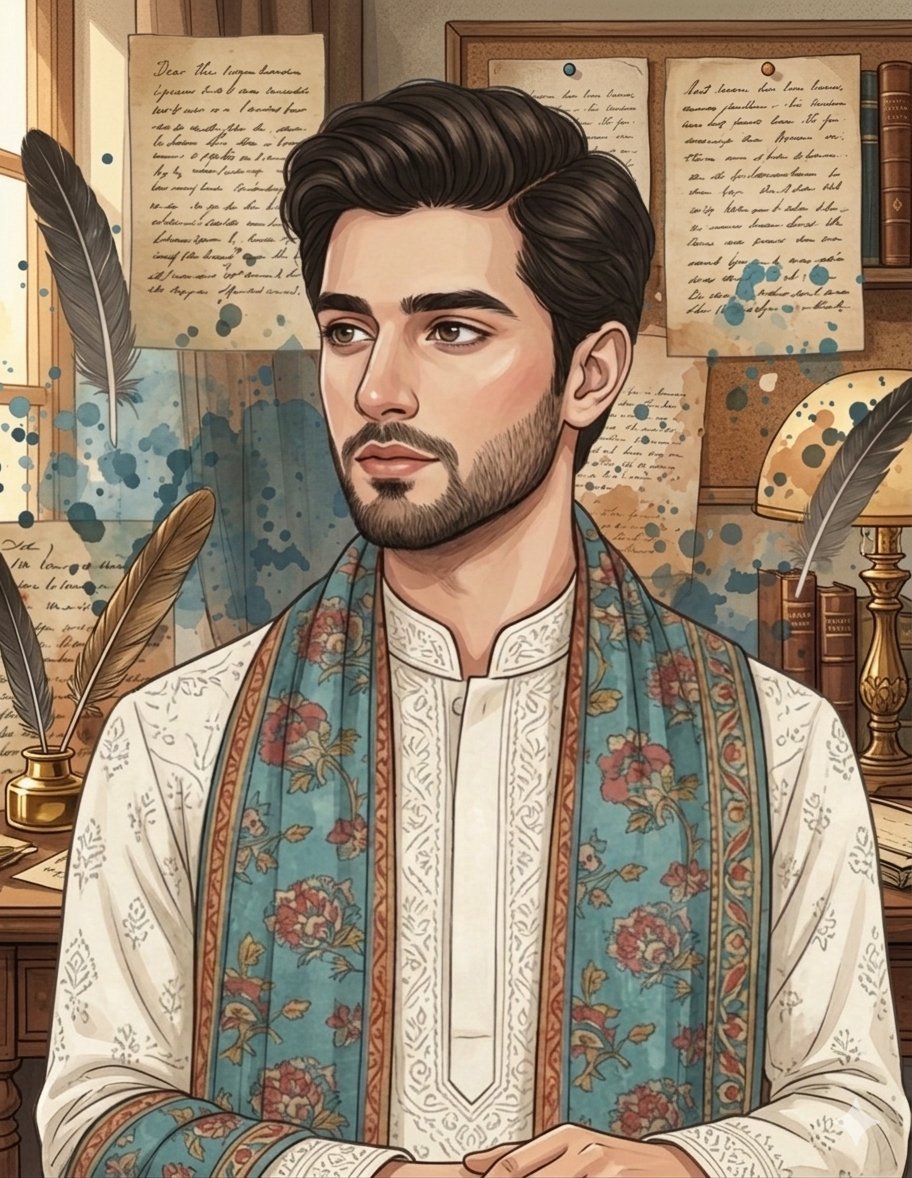
South Asian Male Character Illustration Prompt for Gemini Nano Banana Pro
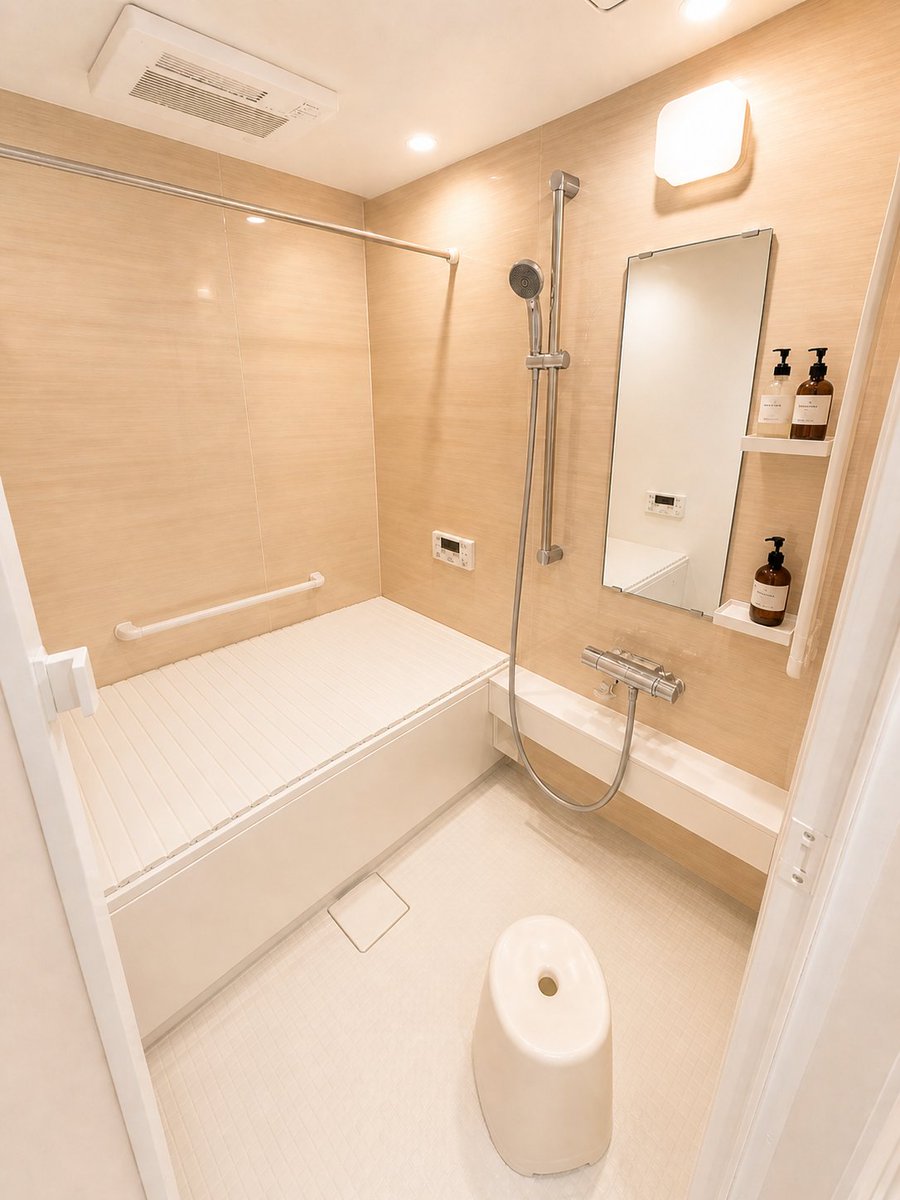
Hotel-Style Real Estate Bathroom Staging

Ultra-Photorealistic Saree Mirror Selfie Prompt
Browse template categories
Casual Bunny Influencer Selfie questions
How do I use the Casual Bunny Influencer Selfie template?
Add your photo if the template asks for one, edit the prompt if you like — the template's model and format are already selected — and press Generate. Your version opens in PicX Studio.
Can I customize the Casual Bunny Influencer Selfie template?
Yes. You can change the subject, setting, lighting, mood, format, and available model controls before creating your image.
Is the Casual Bunny Influencer Selfie template free?
Opening and editing this template is free. Generating uses credits, shown on the Generate button when you are signed in.
Which AI model should I use?
Choose a compatible model in PicX Studio based on the style, speed, and output controls your project needs.
Looking for something else? Browse all templates.

Your photo, any look
Thousands of ready templates for every top image and video model, from one credit balance.