
Anonymized Schoolgirl by Classroom Window
A realistic vertical classroom portrait of an anonymized Japanese schoolgirl in uniform standing by sunlit windows, useful for privacy-safe school lifestyle imagery.

- Prompt included
- Model and format preset
- Free template
The prompt behind this image
Copy the exact prompt behind Anonymized Schoolgirl by Classroom Window, or open it in the studio and make it yours.
Create a realistic vertical portrait photo of a {argument name="student subject" default="Japanese high school girl"} standing beside tall classroom windows in warm morning sunlight. She is shown from about mid-thigh up, in a three-quarter back/side pose, looking slightly toward the camera while resting one hand on the white window ledge. Her face is deliberately anonymized by a centered soft-edged square blur/mosaic block in natural skin tones, covering the entire face but leaving the hair and ear visible. She has long straight dark brown to black hair falling past her shoulders with glossy highlights. She wears a {argument name="school uniform" default="navy blazer over a white collared shirt with a gray plaid pleated skirt"}; include blazer cuff buttons, fitted seams, a small pocket flap, and crisp fabric details. The setting is a Japanese classroom with light wooden floor, rows of wooden desks and metal-framed chairs on the right, a green chalkboard and cork bulletin board with pinned papers in the background, and large bright windows on the left showing a softly blurred outdoor city or schoolyard view. Use shallow depth of field, natural window light, soft shadows, realistic camera perspective, subtle lens blur, high detail, calm candid atmosphere, and a clean photographic style. Canvas should be vertical 3:4, full-color, no text, no watermark, no extra people.
How to use Anonymized Schoolgirl by Classroom Window in 3 steps
- 1Upload ImagePNG, JPG or paste
Add your photo
Upload the photo the template builds on. The prompt, model and format are already set.
- 2…a portrait of your subject in softgolden-hour light, 85mm…
Personalize
Edit the subject and creative details for your destination.
- 3Generate
Generate
Press Generate — your image is created in PicX Studio, so you can compare it with the original and refine one variable at a time.
More like this
Templates with the same subject, style or setup. Open one to see its prompt.

Rainy Café Window Moody Portrait
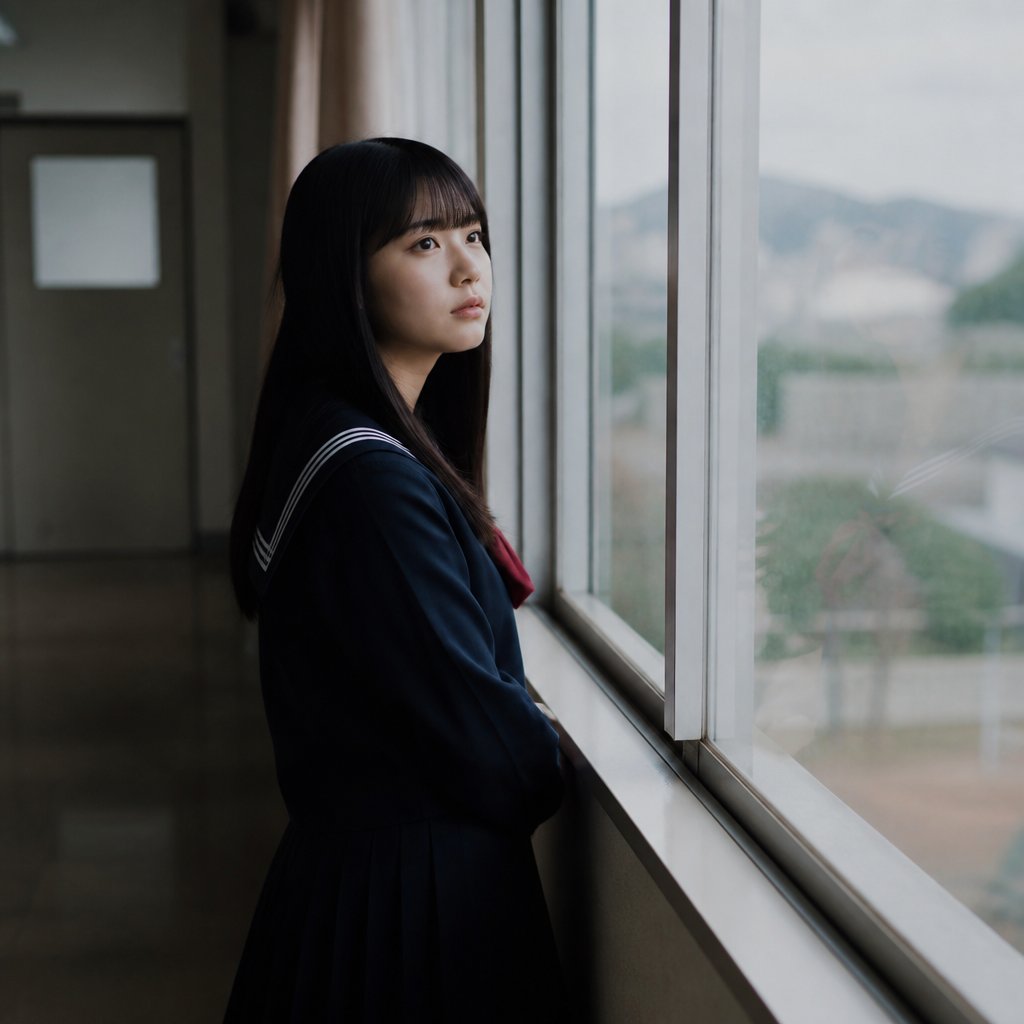
Anonymous Schoolgirl by Window
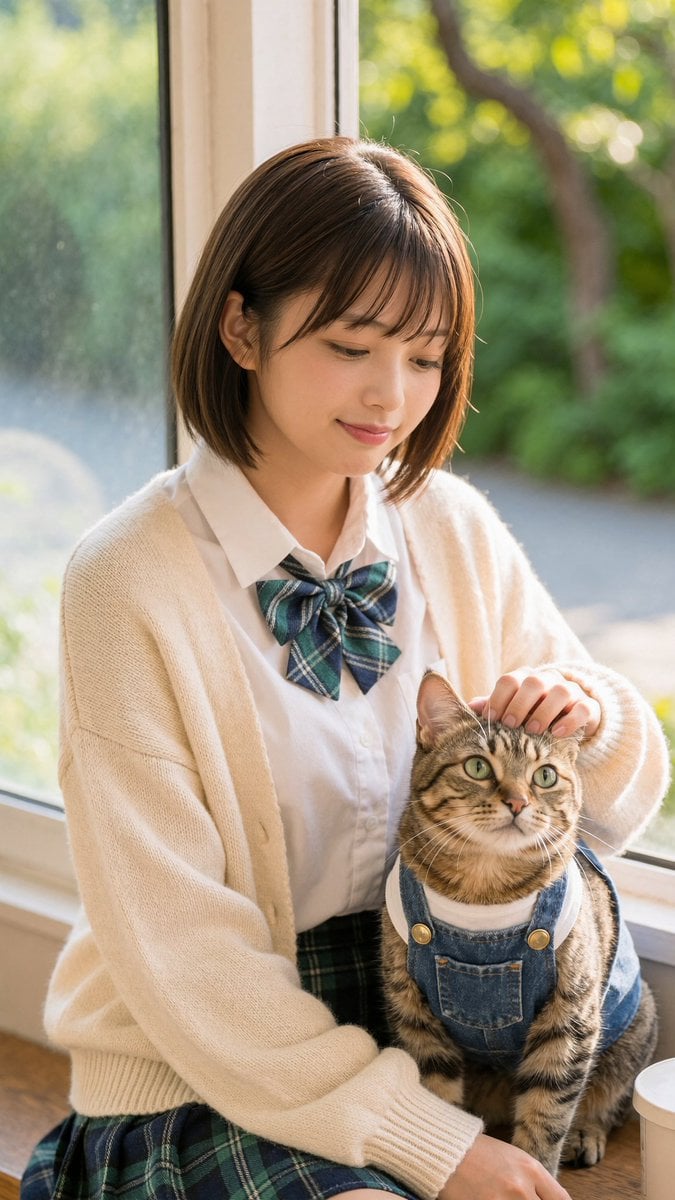
Schoolgirl With Cat by Sunlit Window
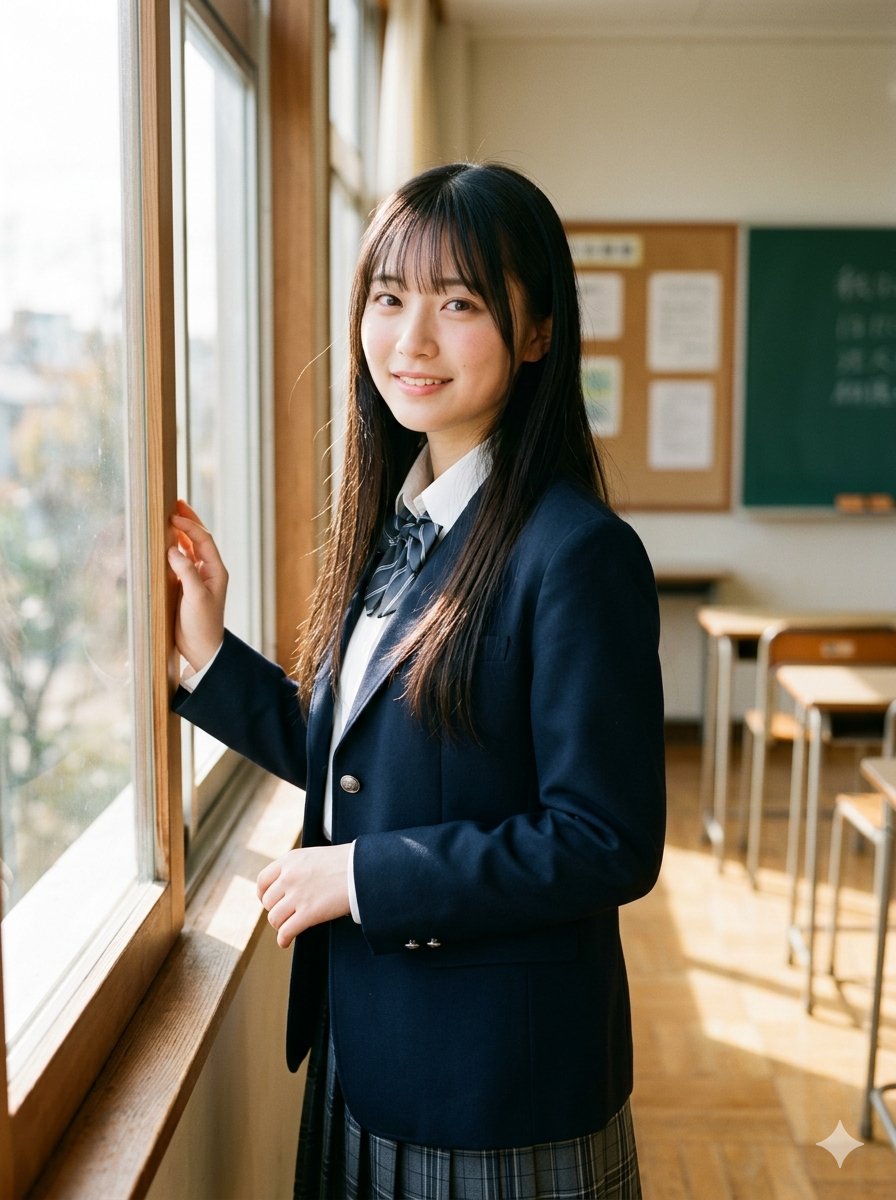
Morning Classroom Window Portrait
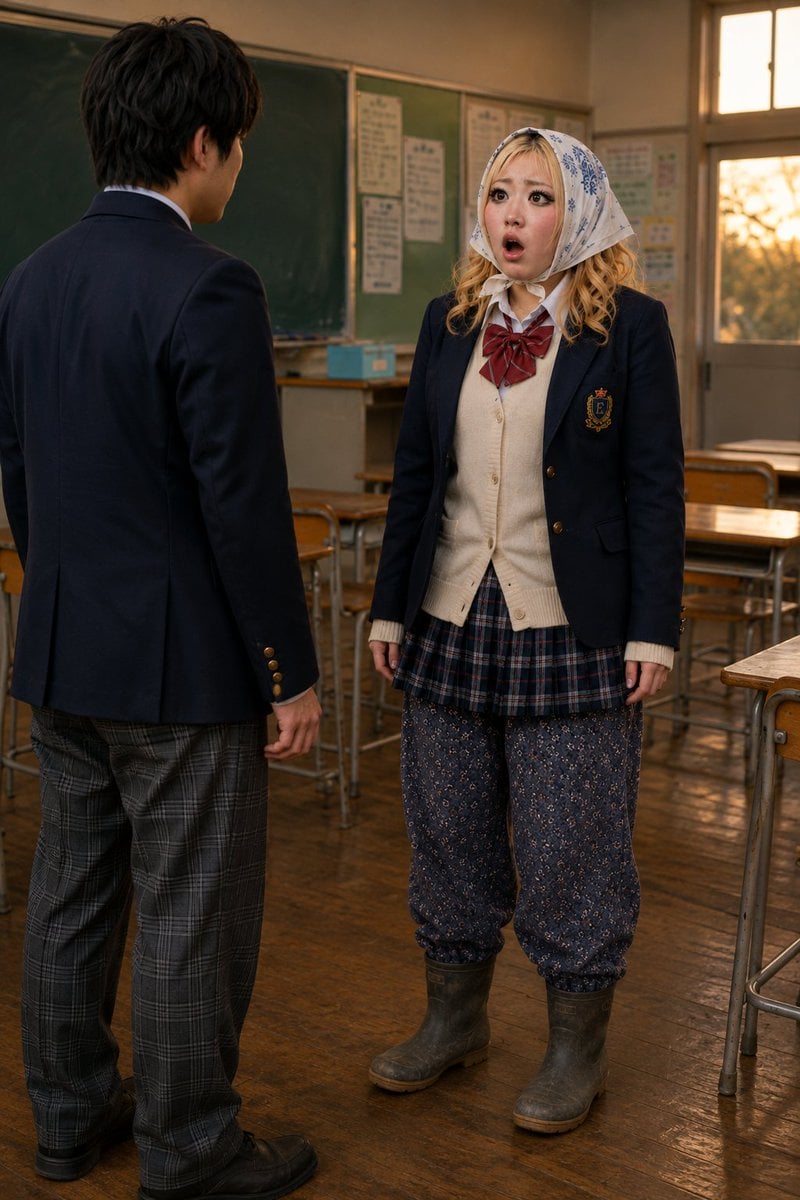
Schoolgirl Turned Rural Farmer Classroom Scene

Nano Banana - Window Wine Red Dress
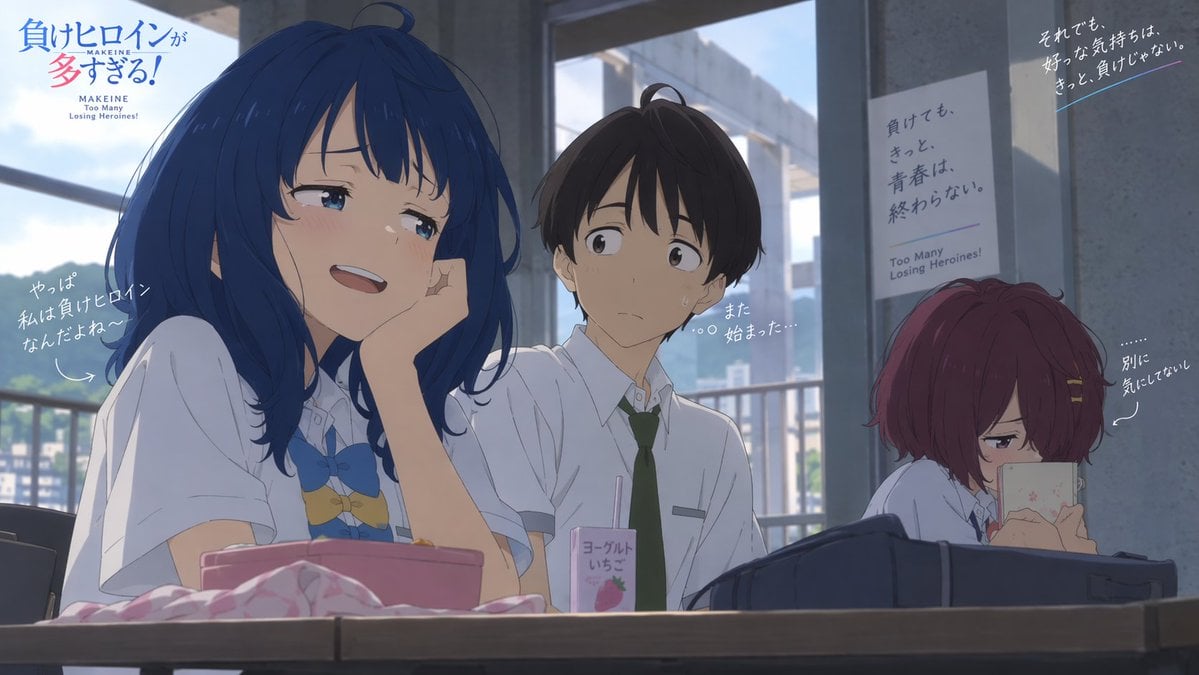
Anime Losing Heroines Classroom Still

Anime Classroom Losing Heroines Key Visual

Anime Losing Heroines Classroom Key Visual
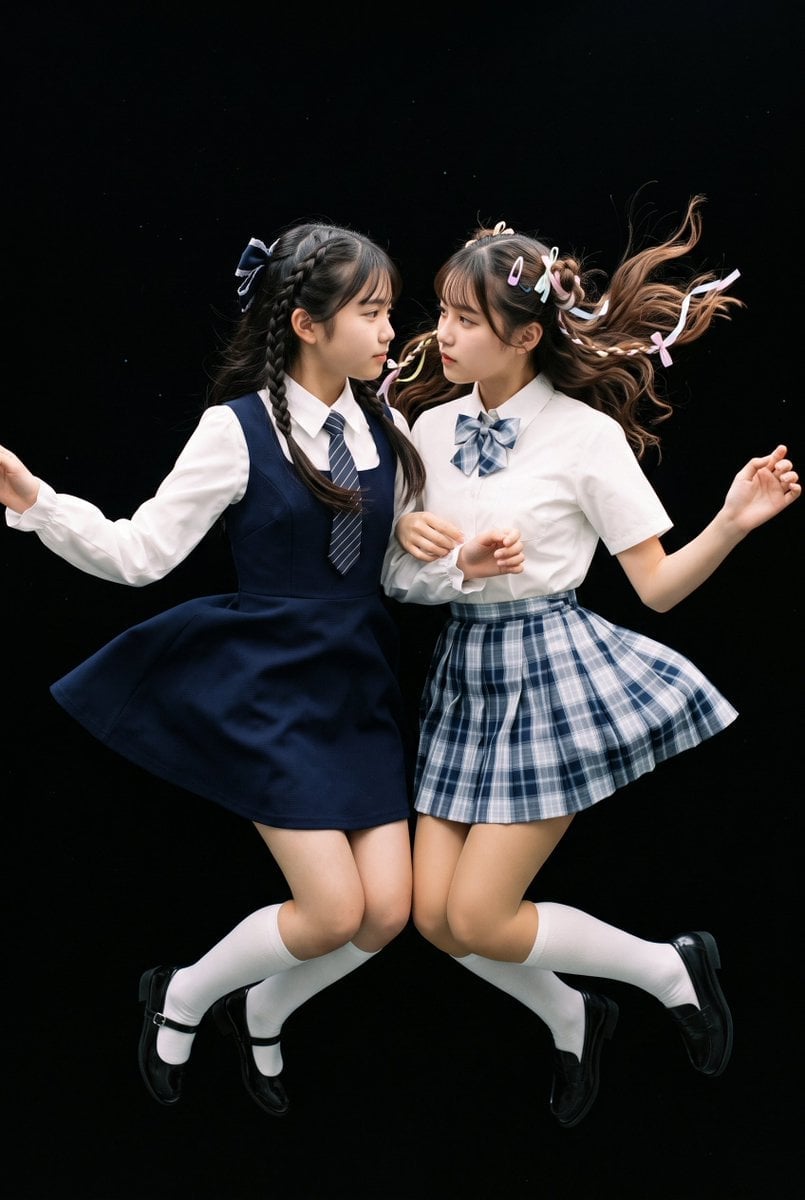
Floating Schoolgirl in Dark

LIGHTING each element still lit by its original source, windows casting

Anonymized Red Dress Studio Portrait
Make it yours
Anonymized Schoolgirl by Classroom Window works as-is. These are the safest ways to change it without losing the look.
Change one field
Copy a single group, rewrite it, and generate again so you can see what that field is doing.
Keep the frame, change the subject
Hold the composition and light of Anonymized Schoolgirl by Classroom Window, then swap wardrobe, props or the person for a new take.
| If the result… | Why | Fix |
|---|---|---|
| The result drifts from the preview | Too many fields changed at once. | Reuse Anonymized Schoolgirl by Classroom Window as-is first, then change one group — subject, light, or setting. |
| The model over-stylizes the scene | The prose prompt leaves finish and camera underspecified. | Add one camera or lighting sentence and stay on GPT Image 2. |
More GPT Image 2 templates
Other prompts made for GPT Image 2.

Six VTuber Japanese Logo Sheet

Realistic Portrait of Woman and Deer

The Vista Modular Condo Poster

AI Model Routing Comparison Infographic

2.5D Anime Art Board

Isometric Productivity Desk Scene

New York Double Exposure Poster

Four-Panel AI Landscape Comparison

Japanese Tatami Lifestyle Magazine Cover

NESCAFÉ Coffee Map Poster
More image prompts
Fresh picks from across the catalog.
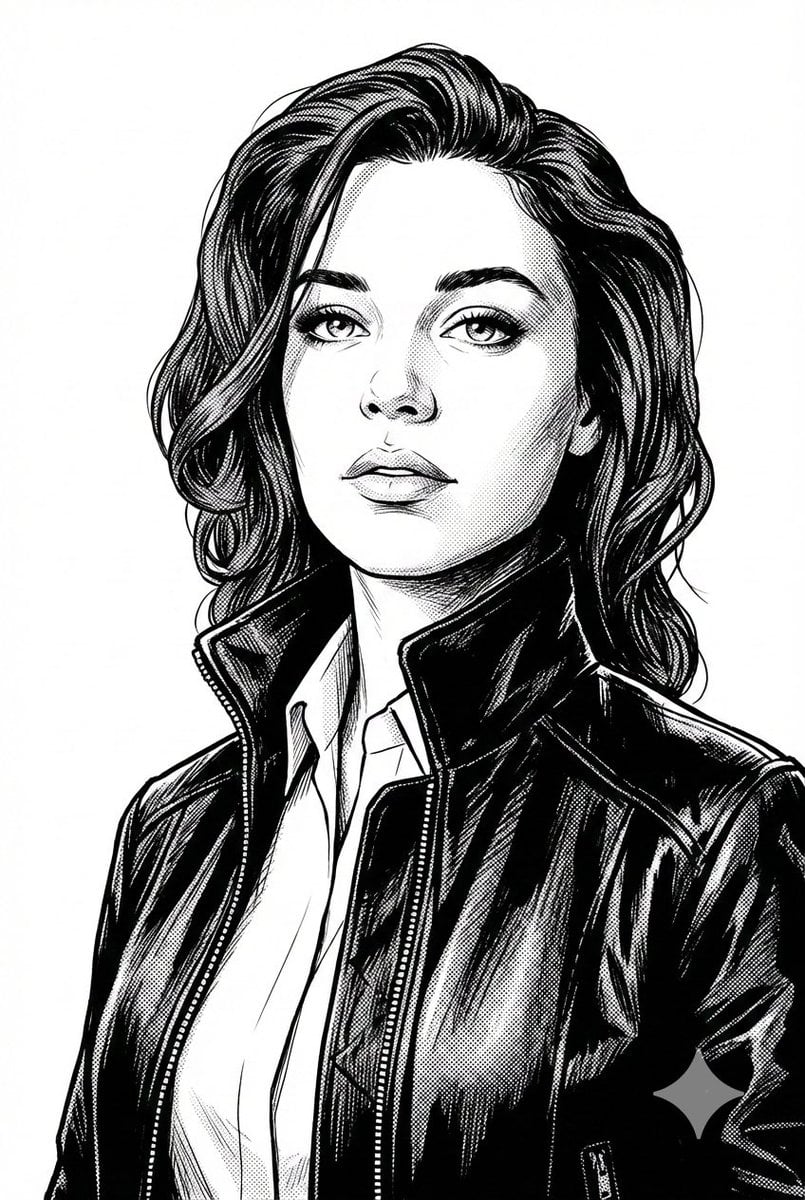
Black and White Digital Illustration Portrait
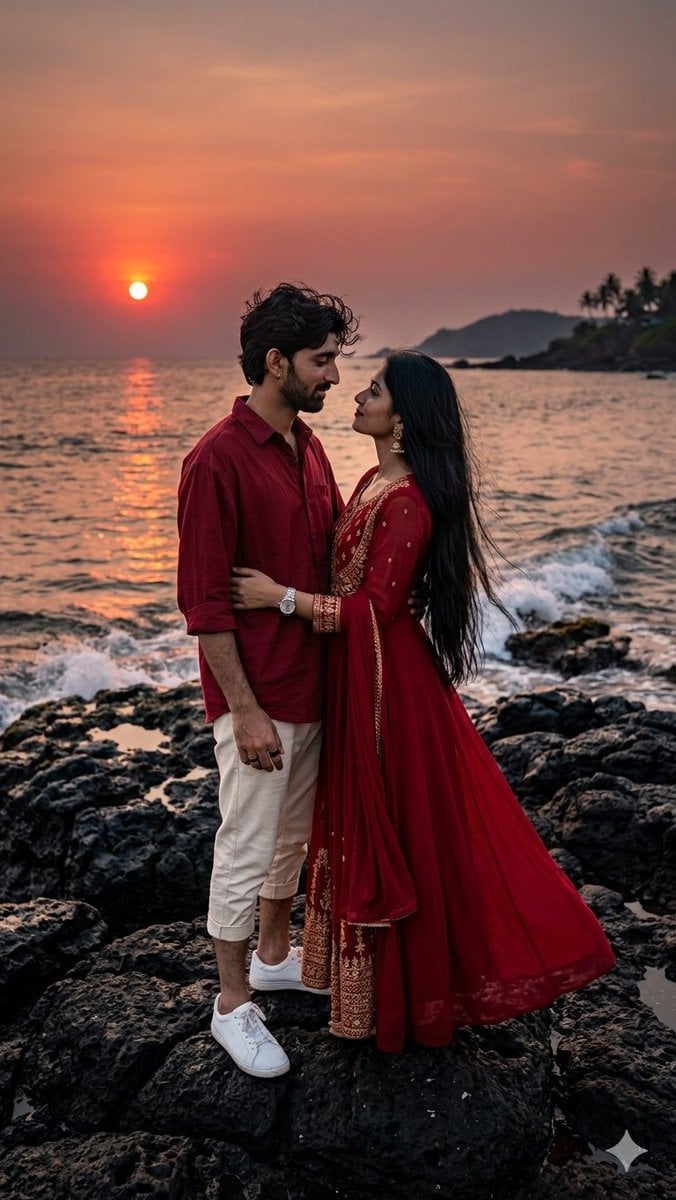
Romantic Sunset Couple Portrait
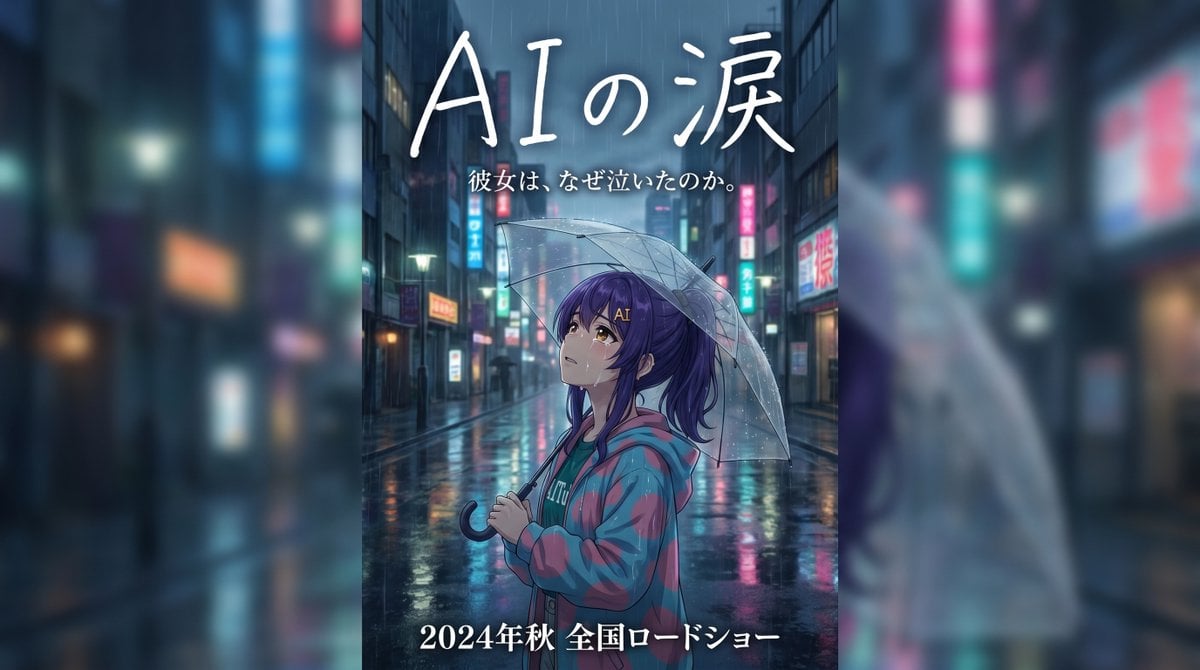
Rainy Japanese Movie Banner
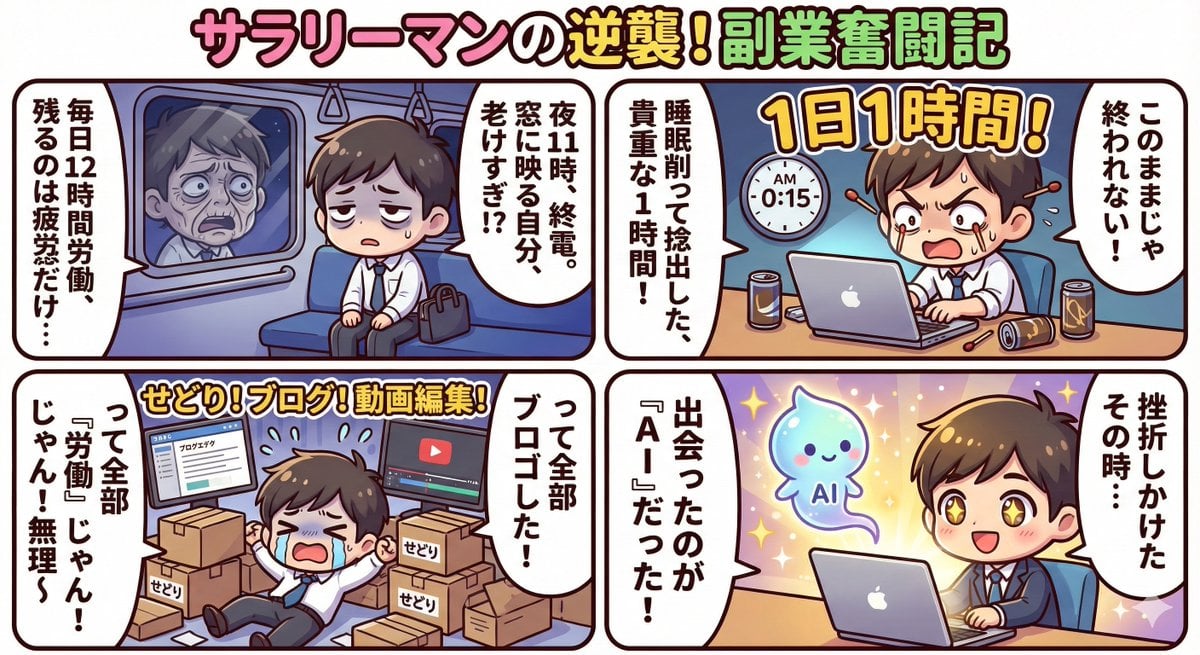
Gemini 3 Story Creation and Nano Banana Pro Manga Generation
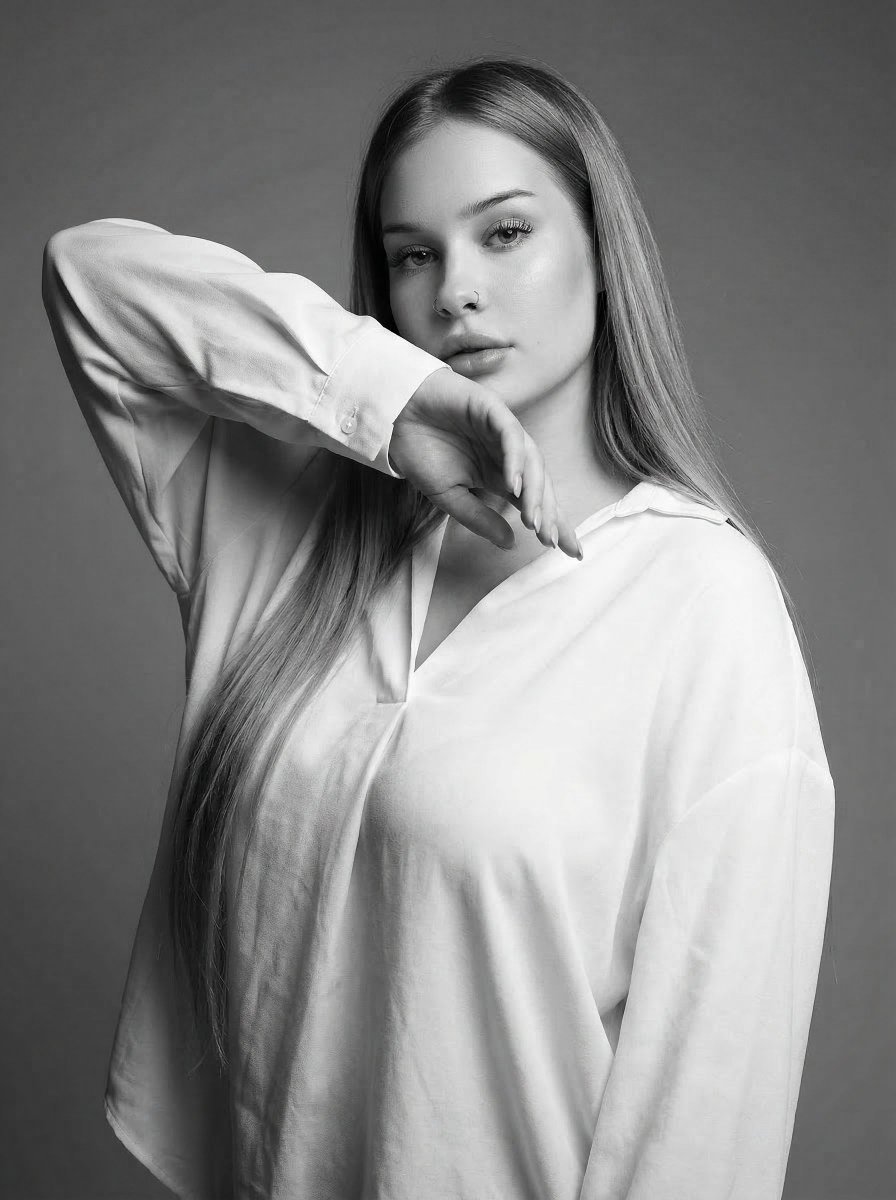
High-Fashion Monochrome Studio Portrait
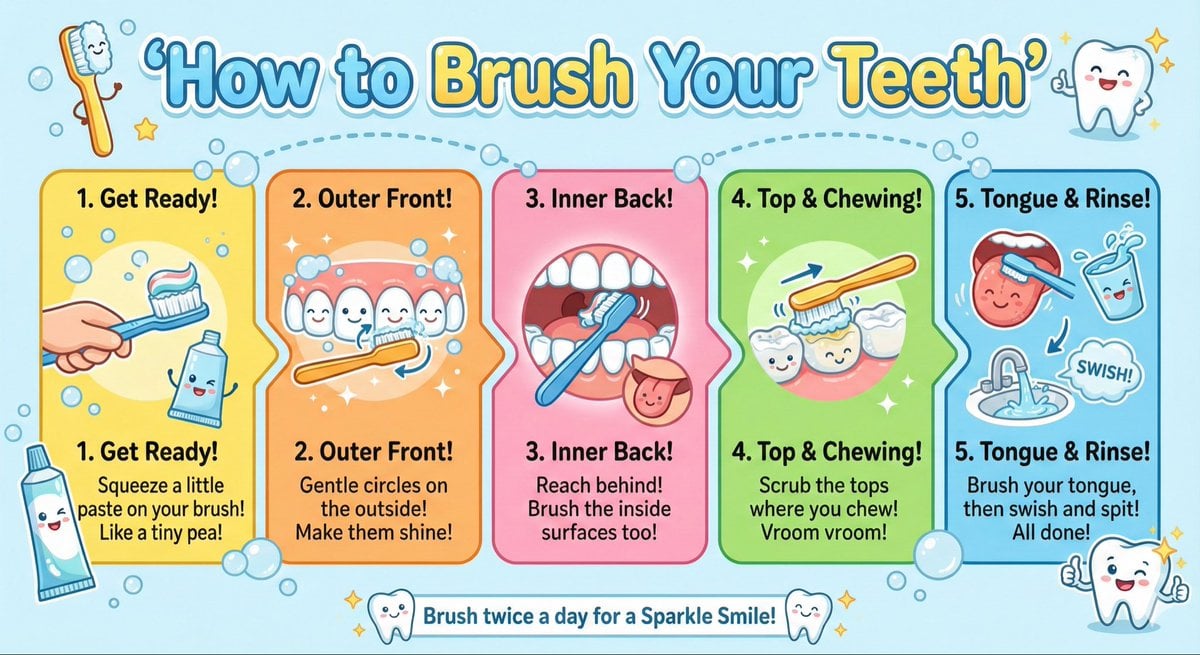
Kid-Friendly Routine Poster Prompt
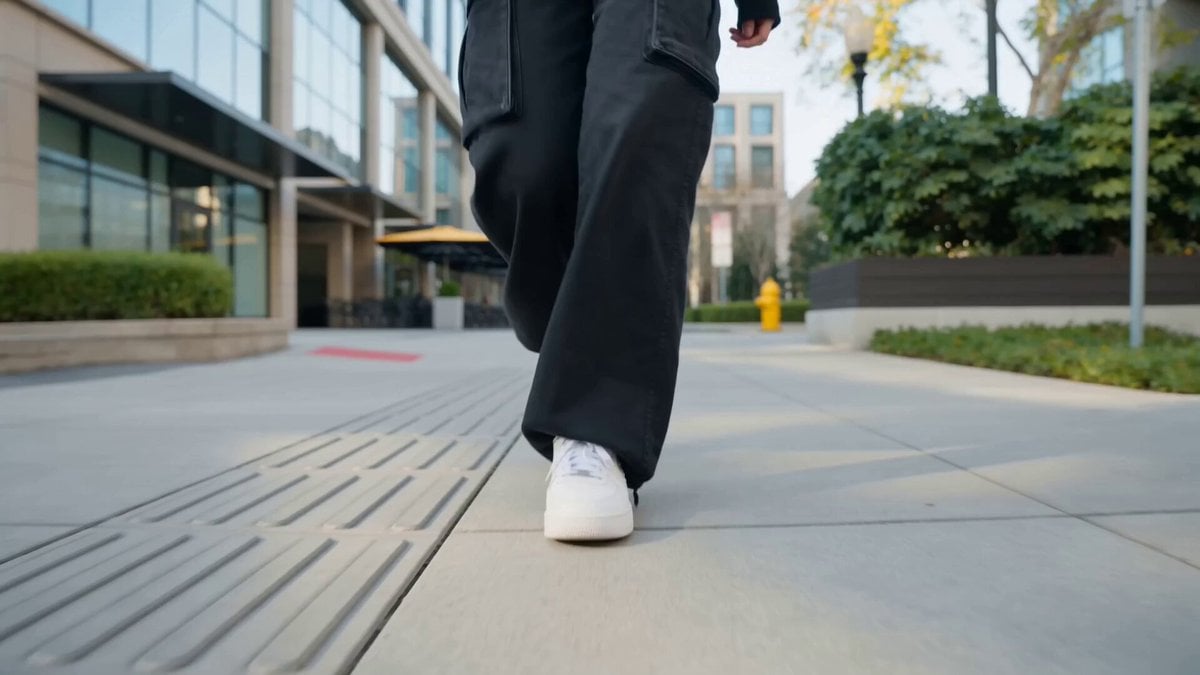
Nano Banana Seedance Cinematic Walk
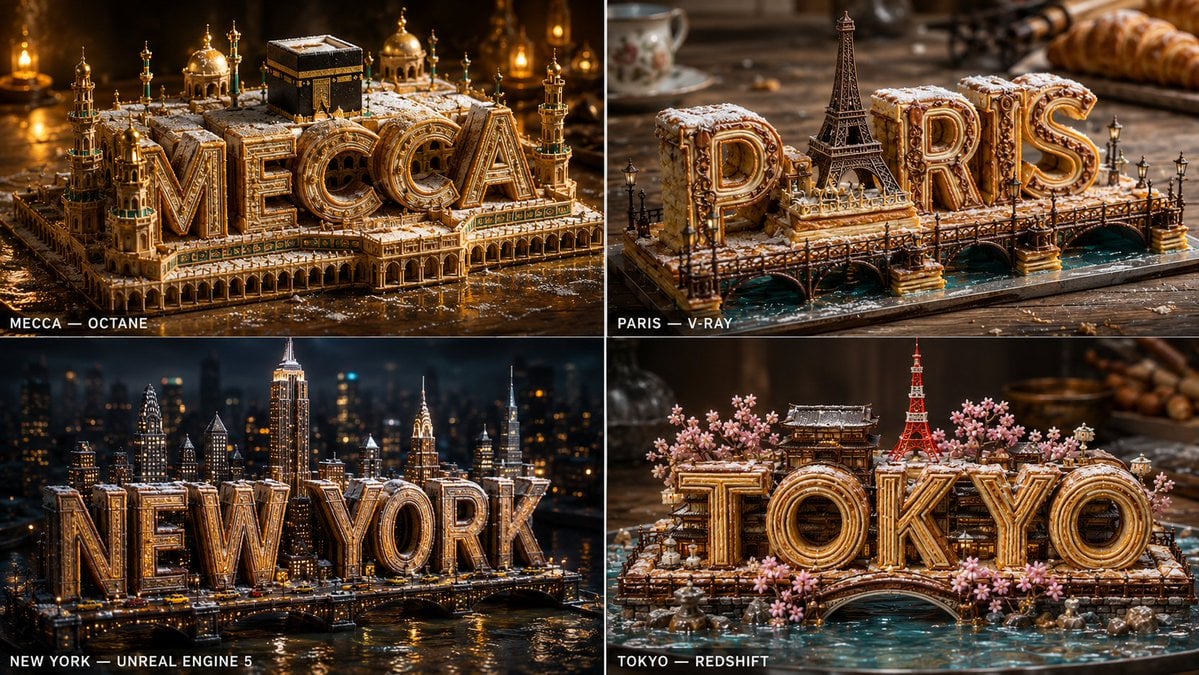
Pastry City Architectural Showpiece
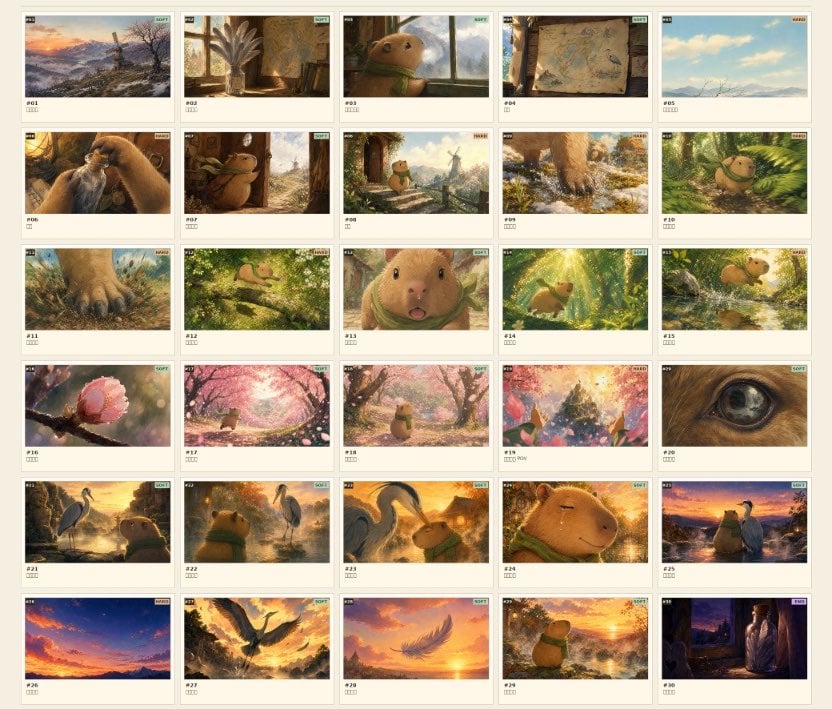
Frame Ghibli-Style Storyboard Sheet
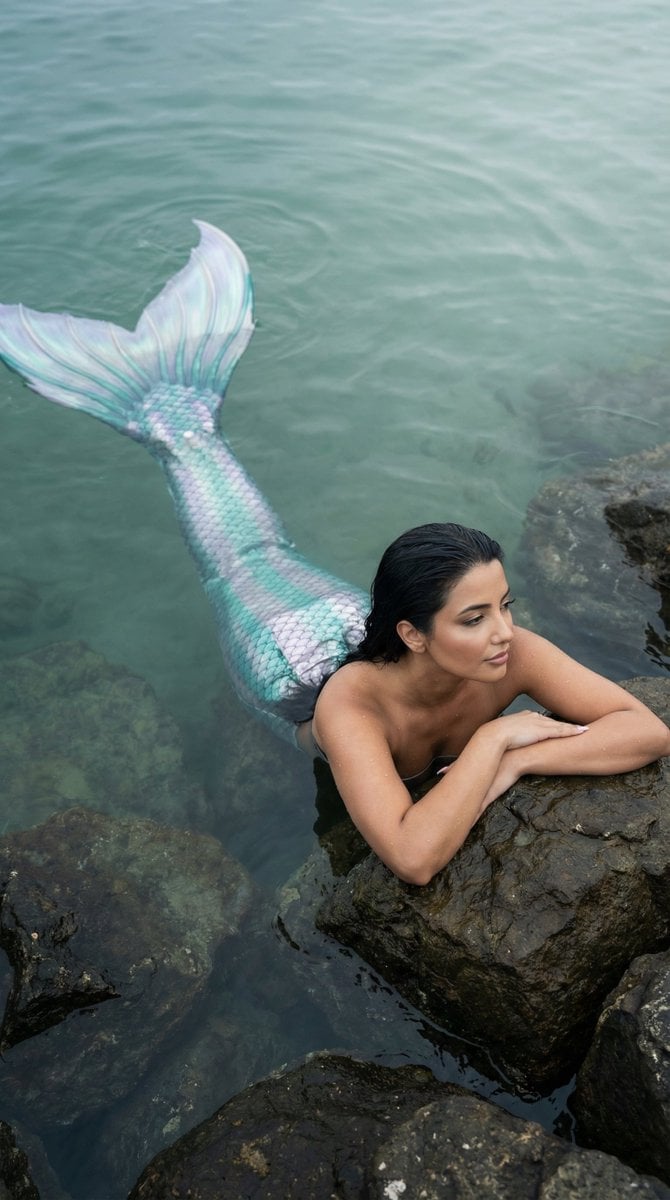
Cinematic Mermaid Portrait in Shallow Water
Browse template categories
Anonymized Schoolgirl by Classroom Window questions
How do I use the Anonymized Schoolgirl by Classroom Window template?
Add your photo if the template asks for one, edit the prompt if you like — the template's model and format are already selected — and press Generate. Your version opens in PicX Studio.
Can I customize the Anonymized Schoolgirl by Classroom Window template?
Yes. You can change the subject, setting, lighting, mood, format, and available model controls before creating your image.
Is the Anonymized Schoolgirl by Classroom Window template free?
Opening and editing this template is free. Generating uses credits, shown on the Generate button when you are signed in.
Which AI model should I use?
Start with GPT Image 2, which is the model associated with this template. You can compare another compatible model for a different finish.
Looking for something else? Browse all templates.

Your photo, any look
Thousands of ready templates for every top image and video model, from one credit balance.