
Photoreal Tropical Waterfall Embrace
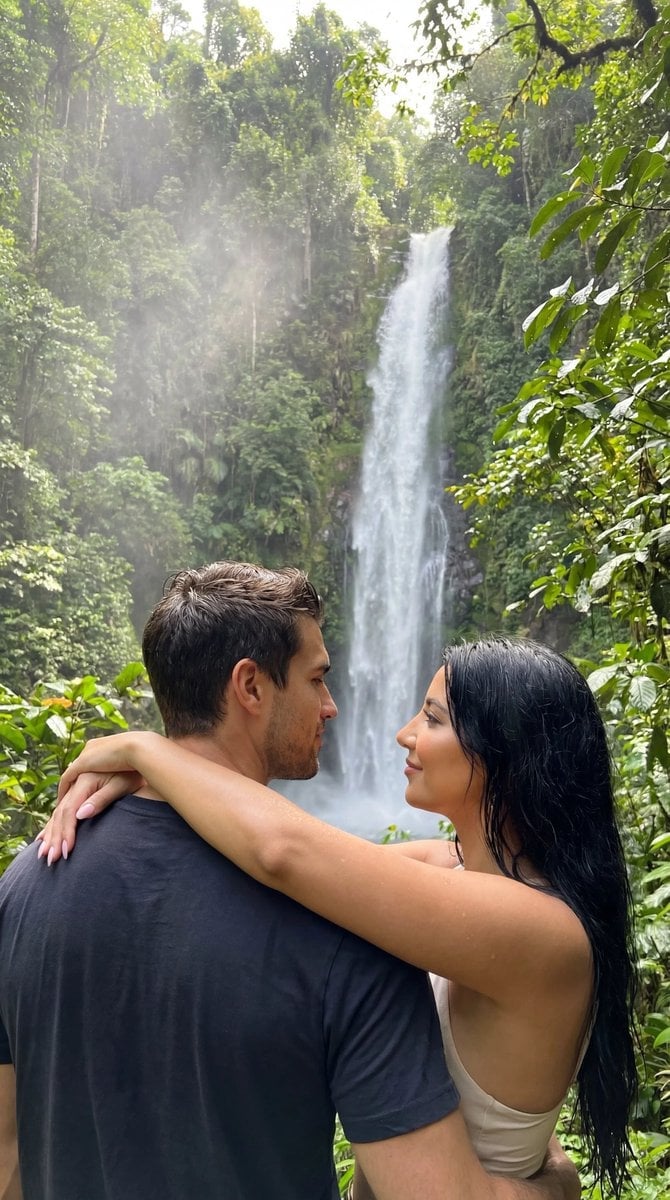
A highly structured prompt template for generating an ultra-photorealistic, intimate scene of a couple embracing near a tropical waterfall.
- Prompt included
- Model and format preset
- Free template
The prompt behind this image
Copy the exact prompt behind Photoreal Tropical Waterfall Embrace, or open it in the studio and make it yours.
- Generation Request › Meta Data › Tool
- NanoBanana Pro
- Generation Request › Meta Data › Task Type
- photoreal_nature_romance
- Generation Request › Meta Data › Version
- v1.0_TROPICAL_WATERFALL_EMBRACE_NO_TEXT_EN
- Generation Request › Meta Data › Priority
- highest
- Generation Request › Meta Data › Language
- en
- Generation Request › References › Reference Image Couple › Source
- UPLOAD_REFERENCE_IMAGE (REQUIRED)
- Generation Request › References › Reference Image Couple › Purpose
- POSE_MOOD_ENVIRONMENT_ANCHOR
- Generation Request › References › Reference Image Couple › Strict Lock
- false
- Generation Request › References › Reference Image Couple › Preserve Mood
- true
- Generation Request › References › Reference Image Couple › Preserve Body Proportions
- true
- Generation Request › References › Reference Image Couple › No Body Rescale
- true
- Generation Request › Global Constraints › Rating
- PG-13
- Generation Request › Global Constraints › No Explicit Sexual Content
- true
- Generation Request › Global Constraints › No Text
- true
- Generation Request › Global Constraints › No Logos
- true
- Generation Request › Global Constraints › No Watermark
- true
- Generation Request › Output Settings › Aspect Ratio
- 2:3
- Generation Request › Output Settings › Orientation
- portrait
- Generation Request › Output Settings › Resolution Target
- ultra_high_res
- Generation Request › Output Settings › Render Style
- ultra_photoreal_candid_nature_cinema
- Generation Request › Output Settings › Sharpness
- crisp_but_natural
- Generation Request › Output Settings › Film Grain
- subtle_film
- Generation Request › Output Settings › Color Grade
- lush_green_natural
- Generation Request › Output Settings › Dynamic Range
- natural_not_hdr
Raw JSON
{
  "generation_request": {
    "meta_data": {
      "tool": "NanoBanana Pro",
      "task_type": "photoreal_nature_romance",
      "version": "v1.0_TROPICAL_WATERFALL_EMBRACE_NO_TEXT_EN",
      "priority": "highest",
      "language": "en"
    },
    "references": {
      "reference_image_couple": {
        "source": "UPLOAD_REFERENCE_IMAGE (REQUIRED)",
        "purpose": "POSE_MOOD_ENVIRONMENT_ANCHOR",
        "strict_lock": false,
        "preserve_mood": true,
        "preserve_body_proportions": true,
        "no_body_rescale": true
      }
    },
    "global_constraints": {
      "rating": "PG-13",
      "no_explicit_sexual_content": true,
      "no_text": true,
      "no_logos": true,
      "no_watermark": true
    },
    "output_settings": {
      "aspect_ratio": "2:3",
      "orientation": "portrait",
      "resolution_target": "ultra_high_res",
      "render_style": "ultra_photoreal_candid_nature_cinema",
      "sharpness": "crisp_but_natural",
      "film_grain": "subtle_film",
      "color_grade": "lush_green_natural",
      "dynamic_range": "natural_not_hdr",
      "skin_rendering": "real_texture_no_retouch"
    },
    "creative_prompt": {
      "scene_summary": "An ultra-photoreal, intimate nature scene of a couple standing close together in dense tropical greenery, facing a tall, multi-stream waterfall. The woman’s arms rest around the man’s shoulders; they share a quiet, affectionate moment while looking at the falls. Wet foliage, mist in the air, and soft natural light create a serene, romantic atmosphere.",
      "subjects": {
        "count": 2,
        "description": "a real couple, natural bodies and proportions",
        "expression": "calm, affectionate, intimate",
        "skin_and_face": "natural skin texture, no retouching"
      },
      "pose_and_micro_action": "The couple stands chest-to-chest, arms gently wrapped around each other, bodies relaxed. Their attention is directed toward the waterfall, emphasizing shared presence rather than posing for camera.",
      "environment": {
        "location": "tropical rainforest waterfall",
        "background": "tall cascading waterfalls, moss-covered cliffs, dense green leaves",
        "atmosphere": "humid air, fine water mist, soft diffused daylight"
      },
      "lighting": "natural overcast jungle light with soft highlights on skin and leaves; realistic reflections on wet surfaces",
      "composition": "mid-distance framing from behind and slightly to the side; couple in foreground framed by lush leaves; waterfall clearly visible but softly blended",
      "mood": "peaceful, intimate, adventurous, romantic"
    },
    "negative_prompt": [
      "AI glow",
      "HDR",
      "beauty retouch",
      "plastic skin",
      "over-sharpening",
      "painterly look",
      "CGI",
      "text",
      "logos",
      "watermark",
      "anatomy errors",
      "extra limbs"
    ]
  }
}How to use Photoreal Tropical Waterfall Embrace in 3 steps
- 1
Open
The prompt is already in the box next to the preview, with the template's model and format selected.
- 2…a portrait of your subject in softgolden-hour light, 85mm…
Personalize
Edit the subject and creative details for your destination.
- 3Generate
Generate
Press Generate — your image is created in PicX Studio, so you can compare it with the original and refine one variable at a time.
More like this
Templates with the same subject, style or setup. Open one to see its prompt.
Tropical Oasis Waterfall Watercolor Illustration

Photoreal Village Lanterns Minecraft Scene

Photoreal Snow Biome Name Tag UI

Photoreal Selfie Minecraft Block World

Photoreal Selfie Minecraft Village Ghast UI
Photorealistic Concert Embrace Scene

Tropical Vacation Selfie — Nano Banana (Chryzleen)

Tropical Hammock Latte — Nano Banana iPhone Style
Cinematic Rocky Waterfall Valley
Frozen Waterfall Sunlit Crystal Landscape
Anime Cyclists at Forest Waterfall
Mystical Waterfall Fantasy Portrait
Make it yours
Photoreal Tropical Waterfall Embrace works as-is. These are the safest ways to change it without losing the look.
Swap the setting
Keep the rest of the prompt and replace the location block. The current setting is “2:3”.
Swap the light
One lighting change is enough to compare takes. Current light: “natural overcast jungle light with soft highlights on skin and leaves; realistic”.
Change one field
Copy a single group, rewrite it, and generate again so you can see what that field is doing.
| If the result… | Why | Fix |
|---|---|---|
| The result drifts from the preview | Too many fields changed at once. | Reuse Photoreal Tropical Waterfall Embrace as-is first, then change one group — subject, light, or setting. |
| Nano Banana 2 ignores part of the JSON | Some models flatten or skip nested keys. | Keep the same values and paste them as a short paragraph instead. |
More Nano Banana 2 templates
Other prompts made for Nano Banana 2.

Photorealistic Leaf Shaped Like a Dragon

K-Pop Idol Portrait Grid for Rapid Selection

Poetic Rain Forest Portrait During Golden Hour

Urban Street Portrait with Cartoon Inner Self Duo

Candid Nighttime Photo with Cat Prompt

High-Concept 3D Diorama Generation Prompt

Cinematic Futuristic Studio Portrait Template

Skincare Editorial Photography Collage Prompt

Hyper-Realistic Commercial Product Photography (Splash Effect)

Hyper-Realistic Nightclub Portrait Prompt
More image prompts
Fresh picks from across the catalog.

Paper-Cut Character Art Generation Prompt
Couture Velvet Dress on Volcanic Rocks Prompt
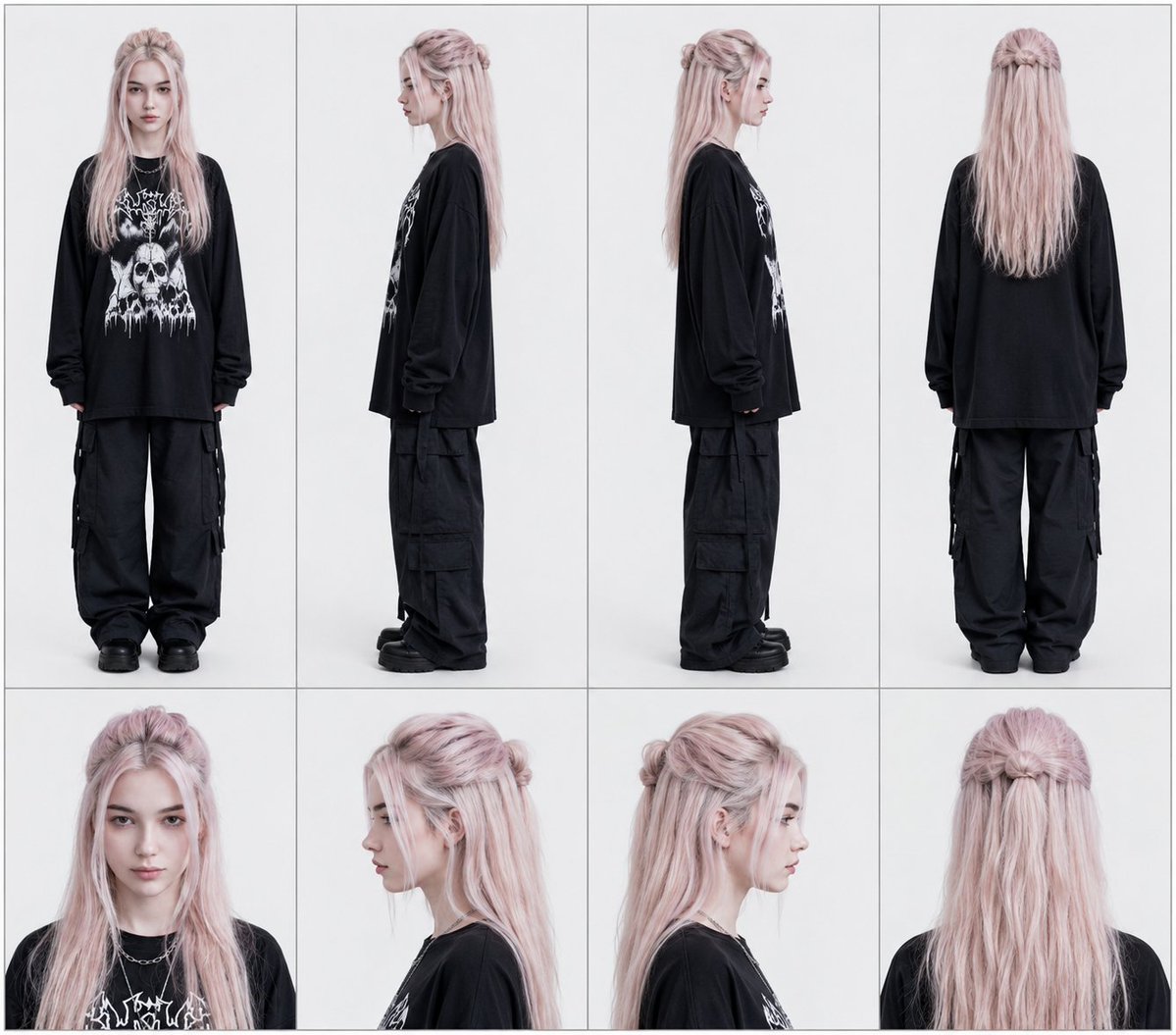
Professional Character Reference Sheet Layout
Consistent Character Multi-Angle Studio Shot
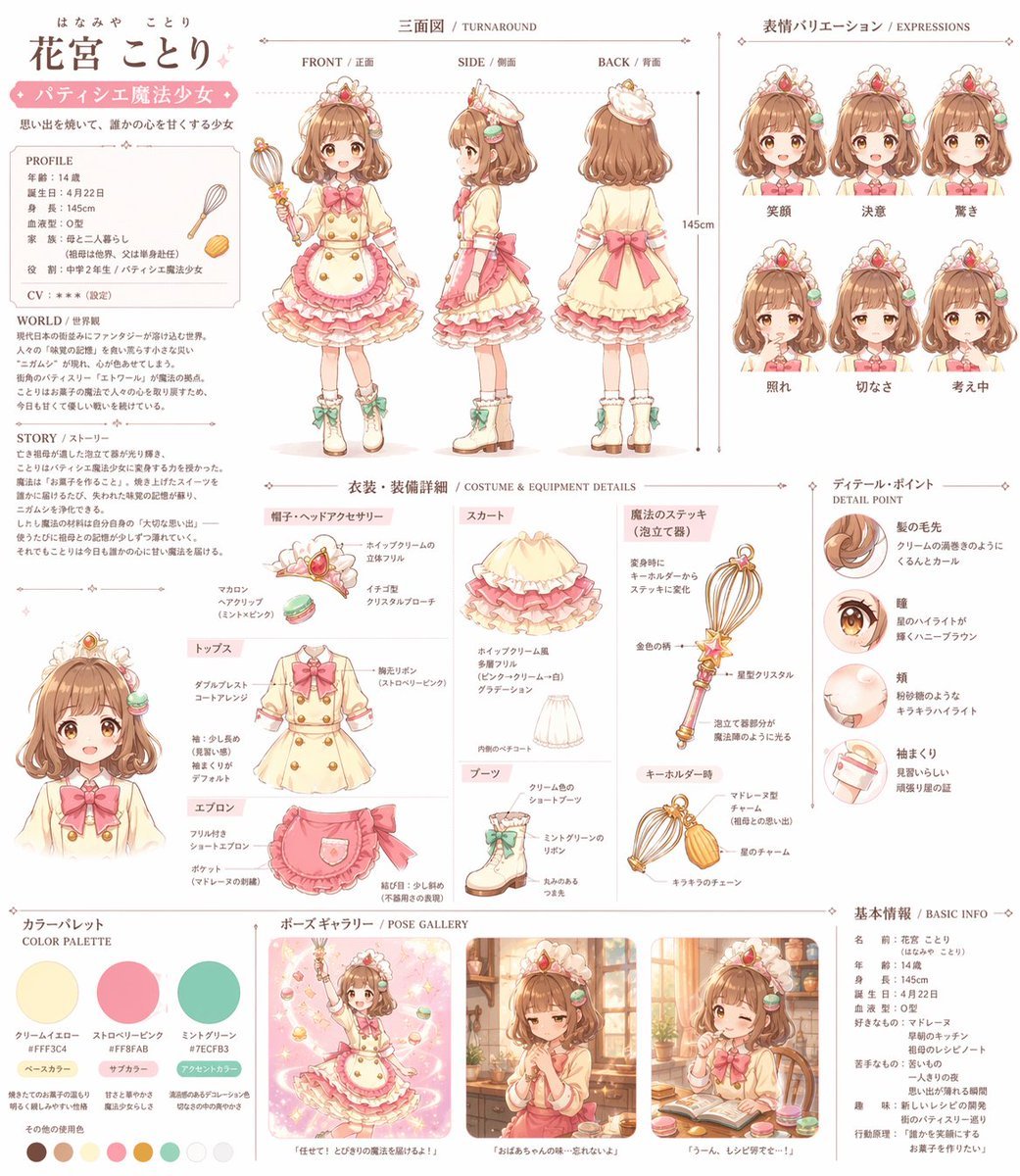
Anime Magical Girl Character Reference Sheet
Monday Morning Photo Discovery Prompt

Cinematic 3D Toy Character Evolution Sequence

Surreal Miniature Egg Art Scene Prompt

Korean Text Art with Emphasis Marks
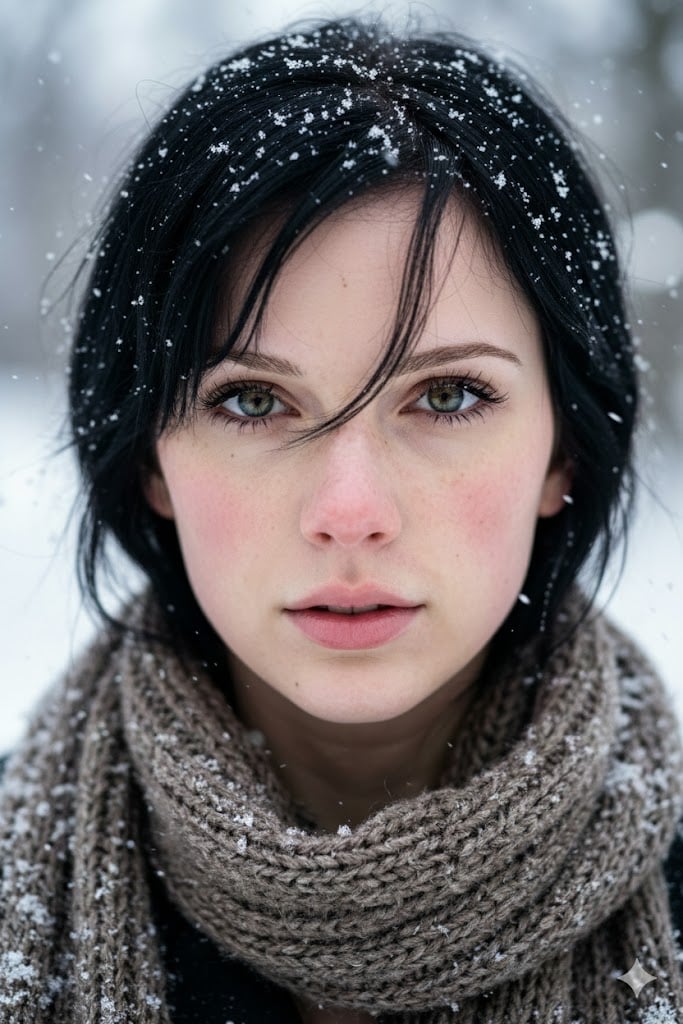
Extreme Close-Up Winter Portrait with Snow
Browse template categories
Photoreal Tropical Waterfall Embrace questions
How do I use the Photoreal Tropical Waterfall Embrace template?
Add your photo if the template asks for one, edit the prompt if you like — the template's model and format are already selected — and press Generate. Your version opens in PicX Studio.
Can I customize the Photoreal Tropical Waterfall Embrace template?
Yes. You can change the subject, setting, lighting, mood, format, and available model controls before creating your image.
Is the Photoreal Tropical Waterfall Embrace template free?
Opening and editing this template is free. Generating uses credits, shown on the Generate button when you are signed in.
Which AI model should I use?
Start with Nano Banana 2, which is the model associated with this template. You can compare another compatible model for a different finish.
Looking for something else? Browse all templates.

Your photo, any look
Thousands of ready templates for every top image and video model, from one credit balance.