
Couture Velvet Dress on Volcanic Rocks Prompt
A highly detailed, structured prompt for Gemini Nano Banana Pro 3.0 to generate an exaggeratedly realistic image of a woman in a couture emerald-green velvet gown with phoenix embroidery, standing confidently against a…
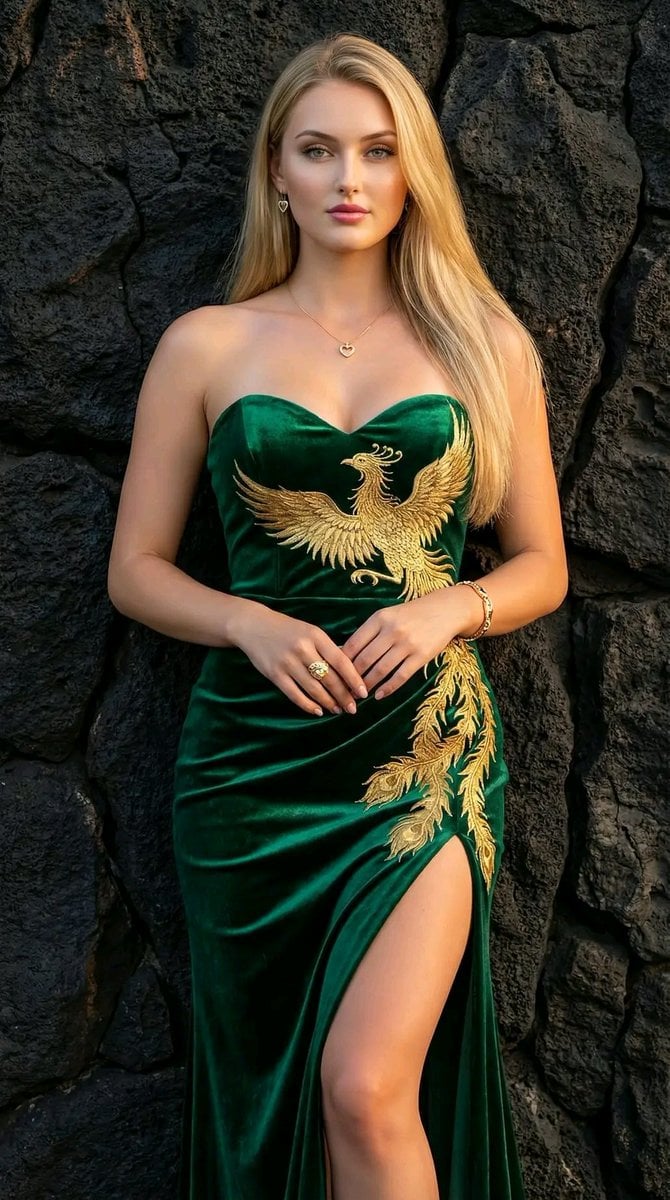
- Prompt included
- Model and format preset
- Premium template
The prompt behind this image
Copy the exact prompt behind Couture Velvet Dress on Volcanic Rocks Prompt, or open it in the studio and make it yours.
[Main] description = "{argument name="description" default="The same person, the same face, unaltered features—an exaggeratedly realistic image with sharp details."}" style = "{argument name="style" default="couture luxury, harmony between strength and femininity"}" keywords = "{argument name="keywords" default="velvet dress, green eyes, long blonde hair, professional makeup, fair skin, arranged volcanic rocks, natural fissures, emerald green, gold embroidery, phoenix, couture, slit, gold jewelry, 8k, sharp"}" negative_prompt = "{argument name="negative prompt" default="blurring, low quality, hand distortion, plastic appearance, noise, overexposure, oversaturation, blurriness, indistinct, unrealistic texture"}" [Subject] hair = "{argument name="hair" default="long, blonde hair, sleek and smooth, cascading over her shoulders and slanting to the left"}" eyes = "{argument name="eyes" default="green eyes"}" skin = "{argument name="skin" default="fair skin"}" makeup = "{argument name="makeup" default="professional makeup, full lips"}" pose = "{argument name="pose" default="stands confidently, hands resting in front of her"}" [Dress] type = "{argument name="dress type" default="evening gown"}" color = "{argument name="dress color" default="emerald-green"}" material = "{argument name="material" default="velvet"}" design = "{argument name="design" default="strapless, sweetheart neckline"}" details = "{argument name="details" default="gold embroidery in the shape of a phoenix flows from the upper chest to embrace the waist and hips, then boldly extends down the left side to the thigh"}" slit = "{argument name="slit" default="high slit that reveals her legs and defines them"}" fabric_effect = "{argument name="fabric effect" default="velvet fabric catches the light delicately, highlighting subtle folds and a silky sheen that adds depth and three-dimensional effect"}" [Jewelry] ring = "{argument name="ring" default="luxurious ring gleaming on her middle finger"}" pendant = "{argument name="pendant" default="small, shimmering gold heart pendant"}" earrings = "{argument name="earrings" default="small, sparkling heart earrings"}" bracelet = "{argument name="bracelet" default="gold bracelet on her wrist"}" [Background] type = "{argument name="background type" default="large, dark, rough, black volcanic rocks, expertly arranged"}" details = "{argument name="background details" default="displaying natural fissures"}" lighting_effect = "{argument name="background lighting effect" default="piercing the partial darkness from behind"}" [Lighting] type = "{argument name="lighting type" default="soft and logical from the front and sides"}" effect = "{argument name="lighting effect" default="creating a warm glow that frames the smooth lines of the dress and embroidery, and gives the skin a healthy radiance"}" [Technical] quality = "{argument name="quality" default="exaggeratedly realistic, sharp details, 8k"}"
How to use Couture Velvet Dress on Volcanic Rocks Prompt in 3 steps
- 1
Open
The prompt is already in the box next to the preview, with the template's model and format selected.
- 2…a portrait of your subject in softgolden-hour light, 85mm…
Personalize
Edit the subject and creative details for your destination.
- 3Generate
Generate
Press Generate — your image is created in PicX Studio, so you can compare it with the original and refine one variable at a time.
More like this
Templates with the same subject, style or setup. Open one to see its prompt.
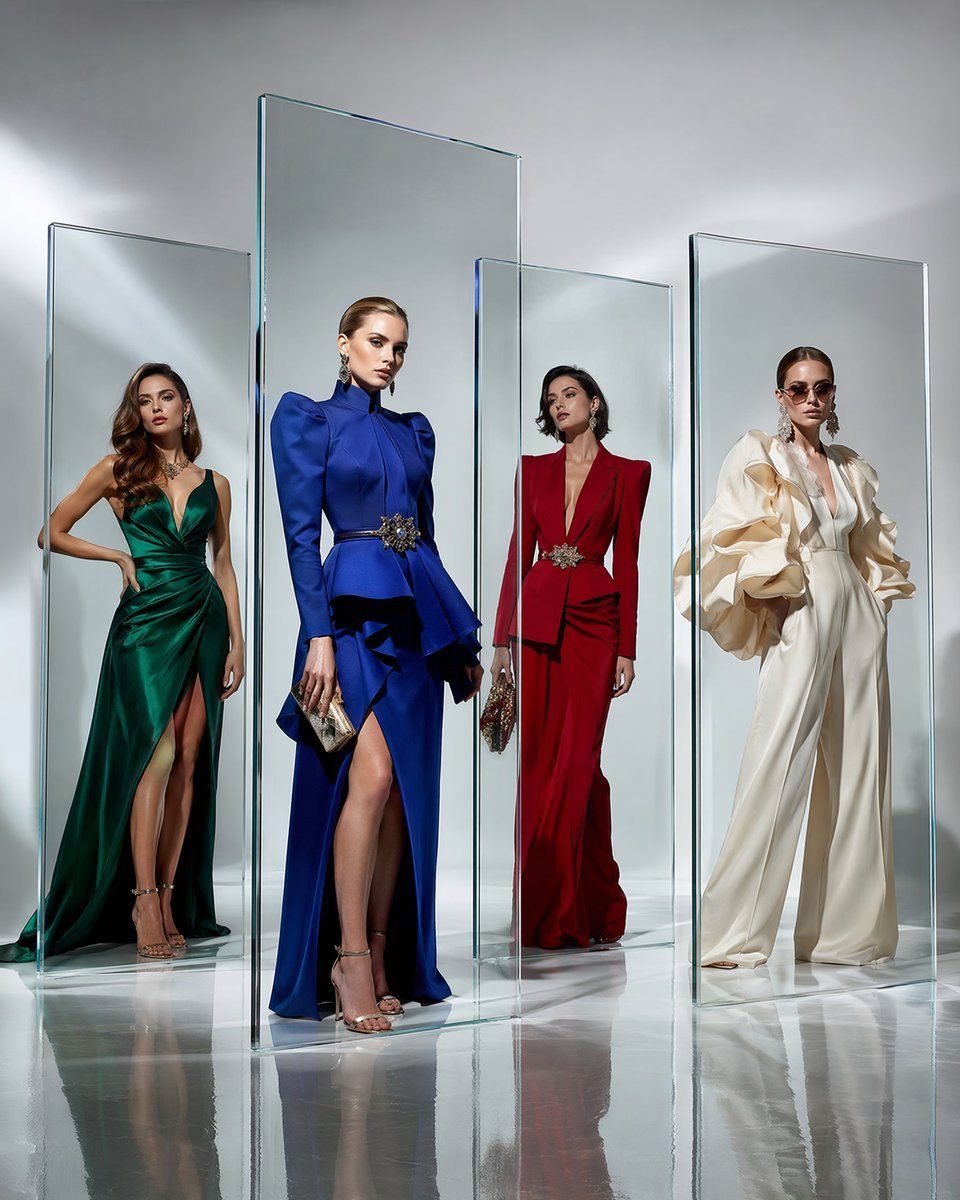
Crystal Panel European Couture Fashion Composite
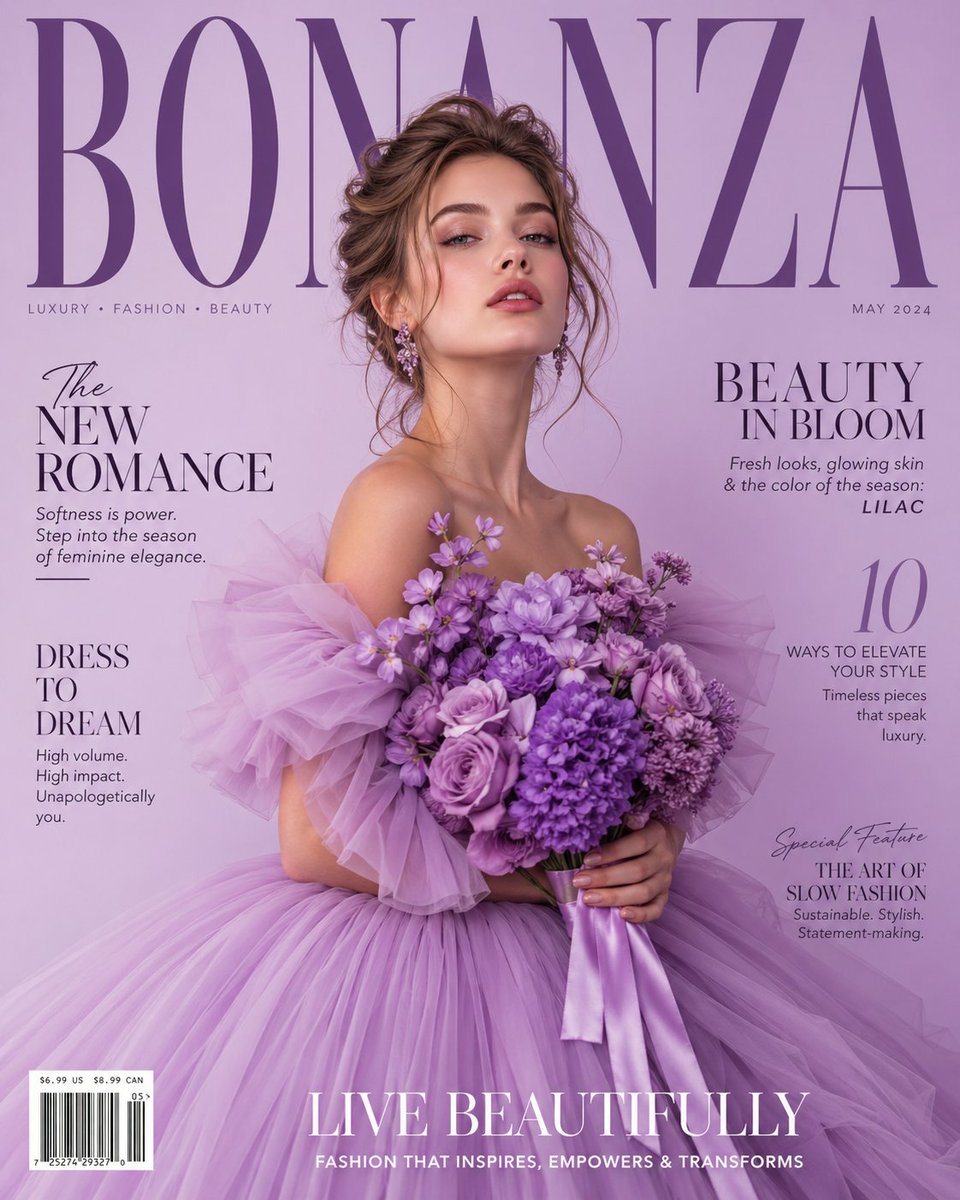
Lavender Couture Magazine Cover Fashion Portrait

Cinematic Glass Brand Logo Volcanic Landscape

Dancer Character - Four View Reference Sheet
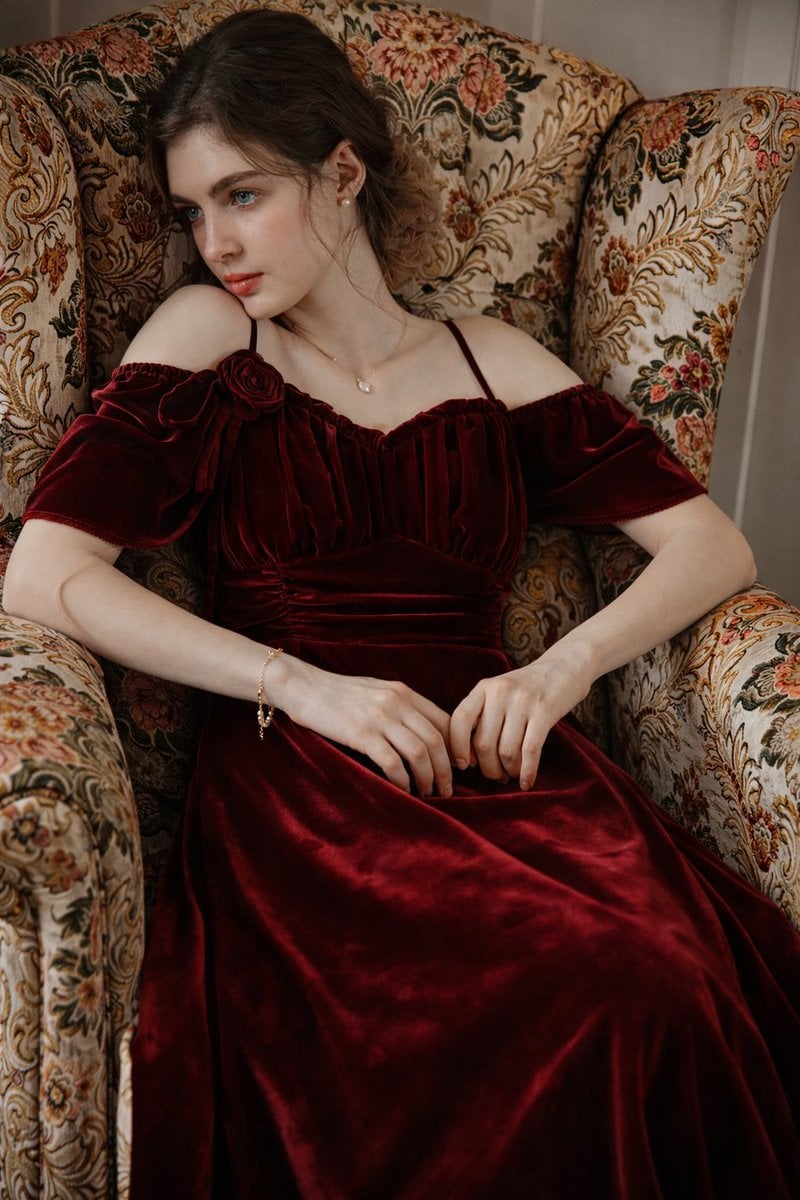
8K Photorealistic Portrait in Burgundy Velvet Dress
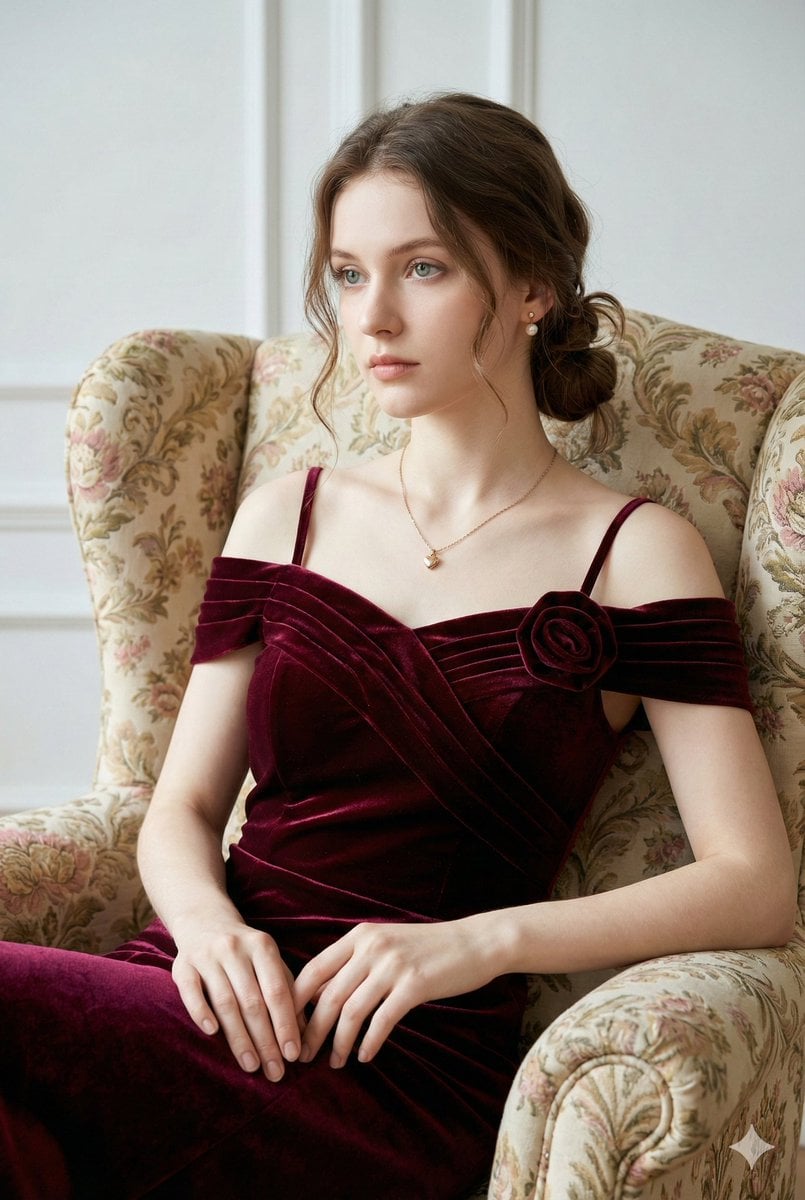
Photorealistic Velvet Dress Portrait
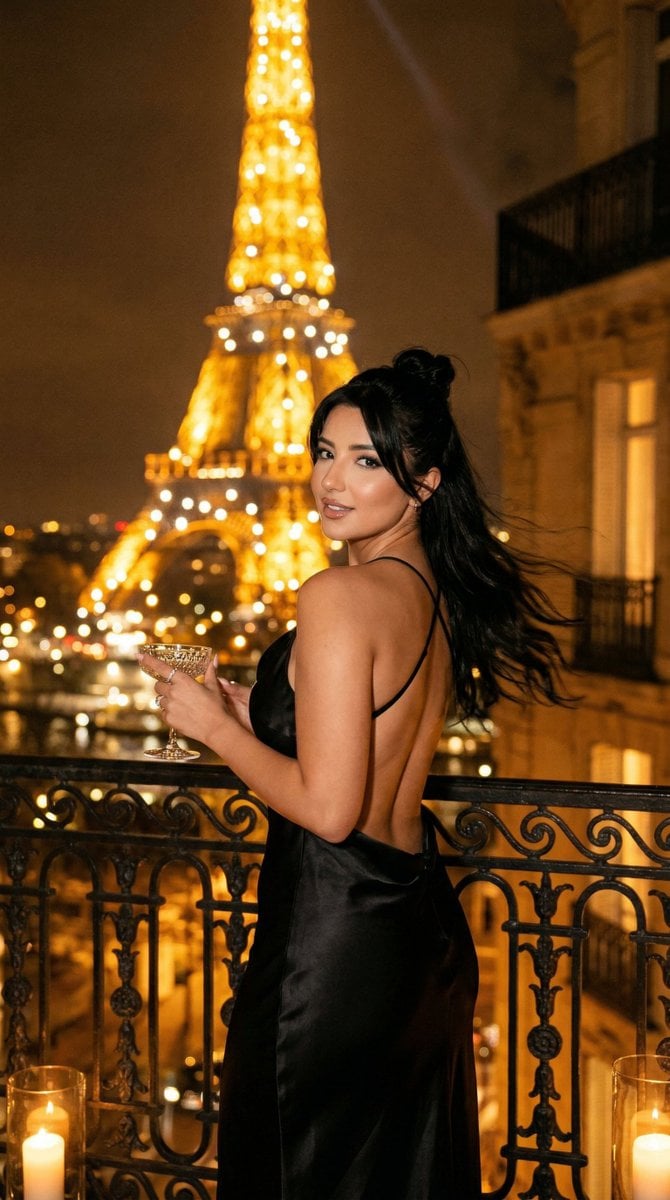
Nano Banana - Yacht Eiffel Night
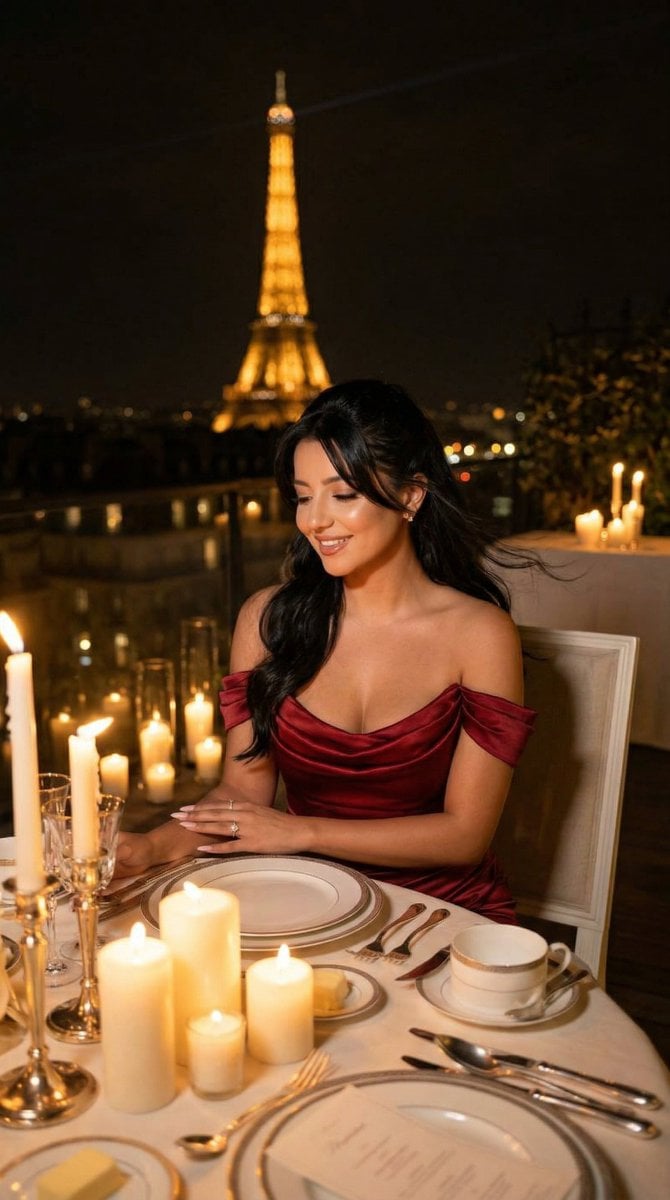
Nano Banana - Opera Red Gown Couture
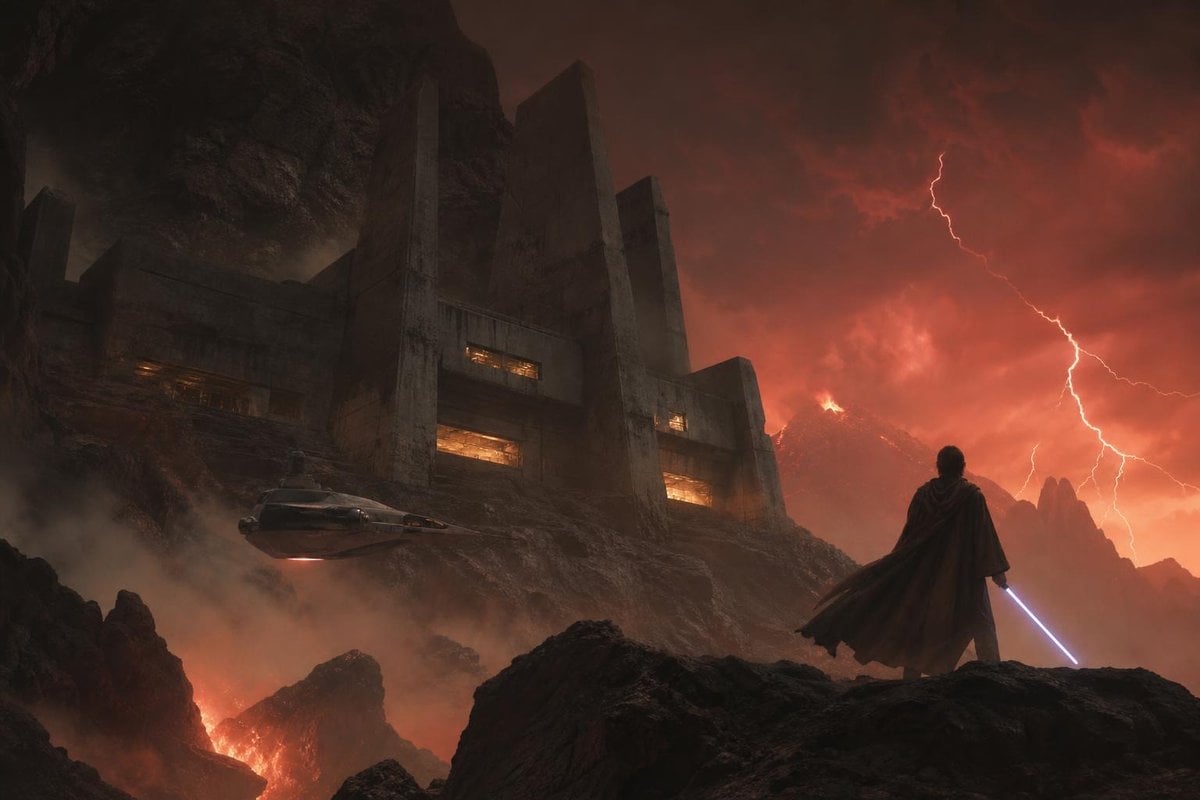
Imperial Research Bunker on Volcanic Planet
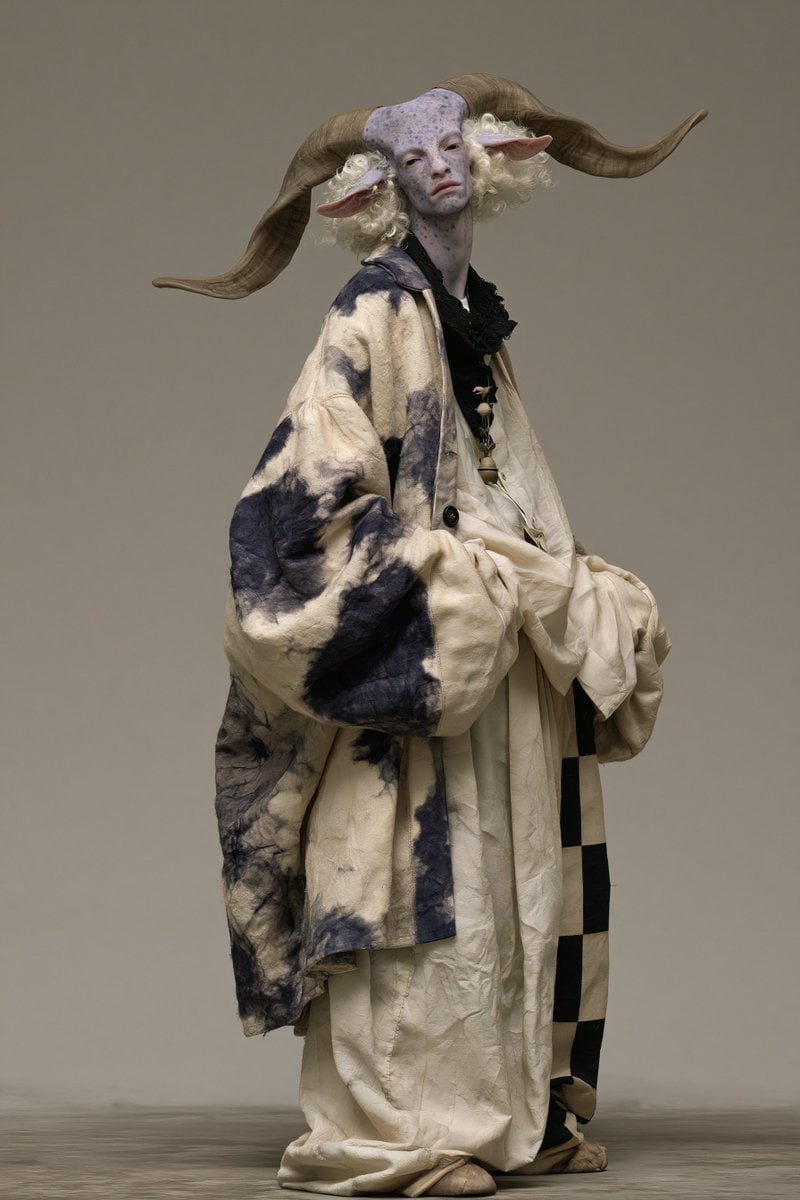
Fantasy Ram Faun Couture Portrait
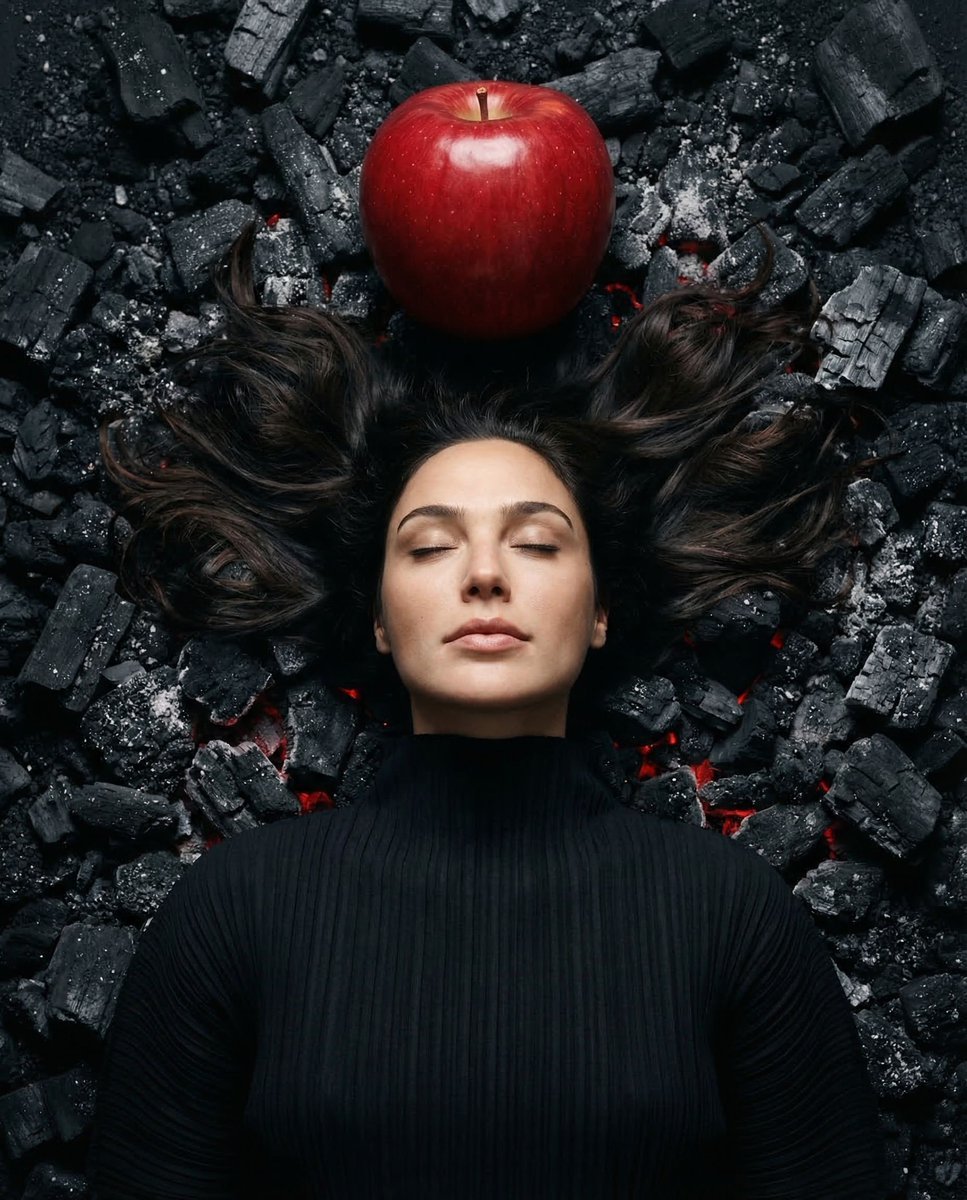
Gal Gadot Volcanic Portrait

Flower Petal Sunglasses Couture Portrait
Make it yours
Couture Velvet Dress on Volcanic Rocks Prompt works as-is. These are the safest ways to change it without losing the look.
Change one field
Copy a single group, rewrite it, and generate again so you can see what that field is doing.
Keep the frame, change the subject
Hold the composition and light of Couture Velvet Dress on Volcanic Rocks Prompt, then swap wardrobe, props or the person for a new take.
| If the result… | Why | Fix |
|---|---|---|
| The result drifts from the preview | Too many fields changed at once. | Reuse Couture Velvet Dress on Volcanic Rocks Prompt as-is first, then change one group — subject, light, or setting. |
| The model over-stylizes the scene | The prose prompt leaves finish and camera underspecified. | Add one camera or lighting sentence and stay on Nano Banana 2. |
More Nano Banana 2 templates
Other prompts made for Nano Banana 2.

Photorealistic Leaf Shaped Like a Dragon

K-Pop Idol Portrait Grid for Rapid Selection

Poetic Rain Forest Portrait During Golden Hour

Urban Street Portrait with Cartoon Inner Self Duo

Candid Nighttime Photo with Cat Prompt

High-Concept 3D Diorama Generation Prompt

Cinematic Futuristic Studio Portrait Template

Skincare Editorial Photography Collage Prompt

Hyper-Realistic Commercial Product Photography (Splash Effect)

Hyper-Realistic Nightclub Portrait Prompt
More image prompts
Fresh picks from across the catalog.
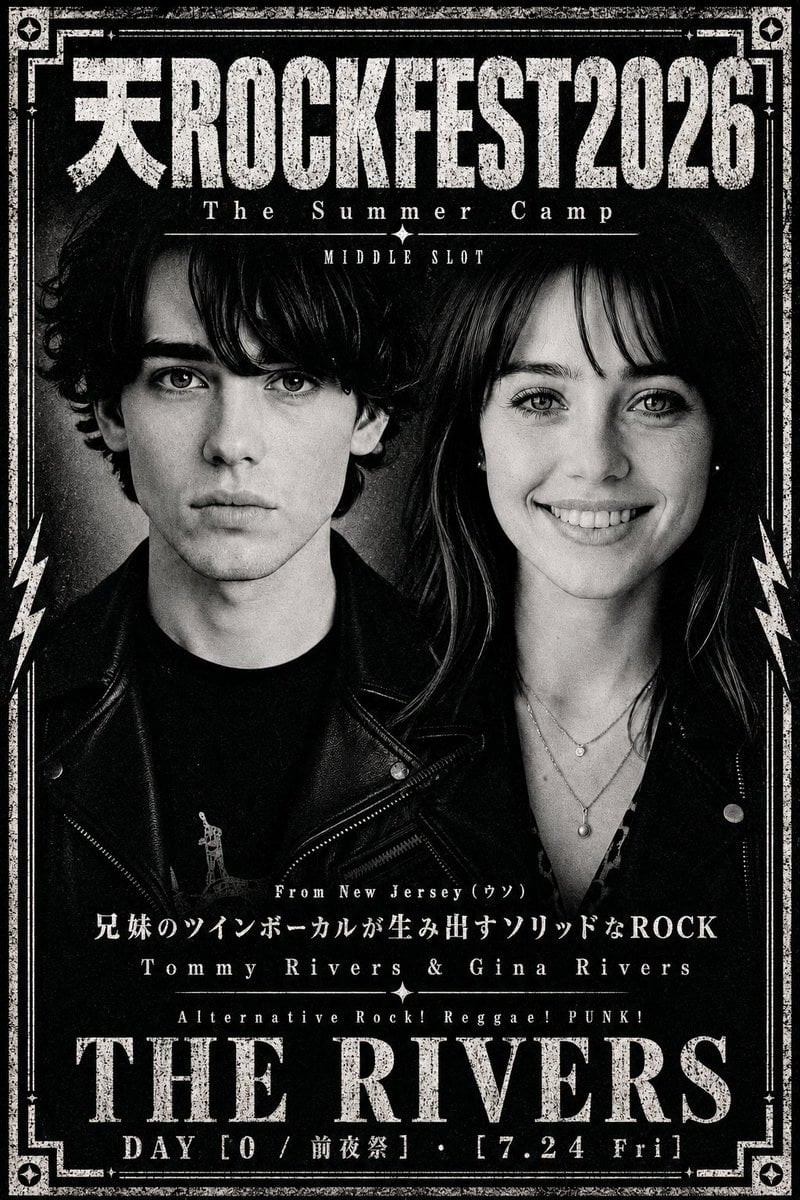
Distressed Rock Festival Artist Poster

Laser Engraved Acrylic LED Stand Product Photography Prompt
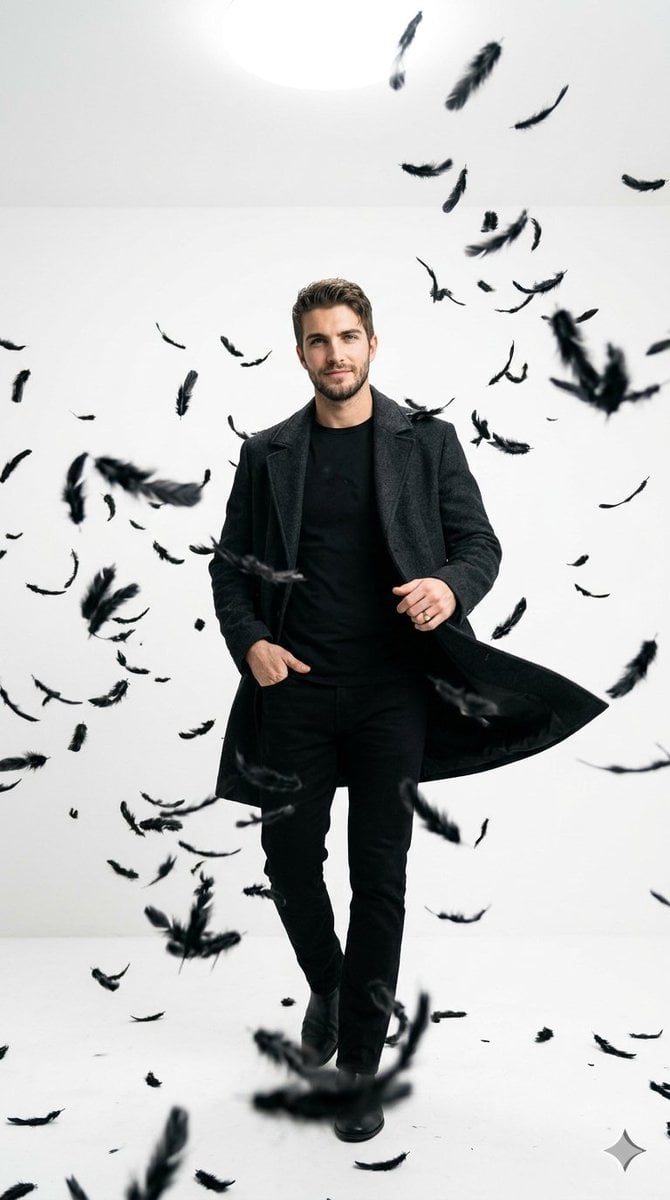
Cinematic Studio Portrait with Floating Feathers
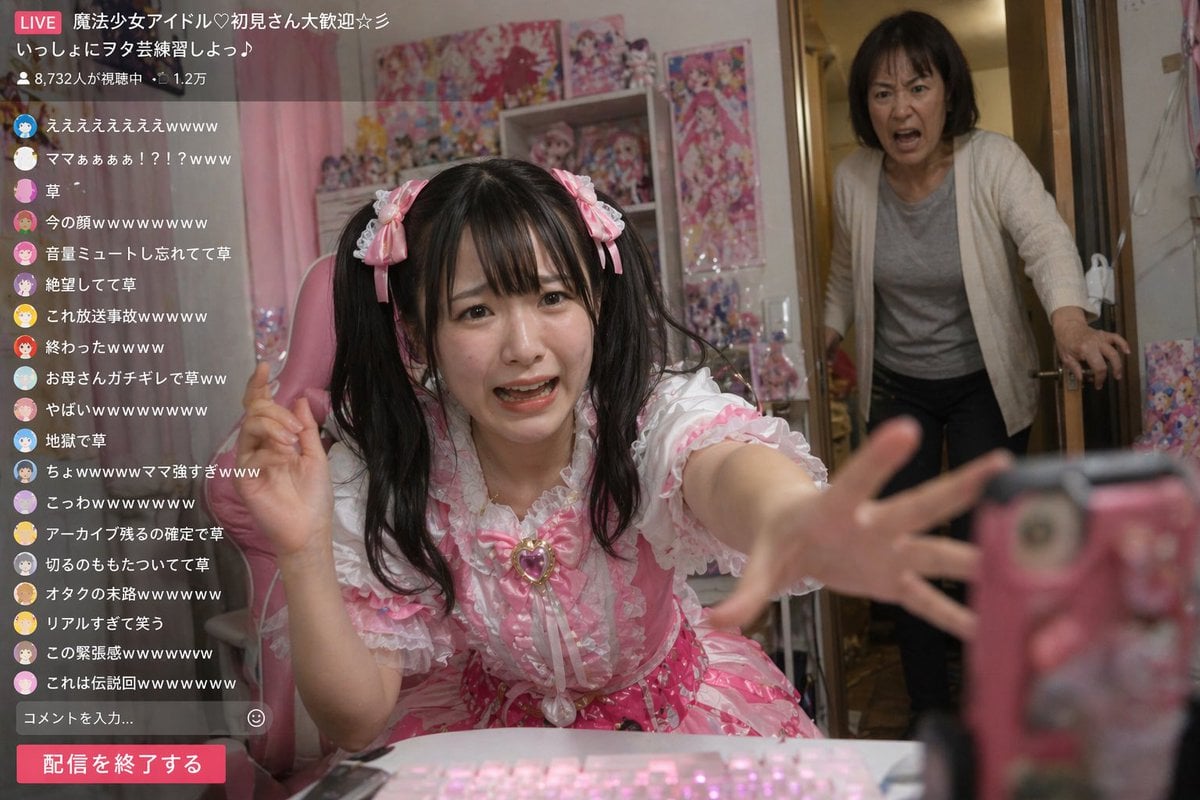
Awkward Idol Stream Situation
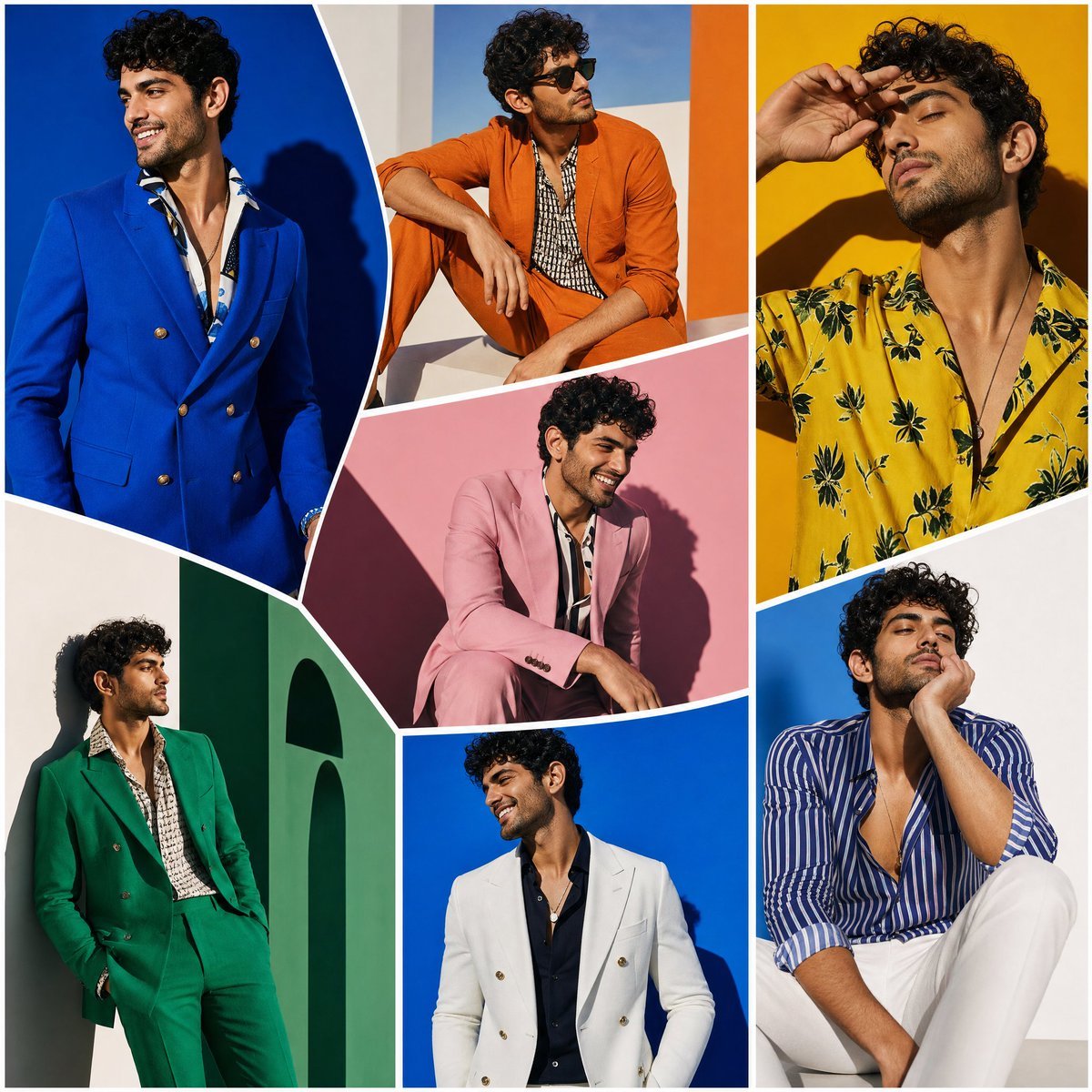
Modern Art Gallery Fashion Panels
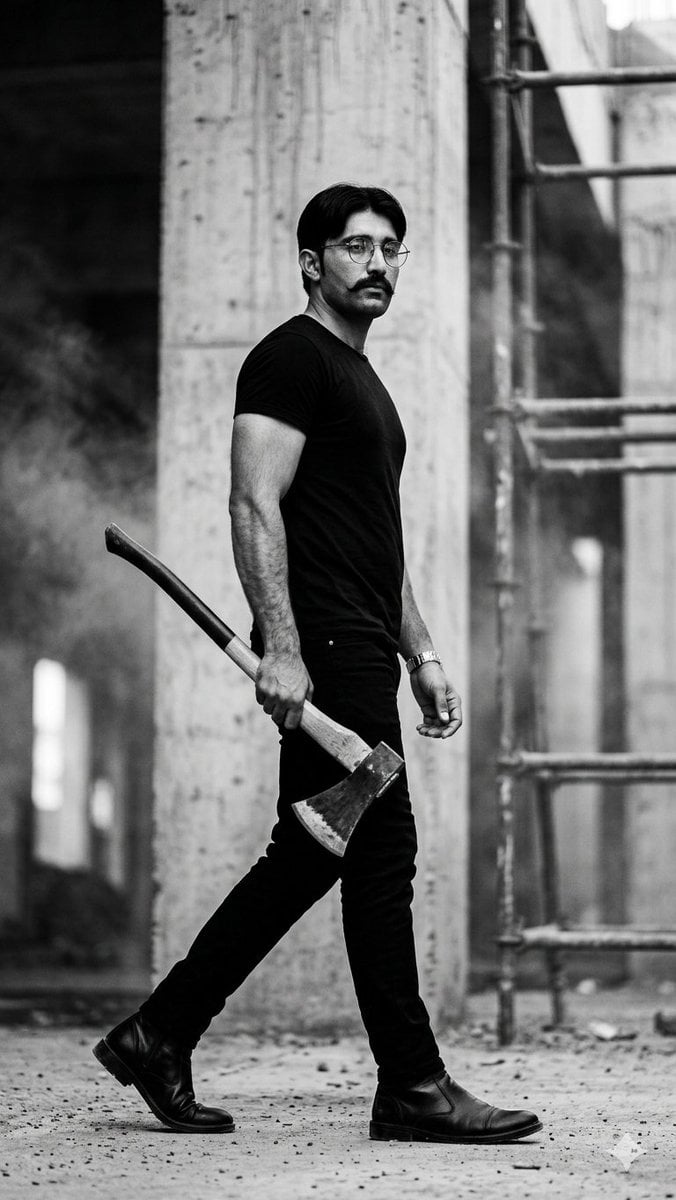
Monochrome Industrial Axe Walker
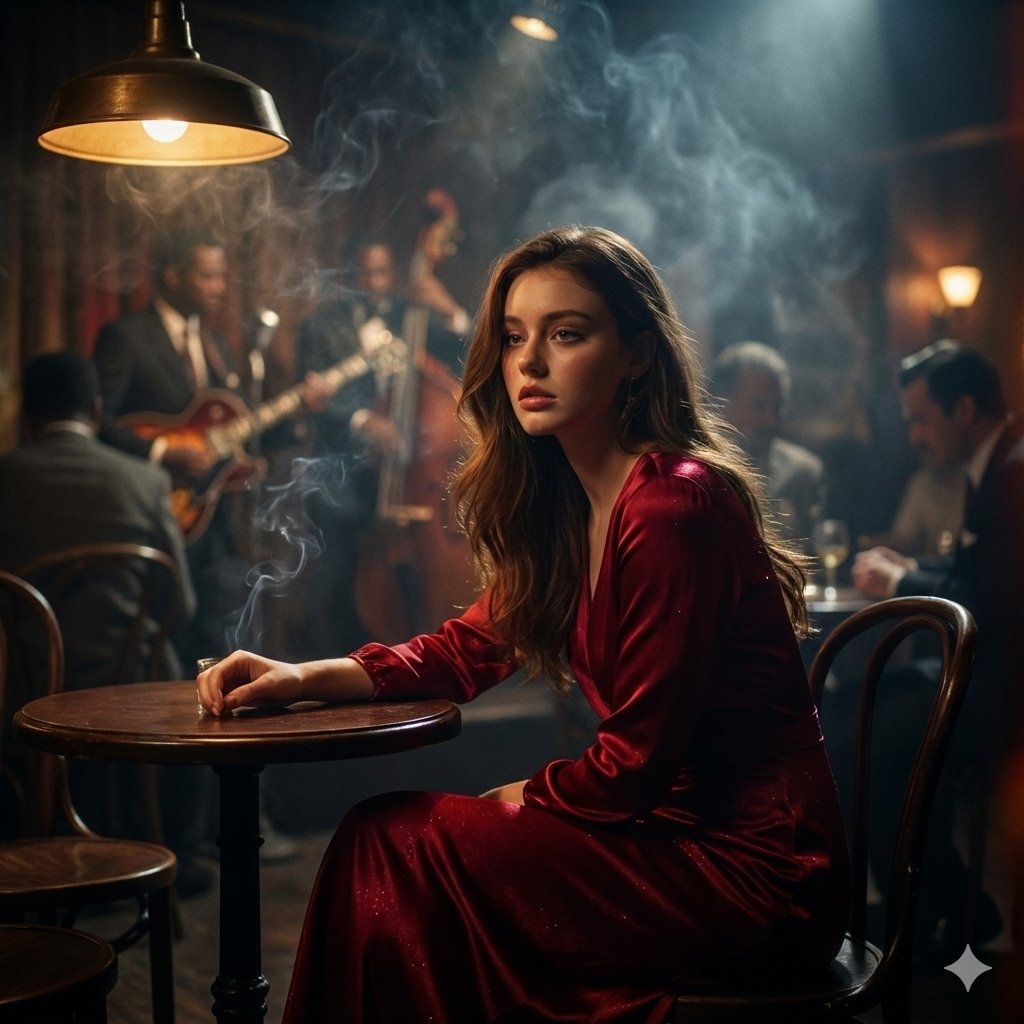
Moody Cinematic Jazz Club Portrait
Weekly Outfit Coordination Lookbook Generation
Meta-Shot Photo Booth Selfie with Realism Constraints
Garden Portrait With White Summer Dress
Browse template categories
Couture Velvet Dress on Volcanic Rocks Prompt questions
How do I use the Couture Velvet Dress on Volcanic Rocks Prompt template?
Add your photo if the template asks for one, edit the prompt if you like — the template's model and format are already selected — and press Generate. Your version opens in PicX Studio.
Can I customize the Couture Velvet Dress on Volcanic Rocks Prompt template?
Yes. You can change the subject, setting, lighting, mood, format, and available model controls before creating your image.
Is the Couture Velvet Dress on Volcanic Rocks Prompt template free?
Opening and editing this template is free. Generating uses credits, shown on the Generate button when you are signed in.
Which AI model should I use?
Start with Nano Banana 2, which is the model associated with this template. You can compare another compatible model for a different finish.
Looking for something else? Browse all templates.

Your photo, any look
Thousands of ready templates for every top image and video model, from one credit balance.