
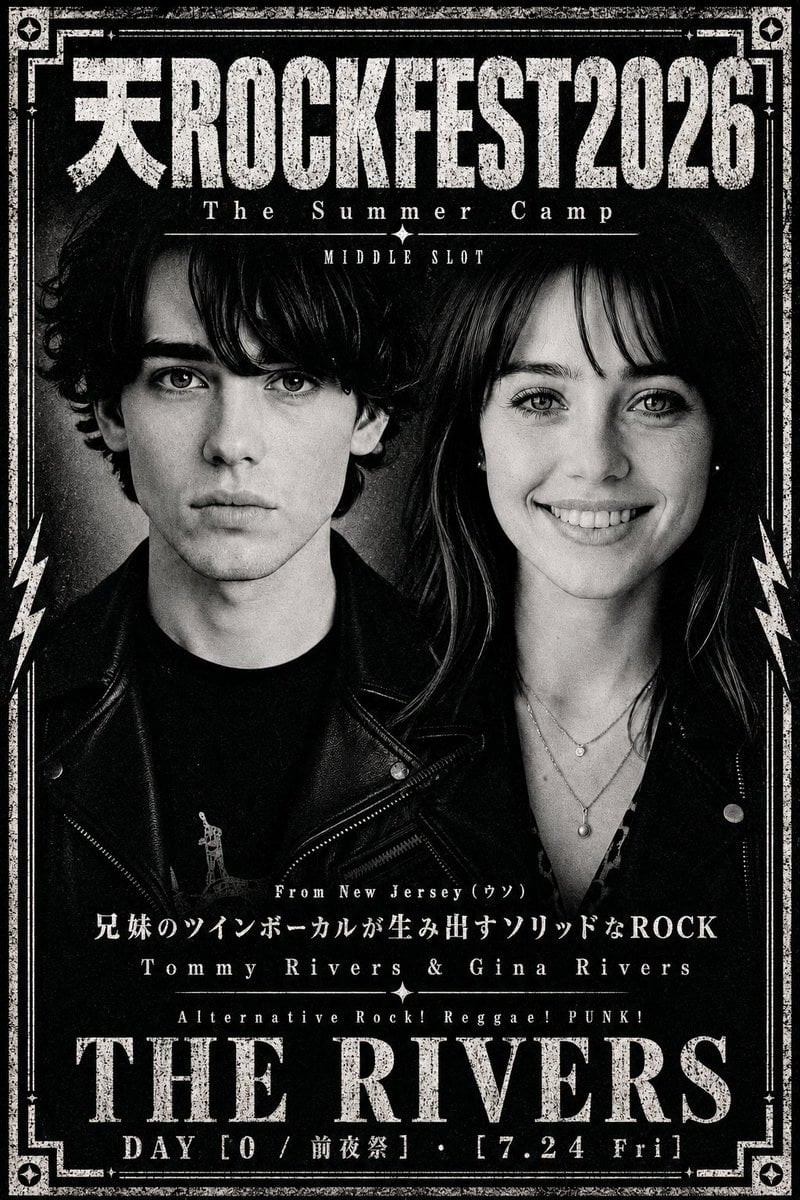
Distressed Rock Festival Artist Poster
A gritty monochrome punk festival flyer featuring two censored band members, distressed typography, and Japanese rock event details.
- Prompt included
- Model and format preset
- Free template
The prompt behind this image
Copy the exact prompt behind Distressed Rock Festival Artist Poster, or open it in the studio and make it yours.
Goal: Create a distressed black-and-white rock festival artist-visual poster for {argument name="festival title" default="天ROCKFEST2026"}, with a gritty photocopied punk zine aesthetic and high-contrast monochrome photography. Canvas: Vertical poster, portrait orientation, roughly 3:4 aspect ratio. Full-bleed black background with heavy film grain, scratched ink texture, worn paper edges, and a thick vintage ornamental white border. Layout: At the very top, place a huge distressed headline reading “天ROCKFEST2026”, with the Japanese character at the far left integrated into the same bold slab-serif/woodtype style as the English text. Directly beneath it, center the subtitle “The Summer Camp” in spaced serif letters, separated by a thin horizontal rule. Under that, add a small centered label reading “MIDDLE SLOT”. The central area is occupied by a black-and-white photo of exactly 2 rock musicians: one male-presenting figure on the left and one female-presenting figure on the right, standing shoulder-to-shoulder in leather jackets. Both faces are intentionally covered by exactly 2 opaque square gray censor blocks, one over each face, with soft vertical gray gradient shading. The figures should remain visible from hair, neck, shoulders, and torso downward. Subject details: The left musician has dark curly hair, a black leather biker jacket, and a black shirt with a tiny white graphic. The right musician has long dark hair, a black leather jacket, a low V-neck patterned top, and layered necklaces with small pendants. Keep the faces hidden by the censor blocks; do not show eyes, nose, or mouth. Border and decoration: Use exactly 1 large rectangular double-line border around the poster, distressed and uneven. Add small diamond/star ornaments in all 4 corners. Add vertical lightning bolt motifs on both left and right sides near the musicians. Include small decorative divider lines and centered star ornaments around the lower text. Text content: Mid-lower small line: “From New Jersey (ウン)”. Below it, a Japanese tagline: “兄妹のツインボーカルが生み出すソリッドなROCK”. Below that, artist names in spaced serif text: “Tommy Rivers & Gina Rivers”. Below that, genre line: “Alternative Rock! Reggae! PUNK!”. Near the bottom, place the main artist name in huge distressed serif capitals: {argument name="artist name" default="THE RIVERS"}. Bottom footer line: {argument name="event date line" default="DAY [0 / 前夜祭] ・ [7.24 Fri]"}. Typography and style: Use bold condensed distressed serif type, vintage concert-poster lettering, cracked ink, rough halftone print texture, and white typography on black. Make all text centered except decorative border elements. The design should feel like a Japanese underground rock festival flyer, dramatic, dark, and worn. Constraints: Use only black, white, and gray tones. Preserve the exact visible hierarchy: giant festival title, subtitle, small slot label, 2-person band photo with 2 gray face blocks, descriptive text, huge artist name, date footer. Do not add extra people, logos, QR codes, social media icons, or modern clean design elements.
How to use Distressed Rock Festival Artist Poster in 3 steps
- 1Upload ImagePNG, JPG or paste
Add your photo
Upload the photo the template builds on. The prompt, model and format are already set.
- 2…a portrait of your subject in softgolden-hour light, 85mm…
Personalize
Edit the subject and creative details for your destination.
- 3Generate
Generate
Press Generate — your image is created in PicX Studio, so you can compare it with the original and refine one variable at a time.
More like this
Templates with the same subject, style or setup. Open one to see its prompt.
Seaside Rock Festival Poster

Japan Travel Brochure Poster

Cartoon TV Show Poster Pack

Trendy Cafe Drink Promo Poster

Urban Fashion Editorial Collage Streetwear Poster

Premium Fashion Editorial Cover Layout System

Polo Ralph Lauren Luxury American Heritage Fashion Campaign

Monochrome Halftone Editorial Fashion Poster

Retro Mirror Luxury Fashion Campaign Poster

Luxury Fashion Campaign Typography Poster System

Premium Fashion Editorial Campaign Poster System

Ultra-Stylized High-Fashion Streetwear Poster
Make it yours
Distressed Rock Festival Artist Poster works as-is. These are the safest ways to change it without losing the look.
Change one field
Copy a single group, rewrite it, and generate again so you can see what that field is doing.
Keep the frame, change the subject
Hold the composition and light of Distressed Rock Festival Artist Poster, then swap wardrobe, props or the person for a new take.
| If the result… | Why | Fix |
|---|---|---|
| The result drifts from the preview | Too many fields changed at once. | Reuse Distressed Rock Festival Artist Poster as-is first, then change one group — subject, light, or setting. |
| The model over-stylizes the scene | The prose prompt leaves finish and camera underspecified. | Add one camera or lighting sentence and stay on GPT Image 2. |
More GPT Image 2 templates
Other prompts made for GPT Image 2.

Six VTuber Japanese Logo Sheet

Realistic Portrait of Woman and Deer

The Vista Modular Condo Poster

AI Model Routing Comparison Infographic

2.5D Anime Art Board

Isometric Productivity Desk Scene

New York Double Exposure Poster

Four-Panel AI Landscape Comparison

Japanese Tatami Lifestyle Magazine Cover

NESCAFÉ Coffee Map Poster
More image prompts
Fresh picks from across the catalog.
Rainy Cat-Ear Street Portrait
Vintage Pomegranate Growth Atlas
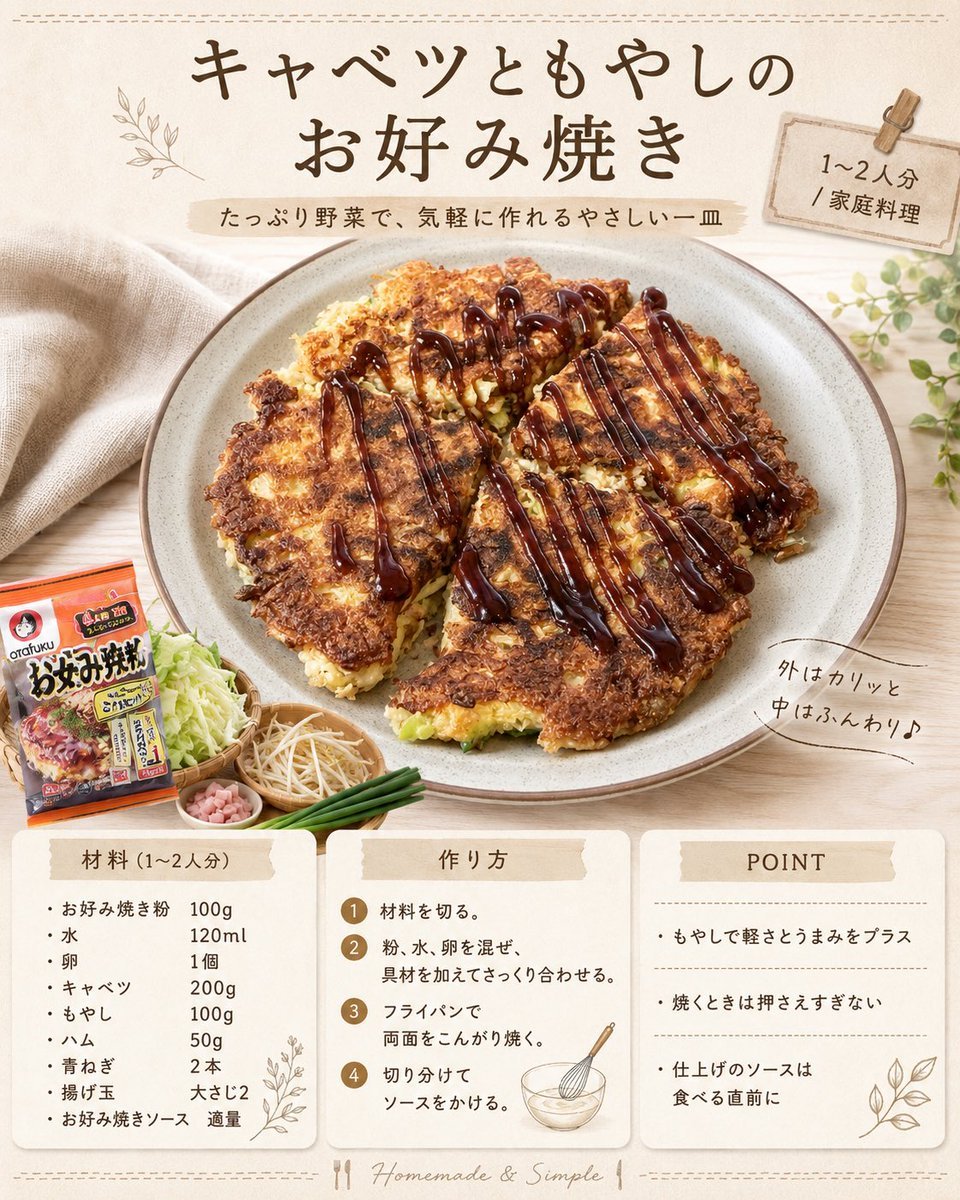
Japanese Okonomiyaki Recipe Card
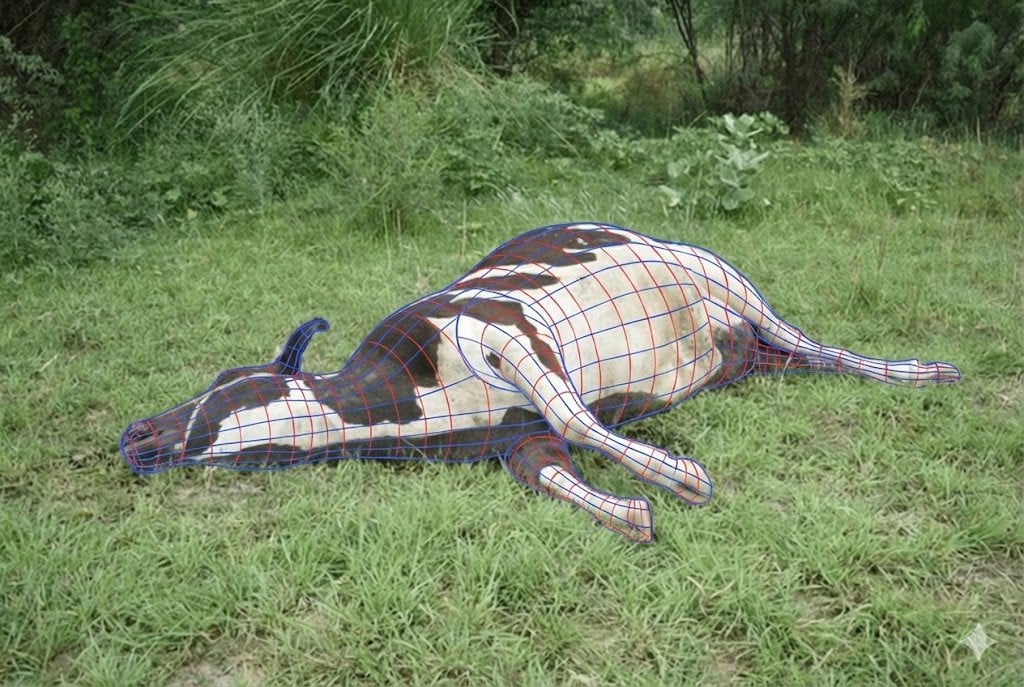
Wireframe Grid Overlay Prompt
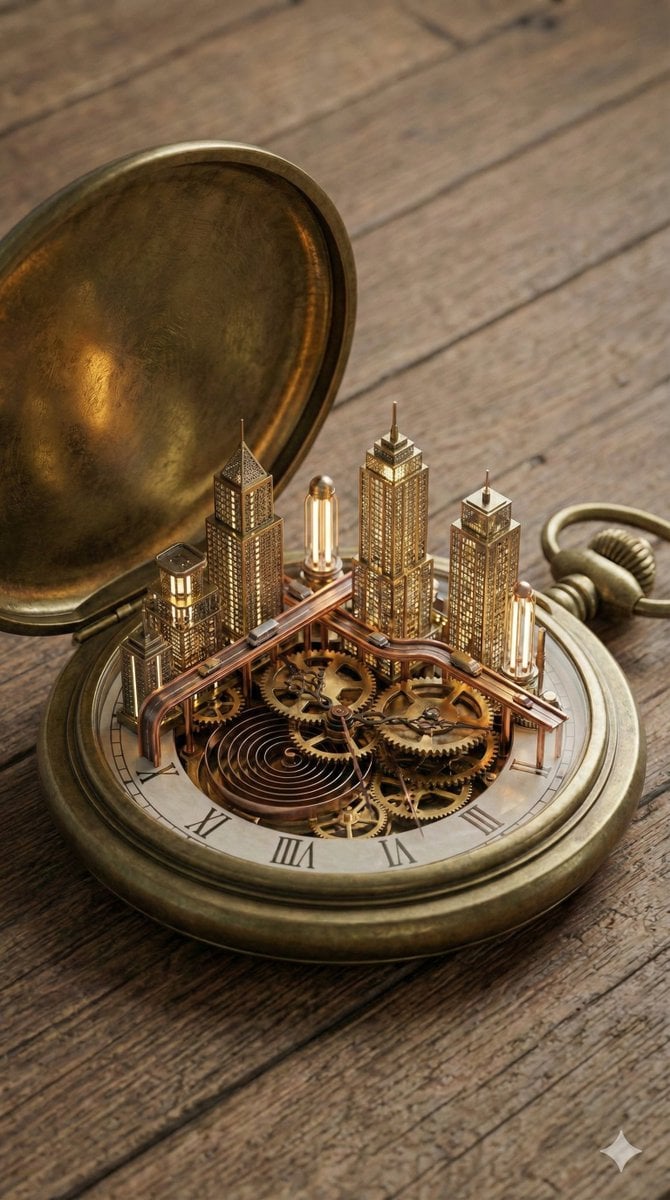
Miniature Metropolis Inside a Vintage Pocket Watch
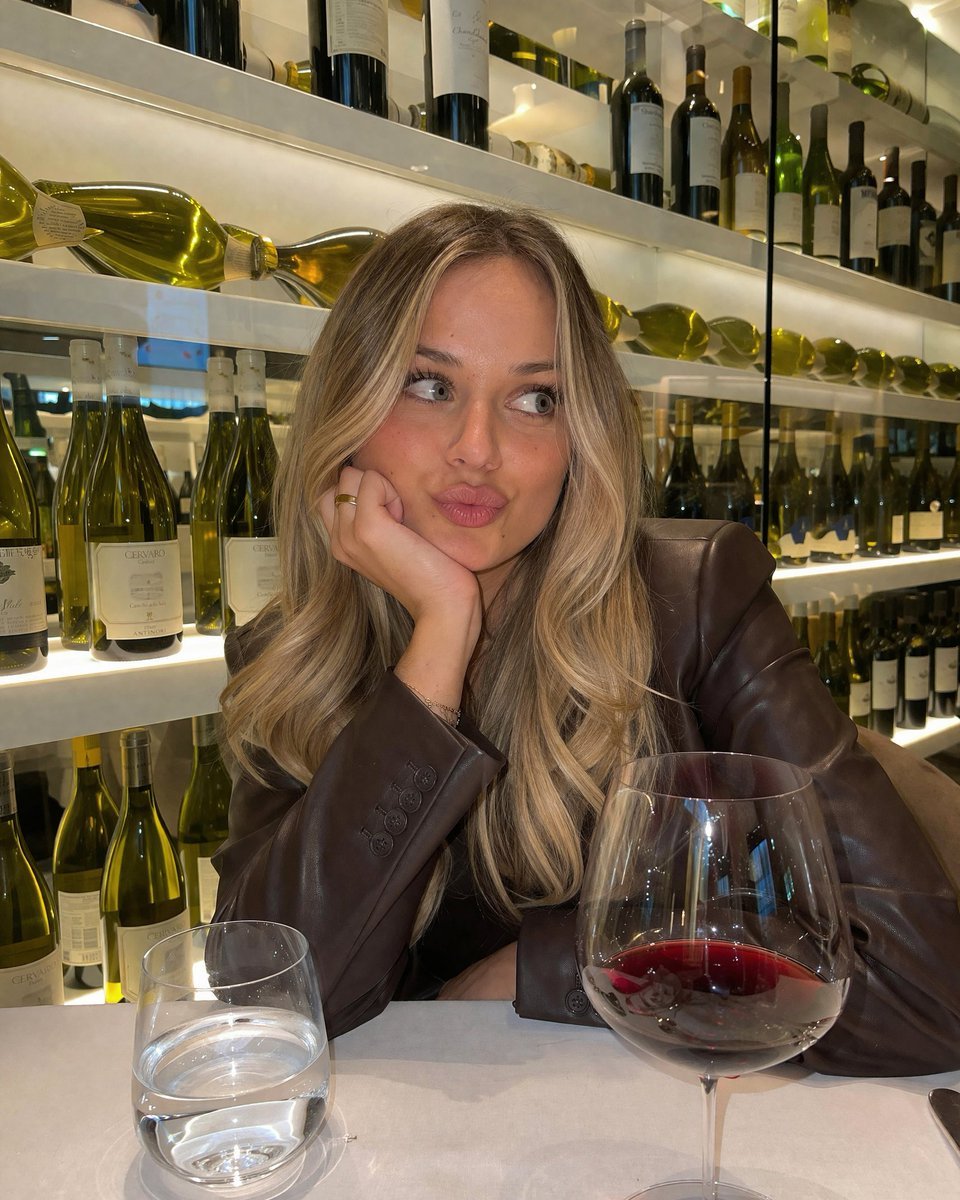
Candid Wine Bar Portrait
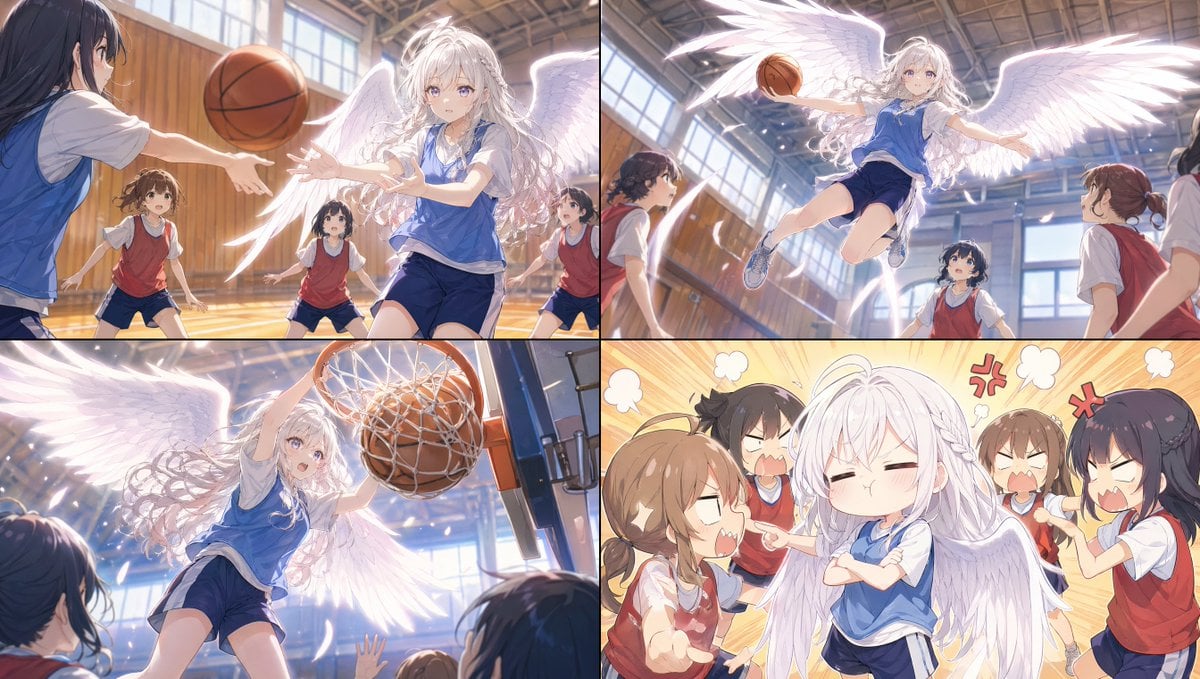
Angel Girl Basketball Storyboard
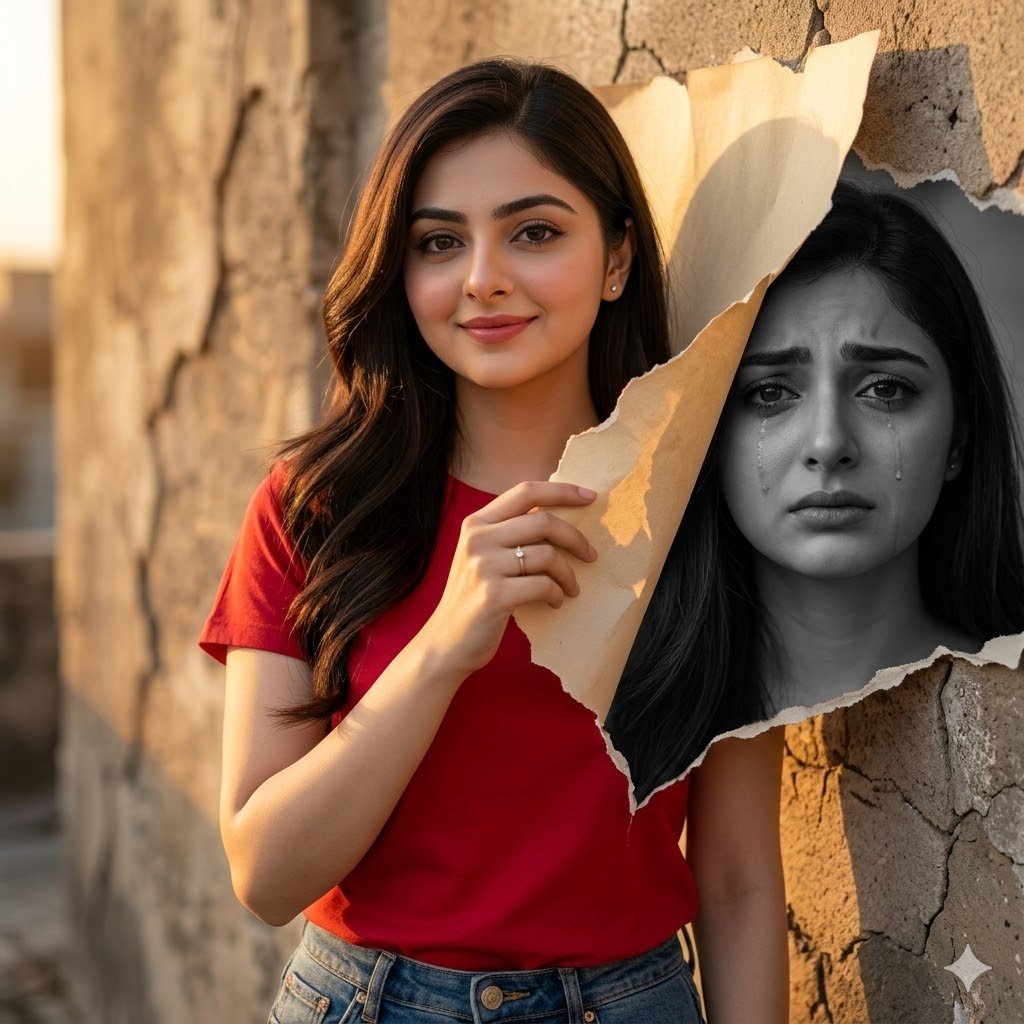
Dual-Mood Sunset Portrait

Experimental Chinese Typography Design
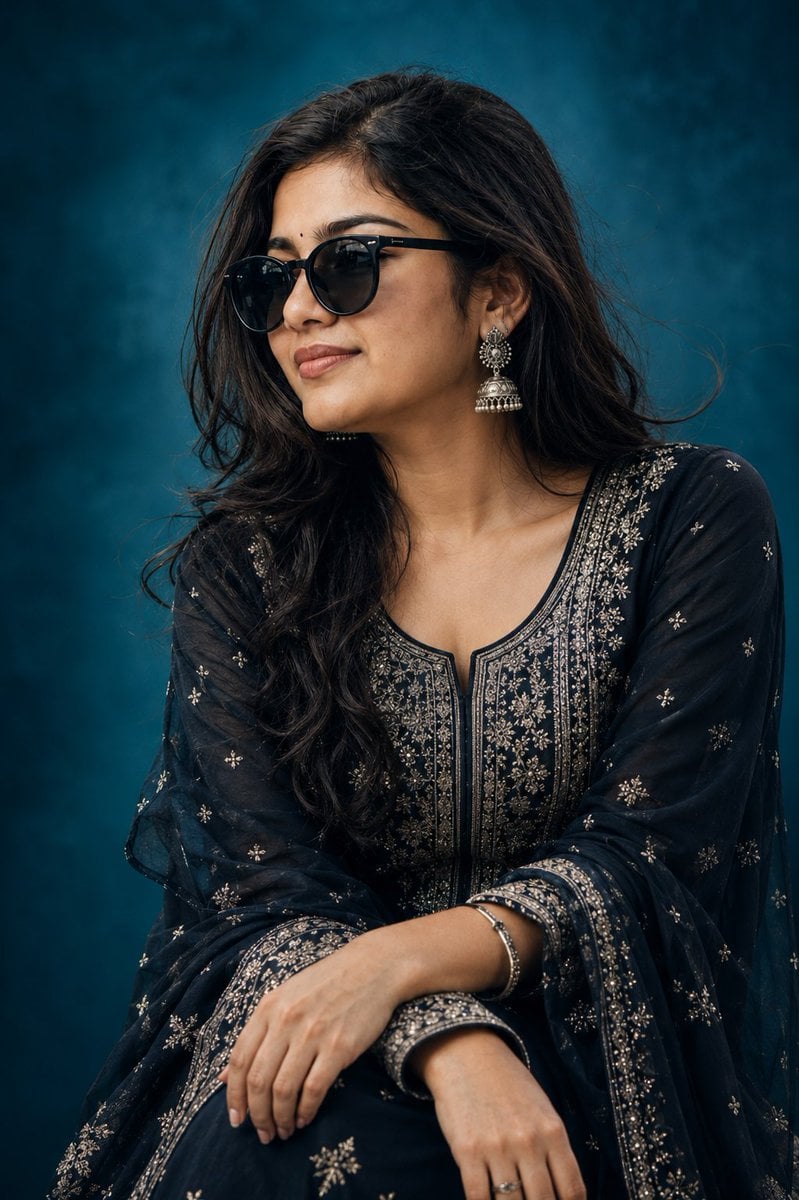
Elegant Indian Birthday Portrait
Browse template categories
Distressed Rock Festival Artist Poster questions
How do I use the Distressed Rock Festival Artist Poster template?
Add your photo if the template asks for one, edit the prompt if you like — the template's model and format are already selected — and press Generate. Your version opens in PicX Studio.
Can I customize the Distressed Rock Festival Artist Poster template?
Yes. You can change the subject, setting, lighting, mood, format, and available model controls before creating your image.
Is the Distressed Rock Festival Artist Poster template free?
Opening and editing this template is free. Generating uses credits, shown on the Generate button when you are signed in.
Which AI model should I use?
Start with GPT Image 2, which is the model associated with this template. You can compare another compatible model for a different finish.
Looking for something else? Browse all templates.

Your photo, any look
Thousands of ready templates for every top image and video model, from one credit balance.