
Experimental Chinese Typography Design
A sophisticated prompt for creating architectural-style Chinese typography using skeletal structures, geometric lines, and transparent layers for a modern, precise design aesthetic.
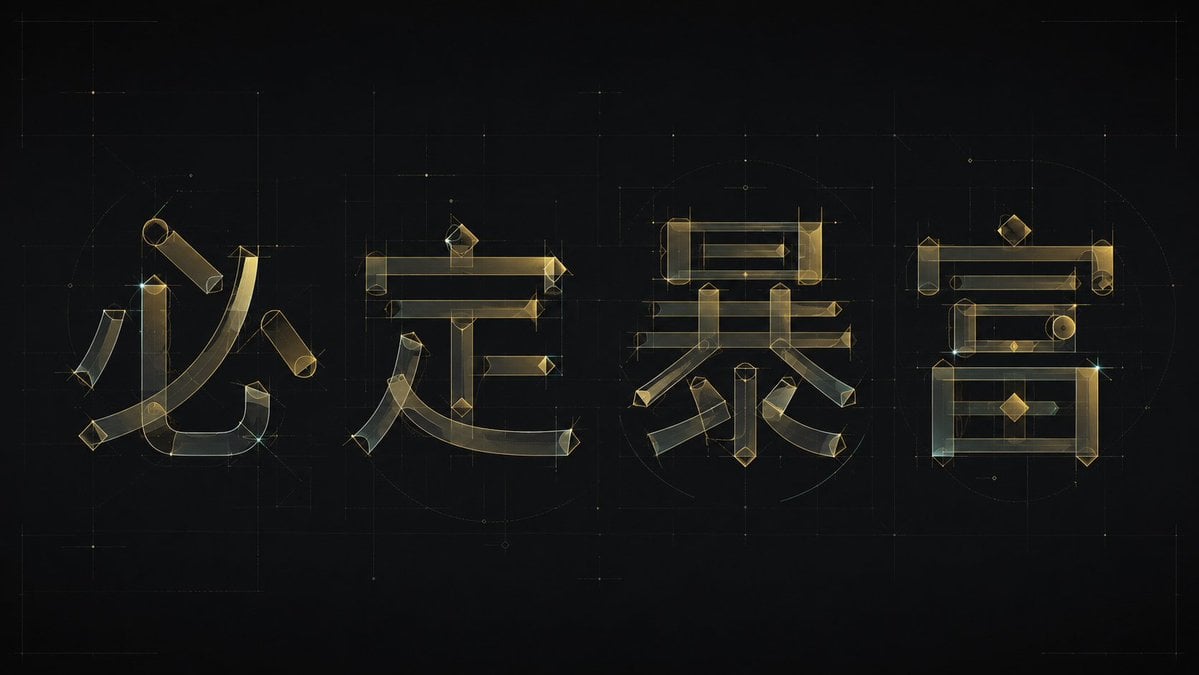
- Prompt included
- Model and format preset
- Free template
The prompt behind this image
Copy the exact prompt behind Experimental Chinese Typography Design, or open it in the studio and make it yours.
Generate an experimental Chinese typography design built around a specific piece of theme text: break each character down into a clearly distinguishable skeleton — horizontal and vertical structural bars, arced brush strokes, and a small number of geometric parts — then reassemble them into glyph forms using the same modular logic. The main body should not rely on ordinary typeface outlines; instead it should be built, like a transparent architectural blueprint, from thin outline strokes and semi-transparent color blocks: long horizontal strokes maintain a stable, level order, vertical strokes carry a slight tilt tension, sharp cut angles are preserved at the turns, and the main curved strokes sweep through the space inside each character with a large radius, forming a blend of calligraphic brushwork and geometric engineering feel. Keep ample negative space and balanced visual weight between characters; individual strokes may interweave, overlap, or shift out of alignment locally, but the text must remain legible. Repeated horizontal lines, vertical lines, diamond-shaped dots, and round or arced nodes serve a rhythmic function, making the whole set of characters look like a single unified type-system rather than one-off decorative glyphs. Draw the color palette from the theme's own material, mood, and meaning, keeping a relationship of a bright, clean base field, a low-saturation semi-transparent main body color, a slightly darker fine outline, and a very small number of clear accent points — the overall feel should be bright, translucent, airy, and precisely designed. The finish should sit somewhere between a type-design draft and a brand wordmark: clean edges, visible transparent layering, restrained stroke widths, avoiding heavy solid characters, a dingy gray retro texture, a casual handwritten feel, or ordinary poster typesetting. Theme text for this piece: {argument name="Theme Text" default="财大气粗"} Ratio 16:9
How to use Experimental Chinese Typography Design in 3 steps
- 1
Open
The prompt is already in the box next to the preview, with the template's model and format selected.
- 2…a portrait of your subject in softgolden-hour light, 85mm…
Personalize
Edit the subject and creative details for your destination.
- 3Generate
Generate
Press Generate — your image is created in PicX Studio, so you can compare it with the original and refine one variable at a time.
More like this
Templates with the same subject, style or setup. Open one to see its prompt.
Experimental Typography Editorial Poster

Brutalist Cogito Chinese Typography Poster
Chinese Novel Quote Typography Poster

Motion Graphics Finale Fireworks

Motion Graphics Garden Maze

Motion Graphics Castle Gate

Motion Graphics Kitchen Chaos

Motion Graphics Carnival Ride

Motion Graphics Rainy Bus Stop
Motion Graphics Space Dock
Motion Graphics Cafe Morning
Motion Graphics Mountain Summit
Make it yours
Experimental Chinese Typography Design works as-is. These are the safest ways to change it without losing the look.
Change one field
Copy a single group, rewrite it, and generate again so you can see what that field is doing.
Keep the frame, change the subject
Hold the composition and light of Experimental Chinese Typography Design, then swap wardrobe, props or the person for a new take.
| If the result… | Why | Fix |
|---|---|---|
| The result drifts from the preview | Too many fields changed at once. | Reuse Experimental Chinese Typography Design as-is first, then change one group — subject, light, or setting. |
| The model over-stylizes the scene | The prose prompt leaves finish and camera underspecified. | Add one camera or lighting sentence and stay on GPT Image 2. |
More GPT Image 2 templates
Other prompts made for GPT Image 2.

Six VTuber Japanese Logo Sheet

Realistic Portrait of Woman and Deer

The Vista Modular Condo Poster

AI Model Routing Comparison Infographic

2.5D Anime Art Board

Isometric Productivity Desk Scene

New York Double Exposure Poster

Four-Panel AI Landscape Comparison

Japanese Tatami Lifestyle Magazine Cover

NESCAFÉ Coffee Map Poster
More image prompts
Fresh picks from across the catalog.
High-End Skincare Product Macro Photography Ad
Chibi Fashion Girl With Leopard Accents
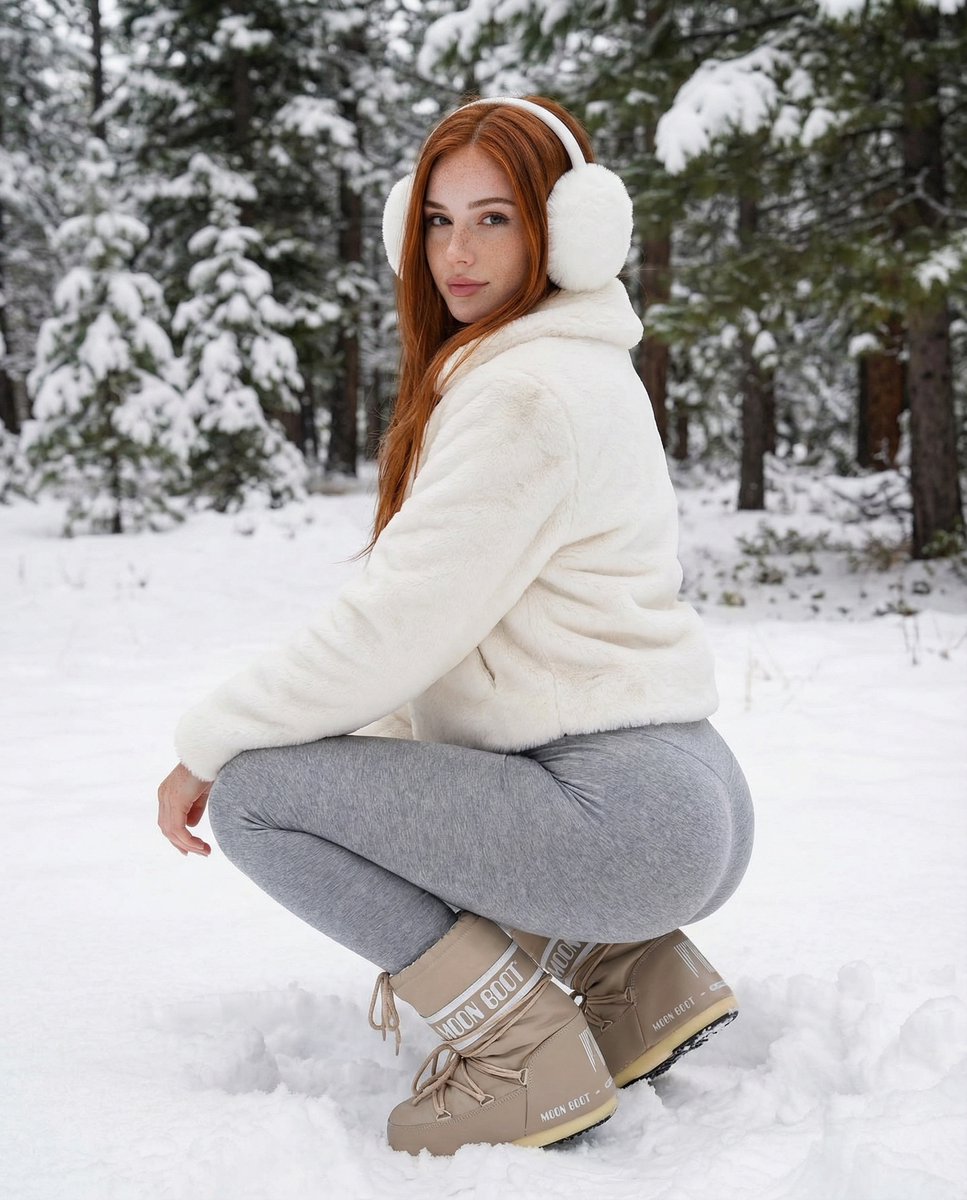
Photorealistic Winter Squat Pose in Faux Fur
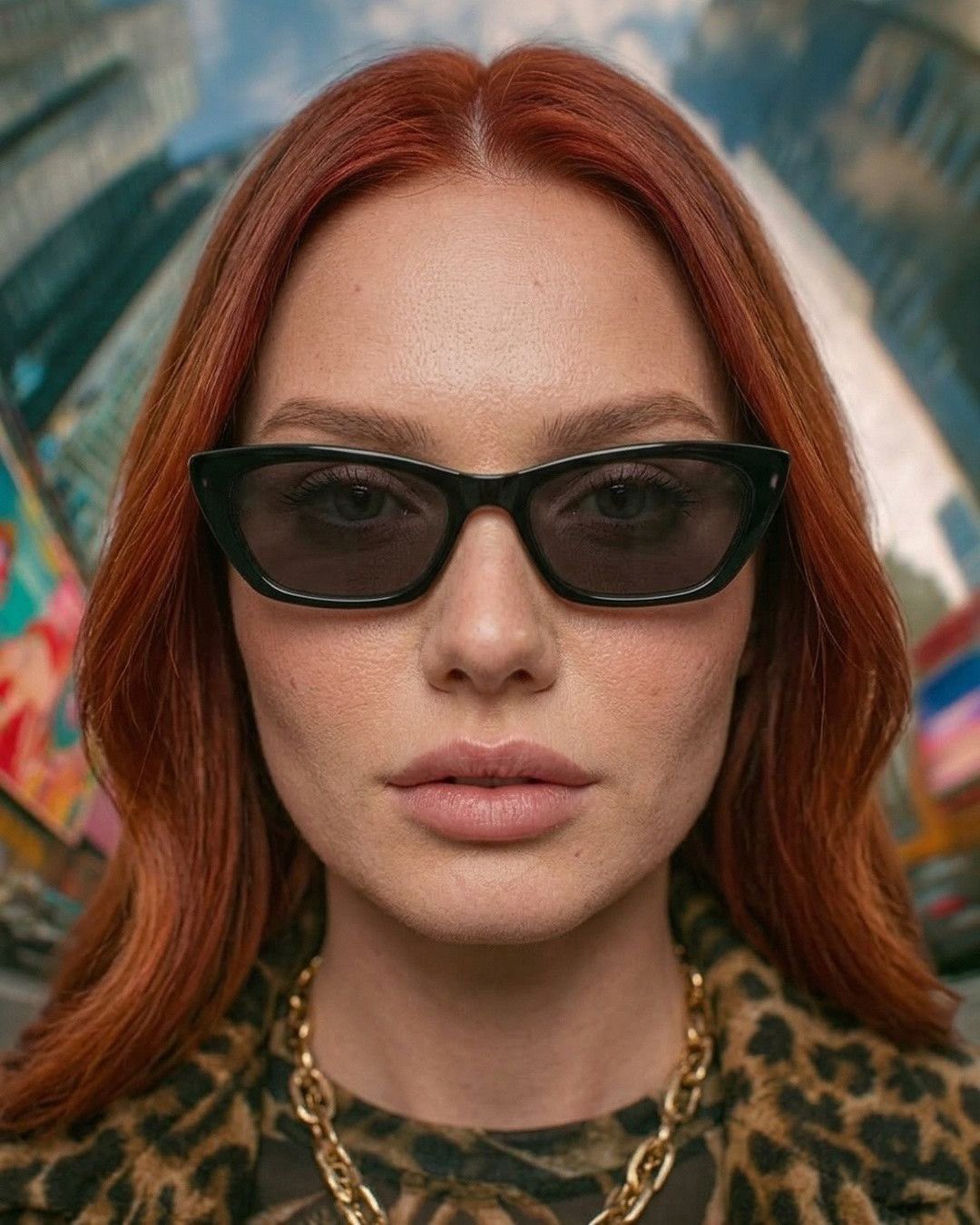
Nano Banana Fashion Portrait Redhead
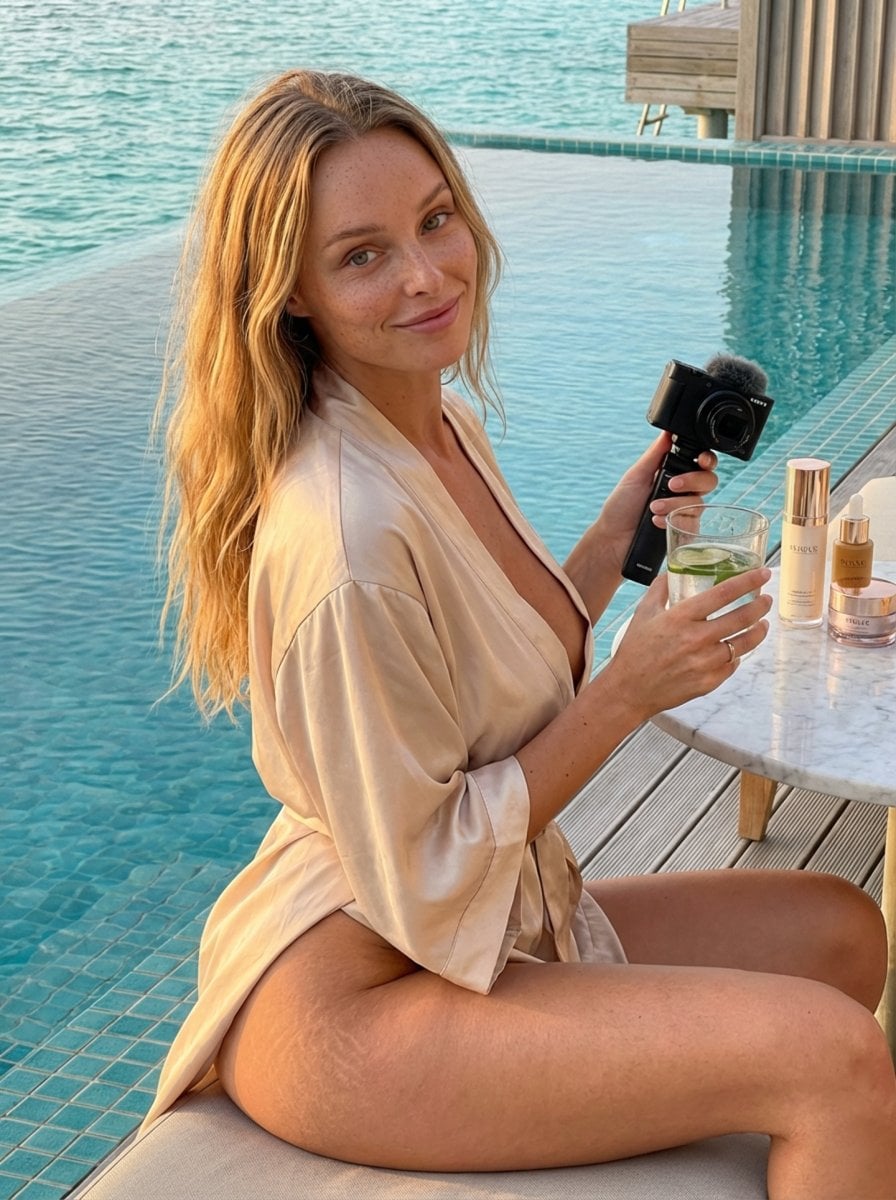
Golden Hour Luxury Vlog Portrait with Hyper-Voluminous Anatomy
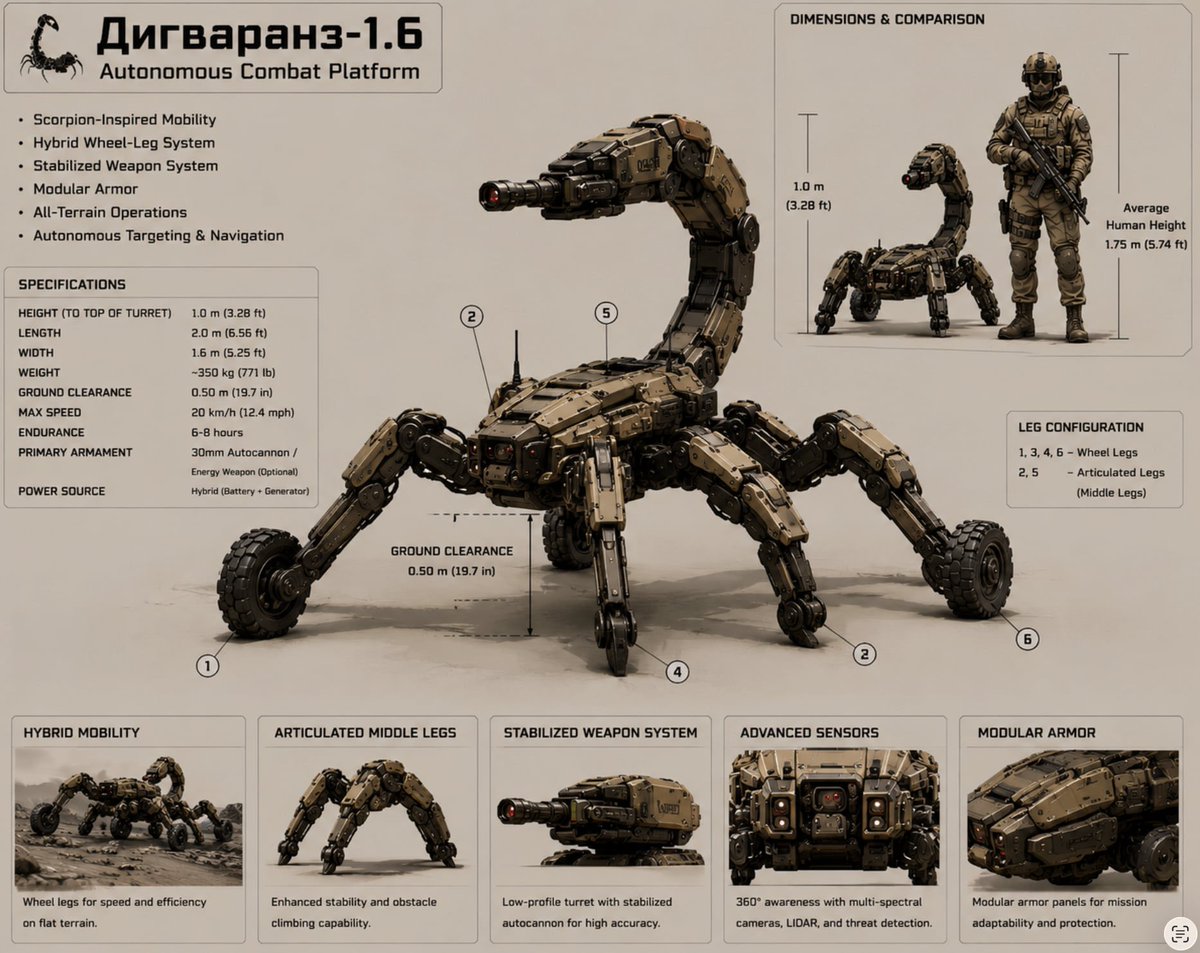
Scorpion Combat Robot Spec Sheet
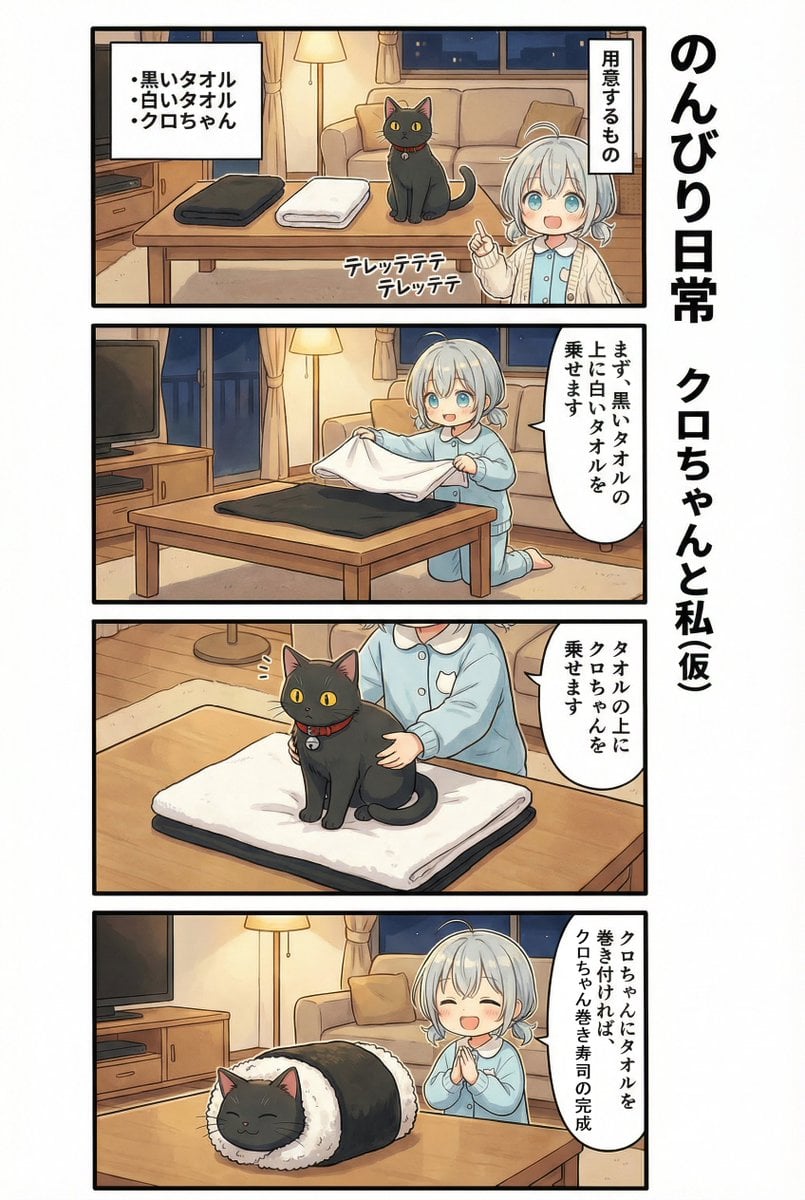
AI Manga: 2-Minute Cooking
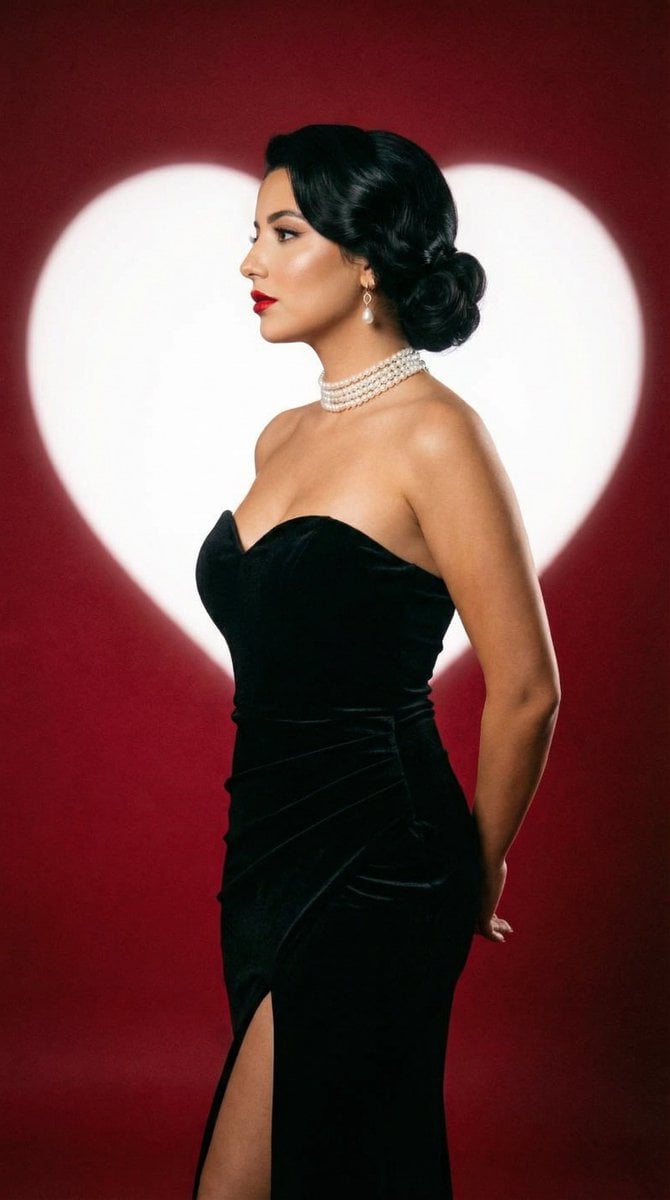
Classic Hollywood Studio Portrait with Heart Backdrop
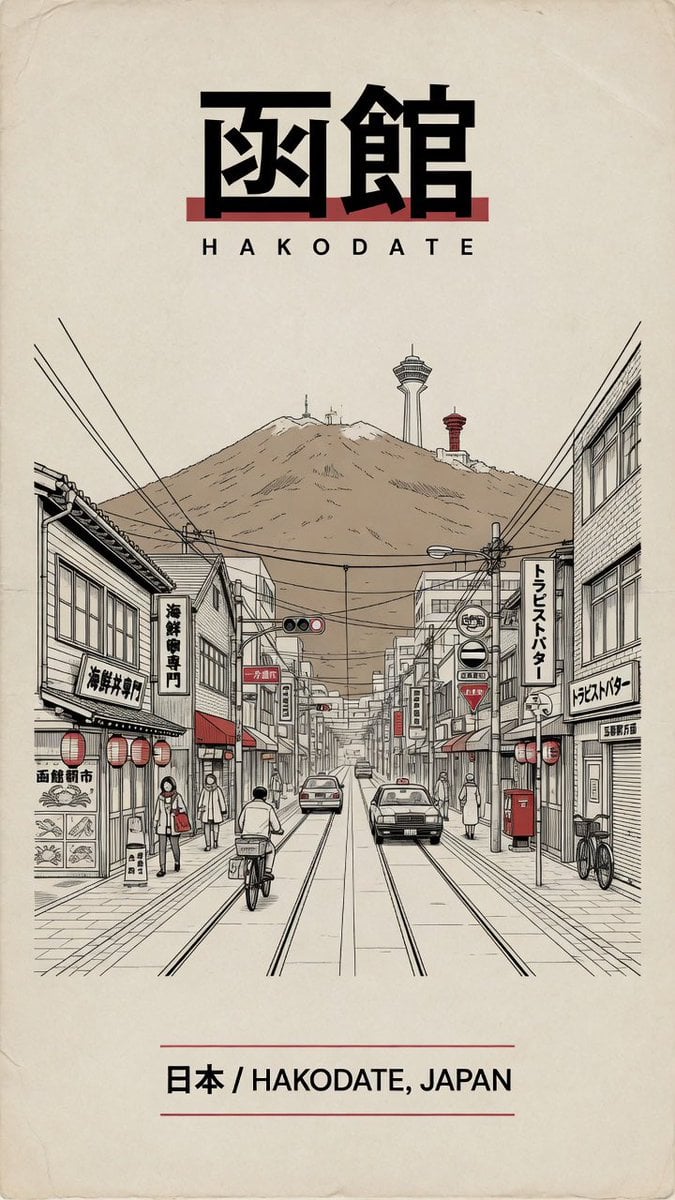
Vintage Hakodate Travel Poster
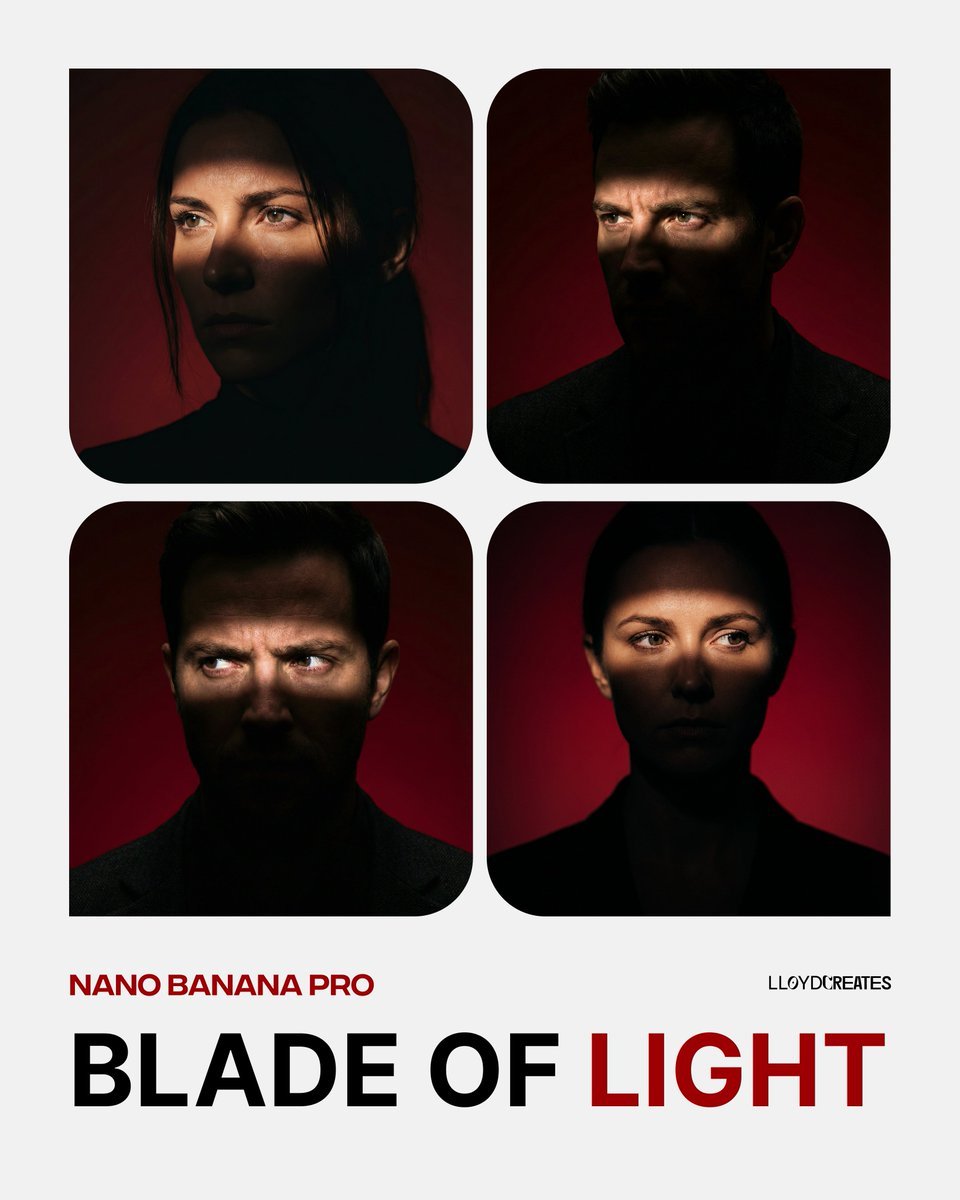
Blade of Light Chiaroscuro Portrait
Browse template categories
Experimental Chinese Typography Design questions
How do I use the Experimental Chinese Typography Design template?
Add your photo if the template asks for one, edit the prompt if you like — the template's model and format are already selected — and press Generate. Your version opens in PicX Studio.
Can I customize the Experimental Chinese Typography Design template?
Yes. You can change the subject, setting, lighting, mood, format, and available model controls before creating your image.
Is the Experimental Chinese Typography Design template free?
Opening and editing this template is free. Generating uses credits, shown on the Generate button when you are signed in.
Which AI model should I use?
Start with GPT Image 2, which is the model associated with this template. You can compare another compatible model for a different finish.
Looking for something else? Browse all templates.

Your photo, any look
Thousands of ready templates for every top image and video model, from one credit balance.