
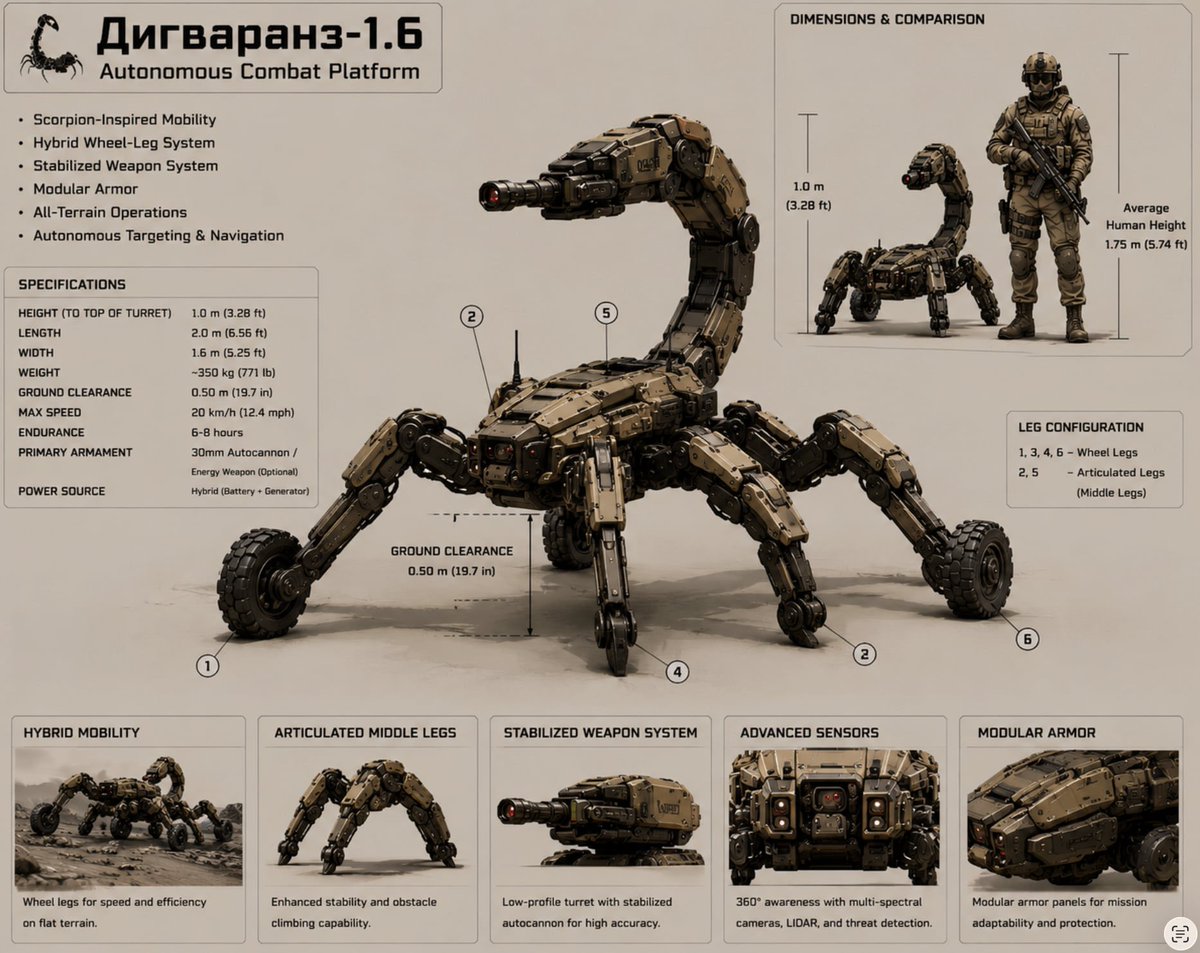
Scorpion Combat Robot Spec Sheet
A detailed defense-style concept sheet for a fictional scorpion-inspired autonomous combat robot with specifications, comparison panels, and feature cards.
- Prompt included
- Model and format preset
- Free template
The prompt behind this image
Copy the exact prompt behind Scorpion Combat Robot Spec Sheet, or open it in the studio and make it yours.
Goal: Create a detailed military-industrial specification sheet for a fictional autonomous scorpion-shaped combat robot named {argument name="platform name" default="Дигваранз-1.6"}, with the subtitle “Autonomous Combat Platform.” Canvas: Landscape 4:3 technical presentation board on a warm light beige background, thin gray panel borders, clean infographic layout, realistic hard-surface concept art mixed with labeled engineering diagram. Use tan, dark bronze, black, gunmetal, and muted military colors. The overall look should feel like a defense robotics brochure or field manual page. Main subject: Center a large scorpion-inspired autonomous combat platform in three-quarter view, facing left. It has a low armored body, segmented tan modular armor panels with rivets and dark mechanical joints, six numbered legs, hybrid wheel-and-leg mobility, and a high curved scorpion tail ending in a stabilized turret weapon. The weapon is a compact 30 mm autocannon with a red sensor or muzzle detail. The robot should look rugged, heavy, realistic, and operational, with subtle floor shadows. Add circular callout markers for exactly 6 leg positions: 1, 2, 3, 4, 5, and 6. Include a ground-clearance measurement arrow beneath the center body reading “GROUND CLEARANCE 0.50 m (19.7 in).” Top-left title block: Add a small black scorpion icon, then the large Cyrillic title “{argument name="platform name" default="Дигваранз-1.6"}” and the English subtitle “Autonomous Combat Platform.” Under it, show exactly 6 feature bullets: “Scorpion-Inspired Mobility,” “Hybrid Wheel-Leg System,” “Stabilized Weapon System,” “Modular Armor,” “All-Terrain Operations,” and “Autonomous Targeting & Navigation.” Left specifications panel: A bordered box titled “SPECIFICATIONS” with exactly 9 rows: “HEIGHT (TO TOP OF TURRET) 1.0 m (3.28 ft),” “LENGTH 2.0 m (6.56 ft),” “WIDTH 1.6 m (5.25 ft),” “WEIGHT ~350 kg (771 lb),” “GROUND CLEARANCE 0.50 m (19.7 in),” “MAX SPEED 20 km/h (12.4 mph),” “ENDURANCE 6–8 hours,” “PRIMARY ARMAMENT 30mm Autocannon / Energy Weapon (Optional),” and “POWER SOURCE Hybrid (Battery + Generator).” Top-right comparison panel: A bordered inset titled “DIMENSIONS & COMPARISON.” Show exactly 2 figures inside: the scorpion combat robot beside a standing armored soldier holding a rifle. Add height guides labeled “1.0 m (3.28 ft)” for the robot and “Average Human Height 1.75 m (5.74 ft)” for the soldier. Right-middle leg configuration panel: A small bordered box titled “LEG CONFIGURATION” with exactly 2 numbered lines: “1, 3, 4, 6 – Wheel Legs” and “2, 5 – Articulated Legs (Middle Legs).” Bottom row: Add exactly 5 bordered feature cards spanning the width. Each card contains a small realistic render and a caption. Card 1 title “HYBRID MOBILITY,” image of the robot driving across rough ground, caption “Wheel legs for speed and efficiency on flat terrain.” Card 2 title “ARTICULATED MIDDLE LEGS,” image focused on the middle walking legs, caption “Enhanced stability and obstacle climbing capability.” Card 3 title “STABILIZED WEAPON SYSTEM,” image close-up of the tail turret, caption “Low-profile turret with stabilized autocannon for high accuracy.” Card 4 title “ADVANCED SENSORS,” image close-up of the front sensor array with cameras, caption “360° awareness with multi-spectral cameras, LIDAR, and threat detection.” Card 5 title “MODULAR ARMOR,” image close-up of armor plates, caption “Modular armor panels for mission adaptability and protection.” Style constraints: Use crisp sans-serif typography, black and dark gray text, precise labels, thin leader lines, and realistic lighting. Keep all text legible and aligned. Do not add extra logos, watermarks, explosions, battlefield smoke, or human gore. Maintain a clean concept-sheet presentation for {argument name="robot role" default="autonomous combat platform"}.
How to use Scorpion Combat Robot Spec Sheet in 3 steps
- 1Upload ImagePNG, JPG or paste
Add your photo
Upload the photo the template builds on. The prompt, model and format are already set.
- 2…a portrait of your subject in softgolden-hour light, 85mm…
Personalize
Edit the subject and creative details for your destination.
- 3Generate
Generate
Press Generate — your image is created in PicX Studio, so you can compare it with the original and refine one variable at a time.
More like this
Templates with the same subject, style or setup. Open one to see its prompt.
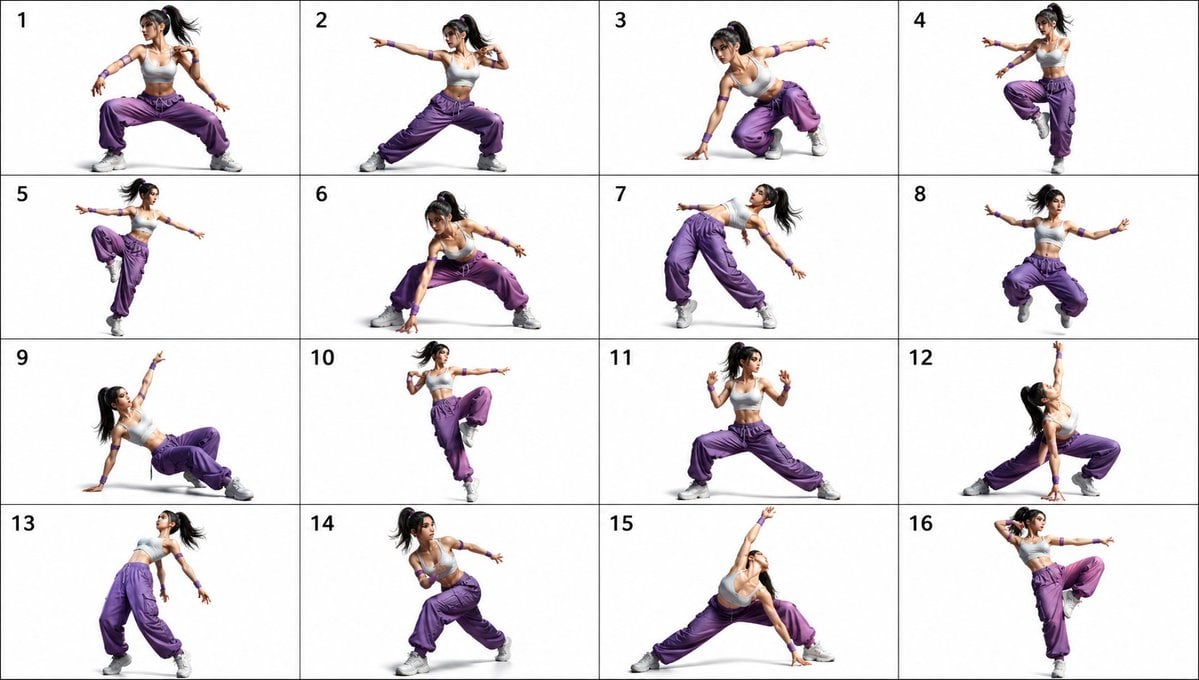
Pose Dance Combat Reference Sheet
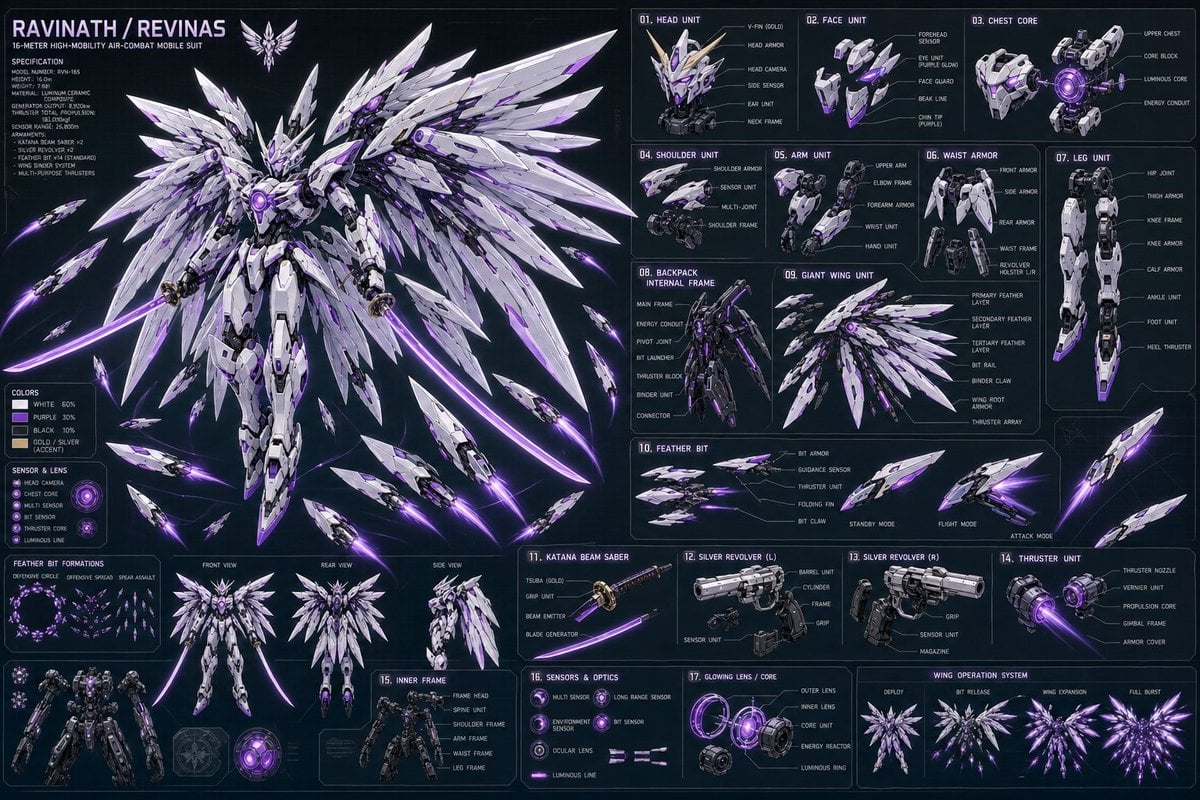
Ravinath Revinas Mecha Spec Sheet
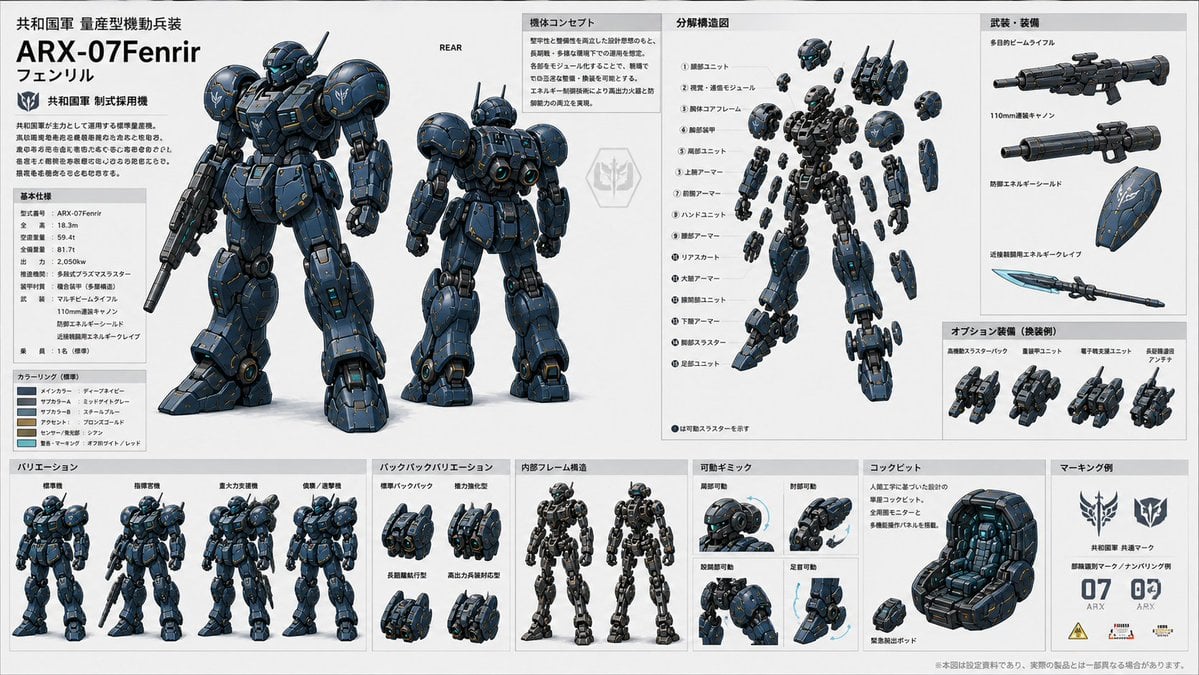
ARX-07 Fenrir Mecha Spec Sheet
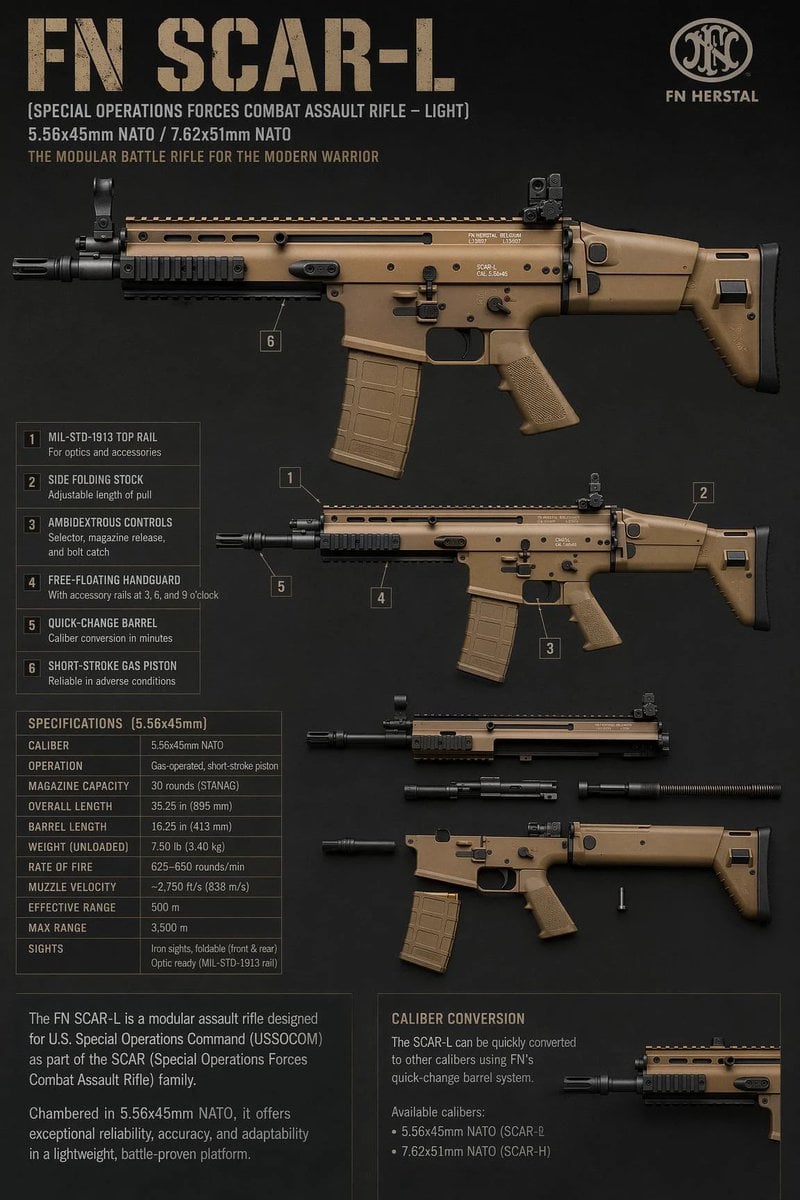
FN SCAR-L Tactical Spec Sheet
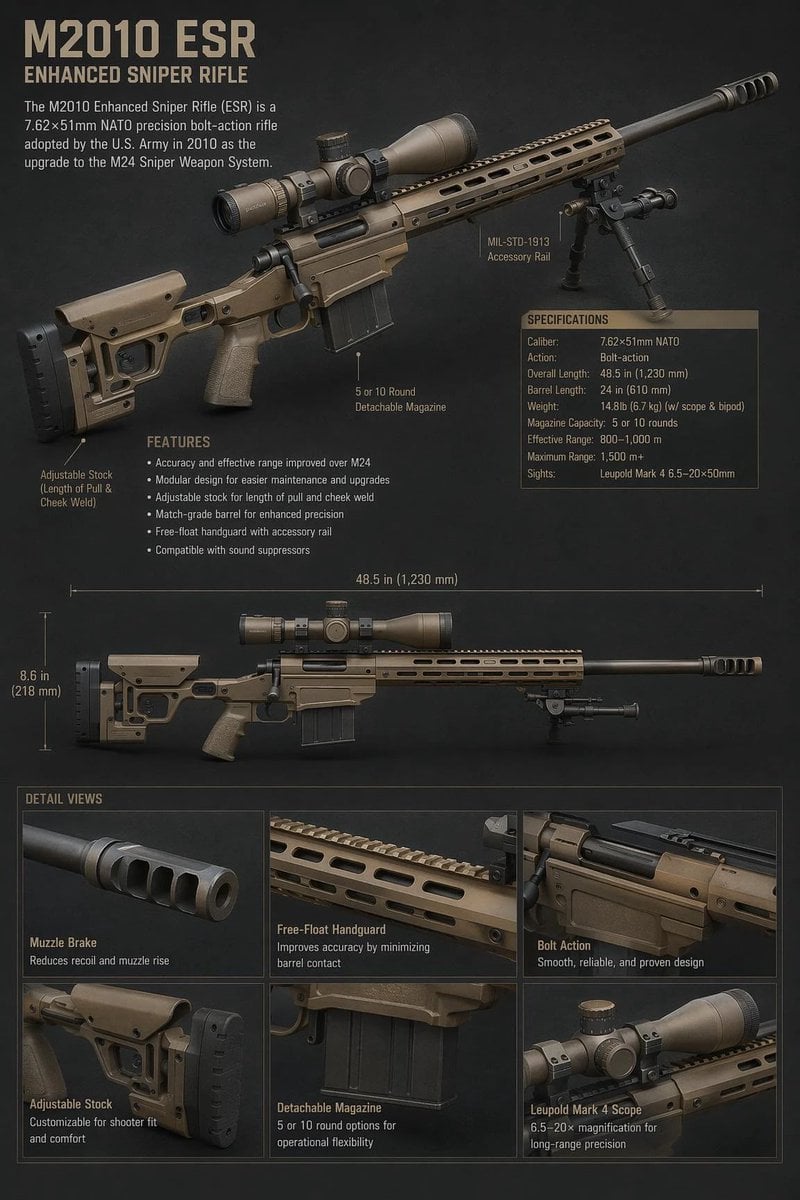
M2010 ESR Tactical Spec Sheet
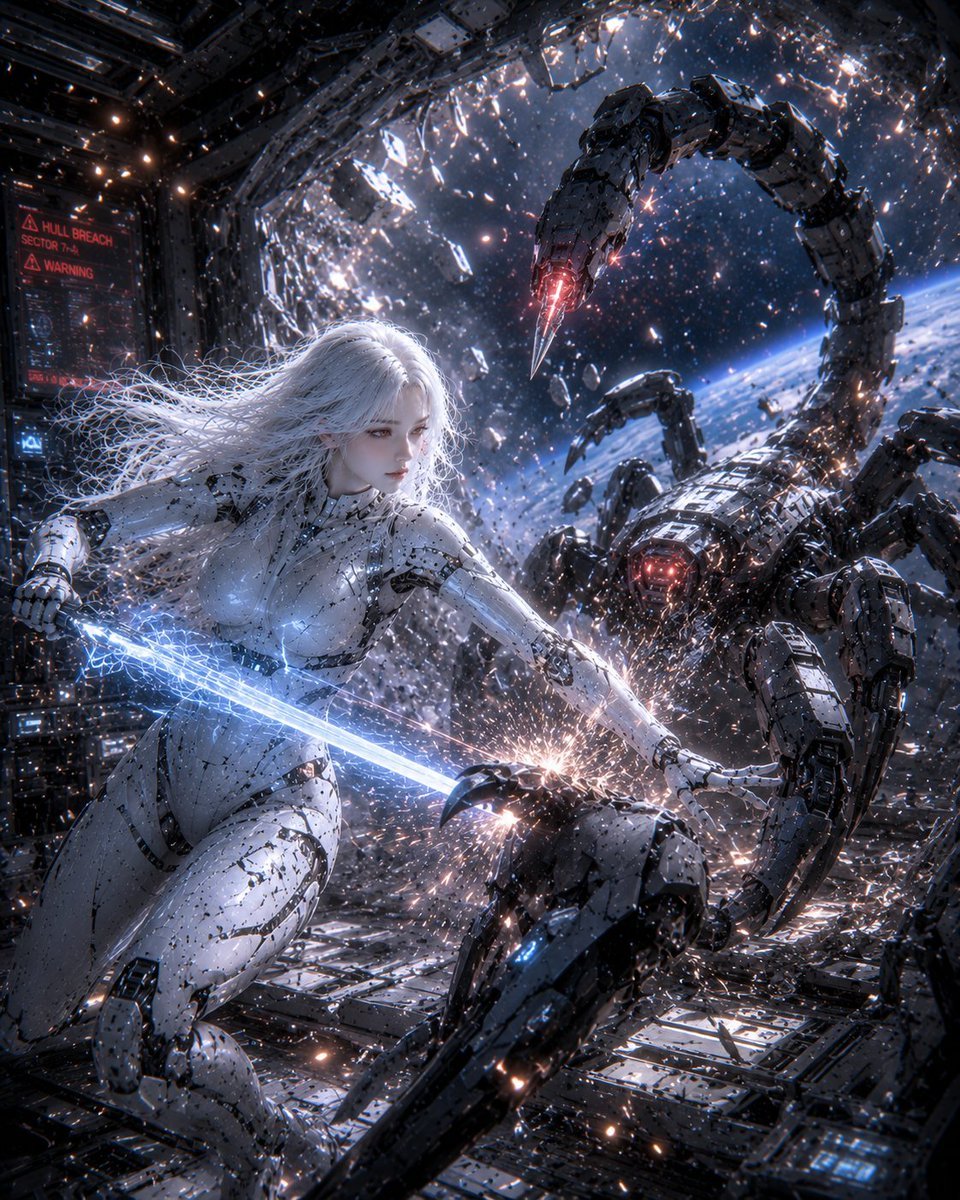
Female Android vs Robotic Scorpion
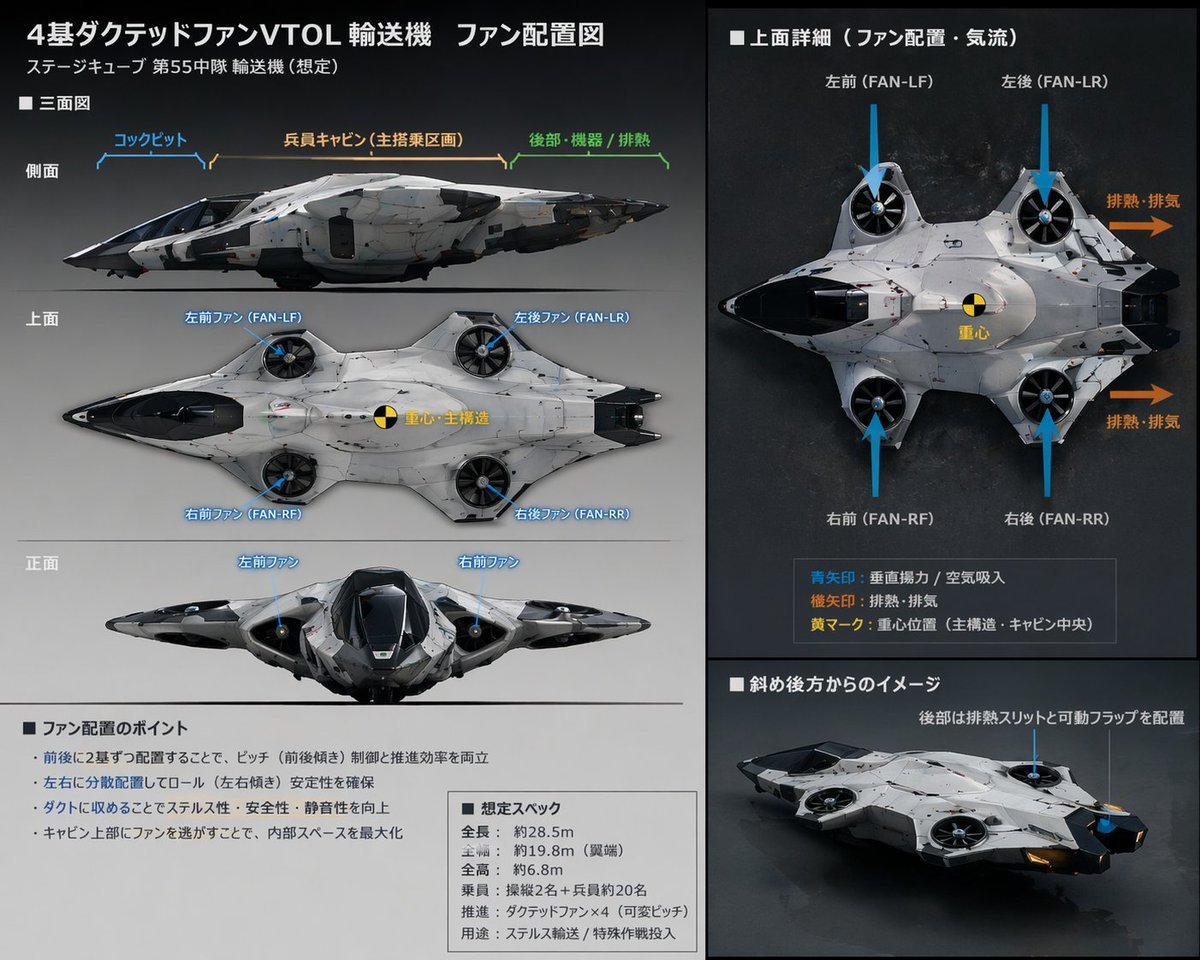
Sci-Fi VTOL Aircraft Technical Spec Sheet

DIY Baby Robot Toy Concept Sheet
Robot Girl Reference Sheet
Dual-Era Naval Drama Poster & Spec Sheet
Mecha Base Technical Spec Sheet

Dancer Character - Four View Reference Sheet
Make it yours
Scorpion Combat Robot Spec Sheet works as-is. These are the safest ways to change it without losing the look.
Change one field
Copy a single group, rewrite it, and generate again so you can see what that field is doing.
Keep the frame, change the subject
Hold the composition and light of Scorpion Combat Robot Spec Sheet, then swap wardrobe, props or the person for a new take.
| If the result… | Why | Fix |
|---|---|---|
| The result drifts from the preview | Too many fields changed at once. | Reuse Scorpion Combat Robot Spec Sheet as-is first, then change one group — subject, light, or setting. |
| The model over-stylizes the scene | The prose prompt leaves finish and camera underspecified. | Add one camera or lighting sentence and stay on GPT Image 2. |
More GPT Image 2 templates
Other prompts made for GPT Image 2.

Realistic Portrait of Woman and Deer

The Vista Modular Condo Poster

AI Model Routing Comparison Infographic

2.5D Anime Art Board

Isometric Productivity Desk Scene

New York Double Exposure Poster

Four-Panel AI Landscape Comparison

Japanese Tatami Lifestyle Magazine Cover

NESCAFÉ Coffee Map Poster

Brutalist Cogito Chinese Typography Poster
More image prompts
Fresh picks from across the catalog.
Photorealistic Snapshot of a Woman with Tattoos in a Japanese Urban Setting

Cinematic Lotus Ancient Painting

Image Editing: Background and Object Replacement

Hand-drawn mixed-media illustration prompt for Gemini Nano Banana Pro
ChatGPT Super App Concept

Dramatic Digital Painting Portrait Prompt

Floral Cottage Café Kakigori

Ultra-Realistic Beauty Portrait Prompt
Fashion Mural Editorial Portrait
Bioluminescent Aquatic Creature Storyboard
Browse template categories
Scorpion Combat Robot Spec Sheet questions
How do I use the Scorpion Combat Robot Spec Sheet template?
Add your photo if the template asks for one, edit the prompt if you like — the template's model and format are already selected — and press Generate. Your version opens in PicX Studio.
Can I customize the Scorpion Combat Robot Spec Sheet template?
Yes. You can change the subject, setting, lighting, mood, format, and available model controls before creating your image.
Is the Scorpion Combat Robot Spec Sheet template free?
Opening and editing this template is free. Generating uses credits, shown on the Generate button when you are signed in.
Which AI model should I use?
Start with GPT Image 2, which is the model associated with this template. You can compare another compatible model for a different finish.
Looking for something else? Browse all templates.

Your photo, any look
Thousands of ready templates for every top image and video model, from one credit balance.