
Bioluminescent Aquatic Creature Storyboard
Generates a 12-panel cinematic storyboard of a giant mystical aquatic creature gliding through a glowing night wetland, useful for fantasy video concept planning.
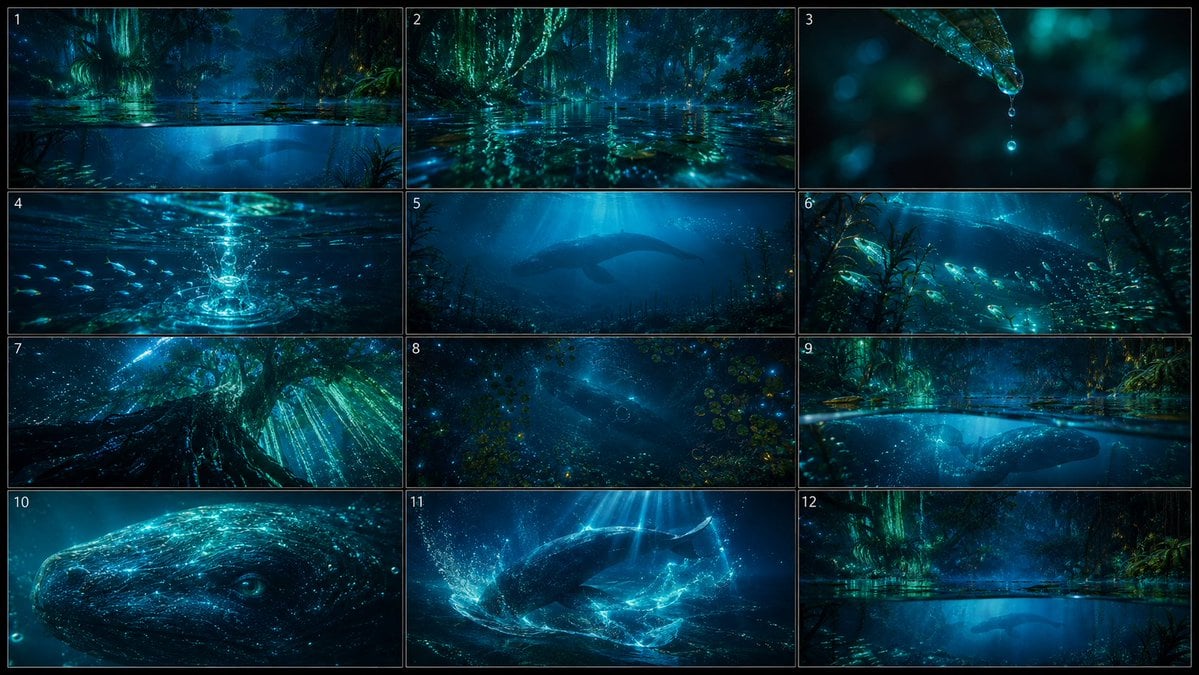
- Prompt included
- Model and format preset
- Premium template
The prompt behind this image
Copy the exact prompt behind Bioluminescent Aquatic Creature Storyboard, or open it in the studio and make it yours.
Goal: Create a cinematic storyboard sheet for a 15-second fantasy nature film about {argument name="main creature" default="a giant gentle ancient aquatic creature"} swimming through a mystical night wetland. Canvas: Horizontal 16:9 image formatted as a storyboard contact sheet with exactly 12 panels arranged in a 3-column by 4-row grid. Use thin black gutters and subtle light gray panel borders. Add small white panel numbers 1 through 12 in the upper-left corner of each panel. No other text. Visual style: Ultra-detailed cinematic concept art, dark blue and teal color palette, glowing bioluminescent forest, luminous vines, wet leaves, floating lotus leaves, reflective water surface, underwater caustics, bubbles, suspended particles, small glowing fish, volumetric moonbeams, dramatic depth, high contrast, dreamy photoreal fantasy atmosphere. The mood is awe and serenity, not horror or combat. Panel content, exactly 12 discrete storyboard frames: 1. Split-level ultra-wide shot: the waterline cuts across the frame, above it a teal bioluminescent swamp forest, below it a deep underwater world; lotus leaves and ripples on the surface, with the huge creature’s shadow passing in the distance. 2. Low gliding water-surface shot: camera almost touching the reflective water, luminous hanging vines and wet foliage ahead, teal reflections streaking across ripples in the foreground. 3. Extreme macro close-up: a leaf tip in the upper-right corner holds a transparent water droplet glowing cyan; a second tiny droplet falls below it, with soft bokeh lights in the dark background. 4. Underwater splash moment: the droplet hits the water and sends bright circular ripples and bubbles downward; a school of tiny glowing fish scatters around the splash. 5. Wide underwater reveal: the giant aquatic creature appears far away as a graceful whale-like silhouette under blue shafts of light, surrounded by small fish and drifting particles. 6. Tracking shot beside underwater plants: tall swaying aquatic vegetation in the foreground, schools of glowing fish crossing the frame, and the massive creature’s body moving in the background to show scale. 7. Upward view from beneath submerged tree roots: enormous roots and a glowing tree base loom overhead, turquoise light streams down through water and hanging vines, creating a sacred forest-underwater composition. 8. Overhead shot of the water surface: circular ripples, clusters of lotus leaves, scattered blue sparkles, and the dark silhouette of the giant creature swimming below. 9. Half-submerged lateral shot: the upper half shows the glowing night forest and reflective swamp surface, the lower half shows the giant creature swimming just beneath the waterline. 10. Extreme close-up of the creature’s head and eye: gentle intelligent eye, whale-like skin covered in fine cyan bioluminescent speckles and flowing light patterns, soft bubbles around the face. 11. Climax action frame: the creature twists gracefully through the water, creating bright luminous trails, splashes, bubbles, and rippling caustic light beams from above. 12. Quiet final echo: return to a calm split-level wide shot of the glowing forest and dark underwater space, with the creature receding as a distant silhouette beneath the reflective surface. Constraints: Keep the storyboard clean and readable as a single sheet, preserve exactly 12 numbered panels, maintain consistent teal-blue bioluminescent lighting across all panels, make the creature majestic and benevolent rather than scary, and avoid captions, speech bubbles, watermarks, logos, or extra labels.
How to use Bioluminescent Aquatic Creature Storyboard in 3 steps
- 1Upload ImagePNG, JPG or paste
Add your photo
Upload the photo the template builds on. The prompt, model and format are already set.
- 2…a portrait of your subject in softgolden-hour light, 85mm…
Personalize
Edit the subject and creative details for your destination.
- 3Generate
Generate
Press Generate — your image is created in PicX Studio, so you can compare it with the original and refine one variable at a time.
More like this
Templates with the same subject, style or setup. Open one to see its prompt.

Headphones Lifestyle Nine Panel Grid
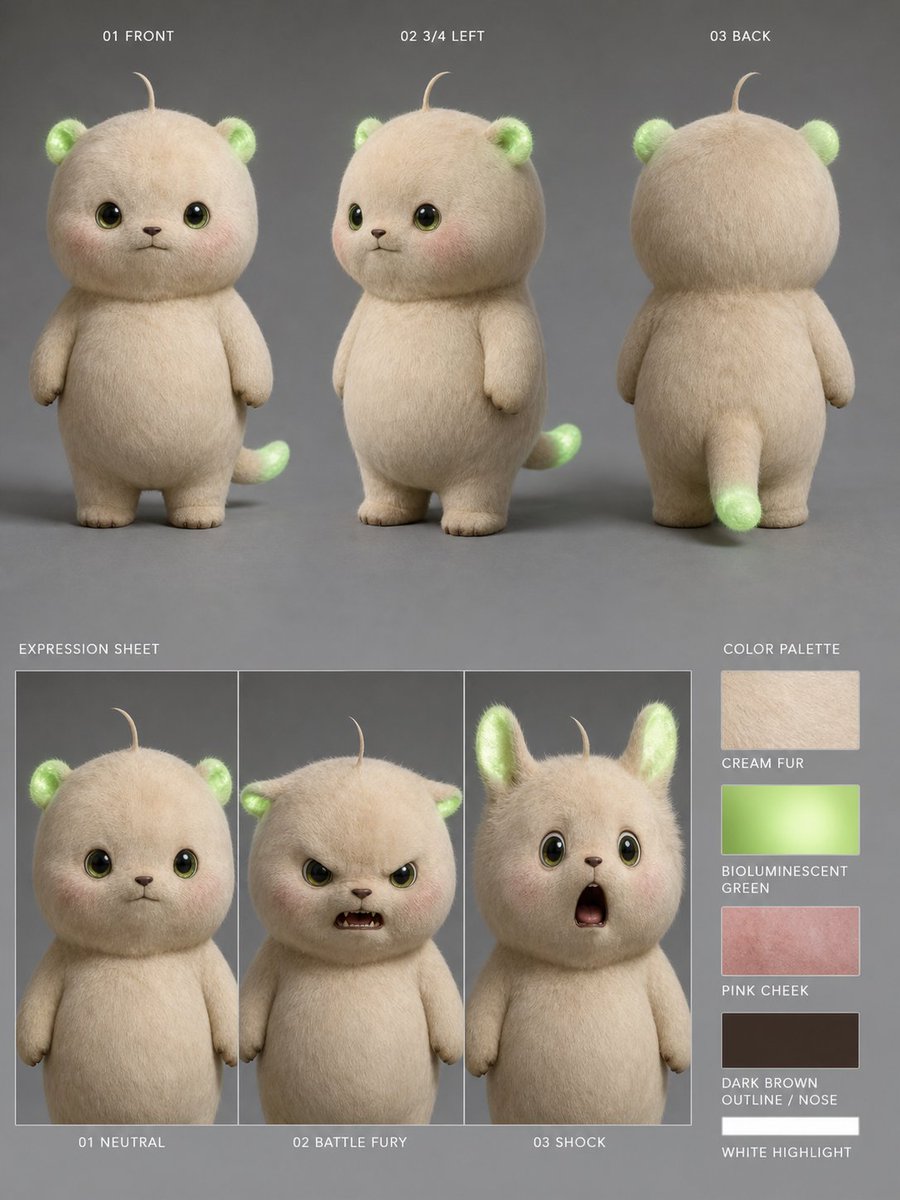
Bioluminescent Plush Creature Sheet
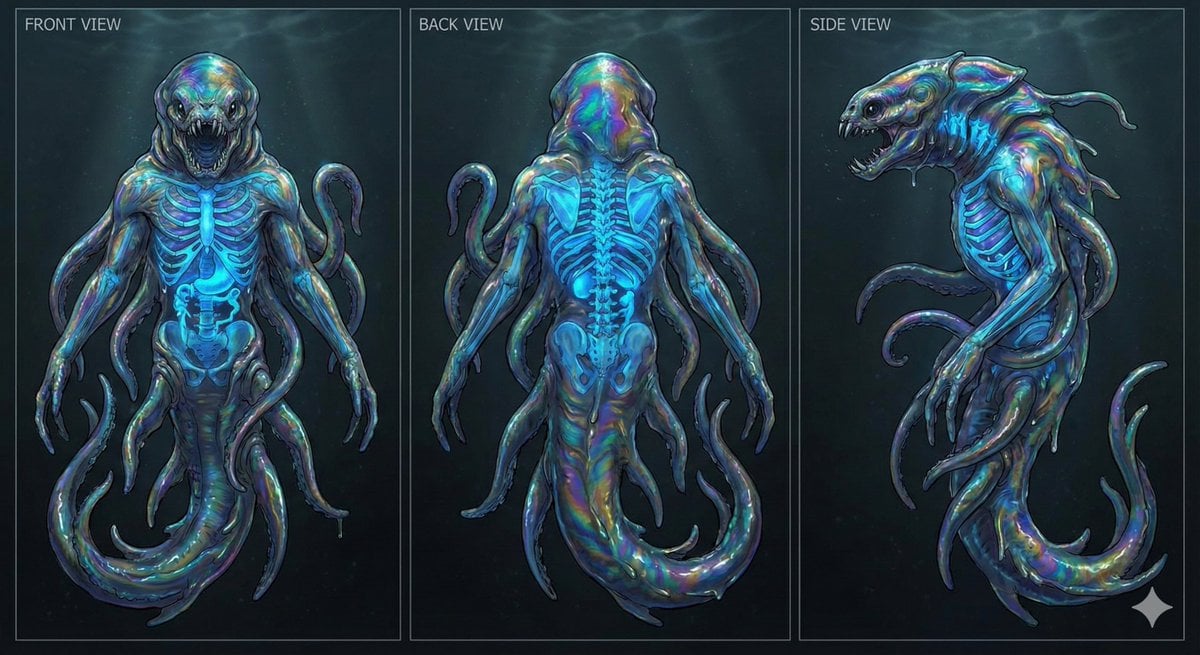
Character Sheet for Deep-Sea Creature with Bioluminescent Skeleton
Seedance - Storyboard to Movie
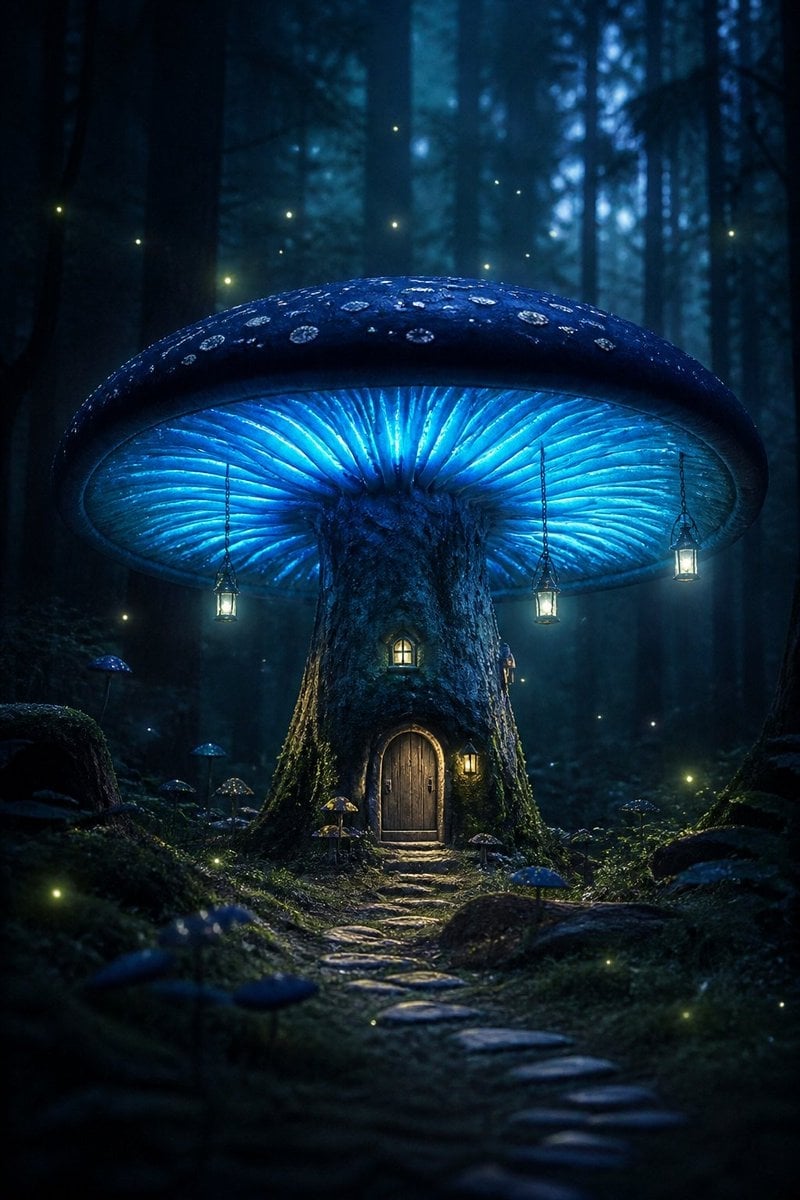
Bioluminescent Giant Mushroom in Dark Forest
Fantasy Creature Meadow Ensemble
Funny 4-part story featuring 3 fluffy creatures building a treehouse
Maintaining the facial features of all creatures
Banknote Engraving Deep Sea Creatures
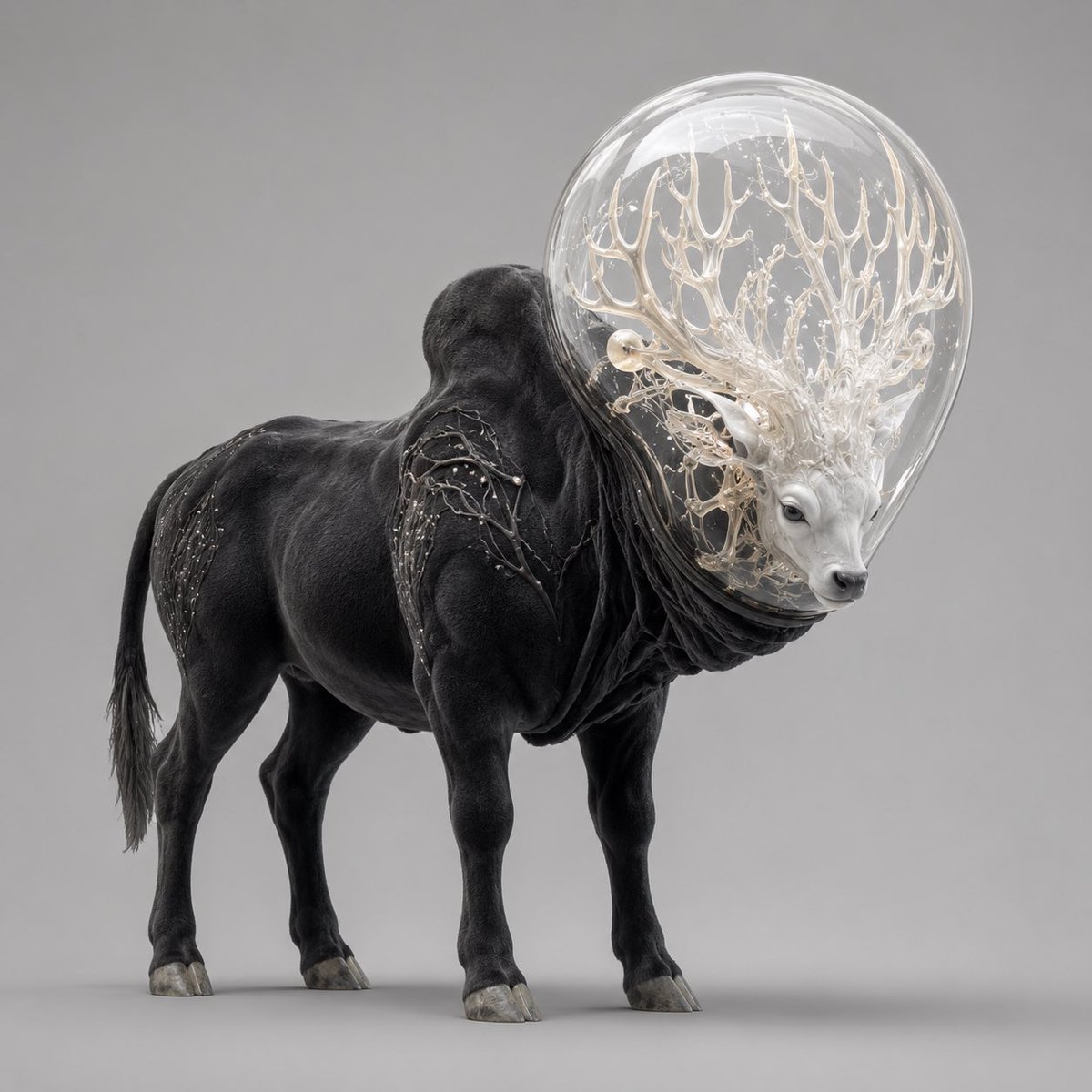
Glass-Orb Antler Bull Creature

Pencil Sketch Coffee Storyboard
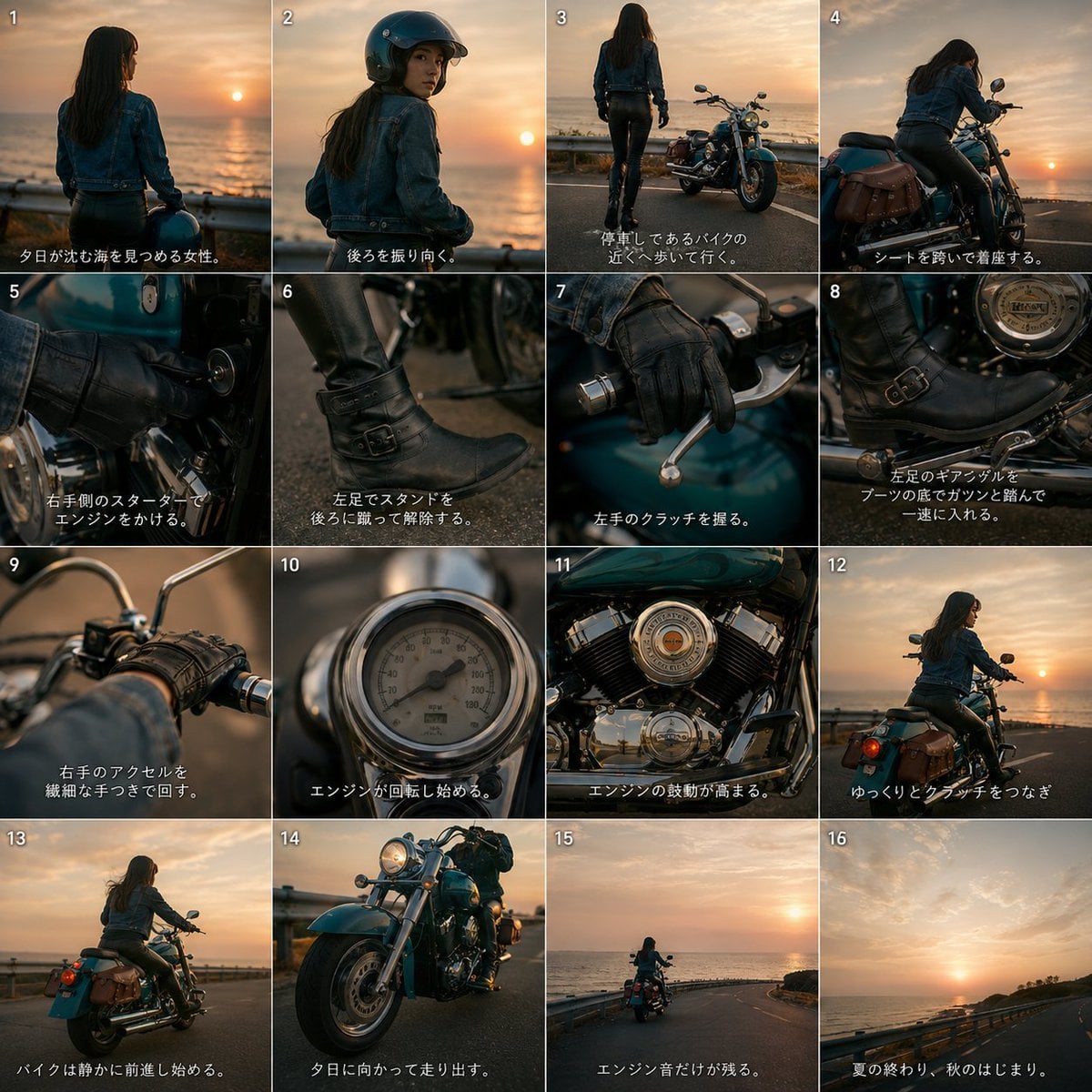
Cinematic Motorcycle Storyboard
Make it yours
Bioluminescent Aquatic Creature Storyboard works as-is. These are the safest ways to change it without losing the look.
Change one field
Copy a single group, rewrite it, and generate again so you can see what that field is doing.
Keep the frame, change the subject
Hold the composition and light of Bioluminescent Aquatic Creature Storyboard, then swap wardrobe, props or the person for a new take.
| If the result… | Why | Fix |
|---|---|---|
| The result drifts from the preview | Too many fields changed at once. | Reuse Bioluminescent Aquatic Creature Storyboard as-is first, then change one group — subject, light, or setting. |
| The model over-stylizes the scene | The prose prompt leaves finish and camera underspecified. | Add one camera or lighting sentence and stay on GPT Image 2. |
More GPT Image 2 templates
Other prompts made for GPT Image 2.

Six VTuber Japanese Logo Sheet

Realistic Portrait of Woman and Deer

The Vista Modular Condo Poster

AI Model Routing Comparison Infographic

2.5D Anime Art Board

Isometric Productivity Desk Scene

New York Double Exposure Poster

Four-Panel AI Landscape Comparison

Japanese Tatami Lifestyle Magazine Cover

NESCAFÉ Coffee Map Poster
More image prompts
Fresh picks from across the catalog.

Hyper-Realistic Selfie Texture Prompts
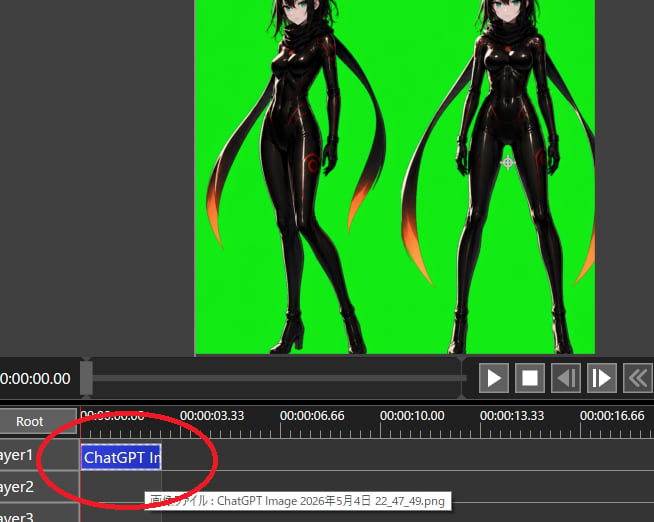
Chroma Key Video Editor Screenshot

High-Impact Male Fashion Editorial with Identity Lock
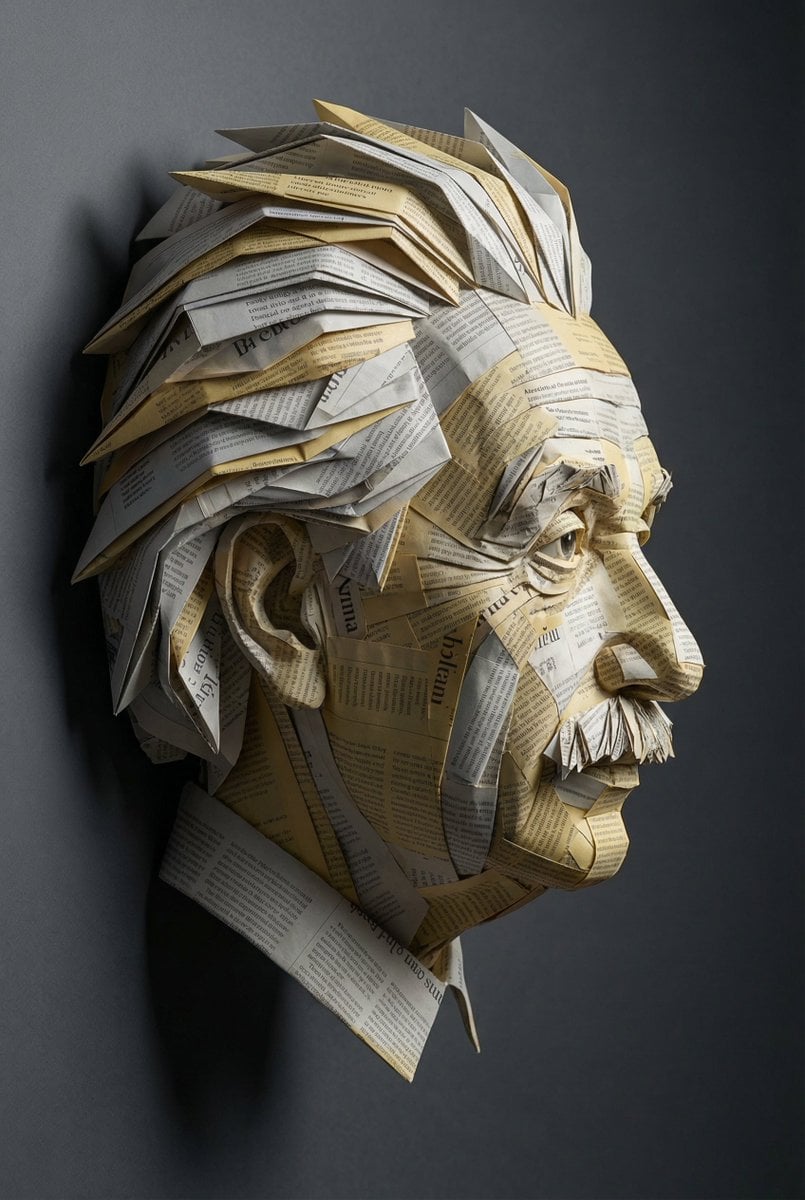
Surreal Einstein Paper Sculpture Photography Prompt
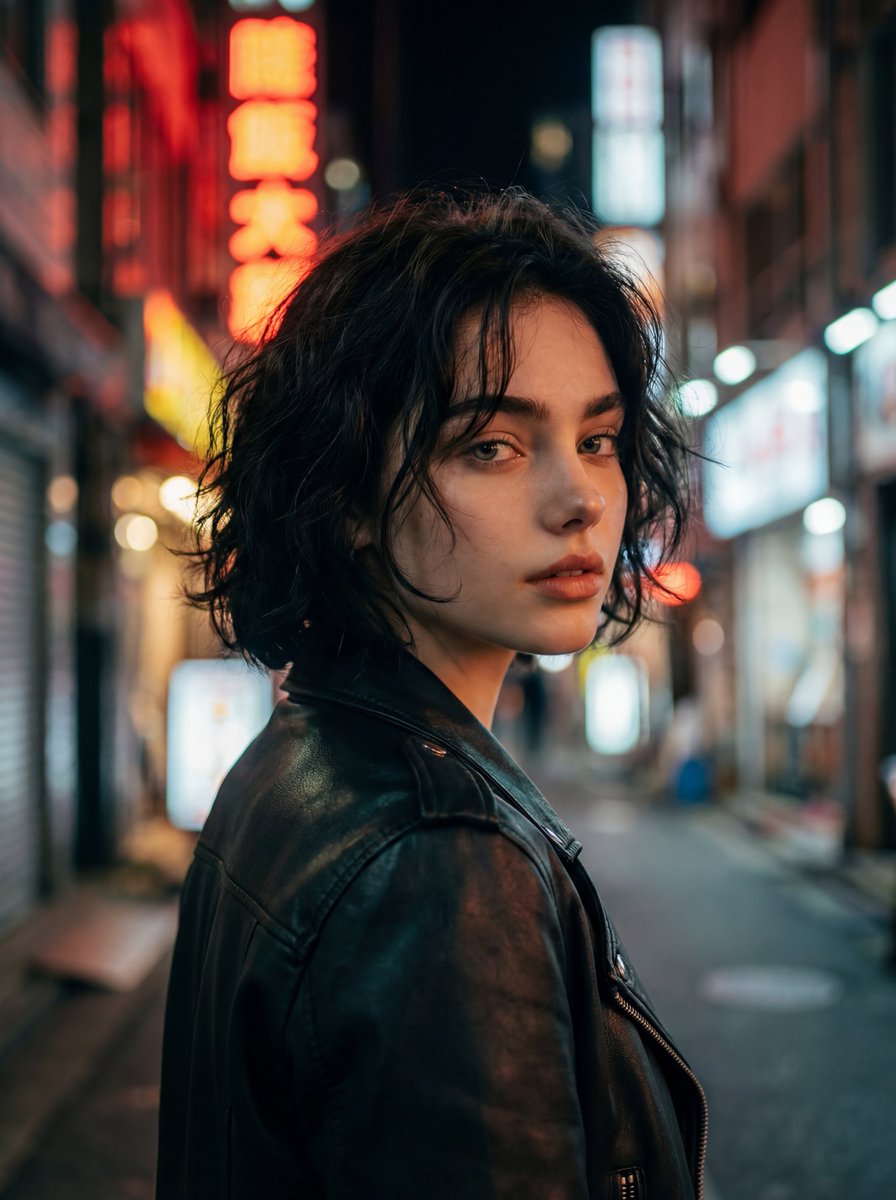
Cinematic Night Street Portrait
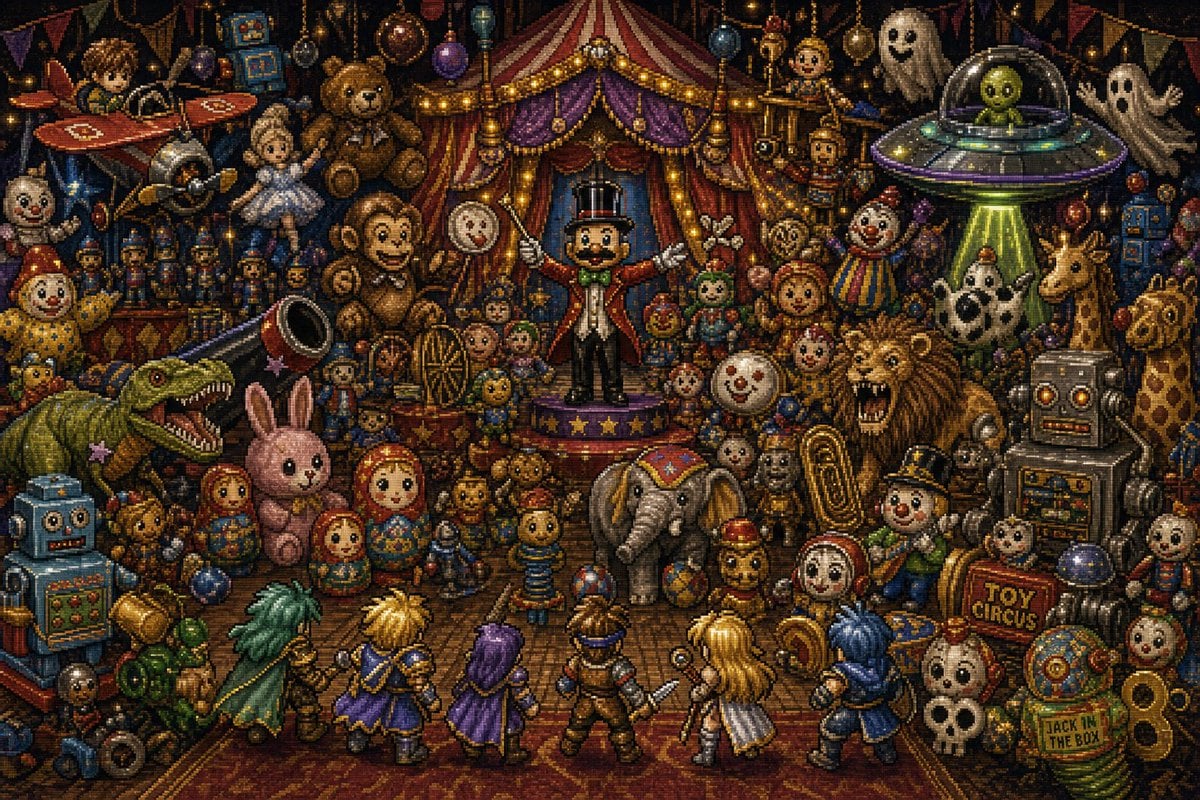
Toy Circus JRPG Battle
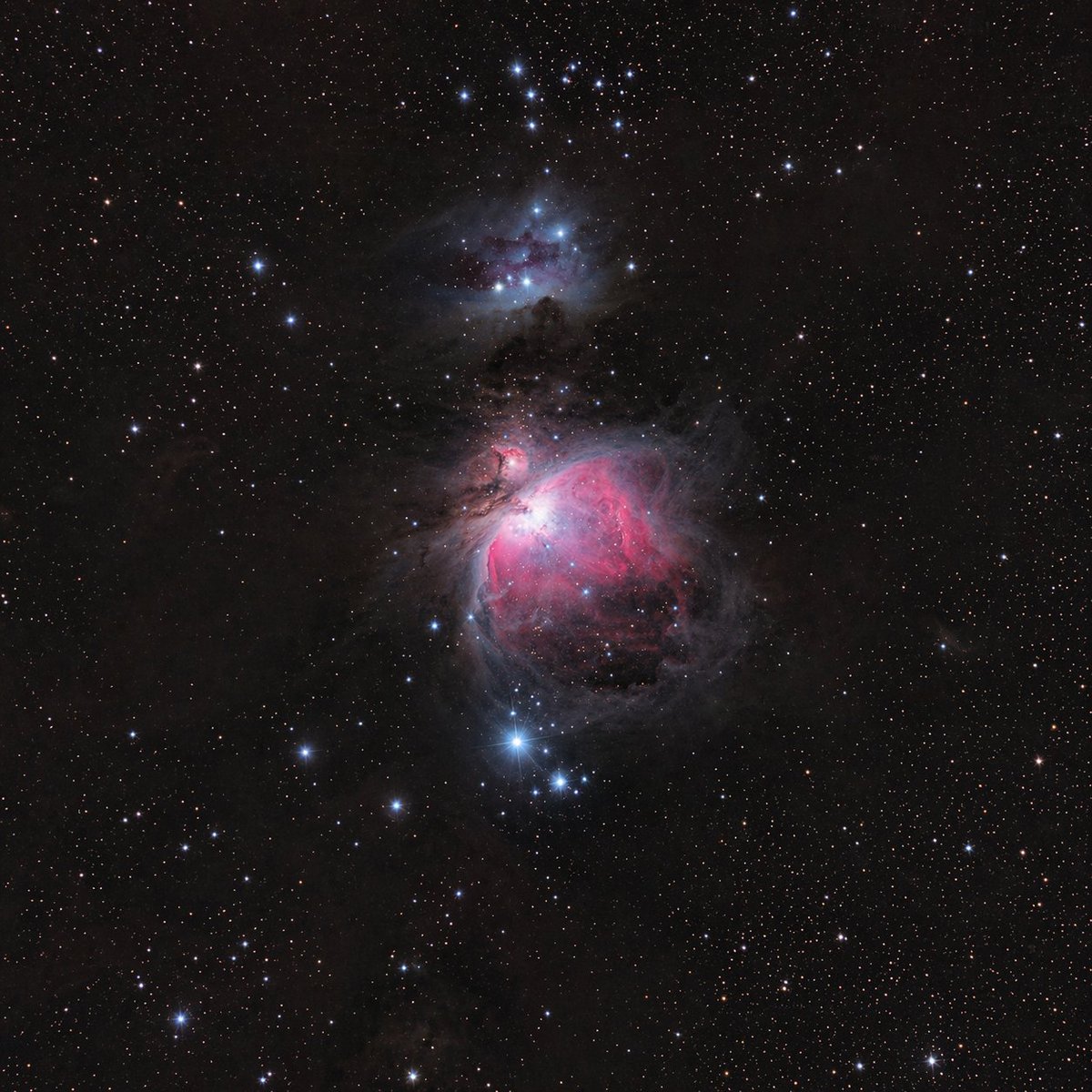
Astronomical Orion Nebula Generation
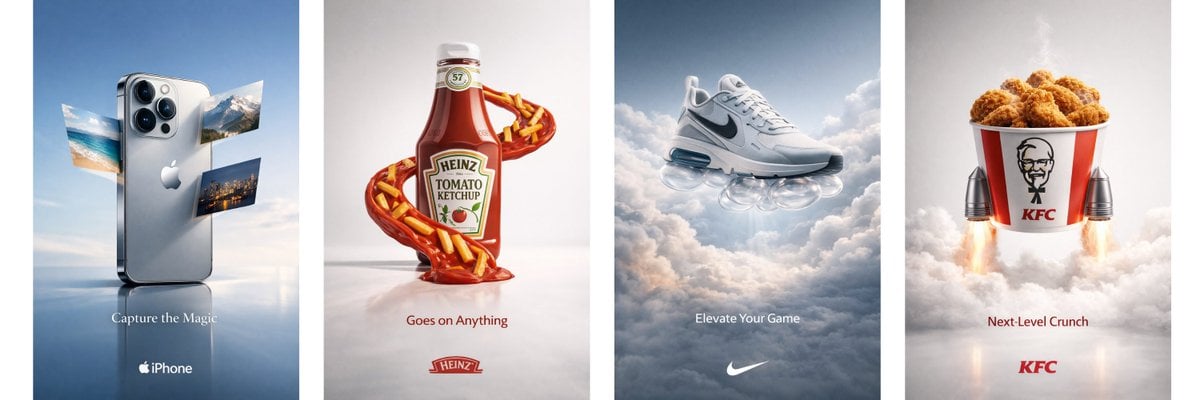
Object Print Ad Generation Framework
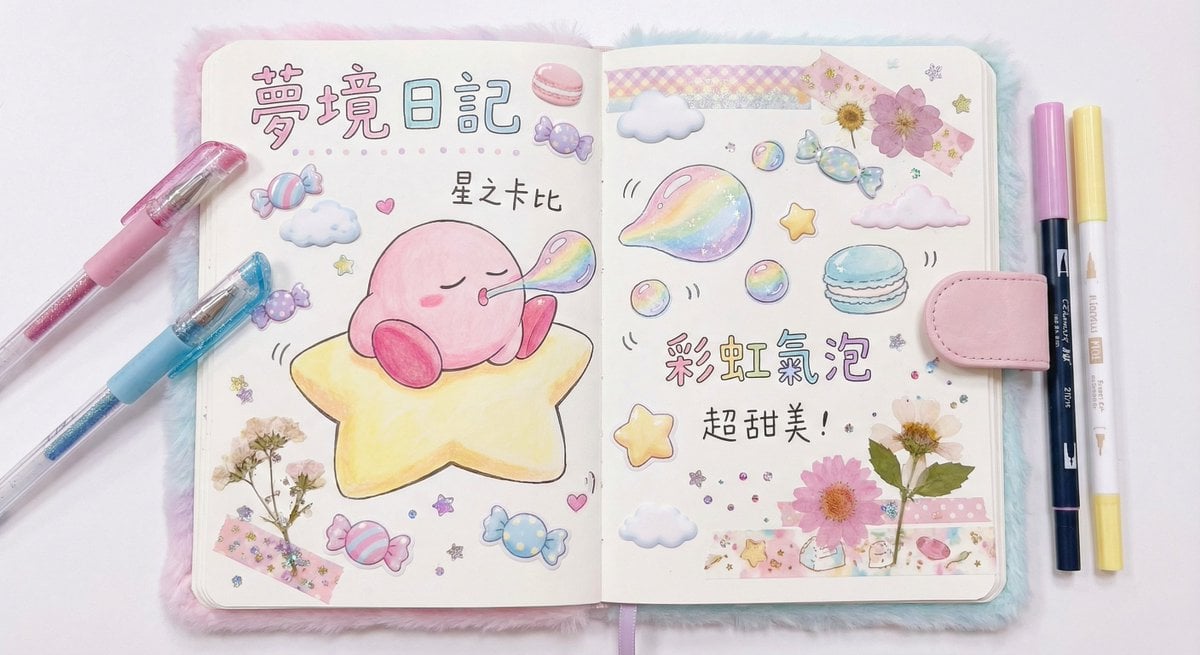
Dream diary with Kirby blowing bubbles
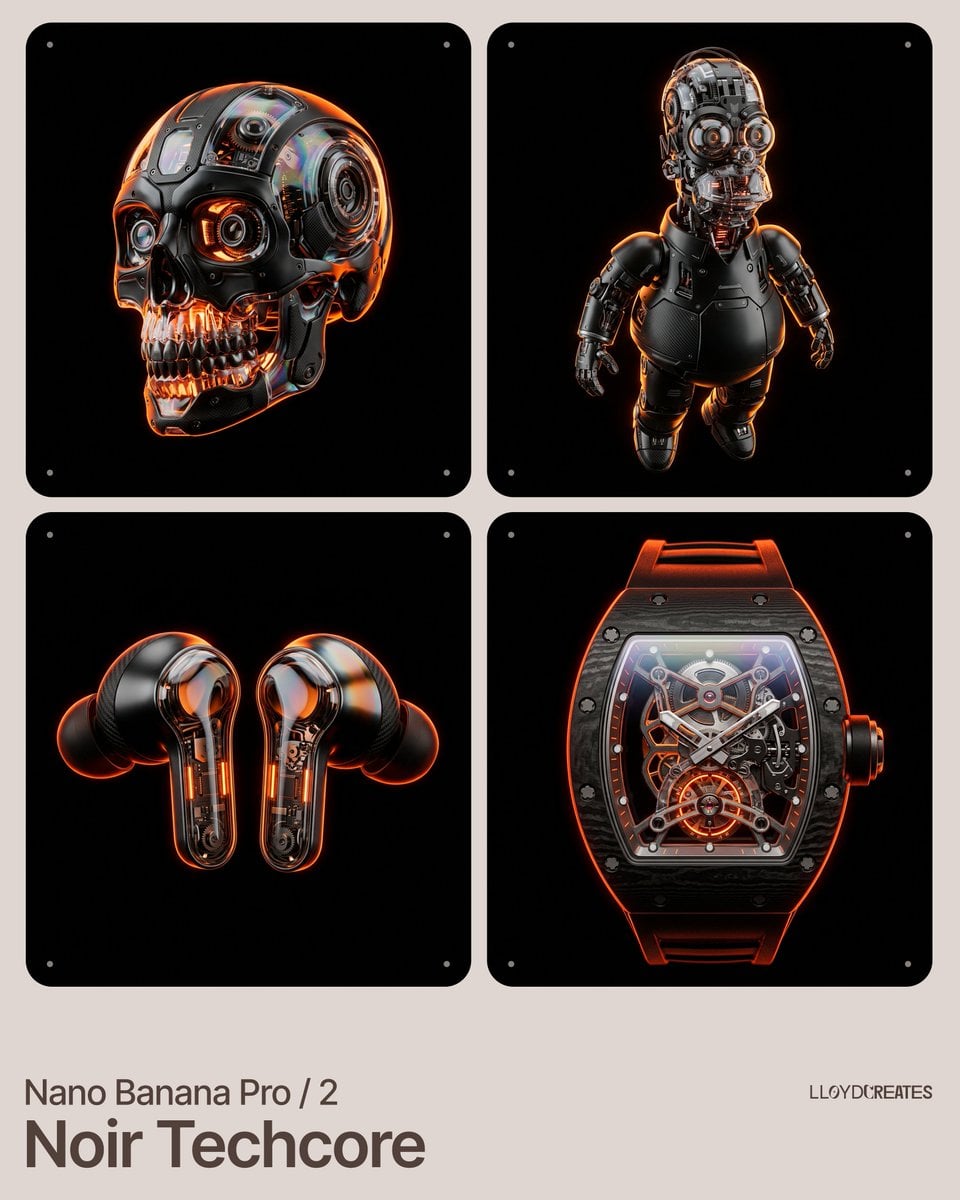
Noir Techcore Product Photography Prompt for Nano Banana Pro
Browse template categories
Bioluminescent Aquatic Creature Storyboard questions
How do I use the Bioluminescent Aquatic Creature Storyboard template?
Add your photo if the template asks for one, edit the prompt if you like — the template's model and format are already selected — and press Generate. Your version opens in PicX Studio.
Can I customize the Bioluminescent Aquatic Creature Storyboard template?
Yes. You can change the subject, setting, lighting, mood, format, and available model controls before creating your image.
Is the Bioluminescent Aquatic Creature Storyboard template free?
Opening and editing this template is free. Generating uses credits, shown on the Generate button when you are signed in.
Which AI model should I use?
Start with GPT Image 2, which is the model associated with this template. You can compare another compatible model for a different finish.
Looking for something else? Browse all templates.

Your photo, any look
Thousands of ready templates for every top image and video model, from one credit balance.