
Banknote Engraving Deep Sea Creatures
A prompt for GPT Image 2 creating glowing deep-sea creatures in a Banknote Parallel-Hatching Engraving style.
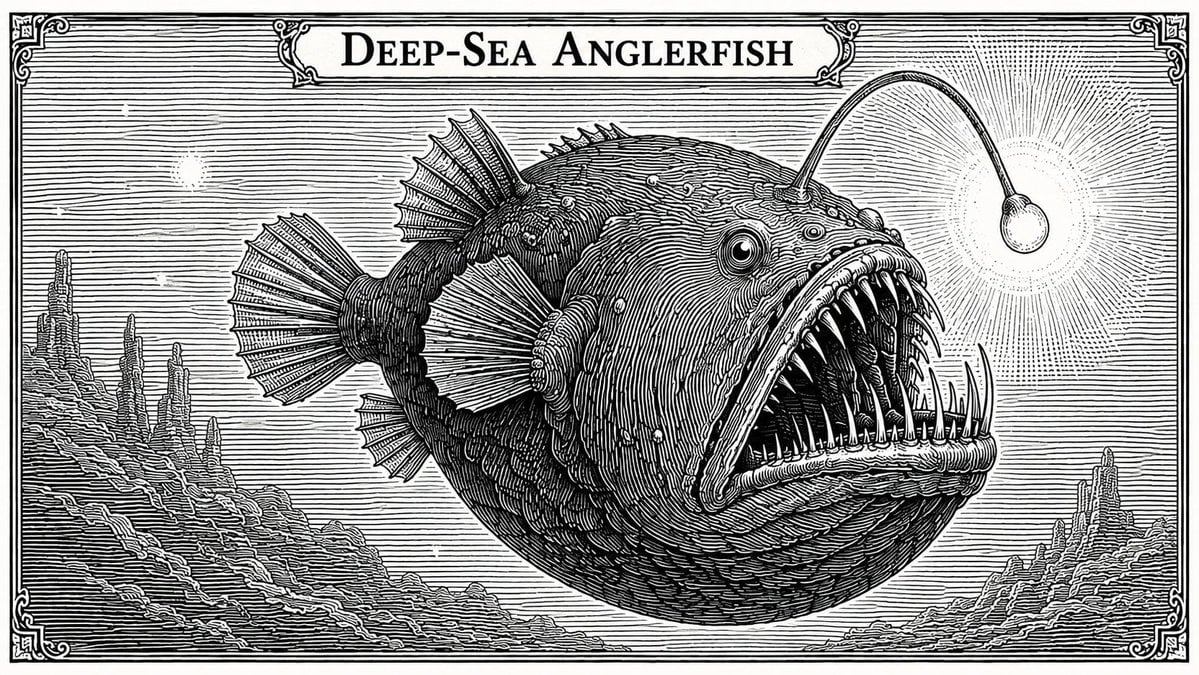
- Prompt included
- Model and format preset
- Free template
The prompt behind this image
Copy the exact prompt behind Banknote Engraving Deep Sea Creatures, or open it in the studio and make it yours.
Banknote Parallel-Hatching Engraving Style, {argument name="生物" default="4種能發光的稀奇深海生物:Deep-Sea Anglerfish 鰟鱇魚, 琵琶魚, 燈籠魚, Stoplight Loosejaw 紅光松顎魚, 黑柔骨魚, Vampire Squid 吸血鬼魷魚, Atolla Jellyfish 阿托拉水母, 環冠水母"}
How to use Banknote Engraving Deep Sea Creatures in 3 steps
- 1
Open
The prompt is already in the box next to the preview, with the template's model and format selected.
- 2…a portrait of your subject in softgolden-hour light, 85mm…
Personalize
Edit the subject and creative details for your destination.
- 3Generate
Generate
Press Generate — your image is created in PicX Studio, so you can compare it with the original and refine one variable at a time.
More like this
Templates with the same subject, style or setup. Open one to see its prompt.
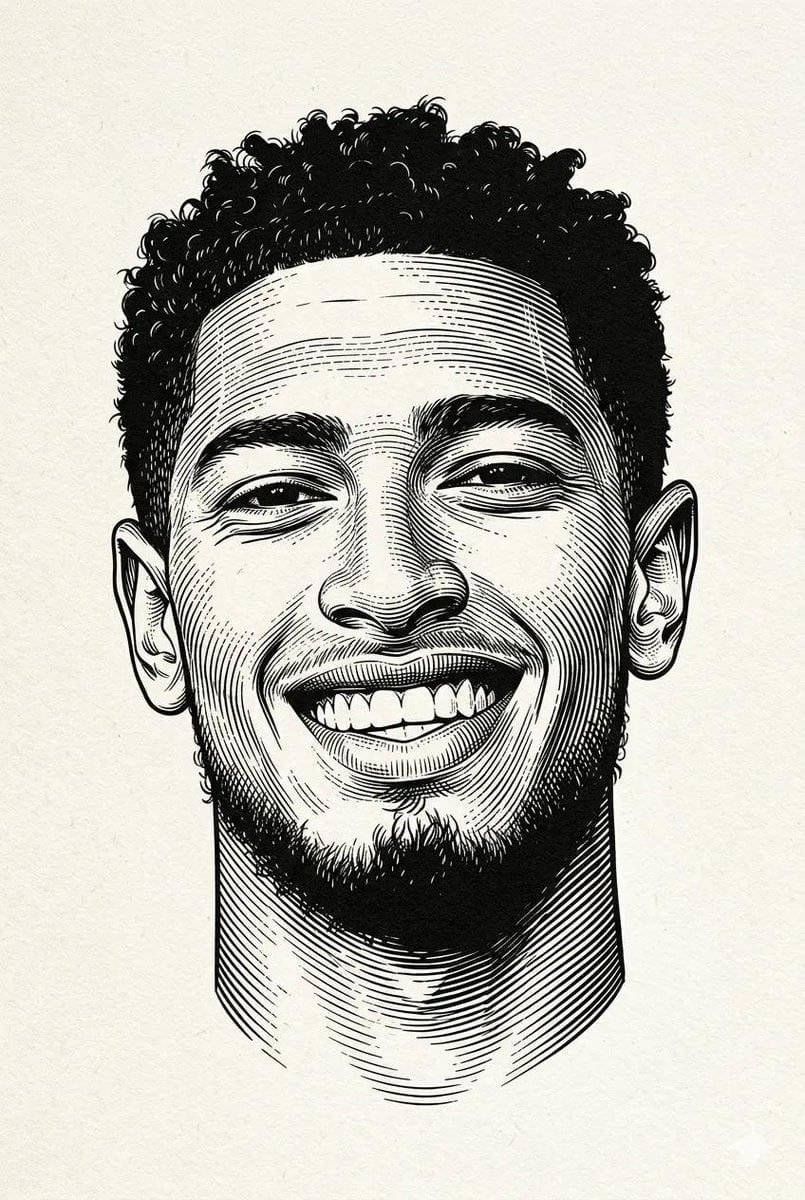
Woodcut Linocut Portrait Illustration
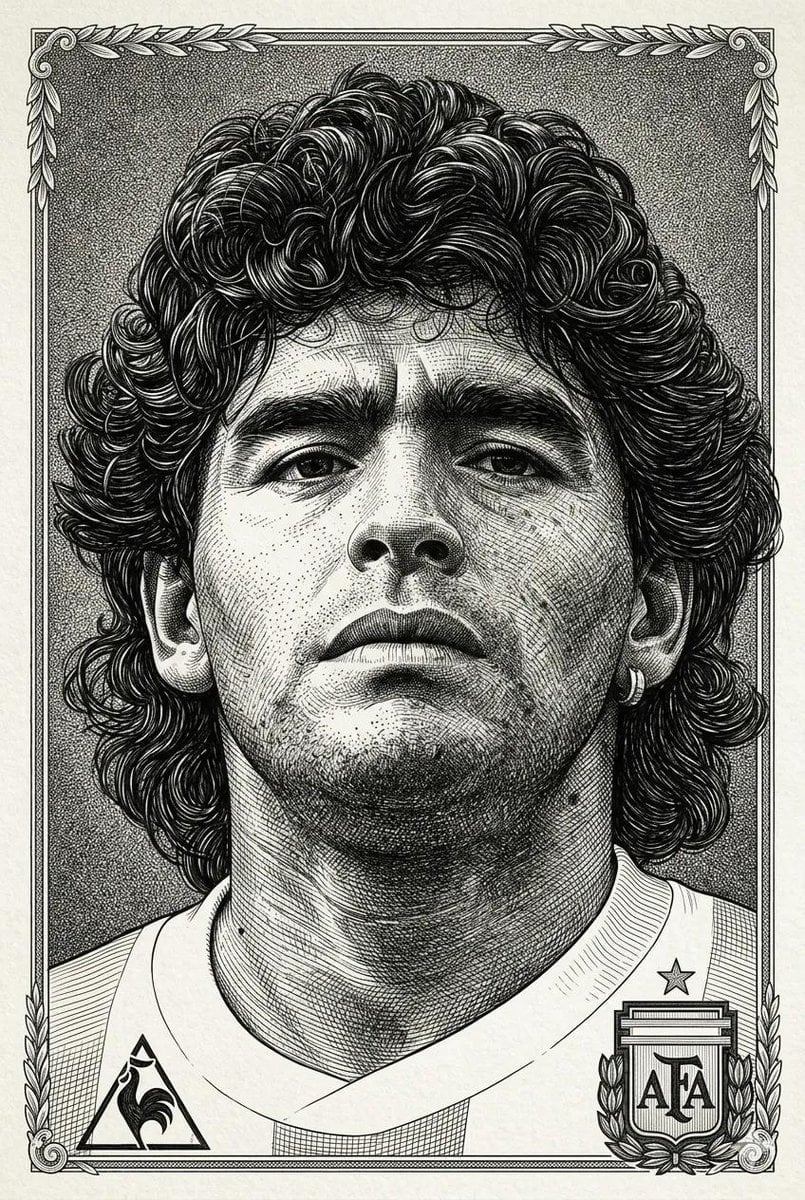
Hyper-Detailed Engraving Line Art Portrait
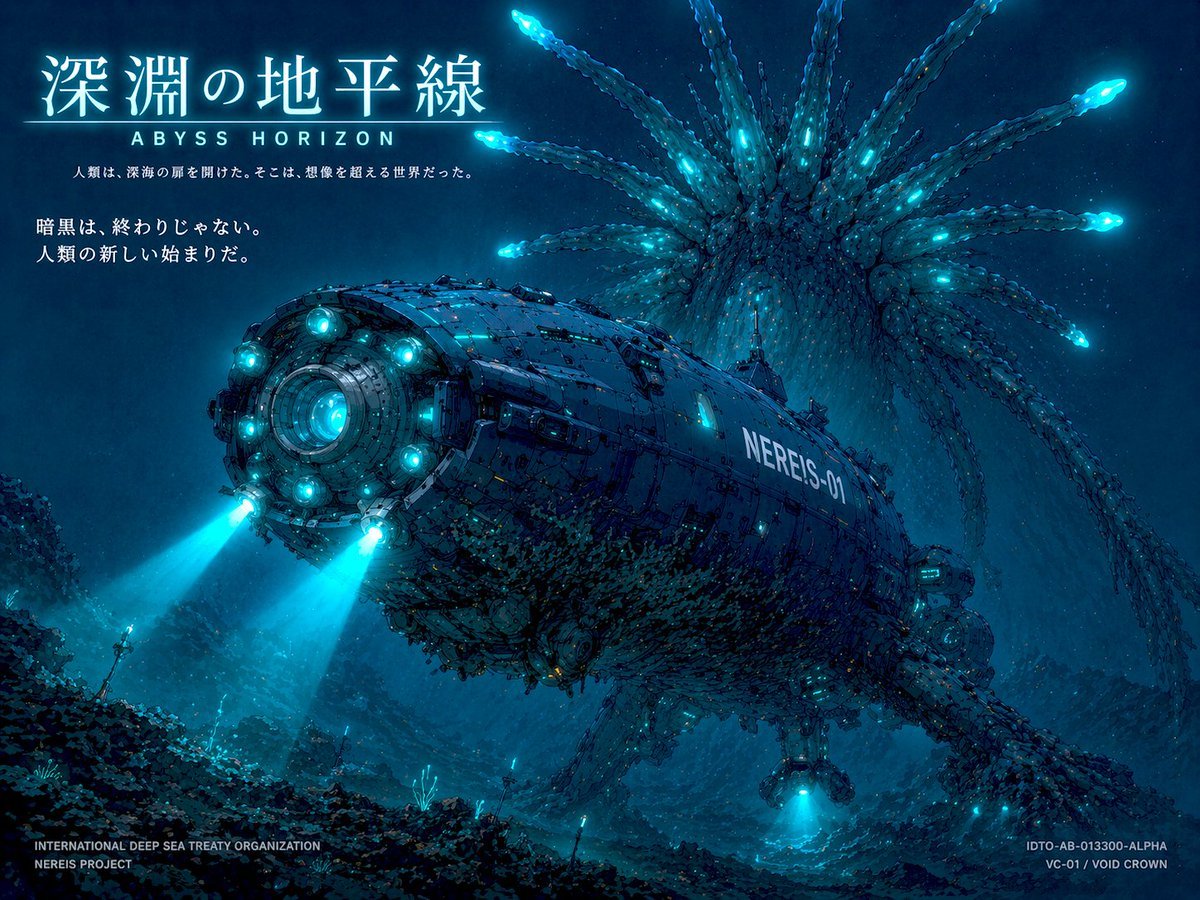
Sci-Fi Deep Sea Submarine Poster
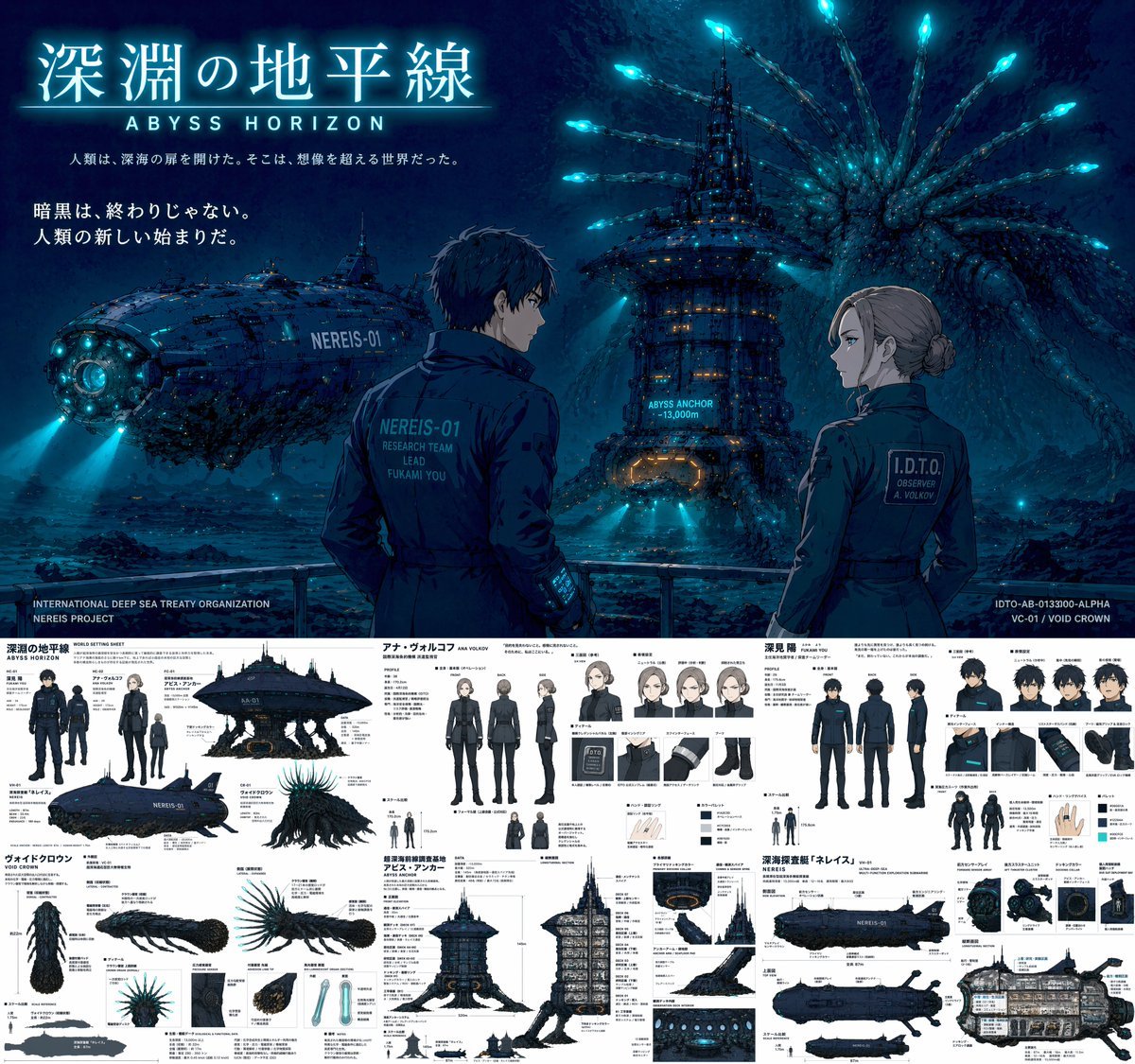
Sci-Fi Deep Sea Concept Art & Reference Sheet
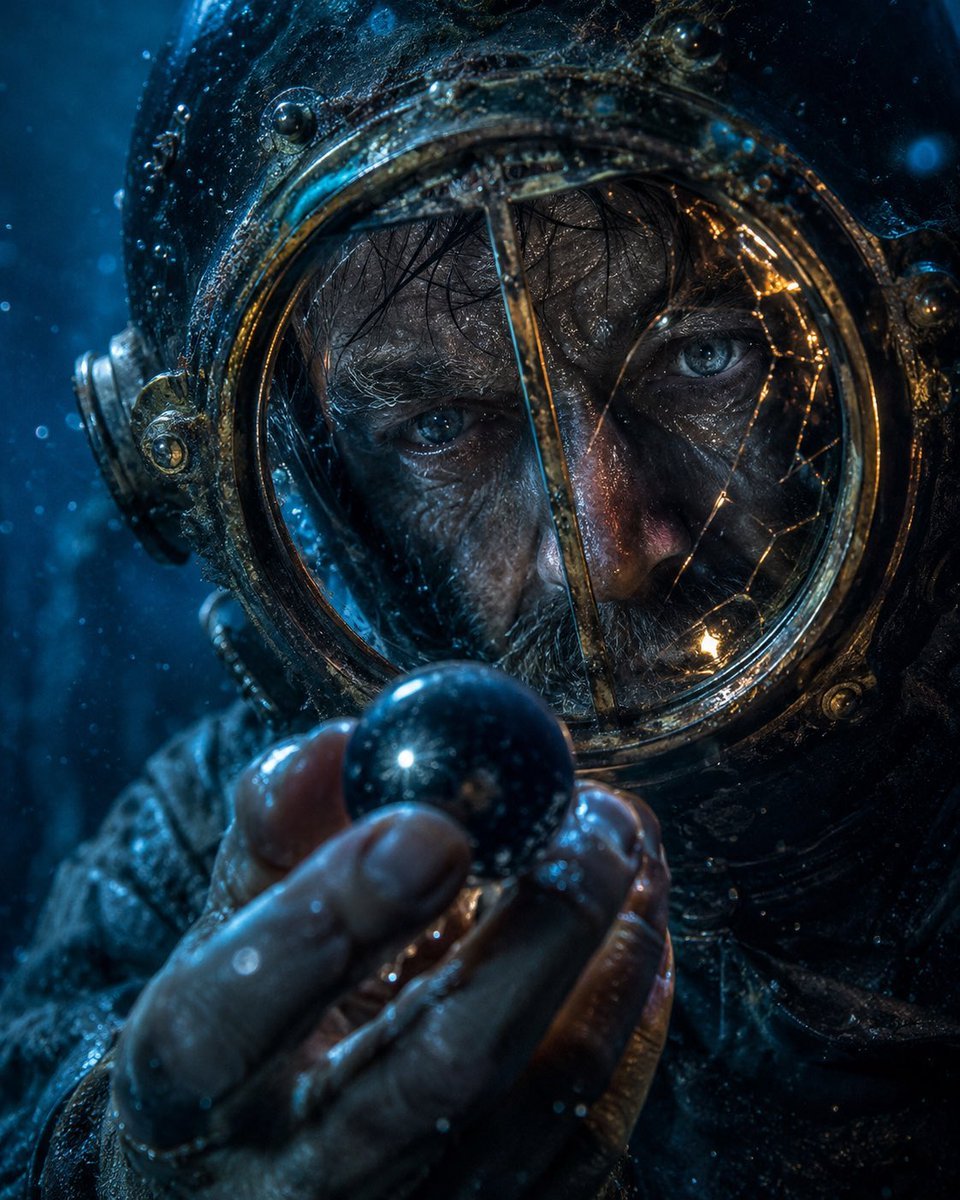
Deep-Sea Diver Artifact Close-Up
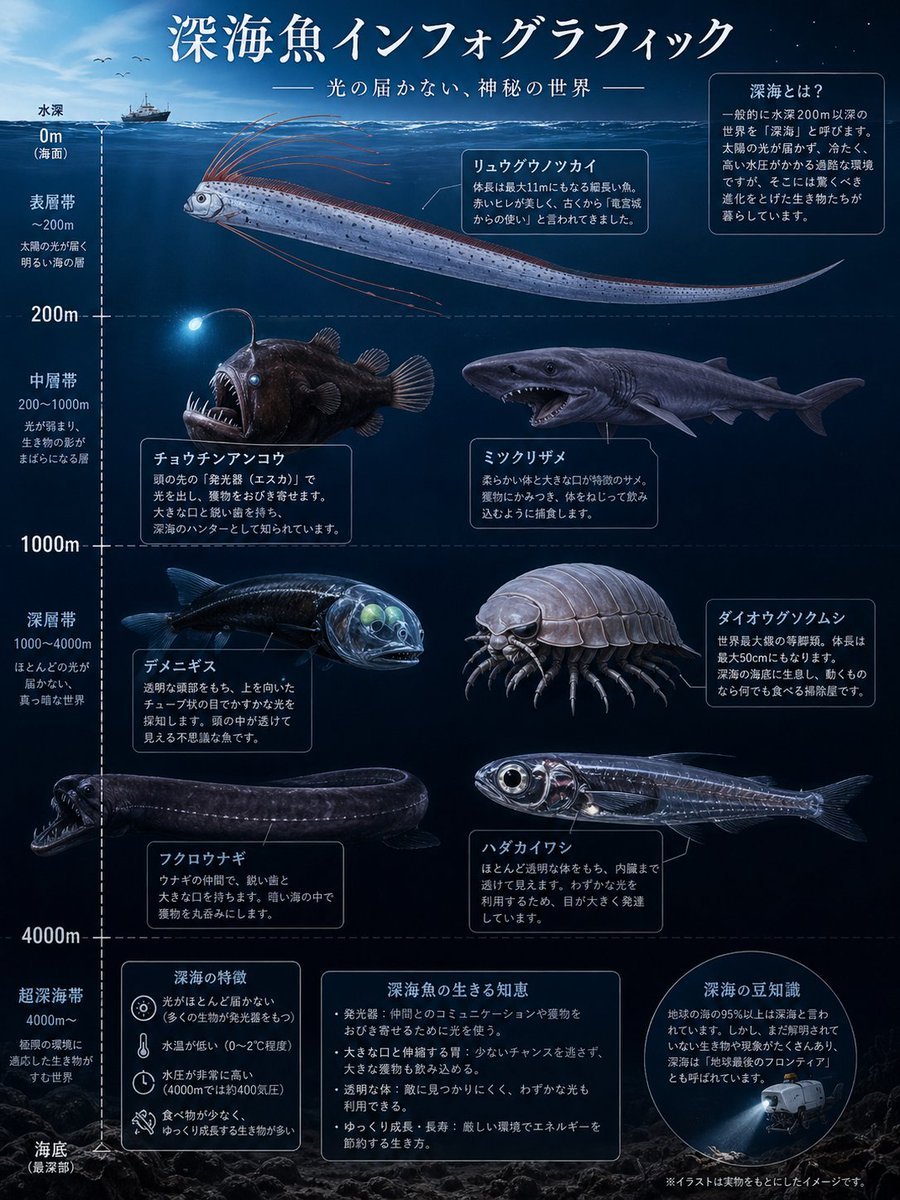
Deep-Sea Fish Infographic Poster
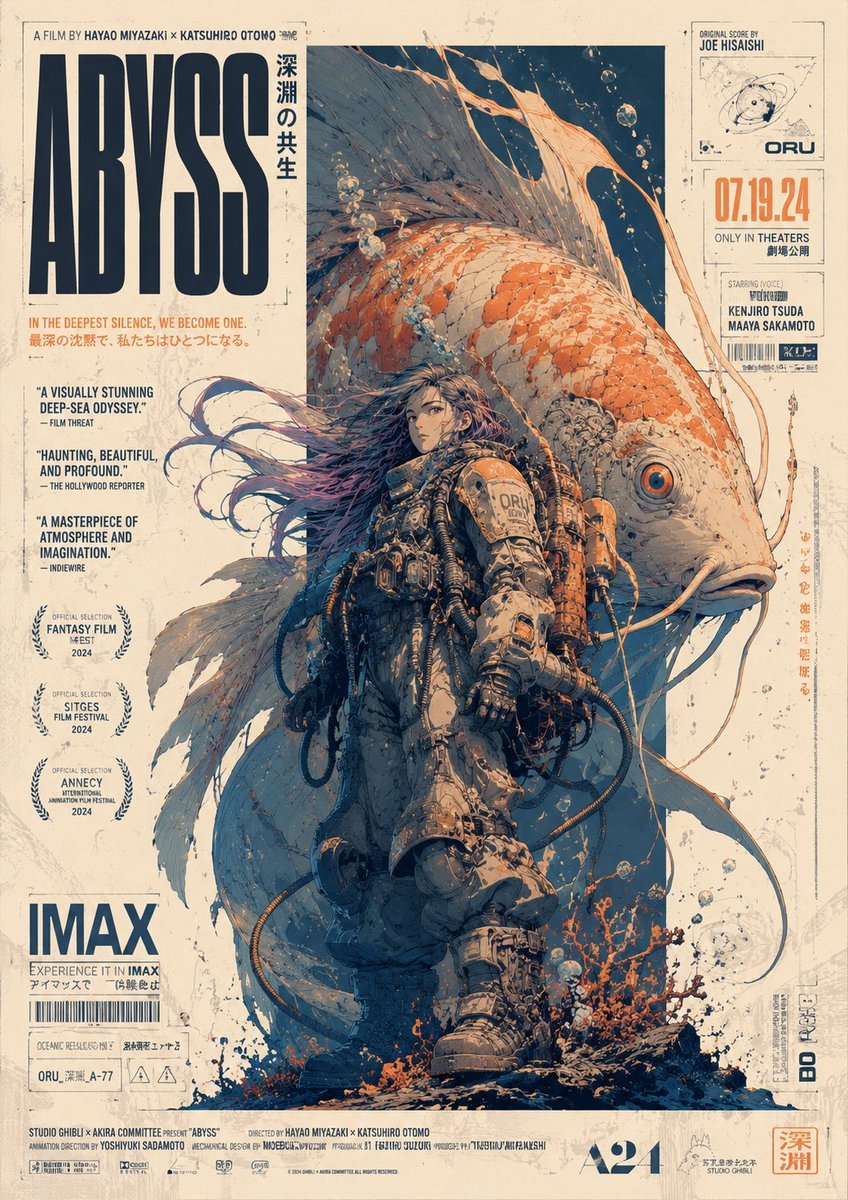
Retro Deep-Sea Sci-Fi Anime Poster
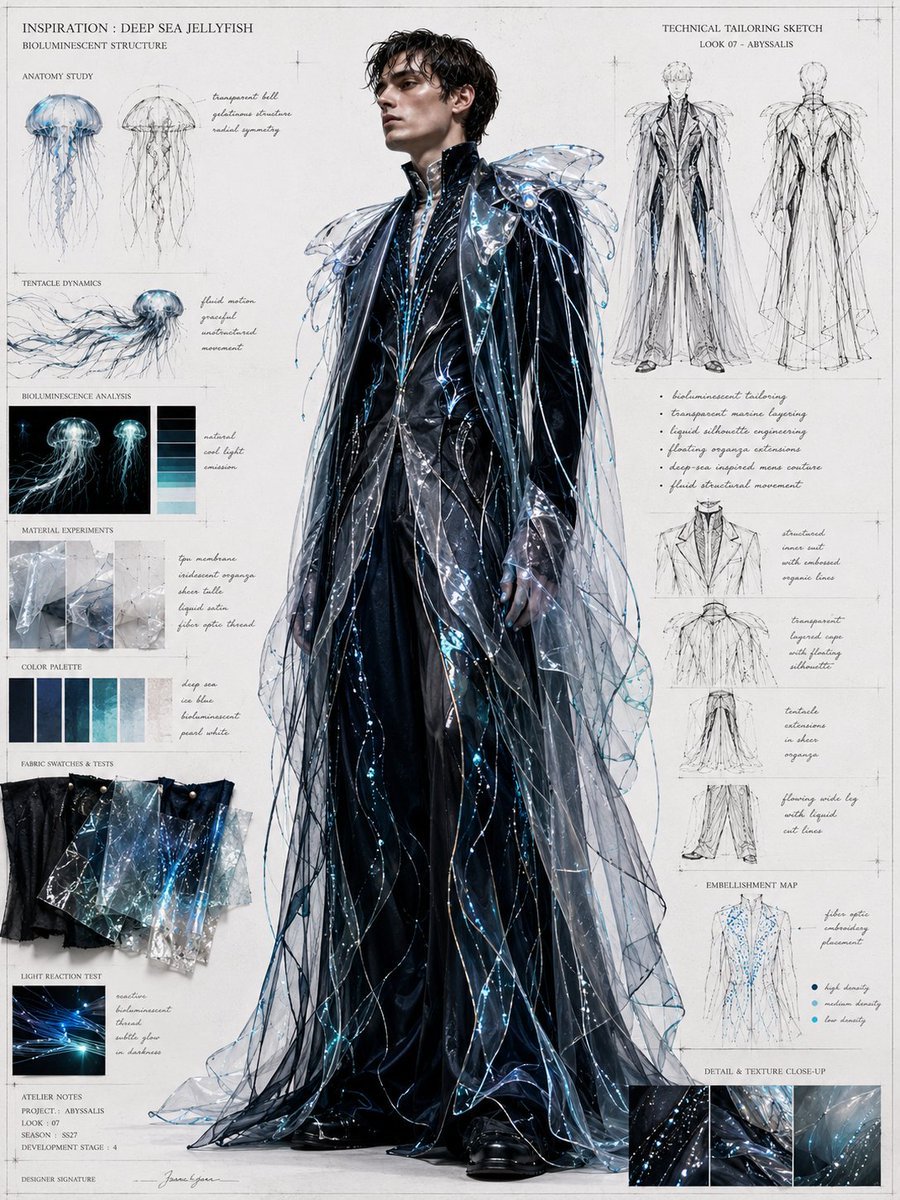
Deep Sea Jellyfish Couture Board
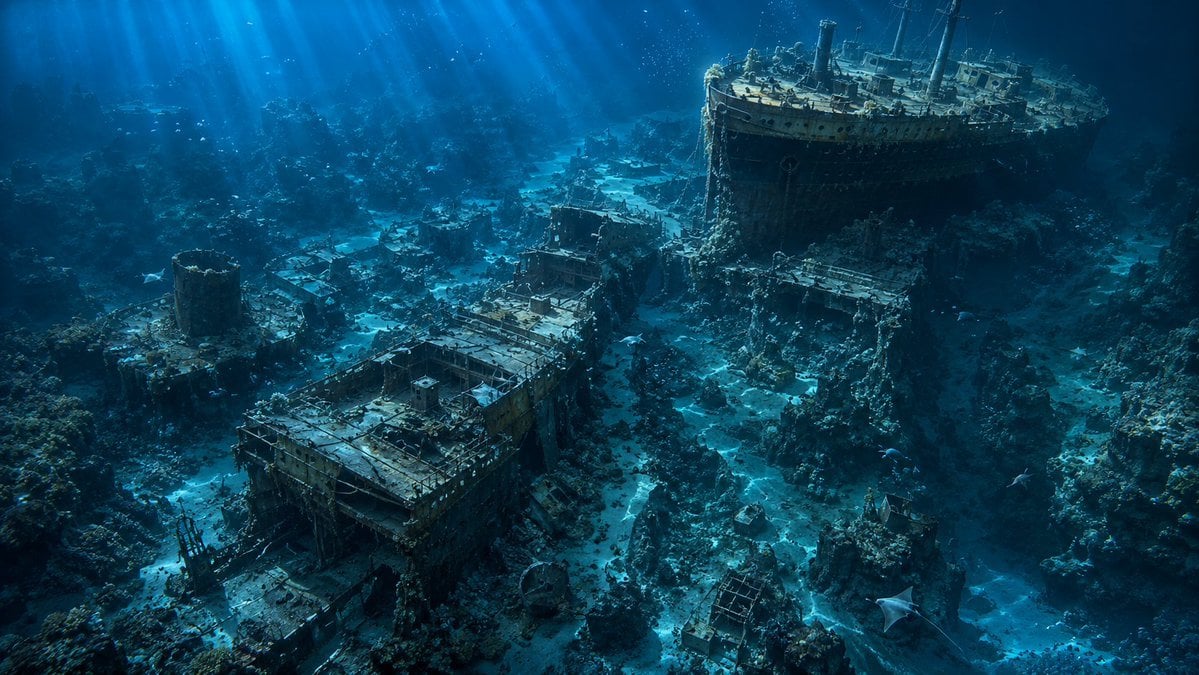
Deep Sea Titanic Shipwreck Aerial View
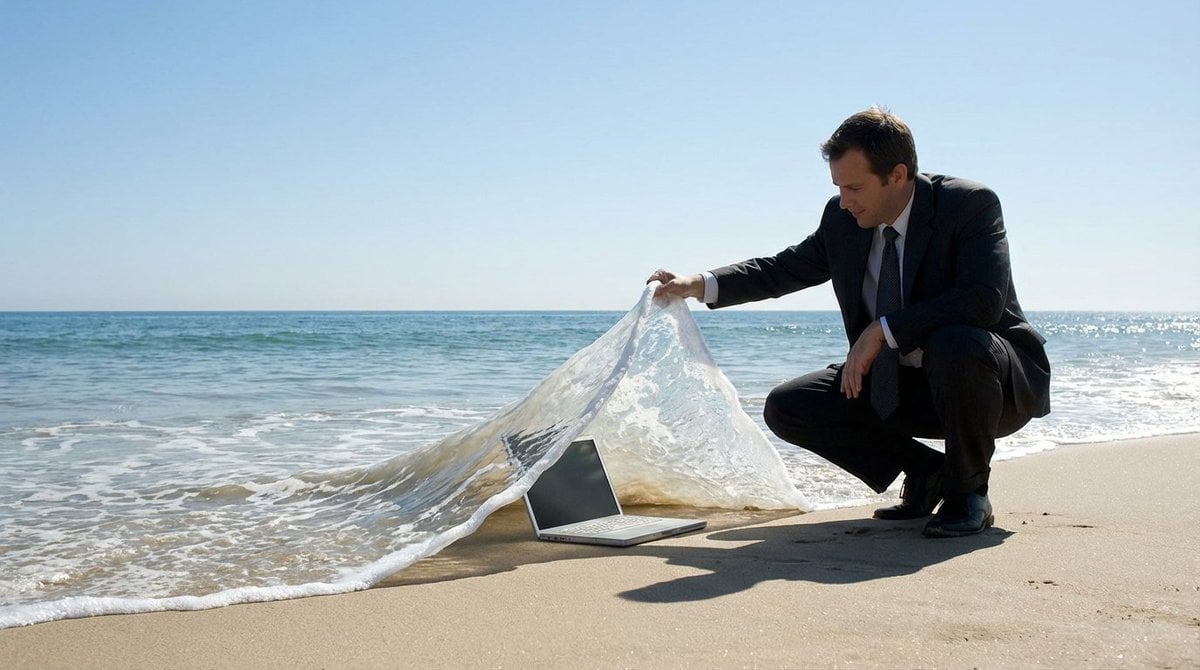
Surreal deep sea storage illusion prompt
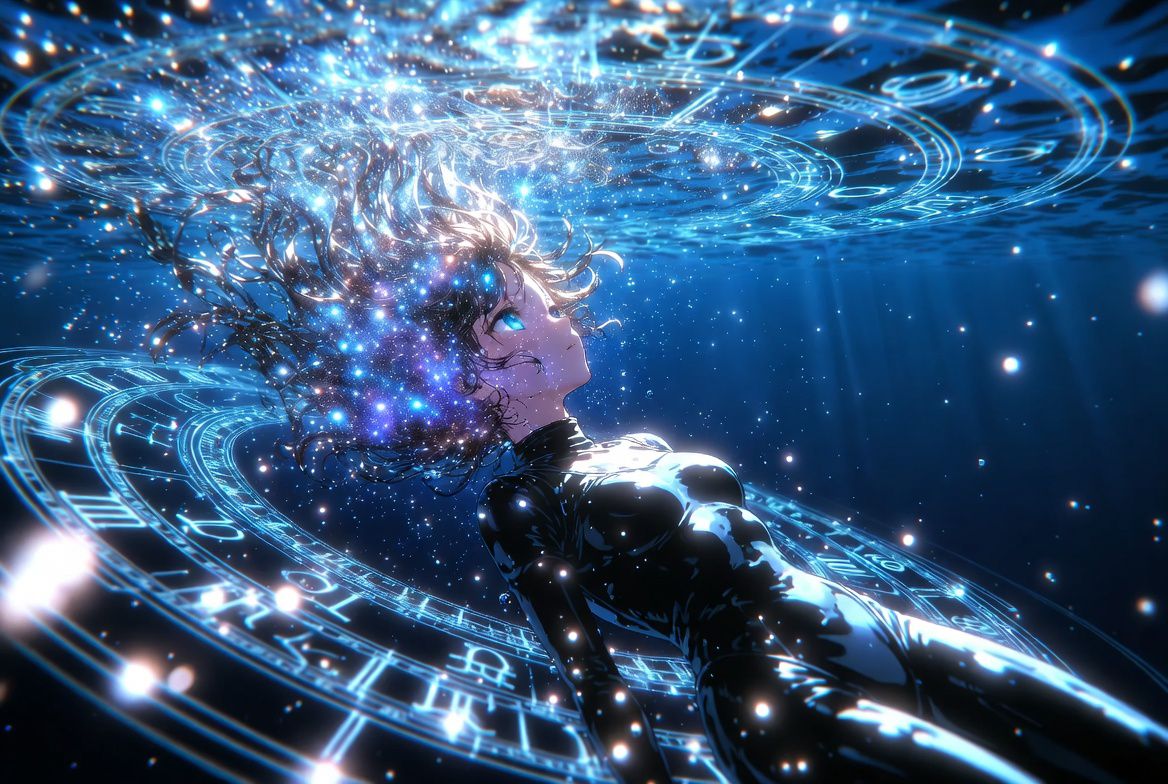
Anime Style AI Image Generation Prompt for Deep Sea Fantasy
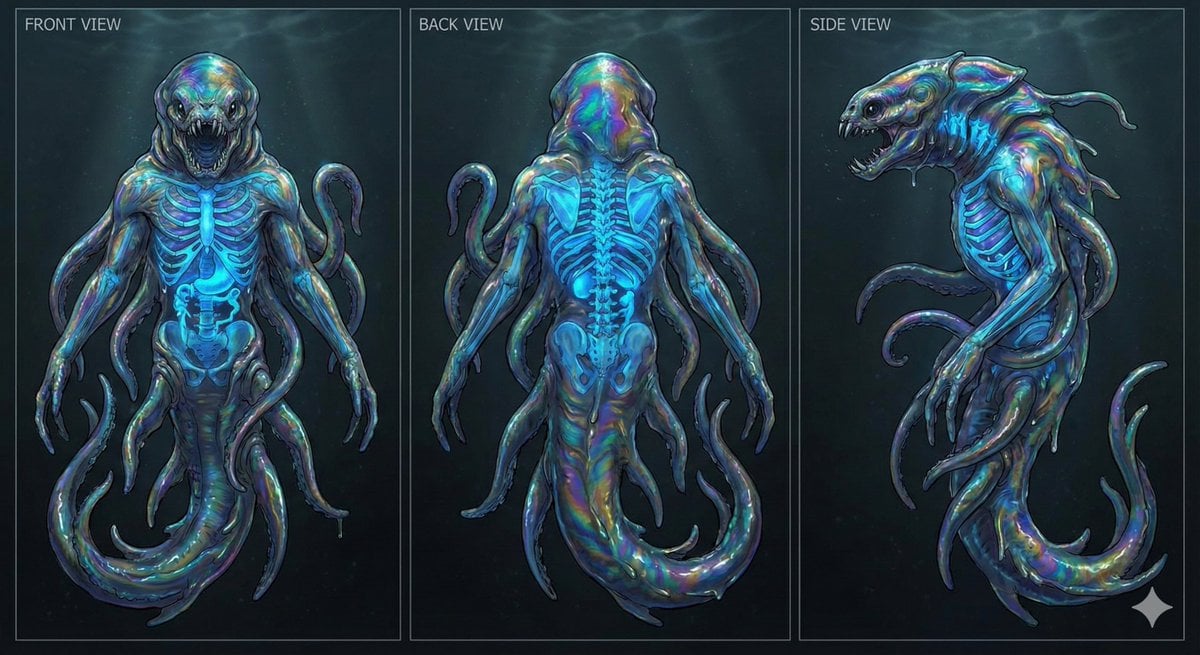
Character Sheet for Deep-Sea Creature with Bioluminescent Skeleton
Make it yours
Banknote Engraving Deep Sea Creatures works as-is. These are the safest ways to change it without losing the look.
Change one field
Copy a single group, rewrite it, and generate again so you can see what that field is doing.
Keep the frame, change the subject
Hold the composition and light of Banknote Engraving Deep Sea Creatures, then swap wardrobe, props or the person for a new take.
| If the result… | Why | Fix |
|---|---|---|
| The result drifts from the preview | Too many fields changed at once. | Reuse Banknote Engraving Deep Sea Creatures as-is first, then change one group — subject, light, or setting. |
| The model over-stylizes the scene | The prose prompt leaves finish and camera underspecified. | Add one camera or lighting sentence and stay on GPT Image 2. |
More GPT Image 2 templates
Other prompts made for GPT Image 2.

Six VTuber Japanese Logo Sheet

Realistic Portrait of Woman and Deer

The Vista Modular Condo Poster

AI Model Routing Comparison Infographic

2.5D Anime Art Board

Isometric Productivity Desk Scene

New York Double Exposure Poster

Four-Panel AI Landscape Comparison

Japanese Tatami Lifestyle Magazine Cover

NESCAFÉ Coffee Map Poster
More image prompts
Fresh picks from across the catalog.
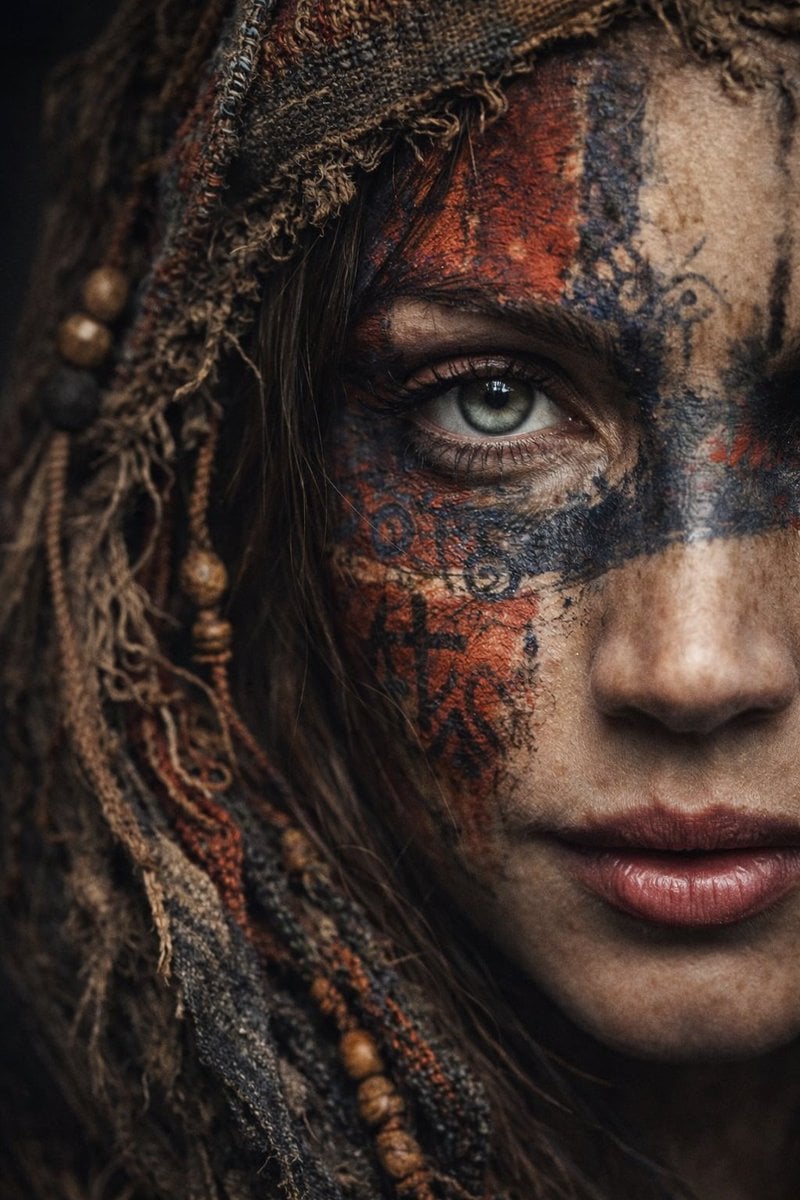
Ultra-Realistic Portrait with Tribal Markings and Painterly Realism
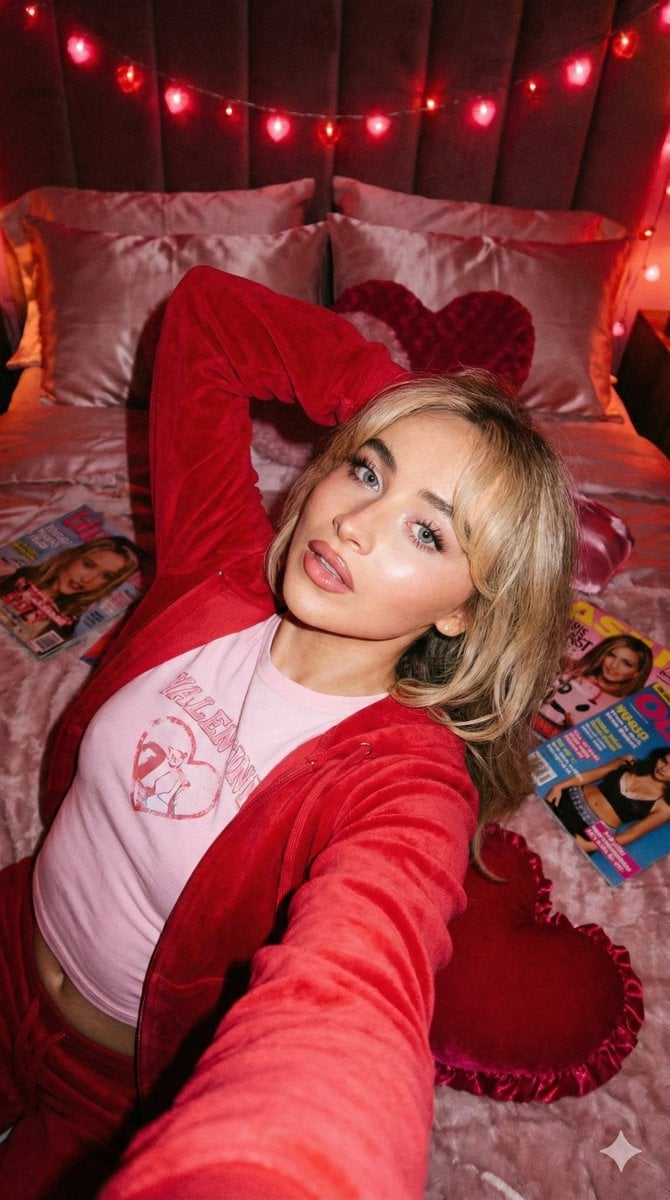
Y2K Flash Photo Aesthetic Prompt
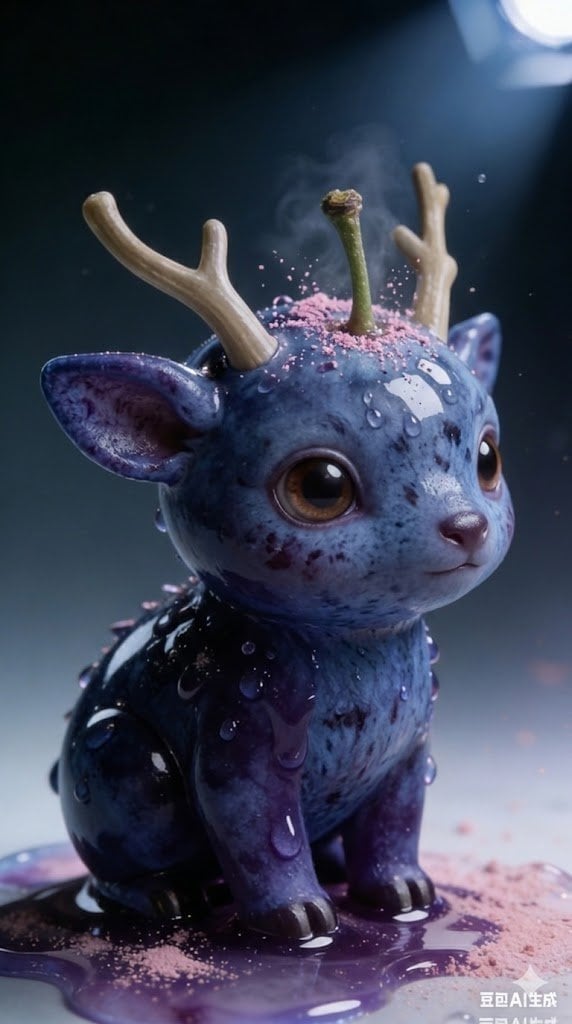
Kawaii Blueberry Fawn Forest Spirit Macro Photo
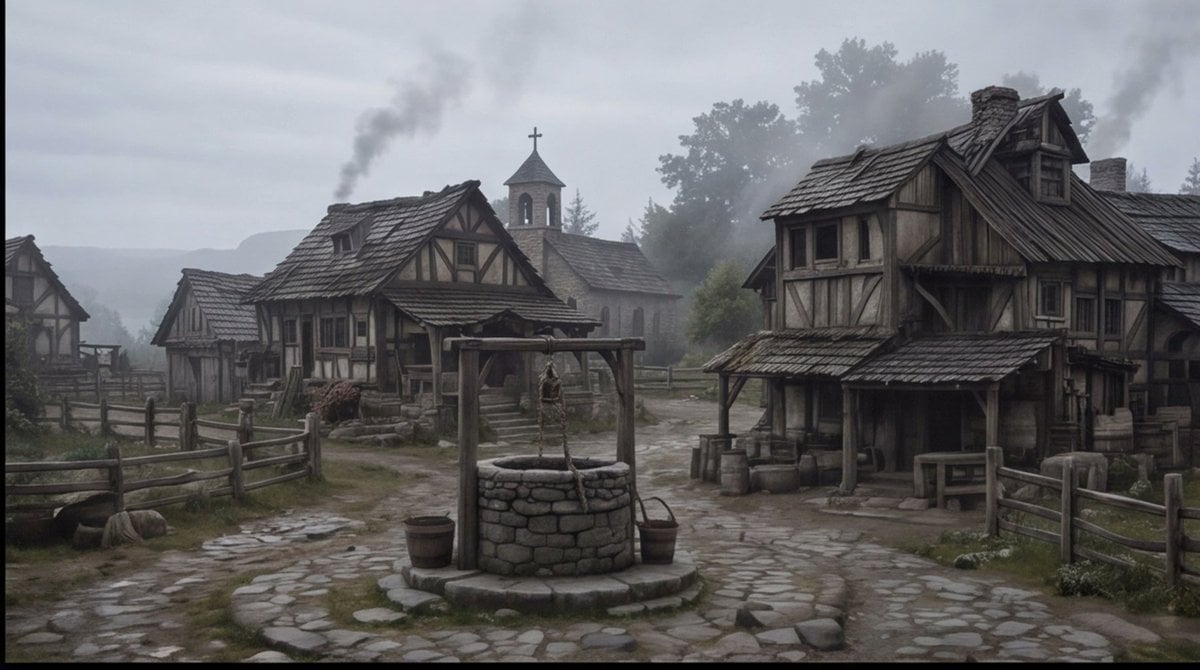
Misty Medieval Village Establishing Shot
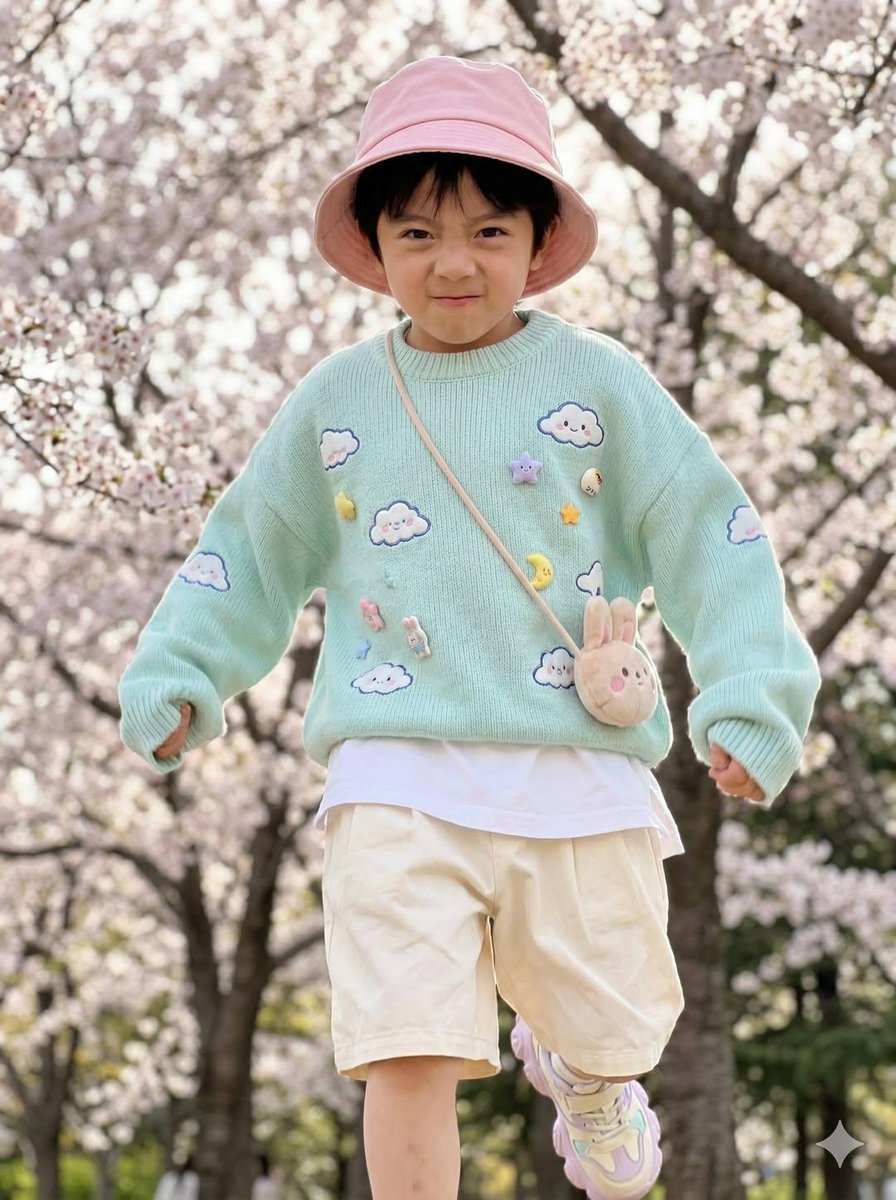
Hyper-Realistic Child Fashion Snapshot in Spring Garden
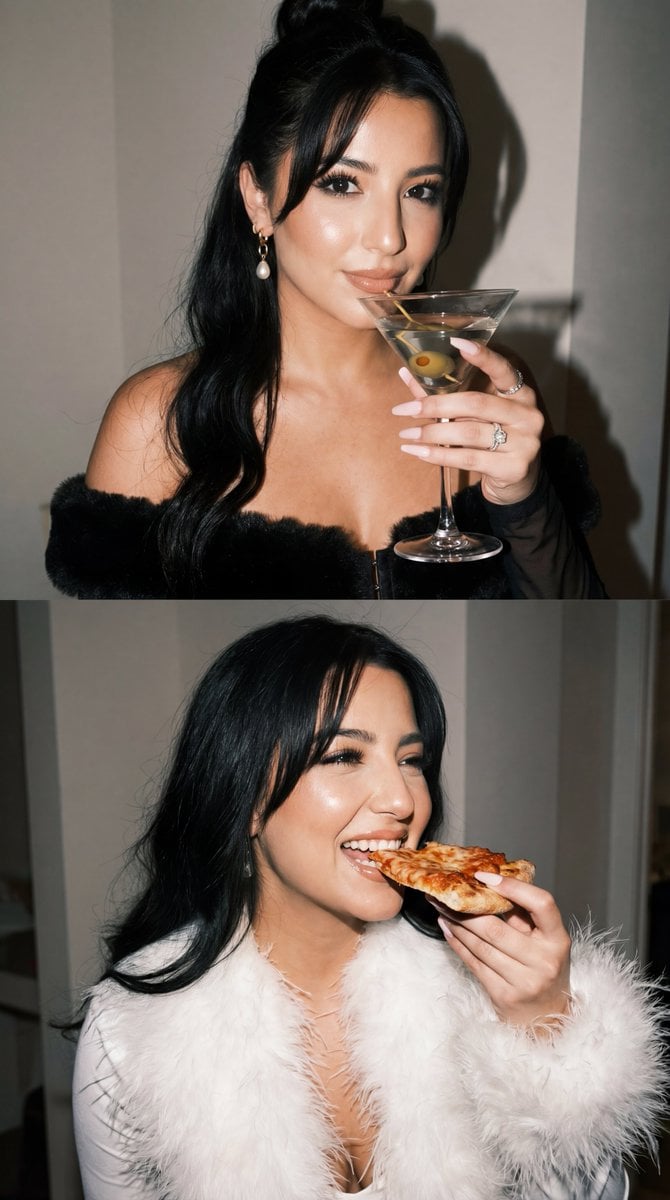
Duo Panel Editorial with Identity Lock

Wes Anderson Style Pop-Art Food Photography
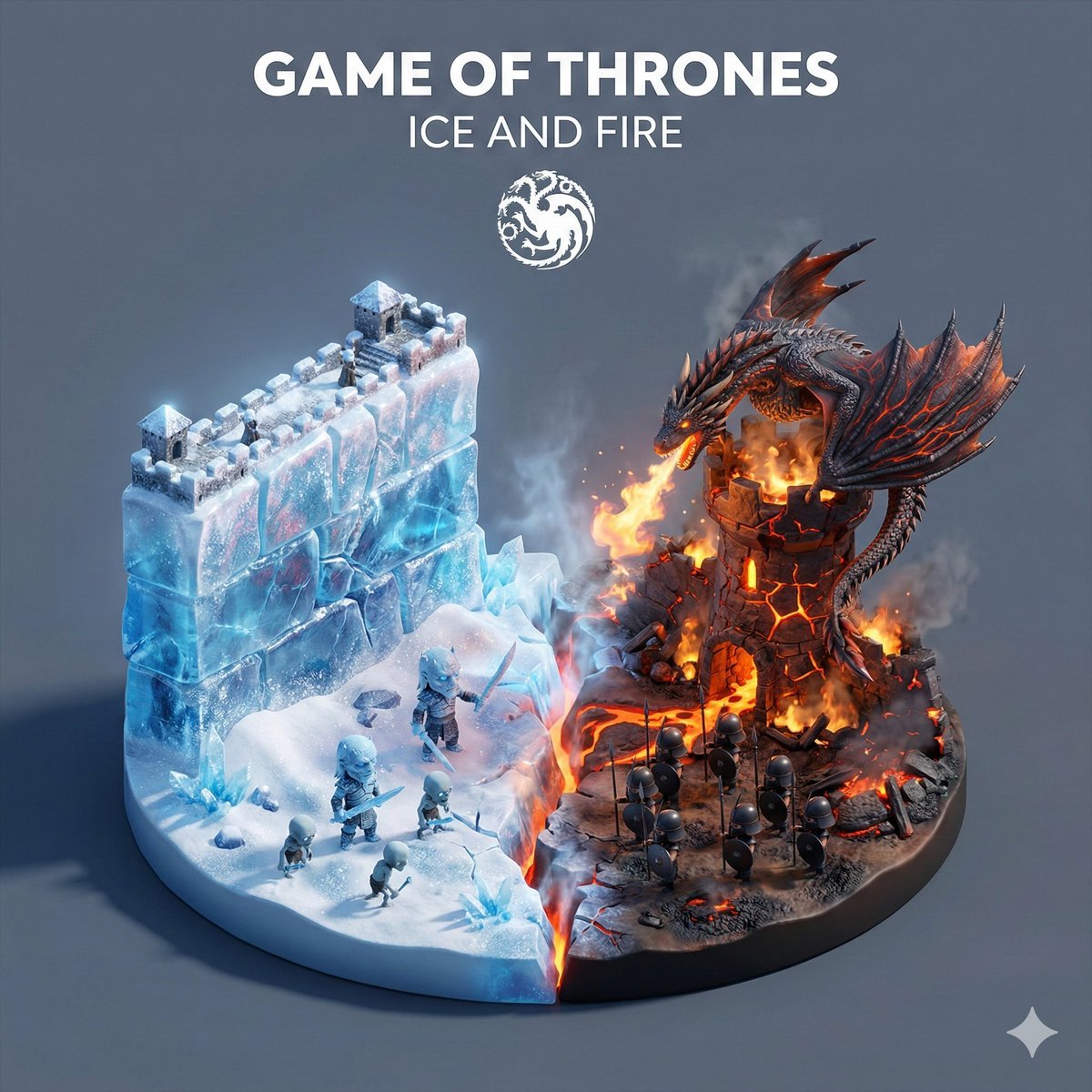
Game of Thrones Ice and Fire Isometric Diorama
Cinematic Rainy City Portrait Prompt
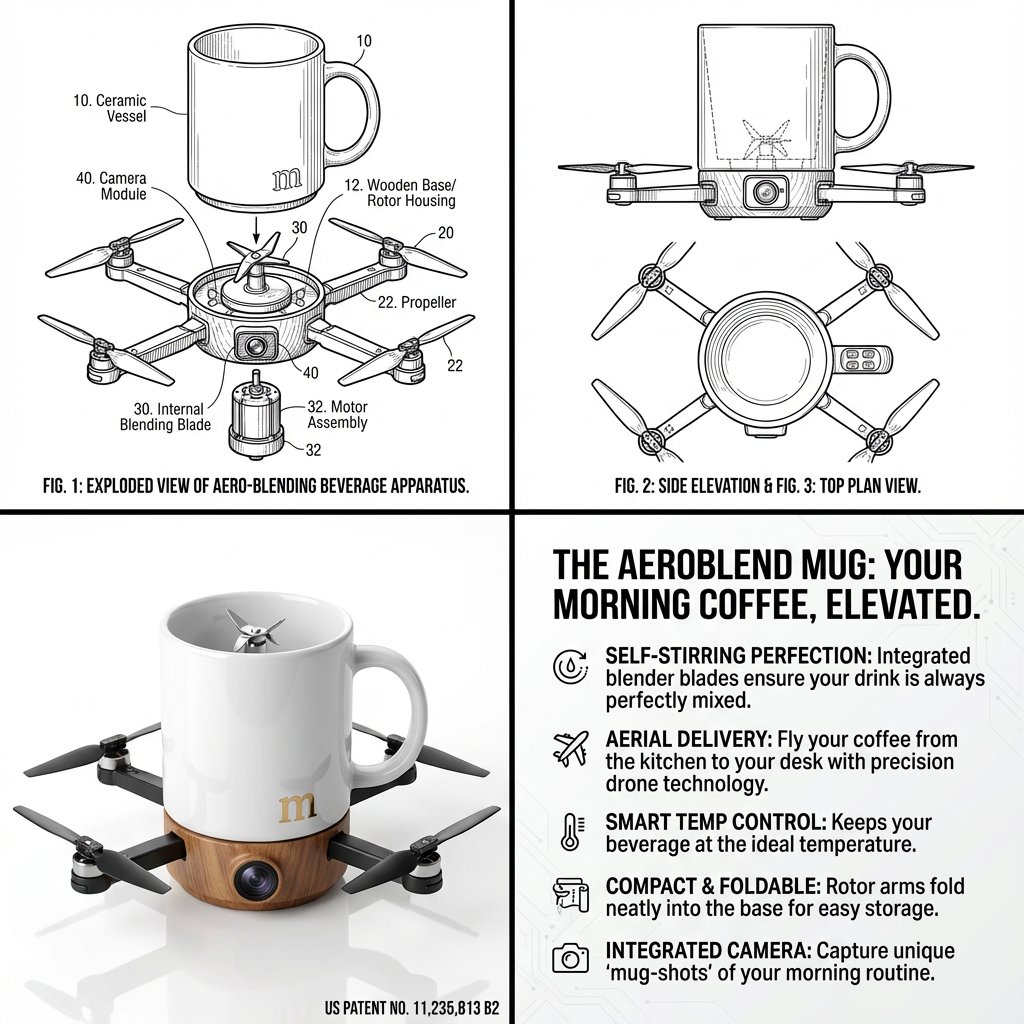
Absurd Patentable Invention Generator
Browse template categories
Banknote Engraving Deep Sea Creatures questions
How do I use the Banknote Engraving Deep Sea Creatures template?
Add your photo if the template asks for one, edit the prompt if you like — the template's model and format are already selected — and press Generate. Your version opens in PicX Studio.
Can I customize the Banknote Engraving Deep Sea Creatures template?
Yes. You can change the subject, setting, lighting, mood, format, and available model controls before creating your image.
Is the Banknote Engraving Deep Sea Creatures template free?
Opening and editing this template is free. Generating uses credits, shown on the Generate button when you are signed in.
Which AI model should I use?
Start with GPT Image 2, which is the model associated with this template. You can compare another compatible model for a different finish.
Looking for something else? Browse all templates.

Your photo, any look
Thousands of ready templates for every top image and video model, from one credit balance.