How do I use the Game of Thrones Ice and Fire Isometric Diorama template?
Choose the primary action to open PicX Studio with the available template settings. Review the model and format, personalize the creative direction, and generate when ready.
A detailed image generation prompt designed for Gemini Nano Banana Pro, creating a 45° top-down isometric miniature 3D cartoon diorama based on the central Game of Thrones theme of Ice and Fire. Change the subject, setting, or lighting one variable at a time.

Present a clear, 45° top-down isometric miniature 3D cartoon scene of the central thematic concept {argument name="thematic concept" default="Ice and Fire"} from {argument name="series name" default="Game of Thrones"}, with soft refined textures, realistic PBR materials (emphasizing glittering frost contrasts against glowing embers and scaled skin), and gentle lifelike lighting that creates a dramatic clash of cool blue and warm orange light. Create a small raised diorama-style base that is split down the middle. The left side features a section of The Wall made of ice with tiny stylized White Walker figures on snowy terrain. The right side features a stylized dragon ({argument name="dragon name" default="Drogon"}) perched atop a burning castle turret, with tiny stylized Unsullied soldiers on charred ground. A crack runs down the center of the base where the ice meets the lava. Use a clean solid {argument name="background color" default="Neutral Slate Grey"} background. At the top-center, display {argument name="series name display" default="Game of Thrones"} in large bold text, directly beneath it show {argument name="thematic concept display" default="Ice and Fire"} in medium text, and place the official logo associated with {argument name="series name logo" default="Game of Thrones"} below the subtext. All text must automatically match the background contrast (white). Composition: perfectly centered layout, square 1080x1080, ultra-clean, high-clarity diorama aesthetic.
Choose the primary action to open PicX Studio with the available template settings. Review the model and format, personalize the creative direction, and generate when ready.
Yes. You can change the subject, setting, lighting, mood, format, and available model controls before creating your image.
This template is free to open and customize. Generation usage is shown in PicX Studio before you create.
Start with Nano Banana 2, which is the model associated with this template. You can compare another compatible model for a different finish.
© 2026 PicX Studio. All rights reserved.

Follow a topic to a crawlable collection of related PicX Studio templates.
43,474 public templates available. Verified via the PicX Studio public templates API; refreshed hourly.


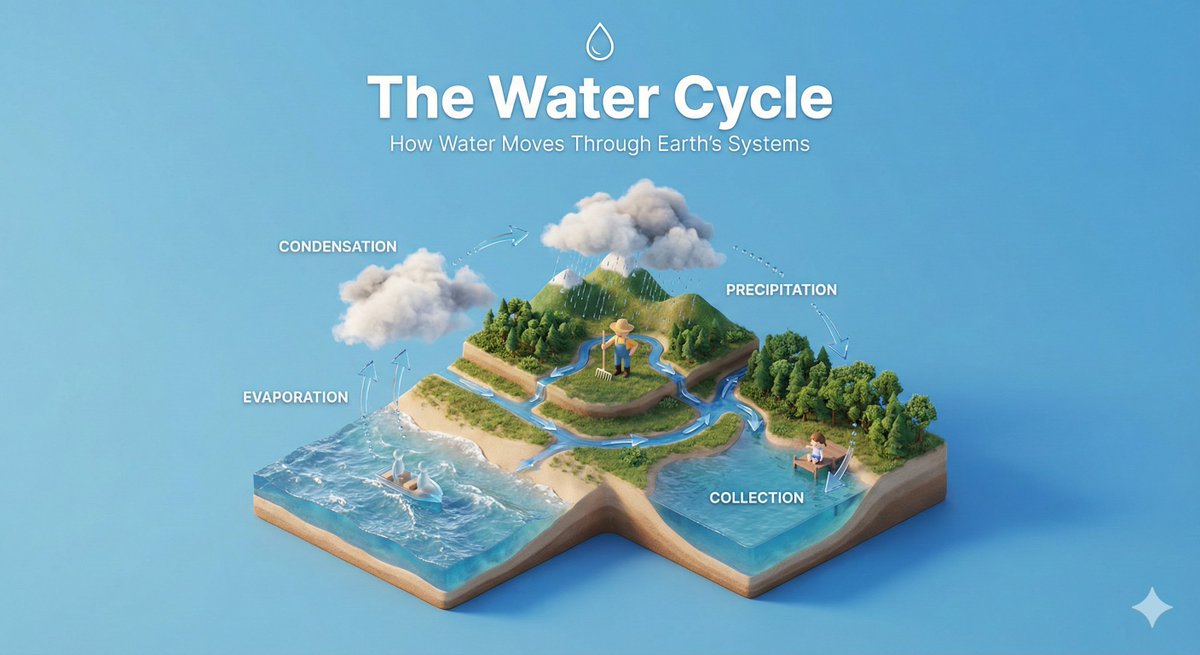
![Miniature 3D isometric diorama showing the invention of at the moment — Create a miniature 3D isometric diorama showing the invention of [INVENTION NAME] at the](https://images.meigen.ai/tweets/2017449820928282857/0.jpg)
![Clean isometric miniature 3D diorama visualizing the evolution — Create a clean isometric miniature 3D diorama visualizing the evolution of [TOPIC] from [START](https://images.meigen.ai/tweets/2022178815955636413/0.jpg)
![Clear, side-facing isometric miniature 3D cartoon diorama of along — Present a clear, side-facing isometric miniature 3D cartoon diorama of [CITY] along the [WA](https://images.meigen.ai/tweets/2033888375619637274/0.jpg)
![Brand Ice Sculpture Product Photography — [BRAND NAME] luxury product still life. A large three-dimensional ice sculpture in the exact shape of the [BRAND NAME]](/_next/image?url=https%3A%2F%2Fcdn.picxstudio.com%2Fuploads%2Fmeigen_907cd03b2295_0e348d56-7cfb-4634-969d-dd59d09e75ca.jpg&w=828&q=100)

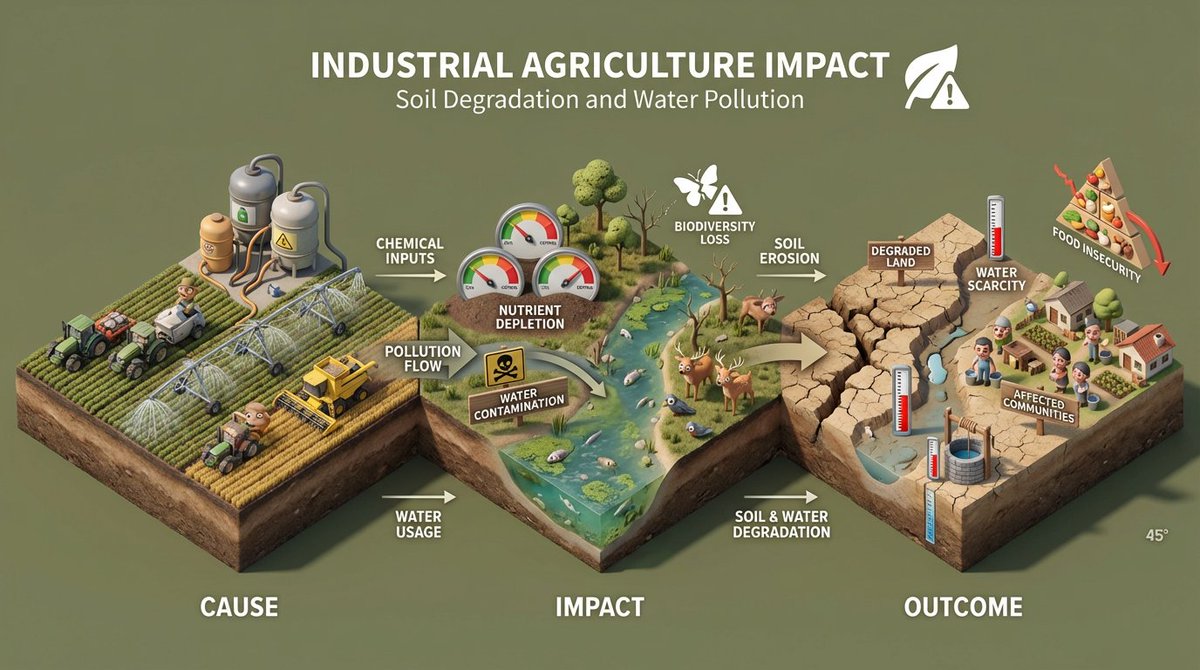
![45 top-down isometric miniature 3D diorama including all key objects — Create a 45° top-down isometric miniature 3D diorama of [SCENE], including all key object](https://images.meigen.ai/tweets/2013597392902246904/0.jpg)
![3D isometric diorama illustration of an original character named — Create a 3D isometric diorama illustration of an original character named [CHARACTER NAME], p](https://images.meigen.ai/tweets/2035592959685525590/0.jpg)
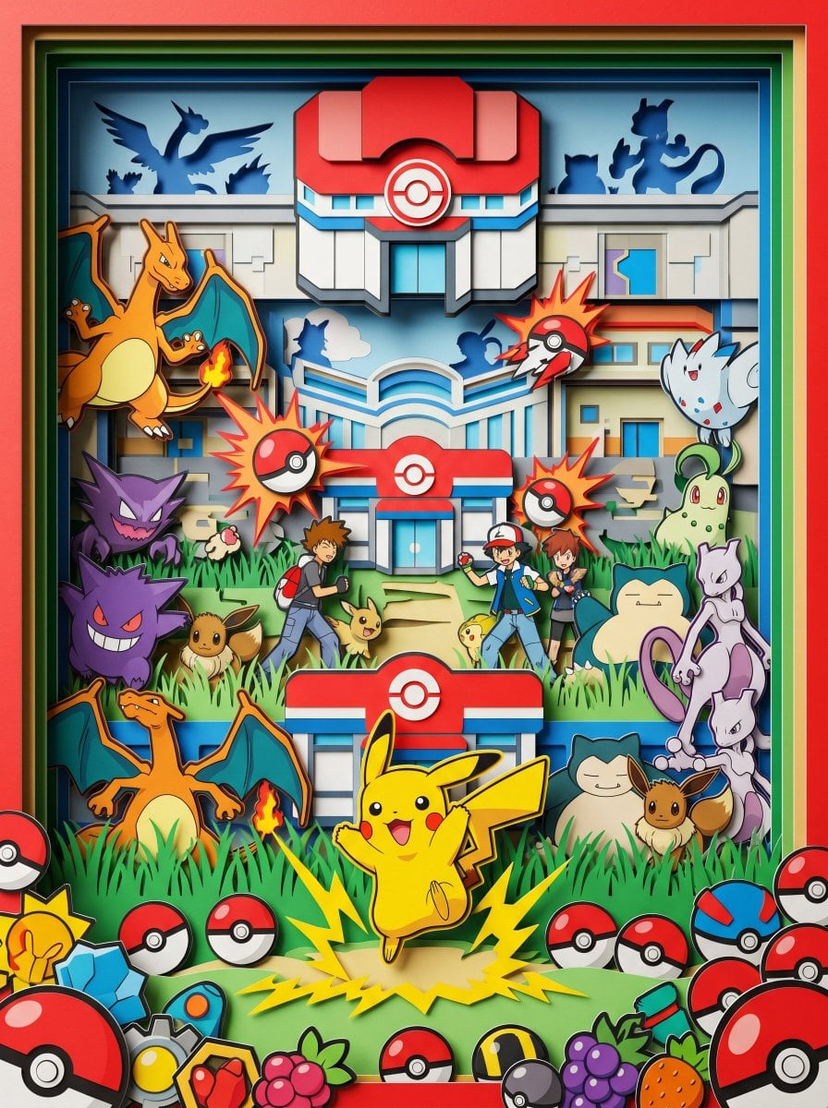
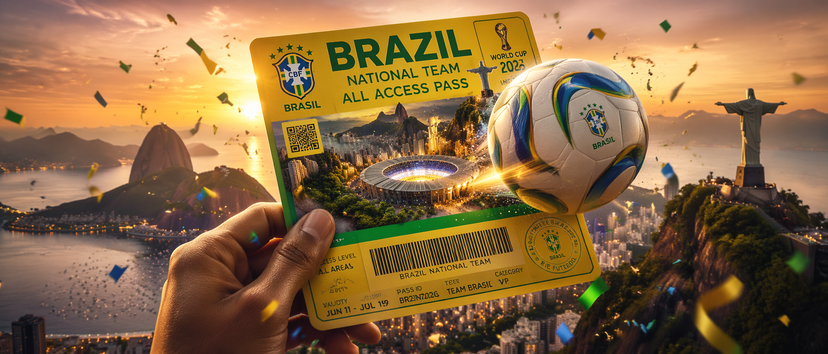

![Isometric Brand Store Diorama — Present a clear, 45° top-down isometric miniature 3D cartoon diorama of the [BRAND], with soft refin…](/_next/image?url=https%3A%2F%2Fcdn.picxstudio.com%2Fuploads%2Fmeigen_18578a8c7cb6_25c7ccef-837d-4949-99fb-d6321dc5c72c.jpg&w=828&q=100)
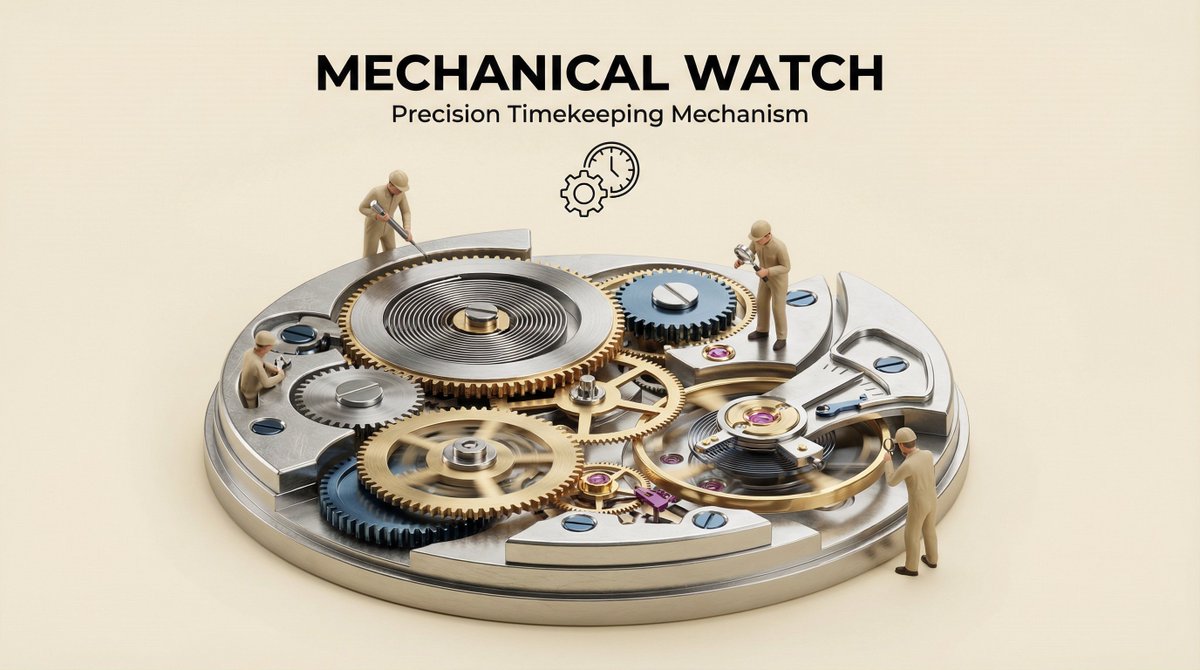
![3D isometric miniature diorama showcasing the productivity system — Create a 3D isometric miniature diorama showcasing the productivity system [SYSTEM NAME]. An](https://images.meigen.ai/tweets/2022522374483235110/0.jpg)

![Isometric Vehicle Teardown Infographic Template — Create a technical infographic of [VEHICLE] with a 45-degree isometric 3D perspective showing the device sligh](/_next/image?url=https%3A%2F%2Fcdn.picxstudio.com%2Fuploads%2Fmeigen_aecaabc87fba_8dcefeb1-b8c3-4cae-8a57-853d0433c54e.jpg&w=828&q=100)
![Ghibli x Game of Thrones Character Prompts — use the character turnaround format from [img1] to create {argument name="character name" defa…](https://pbs.twimg.com/media/HELYuInaIAAyGXq.jpg)
![Naive doodle-style subject illustration — A doodle-style {argument name="subject" default="[subject]"}, naive lines, humorous shape exaggeration](https://pbs.twimg.com/media/G6Wl2YxbsAARB2b.jpg)