
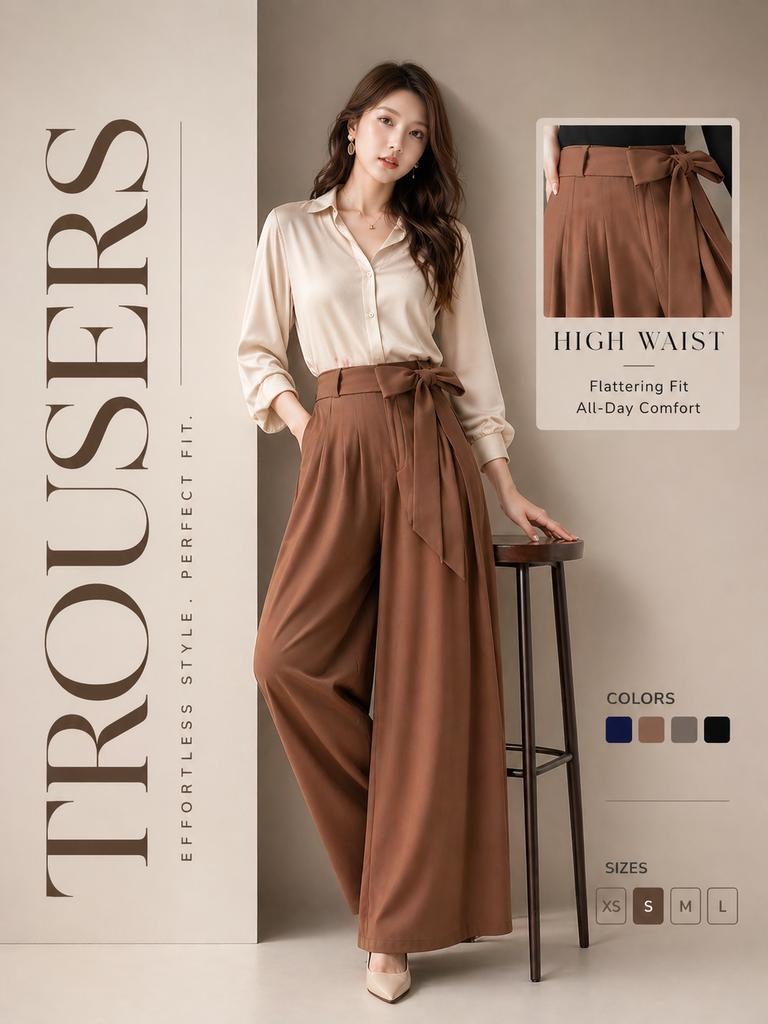
High-End Trousers Advertising Poster
A sophisticated fashion advertisement prompt focusing on high-waist trousers with a clean, modern layout and product detail cards.
- Prompt included
- Model and format preset
- Free template
The prompt behind this image
Copy the exact prompt behind High-End Trousers Advertising Poster, or open it in the studio and make it yours.
Luxury fashion advertisement poster, ultra-premium editorial style (Gucci aesthetic), soft warm beige gradient background with subtle shadows and depth. A confident elegant young woman posing naturally beside a minimal stool, wearing flowy high-waist wide-leg trousers (rich warm brown) and a silky cream blouse, soft curls, minimal gold jewelry, cinematic soft lighting, realistic skin texture, high-end fashion photography. Clean modern layout with strong hierarchy and spacing: Left side: Large vertical text “TROUSERS” in premium serif font (Didot / Bodoni style), high letter spacing, slightly faded brown tone. Small vertical subtext: “EFFORTLESS STYLE. PERFECT FIT.” in thin sans-serif, minimal and elegant. Right side product card: Rounded soft card showing zoomed-in waist detail (same outfit as model) Title: “HIGH WAIST” in serif font Subtext: Flattering Fit, All-Day Comfort in light sans-serif Soft shadow and subtle border Below: Color swatches (navy, beige, taupe, black), perfectly aligned, evenly spaced Sizes row (XS S M L) styled as premium pill buttons “S” filled others outlined Remove unnecessary text like heights, keep layout minimal and breathable. Overall look: High fashion magazine aesthetic Clean spacing, grid aligned Soft shadows, subtle gradients Ultra realistic, sharp, 4K, luxury branding feel
How to use High-End Trousers Advertising Poster in 3 steps
- 1
Open
The prompt is already in the box next to the preview, with the template's model and format selected.
- 2…a portrait of your subject in softgolden-hour light, 85mm…
Personalize
Edit the subject and creative details for your destination.
- 3Generate
Generate
Press Generate — your image is created in PicX Studio, so you can compare it with the original and refine one variable at a time.
More like this
Templates with the same subject, style or setup. Open one to see its prompt.

Trendy Cafe Drink Promo Poster

Legendary Player Fragmented Editorial Poster
Legendary Icons Mixed Style Poster Pack

Japan Travel Brochure Poster

Cartoon TV Show Poster Pack

Urban Fashion Editorial Collage Streetwear Poster

Premium Fashion Editorial Cover Layout System

Polo Ralph Lauren Luxury American Heritage Fashion Campaign

Monochrome Halftone Editorial Fashion Poster

Retro Mirror Luxury Fashion Campaign Poster

Luxury Fashion Campaign Typography Poster System

Premium Fashion Editorial Campaign Poster System
Make it yours
High-End Trousers Advertising Poster works as-is. These are the safest ways to change it without losing the look.
Change one field
Copy a single group, rewrite it, and generate again so you can see what that field is doing.
Keep the frame, change the subject
Hold the composition and light of High-End Trousers Advertising Poster, then swap wardrobe, props or the person for a new take.
| If the result… | Why | Fix |
|---|---|---|
| The result drifts from the preview | Too many fields changed at once. | Reuse High-End Trousers Advertising Poster as-is first, then change one group — subject, light, or setting. |
| The model over-stylizes the scene | The prose prompt leaves finish and camera underspecified. | Add one camera or lighting sentence and stay on GPT Image 2. |
More GPT Image 2 templates
Other prompts made for GPT Image 2.

Six VTuber Japanese Logo Sheet

Realistic Portrait of Woman and Deer

The Vista Modular Condo Poster

AI Model Routing Comparison Infographic

2.5D Anime Art Board

Isometric Productivity Desk Scene

New York Double Exposure Poster

Four-Panel AI Landscape Comparison

Japanese Tatami Lifestyle Magazine Cover

NESCAFÉ Coffee Map Poster
More image prompts
Fresh picks from across the catalog.
Cinematic Garden Fountain Motion Sequence Prompt
Extreme Macro Portrait with Hyper-realistic Skin Texture
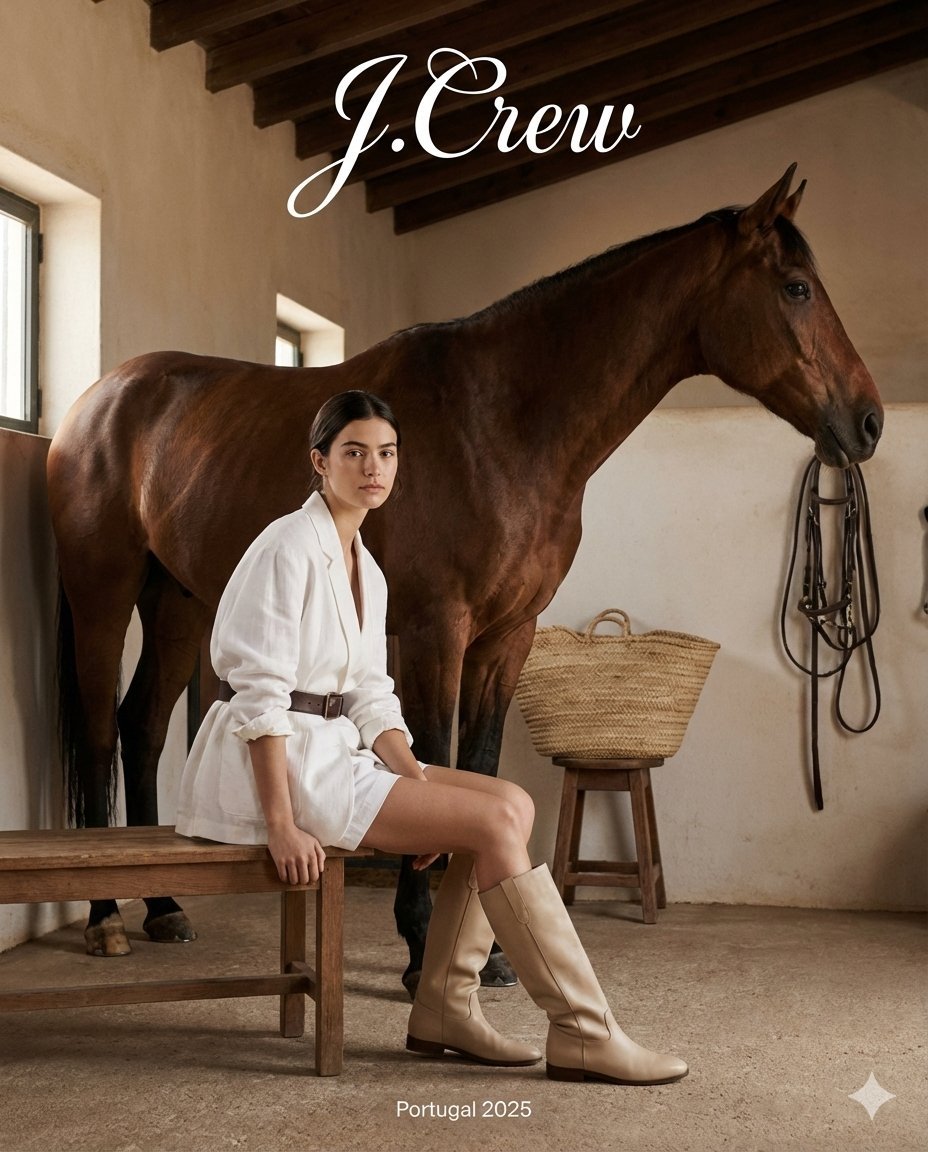
J.Crew Rustic Fashion Editorial

Cinematic Portrait of a Young Man By Gem
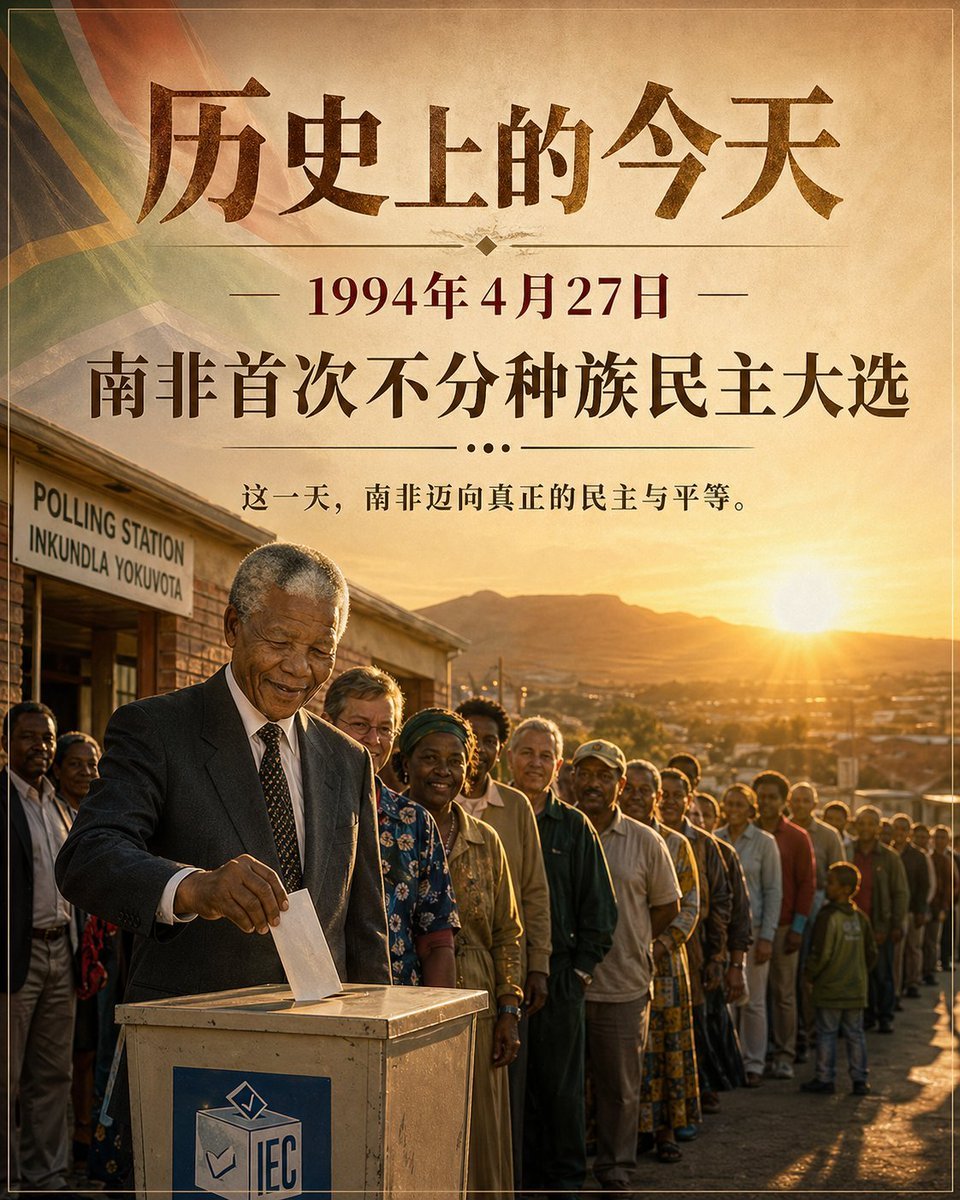
Historical Event Visualizer

Ultra-realistic Christmas Glam Portrait Prompt
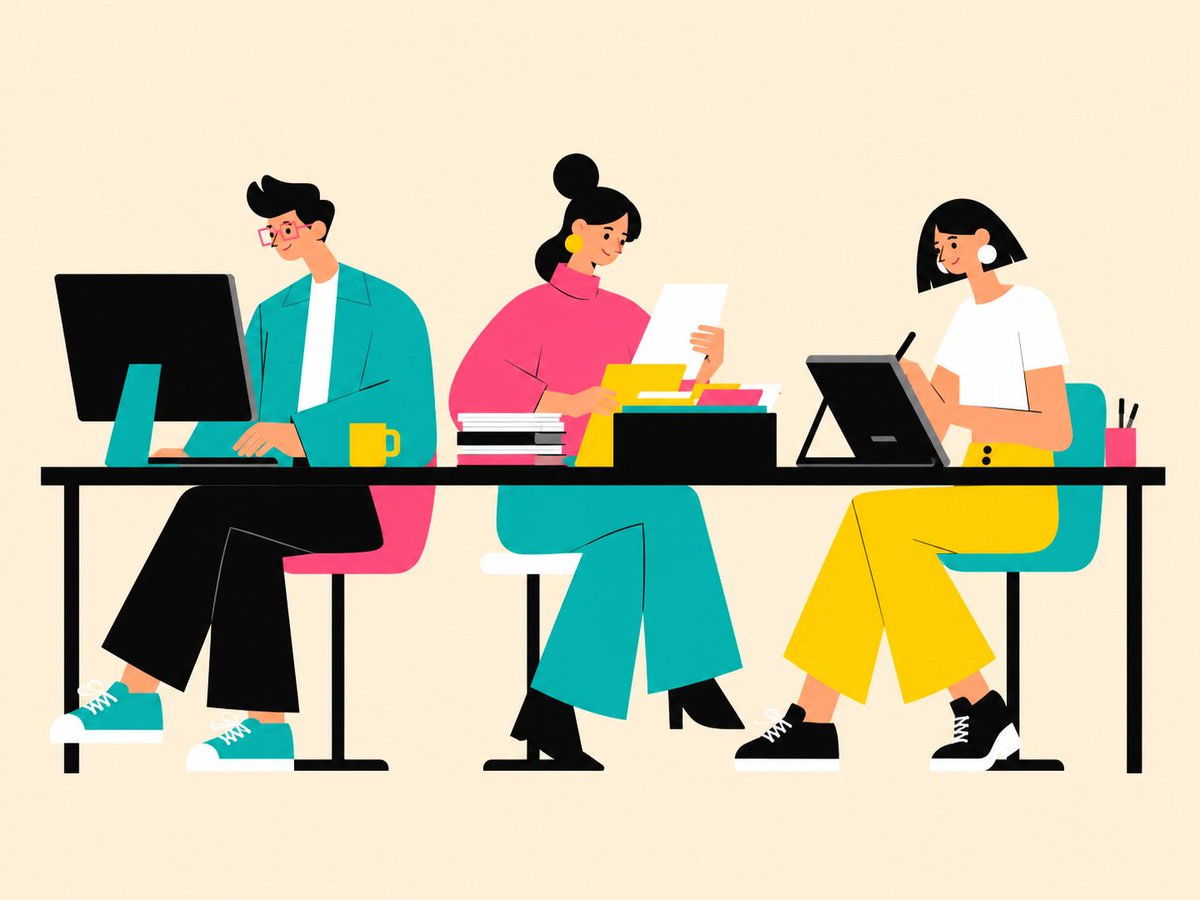
Flat Vector Office Team Illustration
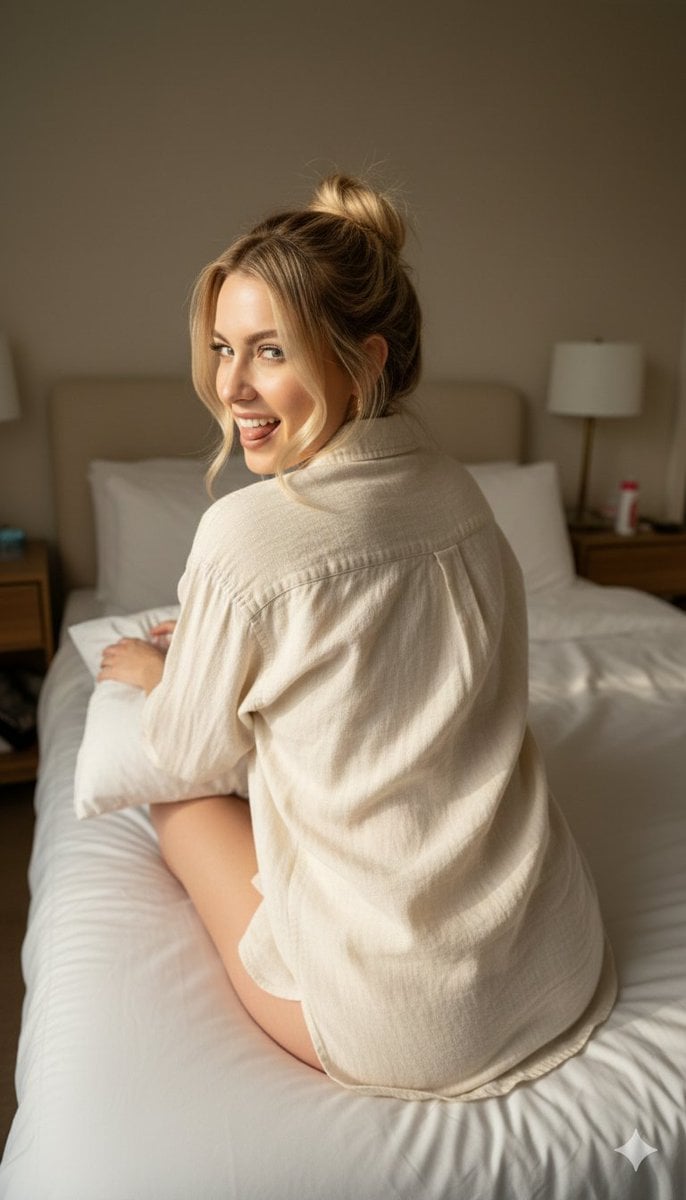
Candid 8K Bedroom Portrait with Playful Expression
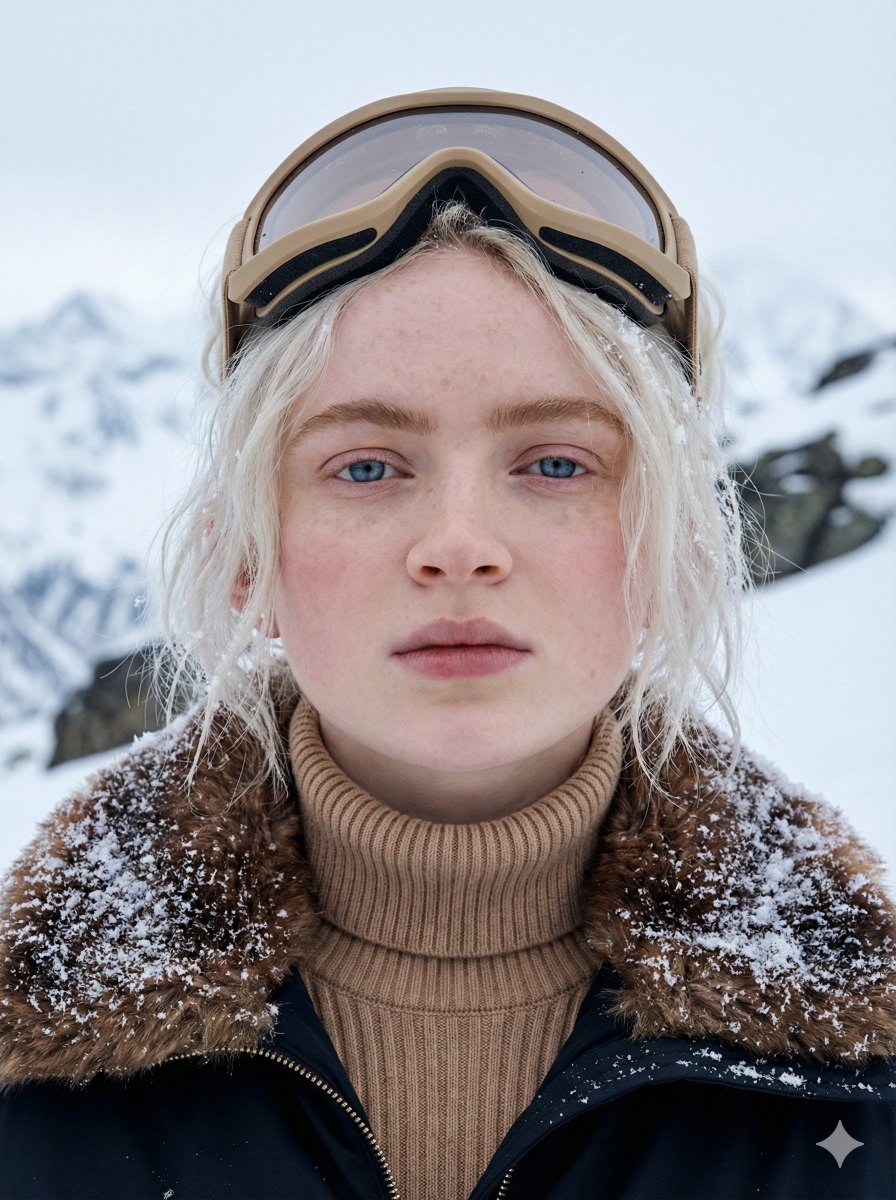
Cinematic Close-up Portrait in Alpine Environment
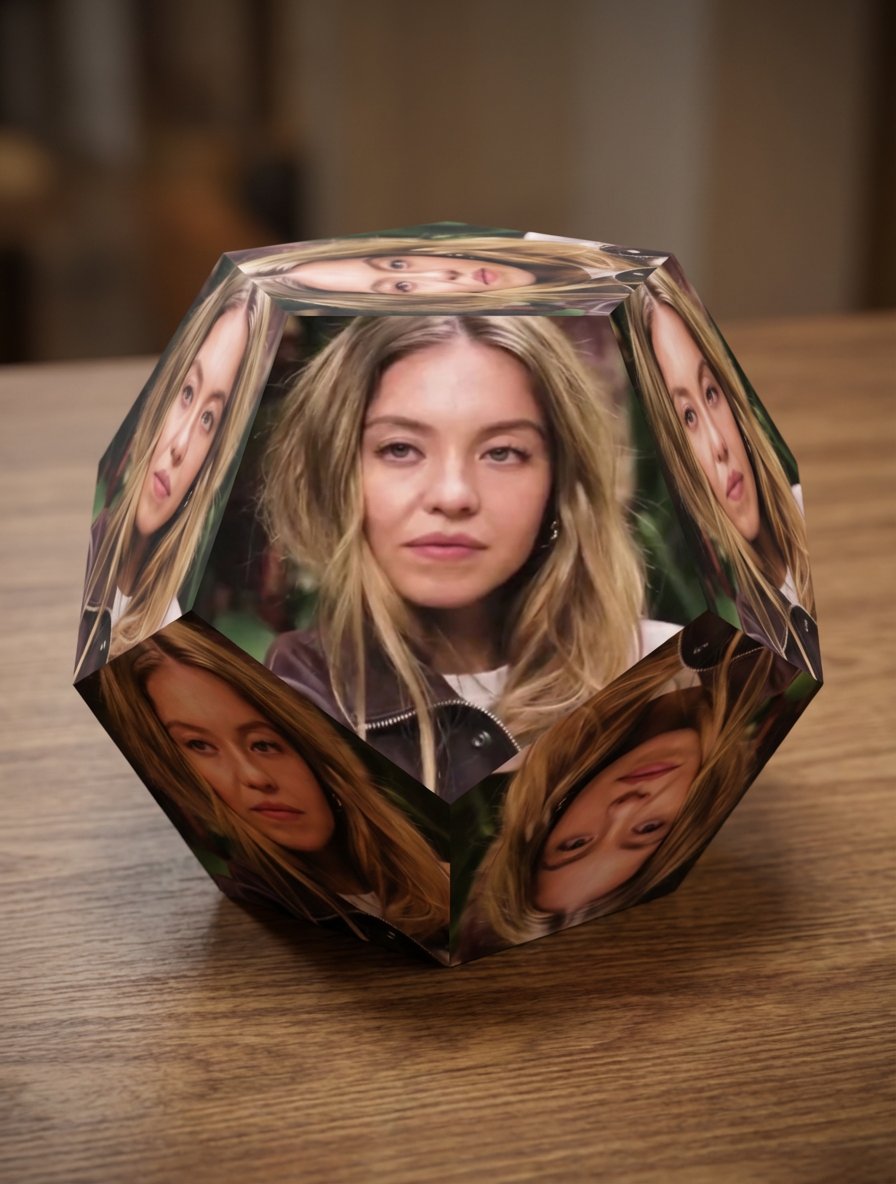
Apply image to dodecahedron
Browse template categories
High-End Trousers Advertising Poster questions
How do I use the High-End Trousers Advertising Poster template?
Add your photo if the template asks for one, edit the prompt if you like — the template's model and format are already selected — and press Generate. Your version opens in PicX Studio.
Can I customize the High-End Trousers Advertising Poster template?
Yes. You can change the subject, setting, lighting, mood, format, and available model controls before creating your image.
Is the High-End Trousers Advertising Poster template free?
Opening and editing this template is free. Generating uses credits, shown on the Generate button when you are signed in.
Which AI model should I use?
Start with GPT Image 2, which is the model associated with this template. You can compare another compatible model for a different finish.
Looking for something else? Browse all templates.

Your photo, any look
Thousands of ready templates for every top image and video model, from one credit balance.