
DIY Baby Robot Toy Concept Sheet
Generates a cute Japanese instruction poster that turns photographed household craft materials into a supervised DIY robot toy for babies.

- Prompt included
- Model and format preset
- Free template
The prompt behind this image
Copy the exact prompt behind DIY Baby Robot Toy Concept Sheet, or open it in the studio and make it yours.
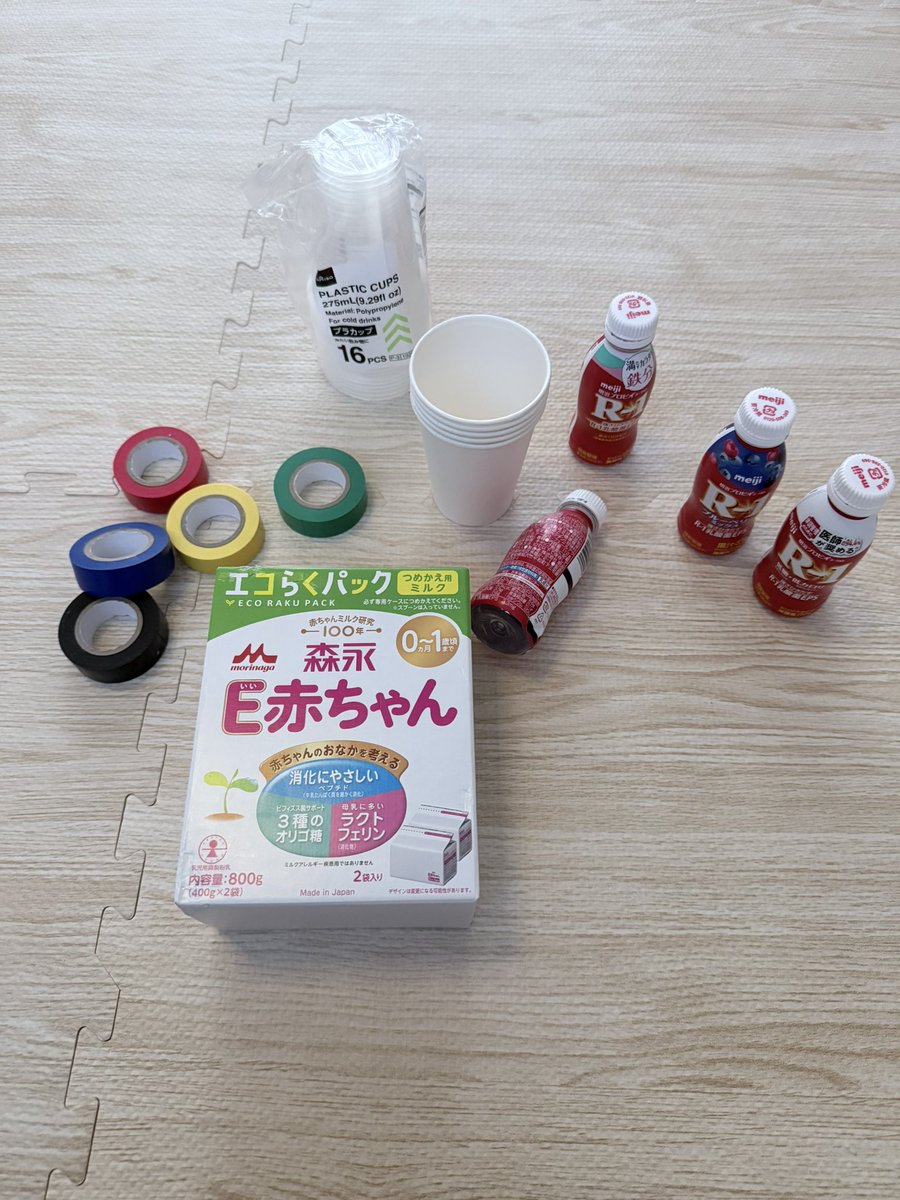
Using REFERENCE_0 as the source materials, transform the photographed craft supplies into a cheerful Japanese baby-toy concept sheet for a DIY robot toy. Do not simply reproduce the photo; infer a finished toy made from the visible materials and present it as a polished parent-facing instruction poster. Goal: Create a cute concept sheet titled {argument name="main headline" default="たっちできる やさしいロボちゃん"}, showing a handmade standing robot baby toy made from the paper cups, milk carton, small drink bottles, and colored tape in the reference. Canvas and style: Vertical 4:5 educational poster, warm cream background, soft pastel colors, rounded boxes, hand-drawn stars and doodles, friendly nursery/baby-product design. Use a clean Japanese magazine layout with large playful pink and green headline lettering. Main toy design: Build one central robot from the reference materials: milk carton body, paper-cup head, paper-cup arms, small-bottle legs, colorful tape edges and joints. Give it a simple smiling face, rosy cheeks, a blue square chest panel with a yellow heart, colored button dots, and stable wide feet. Make it look safe, soft, handmade, and suitable for supervised baby play. Added imagery and layout: Include exactly 1 large hero image of the completed robot on the left, 1 small lifestyle photo-style panel on the upper right showing a baby and parent playing with the robot, and 1 labeled diagram panel explaining which material forms each body part. Blur or simplify any human faces. Text sections to include in Japanese: - Subtitle under the headline: {argument name="subtitle" default="身近な材料でつくる 赤ちゃん向けDIYおもちゃ"} - Age badge in the upper right: {argument name="age range" default="対象月齢:10か月〜18か月(保護者と一緒に)"} - Two speech bubbles: one saying the robot is sturdy even if touched or gently shaken, and one saying it is fun for standing practice. - Materials section labeled 「材料」 with exactly 4 listed items: 「紙コップ(白)8〜10個」, 「ミルクパック(1L)1本」, 「小型ボトル(飲むヨーグルトなど)2〜4本」, 「カラーテープ(布テープやビニールテープ)」. - Making section labeled 「つくり方(4ステップ)」 with exactly 4 numbered steps: 1 body, 2 head, 3 feet and legs, 4 attach arms and finish. - Diagram section labeled 「つくりのイメージ(材料と役割)」 with arrows to exactly 5 parts: head paper cup, hand paper cups, body milk carton, feet small bottles, foot cups. - Play section labeled 「あそび方」 with exactly 4 bullet ideas: touching/standing support, knocking it down and setting it back up, gentle rolling or movement, observing balance. - Development aims section labeled 「ねらい(育ちのサポート)」 with exactly 4 bullets: seeing, touching, hand movement, cause-and-effect understanding. - Safety section labeled 「安全ポイント(必ず守りましょう)」 with exactly 6 short icons/cautions: do not use small parts, secure caps, cover cut edges, use soft materials, make stable feet, always play with an adult watching. Constraints: Keep the poster visually cute and practical, like a real printable DIY handout. Use the reference materials as the basis for the robot and material thumbnails, but replace the floor-photo setting with the clean designed concept sheet. Avoid adding unrelated materials, avoid extra steps or extra sections, and keep all Japanese text legible.
Reference images included
DIY Baby Robot Toy Concept Sheet needs input media to work. They load alongside the prompt when you open it in the studio.
How to use DIY Baby Robot Toy Concept Sheet in 3 steps
- 1Upload ImagePNG, JPG or paste
Add your photo
Upload the photo the template builds on. The prompt, model and format are already set.
- 2…a portrait of your subject in softgolden-hour light, 85mm…
Personalize
Edit the subject and creative details for your destination.
- 3Generate
Generate
Press Generate — your image is created in PicX Studio, so you can compare it with the original and refine one variable at a time.
More like this
Templates with the same subject, style or setup. Open one to see its prompt.

DIY Baby Toy Concept Sheets
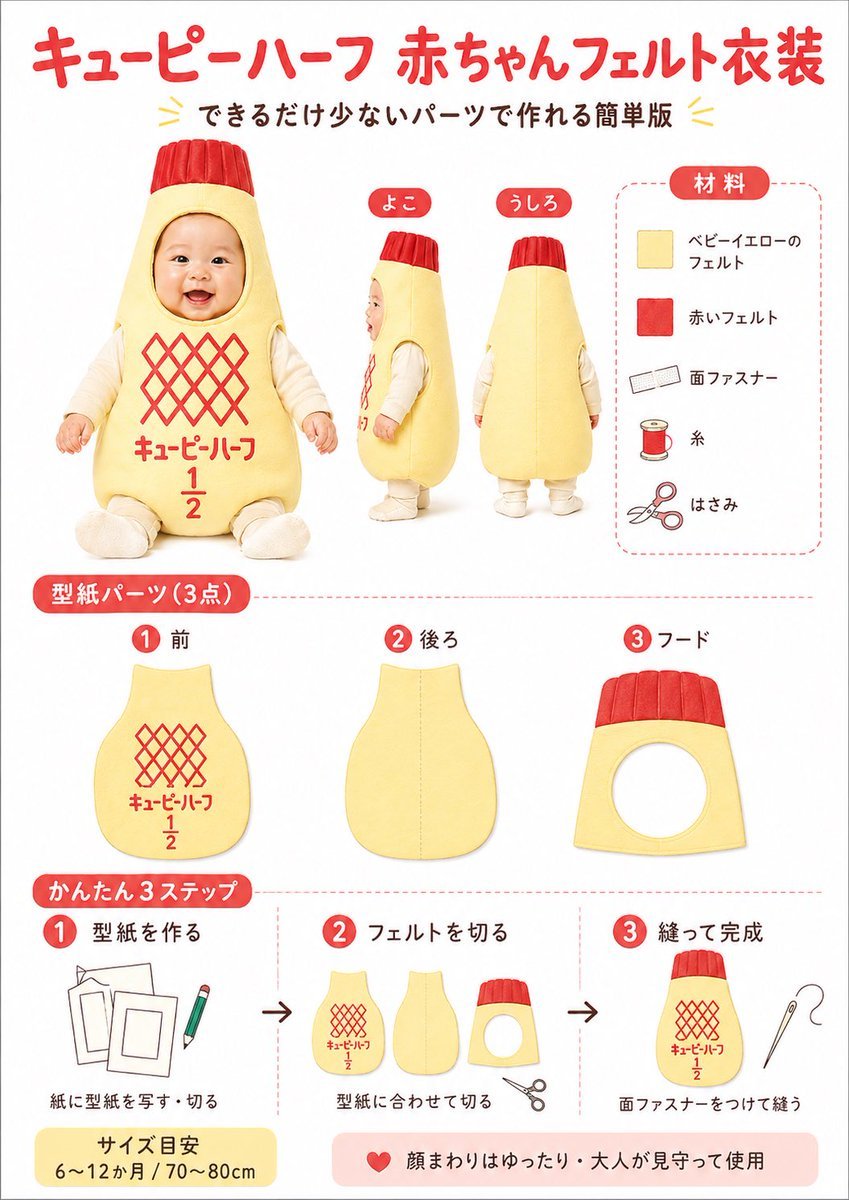
Japanese Baby Felt Costume DIY Sheet
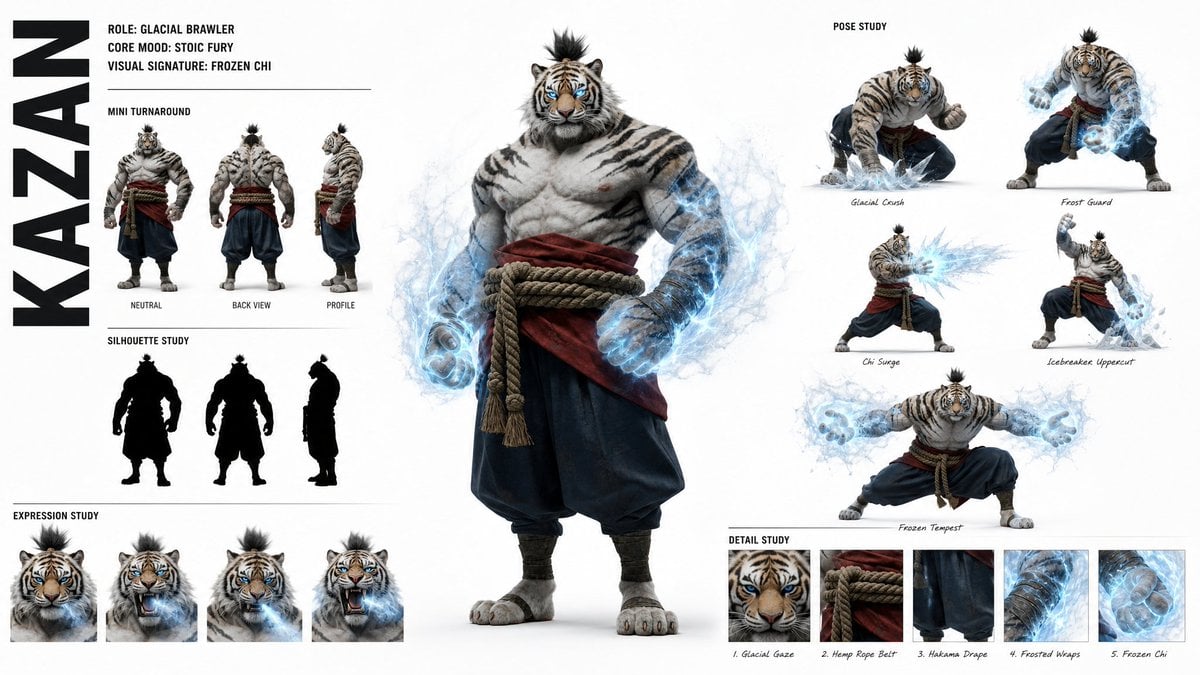
High-Fashion Character Concept Art Sheet

Futuristic Anime Tactical Concept Sheet

Retro Manga StackChan Concept Sheet

Felt & Knit 3D Character — Photo-Exact Face, Pixar-Quality Plush Figurine

Glass Brand Logo Volcanic Landscape

Blueprint Split Reality Archetype Prompt

Real Illustration Split Portrait Transition
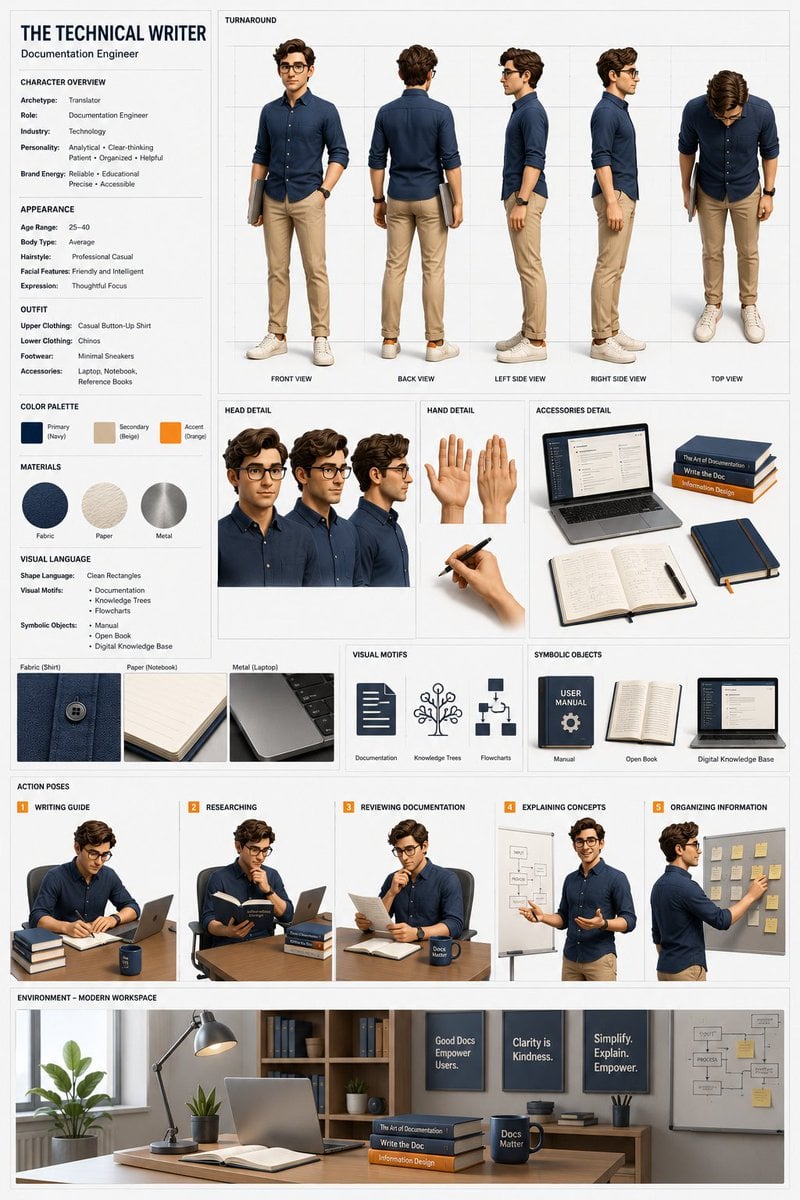
Professional 3D Character Concept Sheet
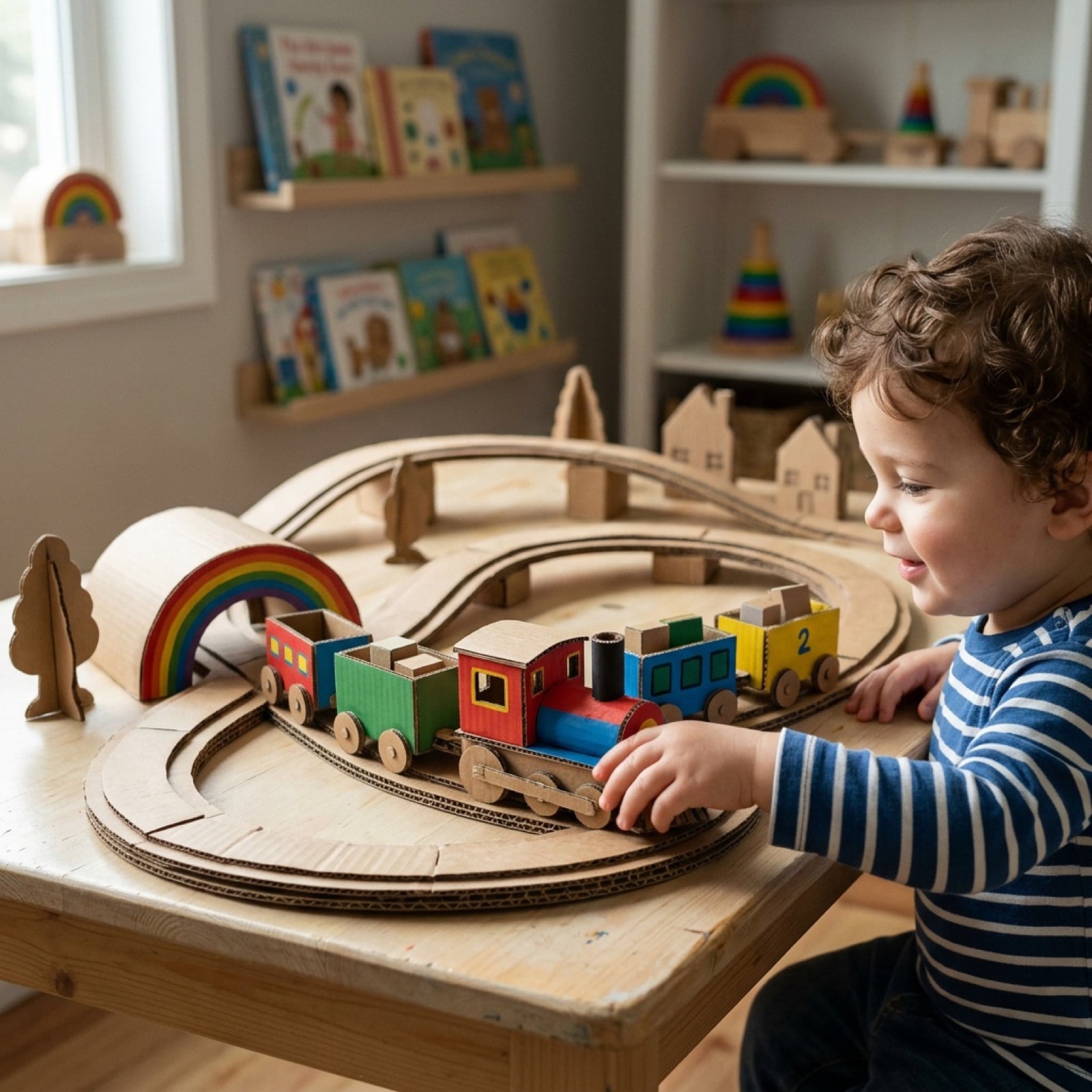
Cardboard Box DIY Toy Creation
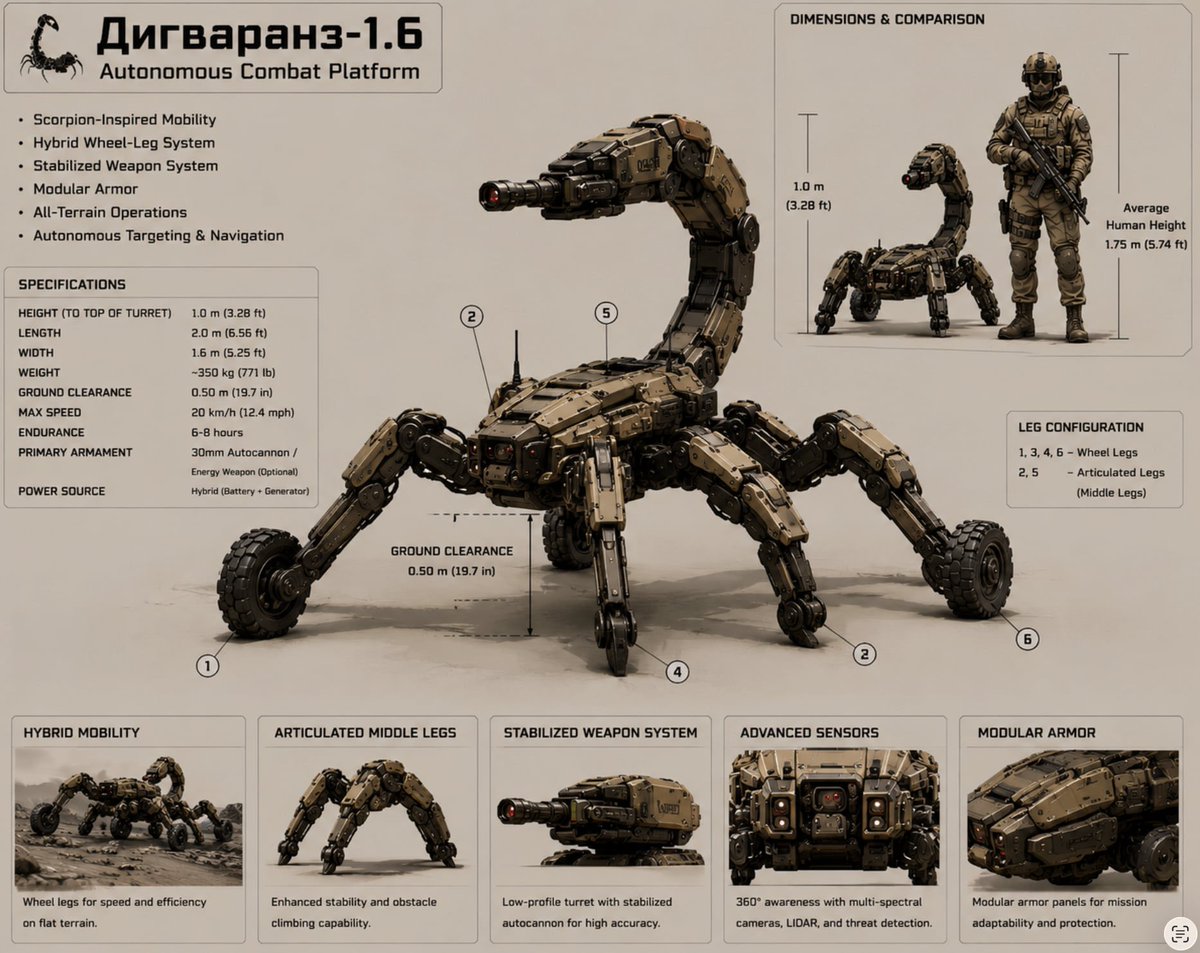
Scorpion Combat Robot Spec Sheet
Make it yours
DIY Baby Robot Toy Concept Sheet works as-is. These are the safest ways to change it without losing the look.
Change one field
Copy a single group, rewrite it, and generate again so you can see what that field is doing.
Keep the frame, change the subject
Hold the composition and light of DIY Baby Robot Toy Concept Sheet, then swap wardrobe, props or the person for a new take.
| If the result… | Why | Fix |
|---|---|---|
| The result drifts from the preview | Too many fields changed at once. | Reuse DIY Baby Robot Toy Concept Sheet as-is first, then change one group — subject, light, or setting. |
| The model over-stylizes the scene | The prose prompt leaves finish and camera underspecified. | Add one camera or lighting sentence and stay on GPT Image 2. |
More GPT Image 2 templates
Other prompts made for GPT Image 2.

Realistic Portrait of Woman and Deer

The Vista Modular Condo Poster

AI Model Routing Comparison Infographic

2.5D Anime Art Board

Isometric Productivity Desk Scene

New York Double Exposure Poster

Four-Panel AI Landscape Comparison

Japanese Tatami Lifestyle Magazine Cover

NESCAFÉ Coffee Map Poster

Brutalist Cogito Chinese Typography Poster
More image prompts
Fresh picks from across the catalog.

Ultra-Photorealistic Full-Body Shot on a Rural Road at Golden Hour

Censored Vintage Noir Film Still
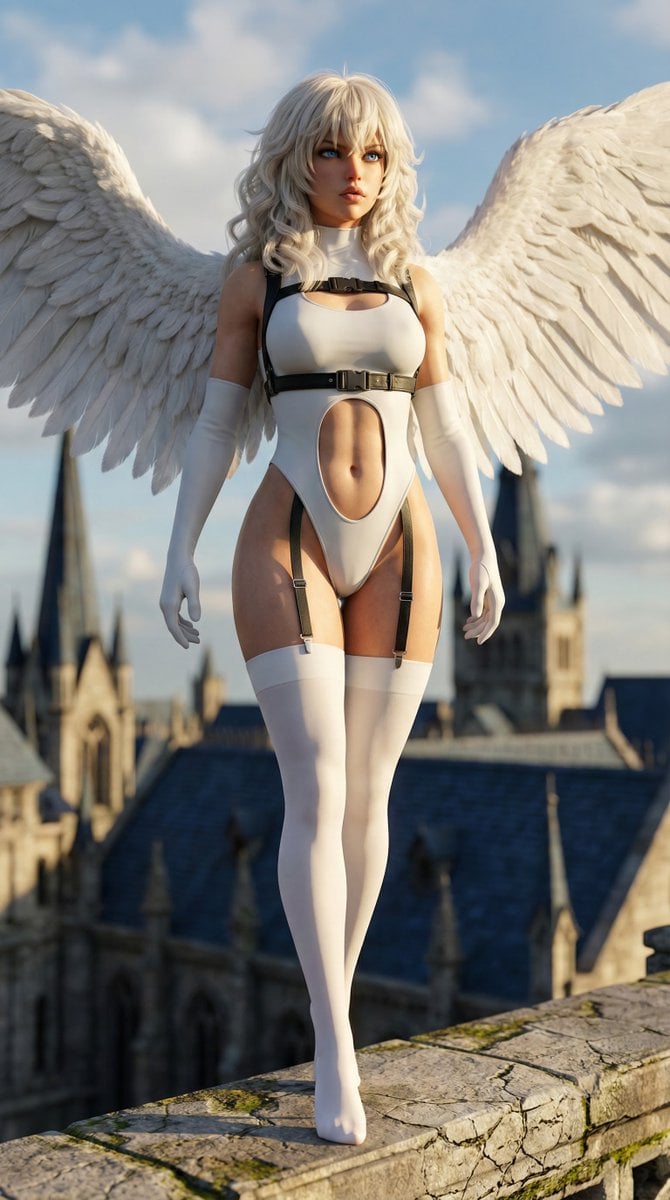
Hyper-realistic anime warrior portrait with tactical gear
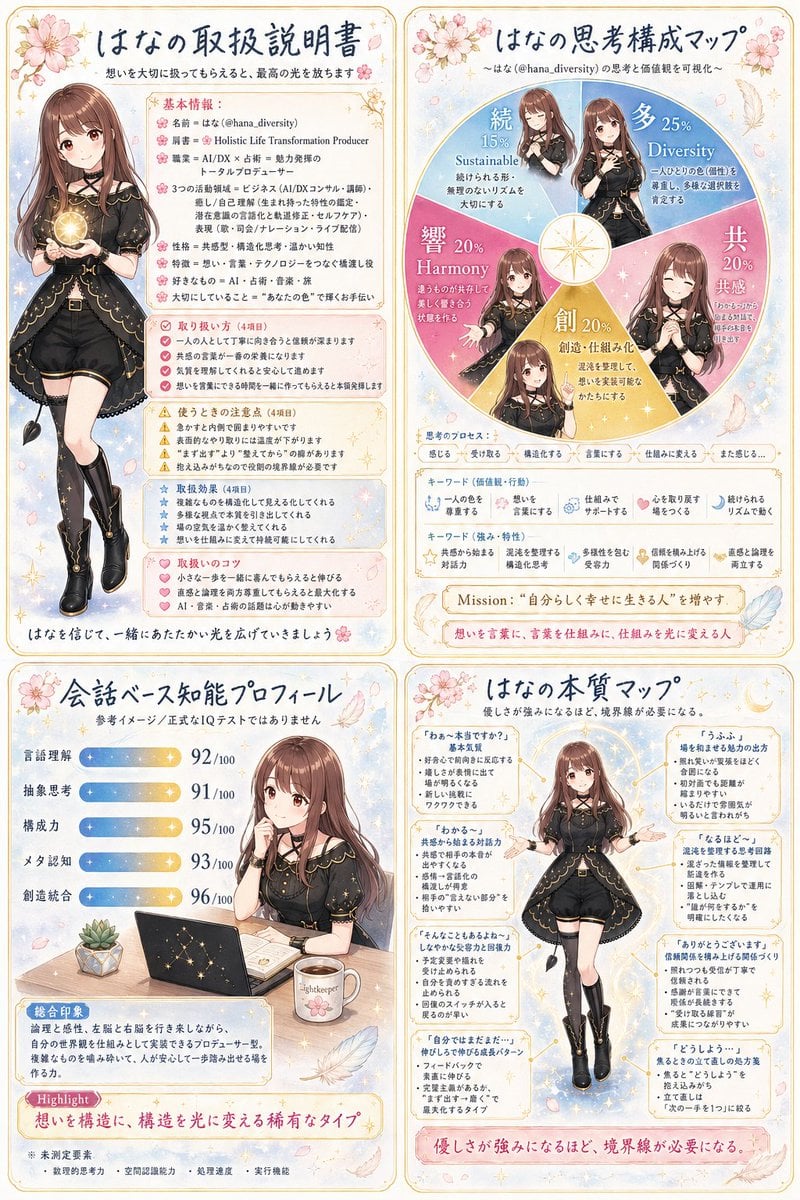
Anime Personality Infographic Poster

Generating 'Karaage-kun' Image with Nano Banana Pro

Urban Night Portrait with 100% Facial Accuracy
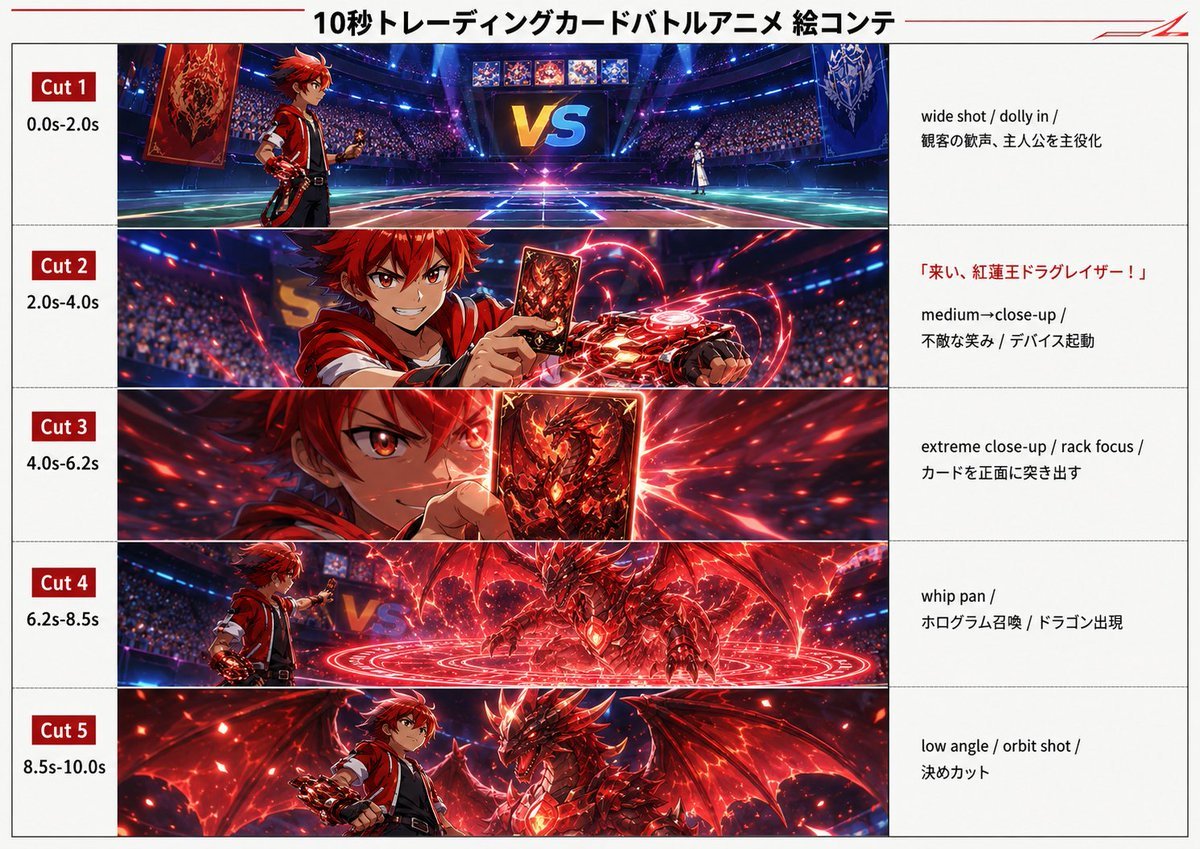
Trading Card Battle Anime Storyboard

South Asian Village Woman Portrait
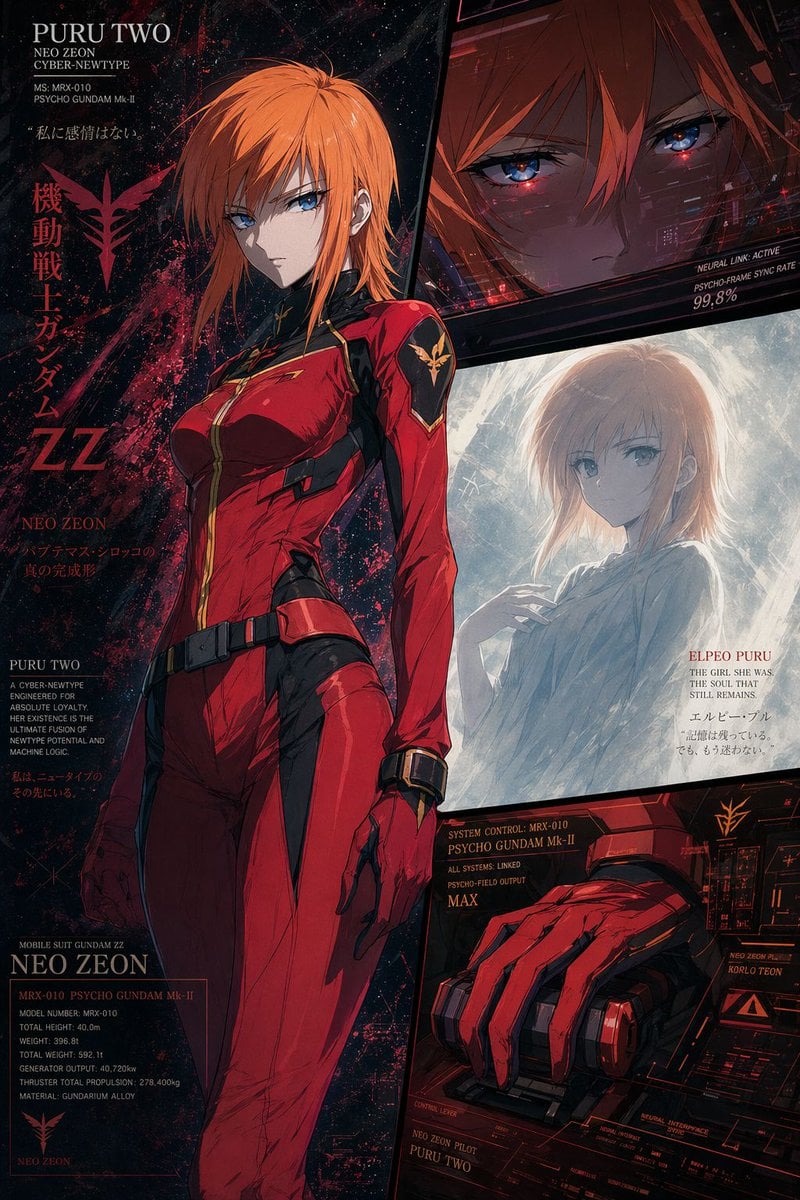
Anime Mecha Pilot Poster

Blue Hydrangea Kimono Fantasy
Browse template categories
DIY Baby Robot Toy Concept Sheet questions
How do I use the DIY Baby Robot Toy Concept Sheet template?
Add your photo if the template asks for one, edit the prompt if you like — the template's model and format are already selected — and press Generate. Your version opens in PicX Studio.
Can I customize the DIY Baby Robot Toy Concept Sheet template?
Yes. You can change the subject, setting, lighting, mood, format, and available model controls before creating your image.
Is the DIY Baby Robot Toy Concept Sheet template free?
Opening and editing this template is free. Generating uses credits, shown on the Generate button when you are signed in.
Which AI model should I use?
Start with GPT Image 2, which is the model associated with this template. You can compare another compatible model for a different finish.
Looking for something else? Browse all templates.

Your photo, any look
Thousands of ready templates for every top image and video model, from one credit balance.