How do I use the Chibi Fashion Girl With Leopard Accents template?
Choose the primary action to open PicX Studio with the available template settings. Review the model and format, personalize the creative direction, and generate when ready.
This generates a polished full-body chibi fashion illustration of a trendy girl with a messy bun, oversized streetwear, and leopard-print accessories, ideal for
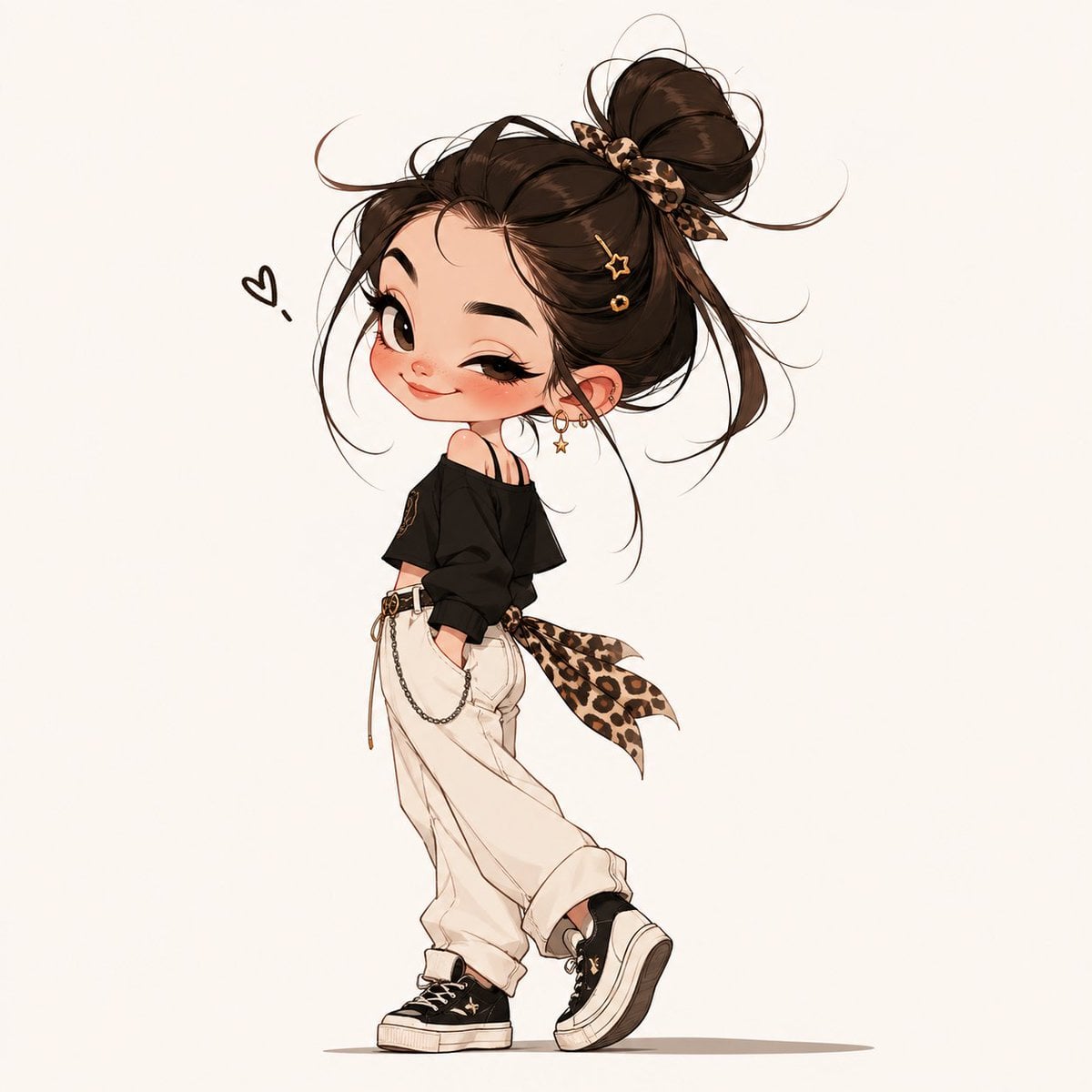
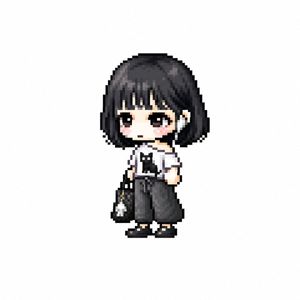
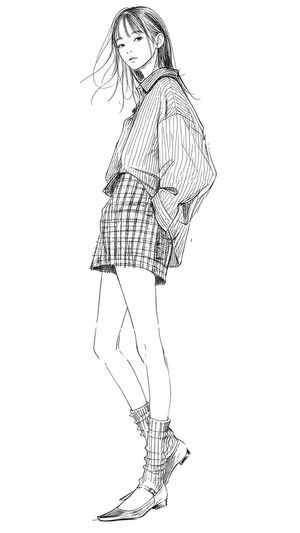
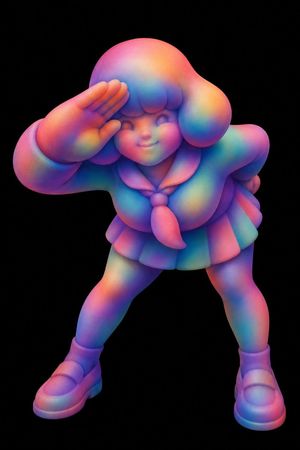
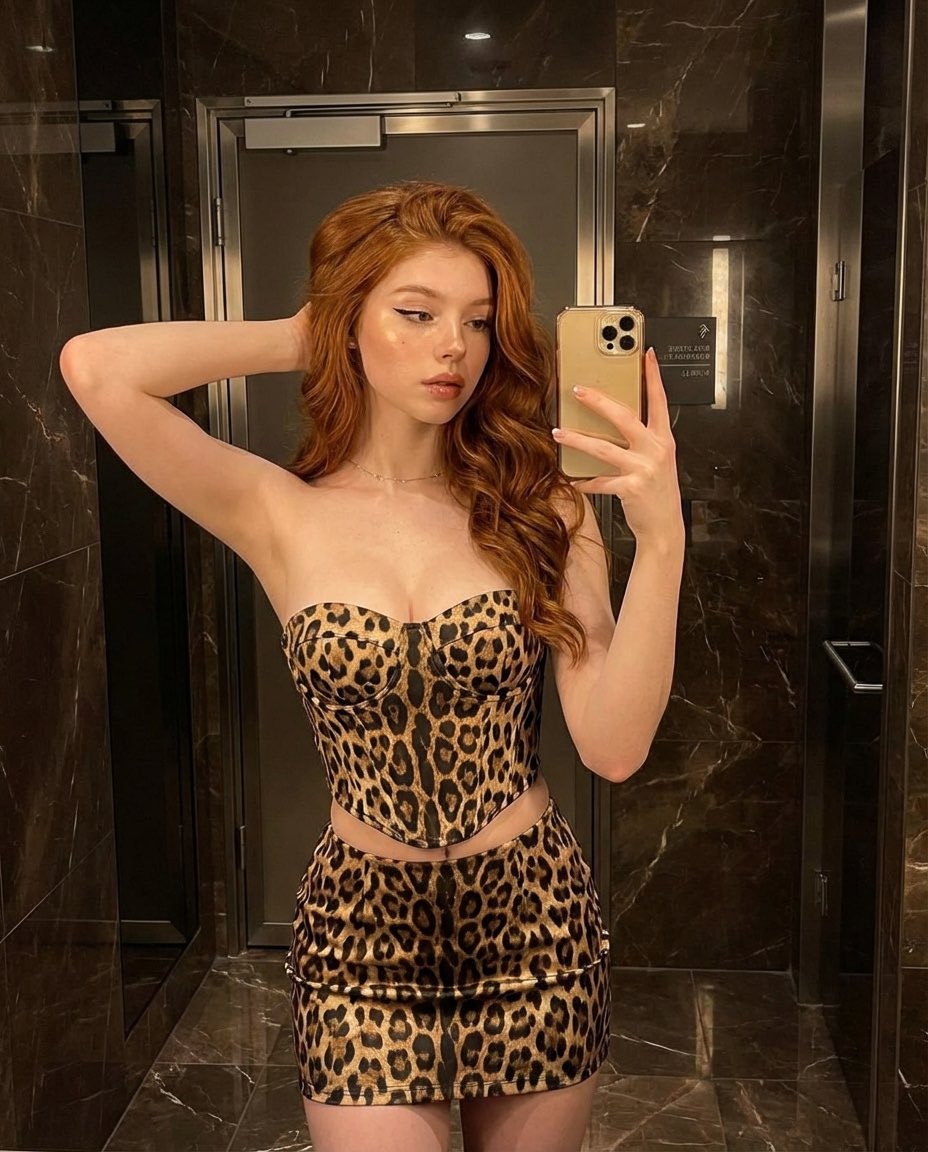
A full-body cute chibi fashion illustration of a stylish young woman standing in a playful over-the-shoulder pose on a clean warm off-white background. She has an oversized head, tiny body, huge glossy eyes, long lashes, softly blushed cheeks, and a coy smile, looking back toward the viewer with a flirty confident expression. Her hair is {argument name="hair color" default="dark brown"} and styled in 1 very large messy high bun with loose wispy strands flying around the face, tied with 1 leopard-print scrunchie or ribbon. Add 2 small gold hair clips on the side, one star-shaped and one circular. She wears 3 earrings visible on one ear: 2 small hoops and 1 dangling star charm earring. Outfit: an oversized black off-shoulder long-sleeve top slipping off one shoulder, 1 pair of high-waisted baggy cream jogger pants with cuffed ankles, 1 thin belt or drawstring detail, 1 decorative hip chain hanging from the waistband, and 1 large leopard-print sash tied at the back side of the waist with long flowing tails. Shoes are 1 pair of black platform sneakers with white soles and small gold star accents. Her hands are tucked casually into her pockets, one leg straight and the other lifted slightly forward as if mid-step. Include 1 small hand-drawn black heart doodle floating beside her head. Style is polished anime-inspired fashion sketch, ultra-clean line art, soft cel shading, delicate warm highlights, elegant trendy proportions, boutique sticker illustration aesthetic, minimal background, centered composition, high detail in hair wisps and accessories.
Choose the primary action to open PicX Studio with the available template settings. Review the model and format, personalize the creative direction, and generate when ready.
Yes. You can change the subject, setting, lighting, mood, format, and available model controls before creating your image.
This template is free to open and customize. Generation usage is shown in PicX Studio before you create.
Start with GPT Image 2, which is the model associated with this template. You can compare another compatible model for a different finish.
Follow a topic to a crawlable collection of related PicX Studio templates.