How do I use the Fashion Studio Portrait with Floral Accents template?
Choose the primary action to open PicX Studio with the available template settings. Review the model and format, personalize the creative direction, and generate when ready.
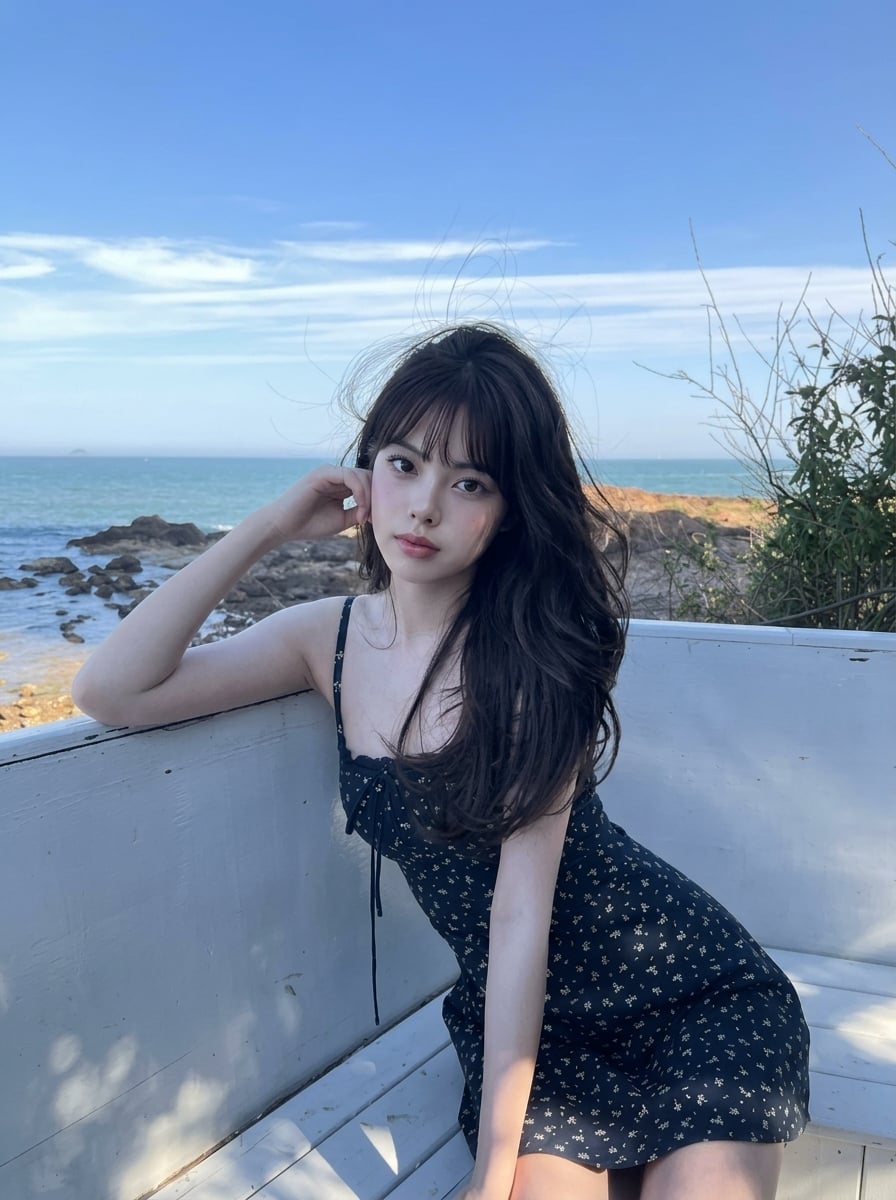
A professional studio portrait prompt for a young woman featuring stylish wavy hair and a patterned outfit against a purple floral background.

A high-quality studio portrait of a young woman with stylishly {argument name="hair style" default="voluminously dark hair styled in soft, layered waves"} — the hair has a deep side-swept part, full-bodied volume at the crown, and loose waves cascading past the shoulders with soft face-framing layers around the cheeks. She is sitting on a white floor in a relaxed pose with her left knee raised and her arm resting on it. She is wearing a {argument name="outfit" default="white and purple patterned flannel shirt with the sleeves slightly rolled up, black jeans, and purple-and-white sneakers"}. She accessorizes with a black wristwatch and simple black rings. She is looking directly at the camera with a calm, confident expression. The background is a {argument name="background" default="solid purple wall featuring elegant white floral stencil art"}. To her right (viewer's left) stands a white, fluted classic column decorated with delicate purple blossoms. The foreground floor is scattered with fresh purple and white flowers. Soft, even studio lighting. Keep original face and hairstyle 100% reference. Ratio 9:16
Choose the primary action to open PicX Studio with the available template settings. Review the model and format, personalize the creative direction, and generate when ready.
Yes. You can change the subject, setting, lighting, mood, format, and available model controls before creating your image.
This template is free to open and customize. Generation usage is shown in PicX Studio before you create.
Start with GPT Image 2, which is the model associated with this template. You can compare another compatible model for a different finish.
Follow a topic to a crawlable collection of related PicX Studio templates.