How do I use the Ethereal Floral Studio Portrait template?
Choose the primary action to open PicX Studio with the available template settings. Review the model and format, personalize the creative direction, and generate when ready.
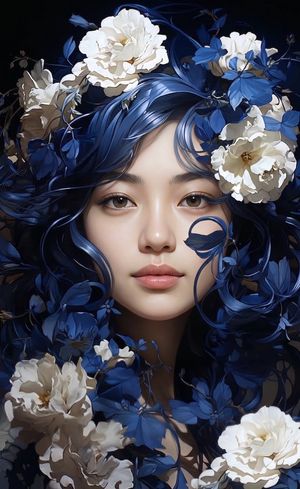
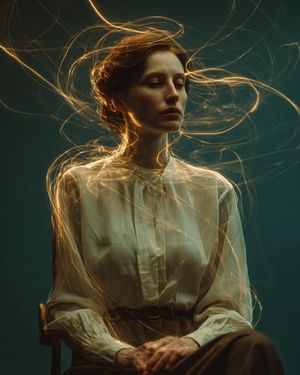
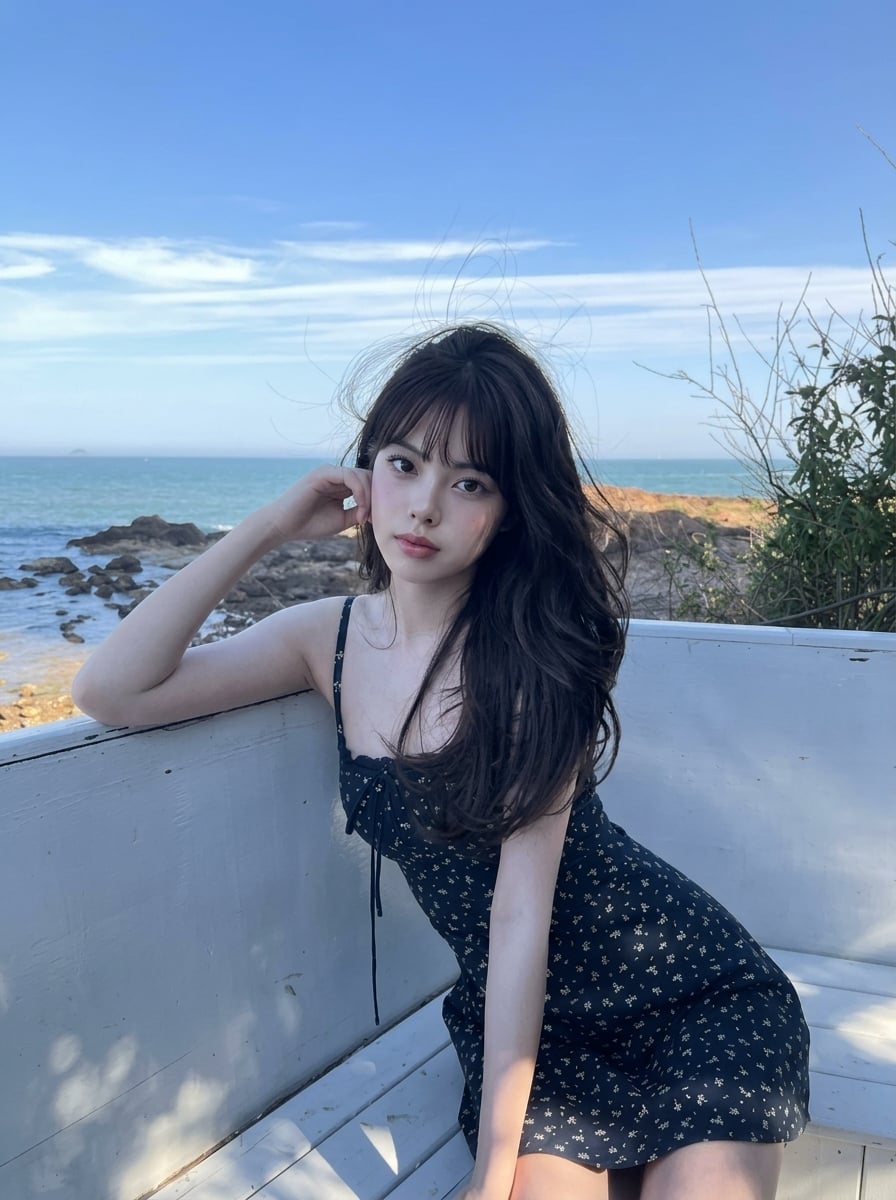
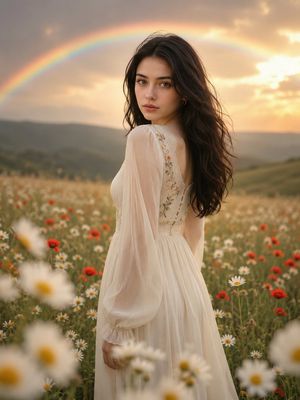
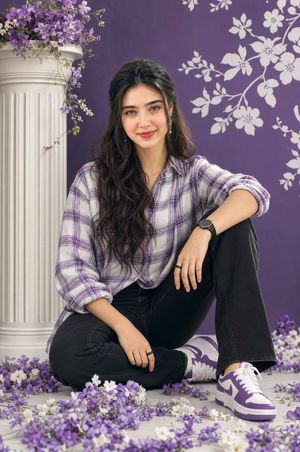
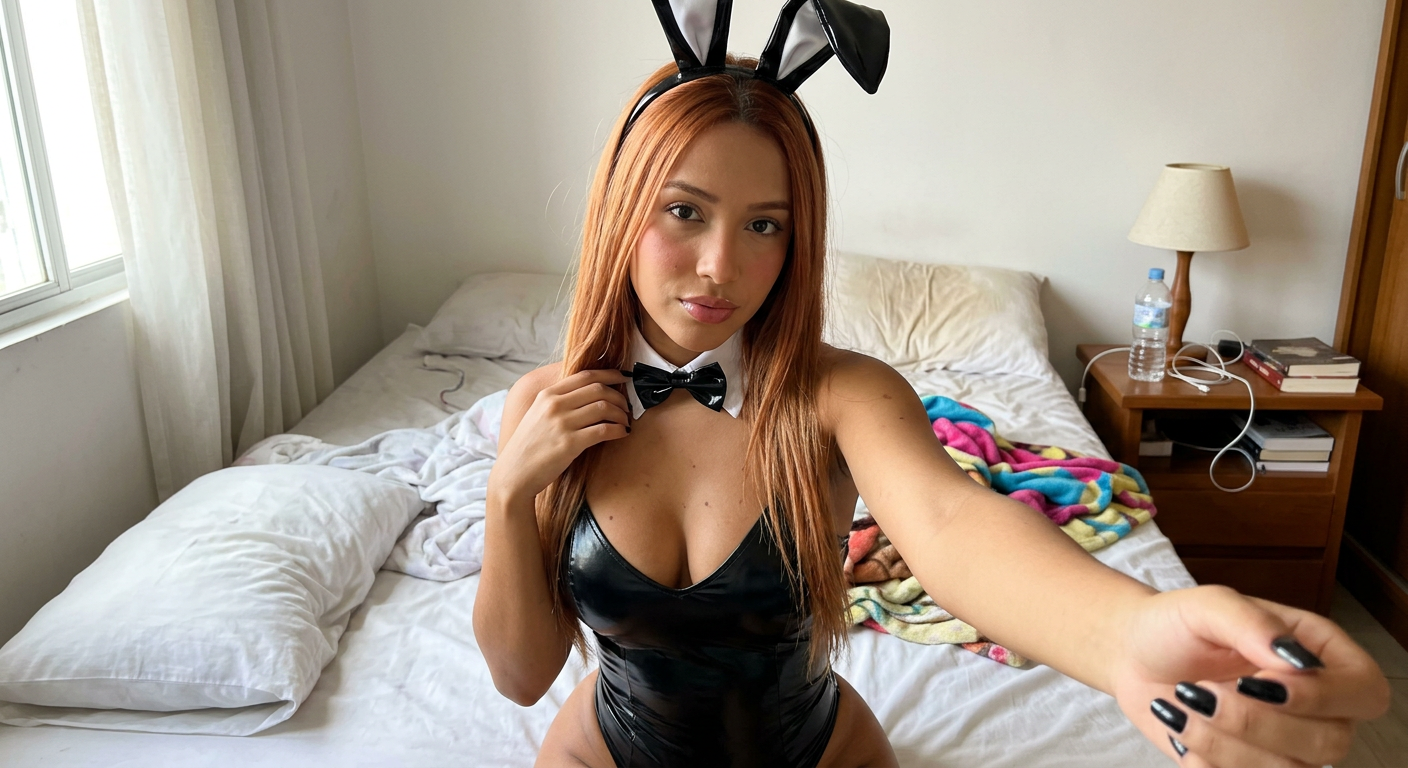
Creates a dreamlike studio portrait with heavy floral arrangements and a specific focus on Douyin/Korean style makeup and CCD camera aesthetics.
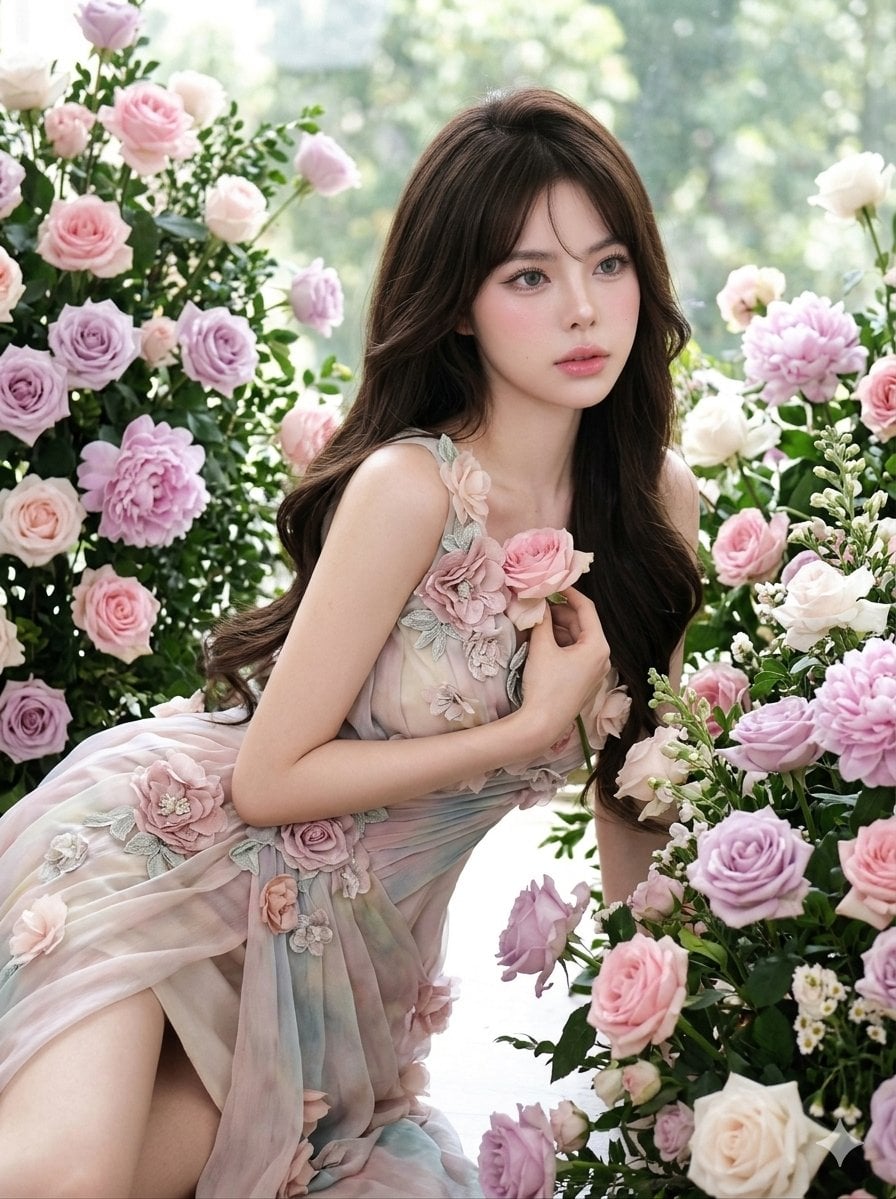
A hyper-photorealistic shot of the same subject in the attached image... Main subject / quality details: A {argument name="subject" default="feminine young woman"} posed in a {argument name="setting" default="floral studio environment"}, wearing a {argument name="clothing" default="flowing draped dress with floral embellishments"} along the fabric. Expression or mood: Dreamy, slightly distant gaze, lips softly parted, ethereal mood. Camera settings: shot on an old CCD digital camera... Makeup style: Douyin/Korean glass-skin makeup, pink lip gloss, aegyosal, soft blush, grey contact lenses, wispy eye lashes, brushed up brows Hair: Long wavy hair cascading over shoulders, inward upward curl ends Outfit: Pastel draped dress with 3D floral appliqués, aesthetic outfit Background: Dense floral arrangement with soft depth layering, flowers framing subject Composition: Body leaning diagonally forward, hips angled, flowers creating layered leading lines, subject off-center
Choose the primary action to open PicX Studio with the available template settings. Review the model and format, personalize the creative direction, and generate when ready.
Yes. You can change the subject, setting, lighting, mood, format, and available model controls before creating your image.
This template is free to open and customize. Generation usage is shown in PicX Studio before you create.
Start with Nano Banana 2, which is the model associated with this template. You can compare another compatible model for a different finish.
Follow a topic to a crawlable collection of related PicX Studio templates.