
Moody Japanese Railway Crossing Portrait
A highly specific JSON prompt for generating a cinematic, high-detail portrait of a young woman at a Japanese suburban railway crossing, emphasizing technical camera specs (Fujifilm X-T4, 23mm f/1.4), strong direct…
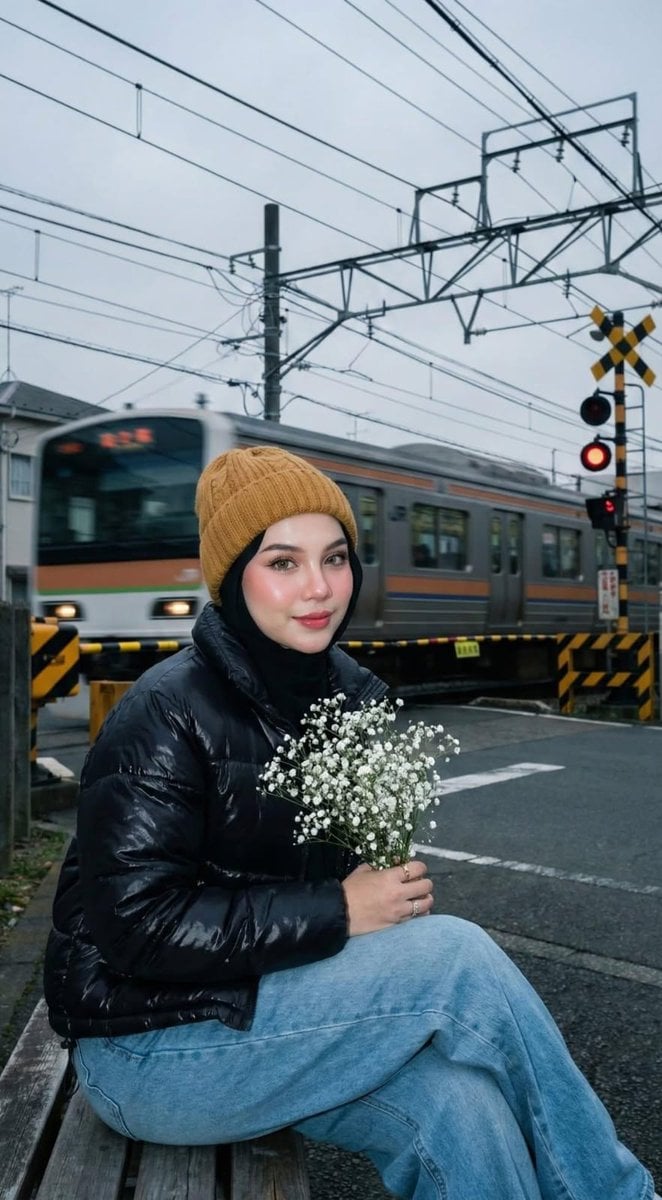
- Prompt included
- Model and format preset
- Premium template
The prompt behind this image
Copy the exact prompt behind Moody Japanese Railway Crossing Portrait, or open it in the studio and make it yours.
- Image Generation Request › Subject › Description
- Young woman with fair glass-skin, pink blush, dewy glowing skin, softly red-toned lips, and long curled eyelashes.
- Image Generation Request › Subject › Expression
- Cute, innocent, playful, subtle charm, soft smile looking at camera.
- Image Generation Request › Subject › Pose
- Frontal view, head-to-waist shot, holding an iPhone 16 Pro Max.
- Image Generation Request › Subject › Ethnicity Reference
- Use provided face photo for likeness.
- Image Generation Request › Attire › Headwear
- Mustard-toned knitted Carhartt-style beanie over a neatly styled black hijab.
- Image Generation Request › Attire › Outerwear
- Black glossy quilted puffer jacket, high collar, oversized structured silhouette.
- Image Generation Request › Attire › Bottoms
- Light blue wide-leg loose-fit denim jeans.
- Image Generation Request › Attire › Accessories
- Small minimal silver earrings.
- Image Generation Request › Environment › Location
- Quiet Japanese suburban railway crossing, residential area.
- Image Generation Request › Environment › Background Elements
- Lowered yellow-and-black striped crossing barriers, Red glowing railway signal lights, Speeding local commuter train with strong motion blur, Tangled overhead electrical wires and utility poles, Dense green trees and misty cloudy skies, Tactile paving dots and worn asphalt
- Image Generation Request › Environment › Lighting Atmosphere
- Overcast day, cool blue tones, moody and nostalgic. Mix of natural ambient twilight and hard paparazzi-style direct camera flash.
- Image Generation Request › Technical Specs › Camera
- Fujifilm X-T4 mirrorless
- Image Generation Request › Technical Specs › Lens
- XF 23mm f/1.4
- Image Generation Request › Technical Specs › Settings
- f/1.8 aperture for shallow depth of field
- Image Generation Request › Technical Specs › Lighting Technique
- Strong on-camera direct flash, sharp shadow edges, bright white light-bulb effect on face.
- Image Generation Request › Technical Specs › Composition
- Eye-level front shot, cinematic realism.
- Image Generation Request › Negative Prompt
- blur, low quality, animation, distortion, cartoon, unreal background, CGI, warm tone, yellow tint, golden hour, foggy light, dreamy haze, dark, underexposed, out of frame, crop error, body at side view
Raw JSON
{
  "image_generation_request": {
    "subject": {
      "description": "Young woman with fair glass-skin, pink blush, dewy glowing skin, softly red-toned lips, and long curled eyelashes.",
      "expression": "Cute, innocent, playful, subtle charm, soft smile looking at camera.",
      "pose": "Frontal view, head-to-waist shot, holding an iPhone 16 Pro Max.",
      "ethnicity_reference": "Use provided face photo for likeness."
    },
    "attire": {
      "headwear": "Mustard-toned knitted Carhartt-style beanie over a neatly styled black hijab.",
      "outerwear": "Black glossy quilted puffer jacket, high collar, oversized structured silhouette.",
      "bottoms": "Light blue wide-leg loose-fit denim jeans.",
      "accessories": "Small minimal silver earrings."
    },
    "environment": {
      "location": "Quiet Japanese suburban railway crossing, residential area.",
      "background_elements": [
        "Lowered yellow-and-black striped crossing barriers",
        "Red glowing railway signal lights",
        "Speeding local commuter train with strong motion blur",
        "Tangled overhead electrical wires and utility poles",
        "Dense green trees and misty cloudy skies",
        "Tactile paving dots and worn asphalt"
      ],
      "lighting_atmosphere": "Overcast day, cool blue tones, moody and nostalgic. Mix of natural ambient twilight and hard paparazzi-style direct camera flash."
    },
    "technical_specs": {
      "camera": "Fujifilm X-T4 mirrorless",
      "lens": "XF 23mm f/1.4",
      "settings": "f/1.8 aperture for shallow depth of field",
      "lighting_technique": "Strong on-camera direct flash, sharp shadow edges, bright white light-bulb effect on face.",
      "composition": "Eye-level front shot, cinematic realism."
    },
    "negative_prompt": [
      "blur",
      "low quality",
      "animation",
      "distortion",
      "cartoon",
      "unreal background",
      "CGI",
      "warm tone",
      "yellow tint",
      "golden hour",
      "foggy light",
      "dreamy haze",
      "dark",
      "underexposed",
      "out of frame",
      "crop error",
      "body at side view"
    ]
  }
}How to use Moody Japanese Railway Crossing Portrait in 3 steps
- 1
Open
The prompt is already in the box next to the preview, with the template's model and format selected.
- 2…a portrait of your subject in softgolden-hour light, 85mm…
Personalize
Edit the subject and creative details for your destination.
- 3Generate
Generate
Press Generate — your image is created in PicX Studio, so you can compare it with the original and refine one variable at a time.
More like this
Templates with the same subject, style or setup. Open one to see its prompt.

Rainy Café Window Moody Portrait

Found Photograph: Us, 1970

Before We said Goodbye

80s Couple Studio Portrait

80s Bollywood Star

80s Golden Hour Cinema

Me in 1985

1985 Studio Portrait

Hyper-Realistic Minecraft POV Portrait

Minecraft Japanese Research Lab Exploration
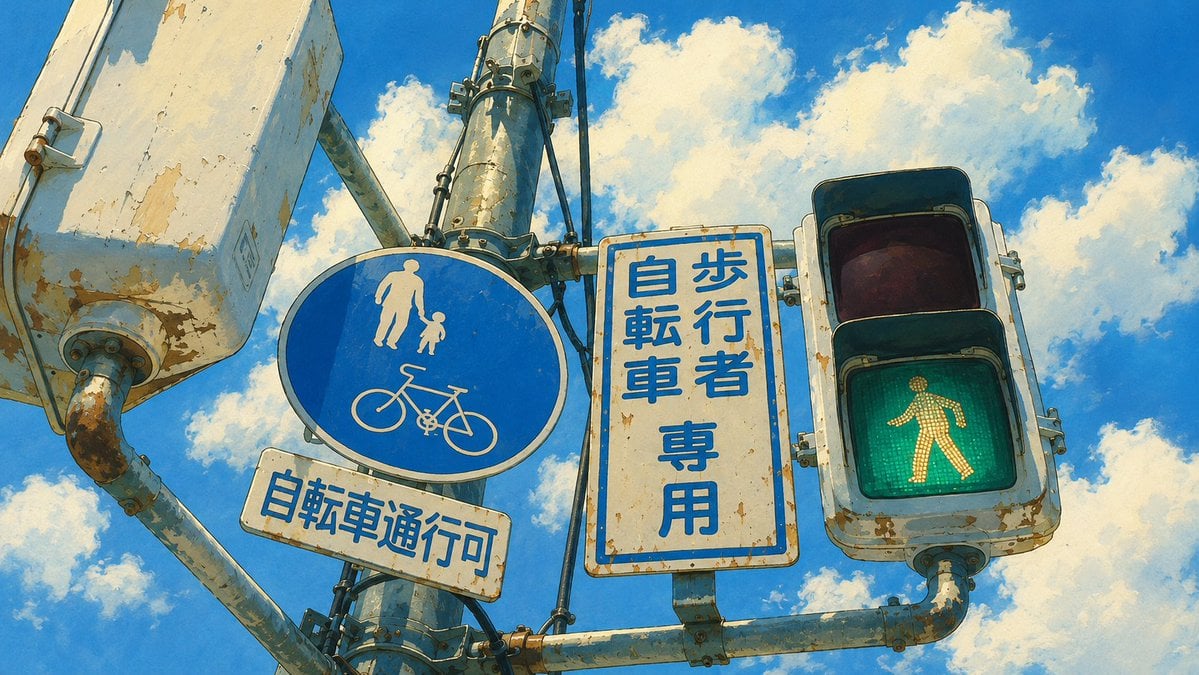
Weathered Japanese Crossing Signs
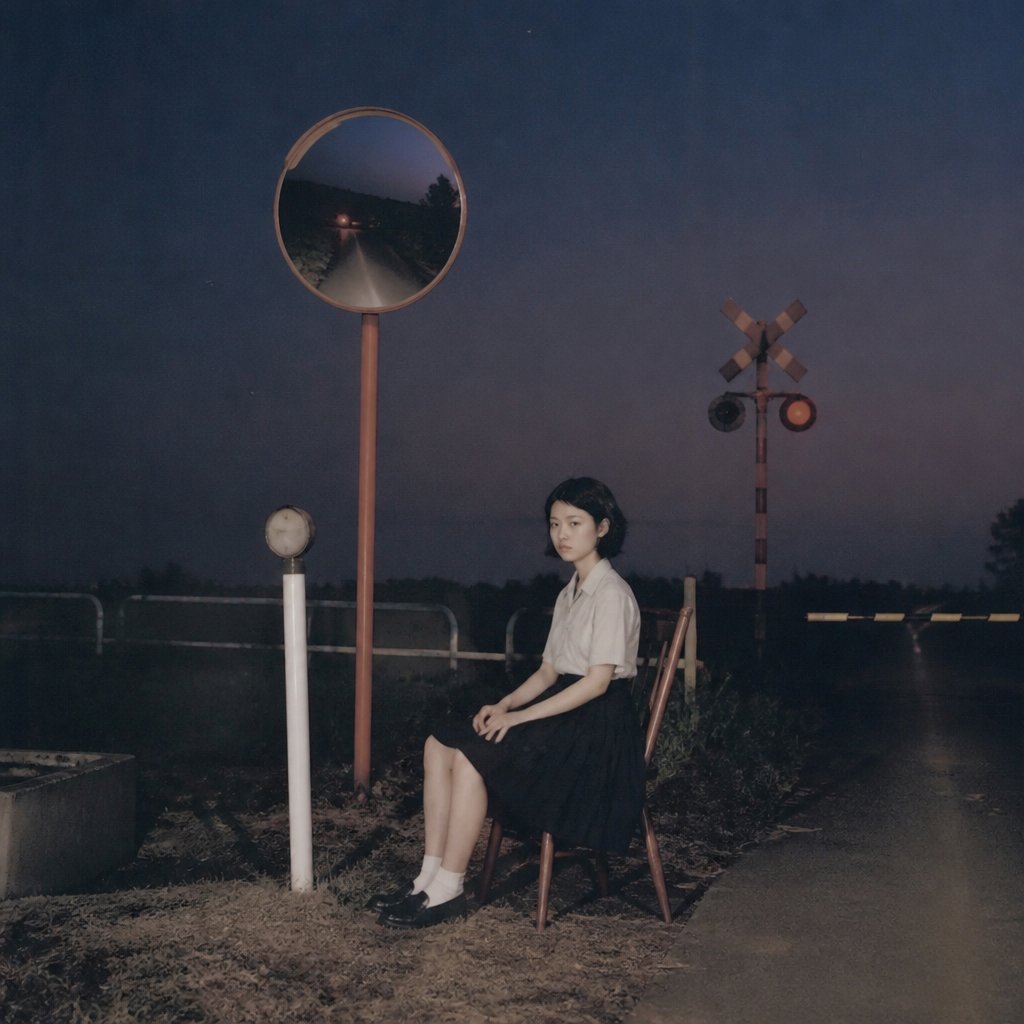
Lonely Night Railway Crossing Attendant
Make it yours
Moody Japanese Railway Crossing Portrait works as-is. These are the safest ways to change it without losing the look.
Swap the setting
Keep the rest of the prompt and replace the location block. The current setting is “Quiet Japanese suburban railway crossing, residential area.”.
Swap the light
One lighting change is enough to compare takes. Current light: “Overcast day, cool blue tones, moody and nostalgic. Mix of natural ambient twili”.
Change one field
Copy a single group, rewrite it, and generate again so you can see what that field is doing.
| If the result… | Why | Fix |
|---|---|---|
| The result drifts from the preview | Too many fields changed at once. | Reuse Moody Japanese Railway Crossing Portrait as-is first, then change one group — subject, light, or setting. |
| Nano Banana 2 ignores part of the JSON | Some models flatten or skip nested keys. | Keep the same values and paste them as a short paragraph instead. |
More Nano Banana 2 templates
Other prompts made for Nano Banana 2.

Photorealistic Leaf Shaped Like a Dragon

K-Pop Idol Portrait Grid for Rapid Selection

Poetic Rain Forest Portrait During Golden Hour

Urban Street Portrait with Cartoon Inner Self Duo

Candid Nighttime Photo with Cat Prompt

High-Concept 3D Diorama Generation Prompt

Cinematic Futuristic Studio Portrait Template

Skincare Editorial Photography Collage Prompt

Hyper-Realistic Commercial Product Photography (Splash Effect)

Hyper-Realistic Nightclub Portrait Prompt
More image prompts
Fresh picks from across the catalog.
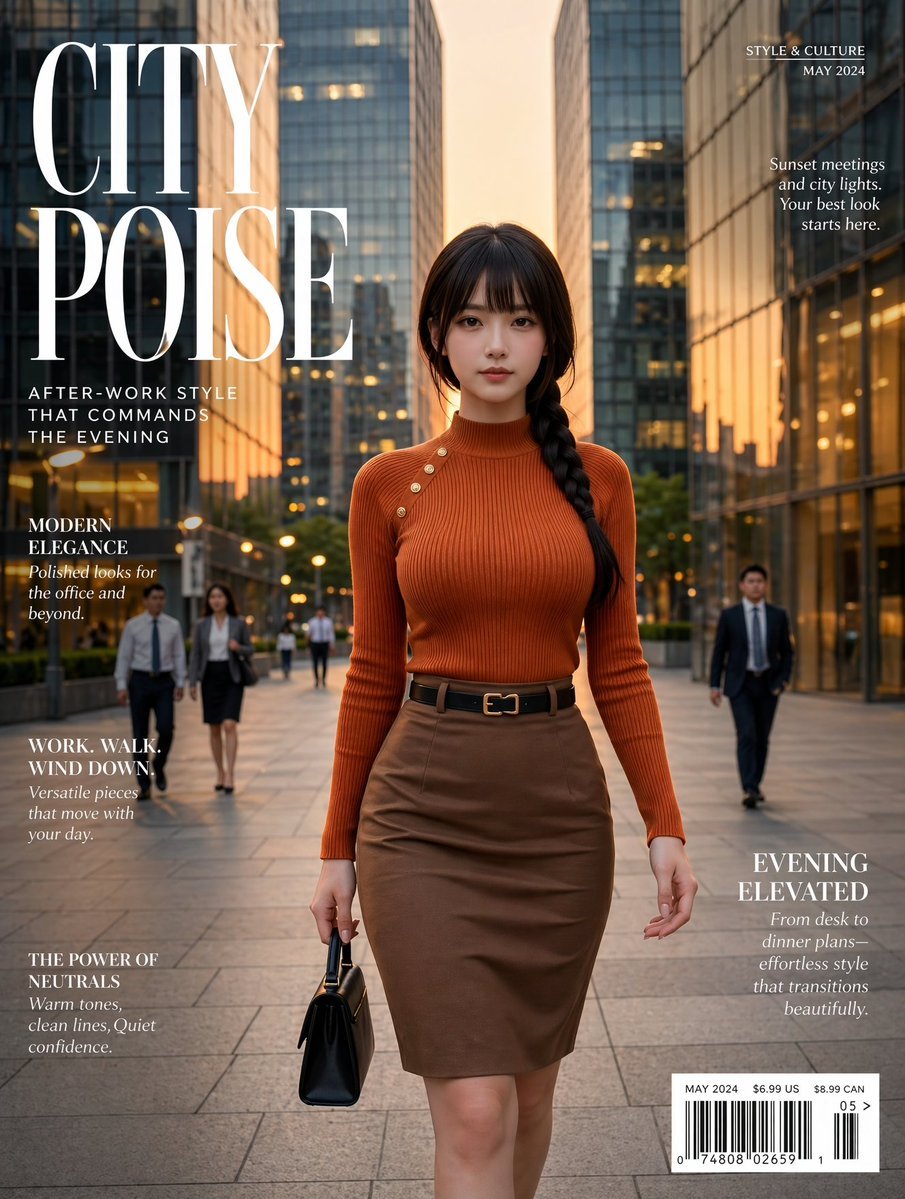
Elegant City Fashion Magazine Cover
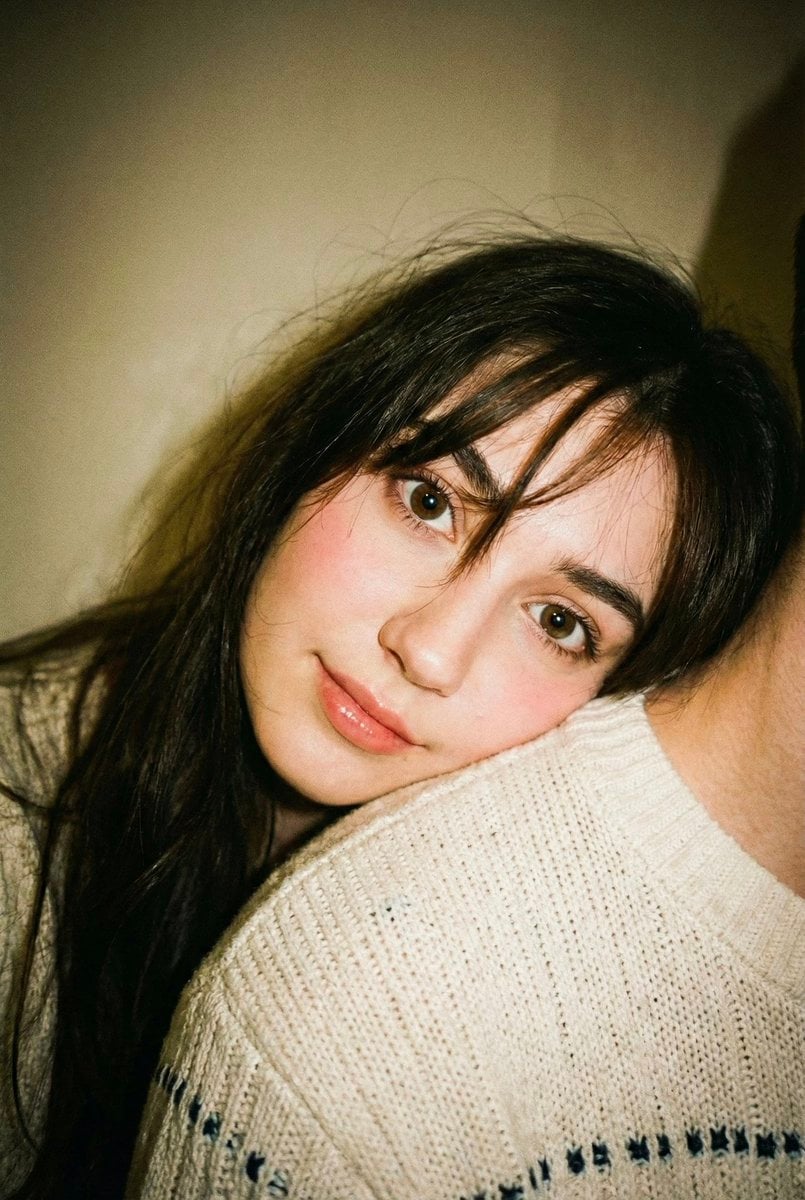
Disposable Camera Aesthetic Portrait with Intimate Pose
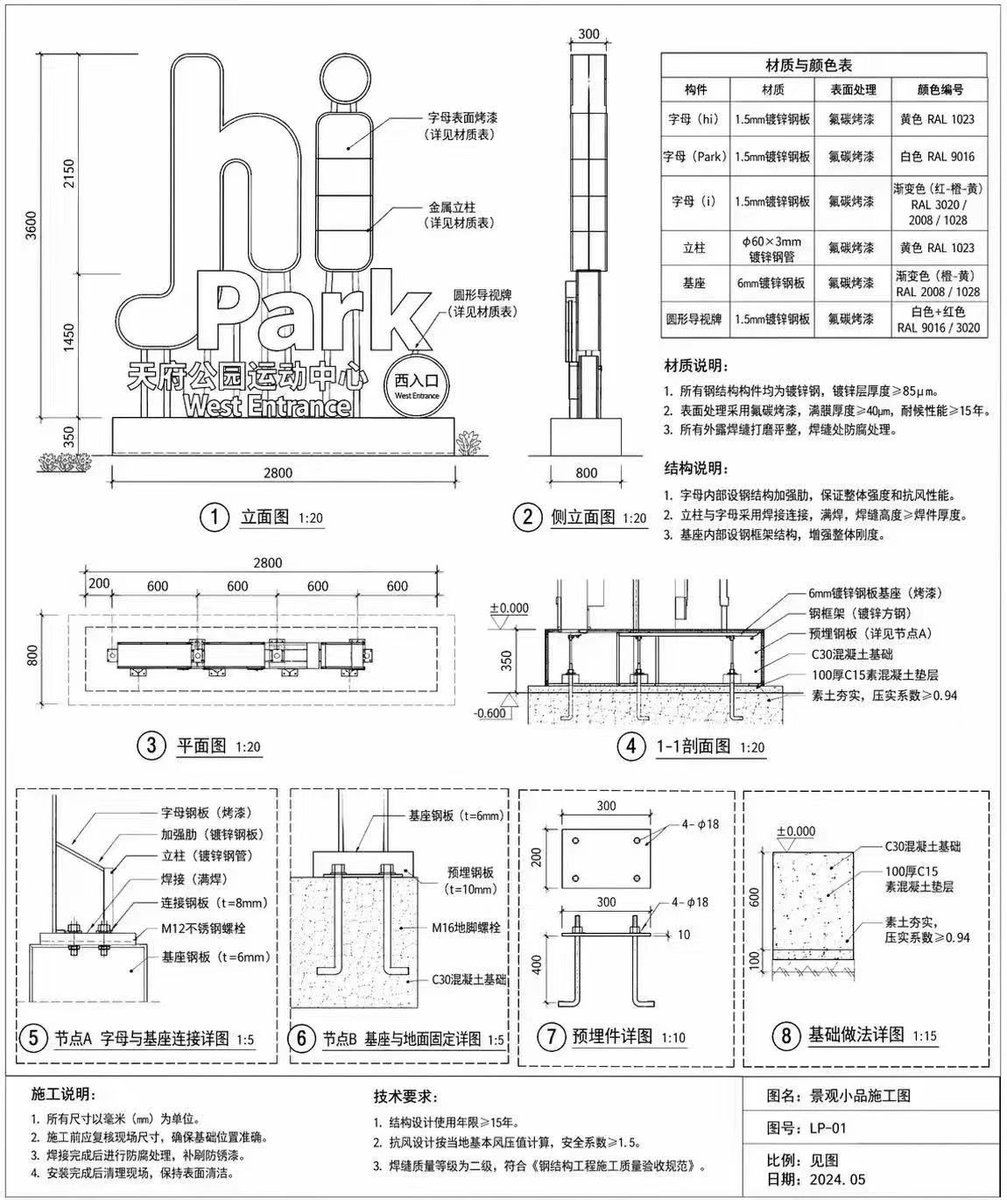
Architectural Signage Construction Drawing
Instructional Prompt for Strict Image Generation
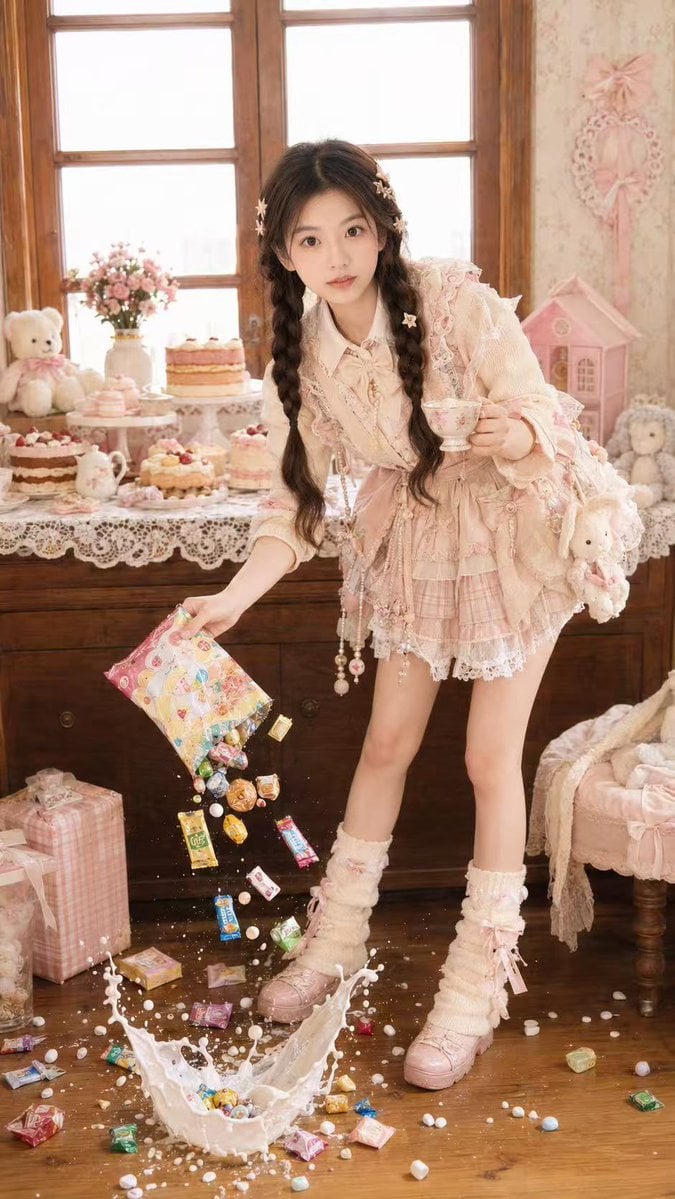
Candy Tea Party Pastel Portrait Transformation

Luxury Editorial Fashion Poster Template
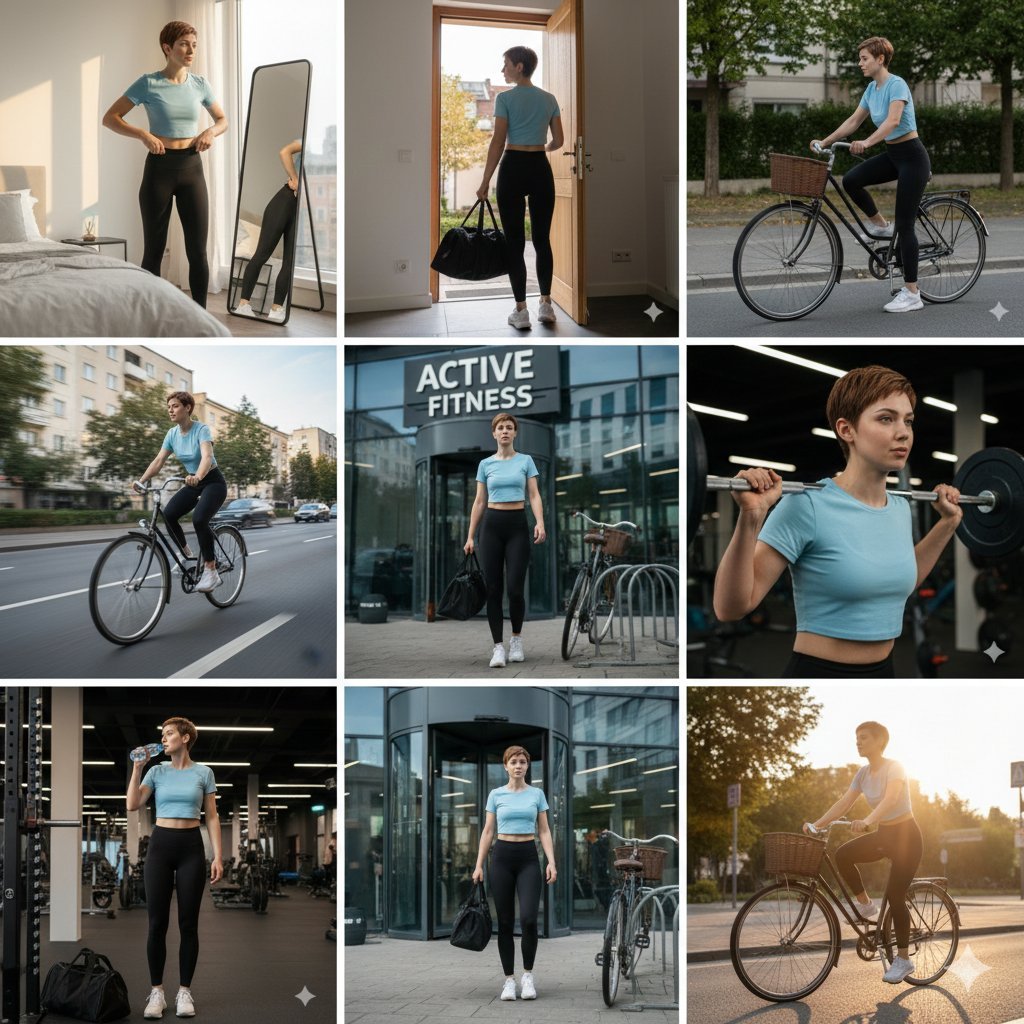
Ultra-realistic cinematic 9-photo collage of a gym girl's fitness journey
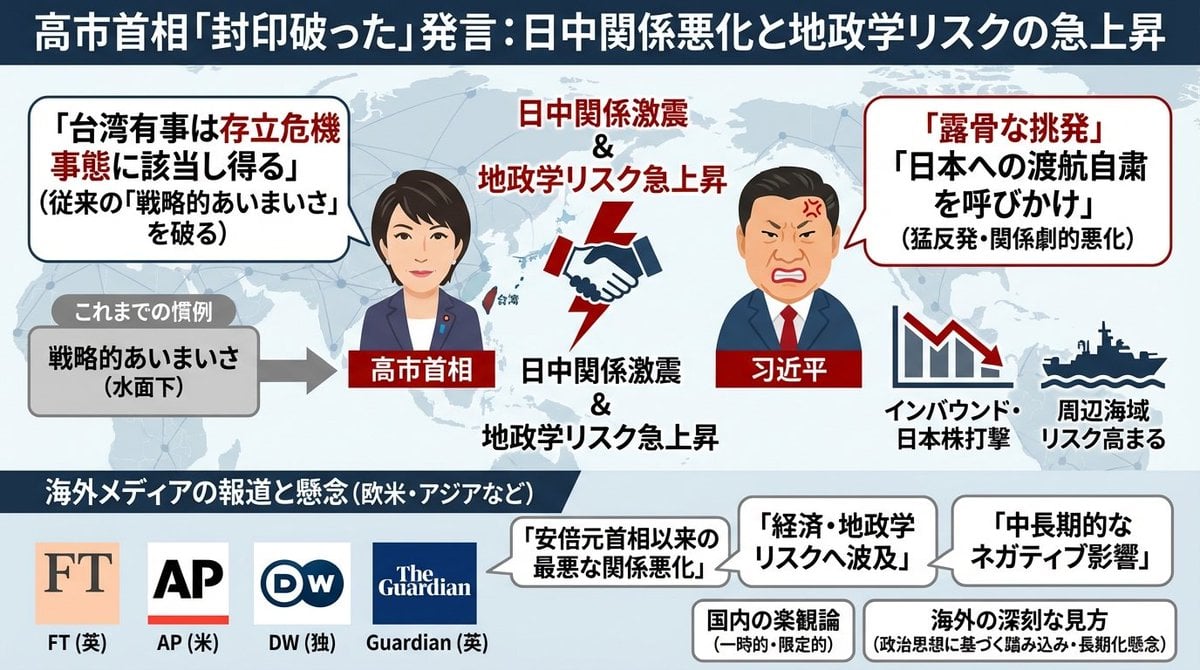
Single-slide illustration of a Yahoo News article
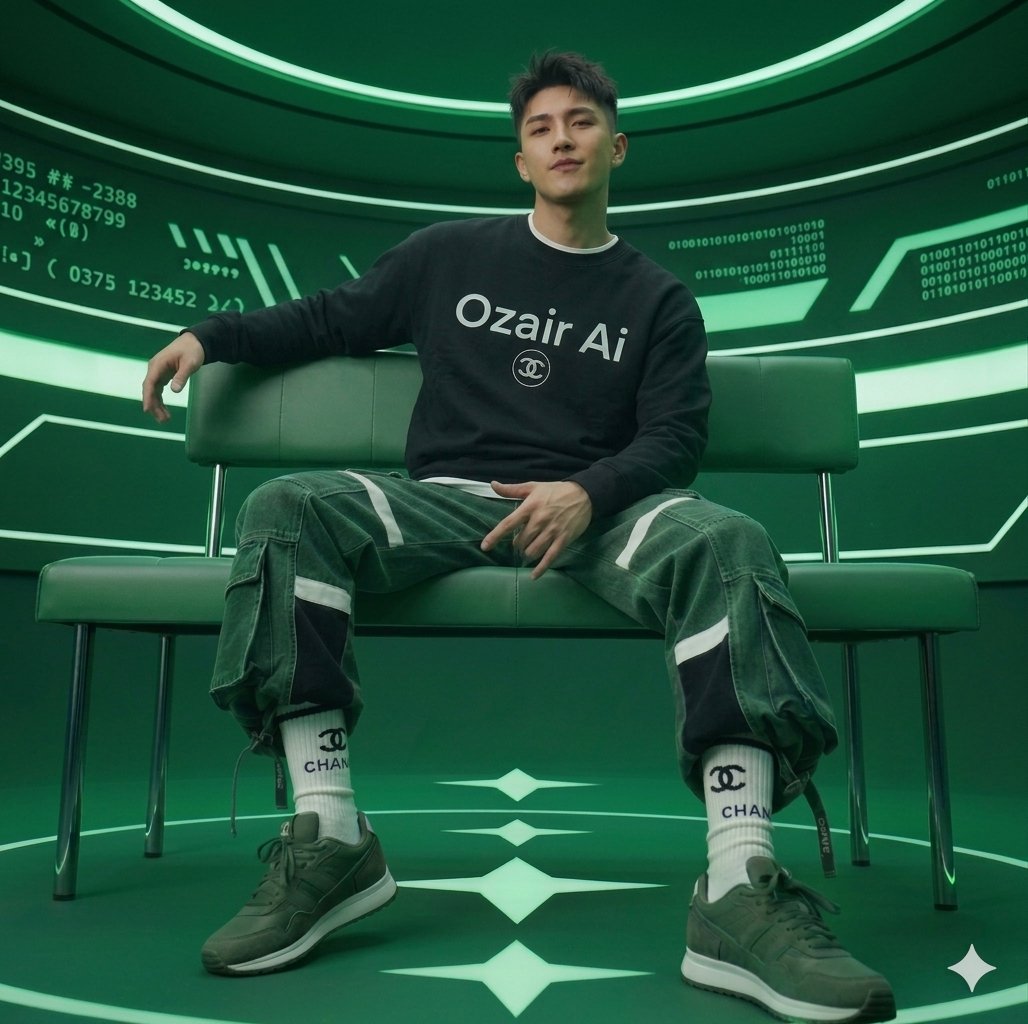
Futuristic Studio Portrait
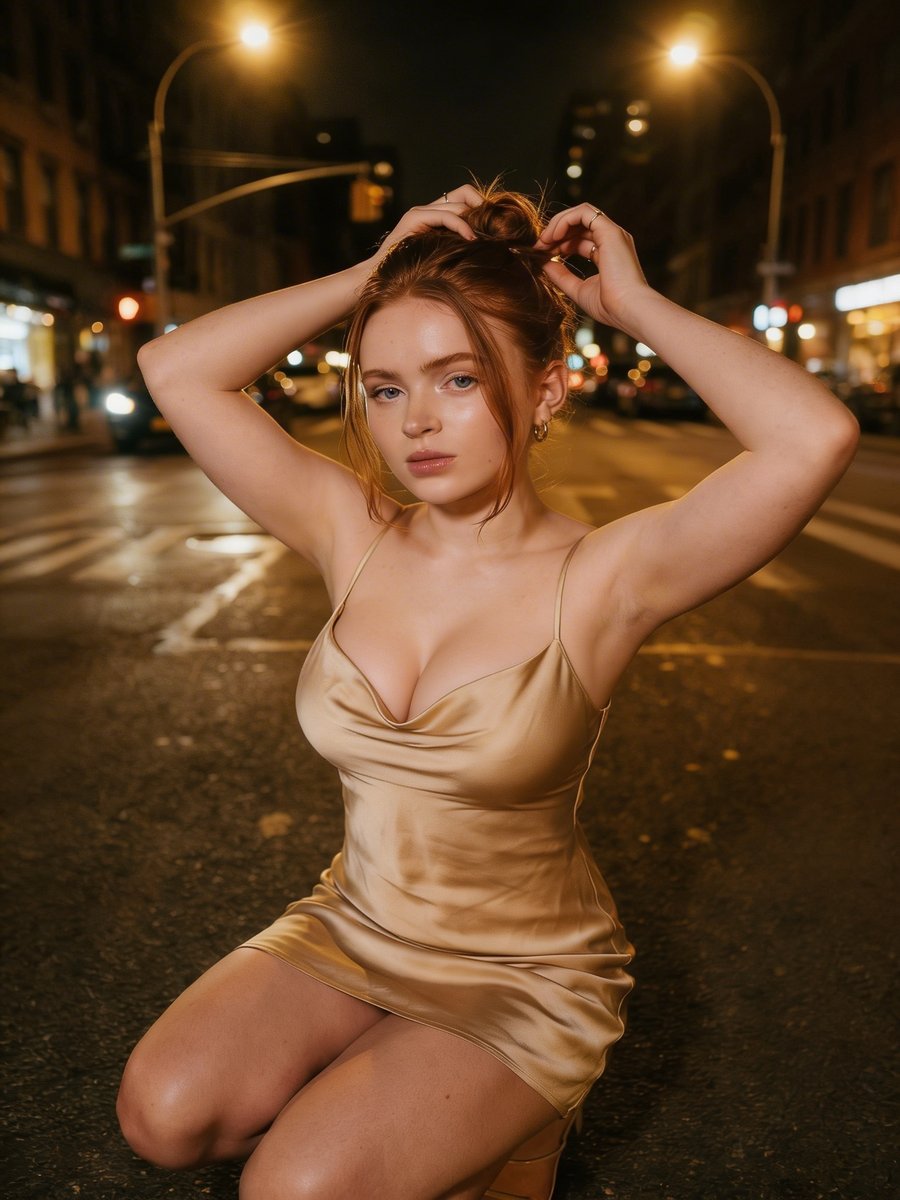
Cinematic Night Street Photography
Browse template categories
Moody Japanese Railway Crossing Portrait questions
How do I use the Moody Japanese Railway Crossing Portrait template?
Add your photo if the template asks for one, edit the prompt if you like — the template's model and format are already selected — and press Generate. Your version opens in PicX Studio.
Can I customize the Moody Japanese Railway Crossing Portrait template?
Yes. You can change the subject, setting, lighting, mood, format, and available model controls before creating your image.
Is the Moody Japanese Railway Crossing Portrait template free?
Opening and editing this template is free. Generating uses credits, shown on the Generate button when you are signed in.
Which AI model should I use?
Start with Nano Banana 2, which is the model associated with this template. You can compare another compatible model for a different finish.
Looking for something else? Browse all templates.

Your photo, any look
Thousands of ready templates for every top image and video model, from one credit balance.