
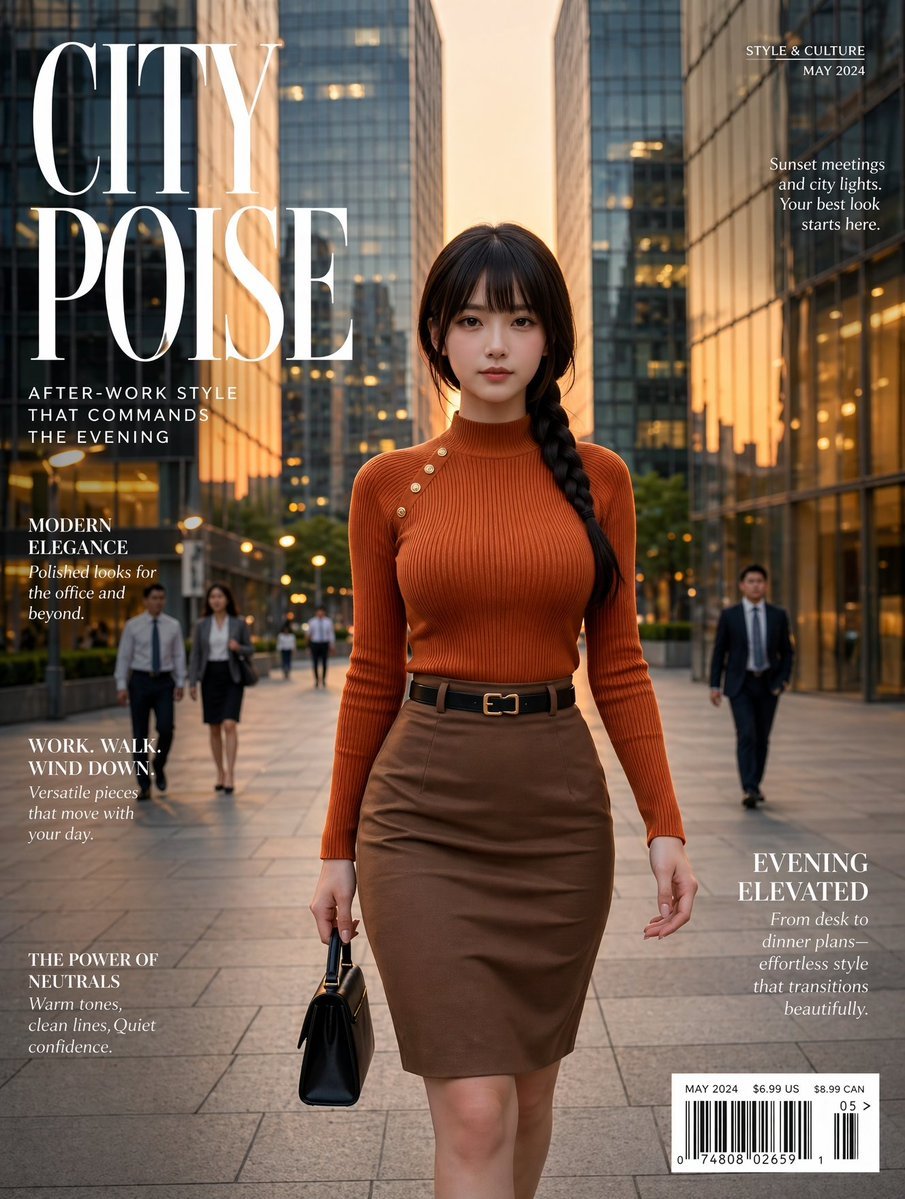
Elegant City Fashion Magazine Cover
This prompt generates a realistic luxury fashion magazine cover featuring a stylish woman walking through a sunset-lit business district, ideal for editorial, branding, and cover design concepts.
- Prompt included
- Model and format preset
- Free template
The prompt behind this image
Copy the exact prompt behind Elegant City Fashion Magazine Cover, or open it in the studio and make it yours.
Create a high-fashion magazine cover photo in a polished editorial style, vertical portrait orientation, showing a beautiful young adult woman walking confidently toward the camera in the middle of a modern financial district at sunset. She is centered full-body, photographed at street level with cinematic depth of field, framed by tall glass office towers on both sides reflecting warm golden evening light. The mood is elegant, urban, powerful, and refined, like an upscale fashion magazine cover about after-work style. The woman has long dark hair styled in a thick side braid over one shoulder, a slim sophisticated silhouette, and a poised runway-like stride. She wears a fitted ribbed turtleneck sweater in {argument name="top color" default="burnt orange"} with decorative gold buttons on one shoulder, a high-waisted pencil skirt in {argument name="skirt color" default="warm brown"}, a black belt with a gold buckle, and carries a structured black handbag in one hand. Her expression should feel calm, self-assured, and graceful. Use flattering soft golden-hour lighting, realistic skin and fabric textures, crisp fashion-photography detail on the outfit, and slightly blurred businesspeople in the background walking through the plaza to suggest a busy city evening. The background should include exactly 4 distant office workers, softly out of focus, spread across the walkway. Add realistic magazine cover typography integrated over the image: a very large elegant serif masthead on the upper left reading {argument name="magazine title" default="CITY POISE"}; beneath it on the left, the cover lines "AFTER-WORK STYLE THAT COMMANDS THE EVENING", "MODERN ELEGANCE", "Polished looks for the office and beyond.", "WORK. WALK. WIND DOWN.", "Versatile pieces that move with your day.", "THE POWER OF NEUTRALS", and "Warm tones, clean lines, Quiet confidence."; on the upper right, small text "STYLE & CULTURE" and "MAY 2024"; below that on the right, the teaser "Sunset meetings and city lights. Your best look starts here."; in the lower right, the cover line "EVENING ELEVATED" with the smaller text "From desk to dinner plans— effortless style that transitions beautifully."; and a realistic barcode box at the bottom right with "MAY 2024", US and CAN prices, small issue numbers, and barcode lines. Make the overall composition clean, premium, balanced, and convincingly like a real contemporary fashion magazine cover.
How to use Elegant City Fashion Magazine Cover in 3 steps
- 1Upload ImagePNG, JPG or paste
Add your photo
Upload the photo the template builds on. The prompt, model and format are already set.
- 2…a portrait of your subject in softgolden-hour light, 85mm…
Personalize
Edit the subject and creative details for your destination.
- 3Generate
Generate
Press Generate — your image is created in PicX Studio, so you can compare it with the original and refine one variable at a time.
More like this
Templates with the same subject, style or setup. Open one to see its prompt.
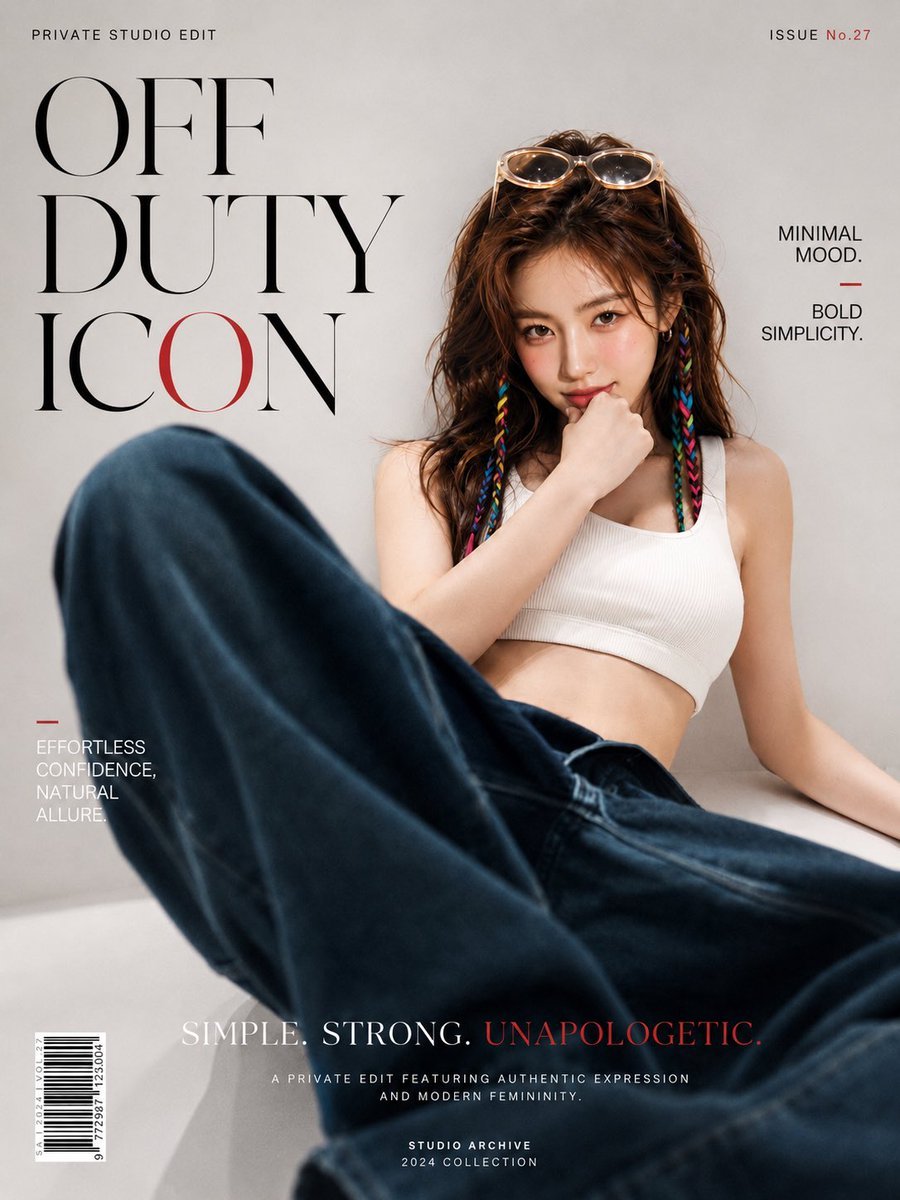
Off Duty Fashion Magazine Cover
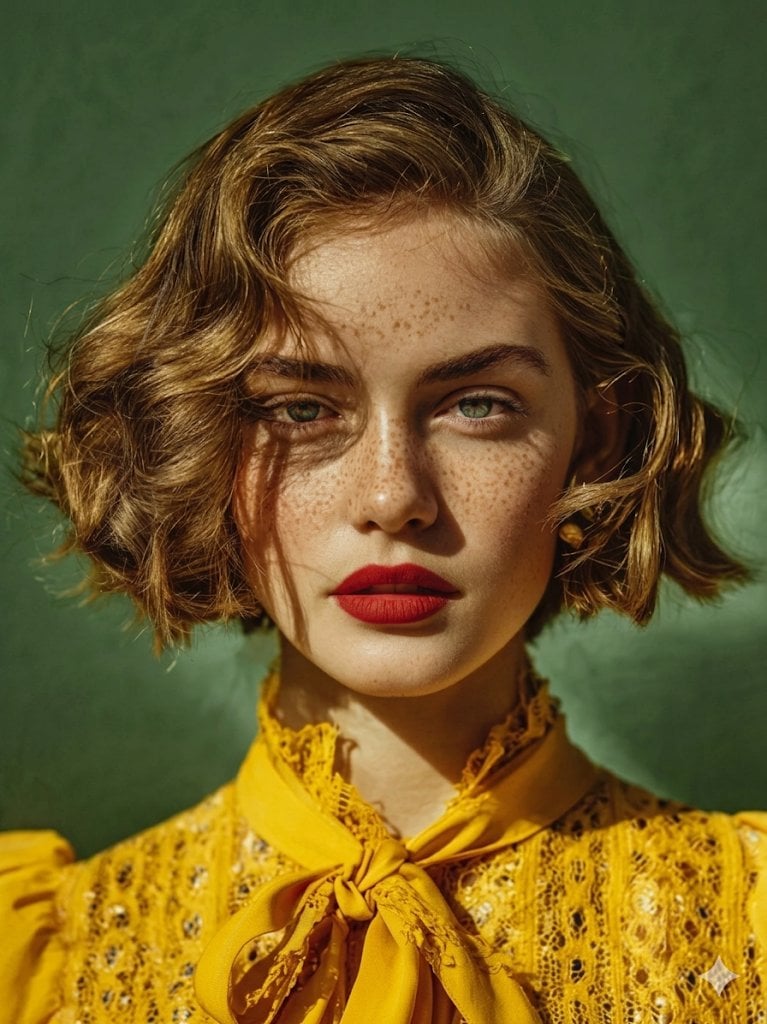
High-Fashion Magazine Cover Portrait
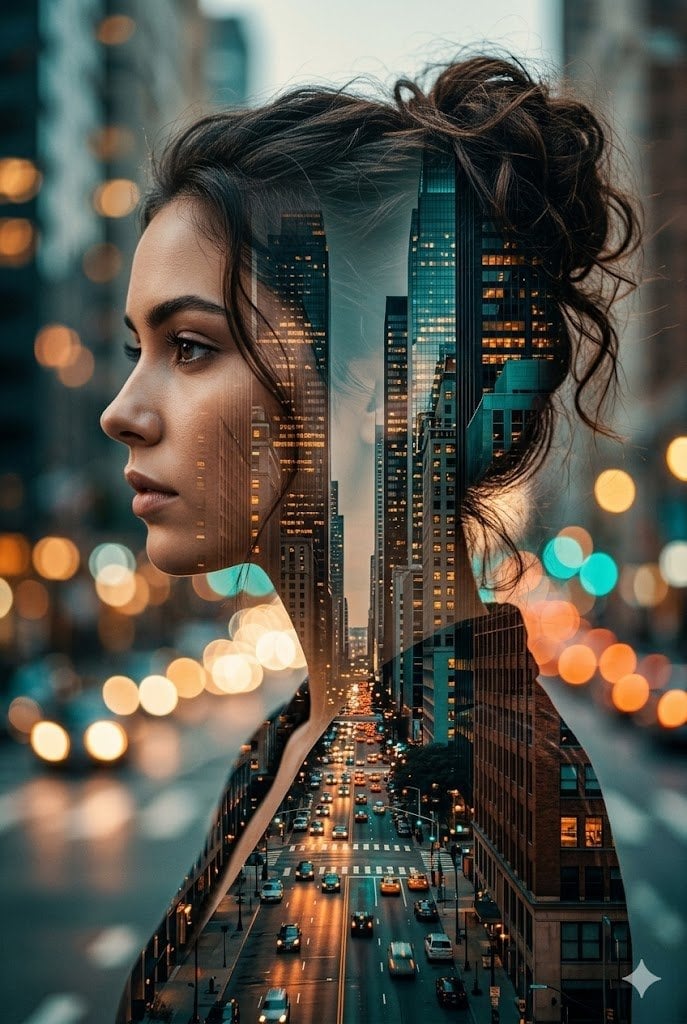
Double Exposure City Street Portrait
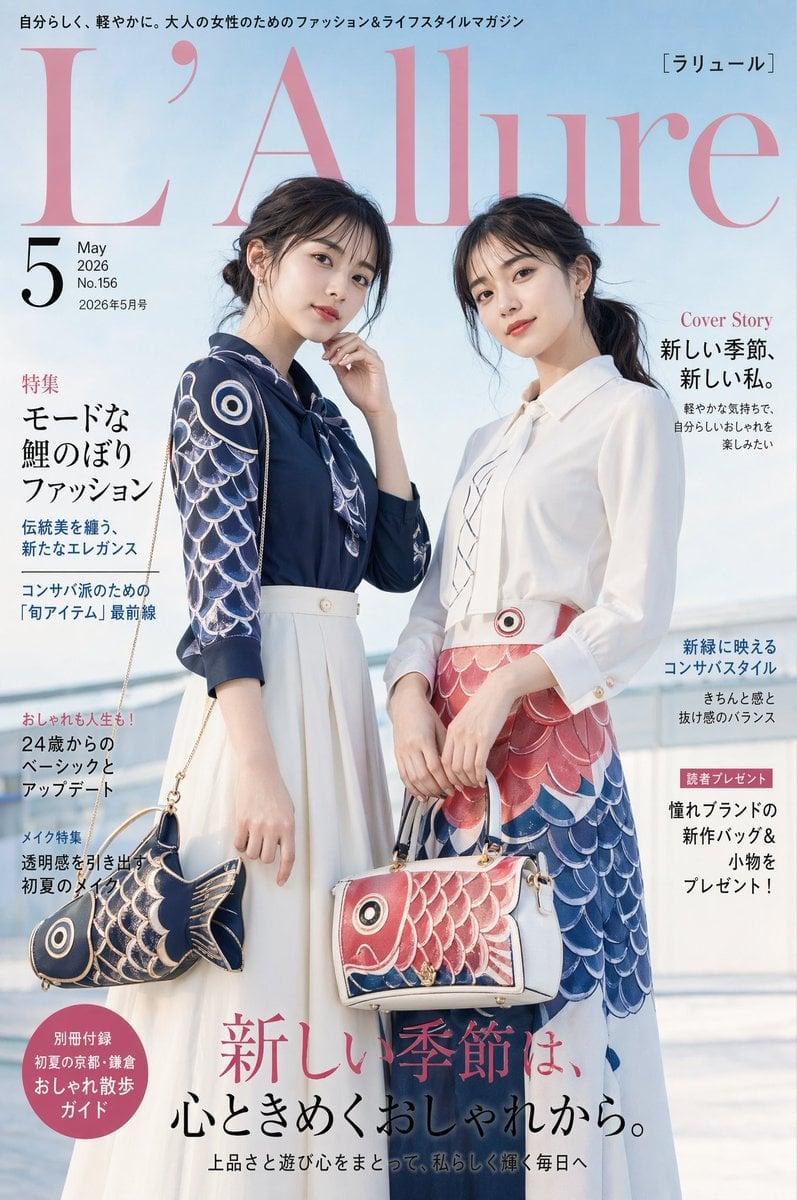
Japanese Koinobori Fashion Magazine Cover
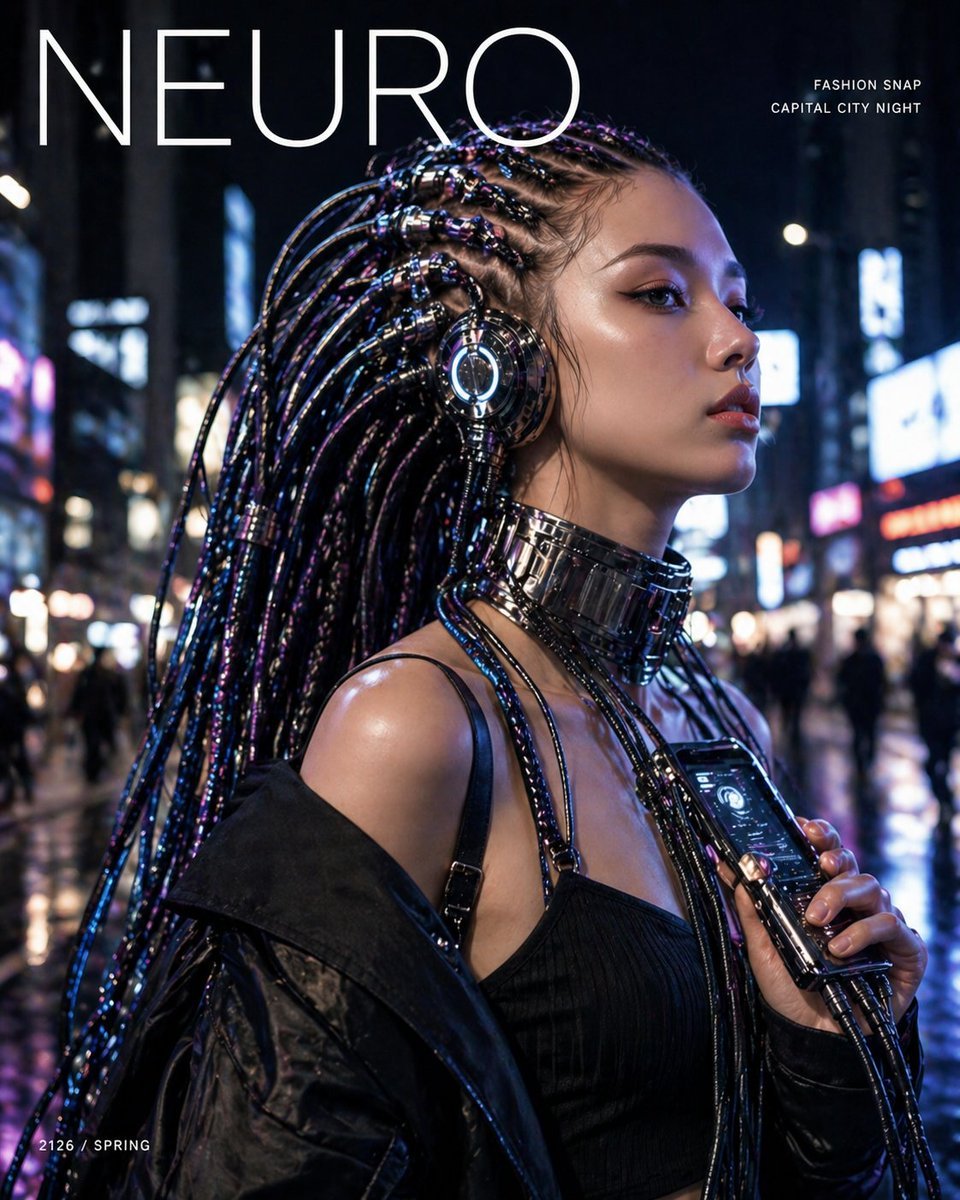
Cyberpunk Fashion Magazine Cover
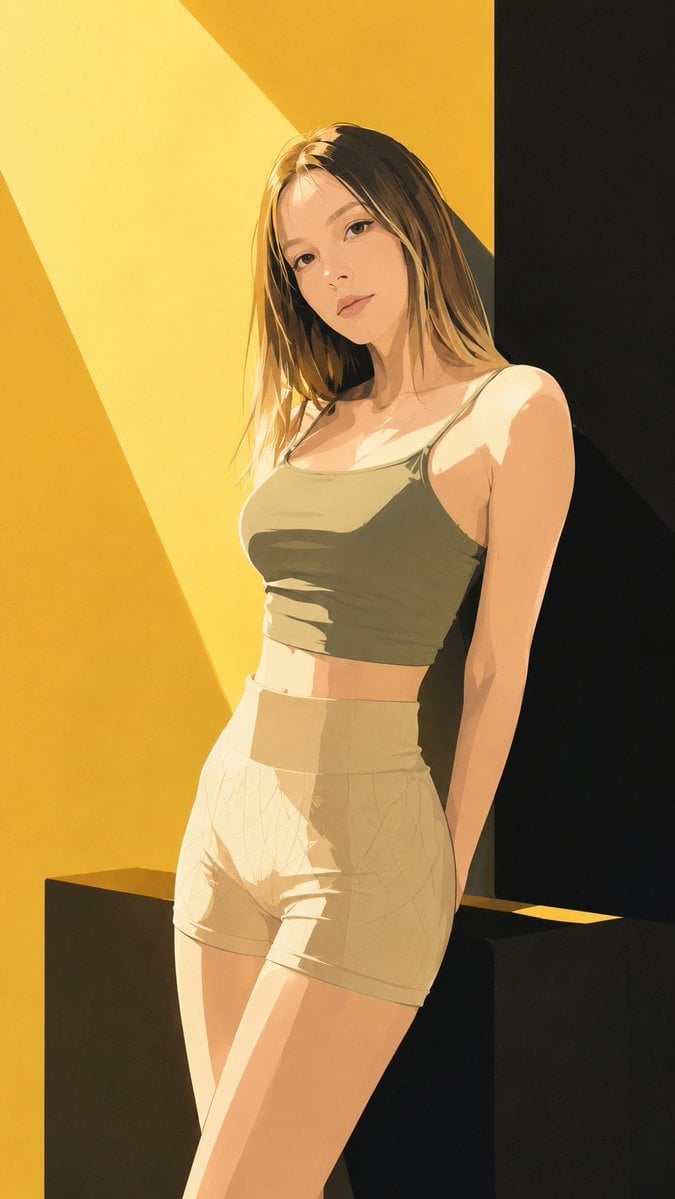
Japanese Fashion Magazine Anime Cover
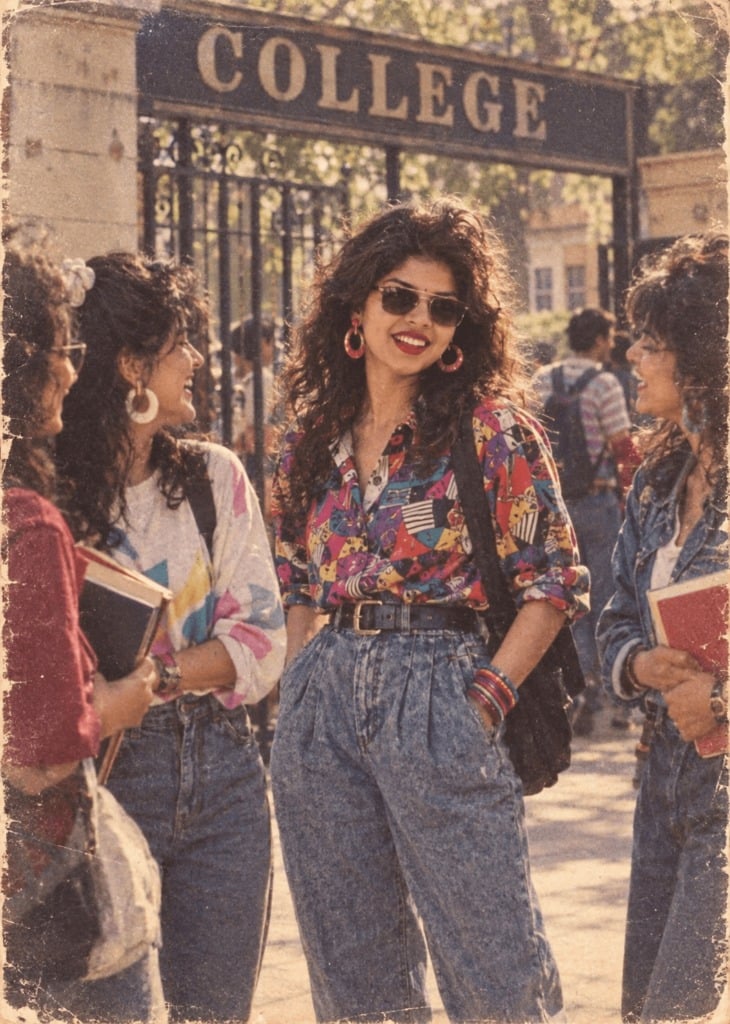
80s College Gate
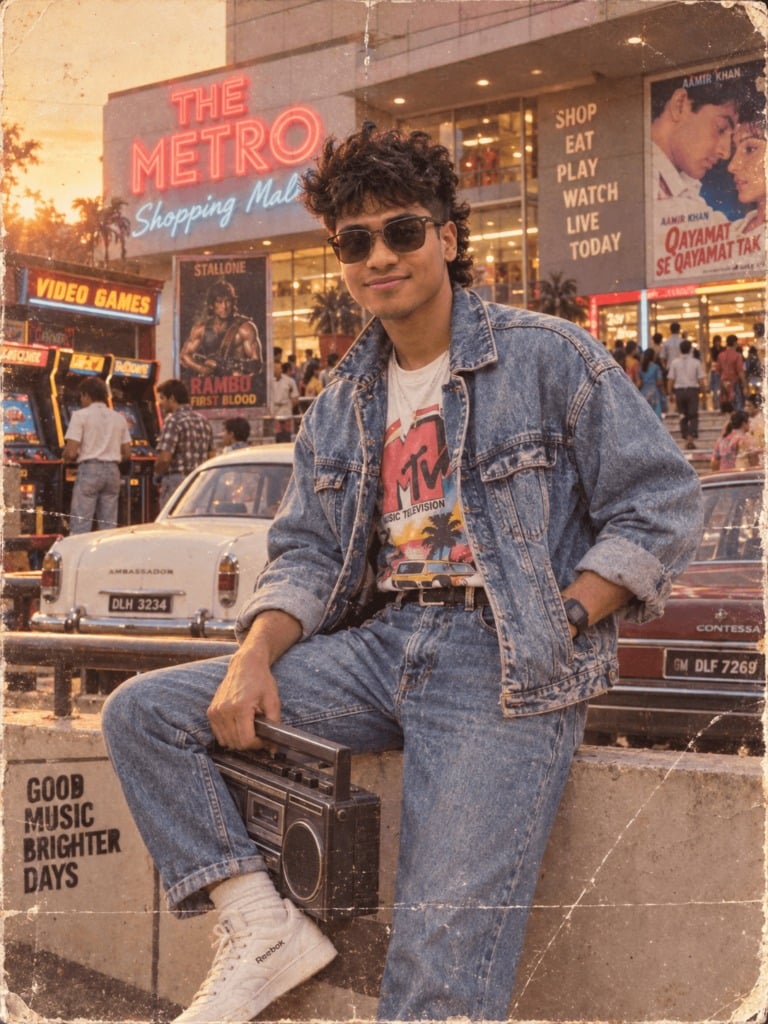
1988 Mall Style
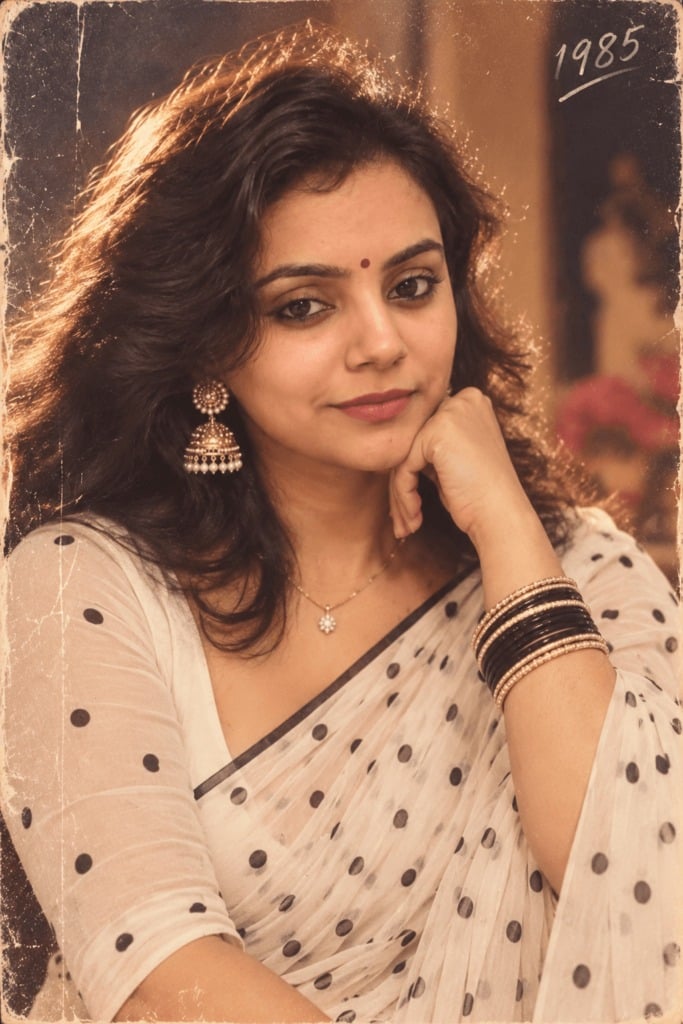
80s Polka Dot Saree
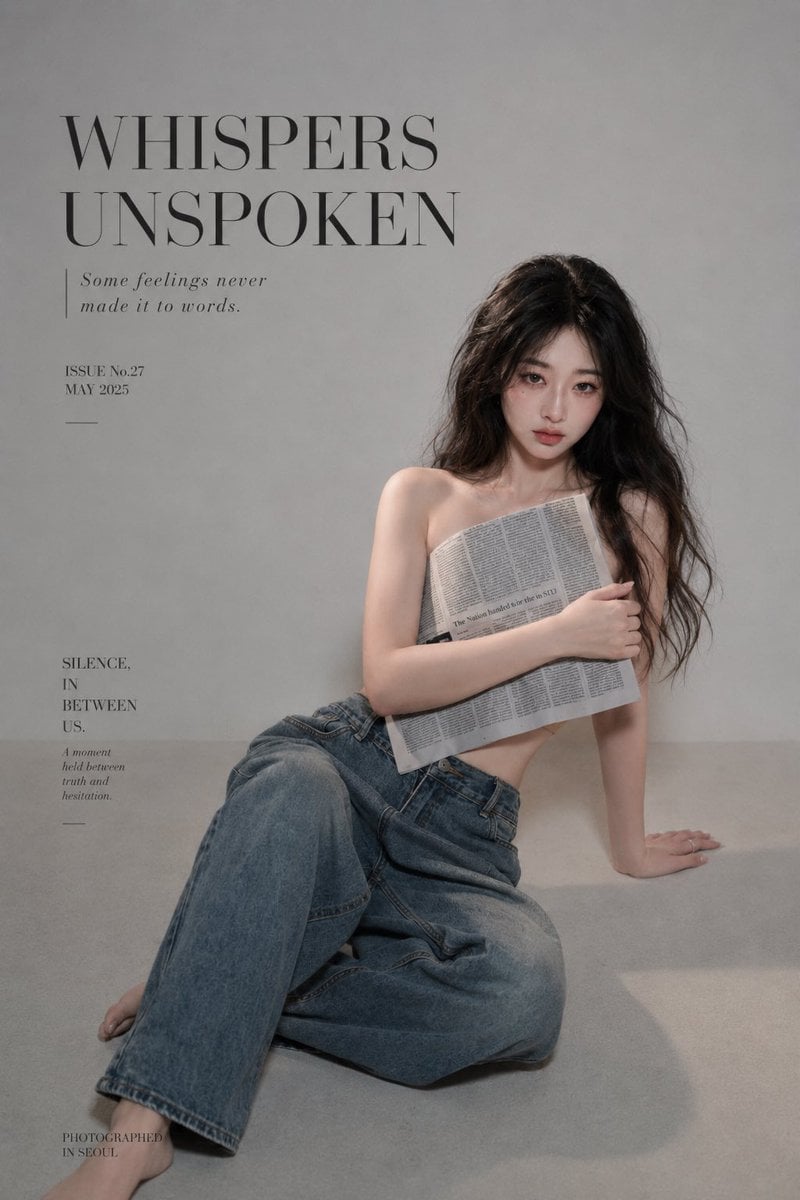
Quiet Newspaper Fashion Cover

Japanese Tatami Lifestyle Magazine Cover
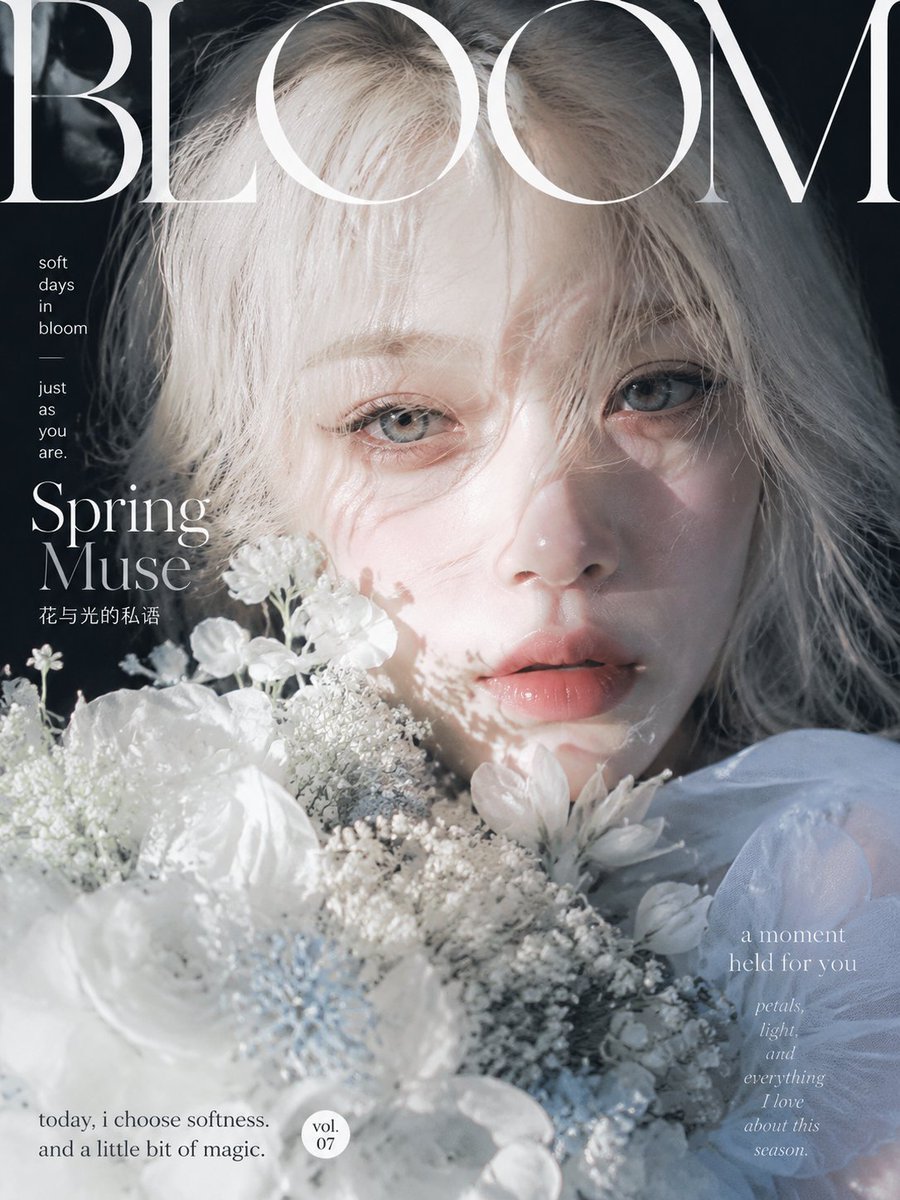
Ethereal Bloom Magazine Cover
Make it yours
Elegant City Fashion Magazine Cover works as-is. These are the safest ways to change it without losing the look.
Change one field
Copy a single group, rewrite it, and generate again so you can see what that field is doing.
Keep the frame, change the subject
Hold the composition and light of Elegant City Fashion Magazine Cover, then swap wardrobe, props or the person for a new take.
| If the result… | Why | Fix |
|---|---|---|
| The result drifts from the preview | Too many fields changed at once. | Reuse Elegant City Fashion Magazine Cover as-is first, then change one group — subject, light, or setting. |
| The model over-stylizes the scene | The prose prompt leaves finish and camera underspecified. | Add one camera or lighting sentence and stay on GPT Image 2. |
More GPT Image 2 templates
Other prompts made for GPT Image 2.

Six VTuber Japanese Logo Sheet

Realistic Portrait of Woman and Deer

The Vista Modular Condo Poster

AI Model Routing Comparison Infographic

2.5D Anime Art Board

Isometric Productivity Desk Scene

New York Double Exposure Poster

Four-Panel AI Landscape Comparison

NESCAFÉ Coffee Map Poster

Brutalist Cogito Chinese Typography Poster
More image prompts
Fresh picks from across the catalog.
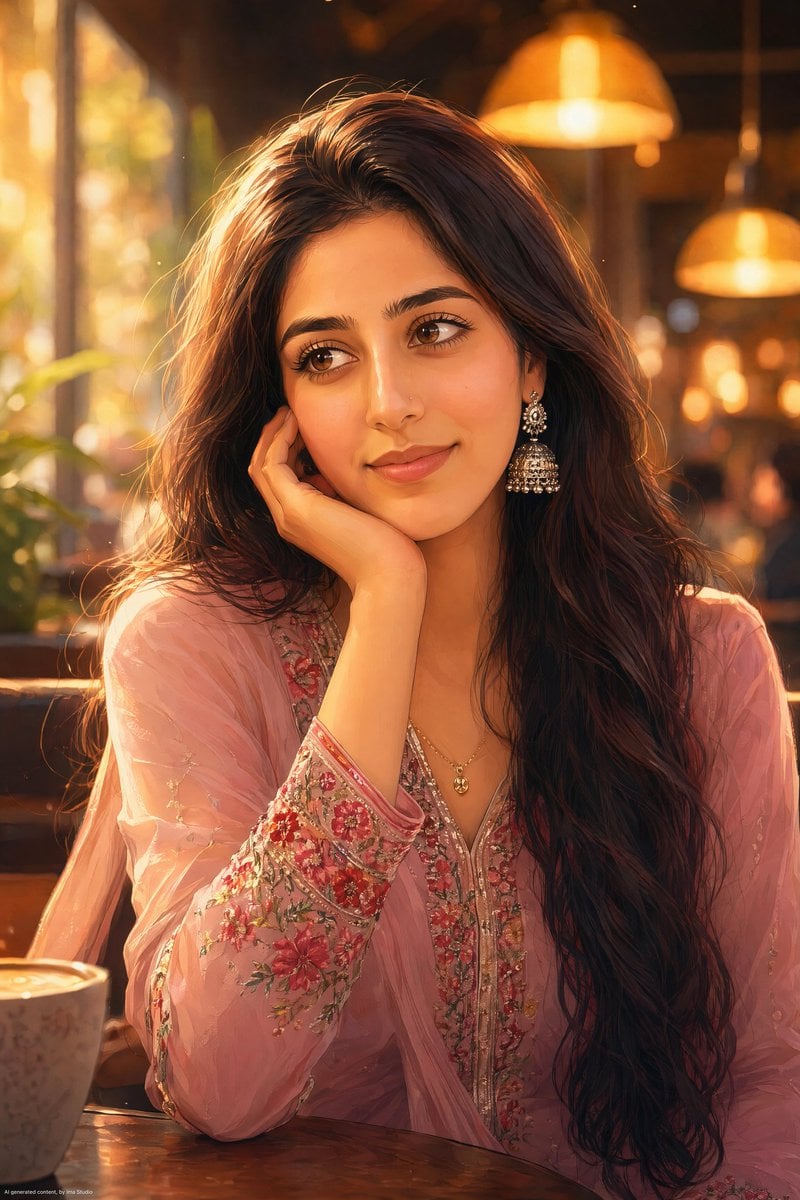
Anime Portrait of South Asian Woman
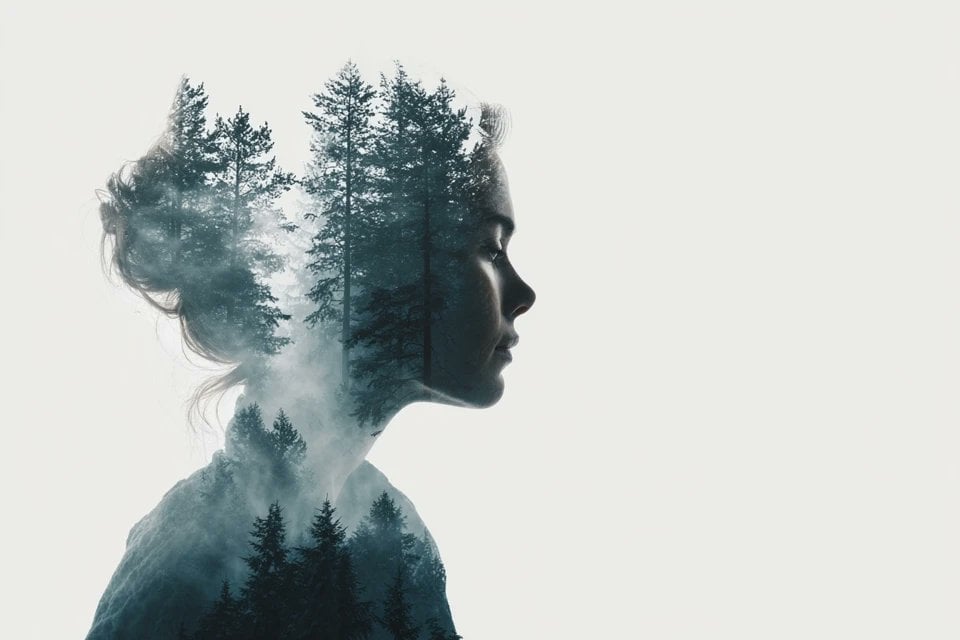
Azed Double Exposure

Train-ad style book advertisement image
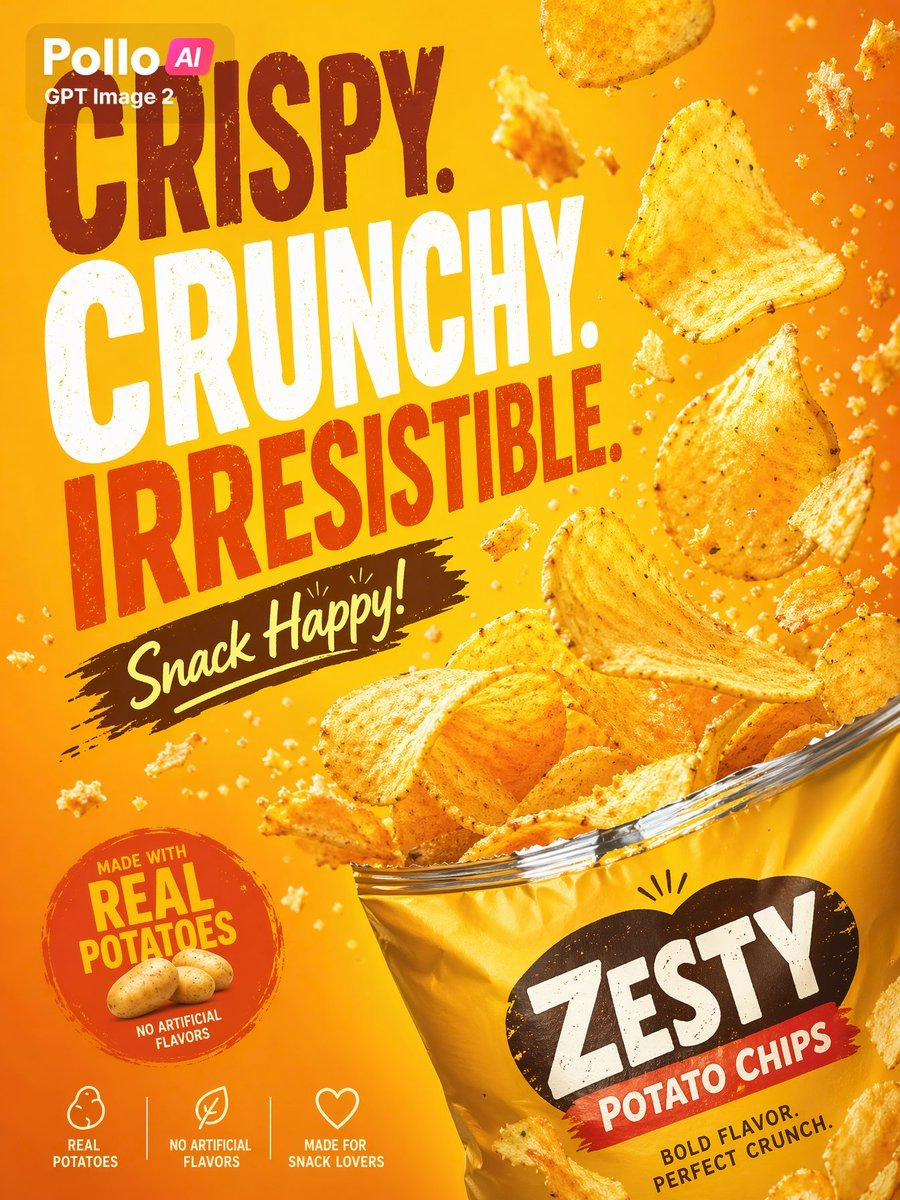
Bold Potato Chips Advertising Poster
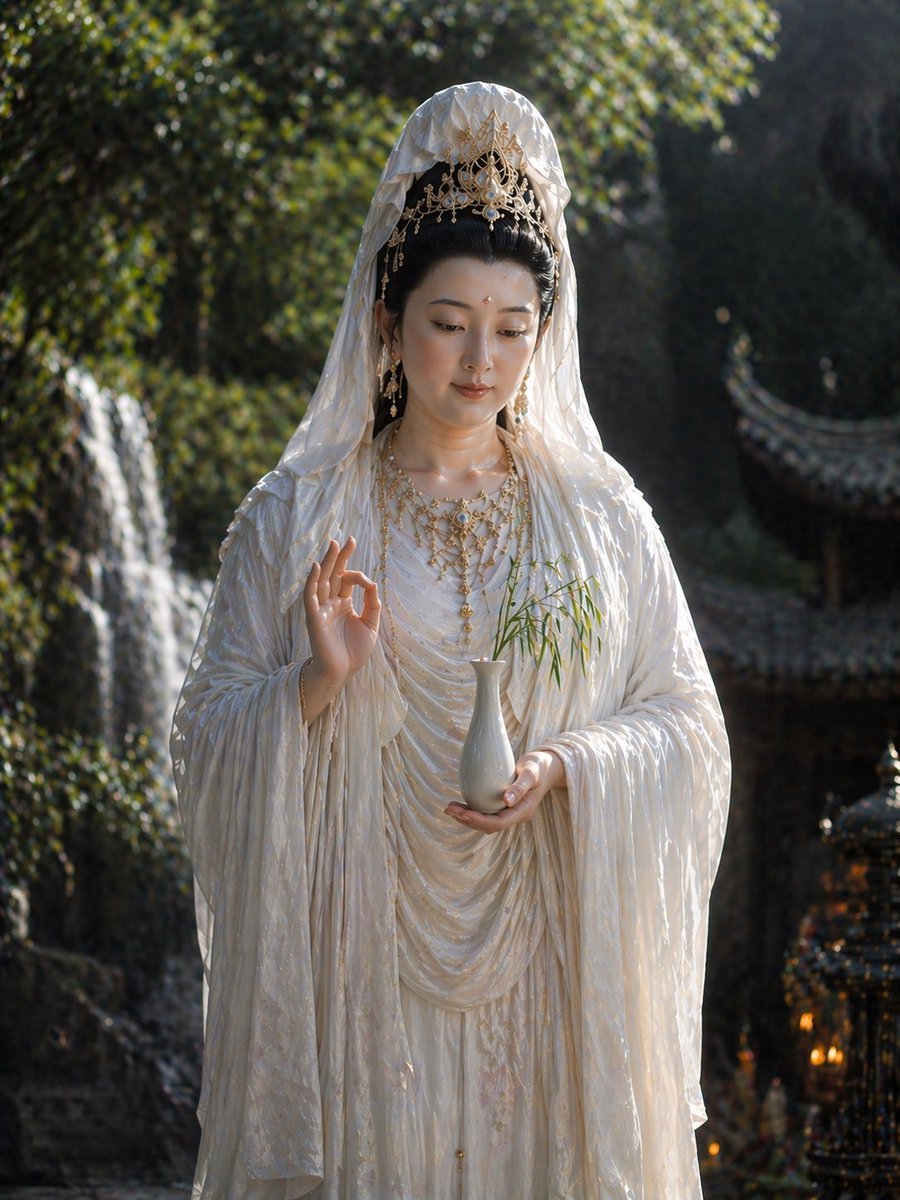
Hyper-Realistic Scriptural Deity Depiction

Hyper-Realistic Nightclub Portrait Prompt
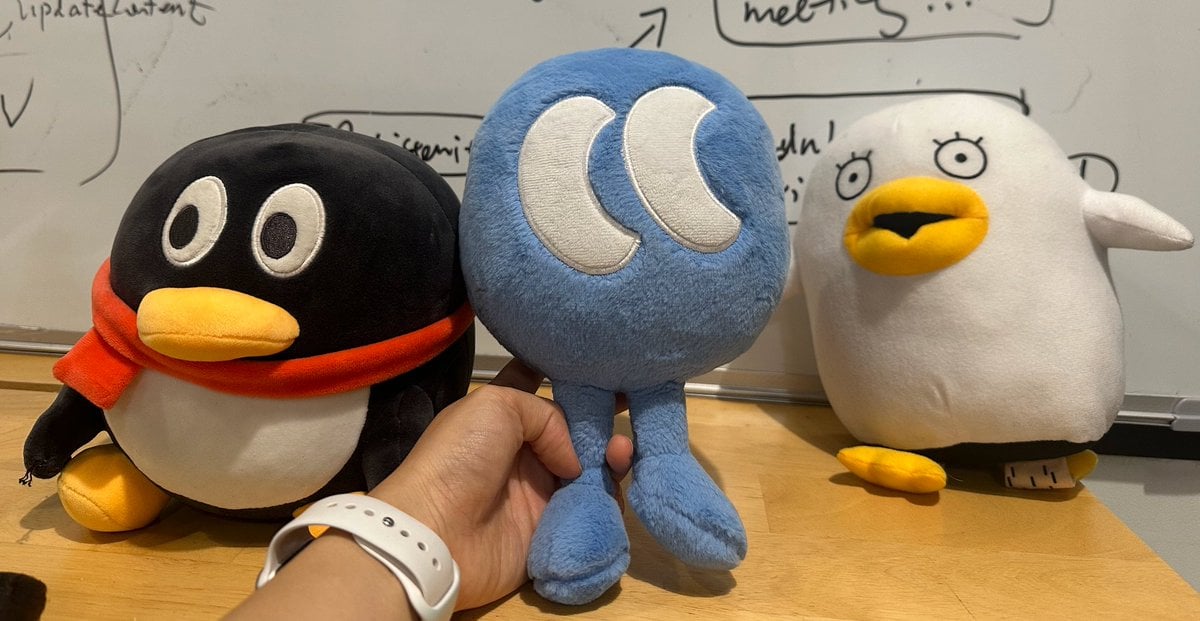
Nano Banana Pro Multi-Panel Generation
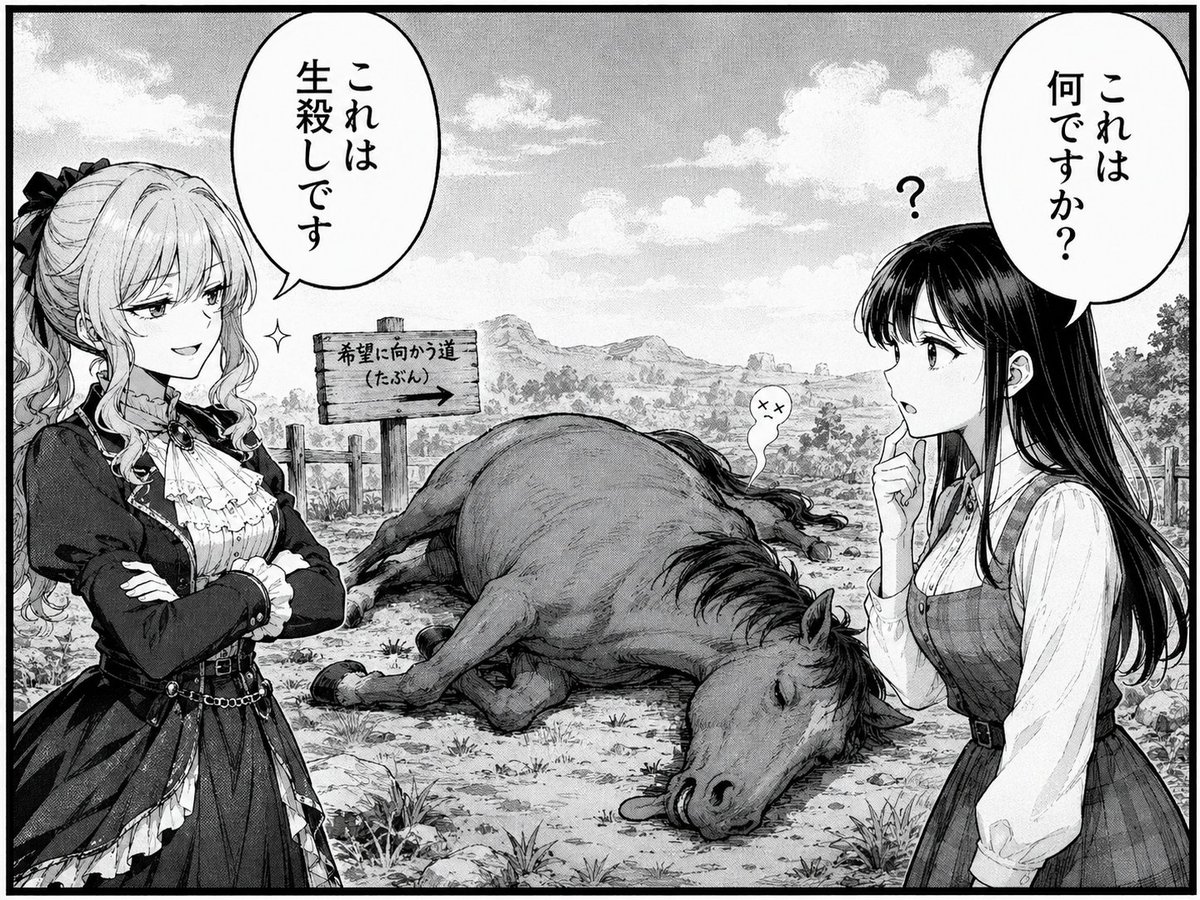
Comedic Manga Roadside Horse Scene
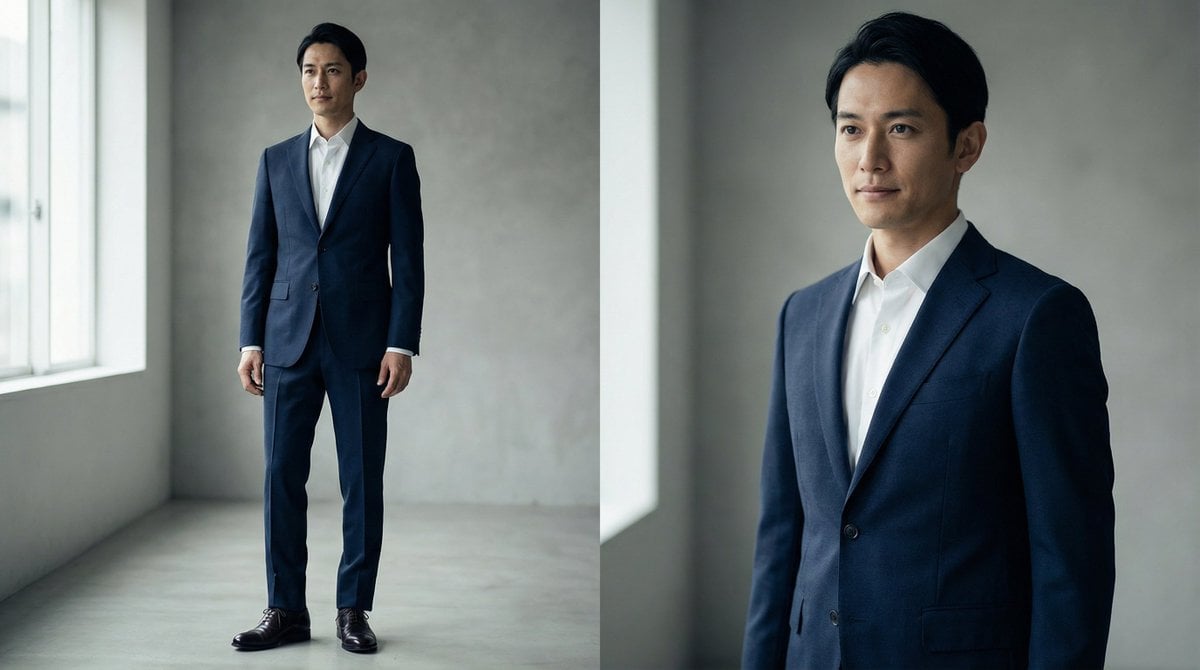
High-End Fashion Magazine Editorial Photo of a Japanese Male Model
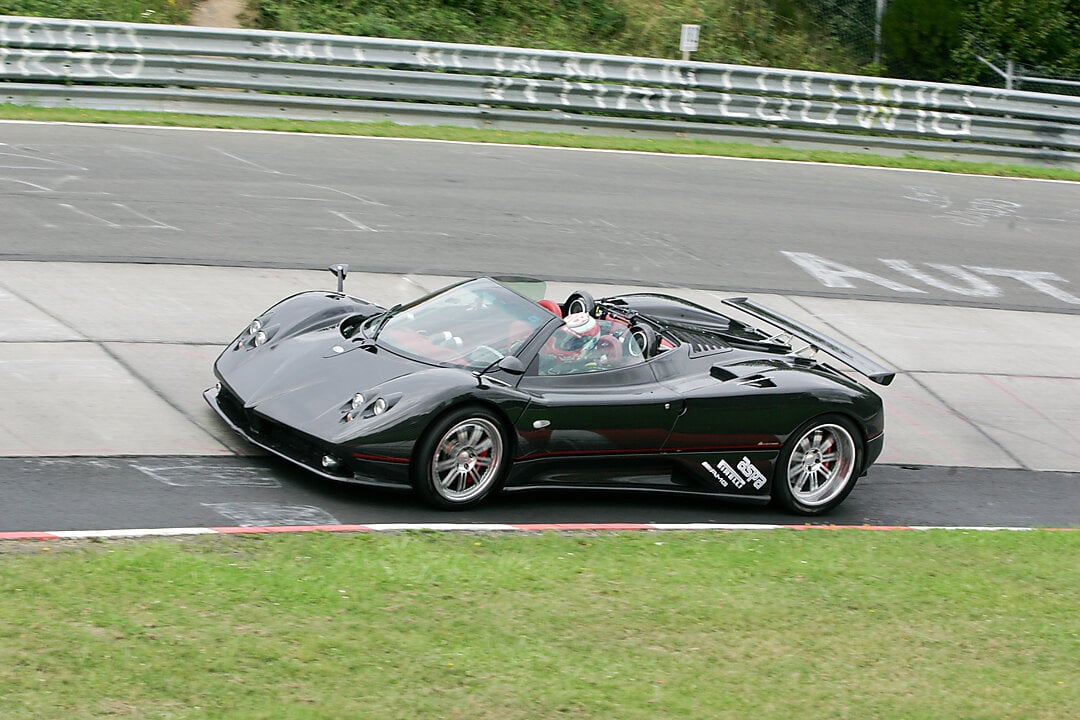
2x2 Grid Car Development Phases
Browse template categories
Elegant City Fashion Magazine Cover questions
How do I use the Elegant City Fashion Magazine Cover template?
Add your photo if the template asks for one, edit the prompt if you like — the template's model and format are already selected — and press Generate. Your version opens in PicX Studio.
Can I customize the Elegant City Fashion Magazine Cover template?
Yes. You can change the subject, setting, lighting, mood, format, and available model controls before creating your image.
Is the Elegant City Fashion Magazine Cover template free?
Opening and editing this template is free. Generating uses credits, shown on the Generate button when you are signed in.
Which AI model should I use?
Start with GPT Image 2, which is the model associated with this template. You can compare another compatible model for a different finish.
Looking for something else? Browse all templates.

Your photo, any look
Thousands of ready templates for every top image and video model, from one credit balance.