
Quiet Newspaper Fashion Cover
Generates a muted editorial magazine-cover portrait with old-newspaper typography and an introspective fashion mood.
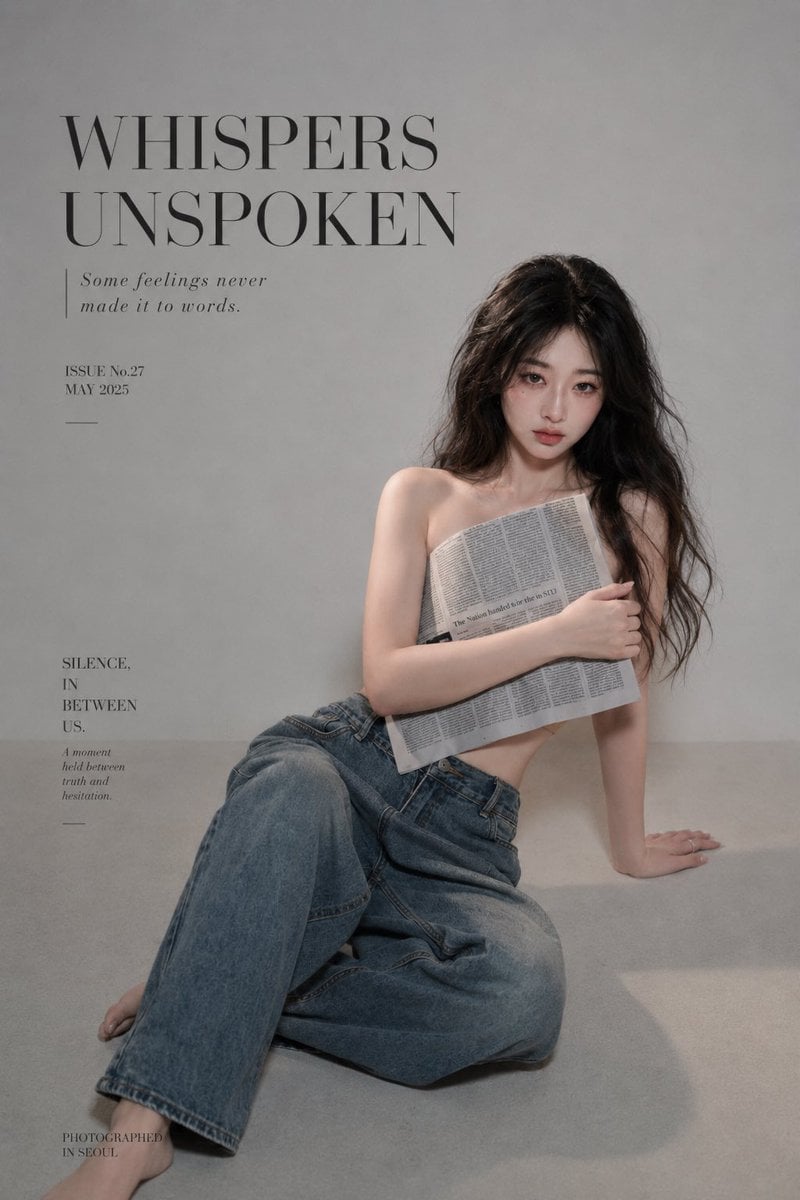
- Prompt included
- Model and format preset
- Premium template
The prompt behind this image
Copy the exact prompt behind Quiet Newspaper Fashion Cover, or open it in the studio and make it yours.
Create a vertical 4:5 high-fashion editorial magazine cover portrait with a quiet old-newspaper mood. A young woman with {argument name="hair color" default="long dark wavy hair"} sits on the floor against a plain warm gray studio wall, positioned slightly right of center with lots of negative space on the left for typography. She has a calm, unspoken, introspective gaze and a soft natural expression. She wears loose vintage blue jeans and is otherwise bare-shouldered, modestly covering her chest by holding a folded gray newspaper across her torso with one arm wrapped around it; the newspaper has dense English column text. Her pose is relaxed and asymmetrical: one leg bent forward across the foreground, the other folded underneath, one hand braced on the floor to her right, bare feet visible. Use muted gray tones, soft diffused side lighting, gentle shadows on the floor, subtle film grain, desaturated colors, realistic skin texture, and an elegant minimalist fashion-photography finish. Magazine cover typography: use exactly 5 text blocks in refined black serif type, arranged like an art magazine/newspaper cover. Block 1: large uppercase headline at the upper left reading {argument name="headline text" default="WHISPERS\nUNSPOKEN"}. Block 2: small italic subheading beneath it, preceded by a thin vertical rule, reading {argument name="subheading text" default="Some feelings never\nmade it to words."}. Block 3: small issue/date text below, reading {argument name="issue text" default="ISSUE No.27\nMAY 2025"}, with a short horizontal line underneath. Block 4: mid-left stacked title reading {argument name="side title" default="SILENCE,\nIN\nBETWEEN\nUS."}, with a tiny italic caption below reading “A moment held between truth and hesitation.” and a short horizontal rule beneath. Block 5: tiny footer at bottom left reading {argument name="footer text" default="PHOTOGRAPHED\nIN SEOUL"}. Keep the layout airy and sophisticated, avoid bright colors, avoid extra text, avoid logos or watermarks, and make the final image look like a premium quiet fashion magazine cover printed on aged gray paper.
How to use Quiet Newspaper Fashion Cover in 3 steps
- 1Upload ImagePNG, JPG or paste
Add your photo
Upload the photo the template builds on. The prompt, model and format are already set.
- 2…a portrait of your subject in softgolden-hour light, 85mm…
Personalize
Edit the subject and creative details for your destination.
- 3Generate
Generate
Press Generate — your image is created in PicX Studio, so you can compare it with the original and refine one variable at a time.
More like this
Templates with the same subject, style or setup. Open one to see its prompt.
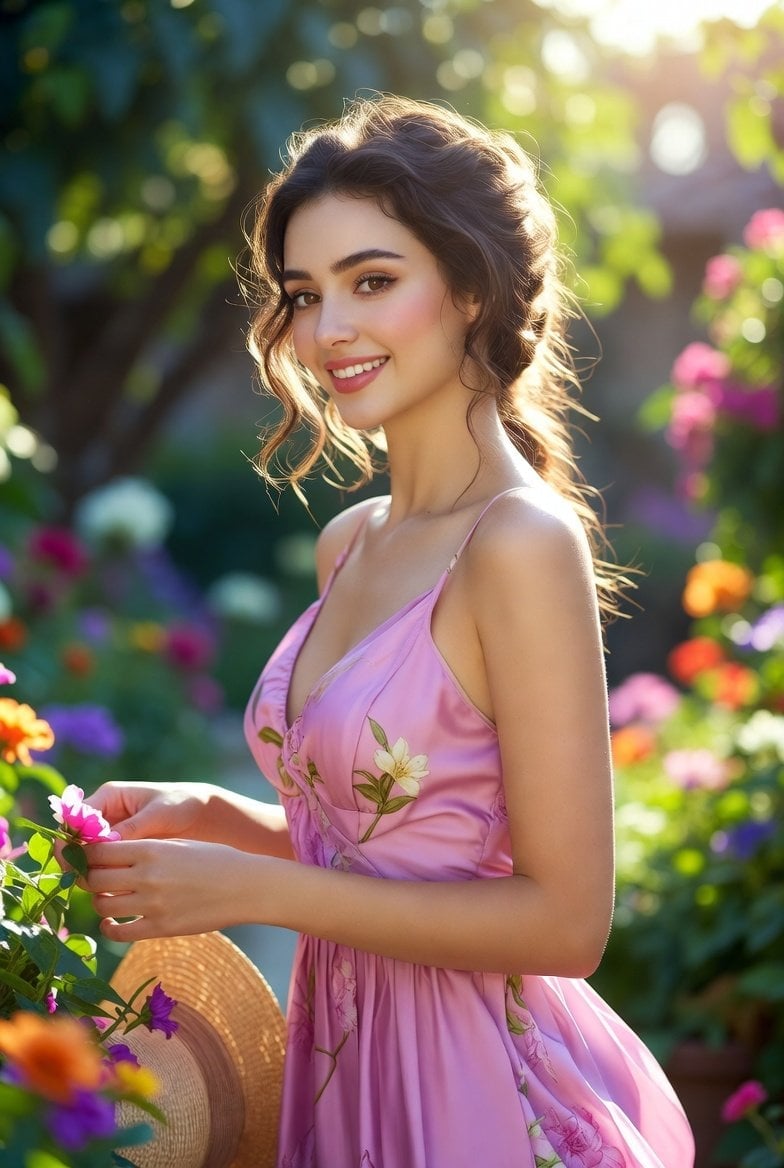
Quiet Luxury Black and White Fashion Editorial Portrait
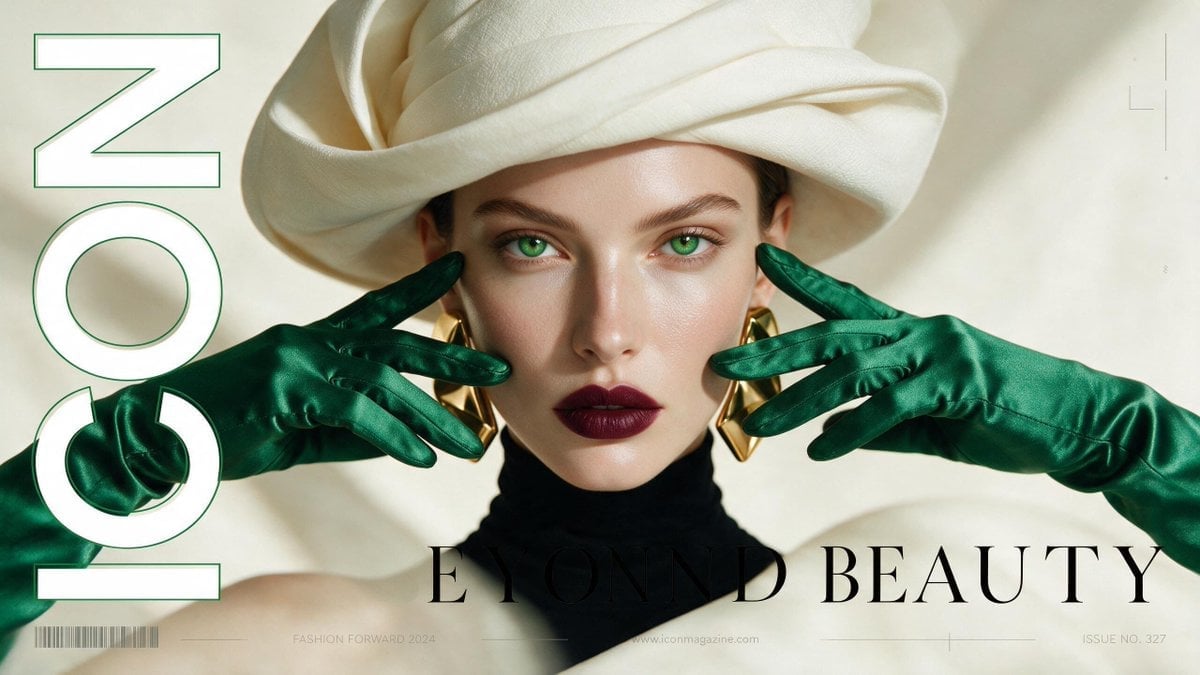
High-Fashion Editorial Magazine Cover ICON

80s College Gate

1988 Mall Style

80s Polka Dot Saree
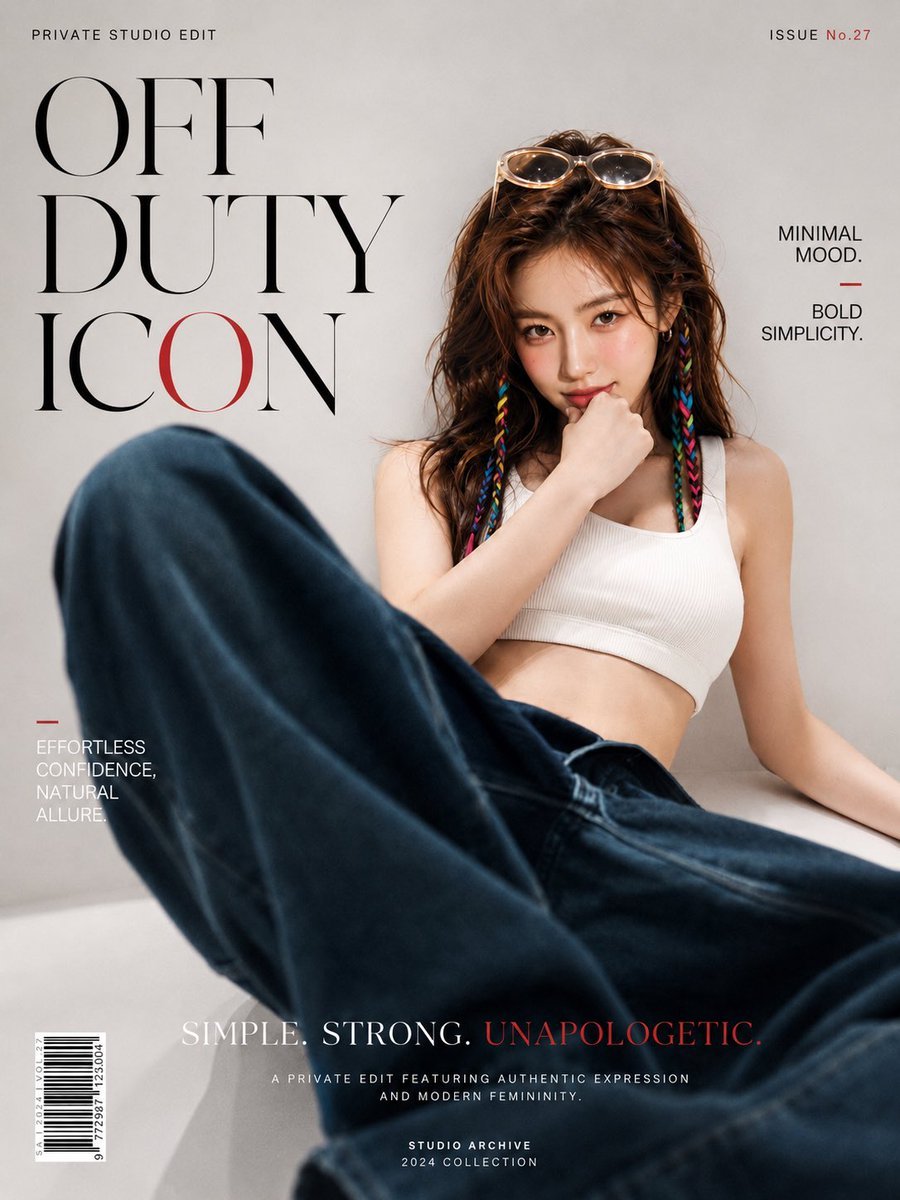
Off Duty Fashion Magazine Cover

Urban Fashion Editorial Collage Streetwear Poster

Polo Ralph Lauren Luxury American Heritage Fashion Campaign
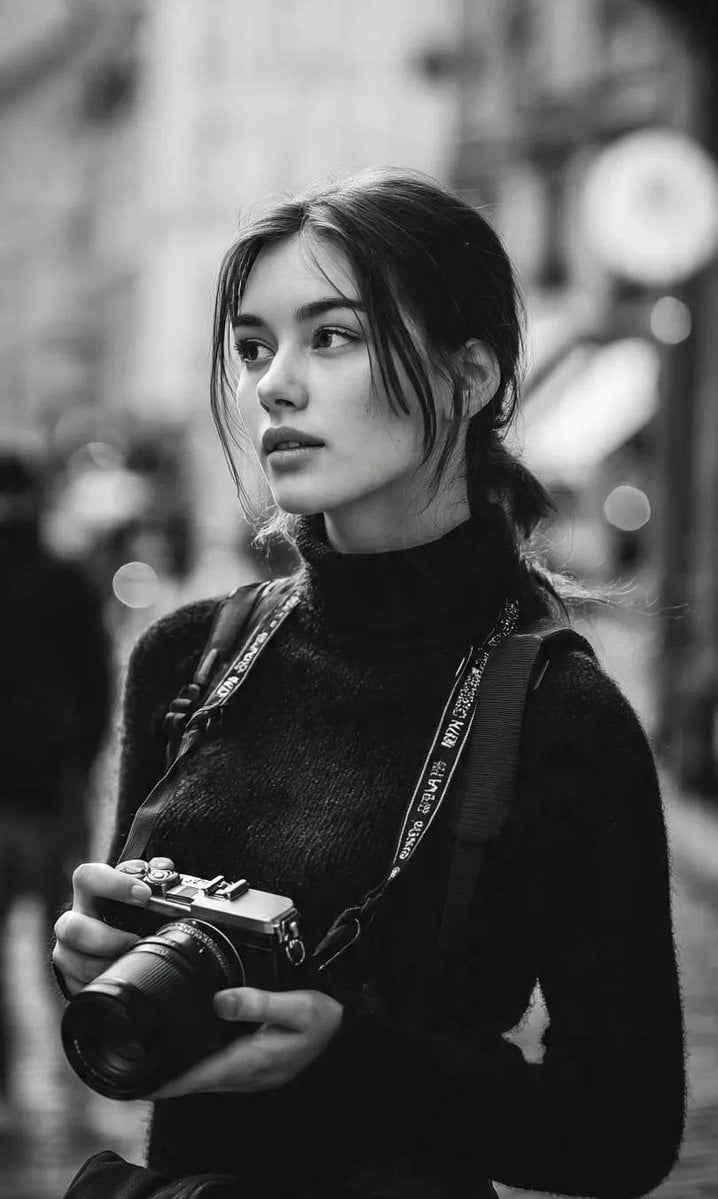
Cinematic Street Fashion Photographer Portrait
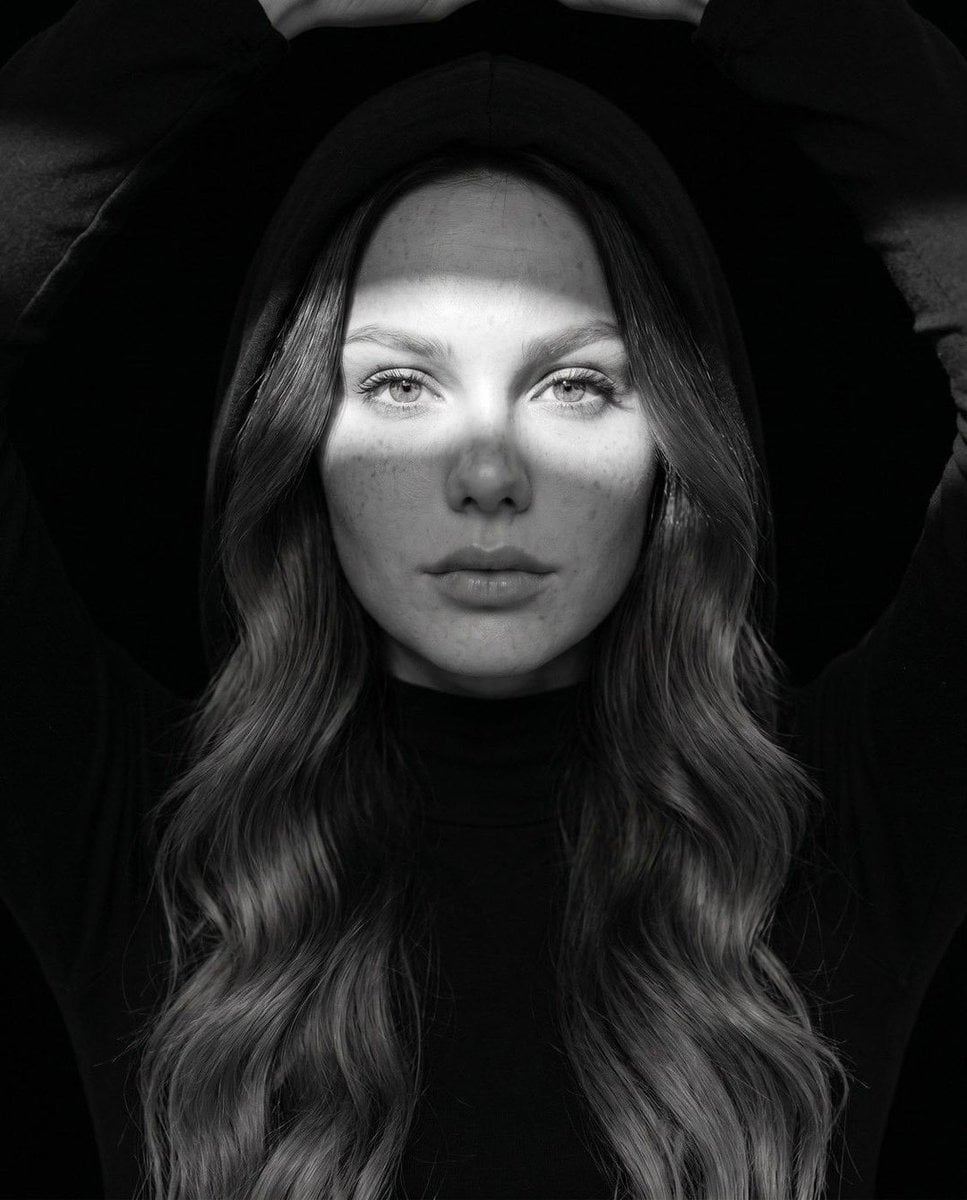
Fine Art Monochrome Fashion Portrait
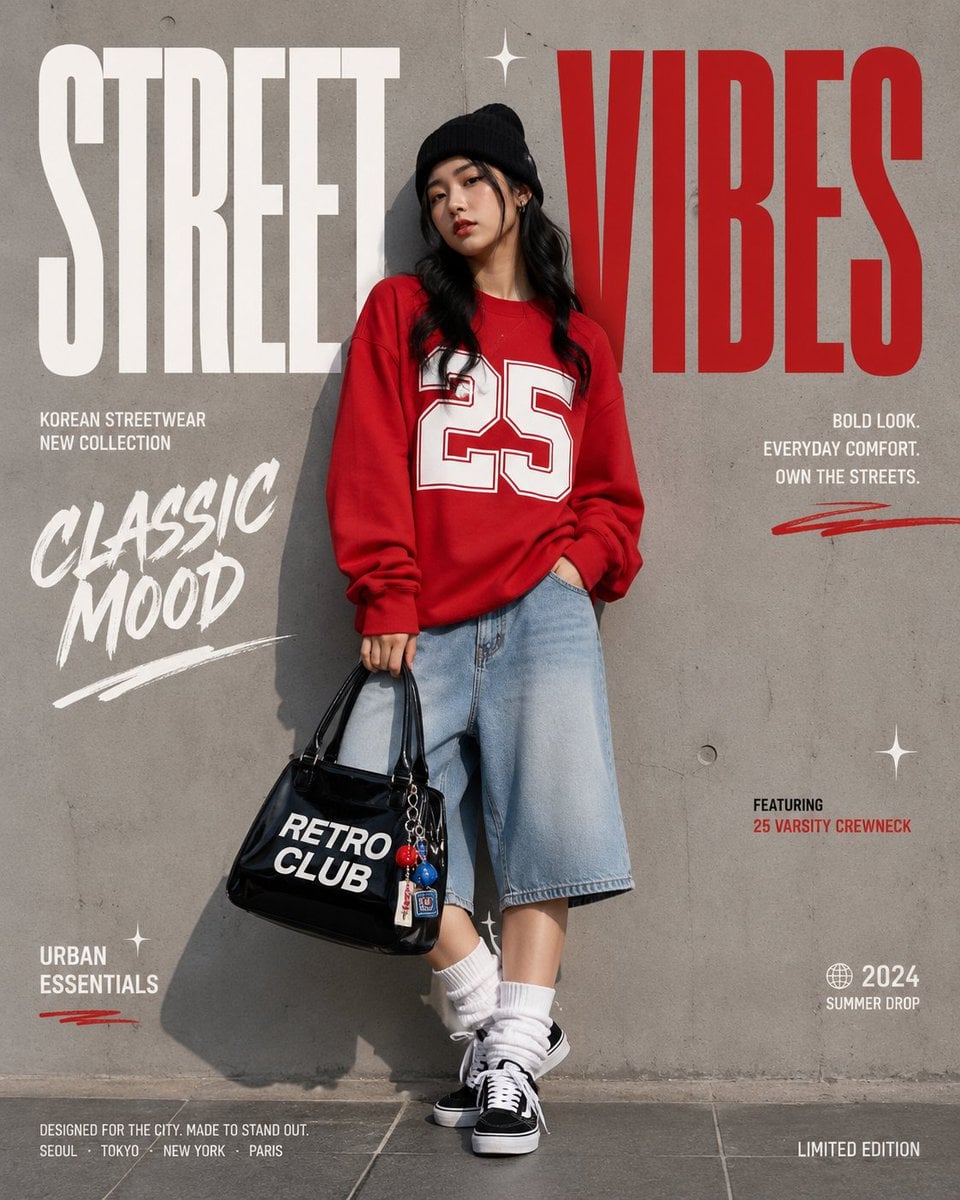
Korean Streetwear Minimalist Campaign Portrait
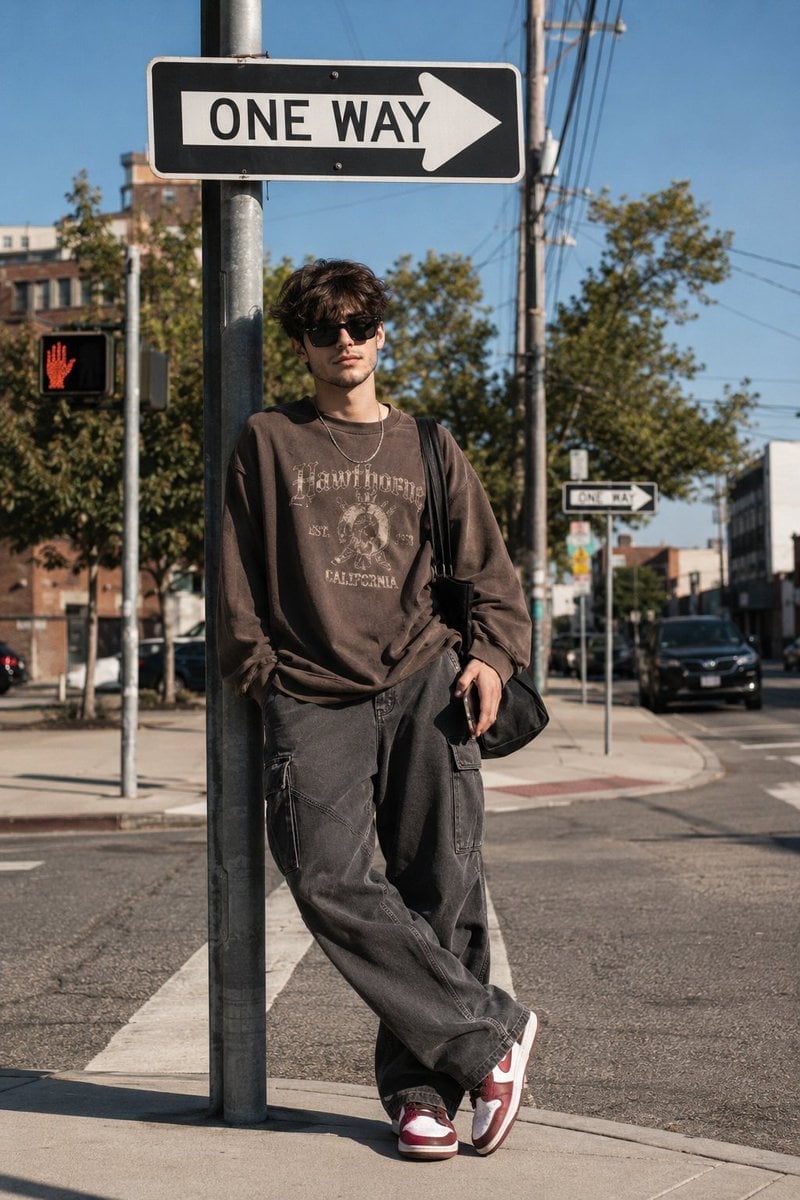
Cinematic Korean Streetwear Street Portrait
Make it yours
Quiet Newspaper Fashion Cover works as-is. These are the safest ways to change it without losing the look.
Change one field
Copy a single group, rewrite it, and generate again so you can see what that field is doing.
Keep the frame, change the subject
Hold the composition and light of Quiet Newspaper Fashion Cover, then swap wardrobe, props or the person for a new take.
| If the result… | Why | Fix |
|---|---|---|
| The result drifts from the preview | Too many fields changed at once. | Reuse Quiet Newspaper Fashion Cover as-is first, then change one group — subject, light, or setting. |
| The model over-stylizes the scene | The prose prompt leaves finish and camera underspecified. | Add one camera or lighting sentence and stay on GPT Image 2. |
More GPT Image 2 templates
Other prompts made for GPT Image 2.

Six VTuber Japanese Logo Sheet

Realistic Portrait of Woman and Deer

The Vista Modular Condo Poster

AI Model Routing Comparison Infographic

2.5D Anime Art Board

Isometric Productivity Desk Scene

New York Double Exposure Poster

Four-Panel AI Landscape Comparison

Japanese Tatami Lifestyle Magazine Cover

NESCAFÉ Coffee Map Poster
More image prompts
Fresh picks from across the catalog.

Image Editing Prompt for Logo Integration
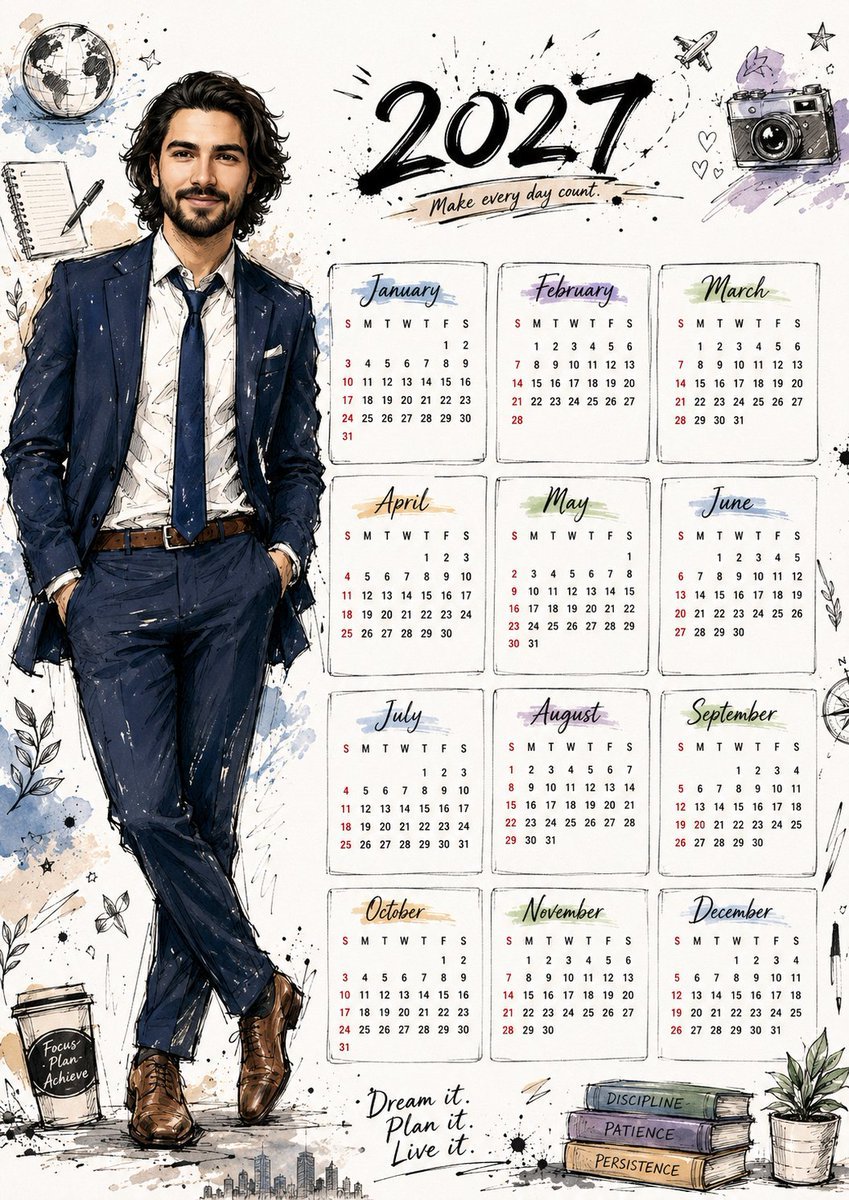
Hand Drawn Doodle Calendar Illustration
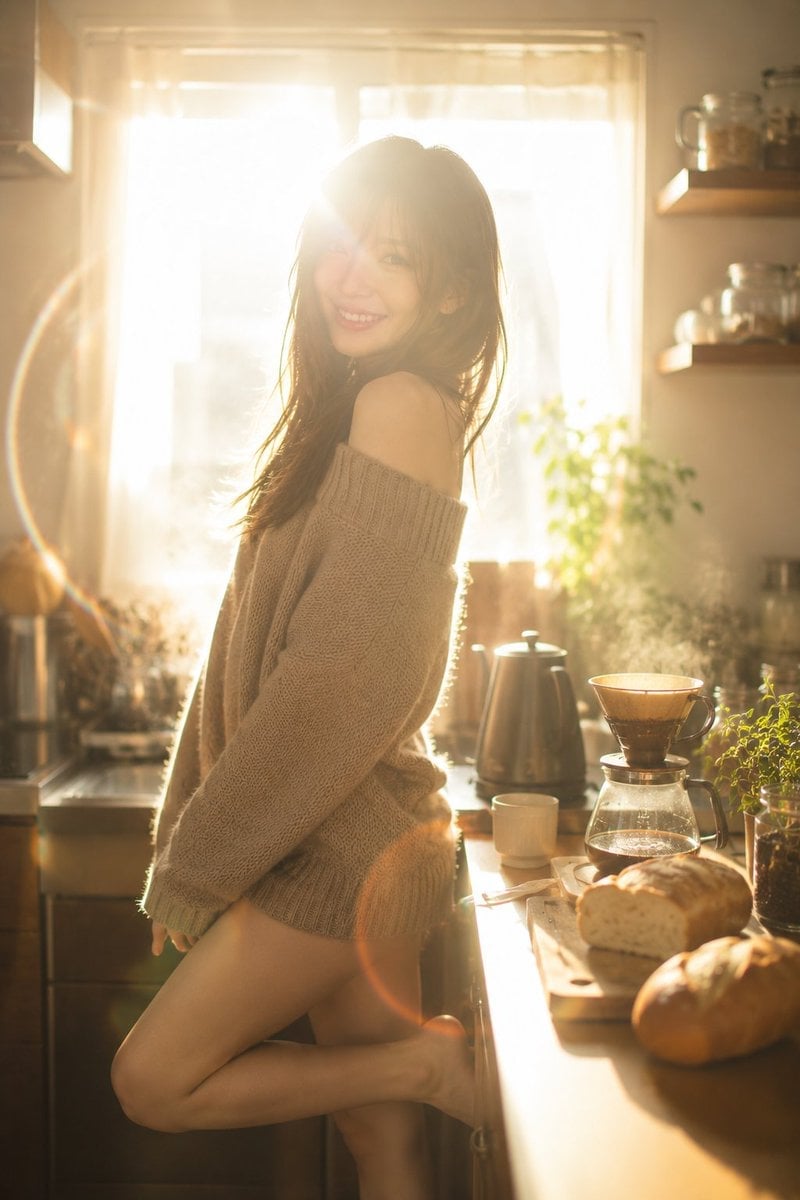
Golden Morning Kitchen Portrait
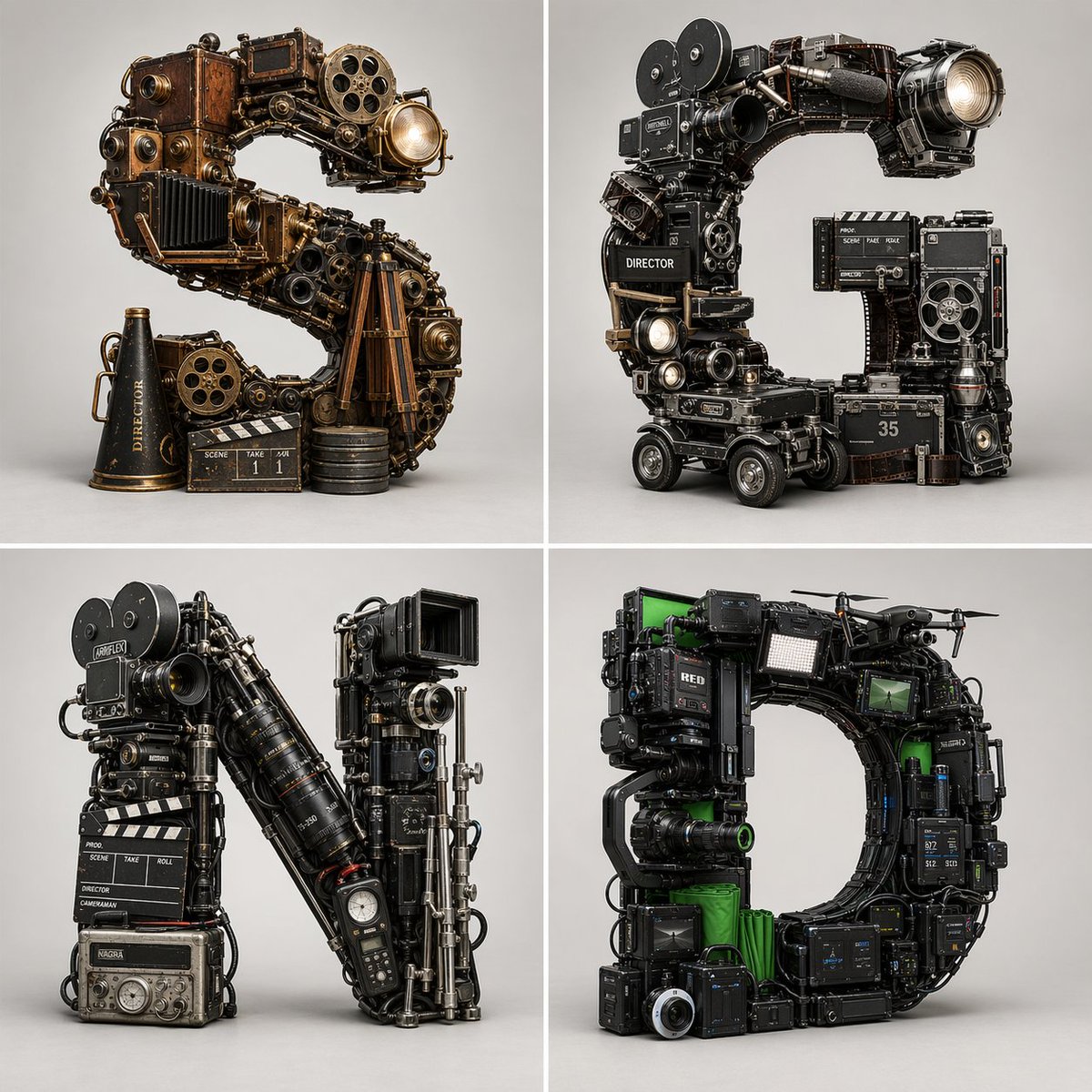
Filmmaking Eras Typographic Grid
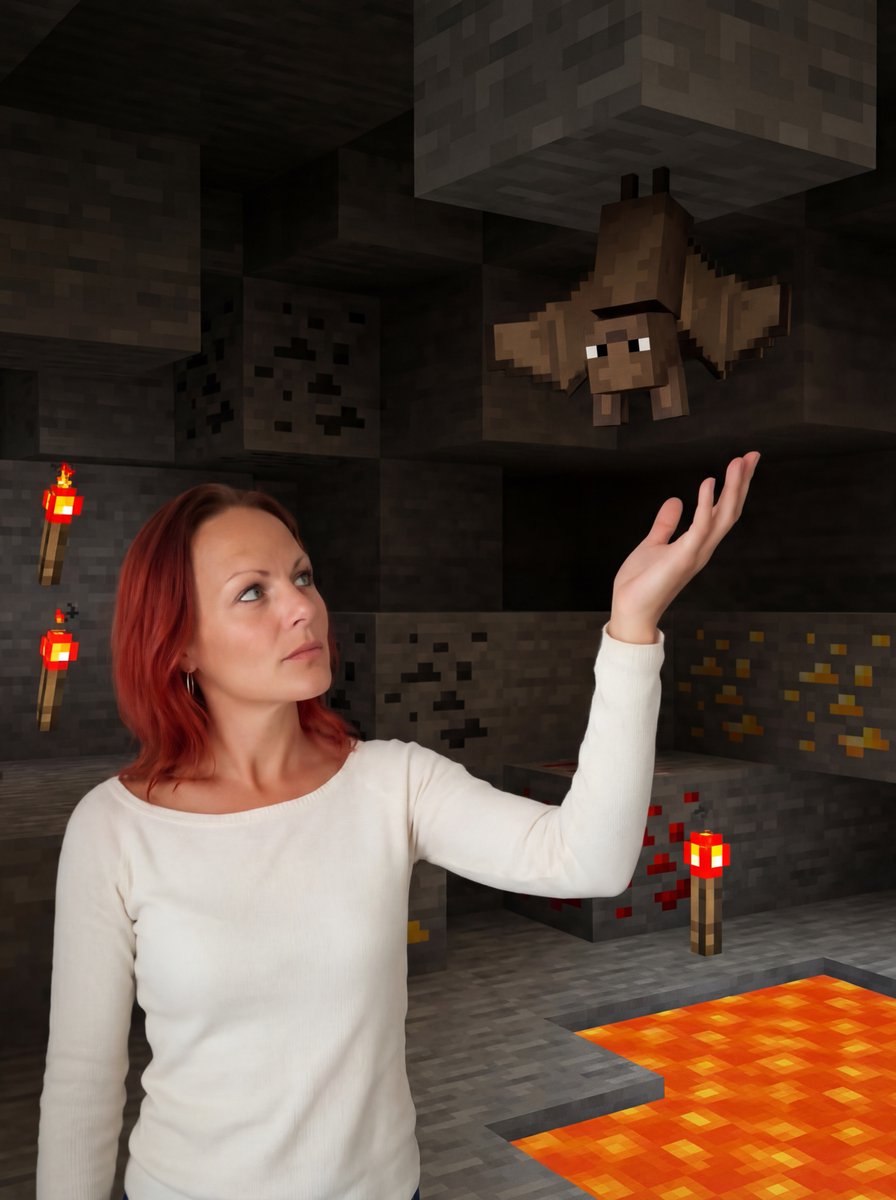
Reimagine Photo in Minecraft Cave
Low-Fidelity CCTV Surveillance Feed Image
Y2K Urban Twilight Portrait
Red Velvet Cake Painting Recreation Food Photography Prompt
Harper’s Bazaar Magazine Cover

Futuristic Google Search Poster
Browse template categories
Quiet Newspaper Fashion Cover questions
How do I use the Quiet Newspaper Fashion Cover template?
Add your photo if the template asks for one, edit the prompt if you like — the template's model and format are already selected — and press Generate. Your version opens in PicX Studio.
Can I customize the Quiet Newspaper Fashion Cover template?
Yes. You can change the subject, setting, lighting, mood, format, and available model controls before creating your image.
Is the Quiet Newspaper Fashion Cover template free?
Opening and editing this template is free. Generating uses credits, shown on the Generate button when you are signed in.
Which AI model should I use?
Start with GPT Image 2, which is the model associated with this template. You can compare another compatible model for a different finish.
Looking for something else? Browse all templates.

Your photo, any look
Thousands of ready templates for every top image and video model, from one credit balance.