
Weathered Japanese Crossing Signs
Generates a detailed anime-style low-angle urban scene with readable Japanese pedestrian and bicycle signage against a bright summer sky.
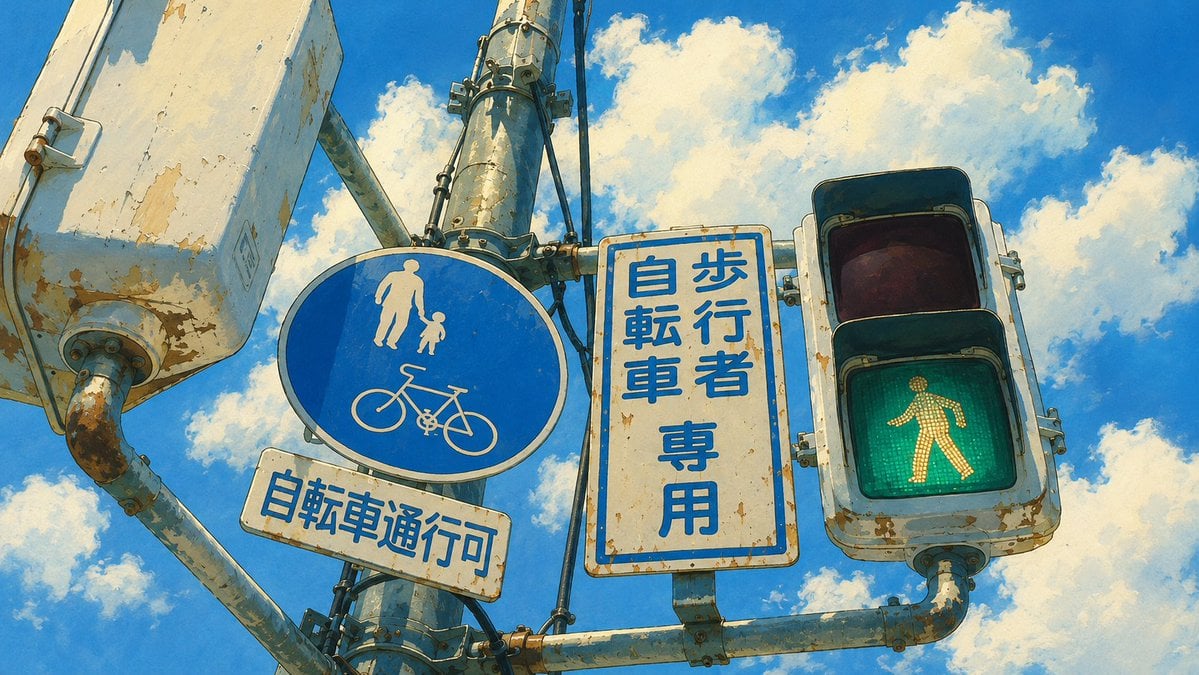
- Prompt included
- Model and format preset
- Free template
The prompt behind this image
Copy the exact prompt behind Weathered Japanese Crossing Signs, or open it in the studio and make it yours.
Create a cinematic anime background illustration of an urban Japanese pedestrian crossing signal cluster viewed from a low angle against a vivid summer sky. Show exactly 4 main visible sign/signal elements mounted on weathered pale metal poles: 1) a large blue circular shared pedestrian-and-bicycle sign with a white adult holding a child's hand above a white bicycle icon, 2) a small rectangular white sign below it reading {argument name="small sign text" default="自転車通行可"} in blue, 3) a tall rectangular white sign with a blue border reading {argument name="vertical sign text" default="歩行者 自転車 専用"} in bold vertical blue characters, and 4) a traffic light box on the right with the lower green walking-person signal illuminated and the upper red lens dark. Add one large blank rectangular road sign panel partly cropped at the upper left. Make all metal housings, brackets, bolts, pipes, and sign edges heavily aged with chipped paint, rust spots, dirt streaks, scratches, and sun-faded surfaces. Use crisp, accurate Japanese typography on the signs, with high-quality readable text. Background is a saturated blue sky with large fluffy white cumulus clouds. Style: detailed hand-painted Japanese anime film background, warm sunlight, subtle cel-shaded outlines, painterly texture, high contrast, realistic perspective, 16:9 horizontal composition, no people on the street, no cars, no watermark, no extra text beyond the specified signage.
How to use Weathered Japanese Crossing Signs in 3 steps
- 1Upload ImagePNG, JPG or paste
Add your photo
Upload the photo the template builds on. The prompt, model and format are already set.
- 2…a portrait of your subject in softgolden-hour light, 85mm…
Personalize
Edit the subject and creative details for your destination.
- 3Generate
Generate
Press Generate — your image is created in PicX Studio, so you can compare it with the original and refine one variable at a time.
More like this
Templates with the same subject, style or setup. Open one to see its prompt.

Minecraft Japanese Research Lab Exploration

Japanese Architectural Concrete Studio Fashion Campaign

Japanese Minimalist Concrete Studio Fashion Editorial

Blue Backdrop Luxury Fashion Portrait Campaign

Japanese Film Reflection Idol
Moody Japanese Railway Crossing Portrait
Weathered Folk Poster Collage

Exploration Ship Crossing a Glowing Nebula
Durarara-Style Tokyo Crossing Key Visual
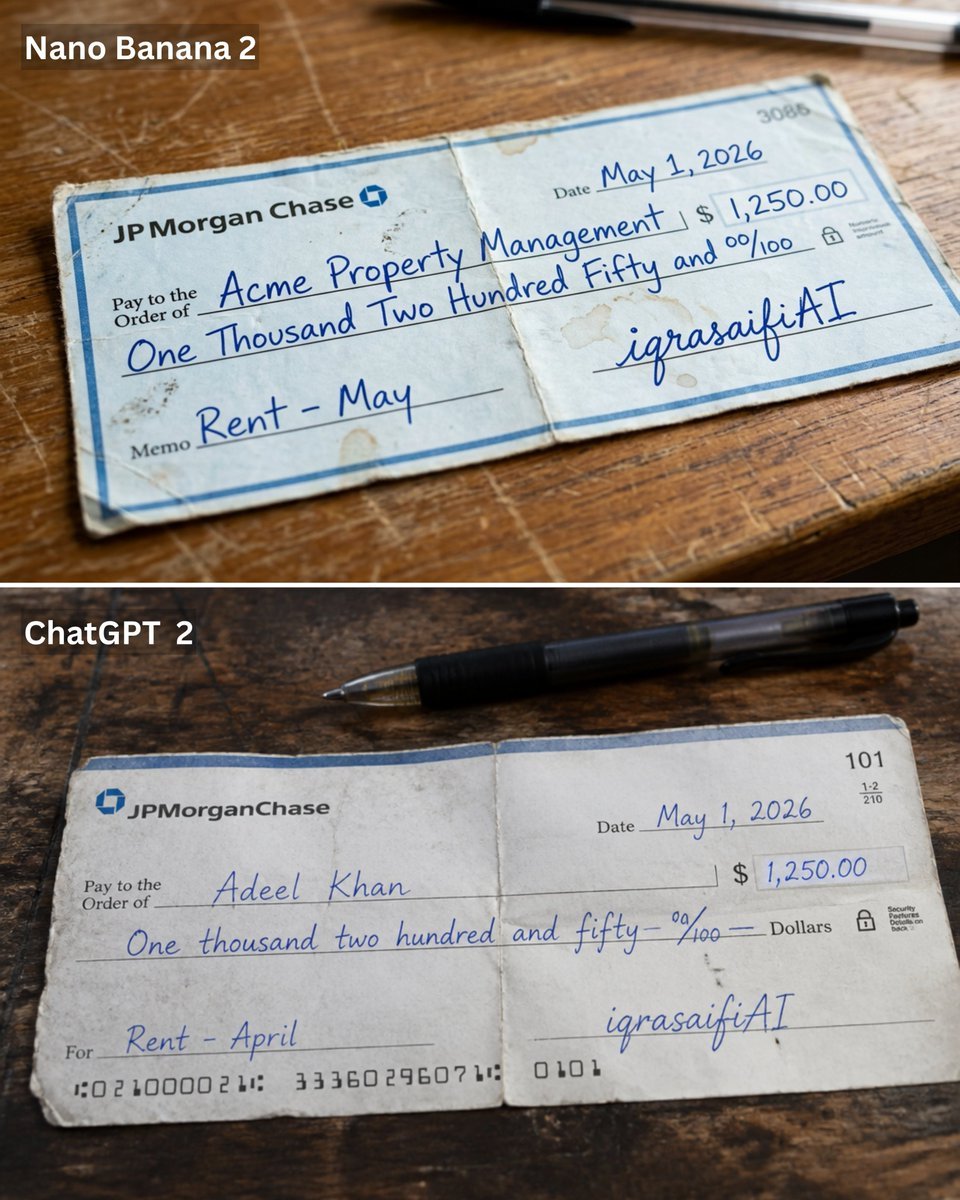
Weathered JP Morgan Bank Check
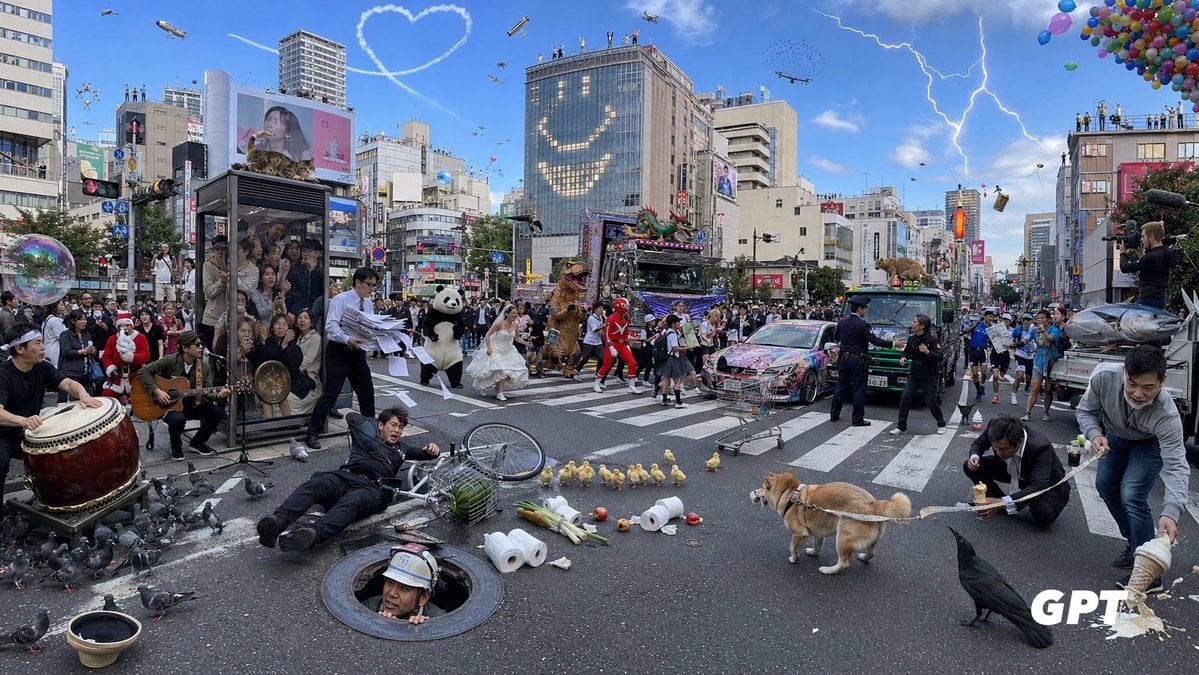
Chaotic Shibuya Scramble Crossing

Prompt: A single apple crossing a black void, mov
Make it yours
Weathered Japanese Crossing Signs works as-is. These are the safest ways to change it without losing the look.
Change one field
Copy a single group, rewrite it, and generate again so you can see what that field is doing.
Keep the frame, change the subject
Hold the composition and light of Weathered Japanese Crossing Signs, then swap wardrobe, props or the person for a new take.
| If the result… | Why | Fix |
|---|---|---|
| The result drifts from the preview | Too many fields changed at once. | Reuse Weathered Japanese Crossing Signs as-is first, then change one group — subject, light, or setting. |
| The model over-stylizes the scene | The prose prompt leaves finish and camera underspecified. | Add one camera or lighting sentence and stay on GPT Image 2. |
More GPT Image 2 templates
Other prompts made for GPT Image 2.

Six VTuber Japanese Logo Sheet

Realistic Portrait of Woman and Deer

The Vista Modular Condo Poster

AI Model Routing Comparison Infographic

2.5D Anime Art Board

Isometric Productivity Desk Scene

New York Double Exposure Poster

Four-Panel AI Landscape Comparison

Japanese Tatami Lifestyle Magazine Cover

NESCAFÉ Coffee Map Poster
More image prompts
Fresh picks from across the catalog.
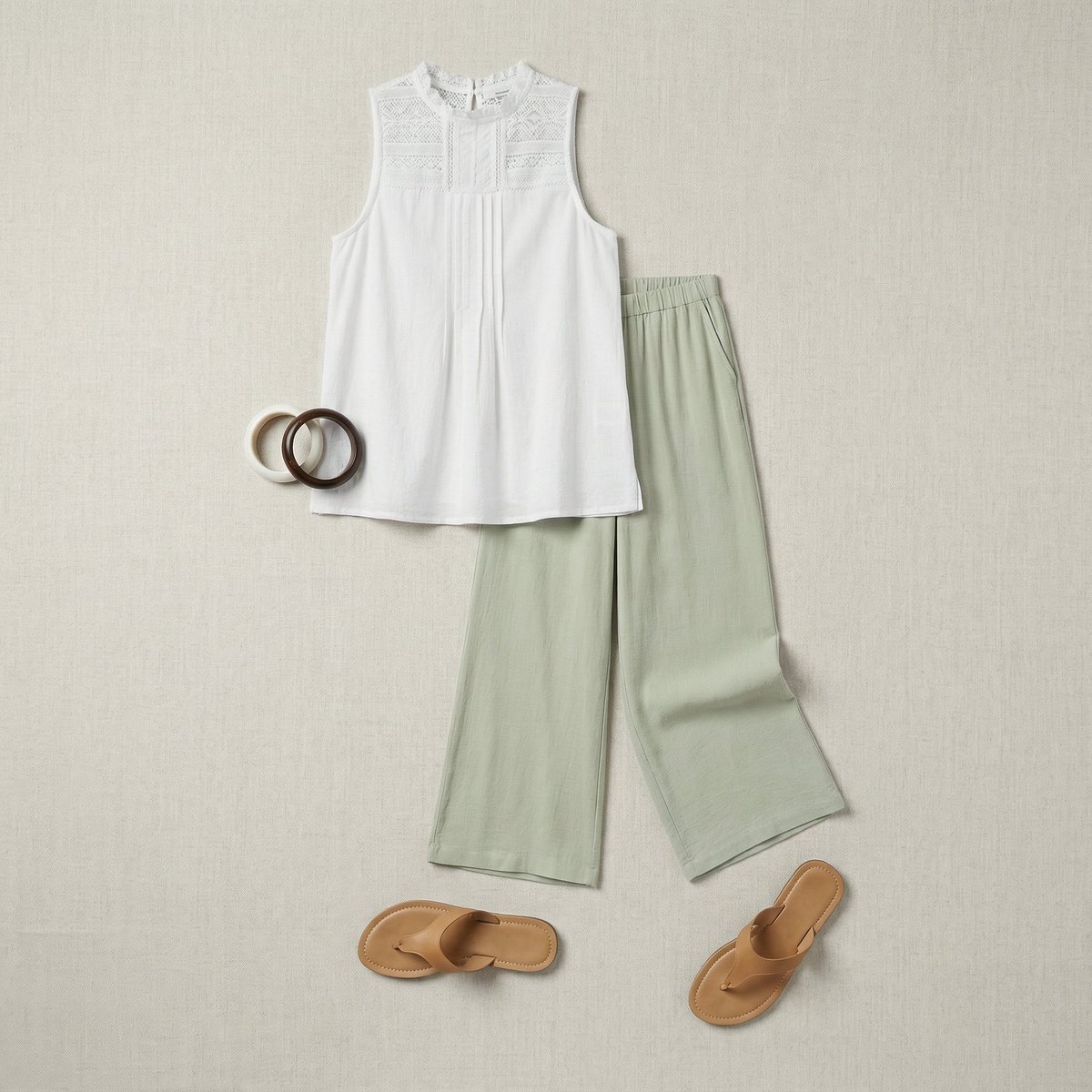
Flat Lay Fashion Editorial Image

Japanese Hospital Comedy DVD Cover

Brutalist Poster Generation Prompt
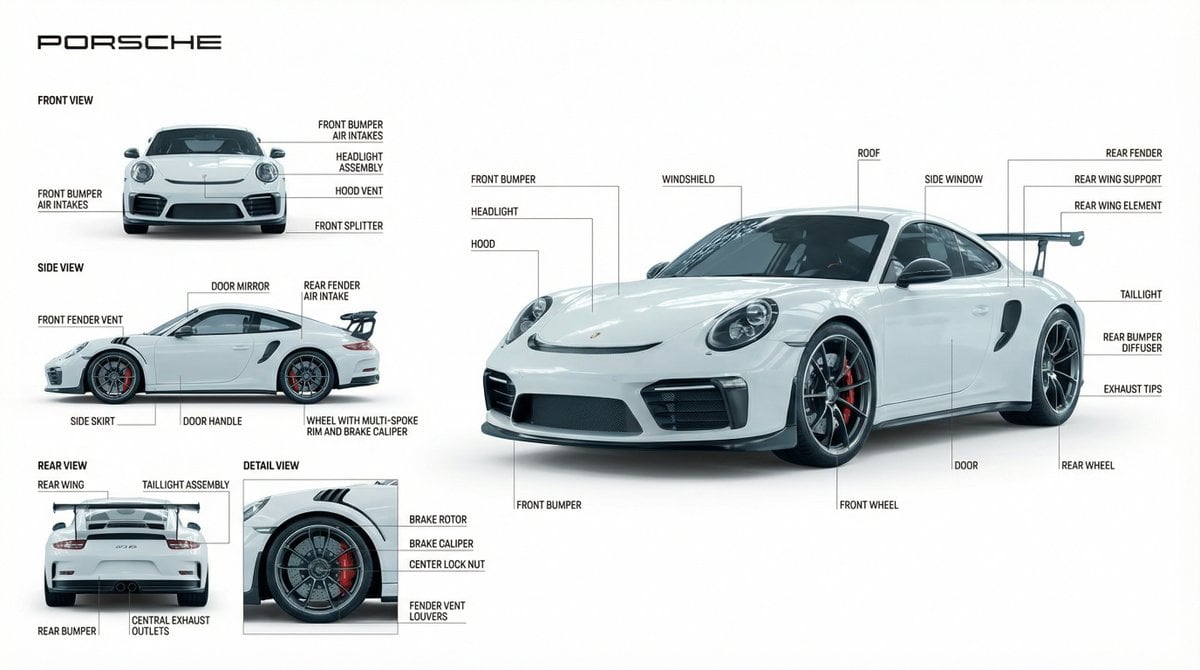
Technical Product Documentation Prompt (Porsche)

Abstract Motion Illusion Prompt

X Aiwithlariab Image on Nano Banana 2
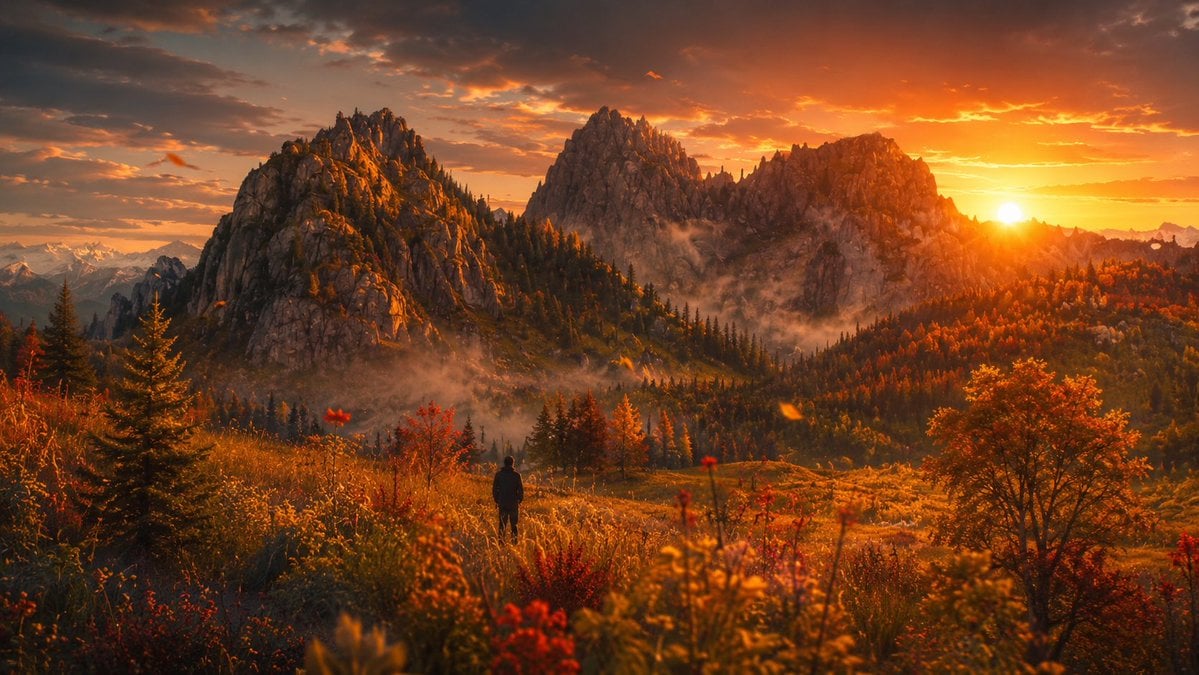
Cinematic Alpine Sunset Hiker
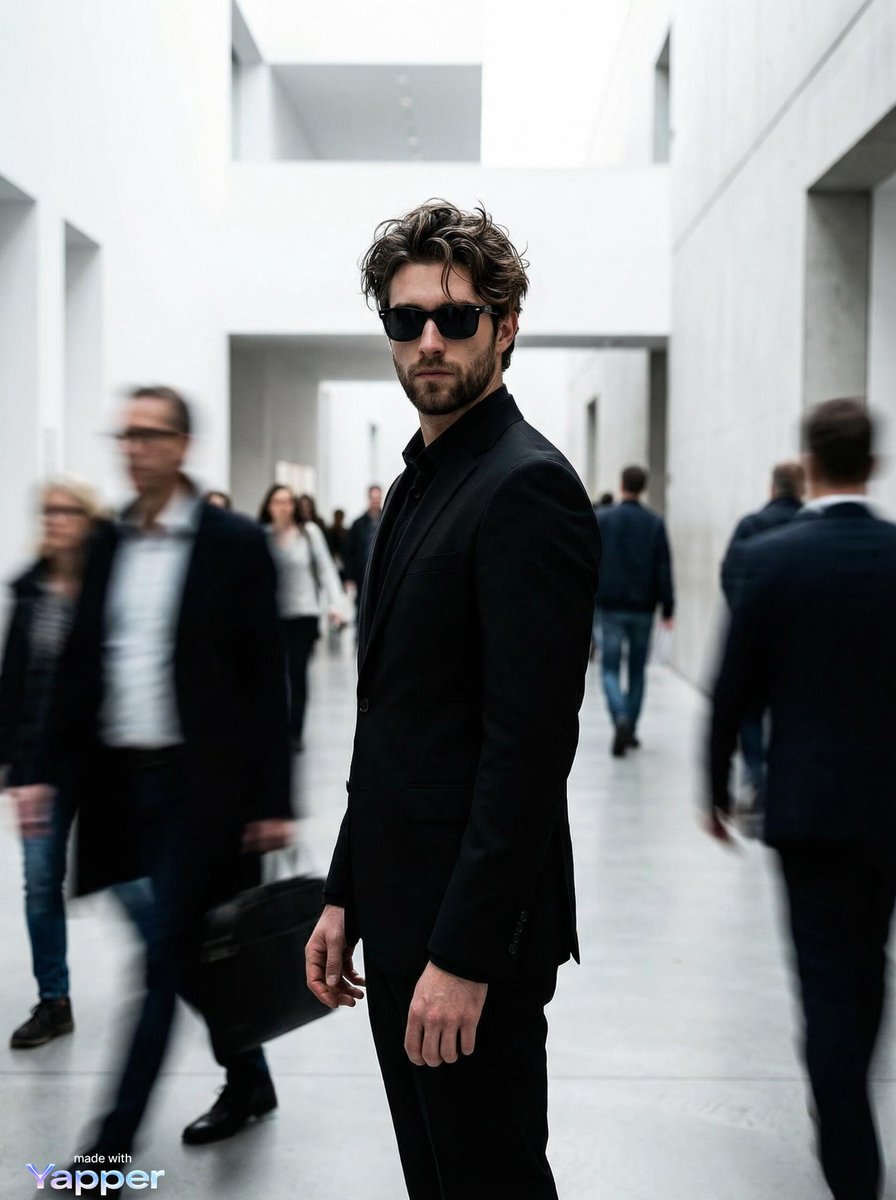
High Fashion Editorial Prompt for Nano Banana Pro

Anime Style Character Transformation
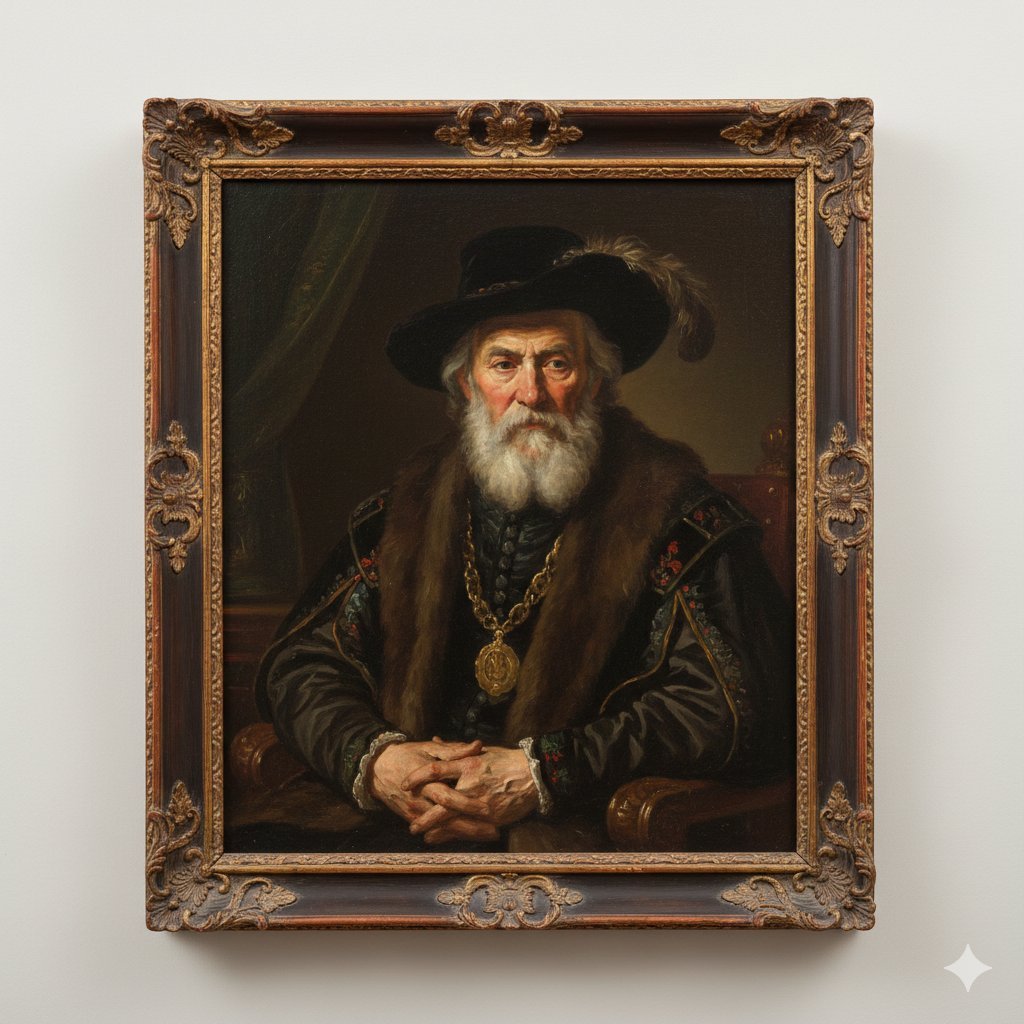
Image Generation Prompt: Rembrandt Style Painting
Browse template categories
Weathered Japanese Crossing Signs questions
How do I use the Weathered Japanese Crossing Signs template?
Add your photo if the template asks for one, edit the prompt if you like — the template's model and format are already selected — and press Generate. Your version opens in PicX Studio.
Can I customize the Weathered Japanese Crossing Signs template?
Yes. You can change the subject, setting, lighting, mood, format, and available model controls before creating your image.
Is the Weathered Japanese Crossing Signs template free?
Opening and editing this template is free. Generating uses credits, shown on the Generate button when you are signed in.
Which AI model should I use?
Start with GPT Image 2, which is the model associated with this template. You can compare another compatible model for a different finish.
Looking for something else? Browse all templates.

Your photo, any look
Thousands of ready templates for every top image and video model, from one credit balance.