
Japanese Hospital Comedy DVD Cover
A glossy photorealistic Japanese DVD jacket featuring a hospital body-swap comedy setup, ideal for generating commercial-style movie cover art.
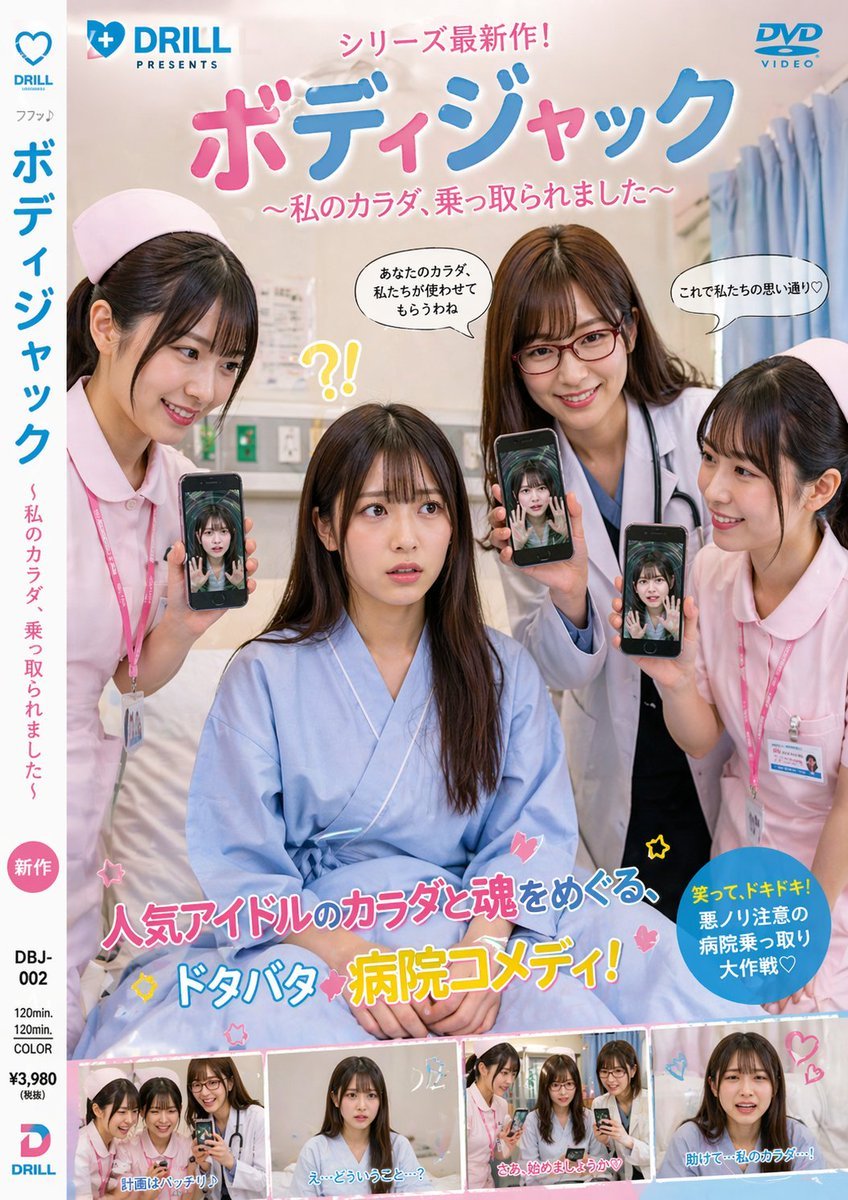
- Prompt included
- Model and format preset
- Free template
The prompt behind this image
Copy the exact prompt behind Japanese Hospital Comedy DVD Cover, or open it in the studio and make it yours.
A photorealistic Japanese DVD cover styled like a commercial live-action comedy-thriller release, shot vertically with glossy retail packaging design. The cover shows a hospital room interior with soft beige walls, a bed, curtains on the right, and subtle medical fixtures in the background. In the center foreground, 1 seated young Japanese woman in a loose light-blue hospital gown sits on a bed, looking confused and vulnerable. Around her stand 3 young Japanese female medical staff: 2 nurses in pale pink uniforms with matching nurse caps and ID badges, and 1 doctor in a white coat with a stethoscope. Each of the 3 standing women is holding up a smartphone toward the camera, and each phone screen shows the seated woman’s face or body as if her consciousness has been transferred into their devices, creating a body-jack possession theme. The overall tone is playful, absurd, and slightly eerie, like a Japanese idol movie or hospital comedy DVD jacket. Use a polished magazine-quality layout with bold Japanese typography and colorful pop graphics. At the very top, place a small blue publisher logo on the left reading {argument name="studio name" default="DRILL PRESENTS"} with a heart icon, and a blue DVD VIDEO logo on the top right. Across the top center, add a pink Japanese banner line reading "シリーズ最新作!". Below it, make the main title huge, rounded, glossy, and bubbly in pink and blue Japanese text: {argument name="main title" default="ボディジャック"}. Under the title, add a pink subtitle in Japanese: {argument name="subtitle" default="~私のカラダ、乗っ取られました~"}. Add 3 comic-style speech bubbles near the upper characters: one saying "あなたのカラダ、私たちが使わせてもらうわね", one saying "これで私たちの思い通り♡", and 1 yellow startled reaction near the seated woman that reads "?!". On the left spine area, create a white vertical strip with blue and pink Japanese text repeating the title and subtitle, plus a small pink circle label reading "新作". At the bottom center, place a large flashy Japanese catchphrase in mixed pink, blue, white, and yellow outlined lettering: "人気アイドルのカラダと魂をめぐる、ドタバタ病院コメディ!" with small stars and heart doodles around it. On the lower right, add a blue circular burst with yellow and white Japanese text: "笑って、ドキドキ!悪ノリ注意の病院乗っ取り大作戦♡". Along the bottom edge, include exactly 4 small rectangular preview stills from the film, each bordered like DVD scene thumbnails, showing the same hospital characters in slightly different poses; add short Japanese captions on each thumbnail, including lines similar to "計画はバッチリ!", "え…どういうこと…?", "さあ、始めましょうか♡", and "助けて…私のカラダ…!". In the lower left margin include DVD package metadata in black text such as catalog number "DBJ-002", duration "120min.", "COLOR", and price "¥3,980 (税抜)", plus a small blue-and-pink DRILL logo. Bright retail-ready composition, realistic people, commercial Japanese movie jacket aesthetics, slightly campy, high-resolution, clean print design.
How to use Japanese Hospital Comedy DVD Cover in 3 steps
- 1Upload ImagePNG, JPG or paste
Add your photo
Upload the photo the template builds on. The prompt, model and format are already set.
- 2…a portrait of your subject in softgolden-hour light, 85mm…
Personalize
Edit the subject and creative details for your destination.
- 3Generate
Generate
Press Generate — your image is created in PicX Studio, so you can compare it with the original and refine one variable at a time.
More like this
Templates with the same subject, style or setup. Open one to see its prompt.
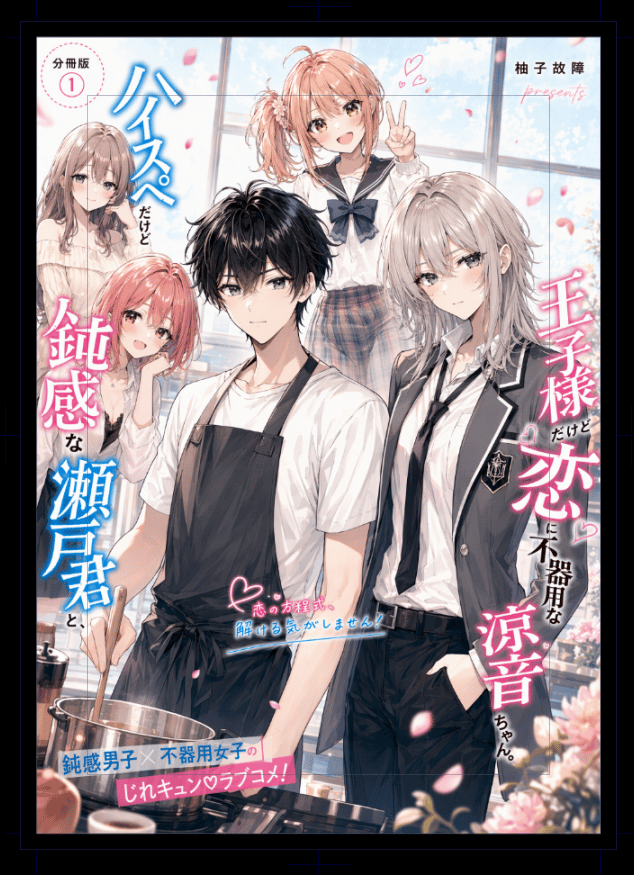
Japanese Romantic Comedy Manga Cover

Minecraft Japanese Research Lab Exploration

Japanese Tatami Lifestyle Magazine Cover

Toon Cartoon Finale Fireworks

Toon Cartoon Garden Maze

Toon Cartoon Rooftop Concert

Toon Cartoon Kitchen Chaos

Toon Cartoon Carnival Ride
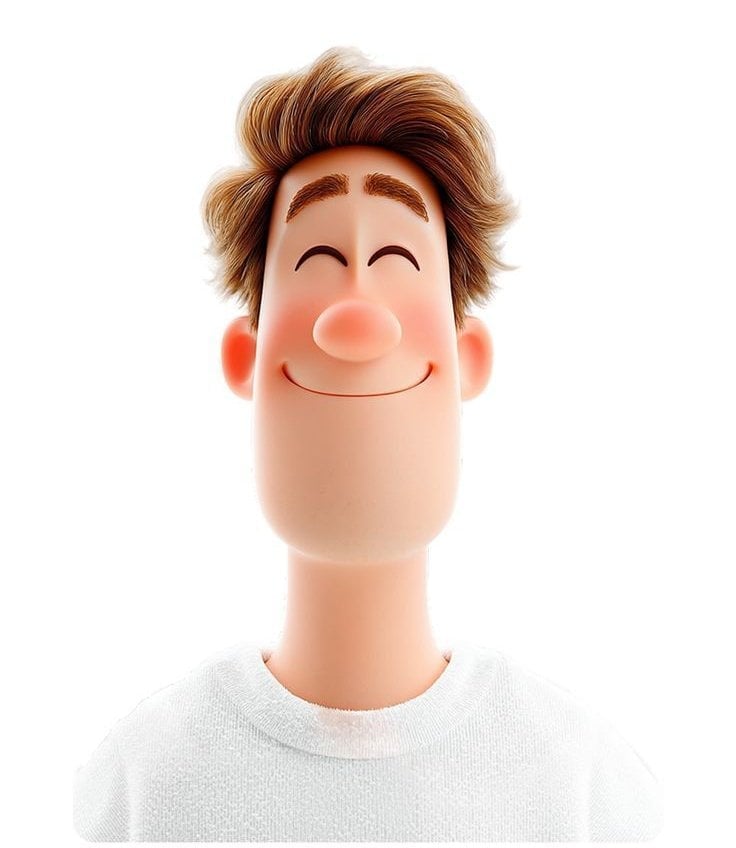
Toon Cartoon Rainy Bus Stop

Toon Cartoon Space Dock

Toon Cartoon Cafe Morning

Toon Cartoon Street Festival
Make it yours
Japanese Hospital Comedy DVD Cover works as-is. These are the safest ways to change it without losing the look.
Change one field
Copy a single group, rewrite it, and generate again so you can see what that field is doing.
Keep the frame, change the subject
Hold the composition and light of Japanese Hospital Comedy DVD Cover, then swap wardrobe, props or the person for a new take.
| If the result… | Why | Fix |
|---|---|---|
| The result drifts from the preview | Too many fields changed at once. | Reuse Japanese Hospital Comedy DVD Cover as-is first, then change one group — subject, light, or setting. |
| The model over-stylizes the scene | The prose prompt leaves finish and camera underspecified. | Add one camera or lighting sentence and stay on GPT Image 2. |
More GPT Image 2 templates
Other prompts made for GPT Image 2.

Six VTuber Japanese Logo Sheet

Realistic Portrait of Woman and Deer

The Vista Modular Condo Poster

AI Model Routing Comparison Infographic

2.5D Anime Art Board

Isometric Productivity Desk Scene

New York Double Exposure Poster

Four-Panel AI Landscape Comparison

NESCAFÉ Coffee Map Poster

Brutalist Cogito Chinese Typography Poster
More image prompts
Fresh picks from across the catalog.
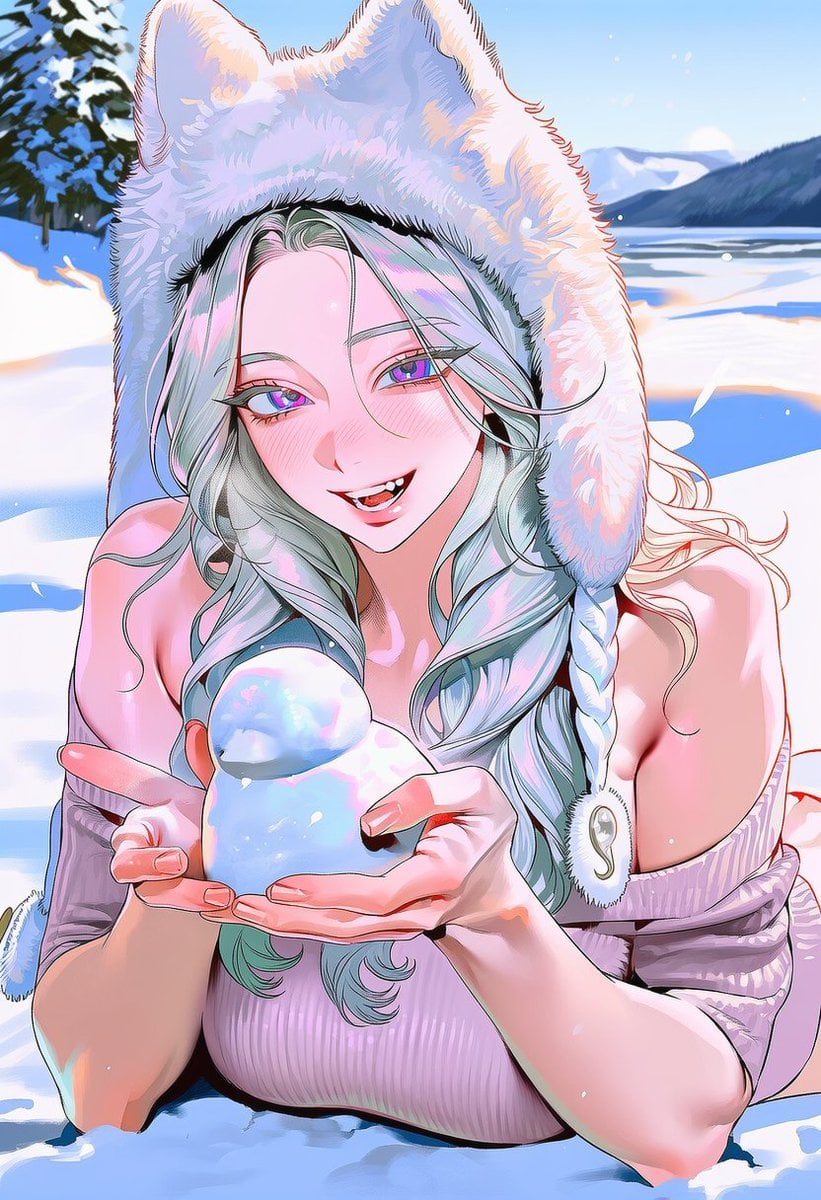
Snow Duck Image Generation Prompt
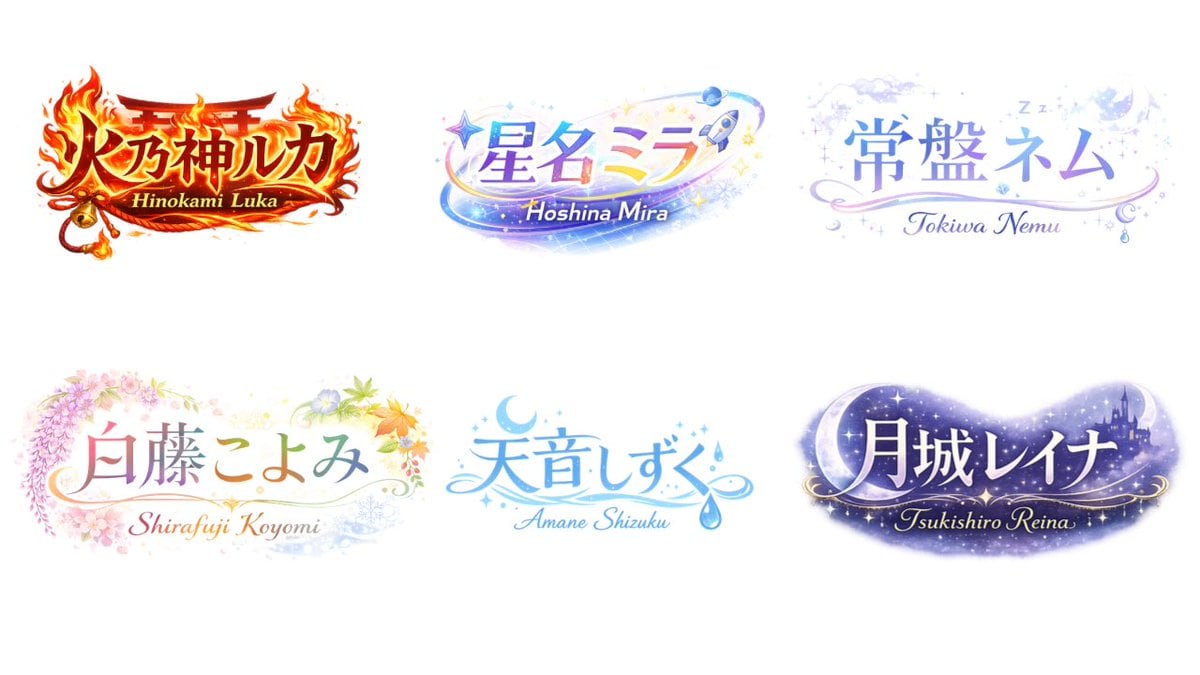
VTuber Logo Concept Grid
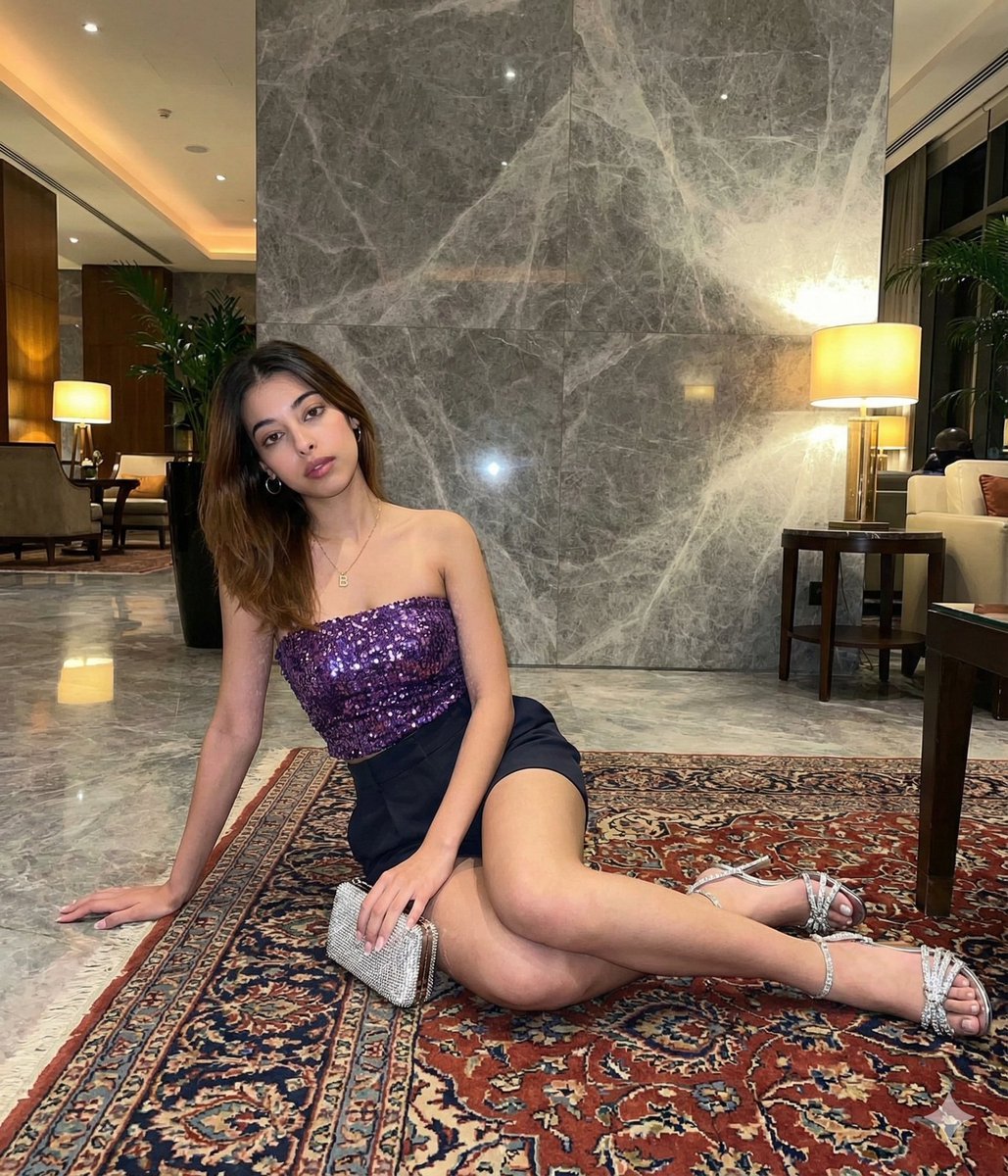
Luxury Hotel Lobby Portrait Prompt
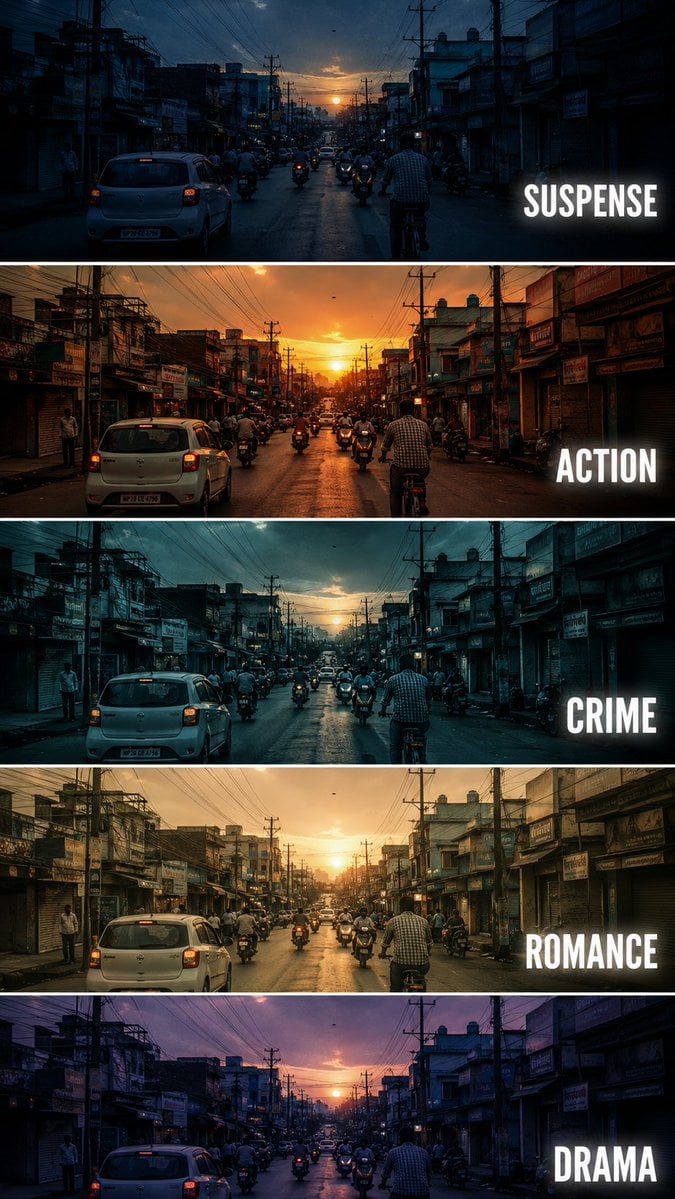
Cinematic Film Genre Color Grading Comparison

Faceless Fire Wizard Anime Scene
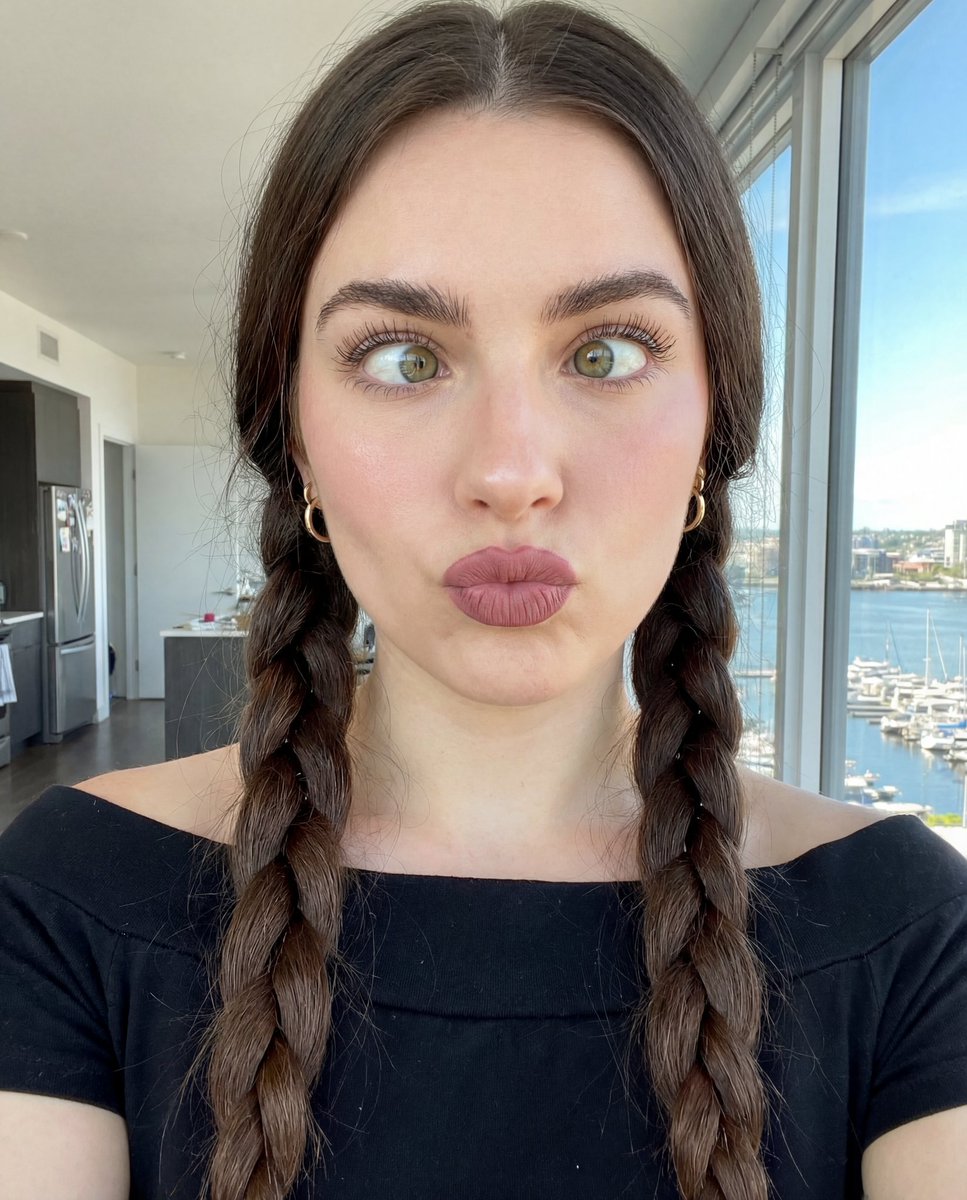
Hyper-Detailed Selfie Portrait Prompt with Anatomical Specs

Anime Spring Travel Film Poster
Kawaii Character Snow Globes
Cloud Silhouette Drop-in Prompt Template
Three-Panel South Asian Bride in Snowy Landscape
Browse template categories
Japanese Hospital Comedy DVD Cover questions
How do I use the Japanese Hospital Comedy DVD Cover template?
Add your photo if the template asks for one, edit the prompt if you like — the template's model and format are already selected — and press Generate. Your version opens in PicX Studio.
Can I customize the Japanese Hospital Comedy DVD Cover template?
Yes. You can change the subject, setting, lighting, mood, format, and available model controls before creating your image.
Is the Japanese Hospital Comedy DVD Cover template free?
Opening and editing this template is free. Generating uses credits, shown on the Generate button when you are signed in.
Which AI model should I use?
Start with GPT Image 2, which is the model associated with this template. You can compare another compatible model for a different finish.
Looking for something else? Browse all templates.

Your photo, any look
Thousands of ready templates for every top image and video model, from one credit balance.