How do I use the Anime Spring Travel Film Poster template?
Edit the prompt in the box under the preview — the template's model and format are already selected — and press Generate. Your version appears right on this page.
This prompt generates a cinematic anime-style movie poster with a central heroine, travel-scene collage backgrounds, and elegant festival-poster typography for promotional or concept art use.

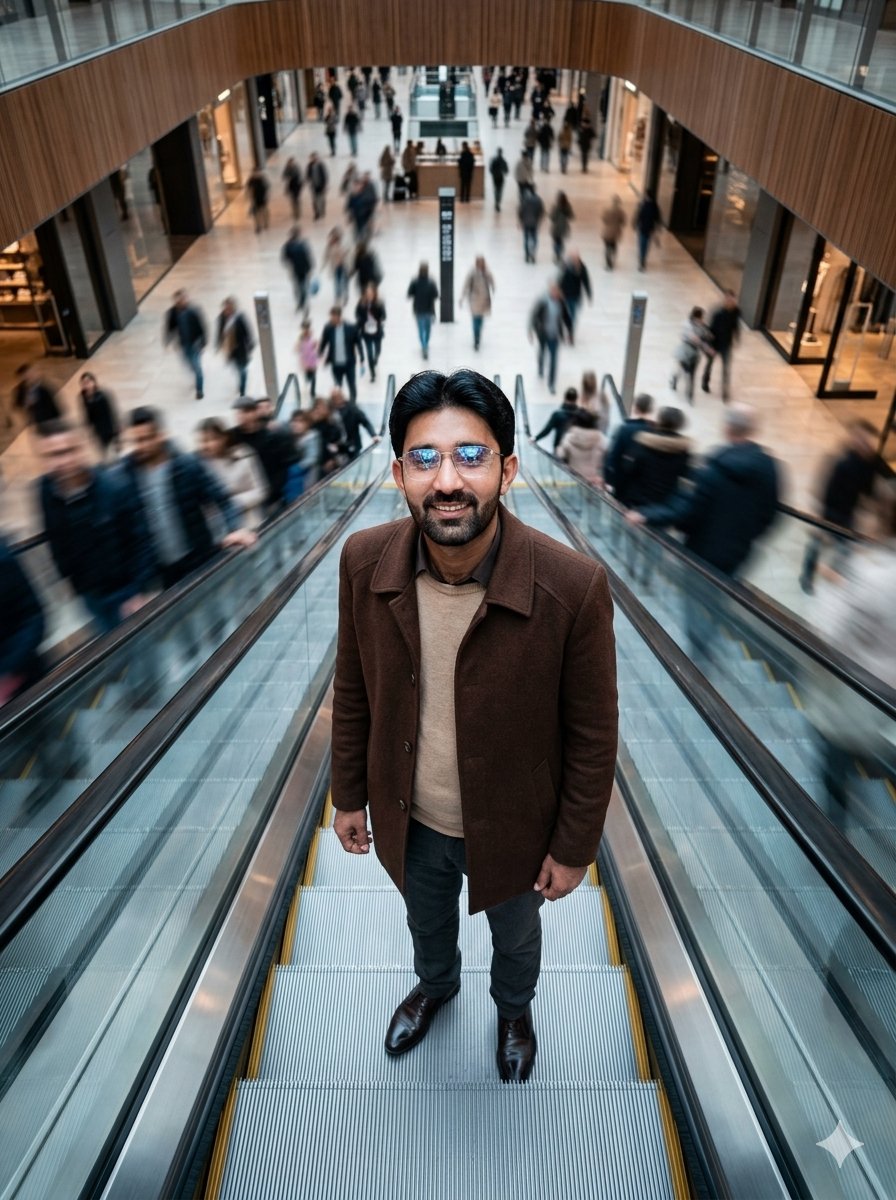
This template uses your photo — add one with the + button.
A polished anime-style international film poster with a cinematic, slightly painterly look and soft natural lighting. Center the composition on a young woman shown from mid-thigh up, standing in a relaxed pose with one hand in the pocket of an oversized navy zip hoodie. The hoodie has two yellow athletic stripes running down each sleeve, a loose hood, and a partially open zipper over a fitted white tank top with thin black straps visible underneath. She wears a black choker and a single dark dangling earring. Her hair is a short platinum-silver bob with long side-swept bangs and a smooth, airy texture. Her face is intentionally obscured by a flat rectangular censor block in a muted beige tone. Keep the overall styling elegant and restrained rather than overly detailed, with a more natural, believable finish than flashy hyper-rendered anime art. Build the background as a travel-movie collage made of diagonal panel slices: one panel shows a coastal Mediterranean-style town on cliffs beside calm blue water with distant birds; one panel shows a rural railway line with a train on the left and utility poles along the tracks; one panel shows snow-covered mountains and a winding road in a quiet valley; one panel shows a dusky city skyline with glowing lights; and one panel shows a seaside road curving along the coast at sunset. Use a soft cream, blue, and slate palette with a nostalgic spring-travel mood. Add elegant festival-award laurels on the upper left, exactly 3 stacked laurels with Spanish text indicating major animation festival awards. Add large centered title typography near the bottom reading {argument name="headline text" default="VIAJES DE PRIMAVERA"}, with a refined serif font in pale ivory. Beneath it, add a smaller italic tagline in Spanish reading {argument name="tagline" default="Cada destino cambia su corazón."}. Add a release line below that reading {argument name="release text" default="PRÓXIMAMENTE EN CINES"}. Include tiny production-credit text and a small studio logo at the very bottom. The image should feel like an arthouse animated movie poster advertising a spring journey drama, with balanced negative space, premium layout design, and realistic printed-poster typography.
A polished anime-style international film poster with a cinematic, slightly painterly look and soft natural lighting. Center the composition on a young woman shown from mid-thigh up, standing in a relaxed pose with one hand in the pocket of an oversized navy zip hoodie. The hoodie has two yellow athletic stripes running down each sleeve, a loose hood, and a partially open zipper over a fitted white tank top with thin black straps visible underneath. She wears a black choker and a single dark dangling earring. Her hair is a short platinum-silver bob with long side-swept bangs and a smooth, airy texture. Her face is intentionally obscured by a flat rectangular censor block in a muted beige tone. Keep the overall styling elegant and restrained rather than overly detailed, with a more natural, believable finish than flashy hyper-rendered anime art. Build the background as a travel-movie collage made of diagonal panel slices: one panel shows a coastal Mediterranean-style town on cliffs beside calm blue water with distant birds; one panel shows a rural railway line with a train on the left and utility poles along the tracks; one panel shows snow-covered mountains and a winding road in a quiet valley; one panel shows a dusky city skyline with glowing lights; and one panel shows a seaside road curving along the coast at sunset. Use a soft cream, blue, and slate palette with a nostalgic spring-travel mood. Add elegant festival-award laurels on the upper left, exactly 3 stacked laurels with Spanish text indicating major animation festival awards. Add large centered title typography near the bottom reading {argument name="headline text" default="VIAJES DE PRIMAVERA"}, with a refined serif font in pale ivory. Beneath it, add a smaller italic tagline in Spanish reading {argument name="tagline" default="Cada destino cambia su corazón."}. Add a release line below that reading {argument name="release text" default="PRÓXIMAMENTE EN CINES"}. Include tiny production-credit text and a small studio logo at the very bottom. The image should feel like an arthouse animated movie poster advertising a spring journey drama, with balanced negative space, premium layout design, and realistic printed-poster typography.
Edit the prompt in the box under the preview — the template's model and format are already selected — and press Generate. Your version appears right on this page.
Yes. You can change the subject, setting, lighting, mood, format, and available model controls before creating your image.
Opening and editing this template is free. Generating uses credits, shown on the Generate button when you are signed in.
Start with GPT Image 2, which is the model associated with this template. You can compare another compatible model for a different finish.
Follow a topic to a crawlable collection of related PicX Studio templates.