
Cinematic Editorial Travel Poster
A detailed prompt for generating professional, travel-themed editorial posters with integrated 3D typography and layered cinematic photography.
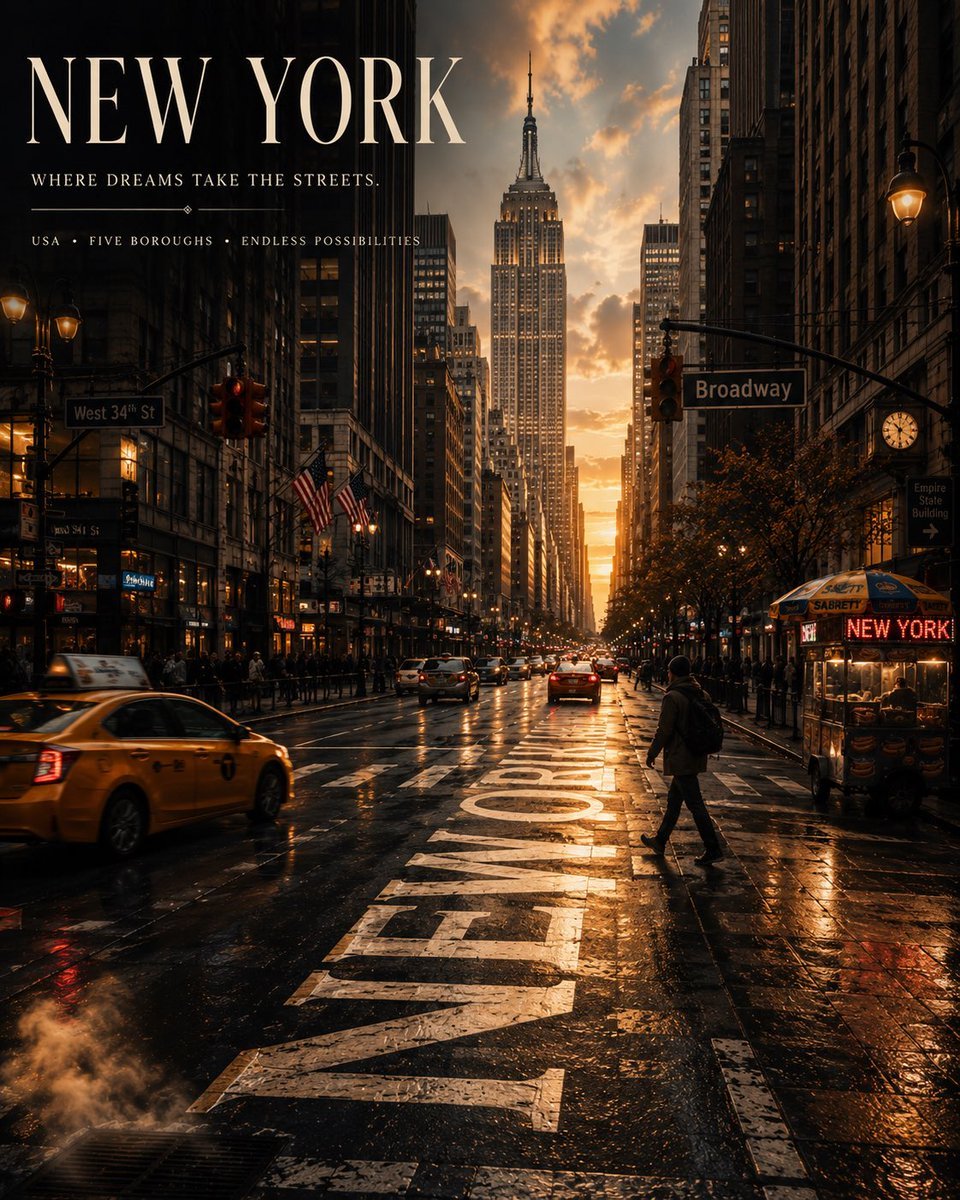
- Prompt included
- Model and format preset
- Free template
The prompt behind this image
Copy the exact prompt behind Cinematic Editorial Travel Poster, or open it in the studio and make it yours.
Create a premium 4:5 vertical cinematic travel poster for {argument name="city" default="[CITY]"}, {argument name="country" default="[COUNTRY]"}, using a completely original editorial concept that captures the unique identity, atmosphere, architecture, culture, and visual character of the destination. Scene Create an atmospheric {argument name="time of day" default="[TIME OF DAY / WEATHER]"} view of [ICONIC OR DISTINCTIVE CITY ENVIRONMENT], photographed from a sophisticated cinematic perspective. Show [TRADITIONAL ARCHITECTURE / LANDMARKS / STREETS / NATURAL FEATURES] naturally integrated into the environment. Include authentic local details such as [LOCAL DETAILS — signs, cafés, boats, markets, lanterns, flowers, architecture, etc.]. The composition should feel like a real moment captured while traveling rather than a conventional tourist postcard. Signature Visual Element Make [ROAD / WATER / WALL / SHADOW / REFLECTION / ARCHITECTURAL SURFACE] the main creative centerpiece. Integrate enormous elegant typography reading: [CITY]. The lettering should interact naturally with the environment — appearing [PAINTED ON THE STREET / REFLECTED IN WATER / FORMED BY SHADOWS / EMBEDDED INTO STONE / CREATED BY ARCHITECTURE]. The typography should follow realistic perspective, lighting, texture, and depth so it feels physically present within the scene rather than digitally pasted on. Foreground Include [FOREGROUND OBJECT] that represents the feeling of traveling through the destination. Add [PERSON / VEHICLE / BICYCLE / CAFÉ TABLE / SUITCASE / BOAT / OTHER ELEMENT] naturally into the composition. The foreground should create depth and give the image a sense of narrative without overpowering the city. Atmosphere Create a [QUIET / ROMANTIC / DREAMLIKE / ENERGETIC / MYSTERIOUS / NOSTALGIC] atmosphere. Use [SUNRISE / GOLDEN HOUR / BLUE HOUR / NIGHT / OVERCAST / RAIN] lighting. Include subtle environmental details such as [MIST / RAIN REFLECTIONS / WIND / FALLING LEAVES / BIRDS / LIGHT FOG / SUN FLARES / STREET LIGHTS]. Use a sophisticated destination-specific color palette based on the actual character of [CITY]. Poster Typography Main title: [CITY] Subtitle: [SHORT ORIGINAL CITY TAGLINE] Small supporting line: [COUNTRY] • [DISTINCTIVE CITY CHARACTERISTIC] • [SHORT PHRASE] Typography should be elegant, minimal, refined, and editorial — inspired by luxury travel magazines and premium international tourism campaigns. Use sophisticated serif typography with generous spacing and strong visual hierarchy. Place the main title in an area of natural negative space so it does not obscure important architecture. Composition Create three strong visual layers: Foreground: [FOREGROUND ELEMENTS] Middle ground: [STREETS / ARCHITECTURE / PEOPLE / LOCAL LIFE] Background: [LANDMARK / SKYLINE / MOUNTAINS / SEA / DISTANT CITY] Use realistic depth, atmospheric perspective, natural framing, and cinematic leading lines. Visual Style Ultra-realistic cinematic travel photography fused with luxury editorial poster design. Subtle 35mm fil
How to use Cinematic Editorial Travel Poster in 3 steps
- 1
Open
The prompt is already in the box next to the preview, with the template's model and format selected.
- 2…a portrait of your subject in softgolden-hour light, 85mm…
Personalize
Edit the subject and creative details for your destination.
- 3Generate
Generate
Press Generate — your image is created in PicX Studio, so you can compare it with the original and refine one variable at a time.
More like this
Templates with the same subject, style or setup. Open one to see its prompt.

Japan Travel Brochure Poster

Urban Fashion Editorial Collage Poster

Typography Mask Editorial Fashion Poster

Luxury Sliced Wordmark Player Poster

Premium Vintage Travel Poster Landscape
Premium Vintage Travel Poster Landscape

19 Luxury Helicopter Travel — California Series

Premium Editorial Branding Poster Charcoal Green

City Posters by Nano Banana Pro

Cartoon TV Show Poster Pack

Cinematic Korean Streetwear Street Portrait

Korean Model Floating Magazine Pages Campaign
Make it yours
Cinematic Editorial Travel Poster works as-is. These are the safest ways to change it without losing the look.
Change one field
Copy a single group, rewrite it, and generate again so you can see what that field is doing.
Keep the frame, change the subject
Hold the composition and light of Cinematic Editorial Travel Poster, then swap wardrobe, props or the person for a new take.
| If the result… | Why | Fix |
|---|---|---|
| The result drifts from the preview | Too many fields changed at once. | Reuse Cinematic Editorial Travel Poster as-is first, then change one group — subject, light, or setting. |
| The model over-stylizes the scene | The prose prompt leaves finish and camera underspecified. | Add one camera or lighting sentence and stay on GPT Image 2. |
More GPT Image 2 templates
Other prompts made for GPT Image 2.

Six VTuber Japanese Logo Sheet

Realistic Portrait of Woman and Deer

The Vista Modular Condo Poster

AI Model Routing Comparison Infographic

2.5D Anime Art Board

Isometric Productivity Desk Scene

New York Double Exposure Poster

Four-Panel AI Landscape Comparison

Japanese Tatami Lifestyle Magazine Cover

NESCAFÉ Coffee Map Poster
More image prompts
Fresh picks from across the catalog.
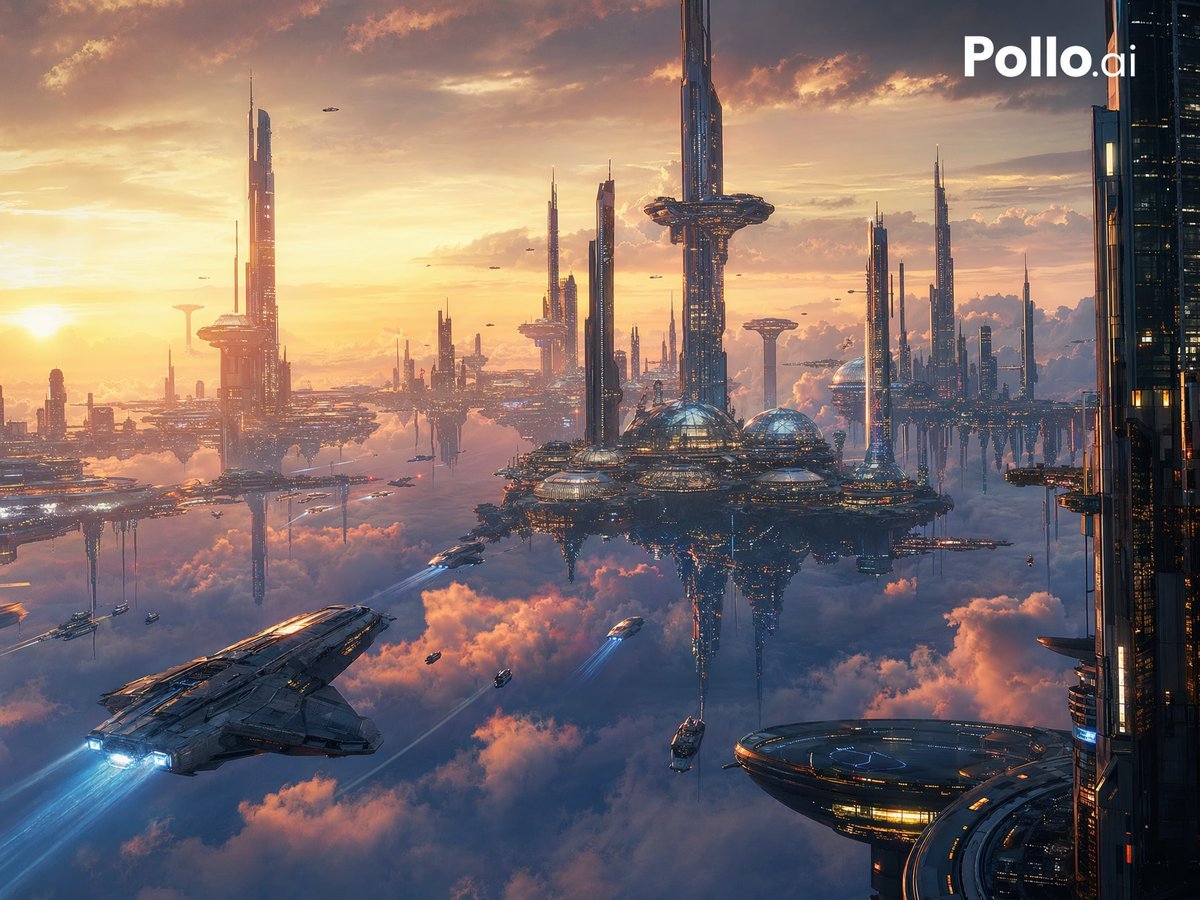
Futuristic Floating City at Sunset
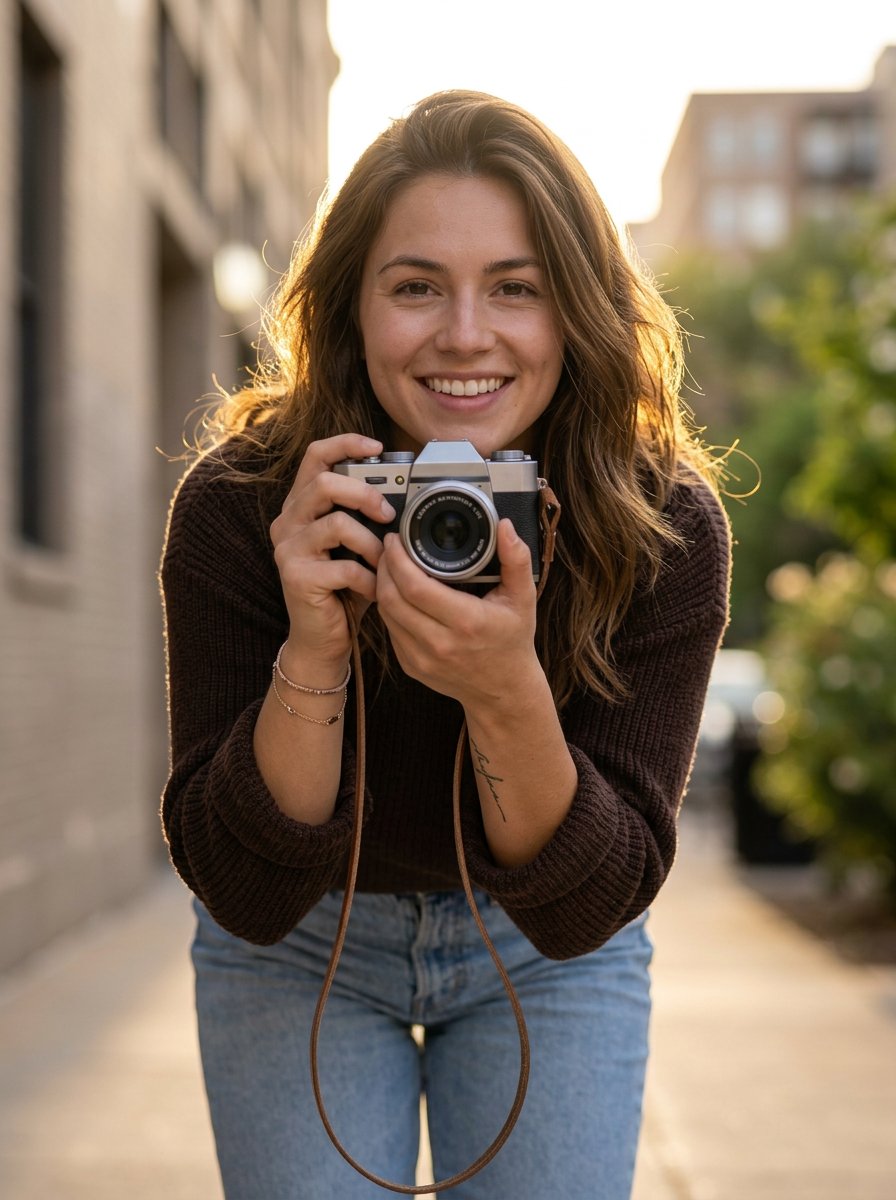
photoshoot
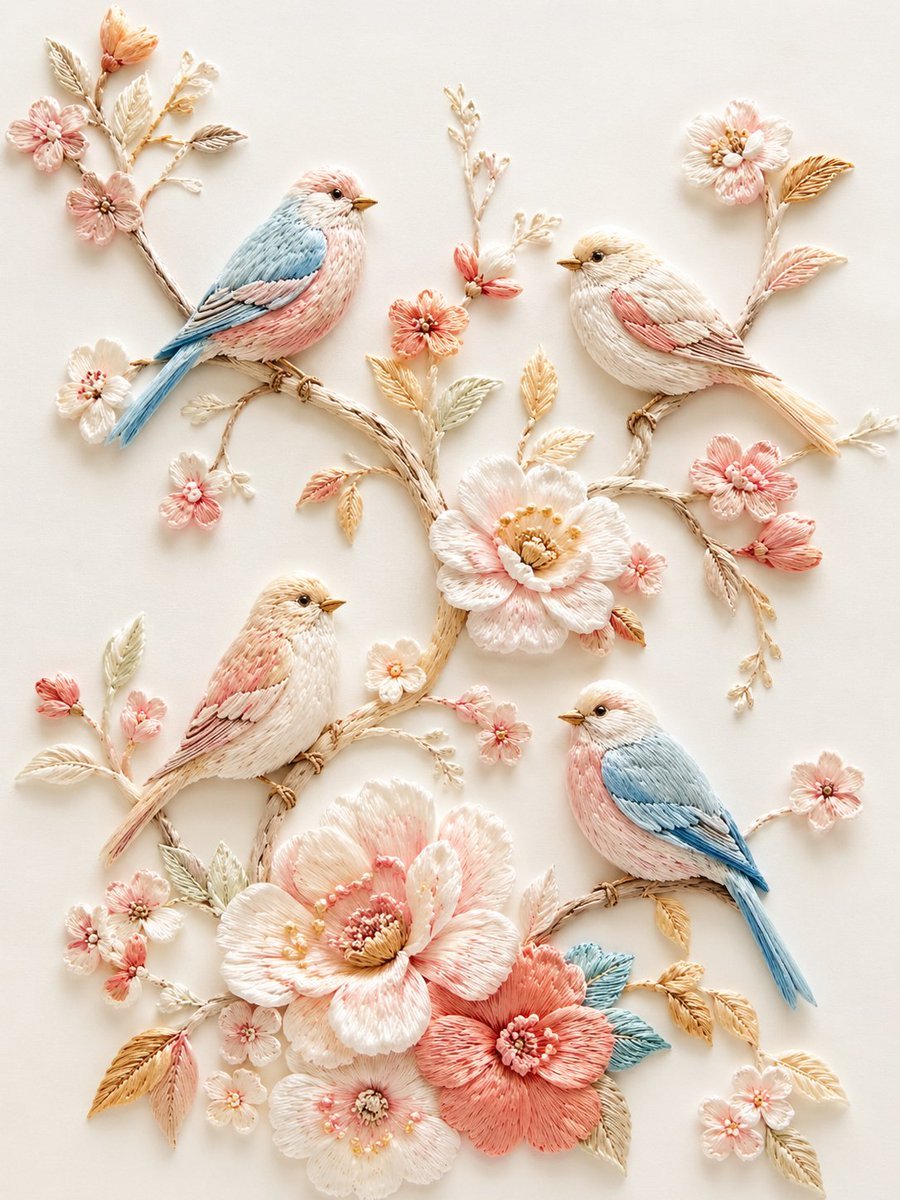
Exquisite Relief Embroidery Illustration
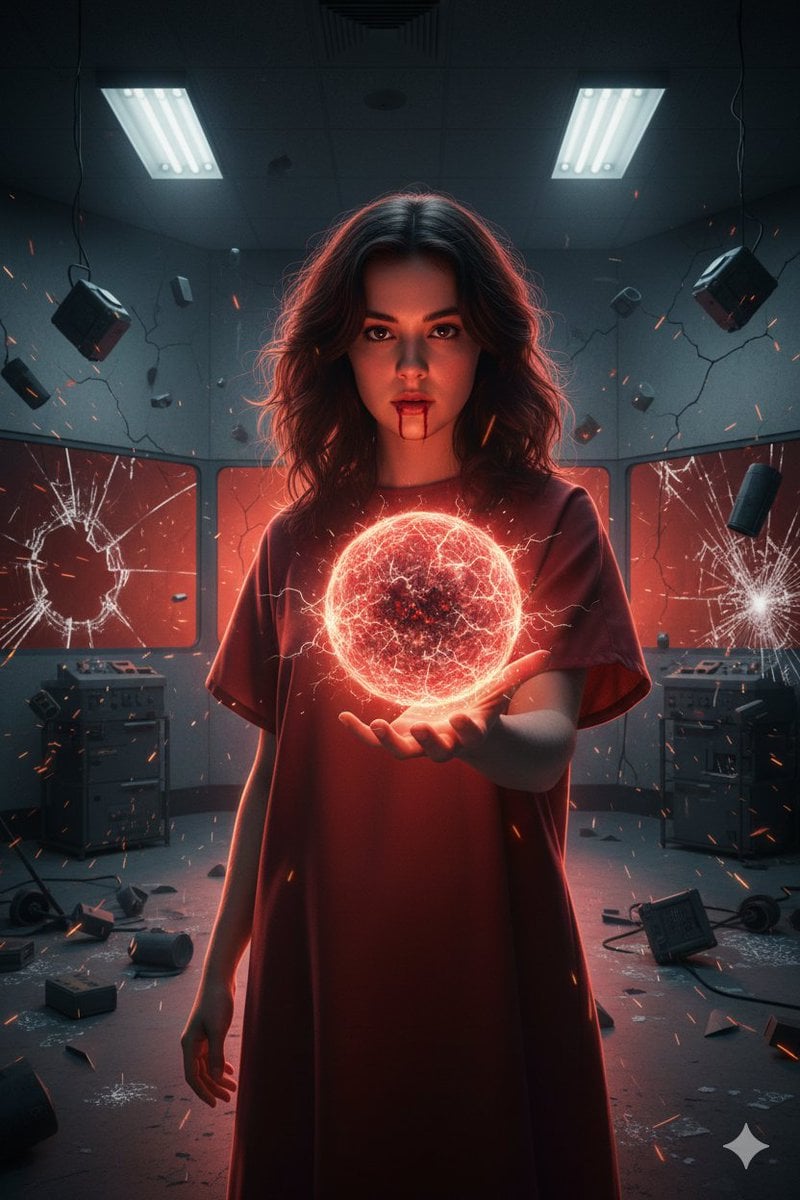
Psychic Woman in Underground Lab Cinematic Scene

Supermarket sale flyer in Japanese

Self-Care Morning Routine Portrait
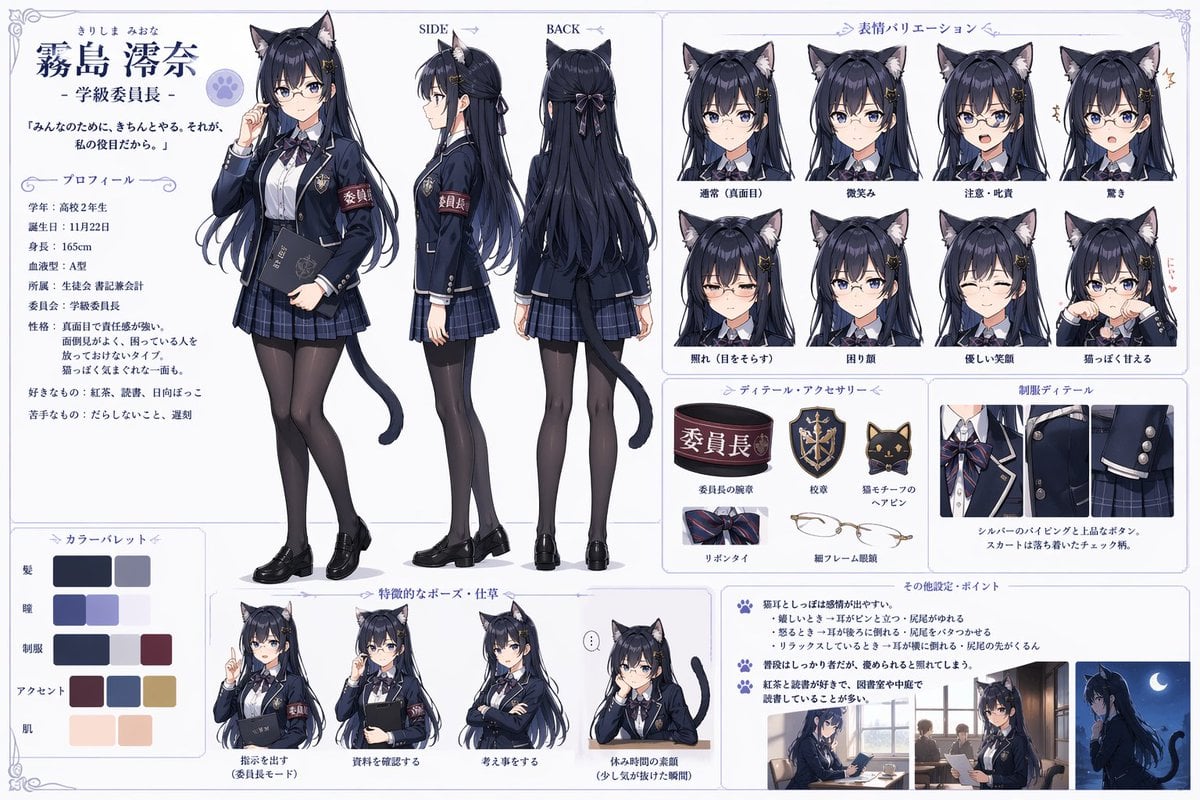
Catgirl Student Council Reference Sheet

Ultra-Cinematic Splash Photography of Coffee and Chocolate

High-Fashion Editorial with Newspaper Dress
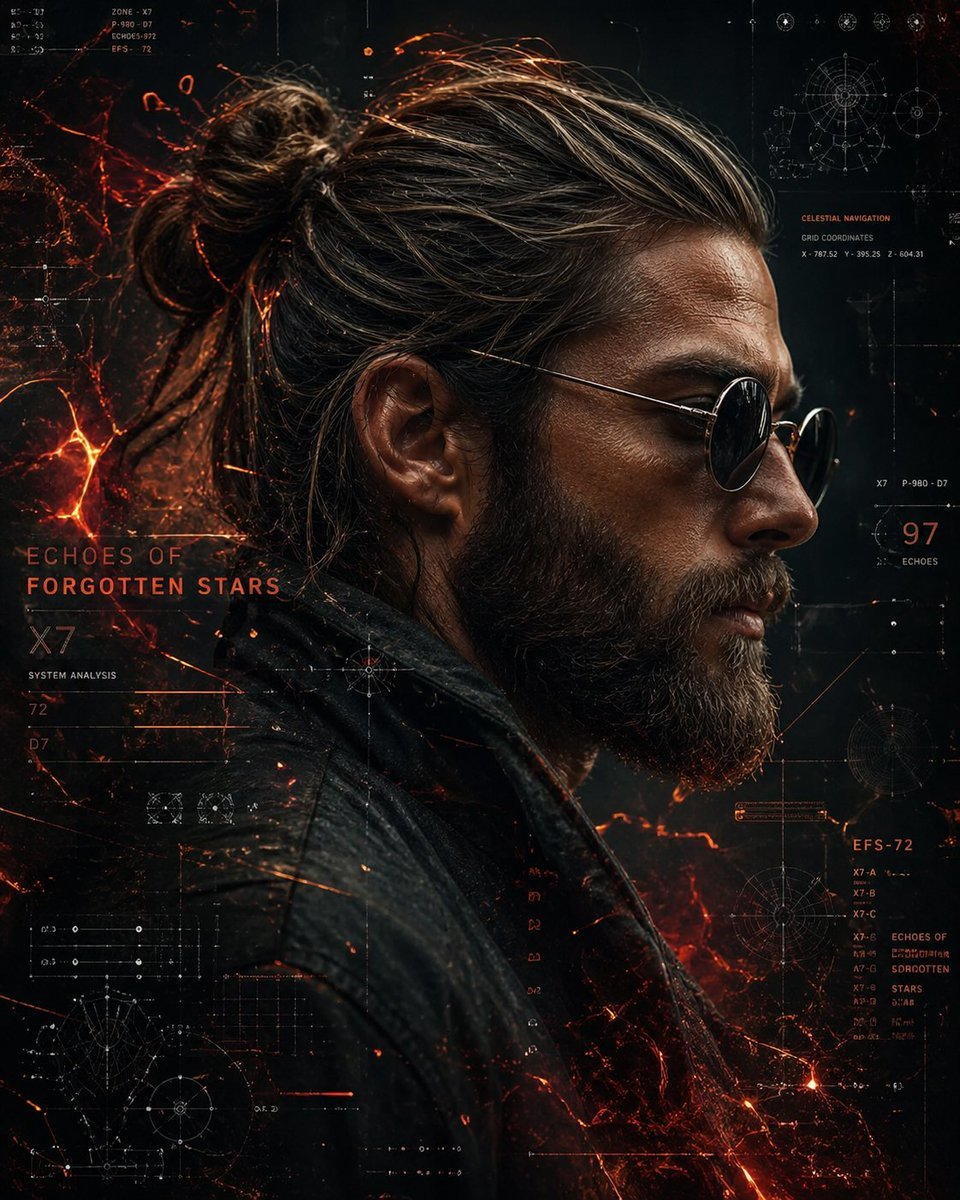
Cyberpunk Portrait with Sci-Fi Interface
Browse template categories
Cinematic Editorial Travel Poster questions
How do I use the Cinematic Editorial Travel Poster template?
Add your photo if the template asks for one, edit the prompt if you like — the template's model and format are already selected — and press Generate. Your version opens in PicX Studio.
Can I customize the Cinematic Editorial Travel Poster template?
Yes. You can change the subject, setting, lighting, mood, format, and available model controls before creating your image.
Is the Cinematic Editorial Travel Poster template free?
Opening and editing this template is free. Generating uses credits, shown on the Generate button when you are signed in.
Which AI model should I use?
Start with GPT Image 2, which is the model associated with this template. You can compare another compatible model for a different finish.
Looking for something else? Browse all templates.

Your photo, any look
Thousands of ready templates for every top image and video model, from one credit balance.