
photoshoot
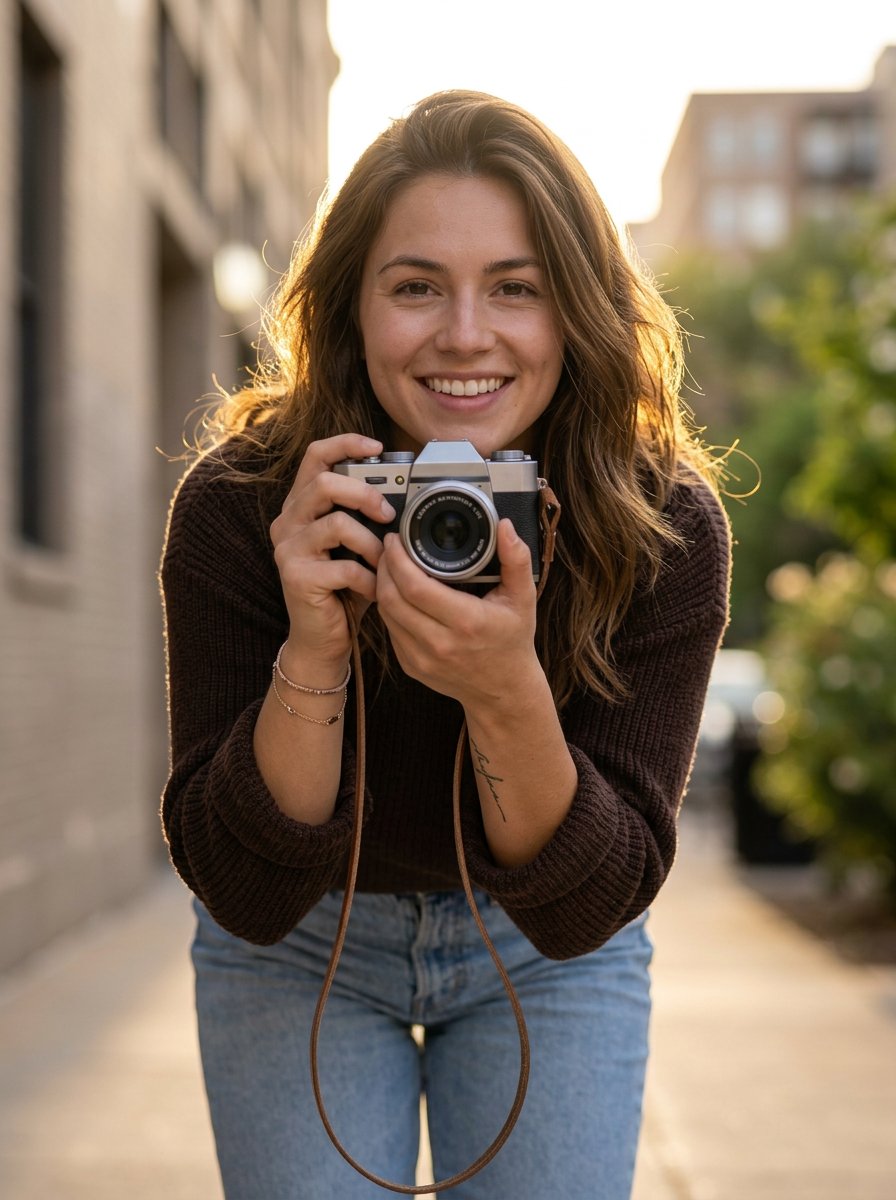
photoshoot is a ready photo look.
- Prompt included
- Model and format preset
- Free template
The prompt behind this image
Copy the exact prompt behind photoshoot, or open it in the studio and make it yours.
AI Image Generation Prompt A cinematic close-up photograph of a young female photographer leaning forward toward the camera, playfully pointing a vintage silver-and-black mirrorless camera directly at the viewer as if she is about to take a photo. Her body is slightly bent forward, creating a dynamic perspective where the camera appears large in the foreground. She is smiling naturally with a joyful, candid expression. She is wearing a dark brown knitted sweater with sleeves rolled slightly up and light blue denim jeans. On her wrist are delicate bracelets and she has small gold hoop earrings. A thin camera strap hangs loosely from the camera. There is a small subtle tattoo visible on her forearm. The scene is outdoors in a city street environment during golden hour. Warm sunlight creates a soft glowing backlight around her hair and shoulders. The background contains blurred urban elements such as a tall building wall on one side and soft greenery near the bottom edge, with shallow depth of field and creamy bokeh. Camera angle is low and slightly tilted upward, creating an immersive perspective as if the viewer is being photographed. Lighting is warm, cinematic, and slightly hazy with sun flare and soft highlights. Photography style lifestyle photography candid moment shallow depth of field 50mm lens look f/1.8 aperture soft golden hour lighting natural skin tones professional editorial photography ultra-realistic, high resolution, 4k detail Face Replacement Instruction Use the face from the uploaded reference image. Keep the same facial identity, facial structure, skin tone, and expression while matching the lighting and perspective of the scene. Blend the face naturally with the body and maintain realistic shadows and highlights.
How to use photoshoot in 3 steps
- 1Upload ImagePNG, JPG or paste
Add your photo
Upload the photo the template builds on. The prompt, model and format are already set.
- 2…a portrait of your subject in softgolden-hour light, 85mm…
Personalize
Edit the subject and creative details for your destination.
- 3Generate
Generate
Press Generate — your image is created in PicX Studio, so you can compare it with the original and refine one variable at a time.
More like this
Templates with the same subject, style or setup. Open one to see its prompt.
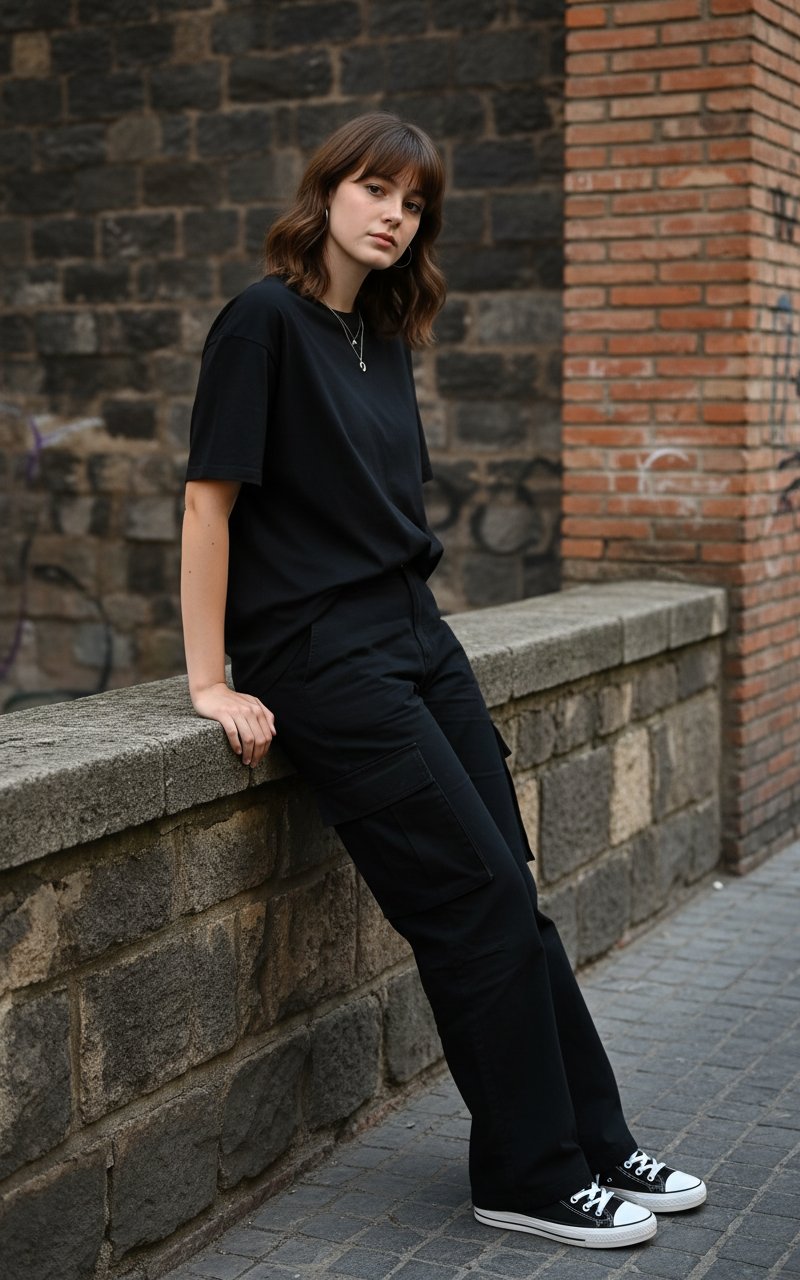
Standing by the wall
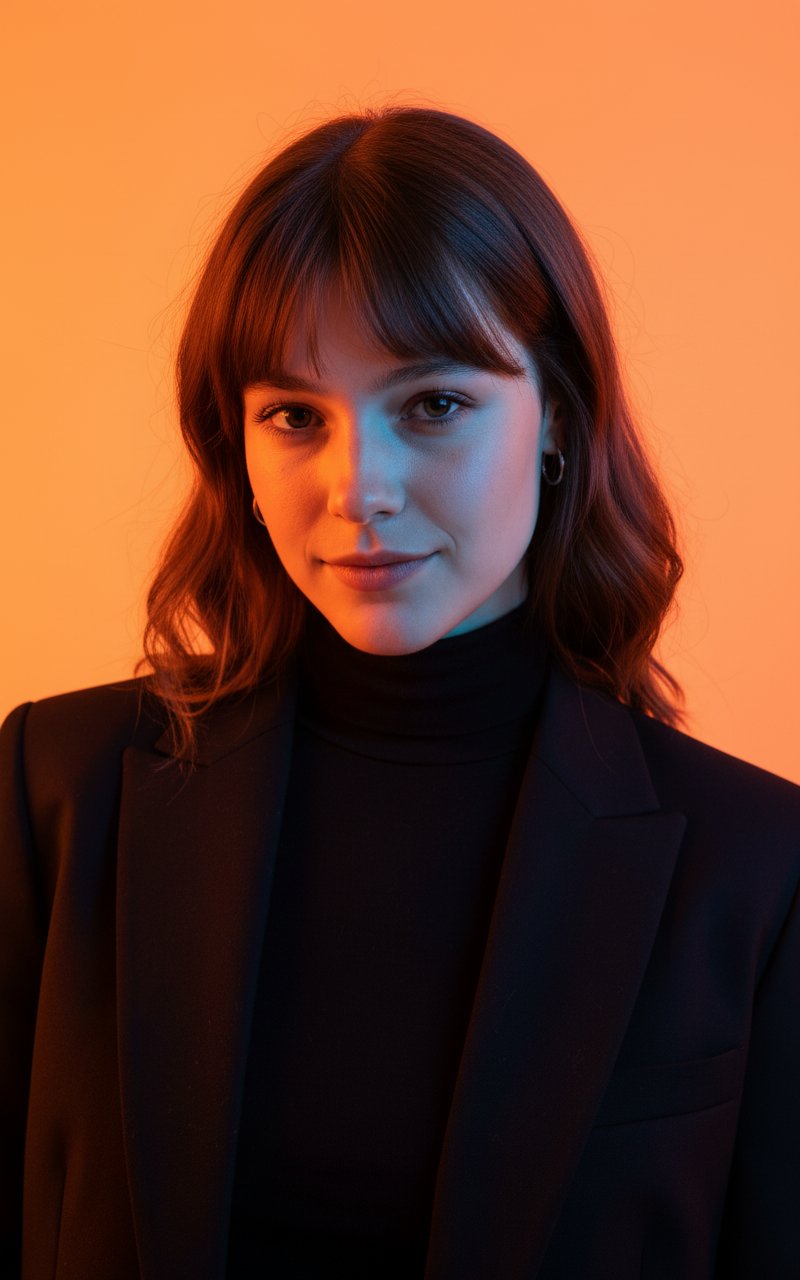
Colour Professional Photoshoot
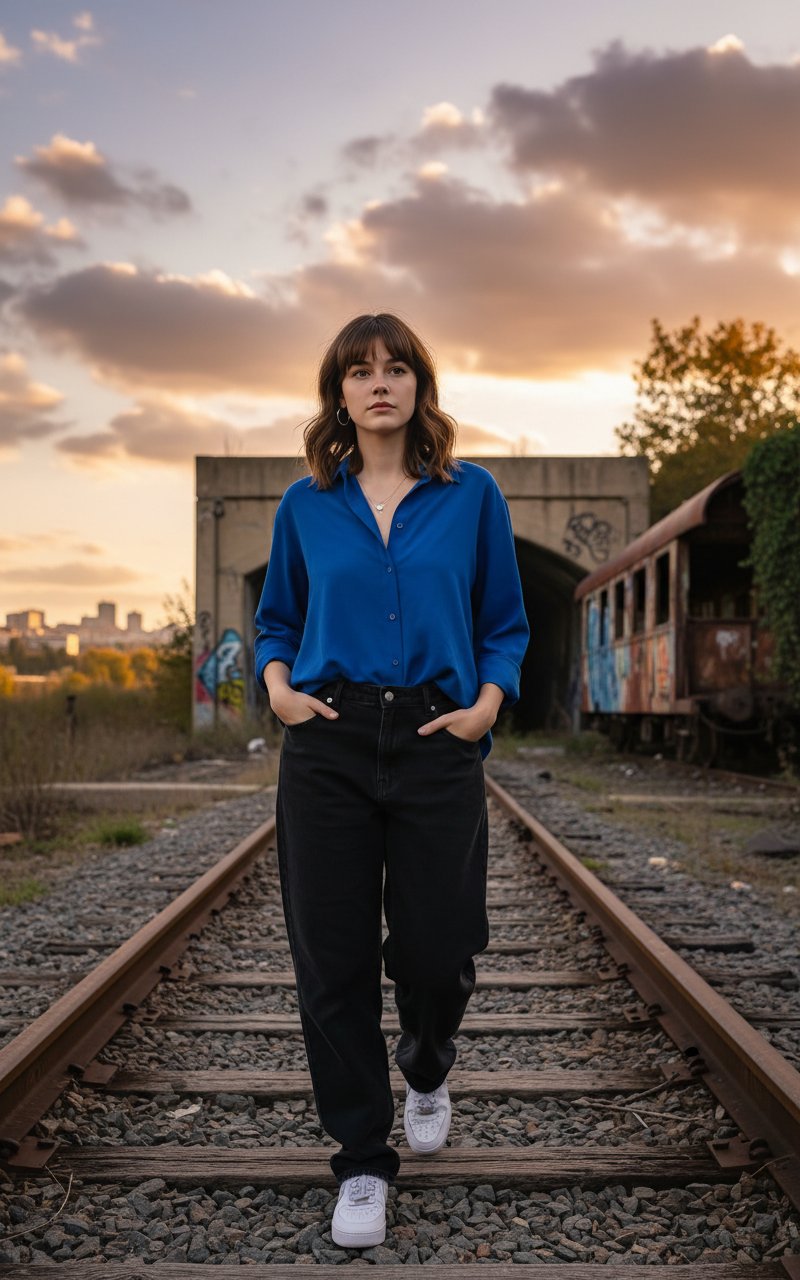
Walking in Track
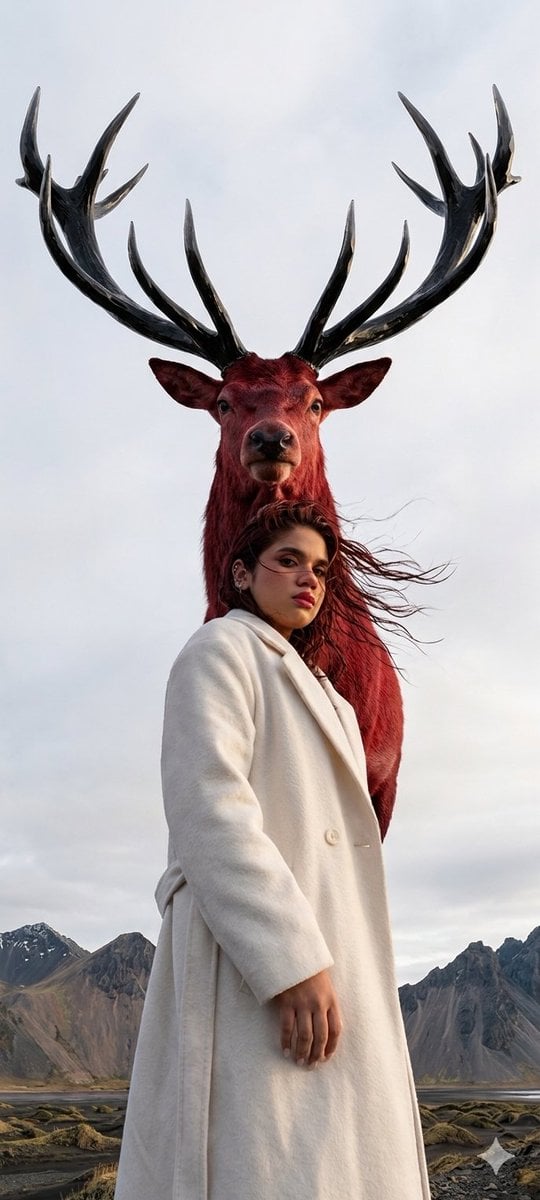
Majestic mountain deer photoshoot
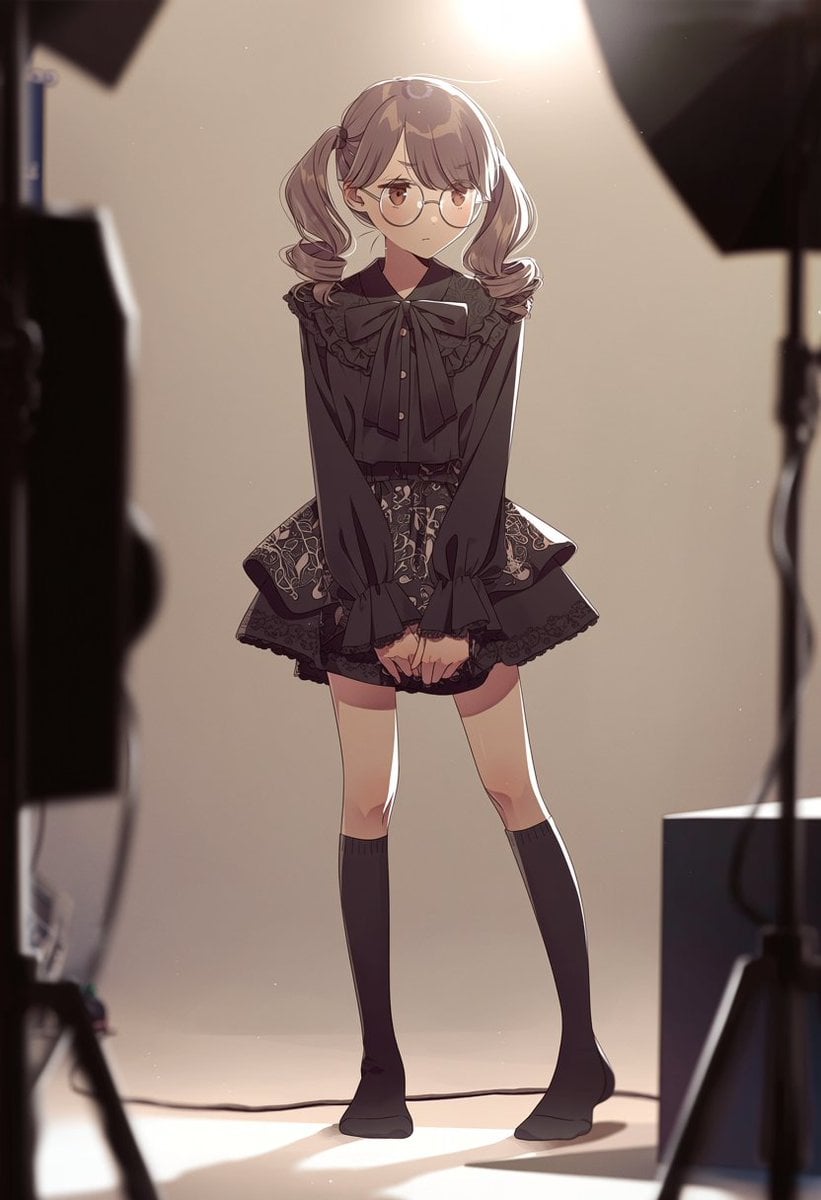
Anime Studio Photoshoot Transformation
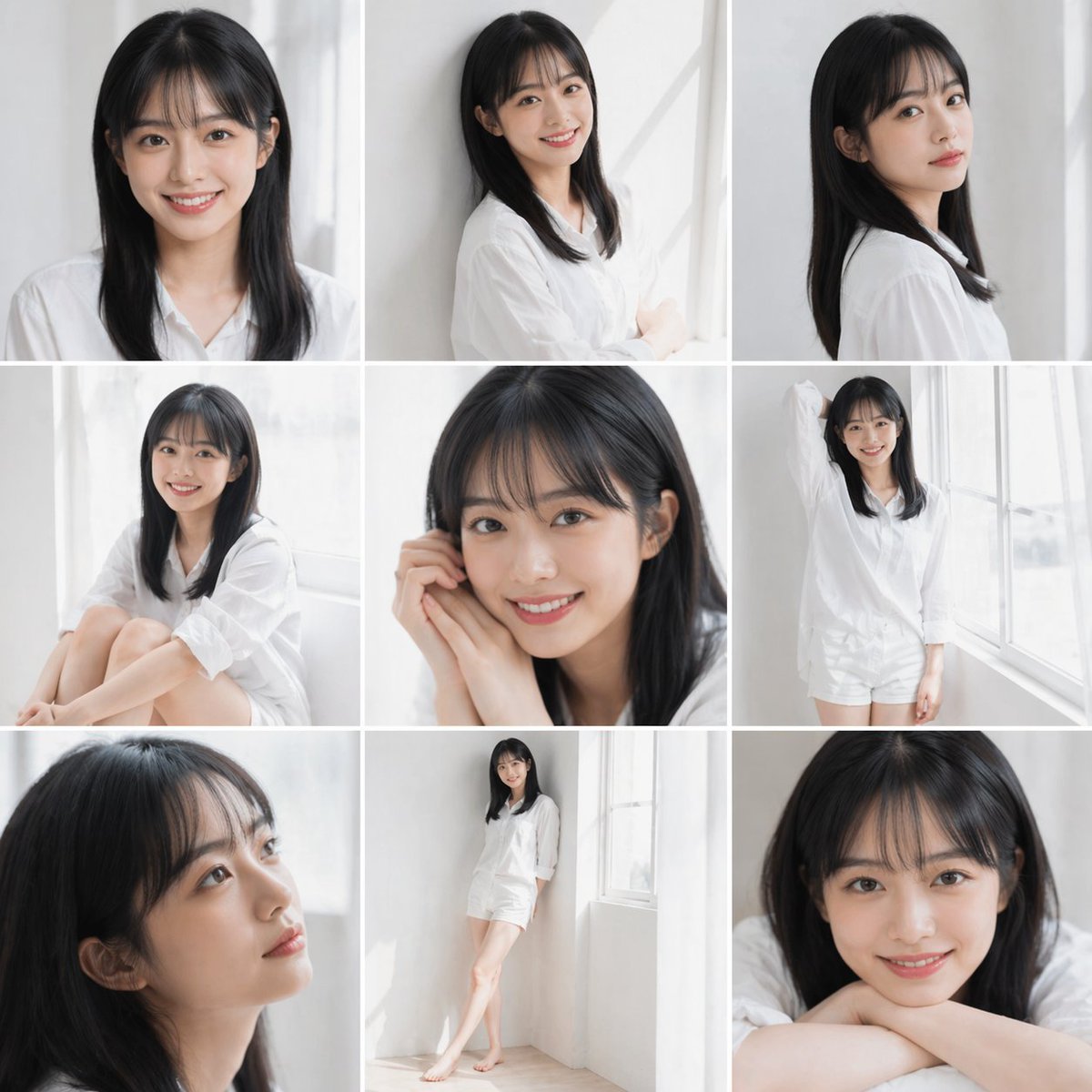
Clean Japanese/Korean Style Photoshoot
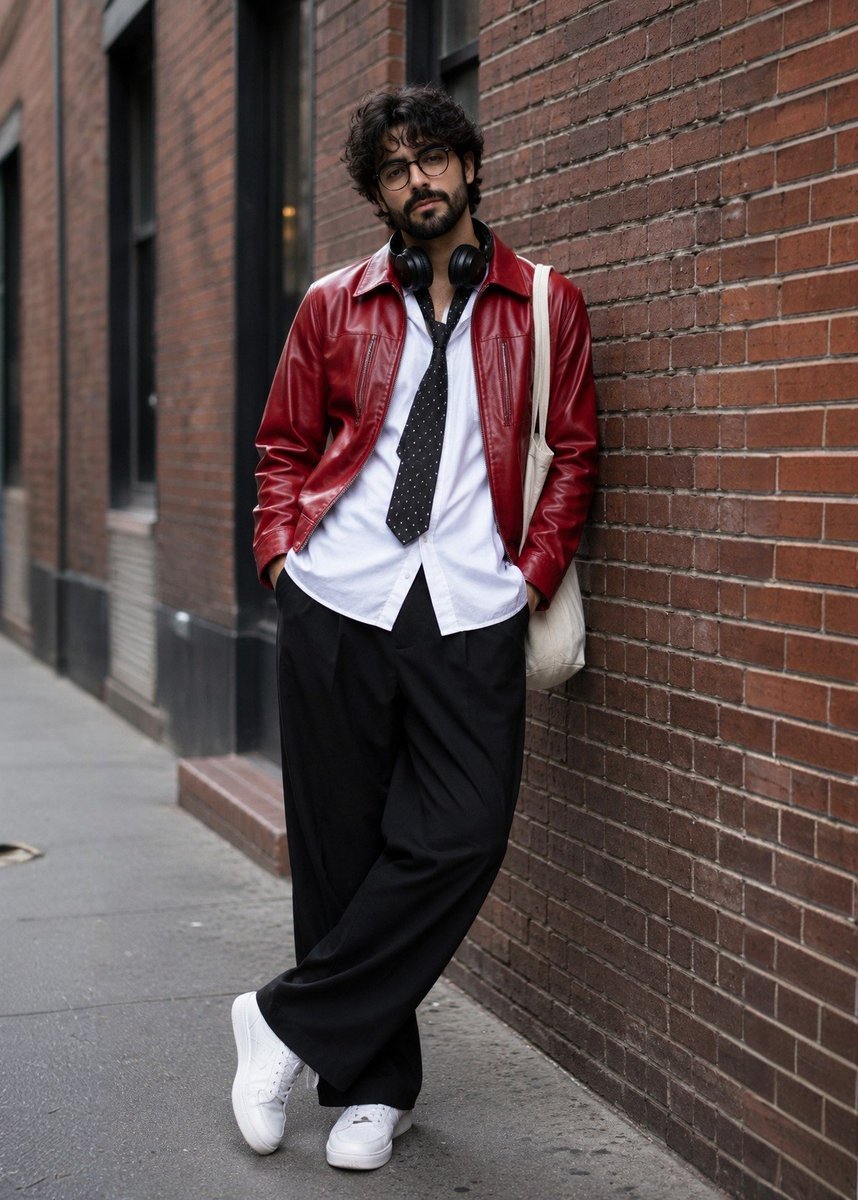
Street Fashion Photoshoot
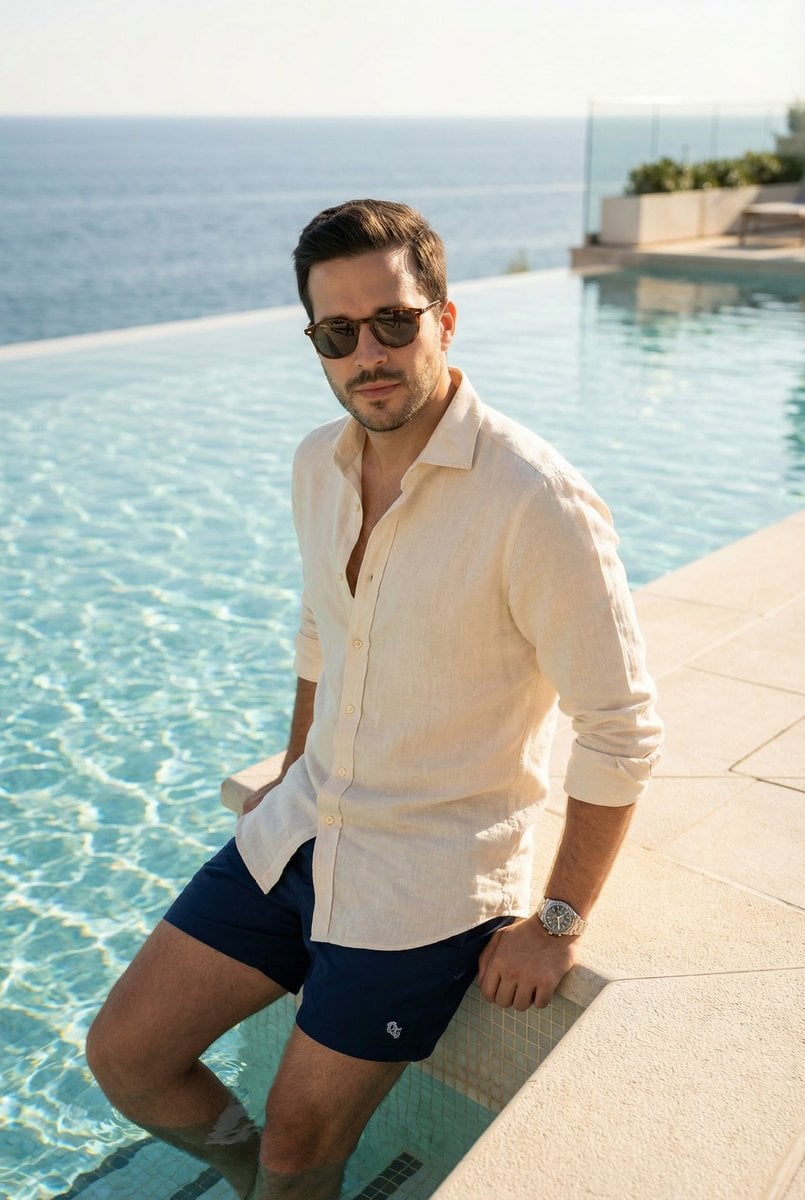
Editorial poolside fashion photoshoot of a man
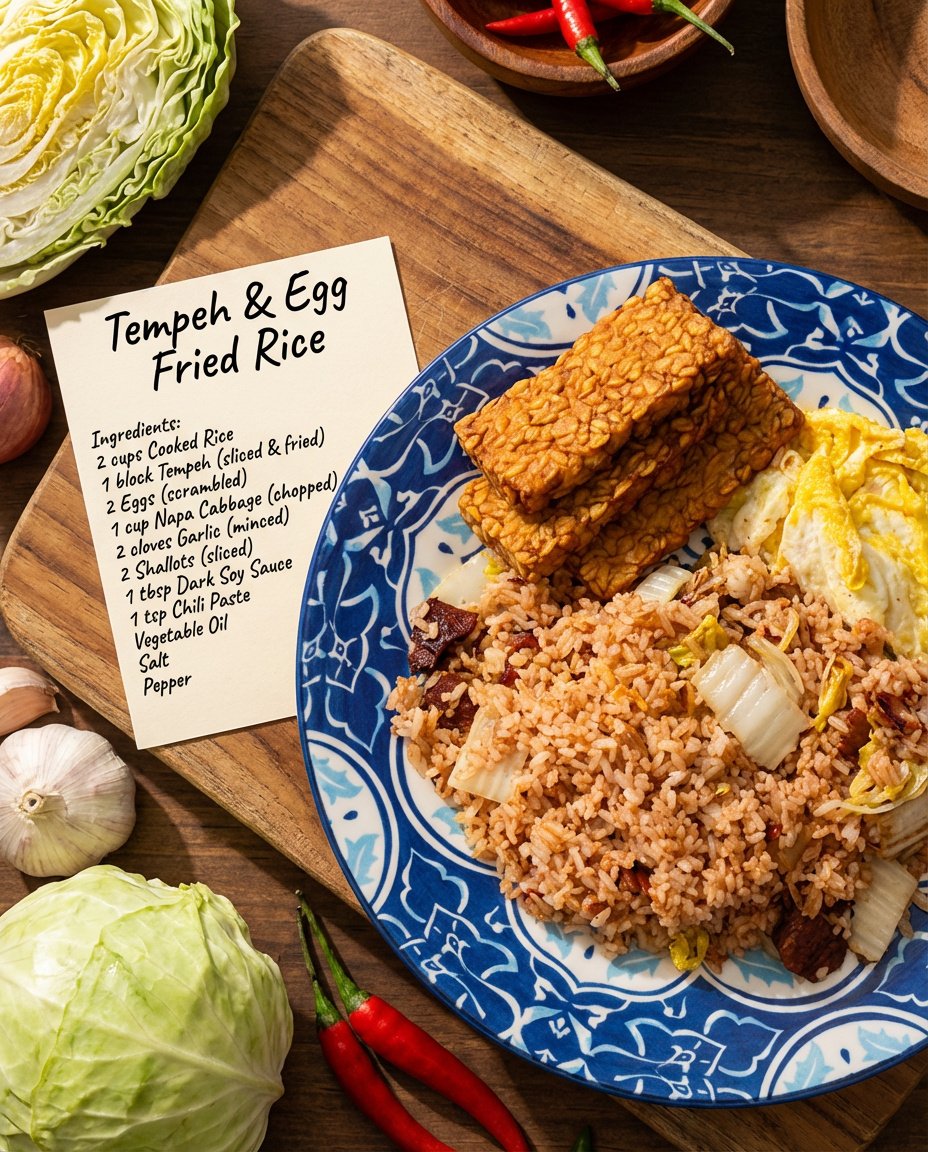
Recipe breakdown and food photoshoot
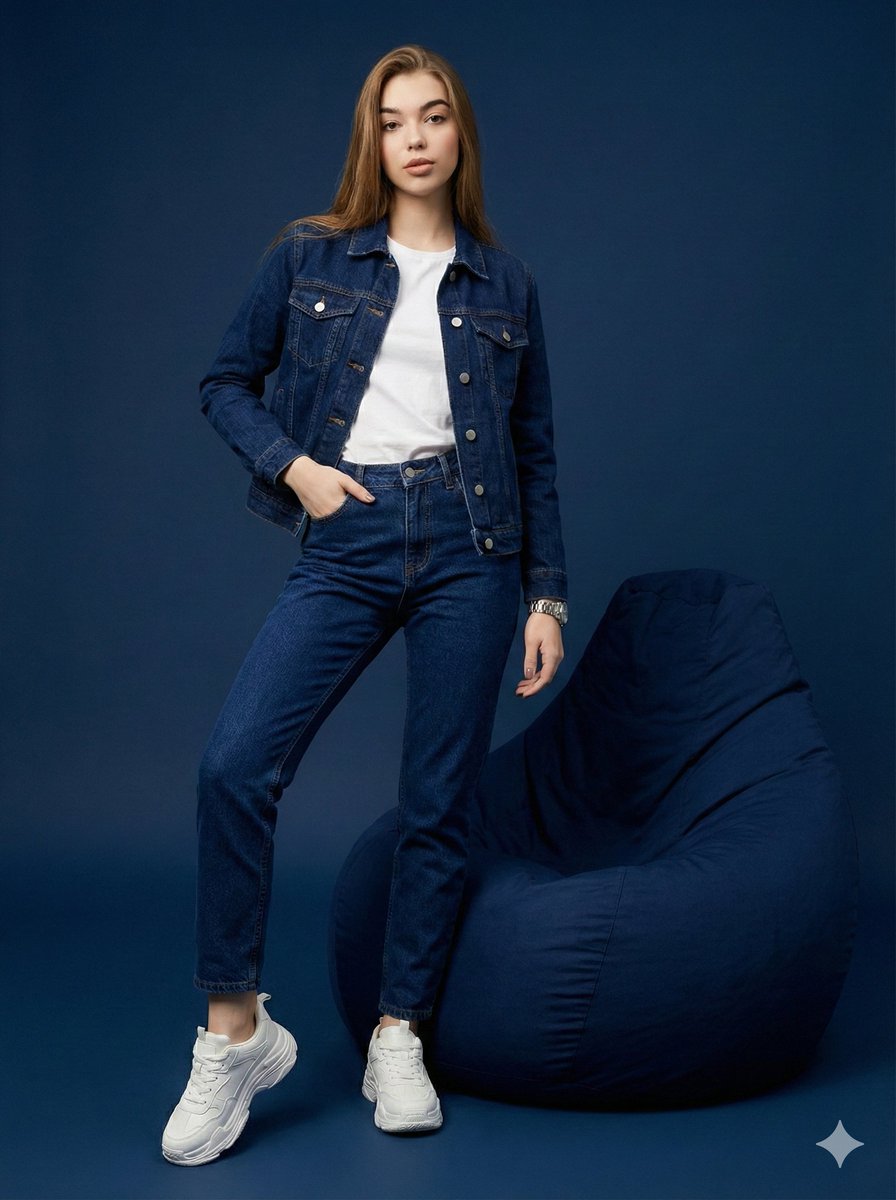
Hyper-Realistic Navy Fashion Photoshoot
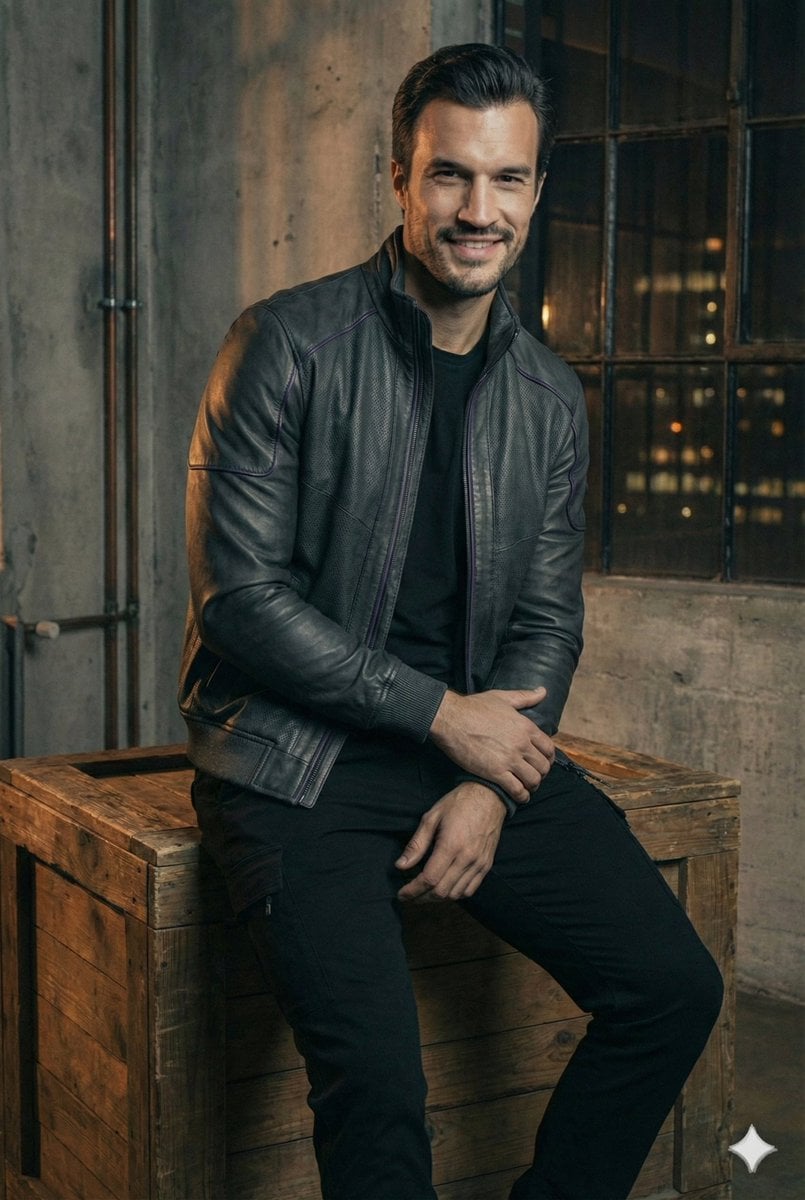
Ultra-Realistic Futuristic Studio Photoshoot
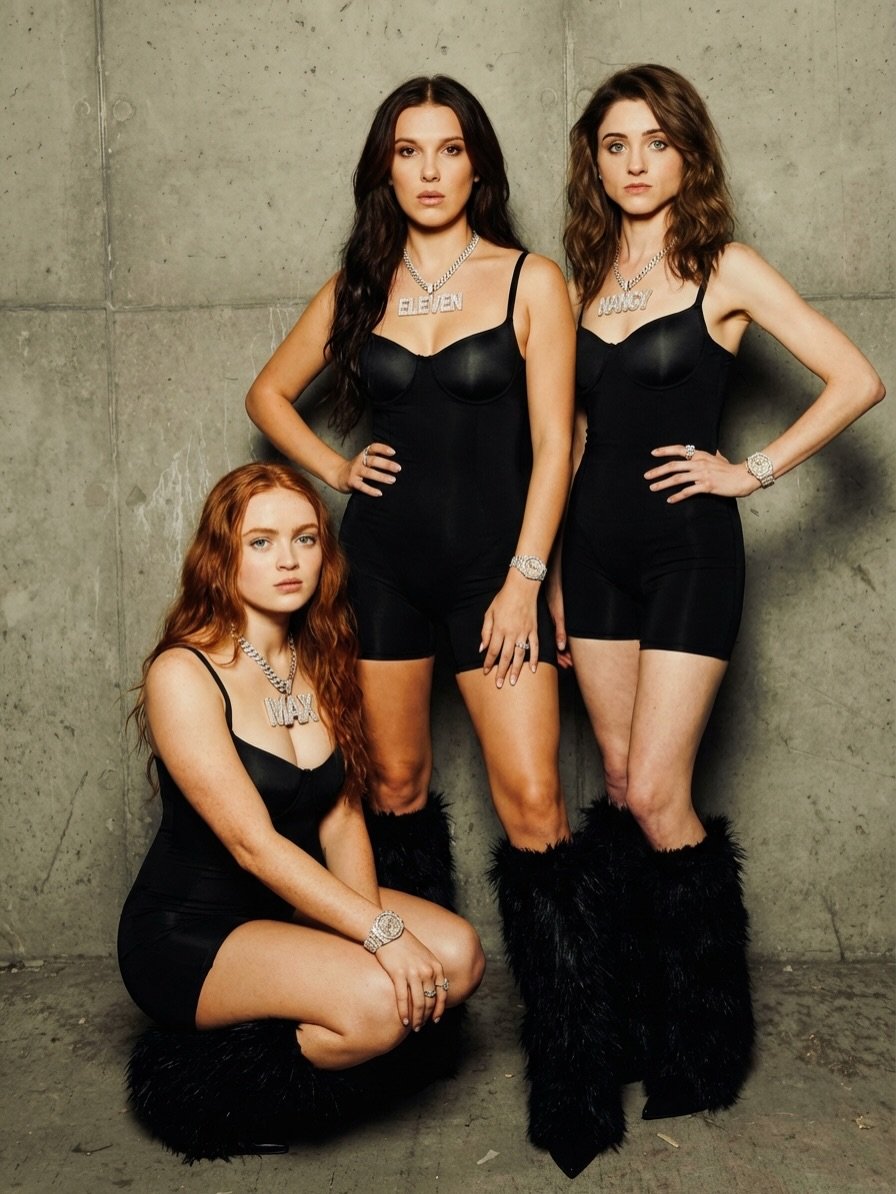
High-Fashion Editorial Photoshoot Prompt (Three Women)
Make it yours
photoshoot works as-is. These are the safest ways to change it without losing the look.
Change one field
Copy a single group, rewrite it, and generate again so you can see what that field is doing.
Keep the frame, change the subject
Hold the composition and light of photoshoot, then swap wardrobe, props or the person for a new take.
| If the result… | Why | Fix |
|---|---|---|
| The result drifts from the preview | Too many fields changed at once. | Reuse photoshoot as-is first, then change one group — subject, light, or setting. |
| The model over-stylizes the scene | The prose prompt leaves finish and camera underspecified. | Add one camera or lighting sentence and stay on PicX Studio. |
More image prompts
Fresh picks from across the catalog.
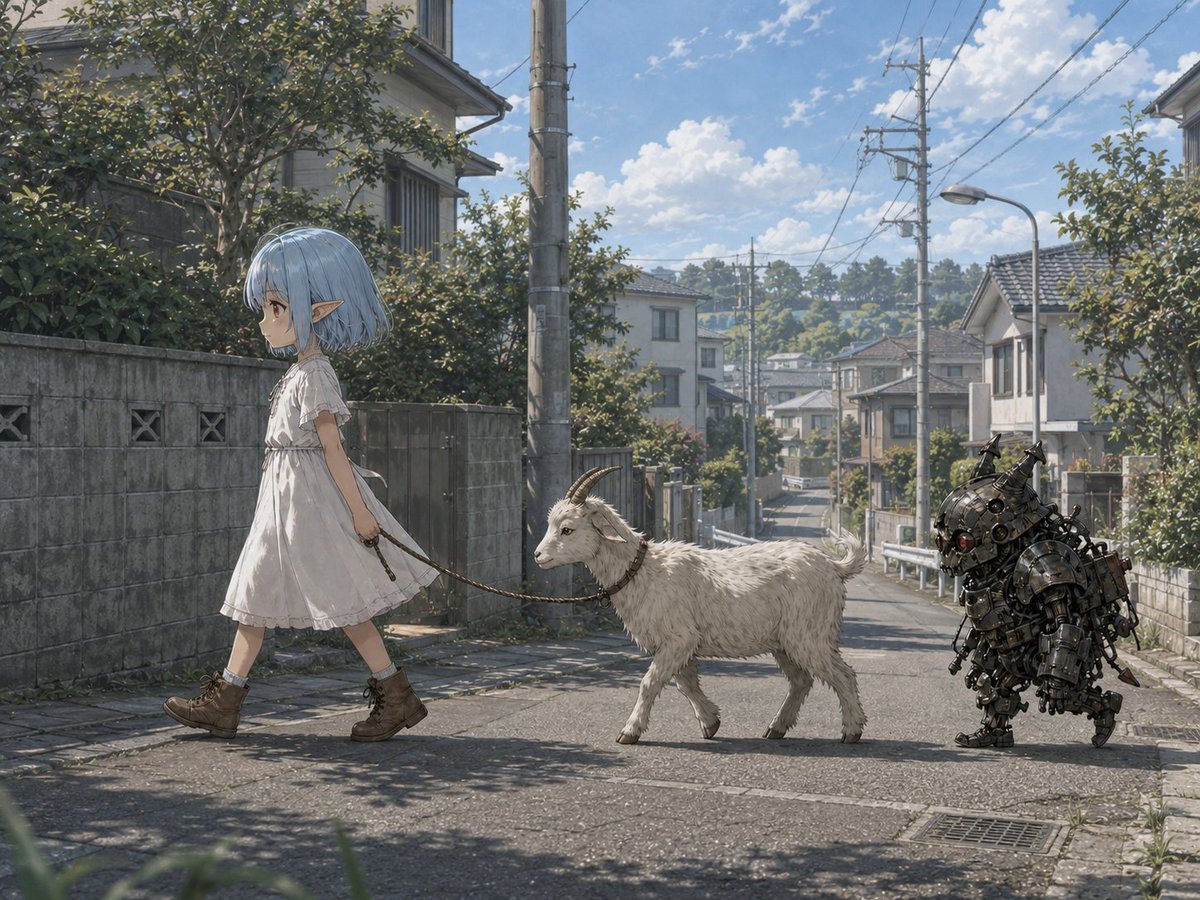
Elf Girl Walking Goat and Robot
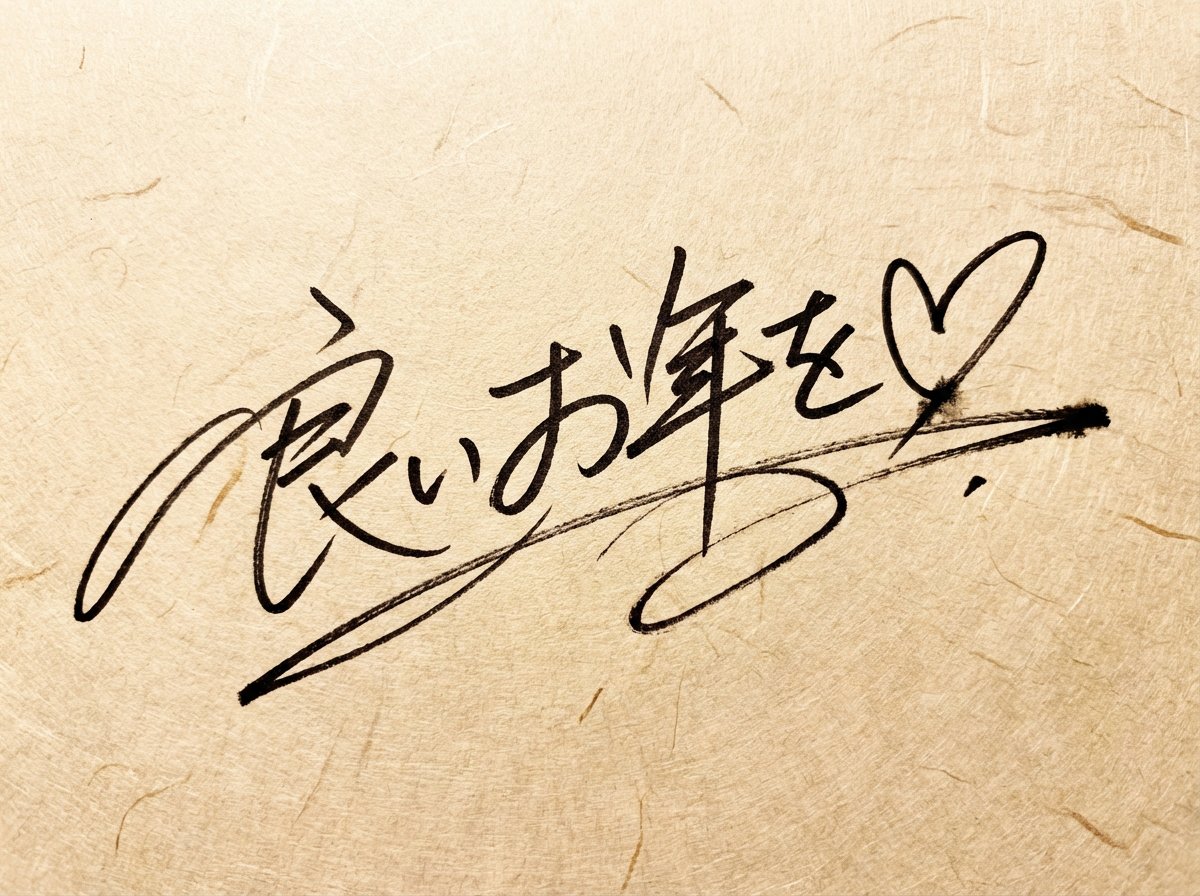
Handwritten New Year's Greeting Sign Prompt
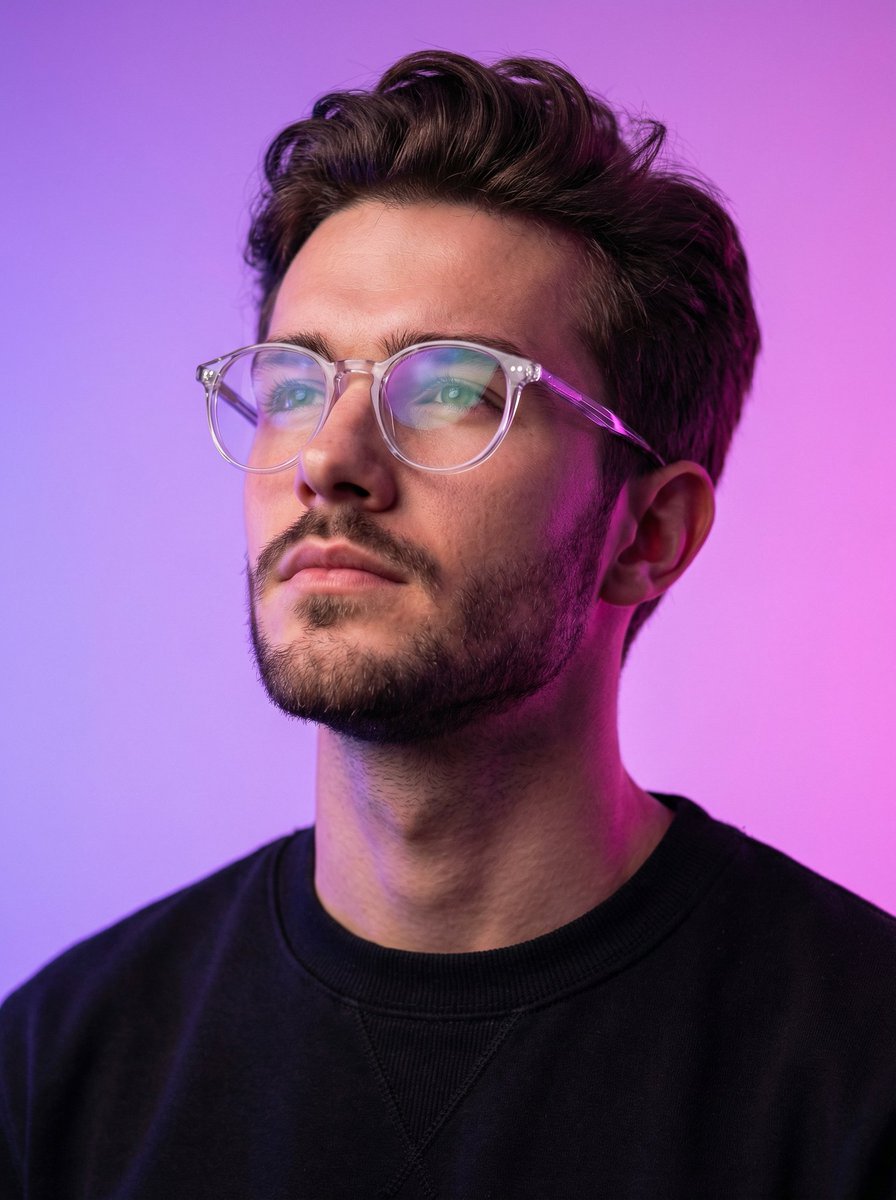
Cyber-modern portrait with neon lighting
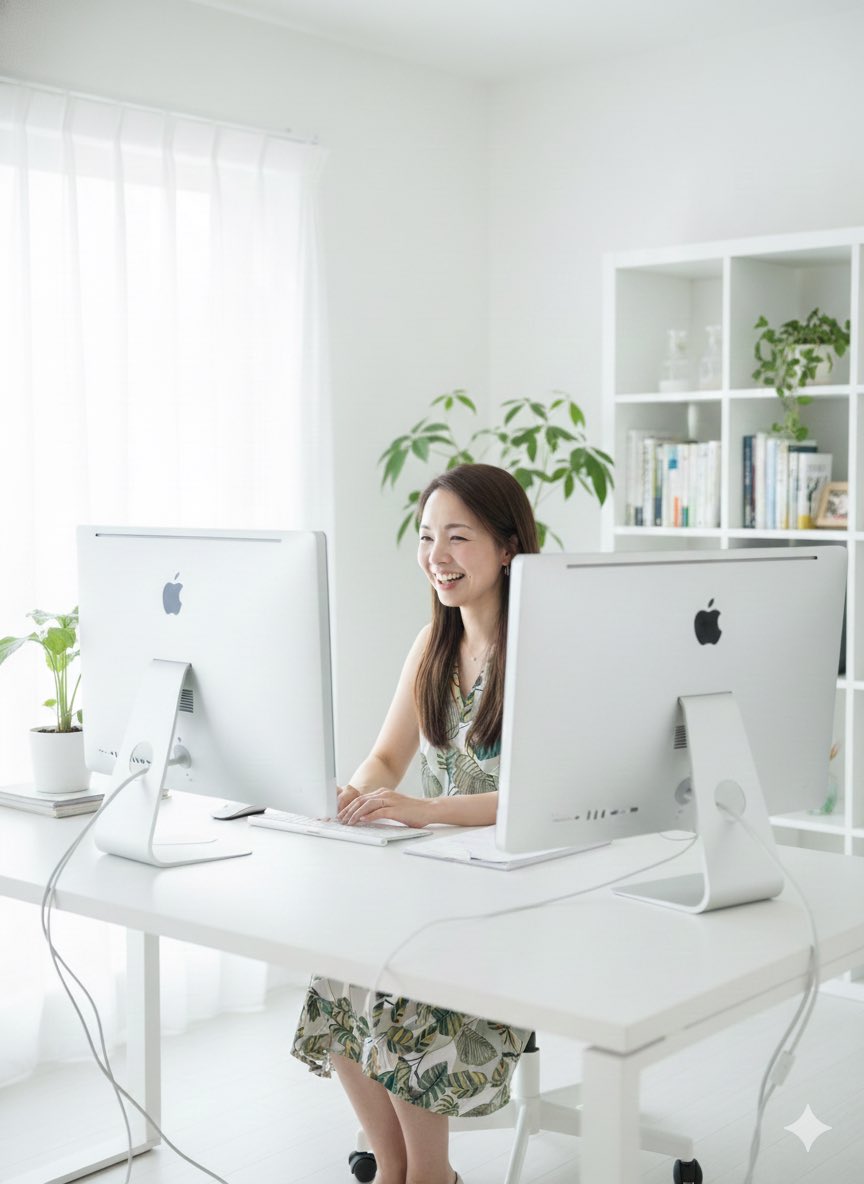
Generate a photo of myself achieving my dream
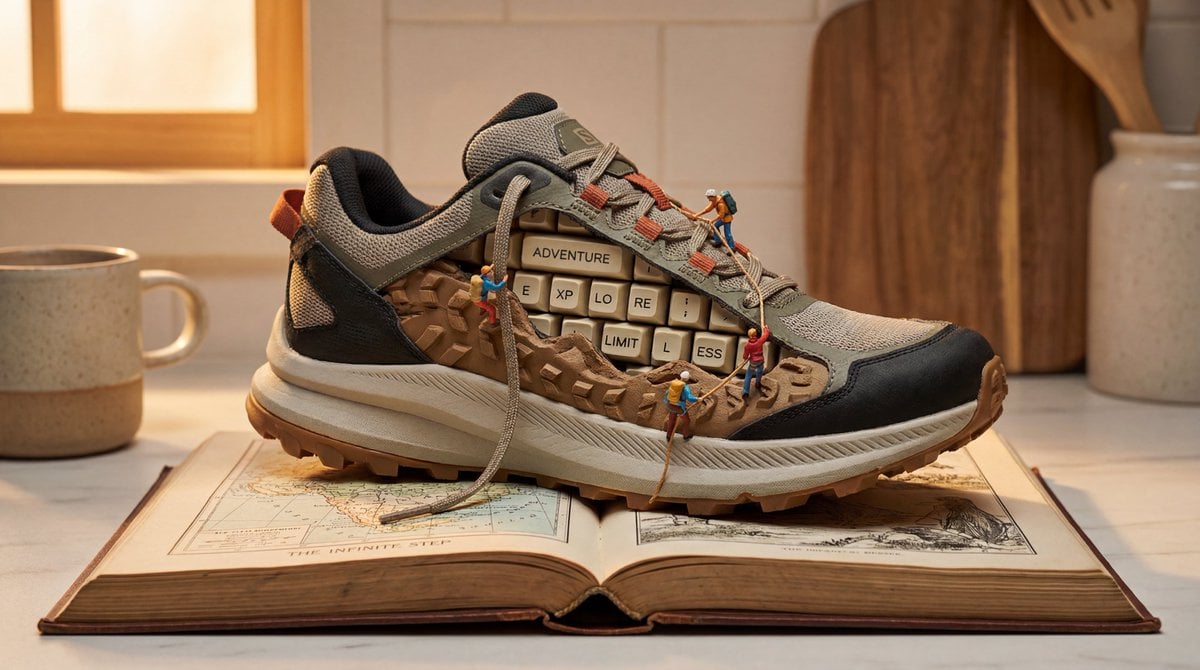
Nano Banana Pro Prompt for Miniature Sneaker Scene
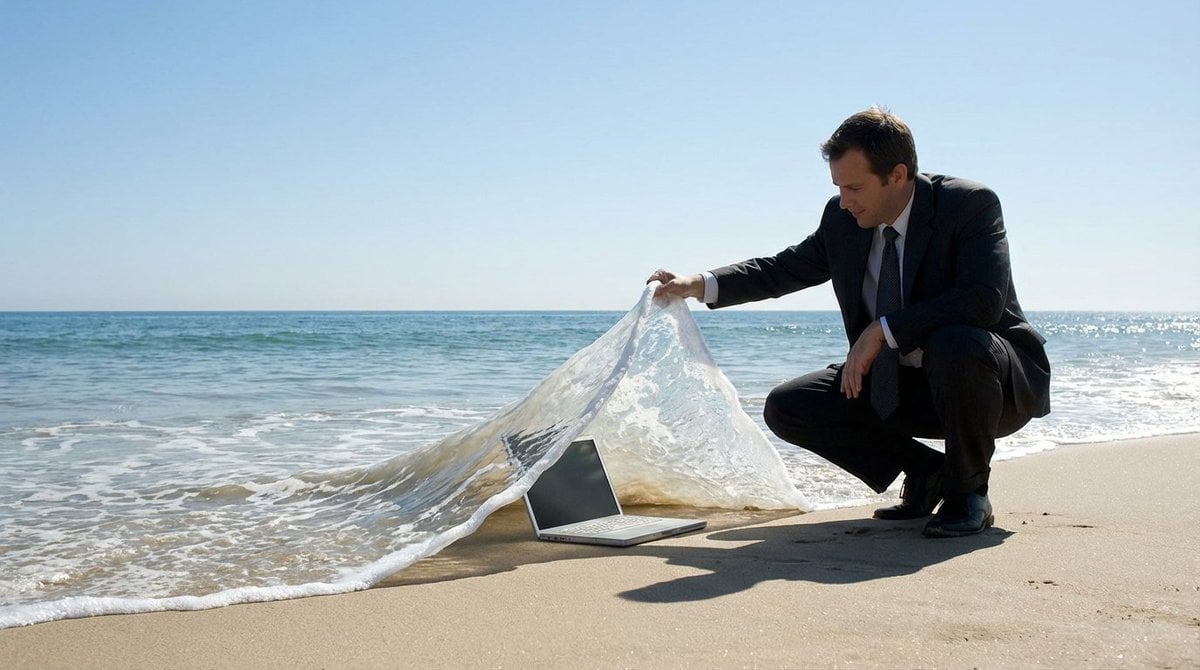
Surreal deep sea storage illusion prompt
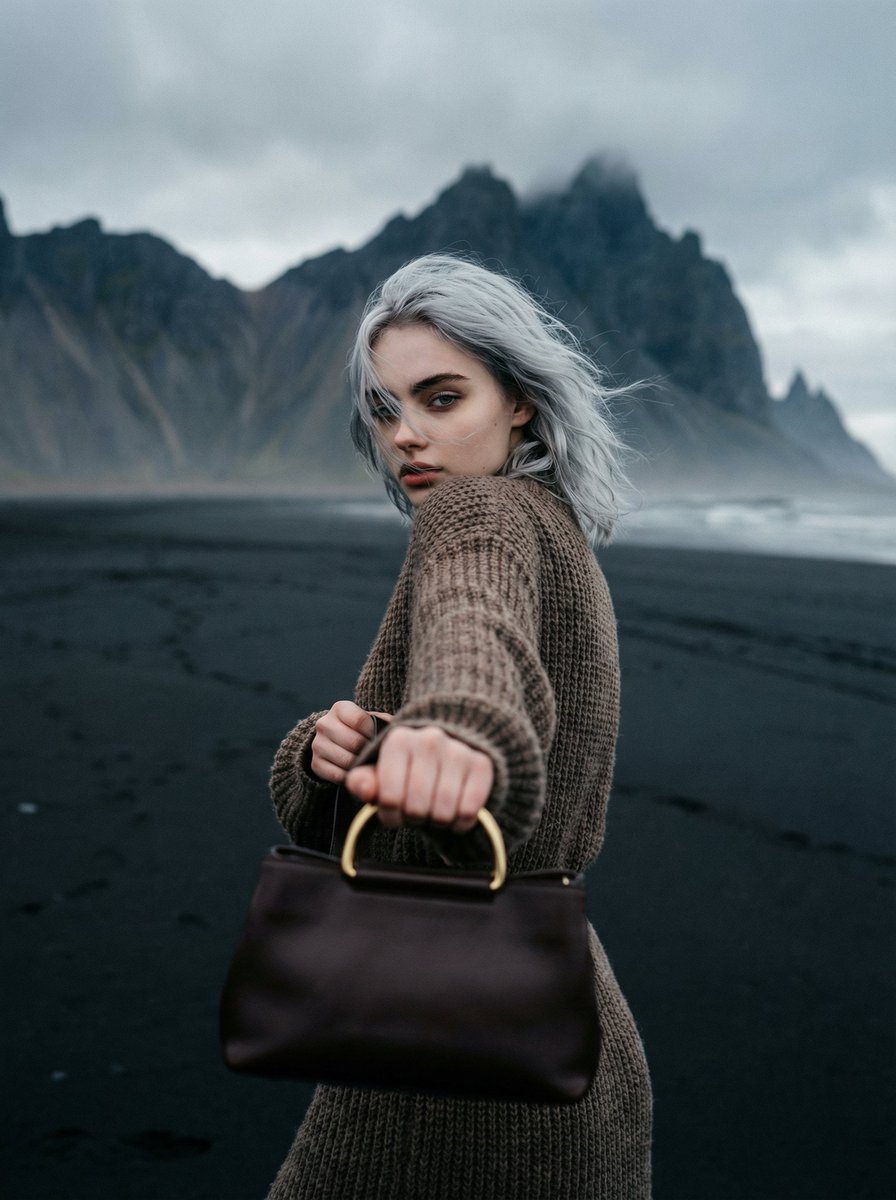
Cinematic Fashion on Black Sand Beach Prompt
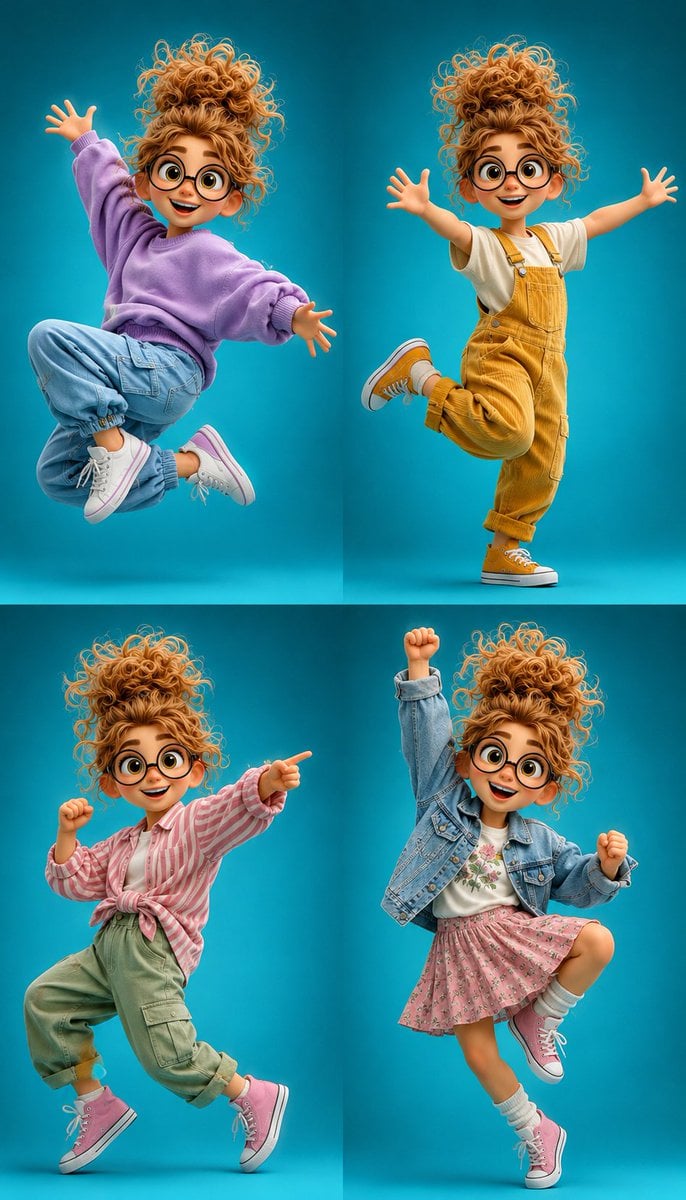
3D Cartoon Character Pose Sheet
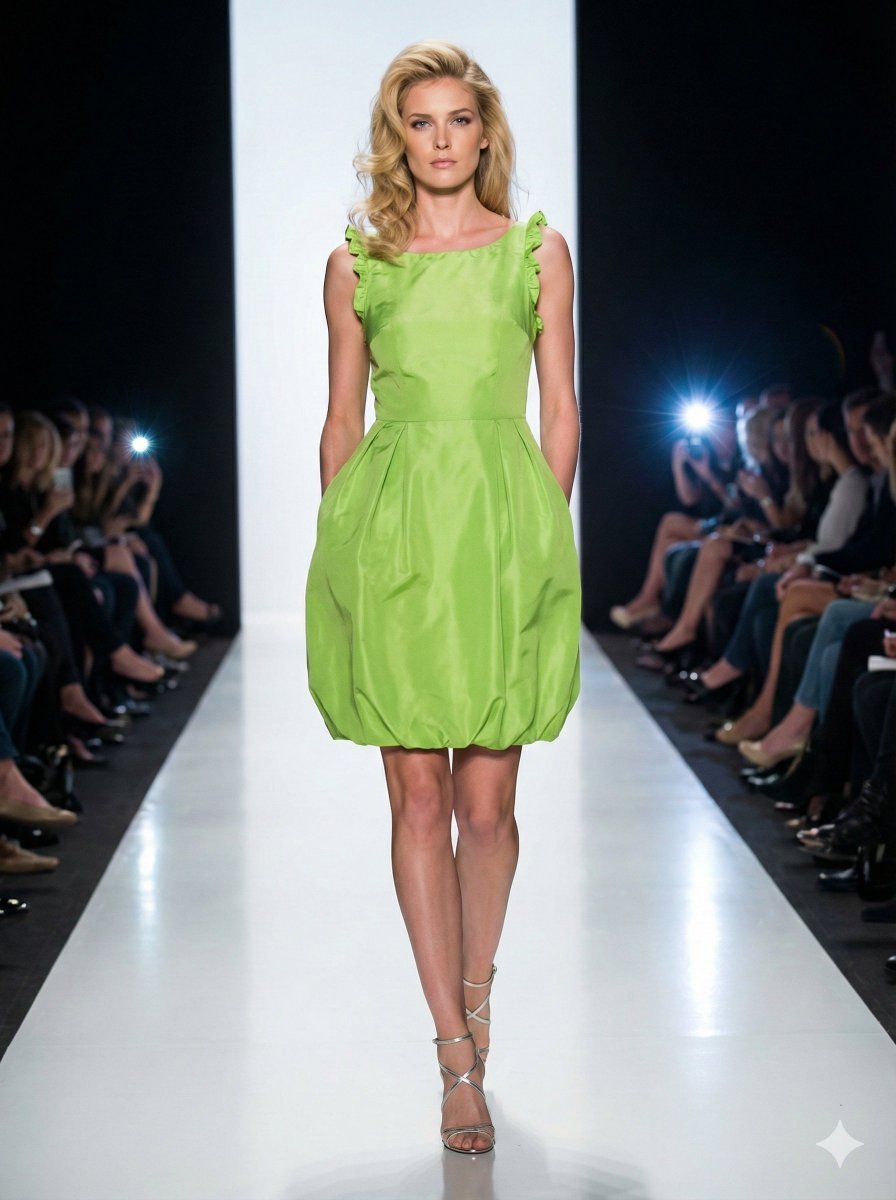
Model Walking Down Runway Prompt
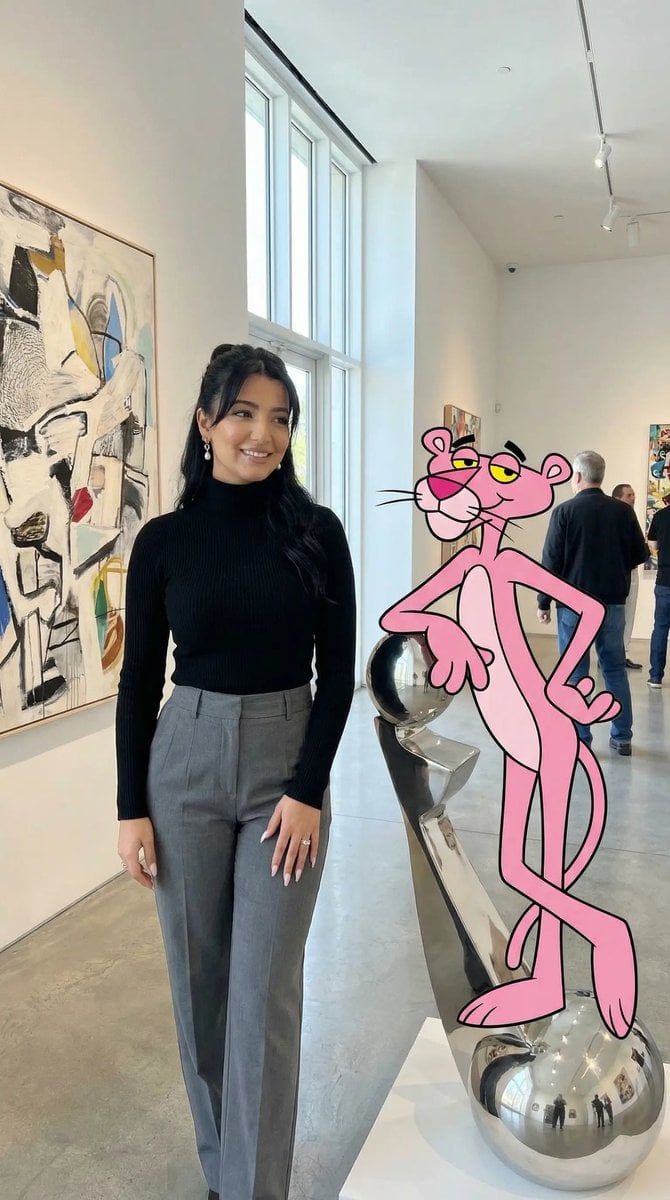
Ultra Photoreal Cartoon Reality Scene with Pink Panther
Browse template categories
photoshoot questions
How do I use the photoshoot template?
Add your photo if the template asks for one, edit the prompt if you like — the template's model and format are already selected — and press Generate. Your version opens in PicX Studio.
Can I customize the photoshoot template?
Yes. You can change the subject, setting, lighting, mood, format, and available model controls before creating your image.
Is the photoshoot template free?
Opening and editing this template is free. Generating uses credits, shown on the Generate button when you are signed in.
Which AI model should I use?
Choose a compatible model in PicX Studio based on the style, speed, and output controls your project needs.
Looking for something else? Browse all templates.

Your photo, any look
Thousands of ready templates for every top image and video model, from one credit balance.