
Moon Phase Mooncake Brand Hero Board
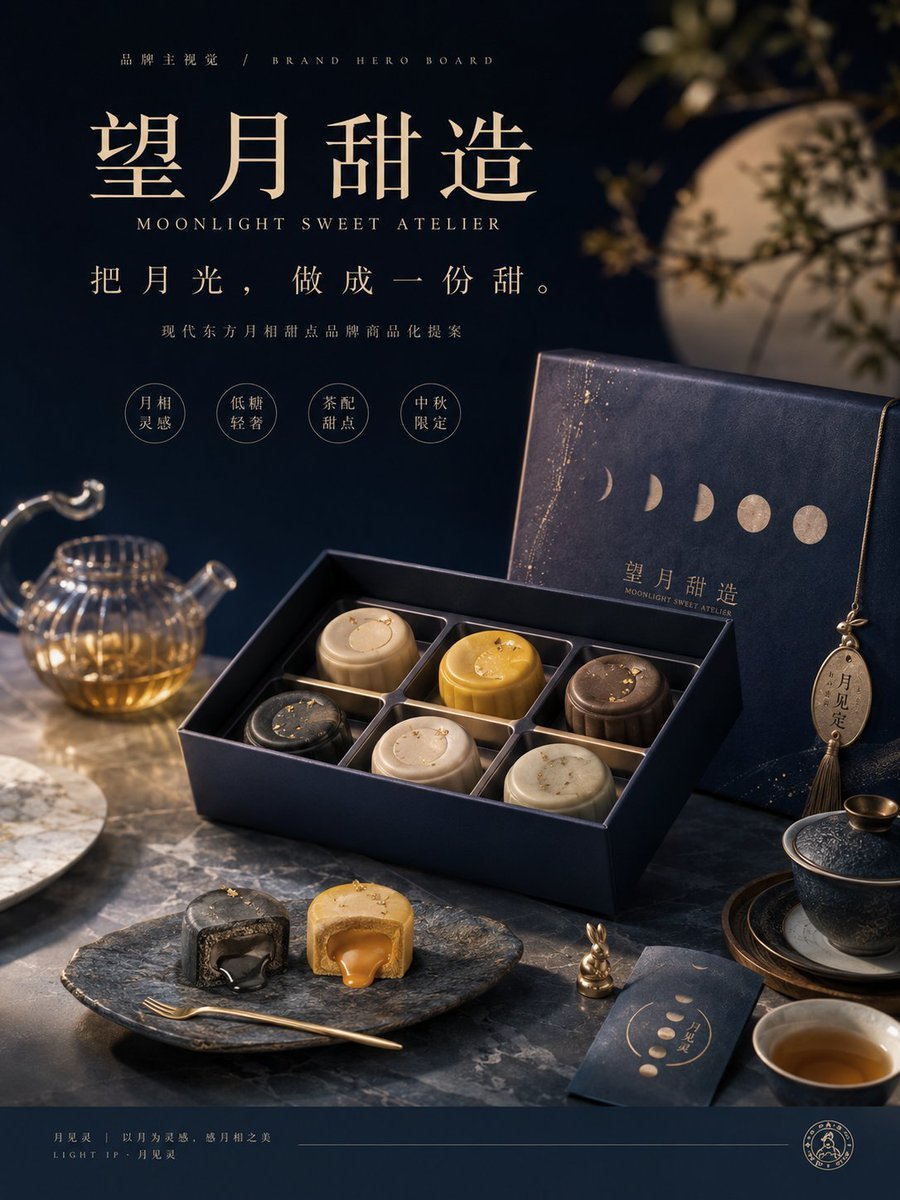
A luxury dark-navy and gold brand hero poster for a modern moon-phase-inspired mooncake dessert gift box.
- Prompt included
- Model and format preset
- Free template
The prompt behind this image
Copy the exact prompt behind Moon Phase Mooncake Brand Hero Board, or open it in the studio and make it yours.
Goal: Create a premium brand hero board for a modern Oriental mooncake dessert gift brand named {argument name="brand name" default="望月甜造"}, with the English subtitle {argument name="English brand subtitle" default="MOONLIGHT SWEET ATELIER"}, inspired by moon phases, quiet moonlight, tea culture, and luxury Mid-Autumn gifting. Canvas: Vertical 4:5 commercial poster, dark navy and warm gold palette, elegant high-end food photography blended with refined graphic design. Use cinematic low-key lighting, shallow depth of field, realistic textures, soft moon glow, and a luxurious editorial product-advertising composition. Layout: Top-left typography block, large Chinese brand title in refined serif calligraphy, English subtitle beneath it, then the slogan {argument name="main slogan" default="把月光,做成一份甜。"}. Add a small line of descriptive copy below: “现代东方月相甜点品牌商品化提案”. Include exactly 4 small circular feature badges under the copy, labeled: 1) “月相灵感”, 2) “低糖轻奢”, 3) “茶配甜点”, 4) “中秋限定”. Put a tiny top label reading “品牌主视觉 / BRAND HERO BOARD”. Add a thin footer band at the bottom with small brand-system text and a round seal logo. Main scene: On a dark marble tabletop, show an open luxury mooncake gift box in deep midnight blue with gold edging. Inside the box are exactly 6 round mooncakes in individual square compartments: 1 black mooncake with gold flakes, 1 pale cream mooncake with a crescent motif, 1 golden yellow mooncake, 1 ivory mooncake, 1 dark brown mooncake, and 1 light beige mooncake with subtle marbling. Each mooncake should look like a refined modern dessert rather than a traditional red-gold pastry. Packaging details: Behind the open box, place the upright matching gift box lid in navy leather-like texture with gold speckled star dust, five moon phase symbols across the front, the brand name {argument name="brand name" default="望月甜造"}, and the English subtitle below. Add a hanging oval tag and tassel on the right side of the box, with the text “月见定”. Foreground food details: In front of the box, place exactly 2 cut mooncake pieces on a dark stone serving plate: 1 black mooncake half with glossy dark filling and 1 golden mooncake half with flowing caramel-colored filling. Add a slim gold dessert fork beside them and a tiny gold rabbit figurine nearby. Surrounding props: Include exactly 5 supporting table props: 1 glass teapot filled with amber tea on the left, 1 white round plate partially visible at the far left, 1 dark lidded teacup on a wooden saucer to the right, 1 small white teacup with tea at the bottom right, and 1 navy invitation card with moon phase graphics and gold lettering near the cup. In the background, show a large blurred full moon and soft silhouetted branches, creating a poetic night garden atmosphere. Visual style: Premium Chinese luxury dessert branding, dark navy, champagne gold, warm amber highlights, realistic product photography, delicate gold foil, marble texture, soft reflections, elegant serif typography, poetic Mid-Autumn mood. Avoid cartoon styling, avoid bright red traditional packaging, avoid clutter, keep the design clean and sale-ready.
How to use Moon Phase Mooncake Brand Hero Board in 3 steps
- 1Upload ImagePNG, JPG or paste
Add your photo
Upload the photo the template builds on. The prompt, model and format are already set.
- 2…a portrait of your subject in softgolden-hour light, 85mm…
Personalize
Edit the subject and creative details for your destination.
- 3Generate
Generate
Press Generate — your image is created in PicX Studio, so you can compare it with the original and refine one variable at a time.
More like this
Templates with the same subject, style or setup. Open one to see its prompt.
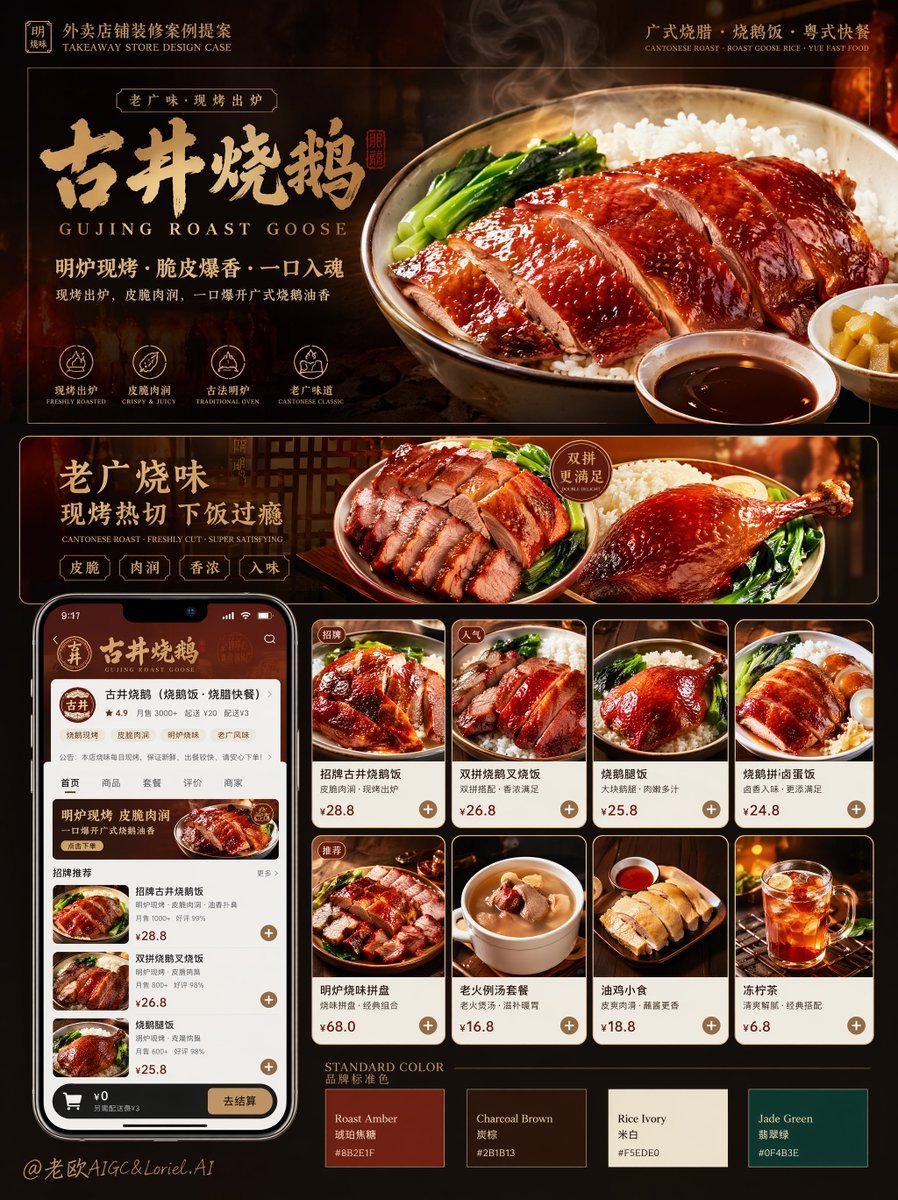
Roast Rice Branding Proposal Board
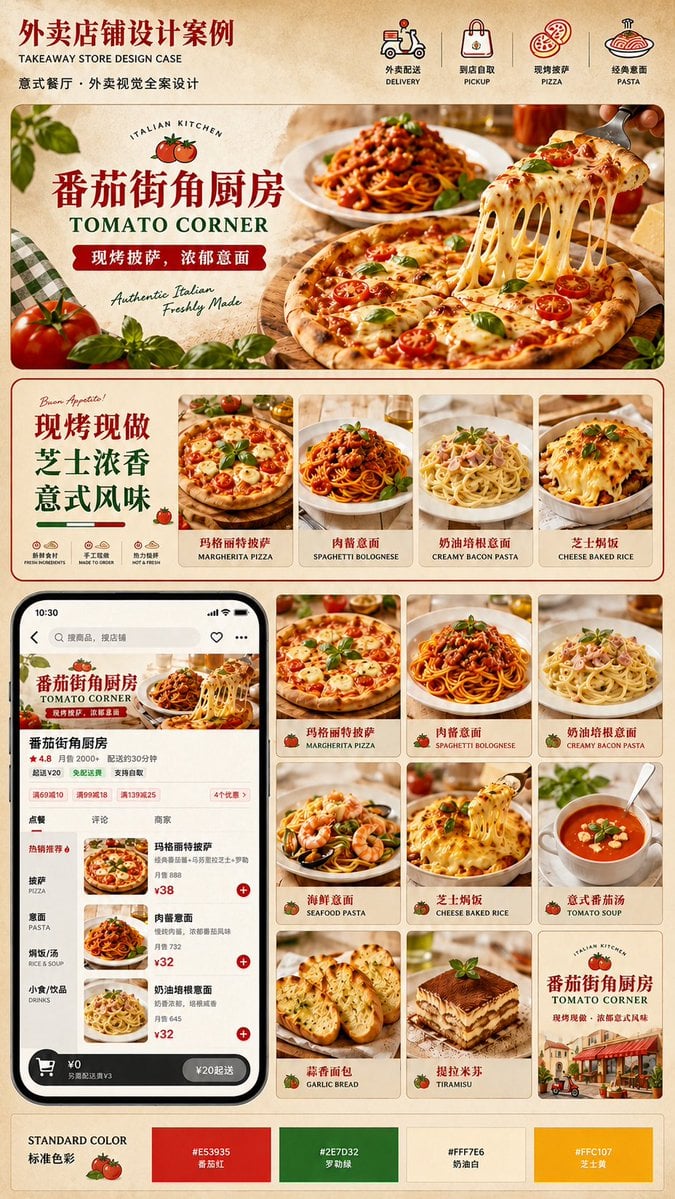
Italian Takeaway Brand Board

Luxury Fashion Campaign Typography Poster System

Premium Fashion Editorial Campaign Poster System

Isometric Brand Store Diorama

Moss Logo Minimalist Brand Flat Lay
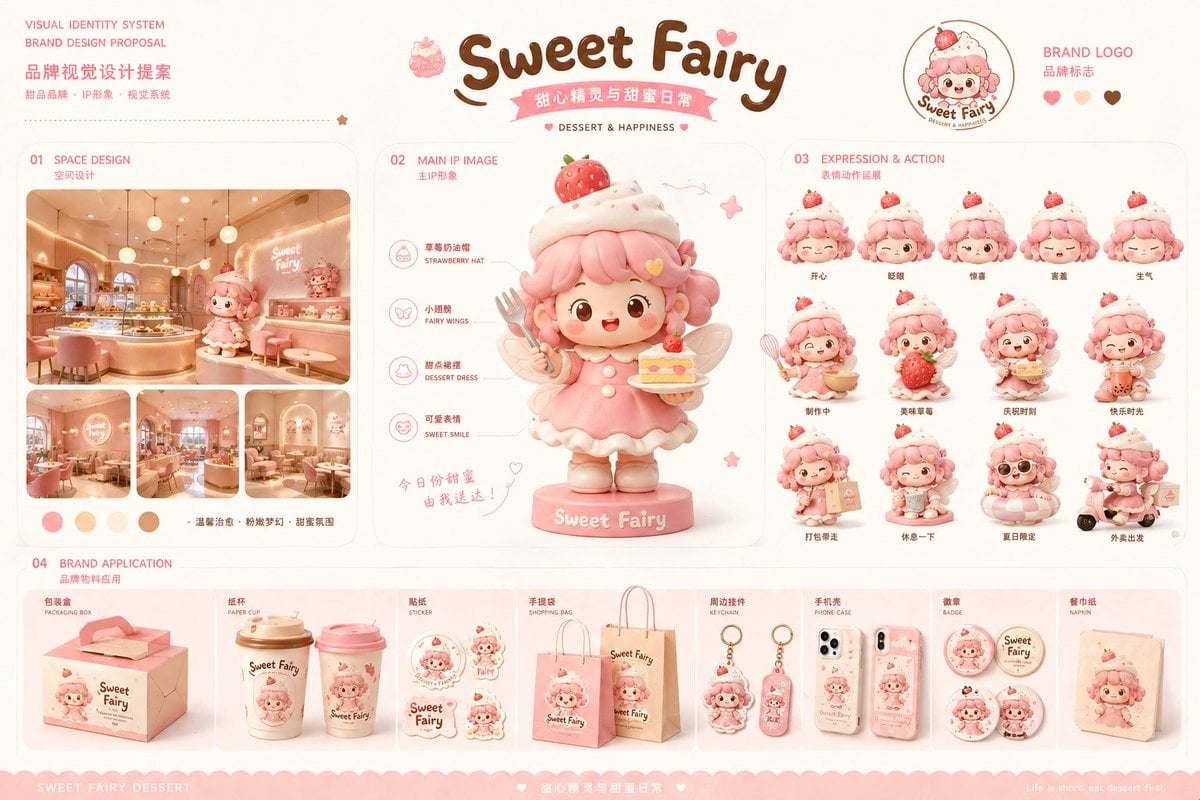
Dessert Brand Visual Identity Proposal Board
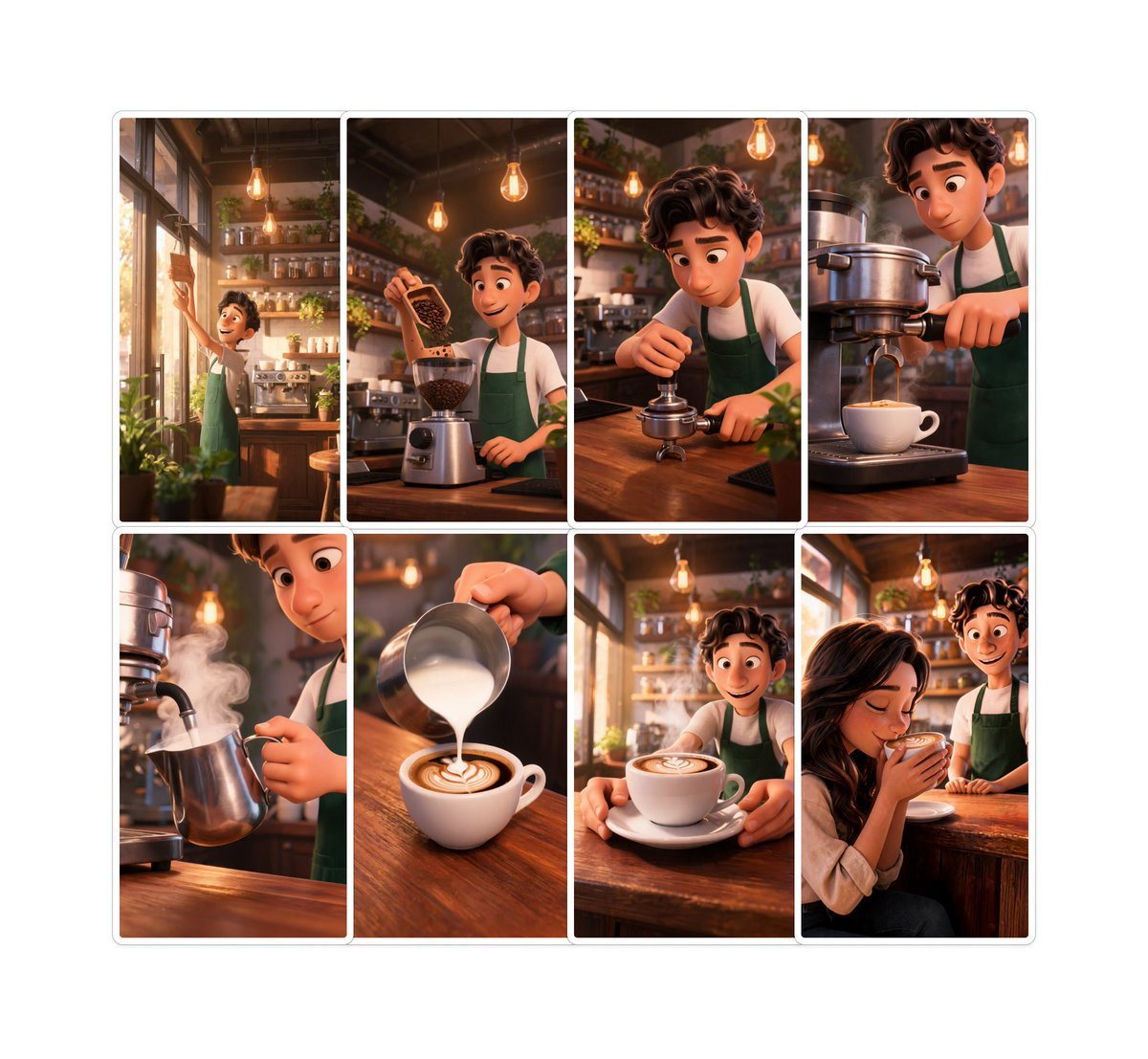
Pixar-Style Coffee Brand Storyboard
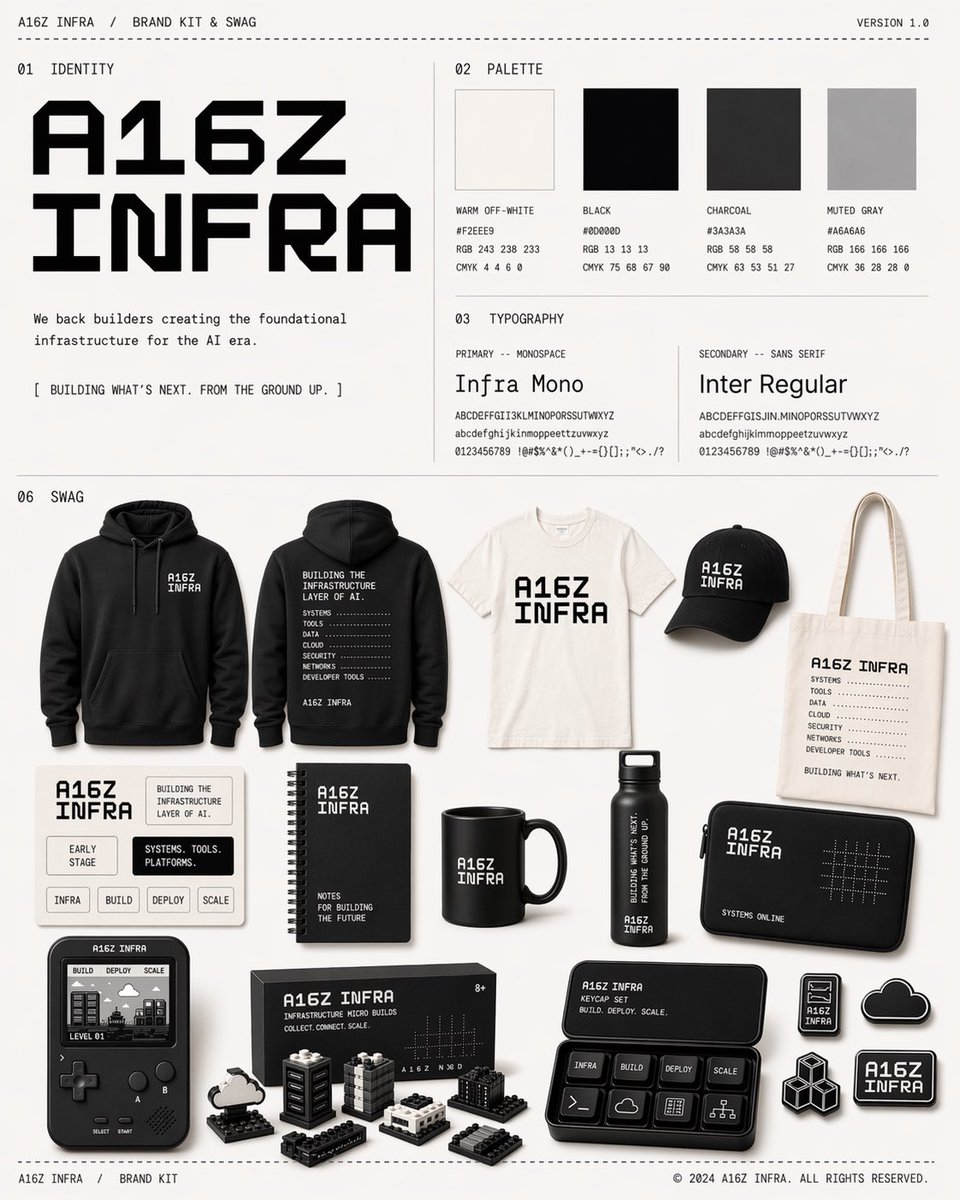
Monochrome Infra Brand Kit Board
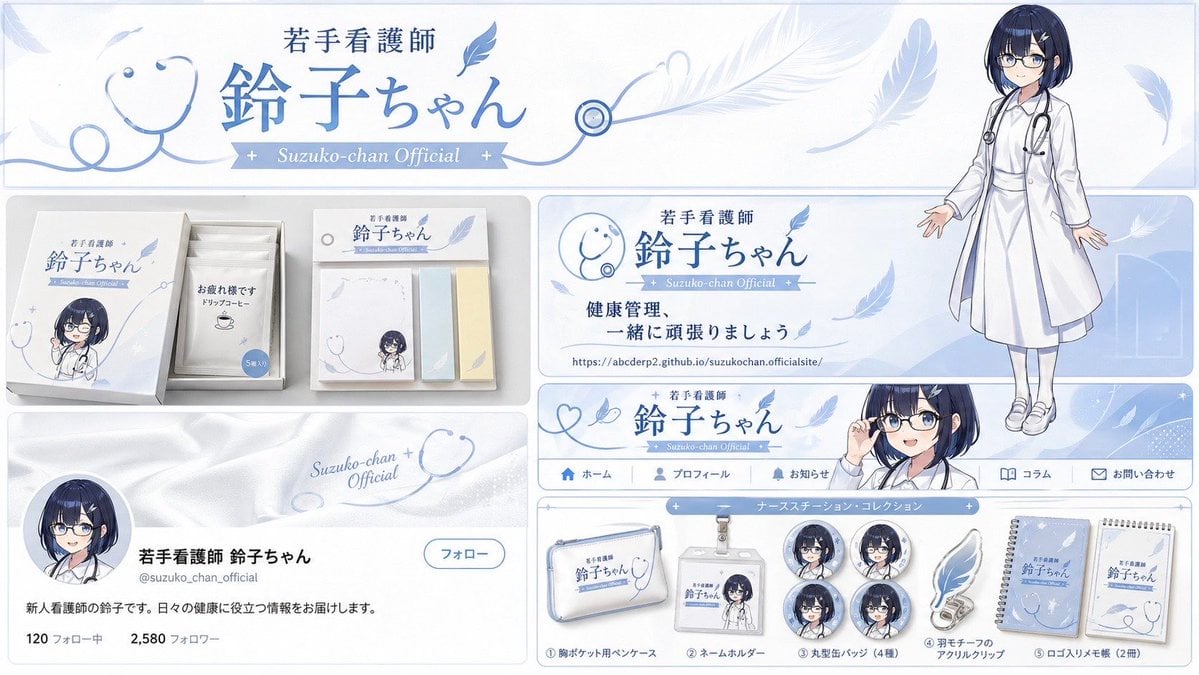
Brand Identity Design Board
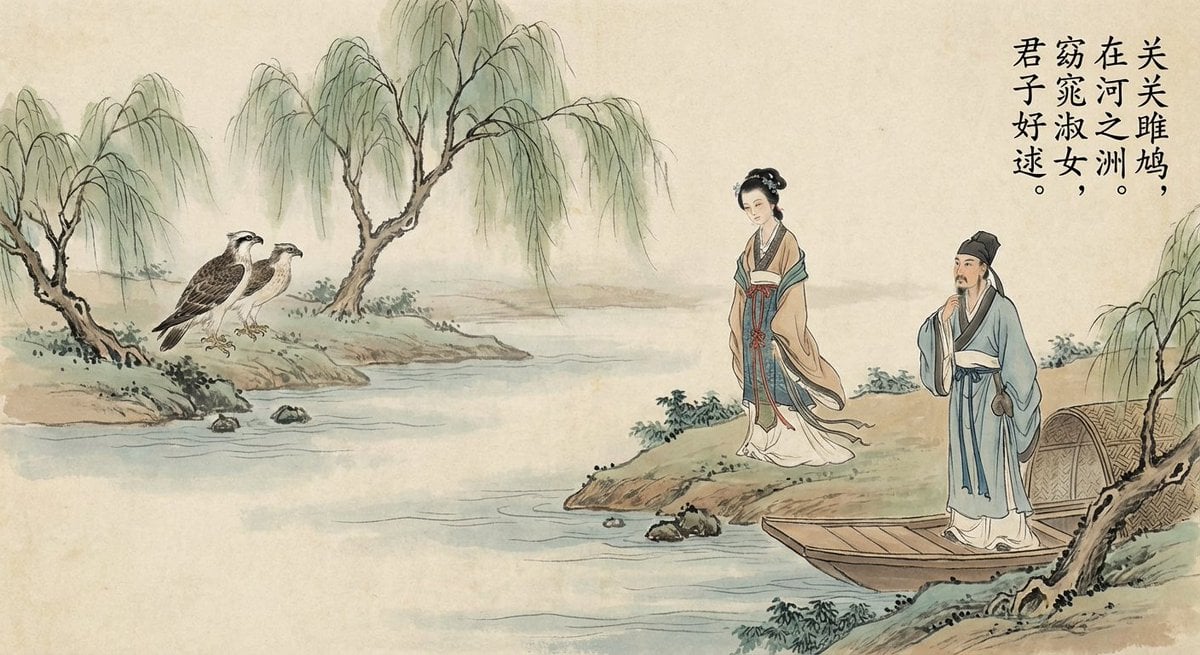
Nano Banana Pro brand hero image (another duplicate)
Detailed Storyboard Prompt for Brand Visuals
Make it yours
Moon Phase Mooncake Brand Hero Board works as-is. These are the safest ways to change it without losing the look.
Change one field
Copy a single group, rewrite it, and generate again so you can see what that field is doing.
Keep the frame, change the subject
Hold the composition and light of Moon Phase Mooncake Brand Hero Board, then swap wardrobe, props or the person for a new take.
| If the result… | Why | Fix |
|---|---|---|
| The result drifts from the preview | Too many fields changed at once. | Reuse Moon Phase Mooncake Brand Hero Board as-is first, then change one group — subject, light, or setting. |
| The model over-stylizes the scene | The prose prompt leaves finish and camera underspecified. | Add one camera or lighting sentence and stay on GPT Image 2. |
More GPT Image 2 templates
Other prompts made for GPT Image 2.

Six VTuber Japanese Logo Sheet

Realistic Portrait of Woman and Deer

The Vista Modular Condo Poster

AI Model Routing Comparison Infographic

2.5D Anime Art Board

Isometric Productivity Desk Scene

New York Double Exposure Poster

Four-Panel AI Landscape Comparison

Japanese Tatami Lifestyle Magazine Cover

NESCAFÉ Coffee Map Poster
More image prompts
Fresh picks from across the catalog.
Social Media Ad Designs
Winter Concrete Salt Damage Close-Up
Film Noir Cinematic Black and White Portrait
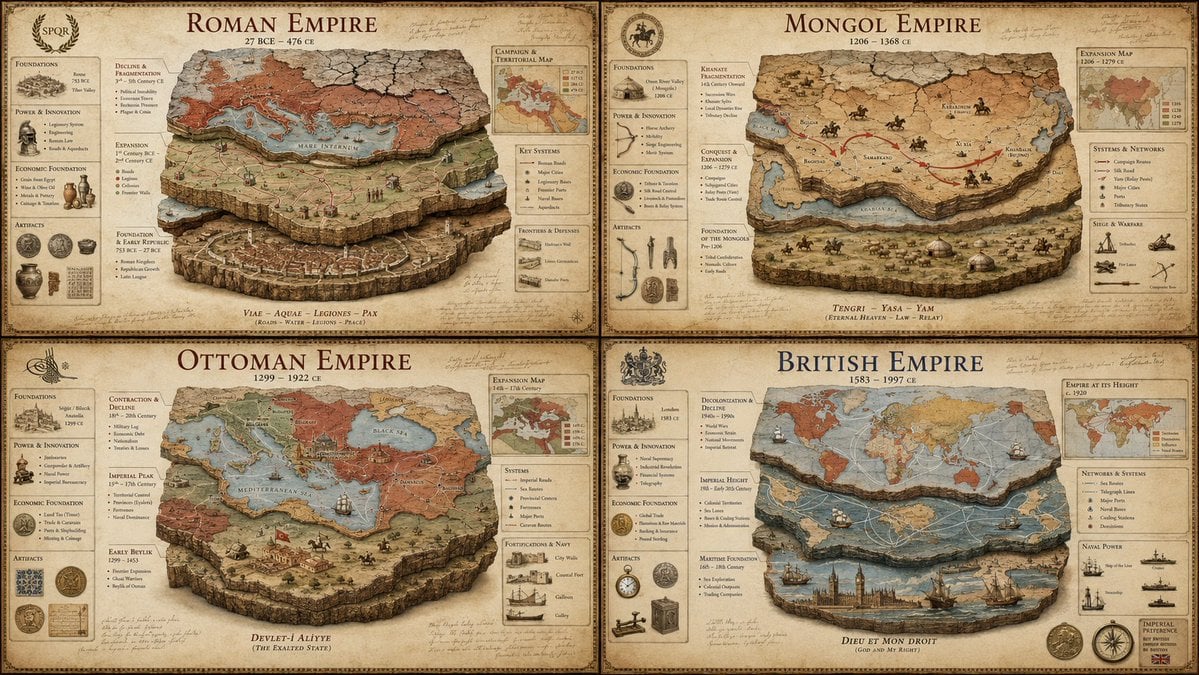
Luxury Empire Stratigraphy Poster
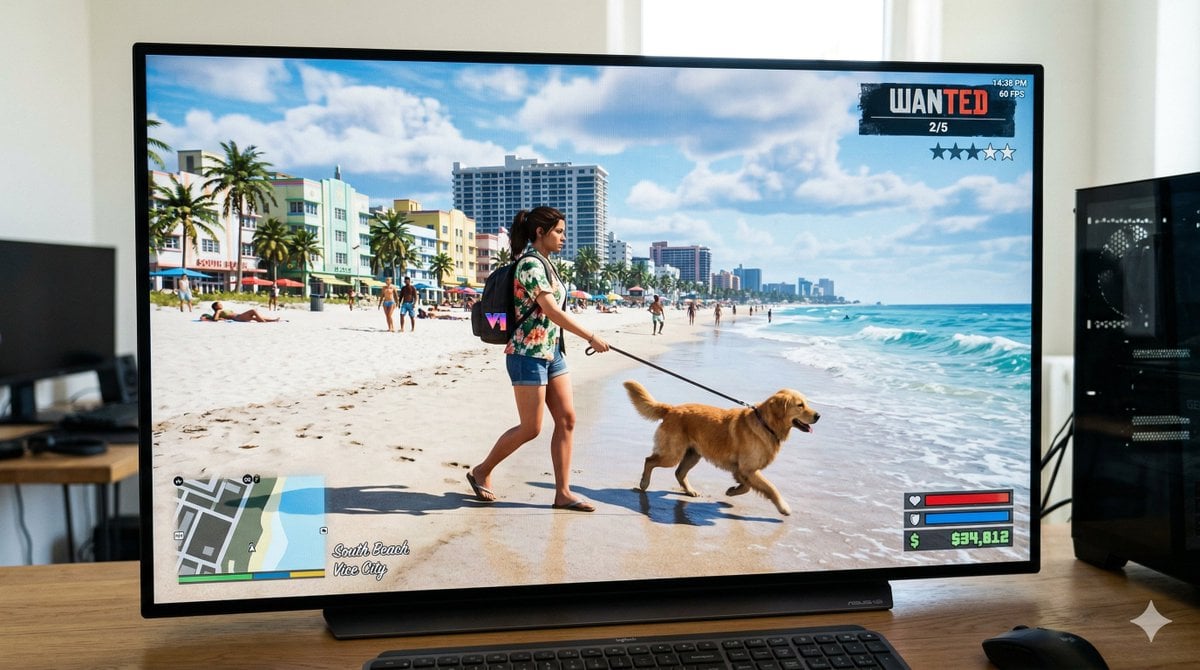
GTA 6 In-Game Footage Test Prompt
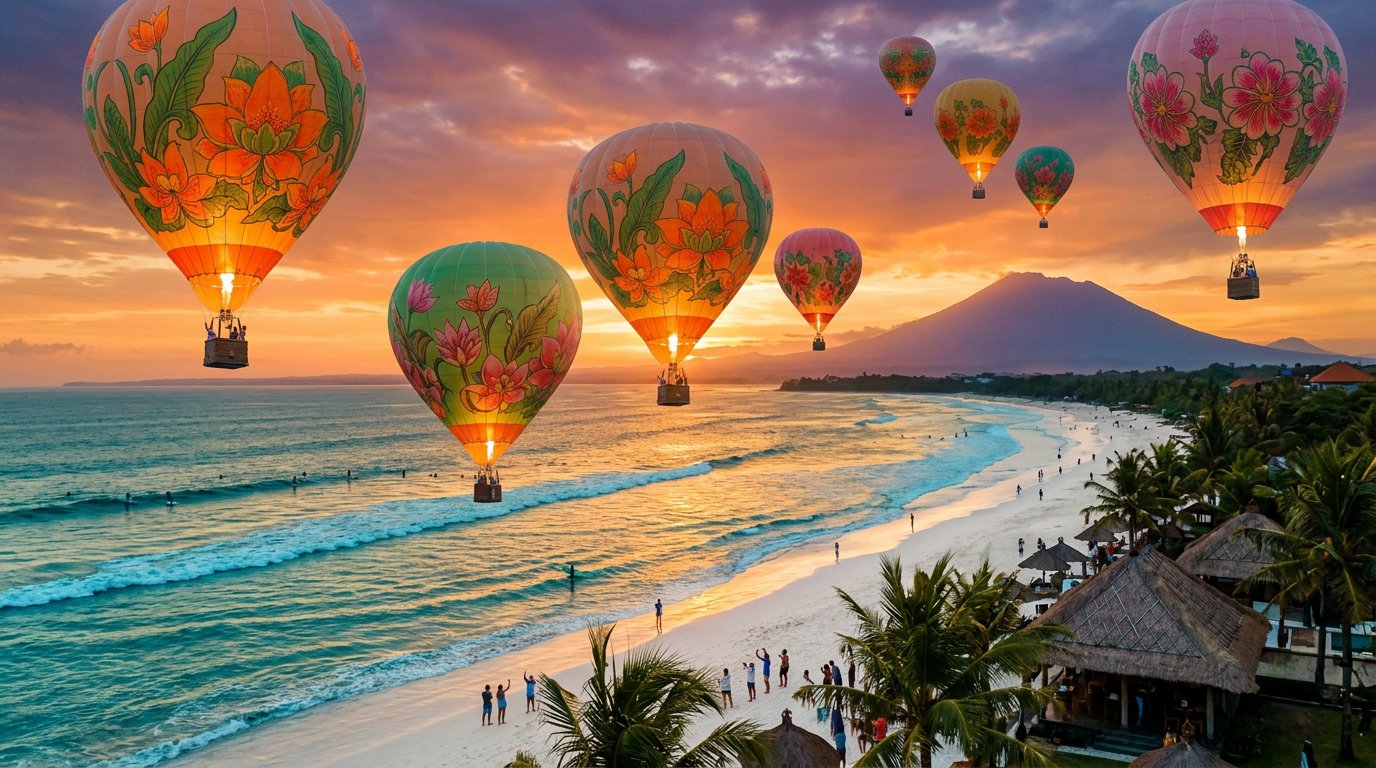
panoramic image
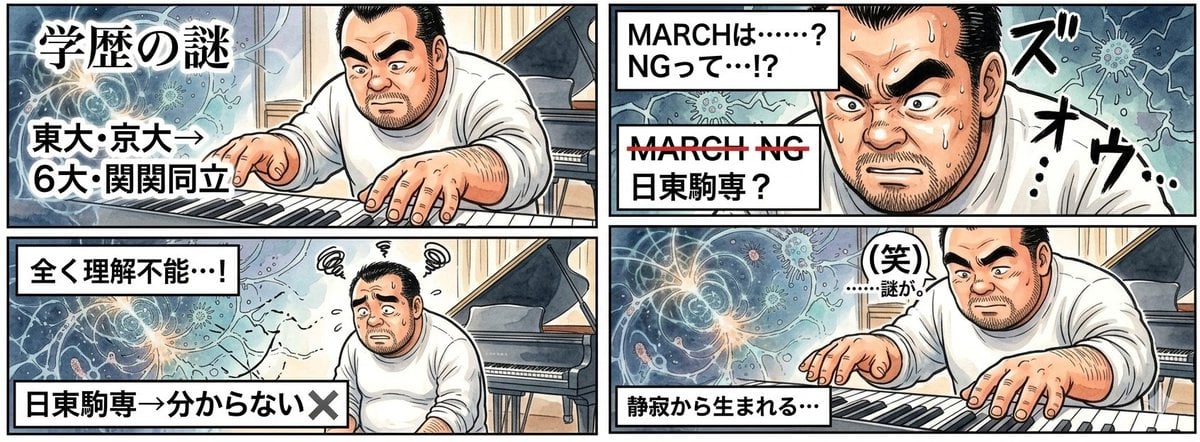
AI Image Generation Prompt for 4-Panel Manga: Academic Silence
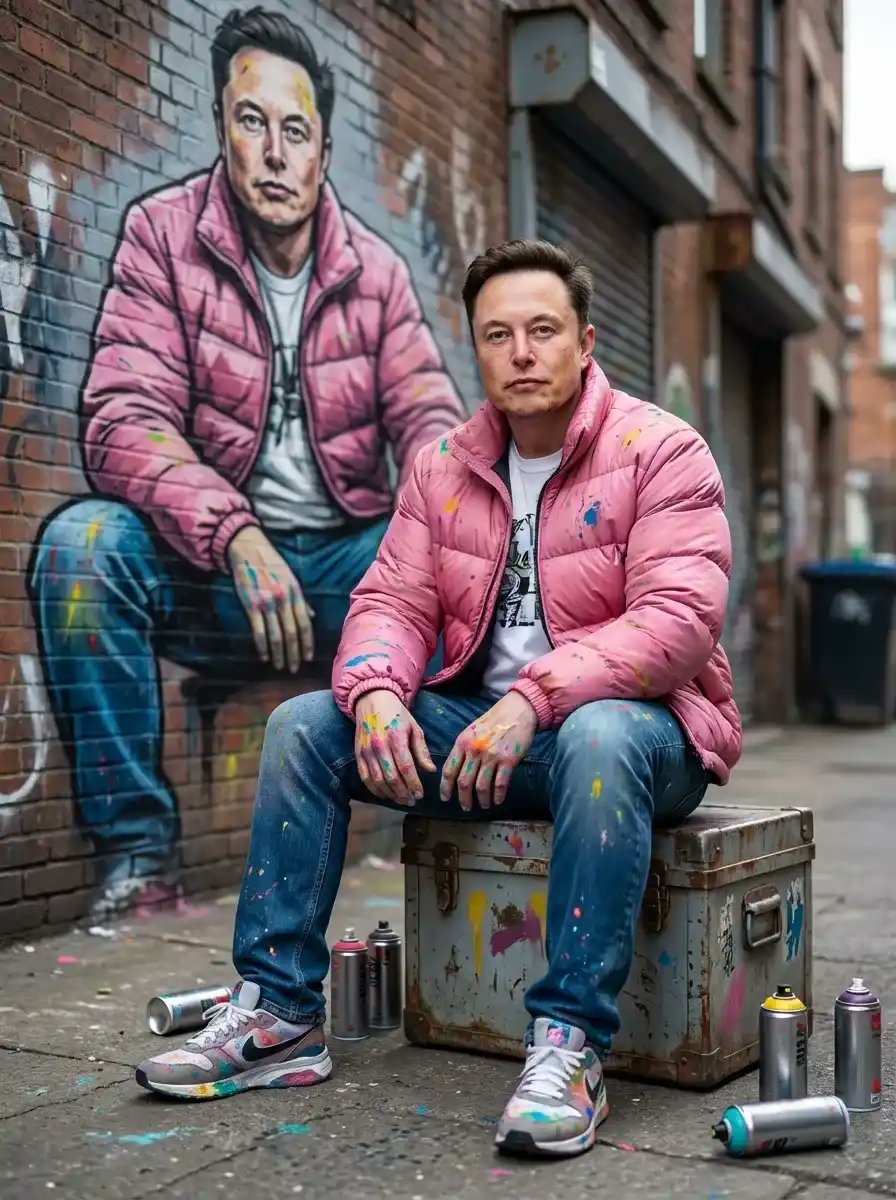
Photorealistic Cinematic Street Portrait with Exact Facial Reference
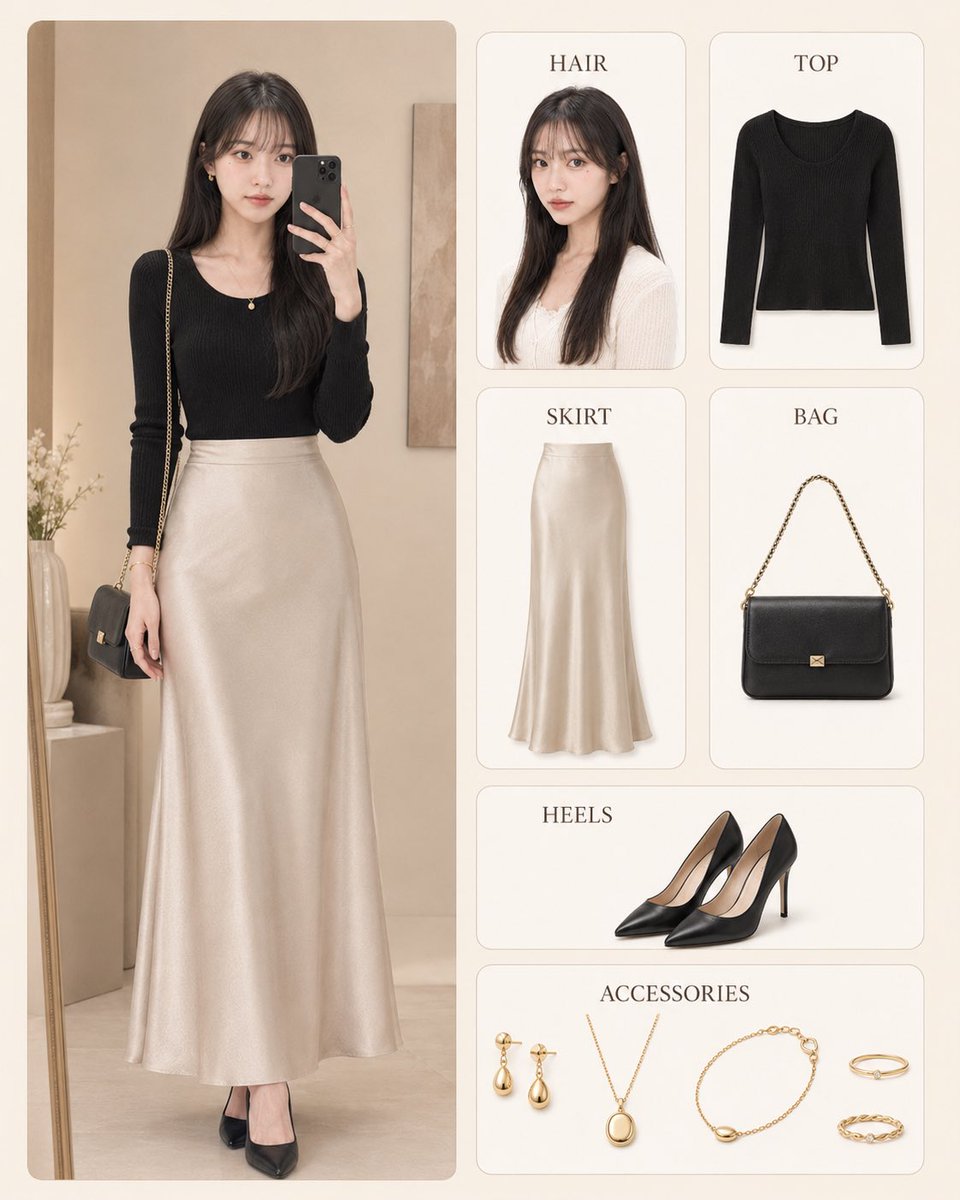
Korean Style Fashion Outfit Infographic
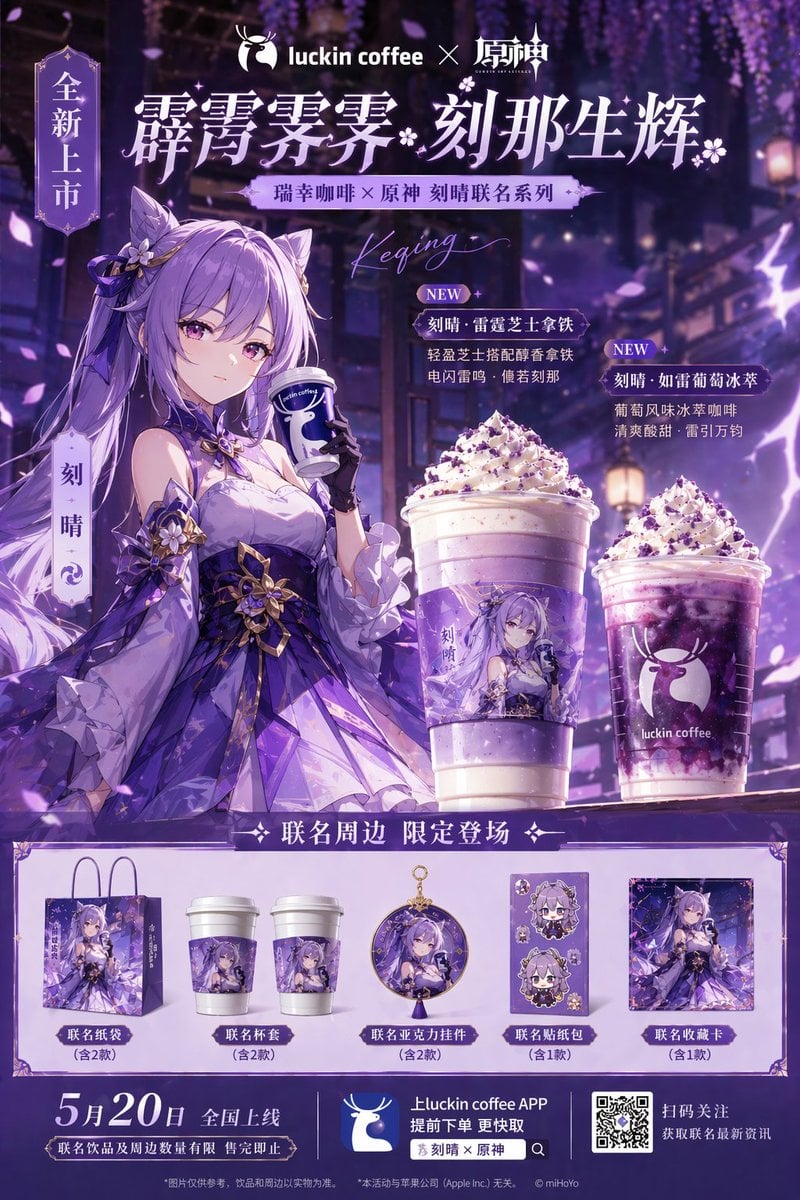
Commercial Collaboration Poster
Browse template categories
Moon Phase Mooncake Brand Hero Board questions
How do I use the Moon Phase Mooncake Brand Hero Board template?
Add your photo if the template asks for one, edit the prompt if you like — the template's model and format are already selected — and press Generate. Your version opens in PicX Studio.
Can I customize the Moon Phase Mooncake Brand Hero Board template?
Yes. You can change the subject, setting, lighting, mood, format, and available model controls before creating your image.
Is the Moon Phase Mooncake Brand Hero Board template free?
Opening and editing this template is free. Generating uses credits, shown on the Generate button when you are signed in.
Which AI model should I use?
Start with GPT Image 2, which is the model associated with this template. You can compare another compatible model for a different finish.
Looking for something else? Browse all templates.

Your photo, any look
Thousands of ready templates for every top image and video model, from one credit balance.