
Brand Identity Design Board
A structured JSON prompt for generating a comprehensive brand identity and merchandise design board for a mascot character.
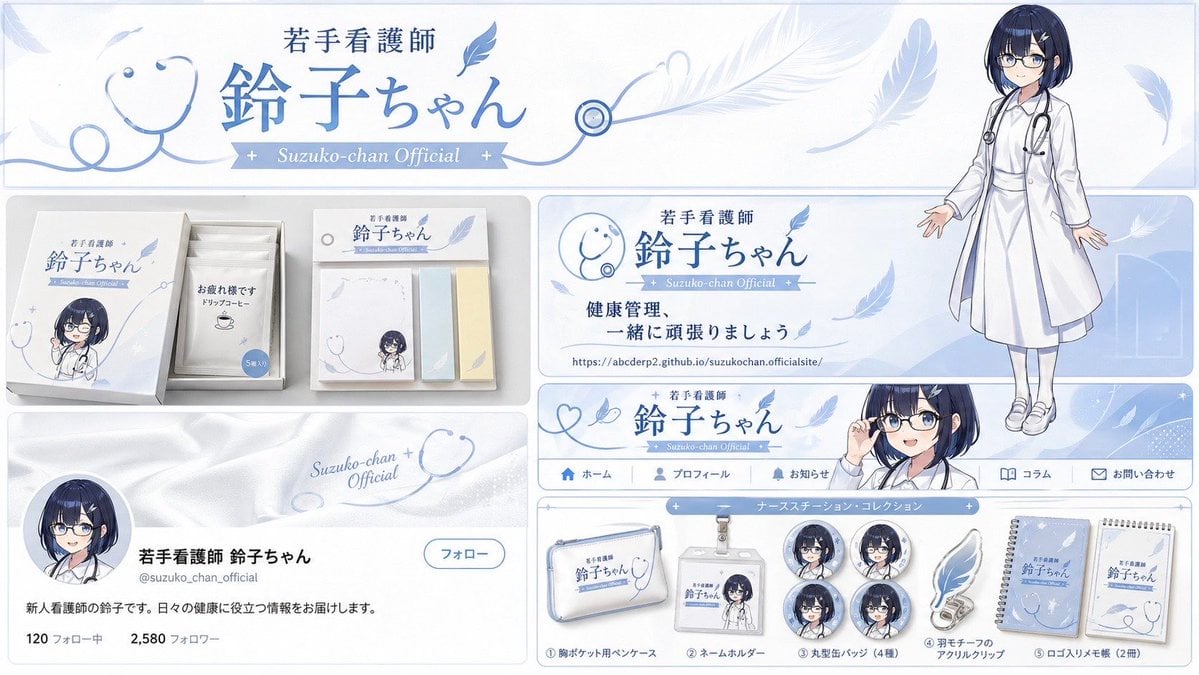
- Prompt included
- Model and format preset
- Free template
The prompt behind this image
Copy the exact prompt behind Brand Identity Design Board, or open it in the studio and make it yours.
- Type
- Brand identity and merchandise design board
- Theme › Color Palette
- {argument name="theme color" default="pale blue"} and white (emphasizing a sense of cleanliness and trust)
- Theme › Motif
- {argument name="motif 1" default="stethoscope"} and {argument name="motif 2" default="feather hair ornament"}
- Character › Description
- A young nurse with a navy short bob, glasses, and a white coat, with a stethoscope around her neck. She wears a distinctive feather-shaped hair ornament.
- Character › Image Source
- image_0.png
- Branding › Main Logo
- 若手看護師 鈴子ちゃん
- Branding › Sub Logo
- Suzuko-chan Official
- Layout › Sections › 0 › Type
- Official header banner
- Layout › Sections › 0 › Position
- top
- Layout › Sections › 0 › Elements
- Main logo 「若手看護師 鈴子ちゃん」, Line decoration using a feather motif, A full-body standing illustration of Suzuko-chan (鈴子ちゃん) on the right (matching the reference image)
- Layout › Sections › 1 › Type
- Practical merchandise packaging
- Layout › Sections › 1 › Position
- middle left
- Layout › Sections › 1 › Elements
- A clean-looking white rectangular box, A deformed/chibi-style illustration of Suzuko-chan, 5 individually wrapped drip coffee packets carrying the message 「お疲れ様です」, A set of logo-printed sticky notes
- Layout › Sections › 2 › Type
- Awareness / promotional poster
- Layout › Sections › 2 › Position
- middle right
- Layout › Sections › 2 › Elements
- A portrait of Suzuko-chan (matching the reference image), A stethoscope icon, The main logo, Text '健康管理、一緒に頑張りましょう', Official URL 'https://t.co/RzPF9OQenz'
- Layout › Sections › 3 › Type
- Web navigation banner
- Layout › Sections › 3 › Position
- lower middle
- Layout › Sections › 3 › Elements
- The main logo, A feather graphic, A bust-up image of Suzuko-chan on the right (emphasizing her glasses and smile)
- Layout › Sections › 4 › Type
- SNS profile display
- Layout › Sections › 4 › Position
- lower left
- Layout › Sections › 4 › Elements
- A header background evoking the texture of a white coat, Suzuko-chan's face-photo icon, Name '若手看護師 鈴子ちゃん', Bio '新人看護師の鈴子です。日々の健康に役立つ情報をお届けします。'
- Layout › Sections › 5 › Type
- Nurse station collection
- Layout › Sections › 5 › Position
- lower right
Raw JSON
{
  "type": "Brand identity and merchandise design board",
  "theme": {
    "color_palette": "{argument name=\"theme color\" default=\"pale blue\"} and white (emphasizing a sense of cleanliness and trust)",
    "motif": "{argument name=\"motif 1\" default=\"stethoscope\"} and {argument name=\"motif 2\" default=\"feather hair ornament\"}"
  },
  "character": {
    "description": "A young nurse with a navy short bob, glasses, and a white coat, with a stethoscope around her neck. She wears a distinctive feather-shaped hair ornament.",
    "image_source": "image_0.png"
  },
  "branding": {
    "main_logo": "若手看護師 鈴子ちゃん",
    "sub_logo": "Suzuko-chan Official"
  },
  "layout": {
    "sections": [
      {
        "type": "Official header banner",
        "position": "top",
        "elements": ["Main logo 「若手看護師 鈴子ちゃん」", "Line decoration using a feather motif", "A full-body standing illustration of Suzuko-chan (鈴子ちゃん) on the right (matching the reference image)"]
      },
      {
        "type": "Practical merchandise packaging",
        "position": "middle left",
        "elements": ["A clean-looking white rectangular box", "A deformed/chibi-style illustration of Suzuko-chan", "5 individually wrapped drip coffee packets carrying the message 「お疲れ様です」", "A set of logo-printed sticky notes"]
      },
      {
        "type": "Awareness / promotional poster",
        "position": "middle right",
        "elements": ["A portrait of Suzuko-chan (matching the reference image)", "A stethoscope icon", "The main logo", "Text '健康管理、一緒に頑張りましょう'", "Official URL 'https://t.co/RzPF9OQenz'"]
      },
      {
        "type": "Web navigation banner",
        "position": "lower middle",
        "elements": ["The main logo", "A feather graphic", "A bust-up image of Suzuko-chan on the right (emphasizing her glasses and smile)"]
      },
      {
        "type": "SNS profile display",
        "position": "lower left",
        "elements": ["A header background evoking the texture of a white coat", "Suzuko-chan's face-photo icon", "Name '若手看護師 鈴子ちゃん'", "Bio '新人看護師の鈴子です。日々の健康に役立つ情報をお届けします。'"]
      },
      {
        "type": "Nurse station collection",
        "position": "lower right",
        "count": 9,
        "items": ["1 logo-printed breast-pocket pen case", "1 name holder featuring a Suzuko-chan illustration", "4 round tin badges (different expression variants, etc.)", "1 feather-motif acrylic clip", "2 logo-printed memo pads"]
      }
    ]
  }
}How to use Brand Identity Design Board in 3 steps
- 1Upload ImagePNG, JPG or paste
Add your photo
Upload the photo the template builds on. The prompt, model and format are already set.
- 2…a portrait of your subject in softgolden-hour light, 85mm…
Personalize
Edit the subject and creative details for your destination.
- 3Generate
Generate
Press Generate — your image is created in PicX Studio, so you can compare it with the original and refine one variable at a time.
More like this
Templates with the same subject, style or setup. Open one to see its prompt.
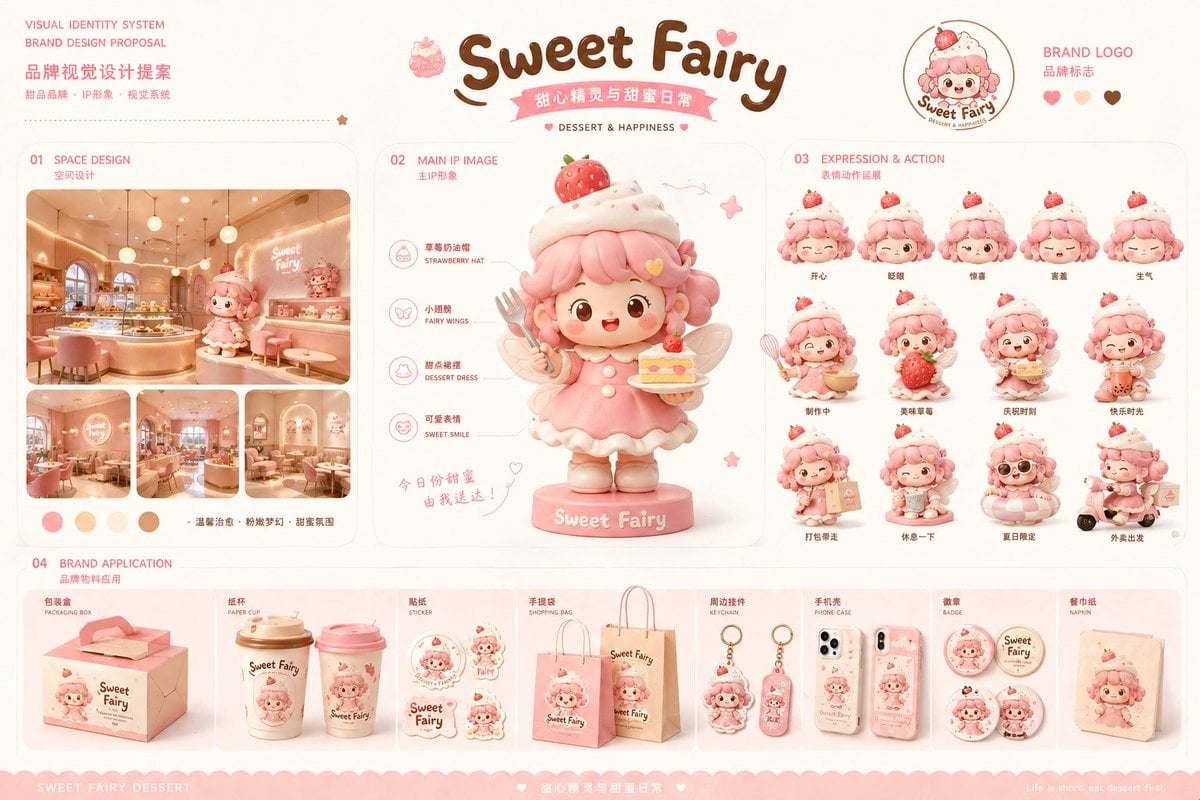
Dessert Brand Visual Identity Proposal Board
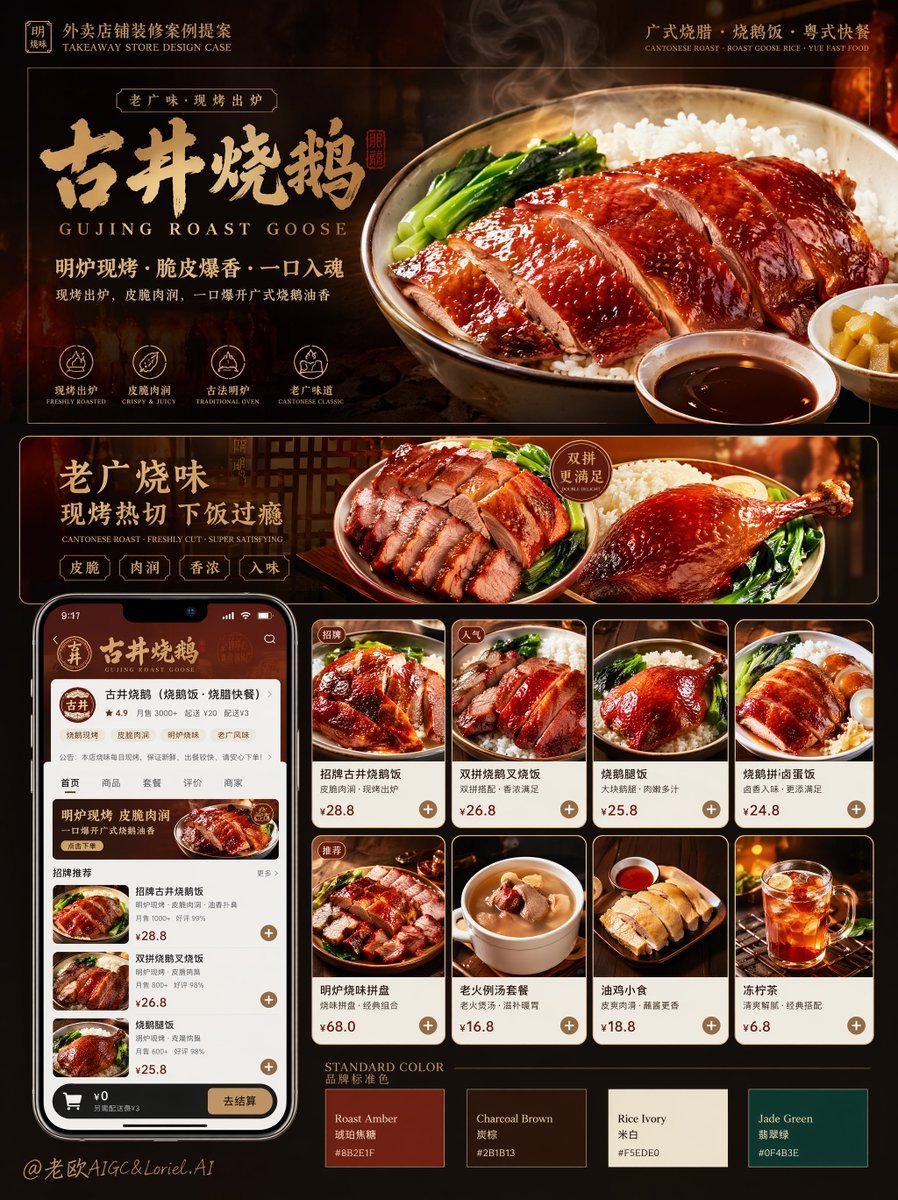
Roast Rice Branding Proposal Board
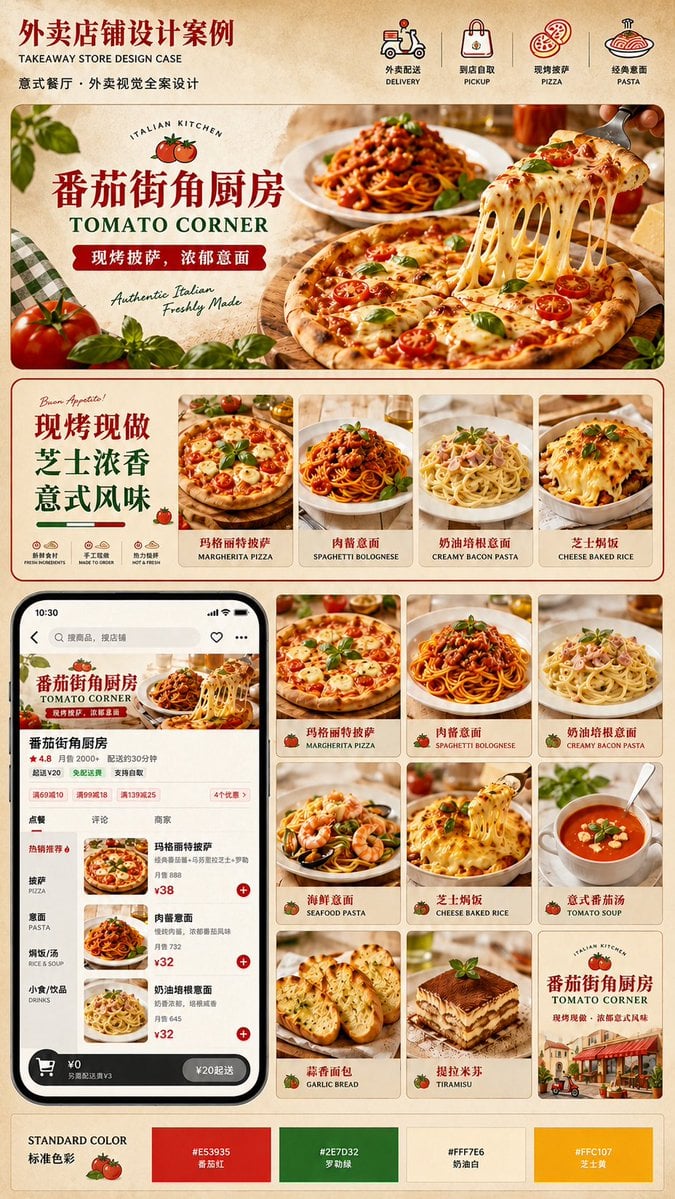
Italian Takeaway Brand Board
Rin Kaori Assassin Bike Identity Board

Luxury Fashion Campaign Typography Poster System

Premium Fashion Editorial Campaign Poster System

Isometric Brand Store Diorama

Moss Logo Minimalist Brand Flat Lay
Pixar-Style Coffee Brand Storyboard
Monochrome Infra Brand Kit Board
Shynloc Visual Identity Board
Moroccan Restaurant Brand Board
Make it yours
Brand Identity Design Board works as-is. These are the safest ways to change it without losing the look.
Change one field
Copy a single group, rewrite it, and generate again so you can see what that field is doing.
Keep the frame, change the subject
Hold the composition and light of Brand Identity Design Board, then swap wardrobe, props or the person for a new take.
| If the result… | Why | Fix |
|---|---|---|
| The result drifts from the preview | Too many fields changed at once. | Reuse Brand Identity Design Board as-is first, then change one group — subject, light, or setting. |
| GPT Image 2 ignores part of the JSON | Some models flatten or skip nested keys. | Keep the same values and paste them as a short paragraph instead. |
More GPT Image 2 templates
Other prompts made for GPT Image 2.

Six VTuber Japanese Logo Sheet

Realistic Portrait of Woman and Deer

The Vista Modular Condo Poster

AI Model Routing Comparison Infographic

2.5D Anime Art Board

Isometric Productivity Desk Scene

New York Double Exposure Poster

Four-Panel AI Landscape Comparison

Japanese Tatami Lifestyle Magazine Cover

NESCAFÉ Coffee Map Poster
More image prompts
Fresh picks from across the catalog.
Anime Boxing Title Match Poster
AI Persona Candid Snapshot
Cherry Blossom Kimono Portrait Grid
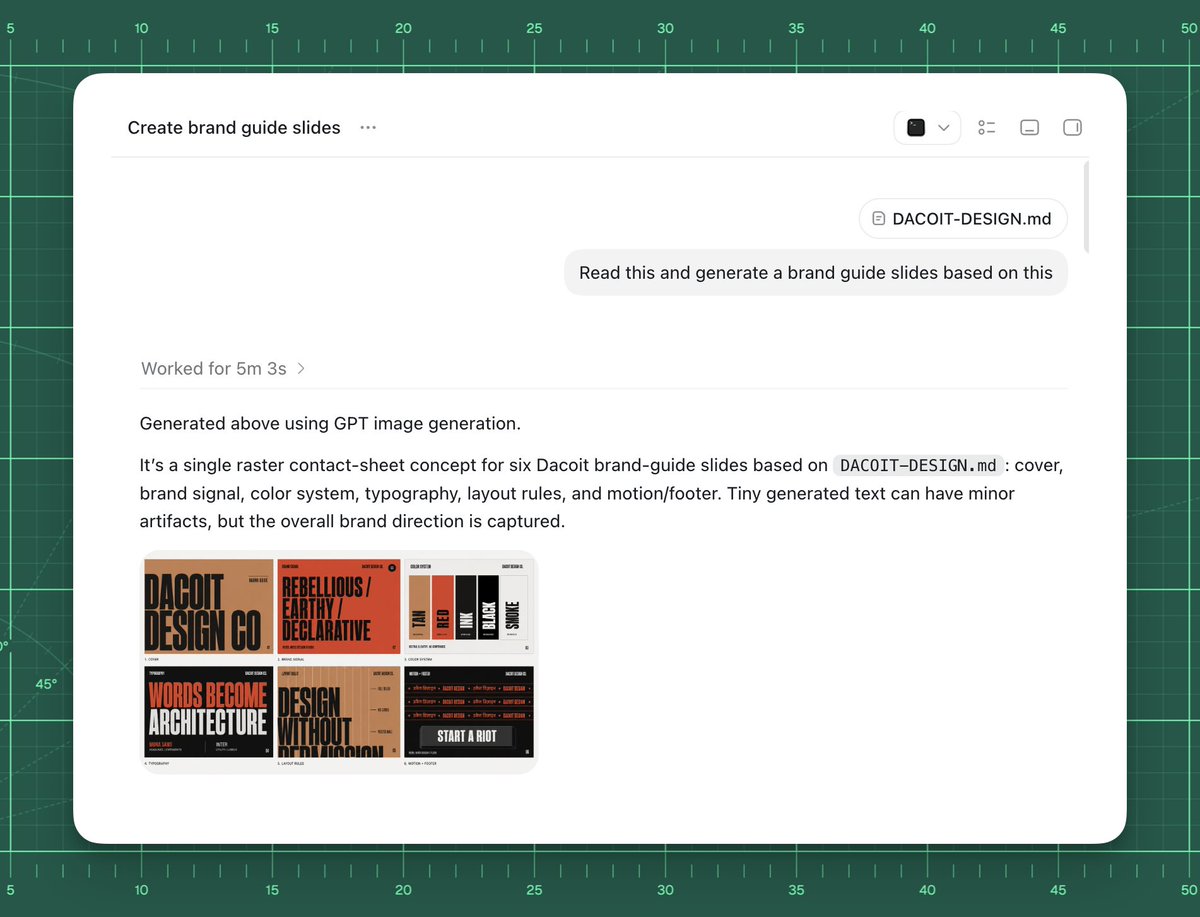
AI Brand Guide Generation UI

AI-Generated Face Cinematic Portrait Prompt (Dual-Tone Lighting)
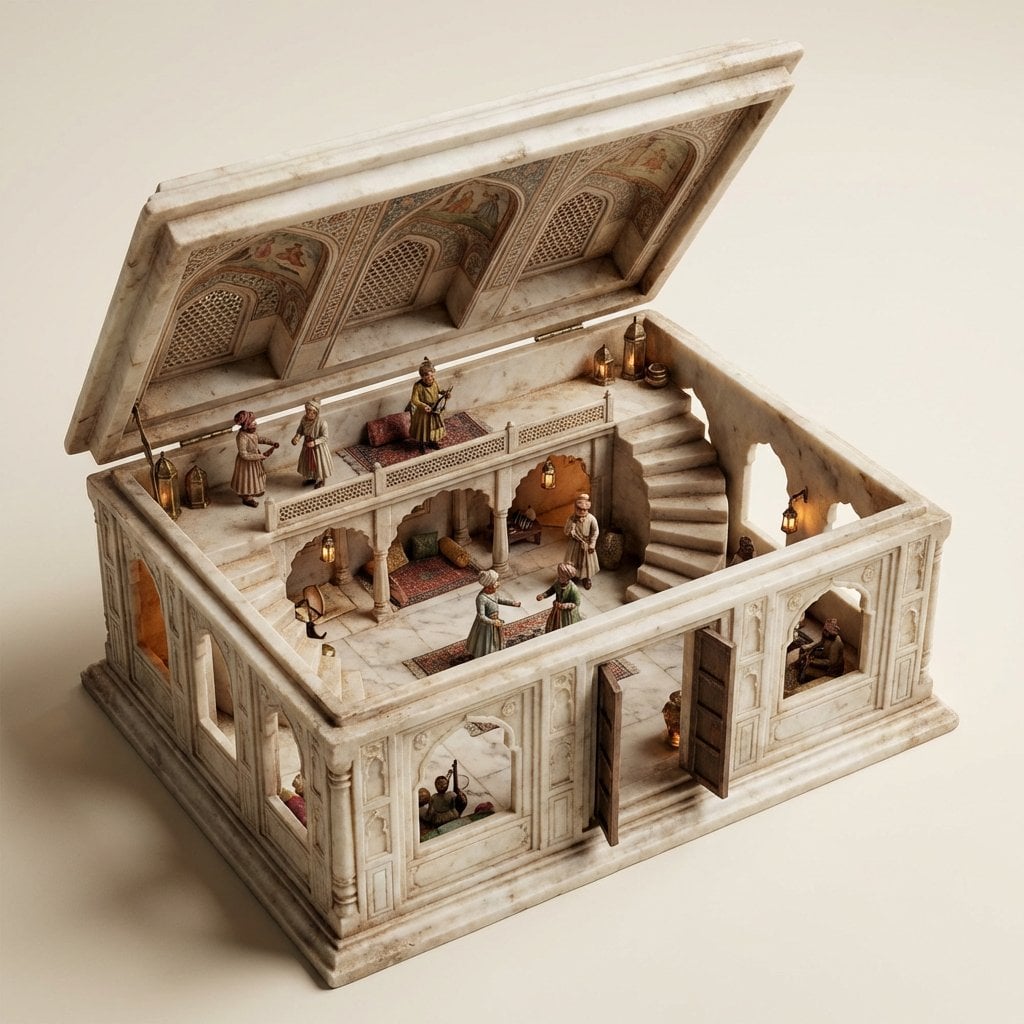
Ornate Box Diorama Master Prompt (Mughal Hall Interior)
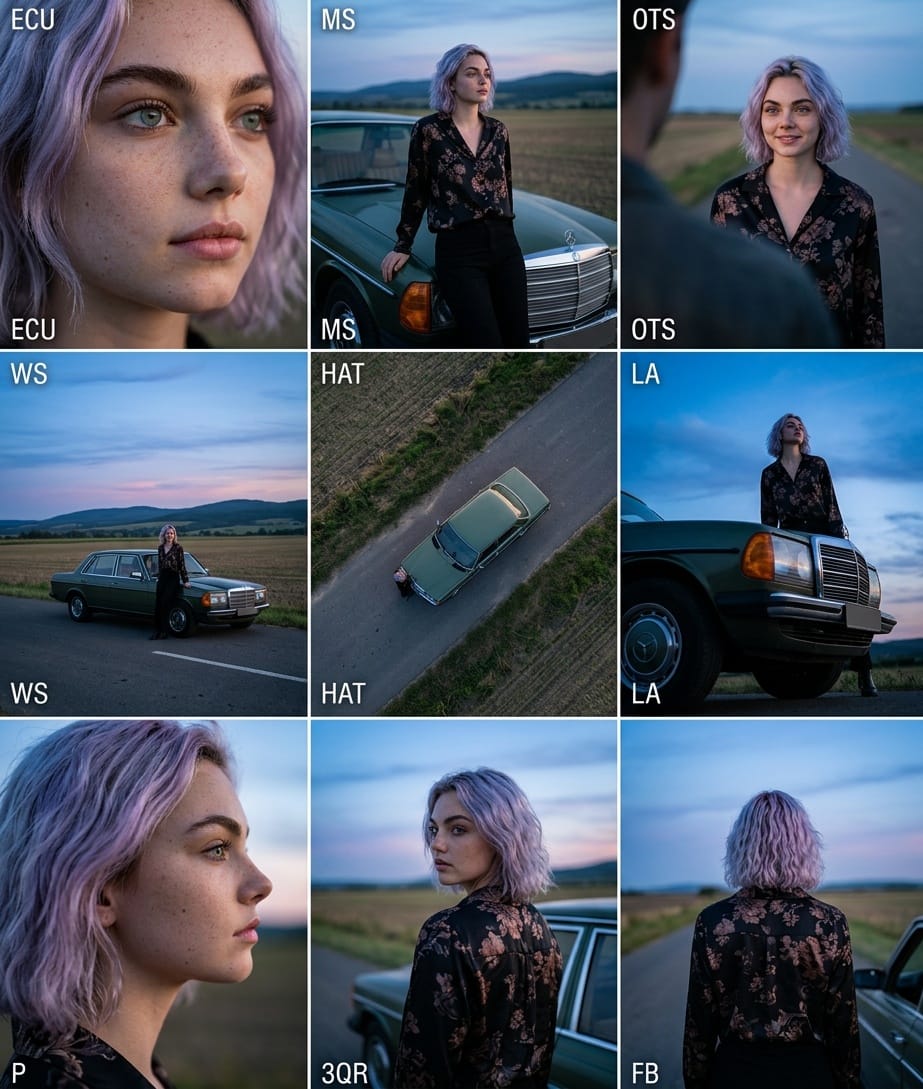
Cinematic 3x3 Grid Camera Angle Prompt
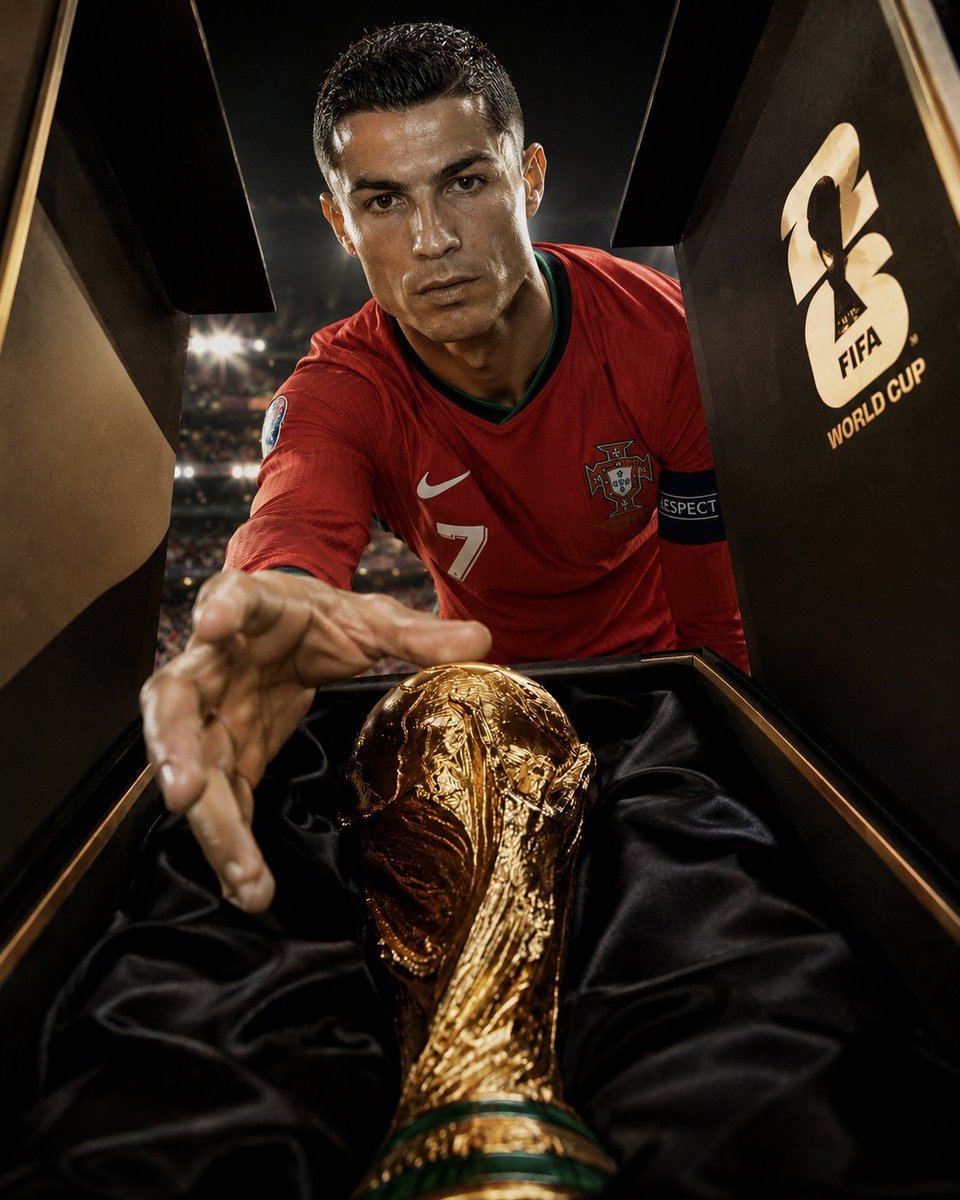
FIFA World Cup Trophy Winner
Levitating Bottled Water Commercial Prompt
Edo-style woodblock print ninja character
Browse template categories
Brand Identity Design Board questions
How do I use the Brand Identity Design Board template?
Add your photo if the template asks for one, edit the prompt if you like — the template's model and format are already selected — and press Generate. Your version opens in PicX Studio.
Can I customize the Brand Identity Design Board template?
Yes. You can change the subject, setting, lighting, mood, format, and available model controls before creating your image.
Is the Brand Identity Design Board template free?
Opening and editing this template is free. Generating uses credits, shown on the Generate button when you are signed in.
Which AI model should I use?
Start with GPT Image 2, which is the model associated with this template. You can compare another compatible model for a different finish.
Looking for something else? Browse all templates.

Your photo, any look
Thousands of ready templates for every top image and video model, from one credit balance.