
Shynloc Visual Identity Board
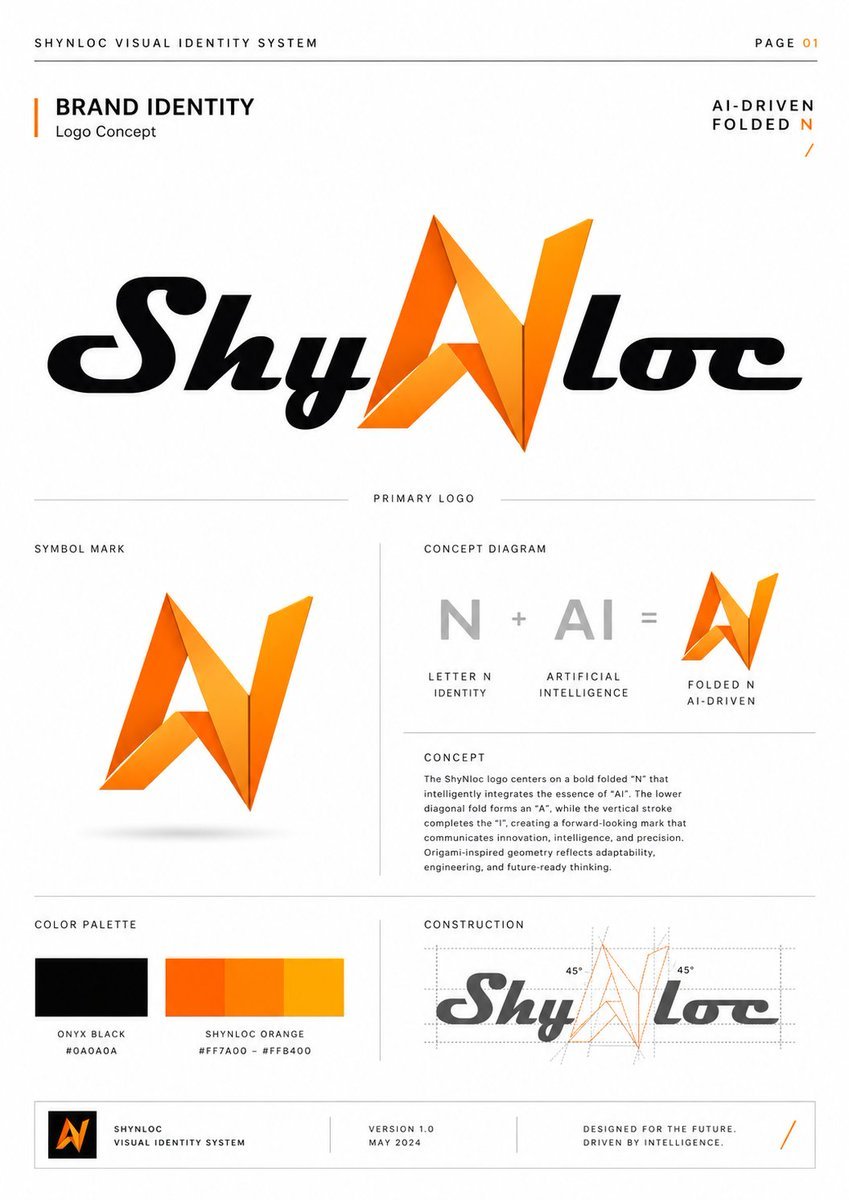
Generates a polished brand identity guideline page for an AI-driven folded N logo with logo concept, diagram, color palette, and construction details.
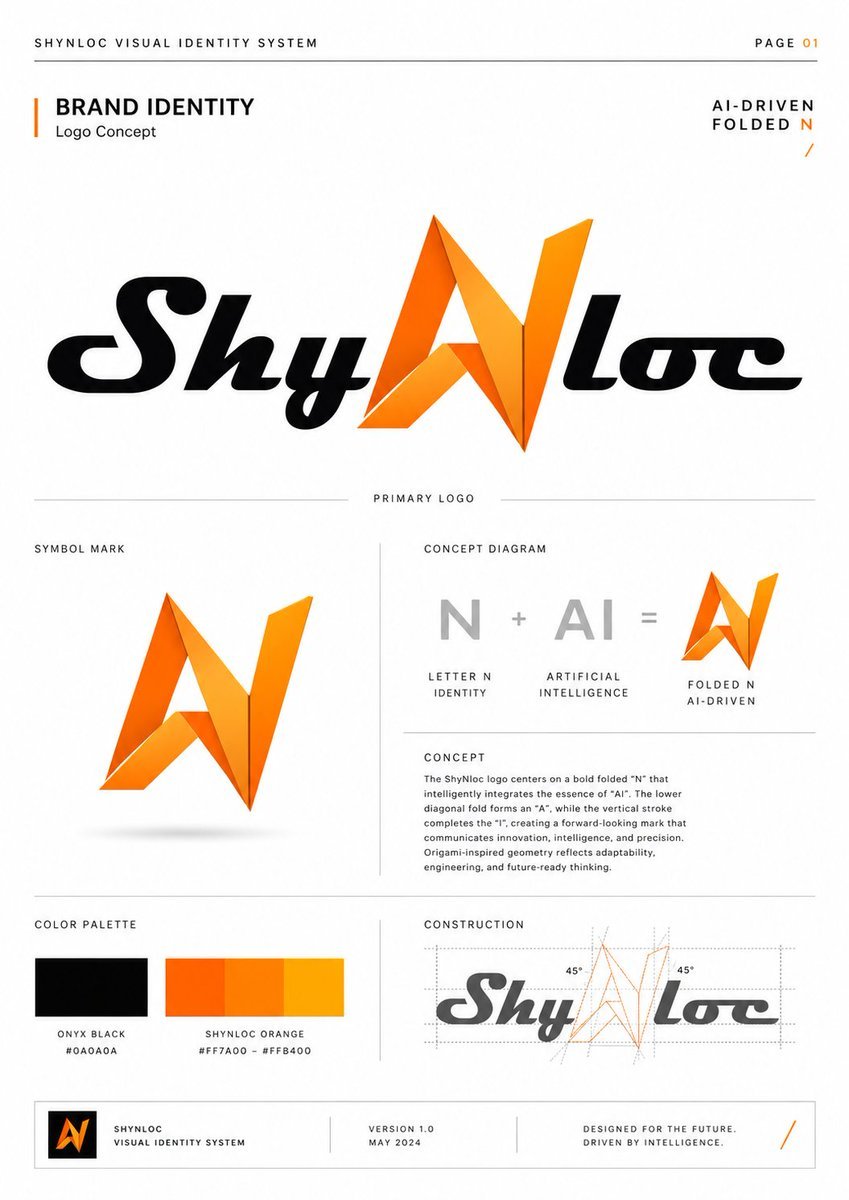
- Prompt included
- Model and format preset
- Free template
The prompt behind this image
Copy the exact prompt behind Shynloc Visual Identity Board, or open it in the studio and make it yours.
- Type
- clean corporate visual identity system presentation board
- Style
- premium minimalist brand guideline page, white background, thin light-gray divider lines, precise grid layout, editorial typography, black and vivid orange accents, subtle shadows, InDesign-style brand manual, high resolution
- Brand › Name
- {argument name="brand name" default="Shynloc"}
- Brand › System Title
- {argument name="system title" default="SHYNLOC VISUAL IDENTITY SYSTEM"}
- Brand › Page Label
- PAGE 01
- Brand › Theme
- AI-driven folded N logo concept
- Layout › Canvas
- portrait A4 brand guideline sheet with generous margins
- Layout › Top Bar › Count
- 3
- Layout › Top Bar › Items
- left header text: SHYNLOC VISUAL IDENTITY SYSTEM, thin horizontal rule across the page, right page marker: PAGE 01 with 01 in orange
- Layout › Hero Section › Position
- upper half
- Layout › Hero Section › Title
- BRAND IDENTITY
- Layout › Hero Section › Subtitle
- Logo Concept
- Layout › Hero Section › Right Tagline
- AI-DRIVEN FOLDED N with a small orange slash mark
- Layout › Hero Section › Main Logo
- large centered primary wordmark reading {argument name="primary logo text" default="ShyNloc"}; black italic rounded script letters, with the central N replaced by a sharp origami folded orange symbol; the folded N uses angular facets, gradients from deep orange to golden yellow, and crisp triangular planes
- Layout › Sections › 0 › Title
- PRIMARY LOGO
- Layout › Sections › 0 › Position
- center divider label above lower content
- Layout › Sections › 0 › Count
- 1
- Layout › Sections › 0 › Labels
- large primary ShyNloc wordmark
- Layout › Sections › 1 › Title
- SYMBOL MARK
- Layout › Sections › 1 › Position
- lower left large panel
- Layout › Sections › 1 › Count
- 1
- Layout › Sections › 1 › Labels
- standalone folded orange N mark with subtle gray shadow
- Layout › Sections › 2 › Title
- CONCEPT DIAGRAM
- Layout › Sections › 2 › Position
- lower right upper panel
Raw JSON
{"type":"clean corporate visual identity system presentation board","style":"premium minimalist brand guideline page, white background, thin light-gray divider lines, precise grid layout, editorial typography, black and vivid orange accents, subtle shadows, InDesign-style brand manual, high resolution","brand":{"name":"{argument name=\"brand name\" default=\"Shynloc\"}","system title":"{argument name=\"system title\" default=\"SHYNLOC VISUAL IDENTITY SYSTEM\"}","page label":"PAGE 01","theme":"AI-driven folded N logo concept"},"layout":{"canvas":"portrait A4 brand guideline sheet with generous margins","top bar":{"count":3,"items":["left header text: SHYNLOC VISUAL IDENTITY SYSTEM","thin horizontal rule across the page","right page marker: PAGE 01 with 01 in orange"]},"hero section":{"position":"upper half","title":"BRAND IDENTITY","subtitle":"Logo Concept","right tagline":"AI-DRIVEN FOLDED N with a small orange slash mark","main logo":"large centered primary wordmark reading {argument name=\"primary logo text\" default=\"ShyNloc\"}; black italic rounded script letters, with the central N replaced by a sharp origami folded orange symbol; the folded N uses angular facets, gradients from deep orange to golden yellow, and crisp triangular planes"},"sections":[{"title":"PRIMARY LOGO","position":"center divider label above lower content","count":1,"labels":["large primary ShyNloc wordmark"]},{"title":"SYMBOL MARK","position":"lower left large panel","count":1,"labels":["standalone folded orange N mark with subtle gray shadow"]},{"title":"CONCEPT DIAGRAM","position":"lower right upper panel","count":3,"labels":["gray letter N labeled LETTER N IDENTITY","gray AI labeled ARTIFICIAL INTELLIGENCE","orange folded N symbol labeled FOLDED N AI-DRIVEN"],"diagram text":"N + AI = folded N symbol"},{"title":"CONCEPT","position":"beneath concept diagram","count":1,"labels":["paragraph explaining the logo concept"]},{"title":"COLOR PALETTE","position":"bottom left panel","count":2,"labels":["Onyx Black #0A0A0A","Shynloc Orange gradient #FF7A00 – #FFB400"],"swatches":"one black rectangle and one orange gradient rectangle divided into warm orange bands"},{"title":"CONSTRUCTION","position":"bottom right panel","count":1,"labels":["geometric construction drawing of the ShyNloc logo"],"details":"gray wordmark overlaid with orange construction lines on the folded N, dotted guides, bounding boxes, diagonal guide lines, and two 45° angle labels"}],"footer":{"count":4,"items":["small black square containing orange folded N icon","text block: SHYNLOC VISUAL IDENTITY SYSTEM","text block: VERSION 1.0 / MAY 2024","text block: DESIGNED FOR THE FUTURE. DRIVEN BY INTELLIGENCE. with orange slash at far right"]}},"typography":{"headings":"uppercase geometric sans serif, wide tracking","body":"small condensed sans serif, precise corporate guideline copy","wordmark":"custom bold italic rounded script for the black letters"},"colors":{"background":"warm white","primary black":"{argument name=\"black color hex\" default=\"#0A0A0A\"}","primary orange":"{argument name=\"orange color hex\" default=\"#FF7A00\"}","gold highlight":"#FFB400","divider gray":"#D8D8D8","diagram gray":"#B8B8B8"},"concept paragraph":"The Shynloc logo centers on a bold folded N that intelligently integrates the essence of AI. The lower diagonal fold forms an A, while the vertical stroke completes the I, creating a forward-looking mark that communicates innovation, intelligence, and precision. Origami-inspired geometry reflects adaptability, engineering, and future-ready thinking.","rendering notes":"make all text crisp and legible, align everything to a strict grid, use subtle orange gradient facets on the folded N, keep the page uncluttered and luxurious, no mockup perspective, flat front-facing presentation board"}How to use Shynloc Visual Identity Board in 3 steps
- 1Upload ImagePNG, JPG or paste
Add your photo
Upload the photo the template builds on. The prompt, model and format are already set.
- 2…a portrait of your subject in softgolden-hour light, 85mm…
Personalize
Edit the subject and creative details for your destination.
- 3Generate
Generate
Press Generate — your image is created in PicX Studio, so you can compare it with the original and refine one variable at a time.
More like this
Templates with the same subject, style or setup. Open one to see its prompt.
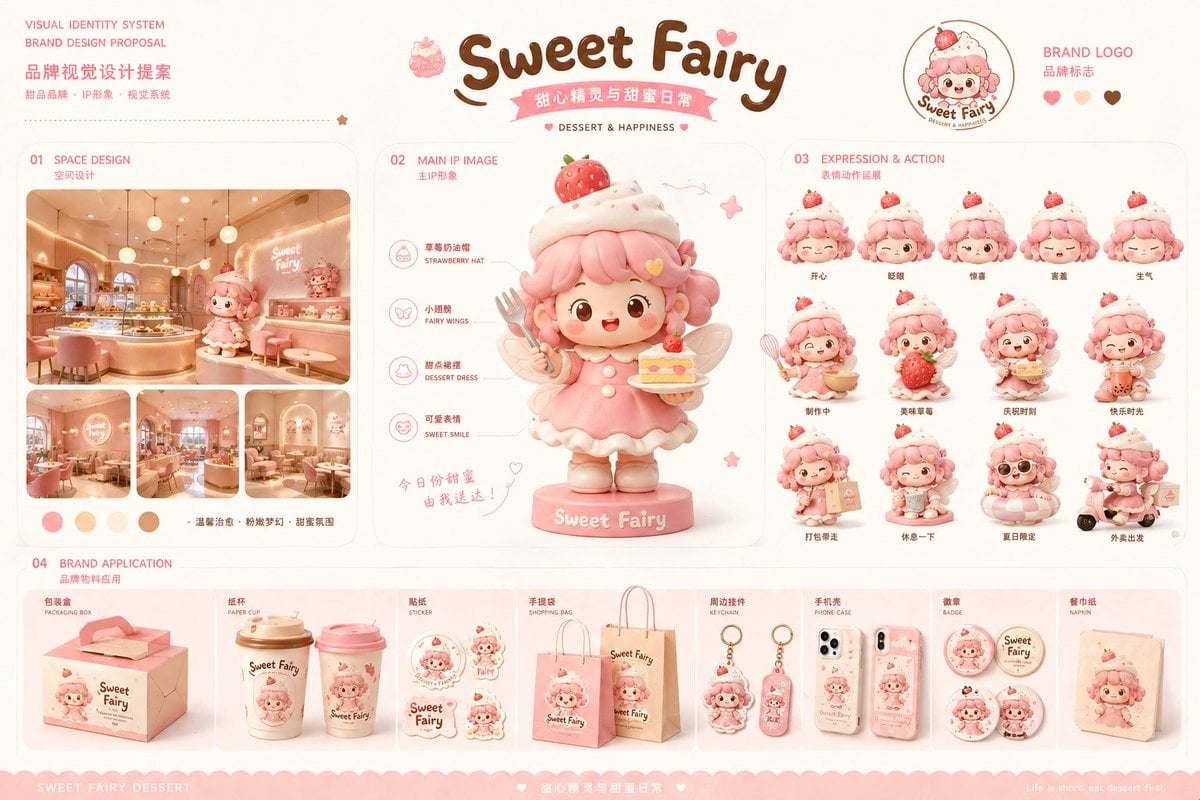
Dessert Brand Visual Identity Proposal Board
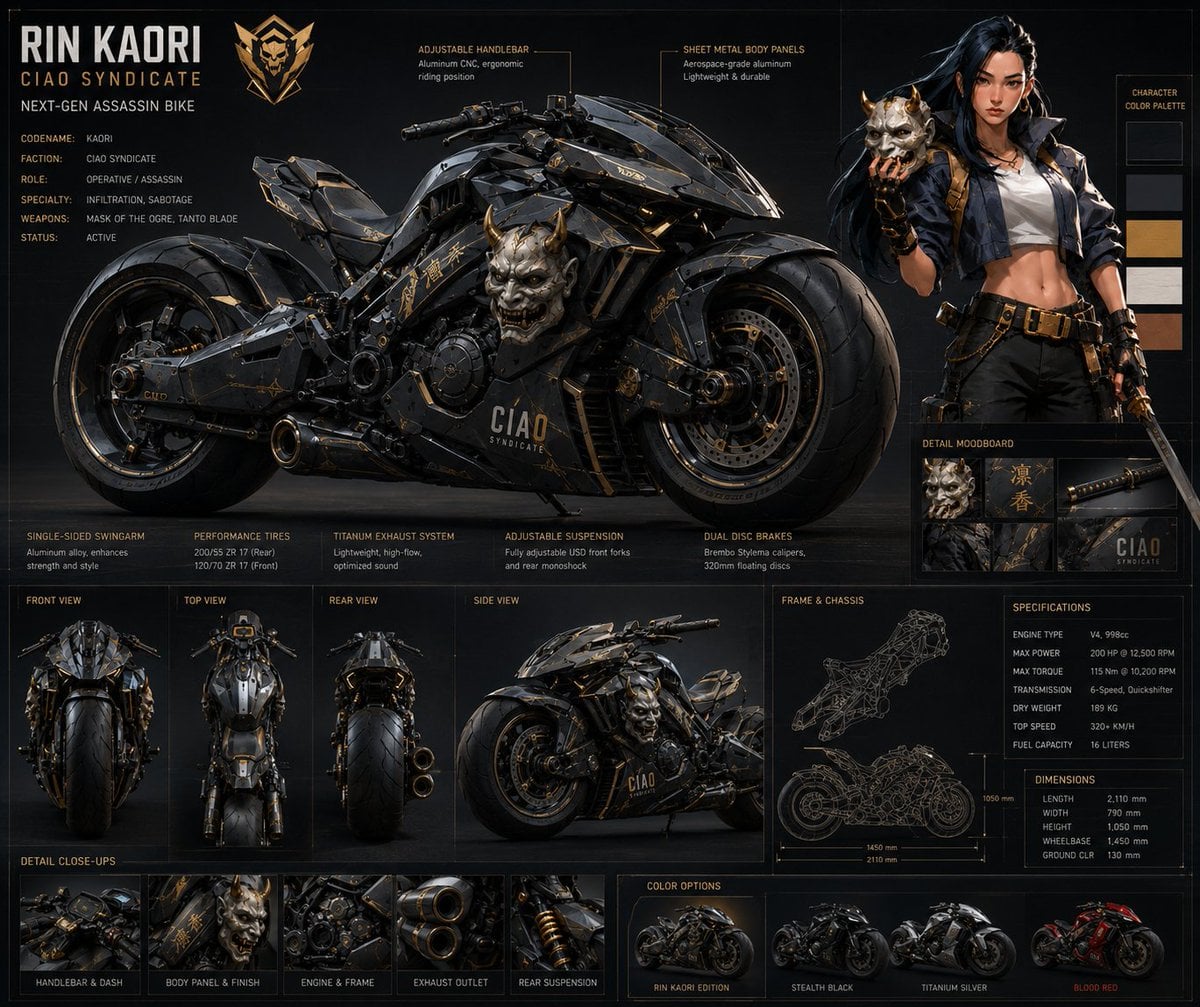
Rin Kaori Assassin Bike Identity Board
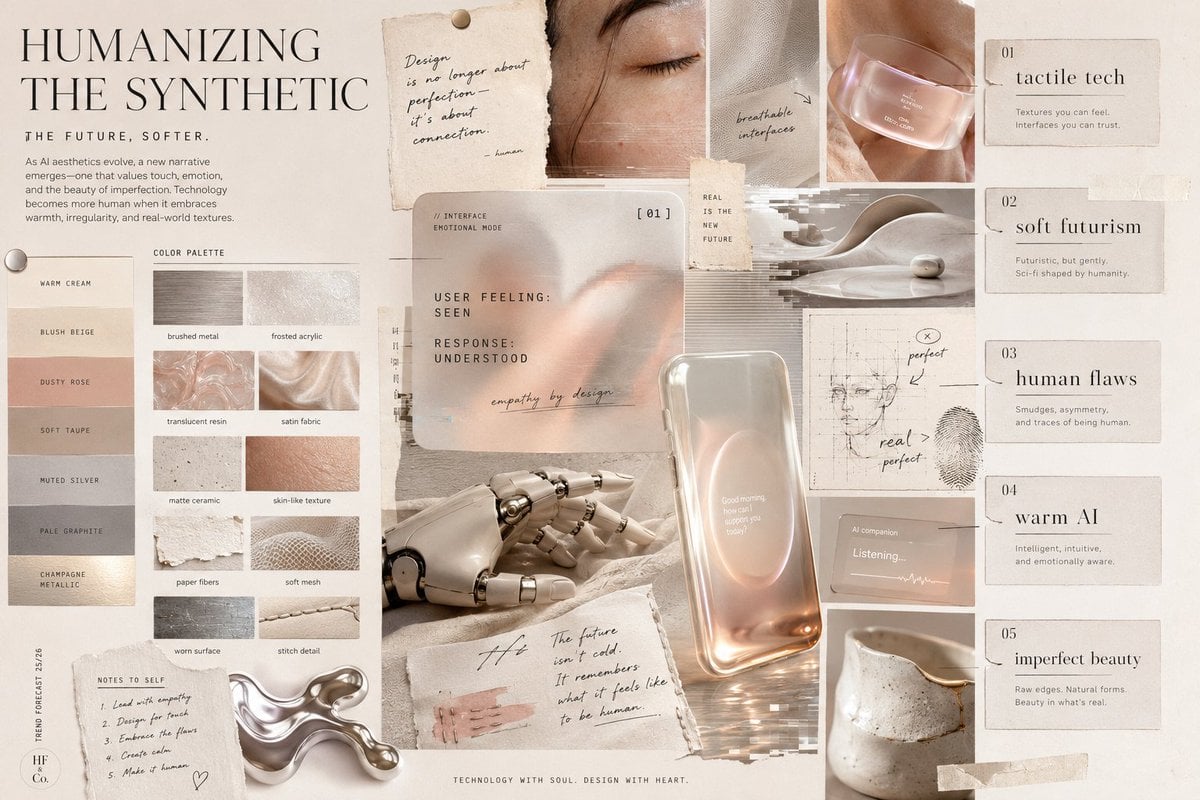
Visual Trend Analysis Moodboard
Brand Identity Design Board
Shynloc Brand Identity Sheet

Anime Classroom Losing Heroines Key Visual

Anime Losing Heroines Classroom Key Visual

Anime School Rom-Com Key Visual

Nano Banana Pro Identity Lock — Composition + Face Reference

Act as a 3D Product Visualization Artist
Each module shares structure but maintains unique visual dynamics

Modern Korean Fashion Editorial Board
Make it yours
Shynloc Visual Identity Board works as-is. These are the safest ways to change it without losing the look.
Swap the setting
Keep the rest of the prompt and replace the location block. The current setting is “warm white”.
Swap the light
One lighting change is enough to compare takes. Current light: “#FFB400”.
Change one field
Copy a single group, rewrite it, and generate again so you can see what that field is doing.
| If the result… | Why | Fix |
|---|---|---|
| The result drifts from the preview | Too many fields changed at once. | Reuse Shynloc Visual Identity Board as-is first, then change one group — subject, light, or setting. |
| GPT Image 2 ignores part of the JSON | Some models flatten or skip nested keys. | Keep the same values and paste them as a short paragraph instead. |
More GPT Image 2 templates
Other prompts made for GPT Image 2.

Six VTuber Japanese Logo Sheet

Realistic Portrait of Woman and Deer

The Vista Modular Condo Poster

AI Model Routing Comparison Infographic

Isometric Productivity Desk Scene

New York Double Exposure Poster

Four-Panel AI Landscape Comparison

Japanese Tatami Lifestyle Magazine Cover

NESCAFÉ Coffee Map Poster

Brutalist Cogito Chinese Typography Poster
More image prompts
Fresh picks from across the catalog.
Fisheye selfie with anime characters

Anime Condo Duo Gaming Scene

Anime Swordswoman in Wet Market
Surreal Studio Fashion Portrait

Forced Perspective Miniature Station
2000s Fashion Magazine Cover Prompt
Vintage Action Figure Packaging Generator
Golden Hour Portrait in Satin Slip Dress
Selfie with Movie Character Template Prompt

Image Generation with One Prompt and Reference
Browse template categories
Shynloc Visual Identity Board questions
How do I use the Shynloc Visual Identity Board template?
Add your photo if the template asks for one, edit the prompt if you like — the template's model and format are already selected — and press Generate. Your version opens in PicX Studio.
Can I customize the Shynloc Visual Identity Board template?
Yes. You can change the subject, setting, lighting, mood, format, and available model controls before creating your image.
Is the Shynloc Visual Identity Board template free?
Opening and editing this template is free. Generating uses credits, shown on the Generate button when you are signed in.
Which AI model should I use?
Start with GPT Image 2, which is the model associated with this template. You can compare another compatible model for a different finish.
Looking for something else? Browse all templates.

Your photo, any look
Thousands of ready templates for every top image and video model, from one credit balance.